CRM Web Application UI/UX Design

Dhaval Radadiya


SaaS CRM Web Application UI/UX Design – Case Study
Overview
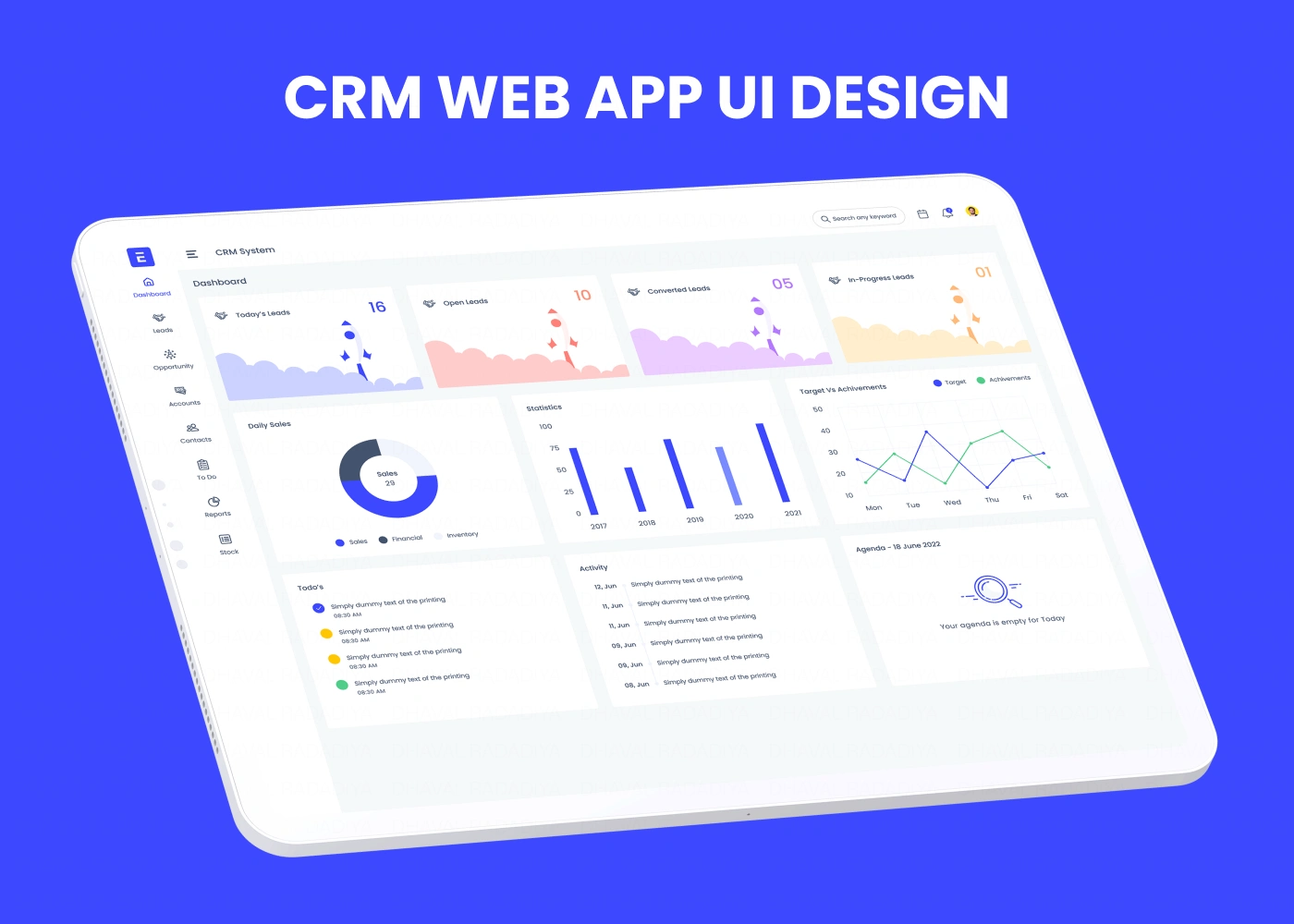
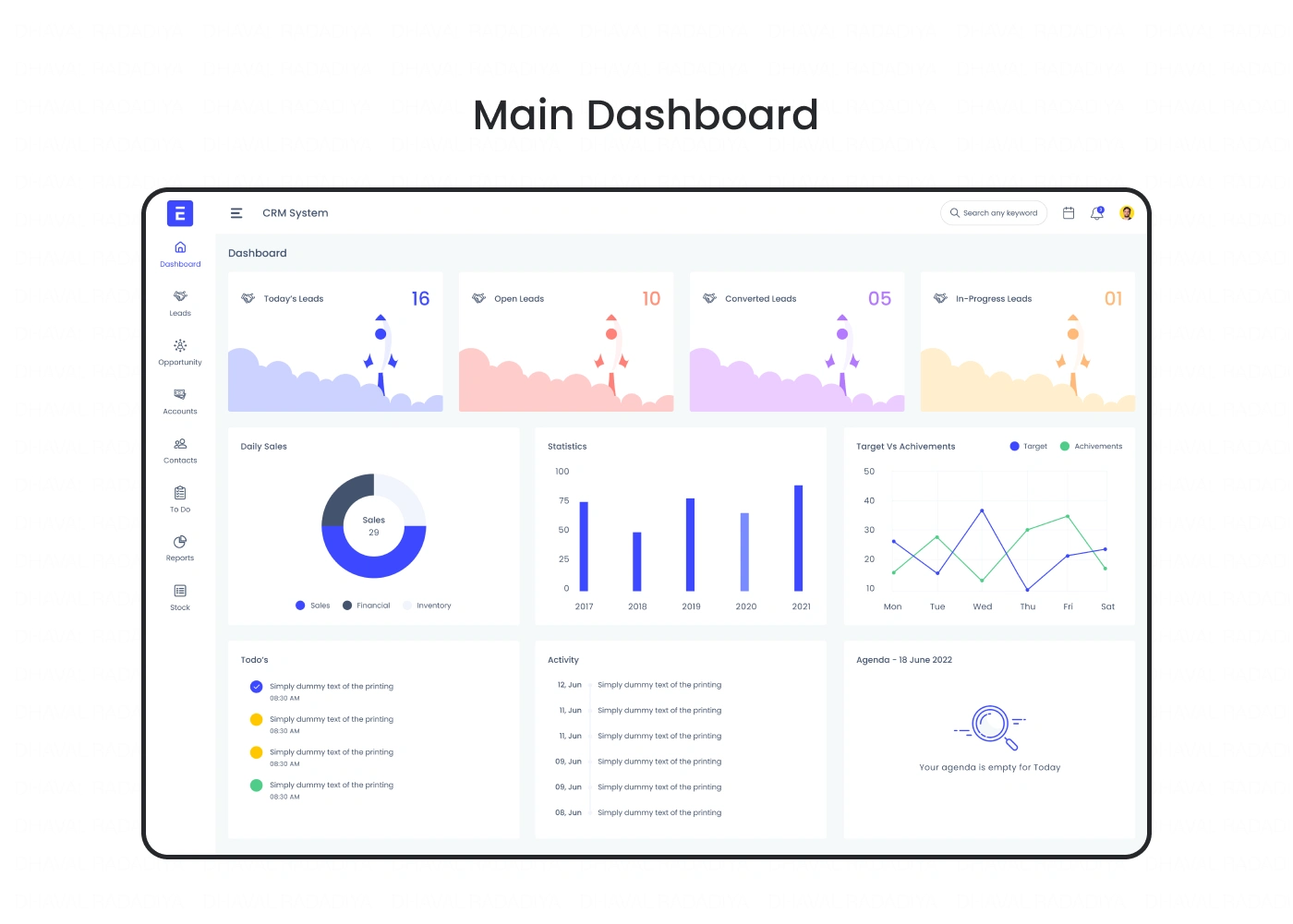
The SaaS CRM Web Application is a cloud-based customer relationship management platform designed to help businesses manage leads, sales pipelines, customer interactions, projects, and team collaboration from a single dashboard. The objective was to create a clean, scalable, and user-friendly interface that simplifies complex business workflows while improving productivity and decision-making.
The design focuses on intuitive navigation, data visualization, and efficient task management, enabling sales teams and business owners to manage daily operations with minimal effort. Modern CRM platforms prioritize customizable dashboards, streamlined workflows, and centralized customer data to improve team efficiency.
The Challenge
Traditional CRM systems often become cluttered as features grow, making it difficult for users to find information quickly and complete daily tasks efficiently.
The challenge was to design a CRM that:
Simplifies complex business workflows.
Organizes customer data effectively.
Improves team productivity.
Provides actionable insights through dashboards.
Delivers a consistent and scalable user experience.
Project Goals
Design a modern SaaS CRM platform.
Simplify customer and lead management.
Improve workflow efficiency.
Create customizable dashboards.
Build a scalable design system.
Deliver a responsive web application.
Target Users
Primary Users
Sales Teams
Business Owners
Customer Success Managers
Marketing Teams
Project Managers
Secondary Users
Administrators
Support Teams
Operations Managers
Executives
Key Screens
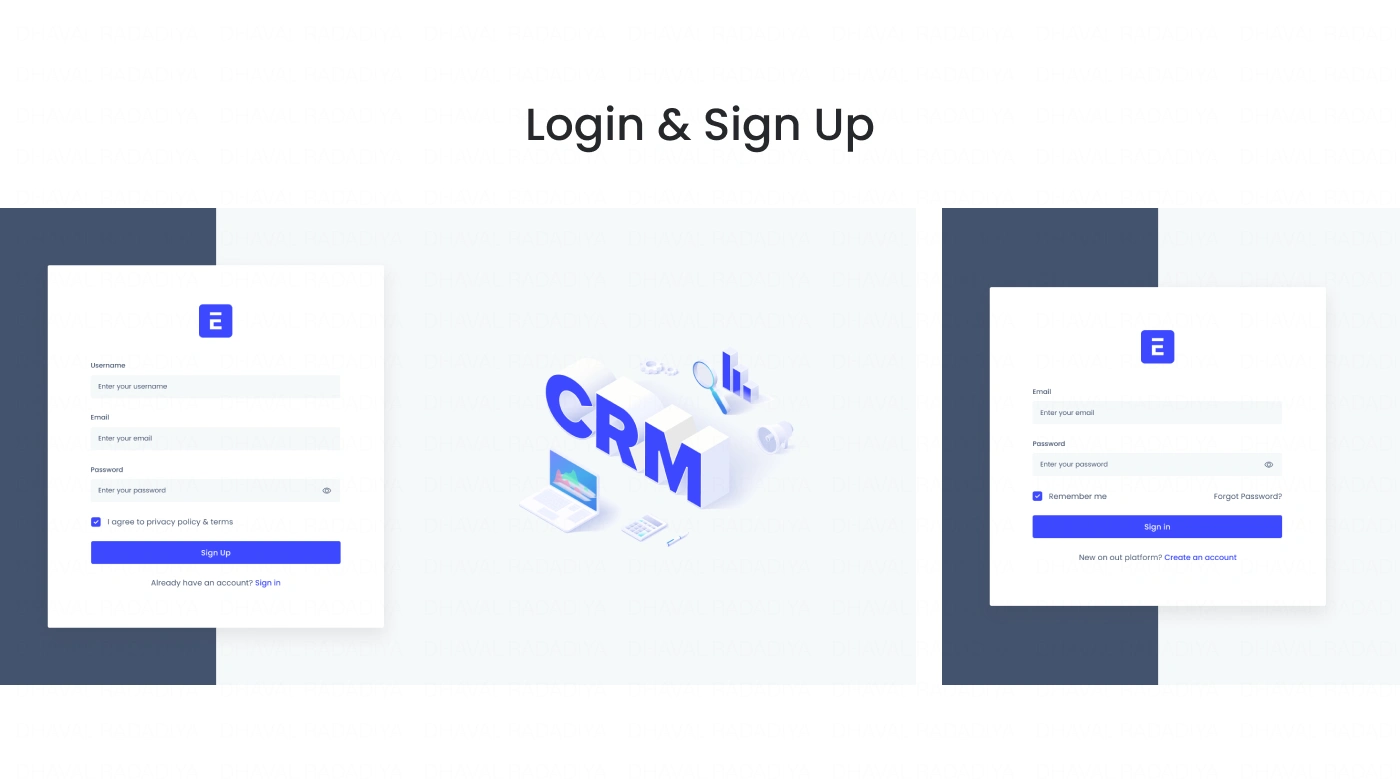
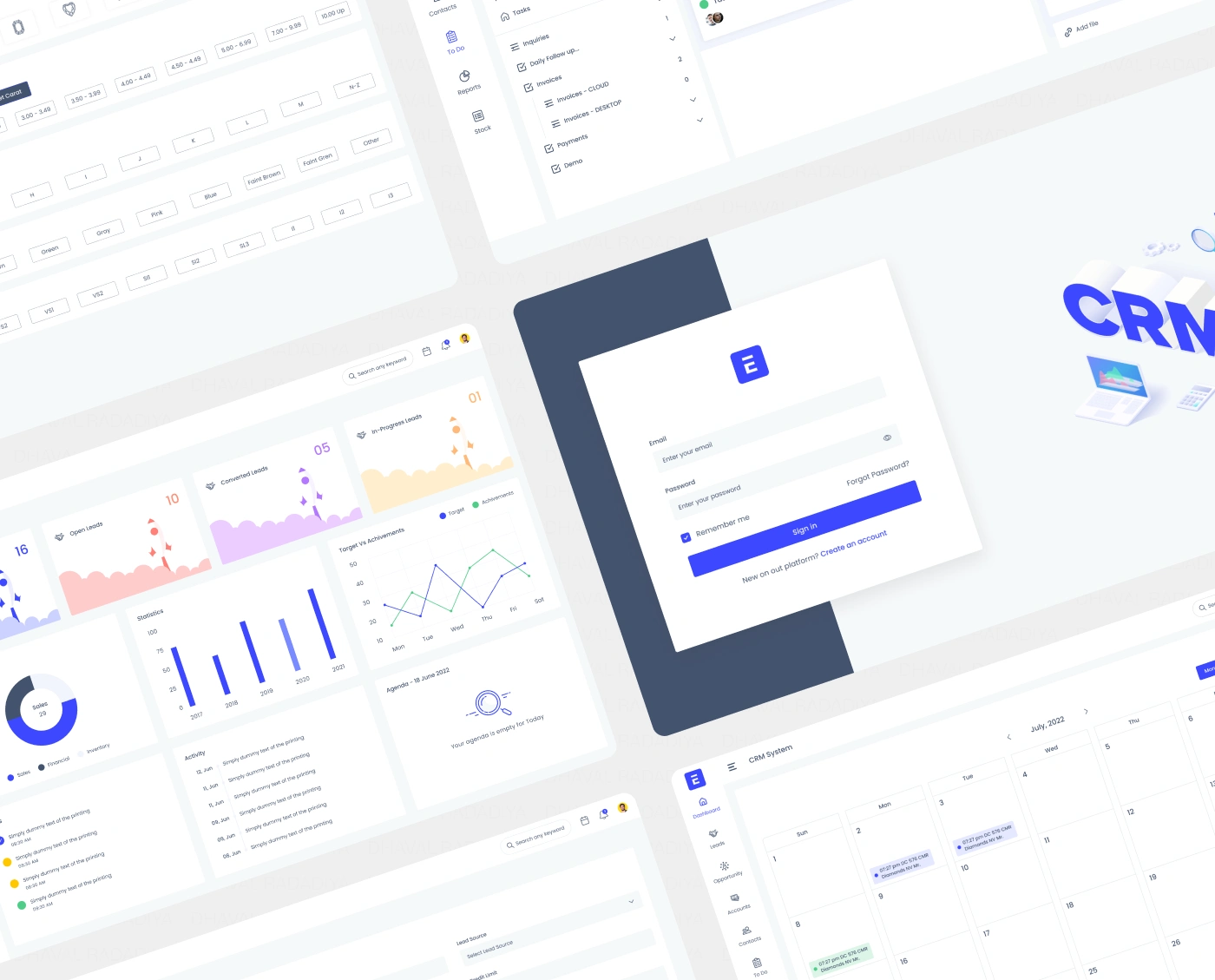
Login & Authentication
Dashboard
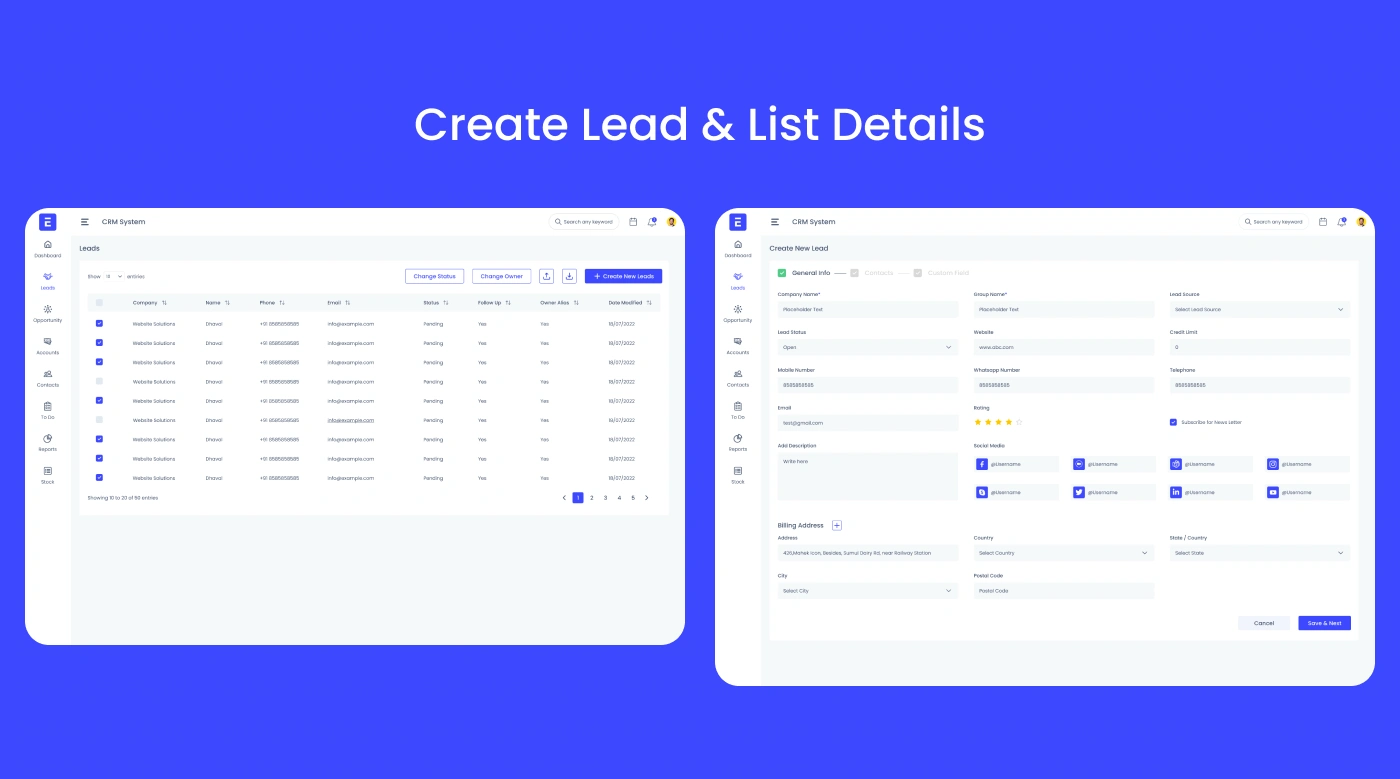
Lead Management
Customer Profiles
Sales Pipeline
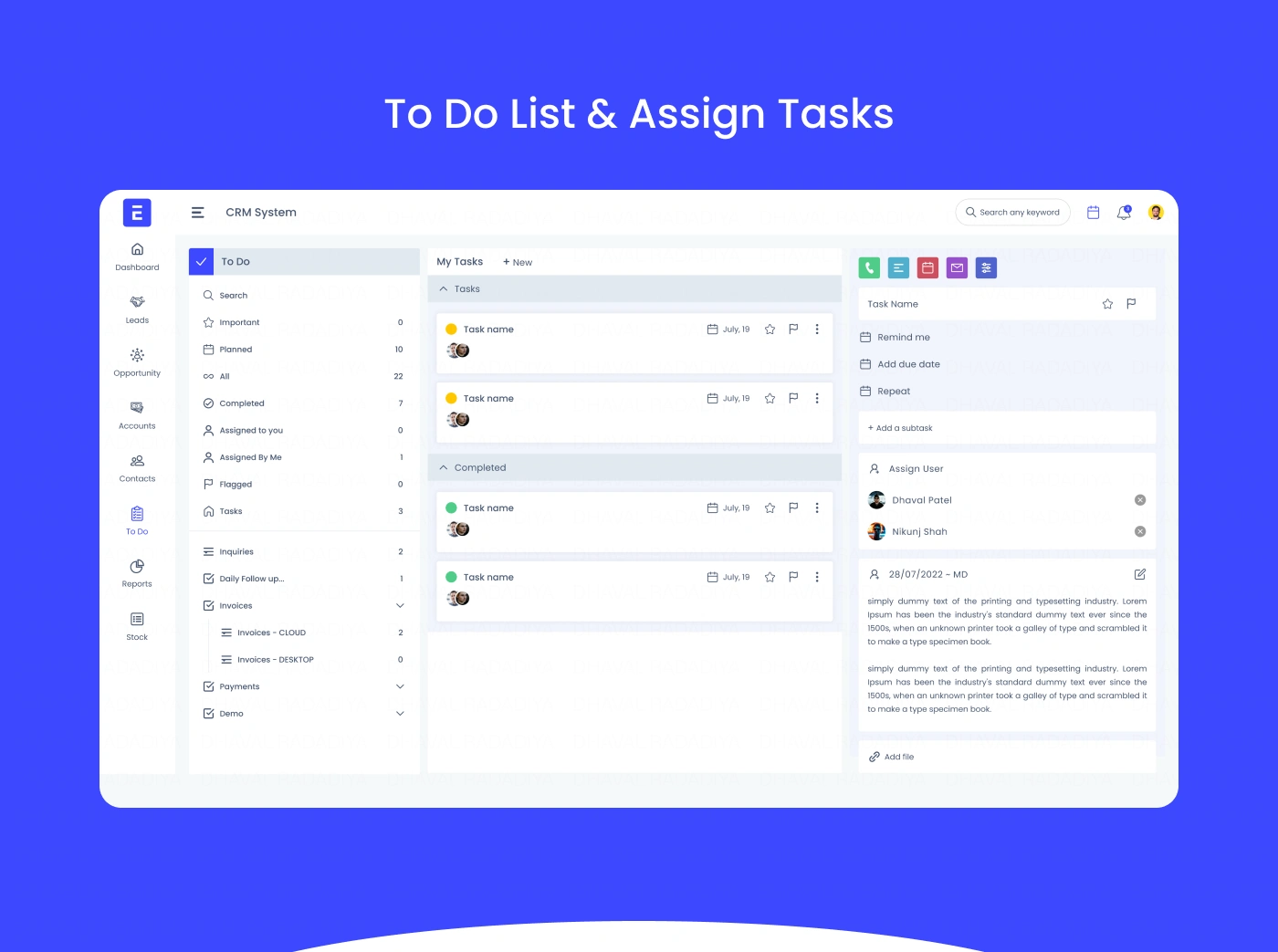
Task Management
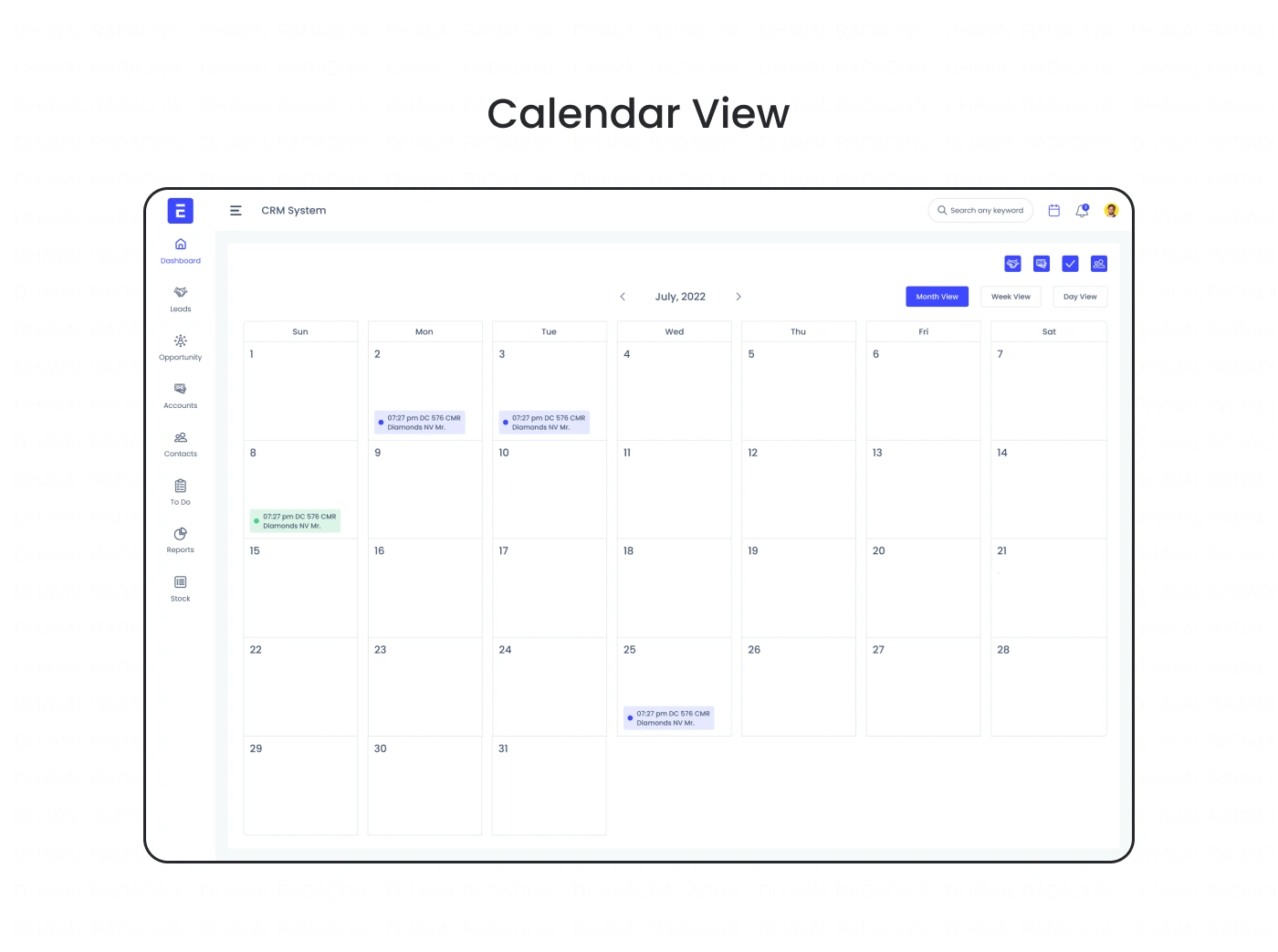
Calendar
Team Collaboration
Reports & Analytics
Notifications
User Management
Settings
Research & Discovery
The design process began by analyzing user workflows, CRM best practices, and common usability challenges.
Research included:
Competitor analysis
User journey mapping
Workflow analysis
Information architecture
Dashboard usability
Accessibility review
The research highlighted the importance of reducing cognitive load, providing clear navigation, and presenting business data in a visually meaningful way.
Information Architecture
The CRM was organized into clear modules:
Dashboard
Leads
Contacts
Deals
Tasks
Calendar
Analytics
Reports
Team
Settings
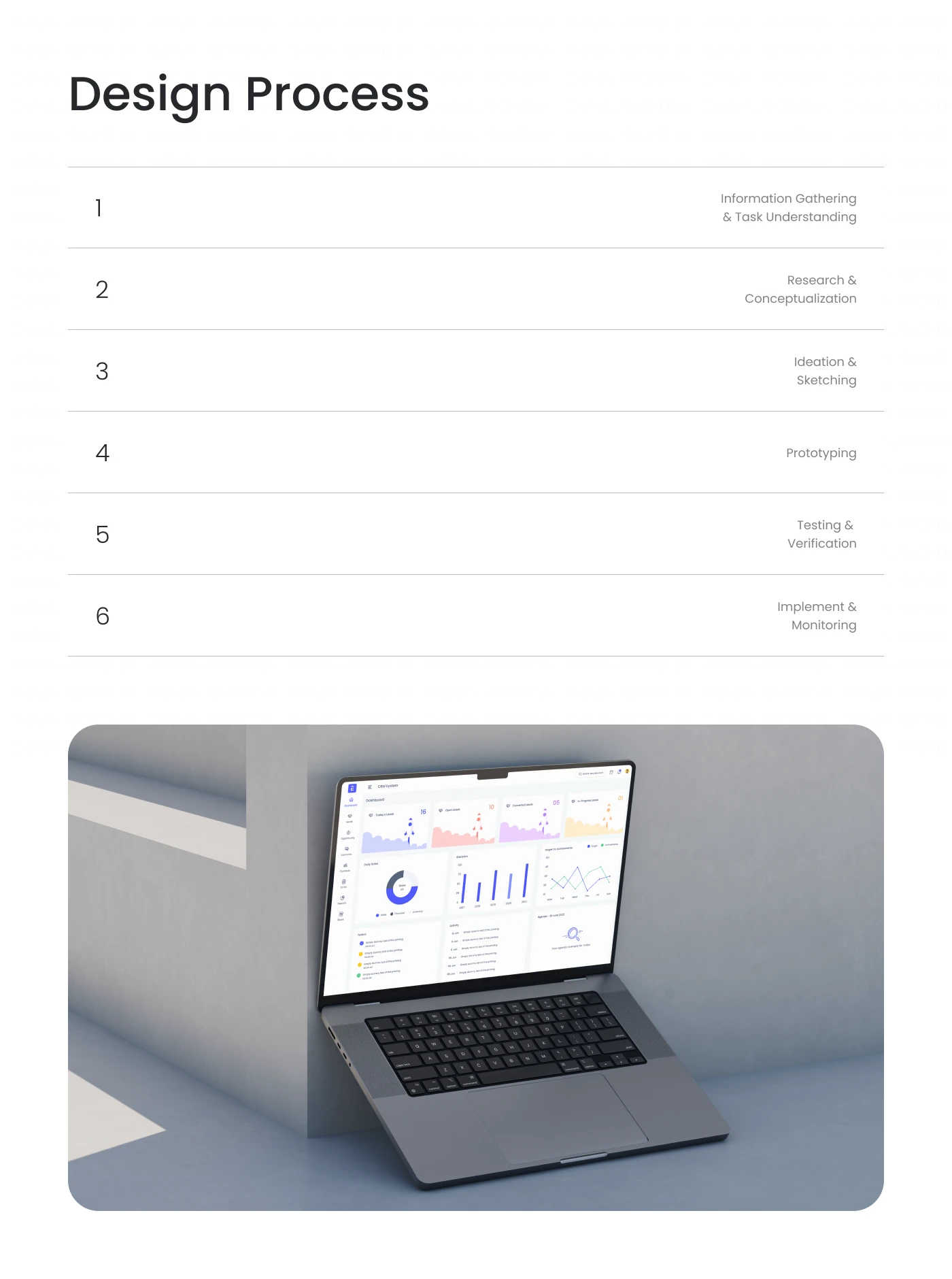
Design Process
Research
Studied leading CRM platforms to understand user expectations, sales workflows, and dashboard patterns.
Wireframing
Created low-fidelity wireframes to establish layouts, navigation, and content hierarchy before moving into high-fidelity design.
UI Design
Designed clean, modern interfaces with organized dashboards, reusable components, intuitive navigation, and responsive layouts.
Prototyping
Built interactive prototypes in Figma to validate user flows, dashboard interactions, and responsive behavior.
UI Design Highlights
Modern SaaS dashboard
Clean visual hierarchy
Data-driven layouts
Interactive charts
Kanban pipeline
Responsive tables
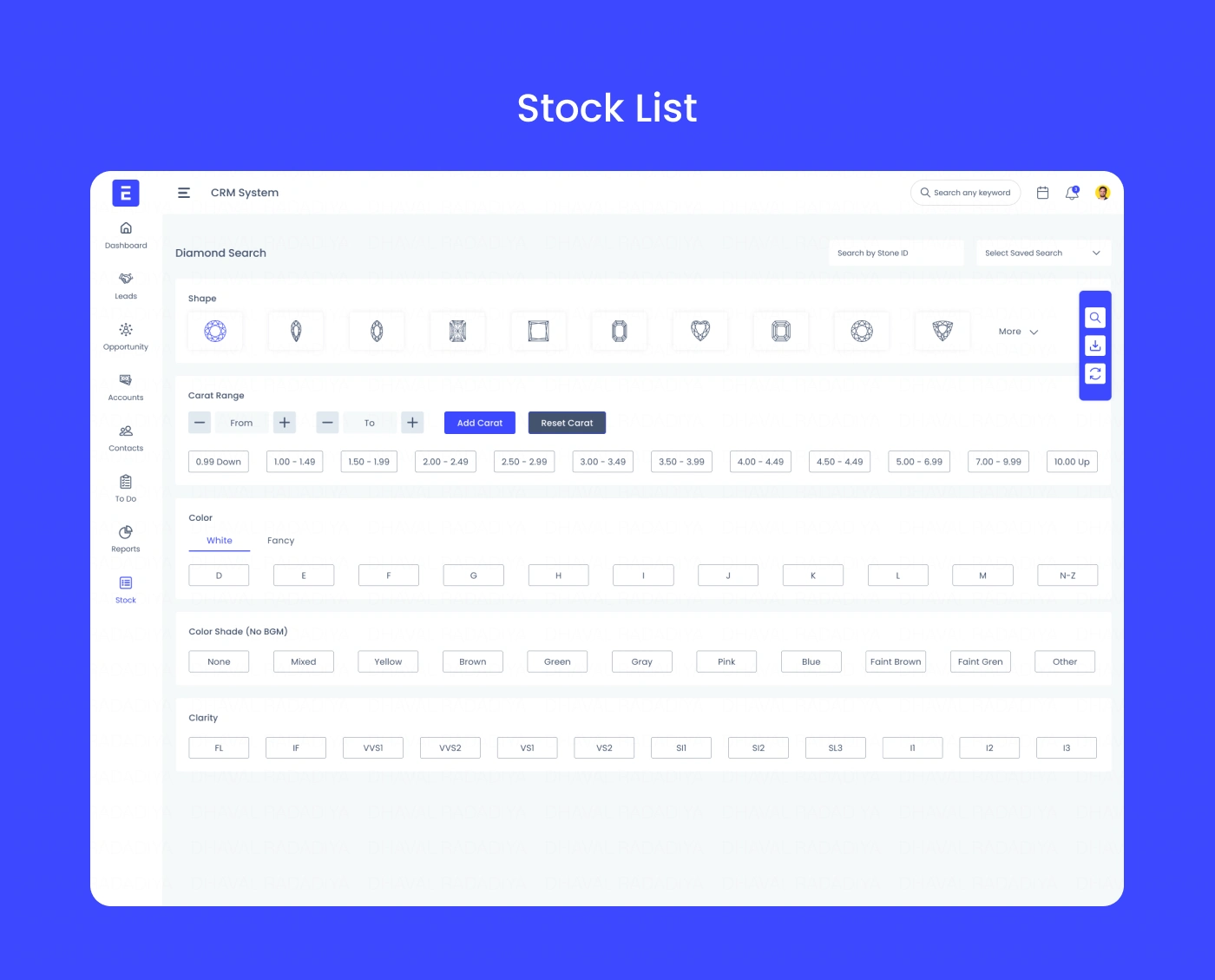
Smart filters
Sidebar navigation
Consistent spacing
Conversion-focused UI
Key Features
User Authentication
Dashboard Analytics
Lead Management
Customer Database
Sales Pipeline
Task & Calendar
Team Collaboration
Reports
Notifications
Role-Based Access
Search & Filters
Settings
Design System
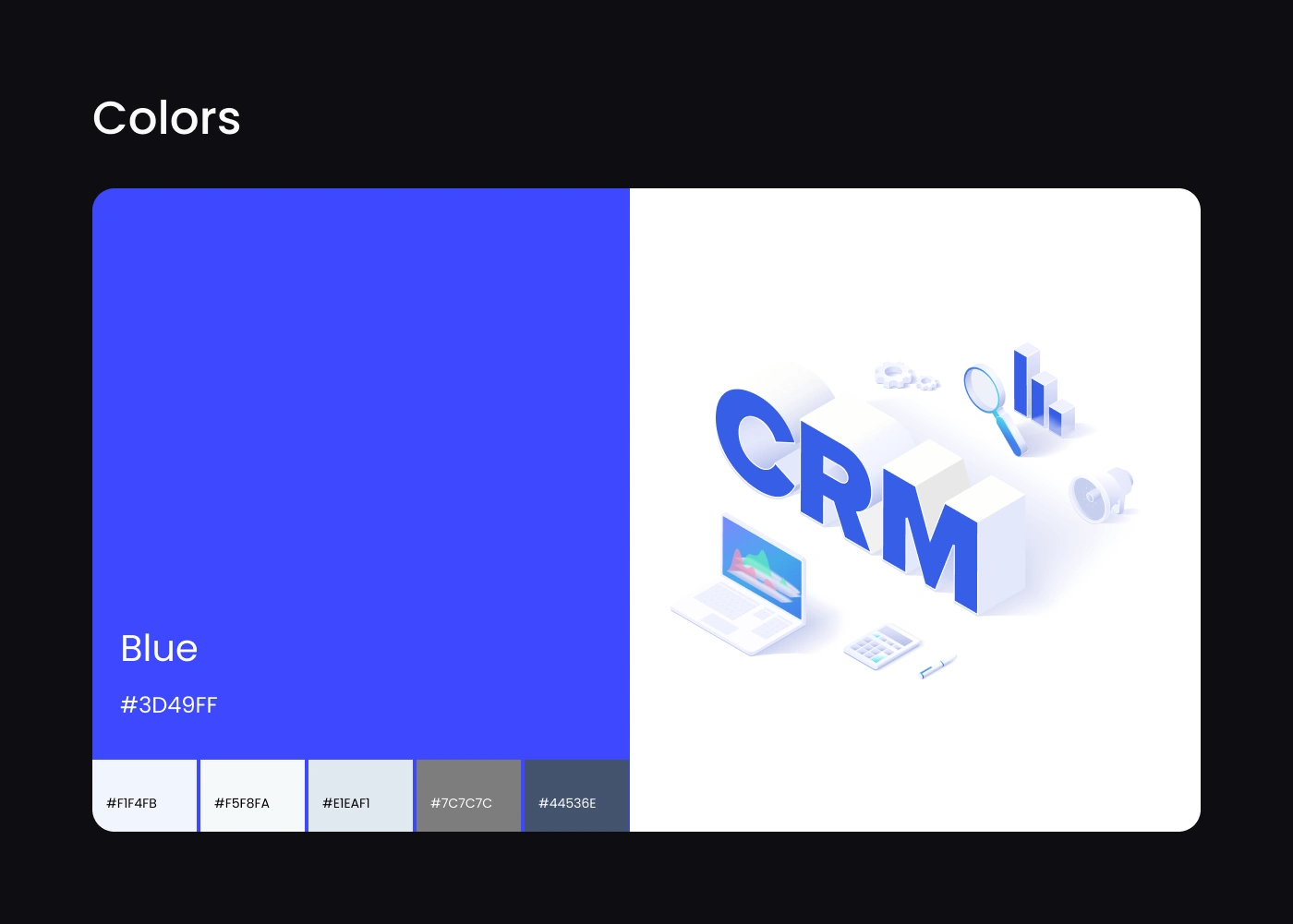
Color Palette
Primary Blue
Success Green
Warning Orange
Neutral Gray
White Background
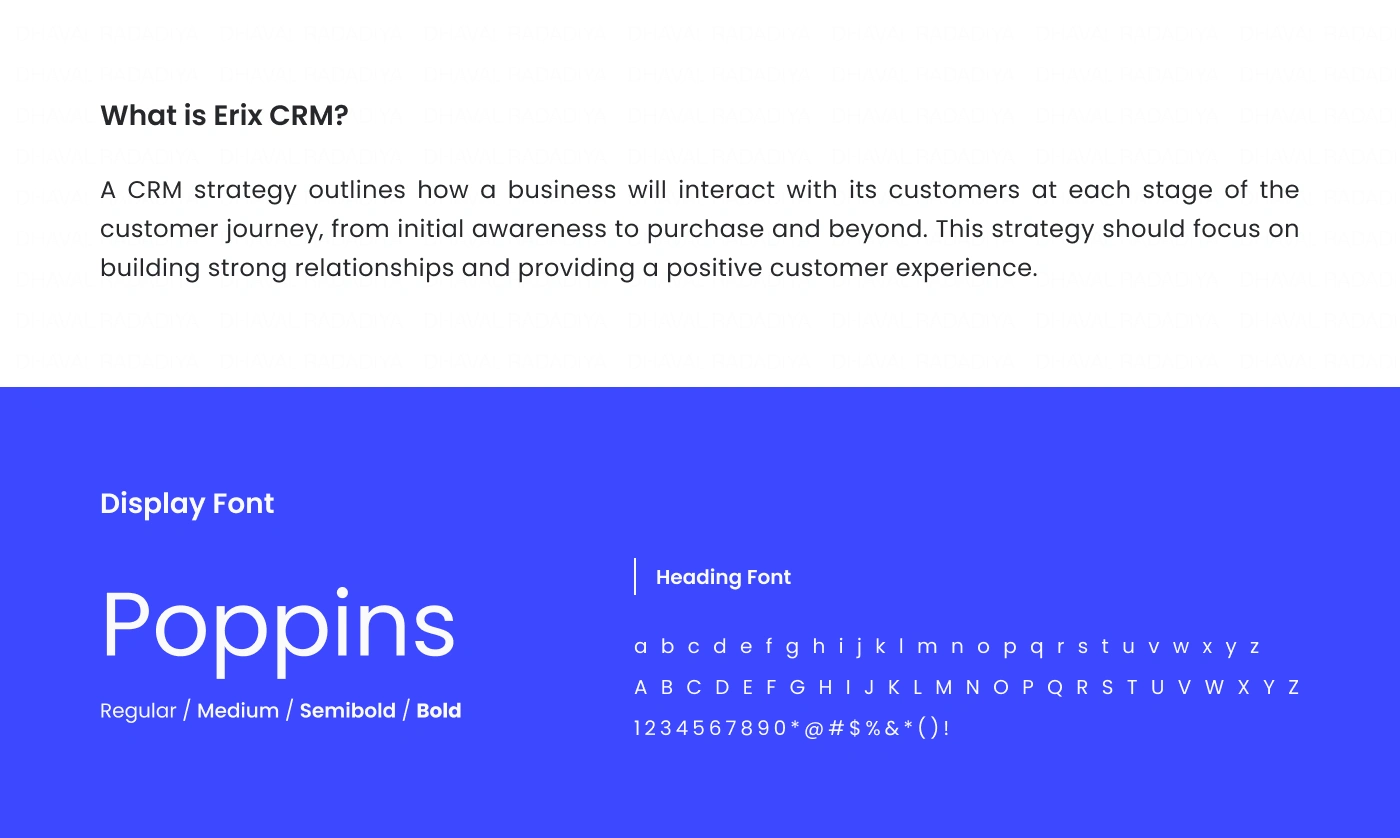
Typography
Bold headings
Readable body text
Clear hierarchy
Accessible sizing
Components
Navigation Sidebar
KPI Cards
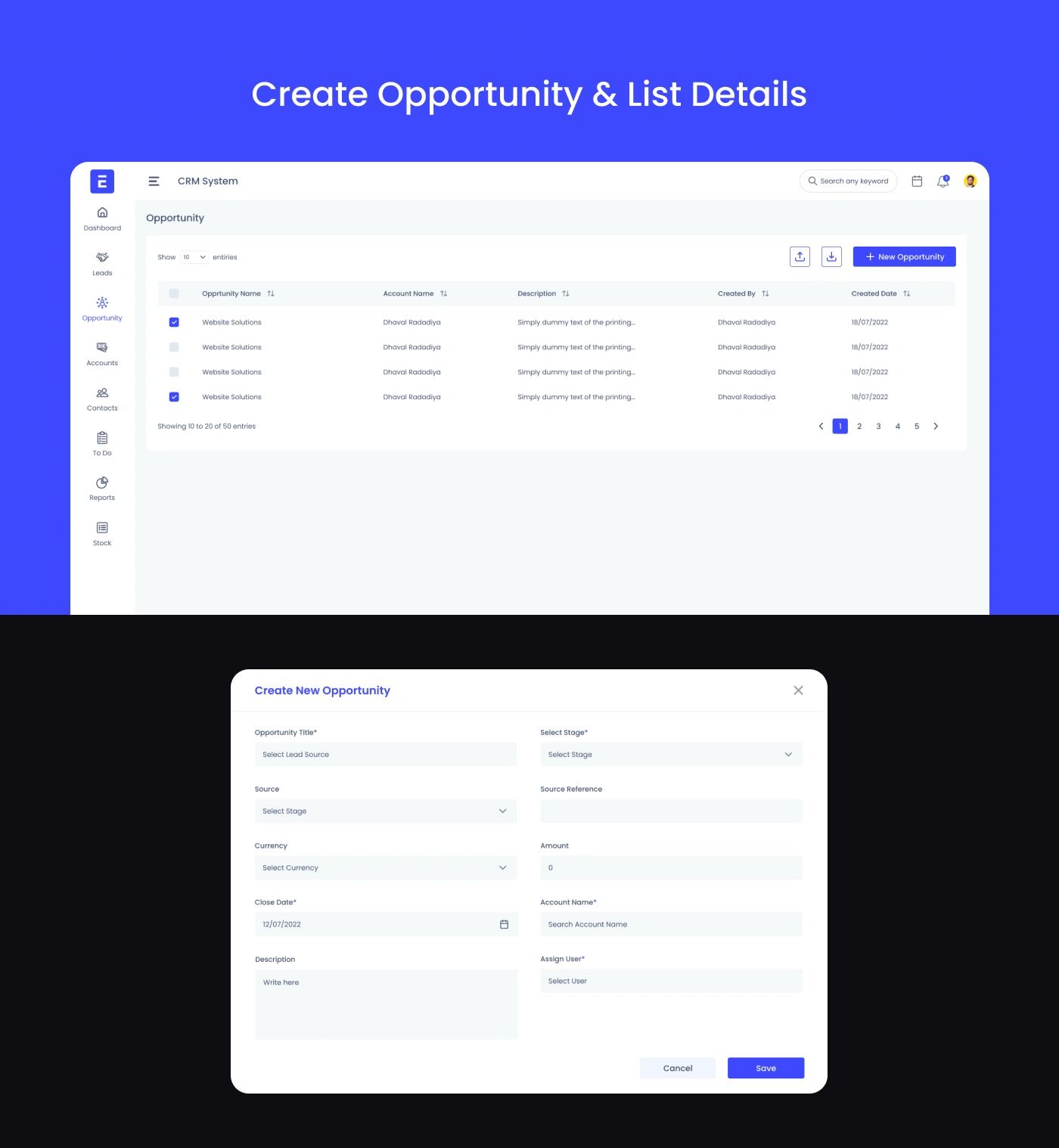
Data Tables
Charts
Buttons
Forms
Modals
Tabs
Notification Cards
User Profile
User Experience Improvements
The redesigned CRM delivers:
Faster navigation
Better data organization
Simplified workflows
Improved dashboard readability
Reduced cognitive load
Increased productivity
Consistent interactions
Responsive experience
Scalable component system
Better collaboration
Tools Used
Figma
Auto Layout
Components & Variants
Interactive Prototyping
Design System
Deliverables
UX Research
Competitor Analysis
User Personas
Information Architecture
User Flow
Wireframes
High-Fidelity UI Design
Interactive Prototype
Design System
Component Library
Style Guide
Developer Handoff
Outcome
The final SaaS CRM Web Application delivers a powerful yet intuitive experience that helps businesses manage customers, sales, and daily operations more efficiently. The streamlined interface, customizable dashboards, and scalable design system reduce complexity while improving productivity and collaboration. Built with flexibility in mind, the platform is ready to support future enhancements such as AI-powered insights, workflow automation, advanced reporting, third-party integrations, and real-time team collaboration without compromising usability.
Like this project
Posted Aug 8, 2024
RM Web Application UI/UX Design in Figma to manage leads, opportunities, tasks, and reports in one clean, intuitive, and user-friendly dashboard.