Database Explorer MCP: AI-to-Database Integration

Nandan Priyadarshi


The workflow problem
Exploring a database can mean repeatedly switching between schema inspection, SQL, results and documentation. I built Database Explorer MCP to connect those tasks to the AI assistant a developer or analyst already uses.
My role & solution
My role: TypeScript MCP server development and database integration. The server connects an MCP-compatible client to PostgreSQL, MySQL, SQLite and MongoDB, exposing database exploration and query tools through a common interface.
What the integration supports
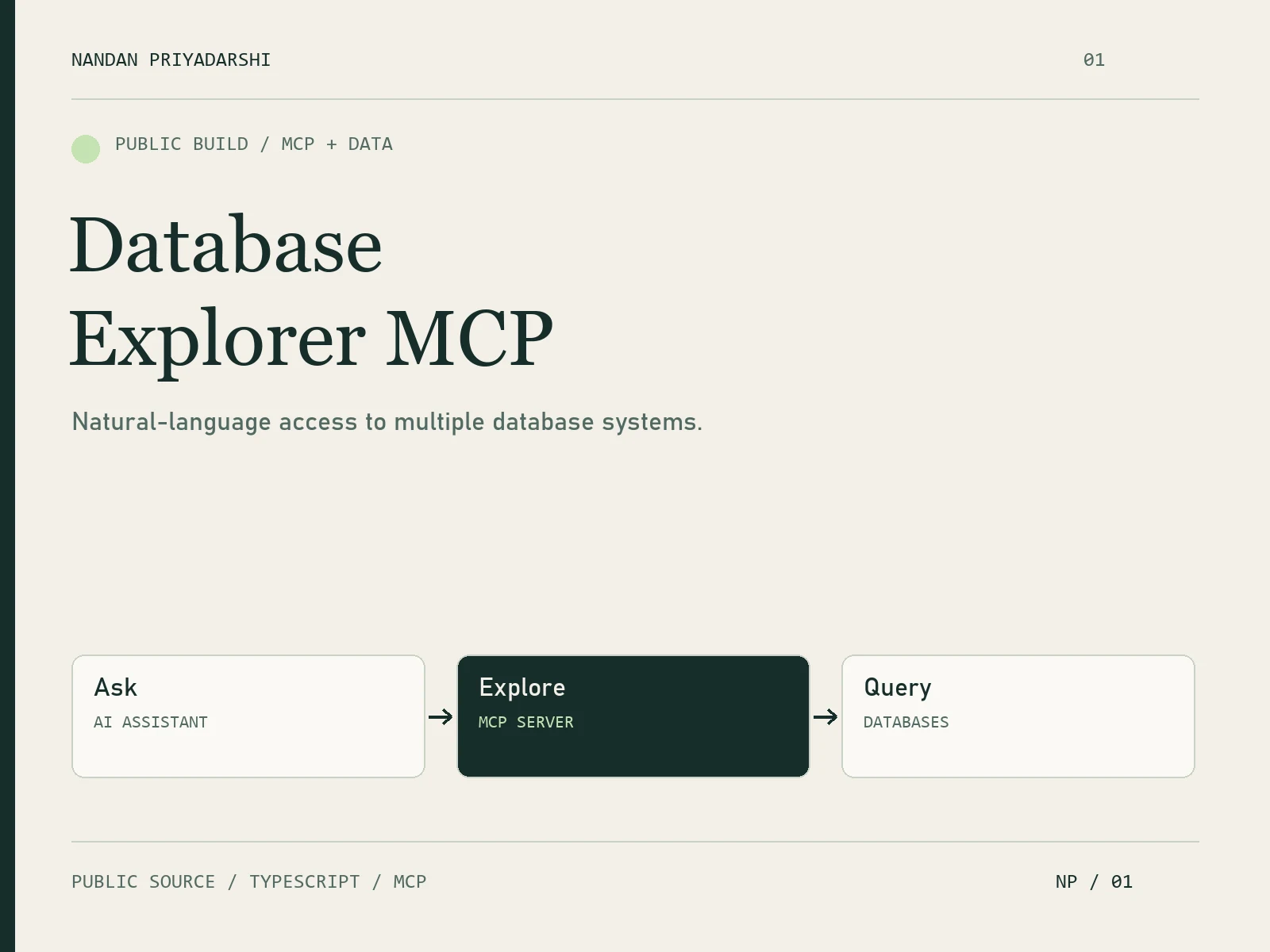
The public project documents schema exploration, query execution, table statistics, query plans, CSV/JSON export and Mermaid ER diagrams. It also provides multi-connection configuration and client setup guides. The architecture is AI client → MCP server → database.
Value for an internal tools team
This demonstrates a practical integration pattern for AI-assisted data work: connect an existing interface to a defined business system and return inspectable results. For a client implementation, I would first scope the required tools, permitted data access and acceptance checks.
Proof & project context
Independent public build. The linked repository contains the source, examples and setup instructions. It is an MCP server used through a compatible client. Database credentials, access controls and deployment are configured for each environment.
Need AI connected to a database or business tool? Send the system, the task users need to complete and the access boundaries. I can start with one connector, a small set of useful tools and an agreed test workflow.
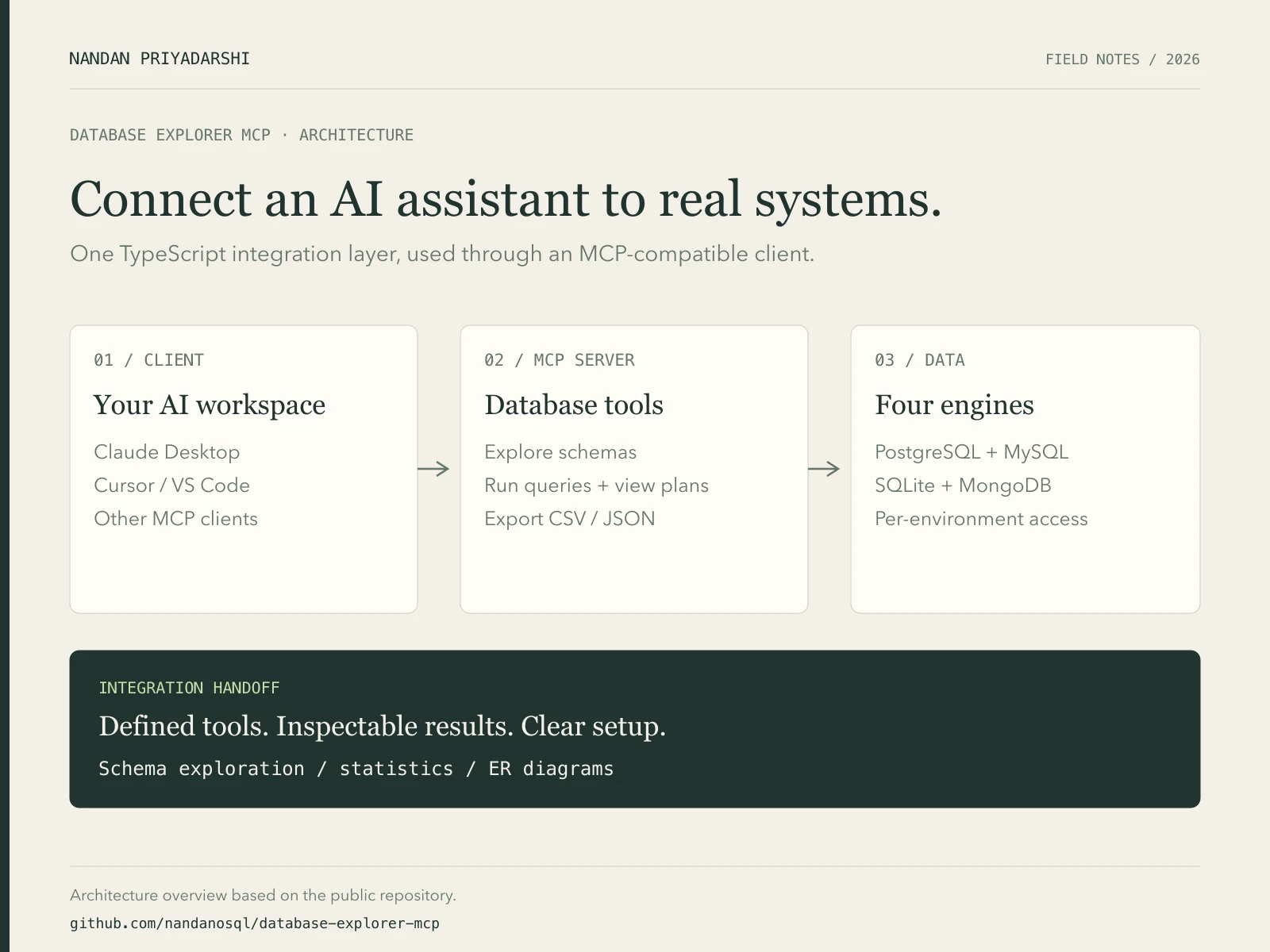
Architecture overview based on the linked Database Explorer MCP repository. The server connects an MCP client to supported database engines.
Like this project
Posted Oct 22, 2026
Built a TypeScript MCP server for AI-assisted database exploration: schemas, queries, exports and ER diagrams across four database engines.