Making FamilySearch more inviting to a younger generation

Robson Severo


FamilySearch is a free, non-profit family history platform run by The Church of Jesus Christ of Latter-day Saints. For over a decade, Church leaders have invited young people into family history, and FamilySearch keeps building for them: the Together app, quick activities like Compare-a-Face, and youth days at RootsTech.
The core Family Tree experience, though, still speaks mostly to experienced researchers. In 2018, a FamilySearch designer reported that only 2% of users were under 18. I wanted to explore what that core experience could feel like if it were designed with young people in mind.
Throughout the project, I used Yu-kai Chou’s Octalysis framework as my lens. It maps eight core drives that motivate people, and it helped me design for why someone would want to come back, not only for what they’d see.
1. Start with why: Their Story Is Yours
Before touching any screens, I wanted young people to see family history as something they’re part of and can help carry forward.
Octalysis calls this Epic Meaning and Calling: the motivation to contribute to something bigger than yourself. That became the starting point for a new tagline. I rewrote “Find your family. Discover yourself.” as “Their Story Is Yours.” Finding a record or adding a memory now has a larger purpose: keeping someone’s story alive and passing it on to the generations that follow.
The line had to work for two audiences. For people outside the Church, it’s about preserving family stories and seeing how those lives connect to their own. For Church members, it also speaks to a spiritual calling: finding ancestors and performing temple ordinances on their behalf. The same words make room for both.
2. A new identity made of squares
With the message in place, I looked for a visual language that could feel younger. I started with squares, a simple building block that could shape a new mark, the navigation icons, the family cards and even merch.
This round also gave me the first version of an idea I’d keep: a dashboard with a 3D tree that grows as you add relatives.
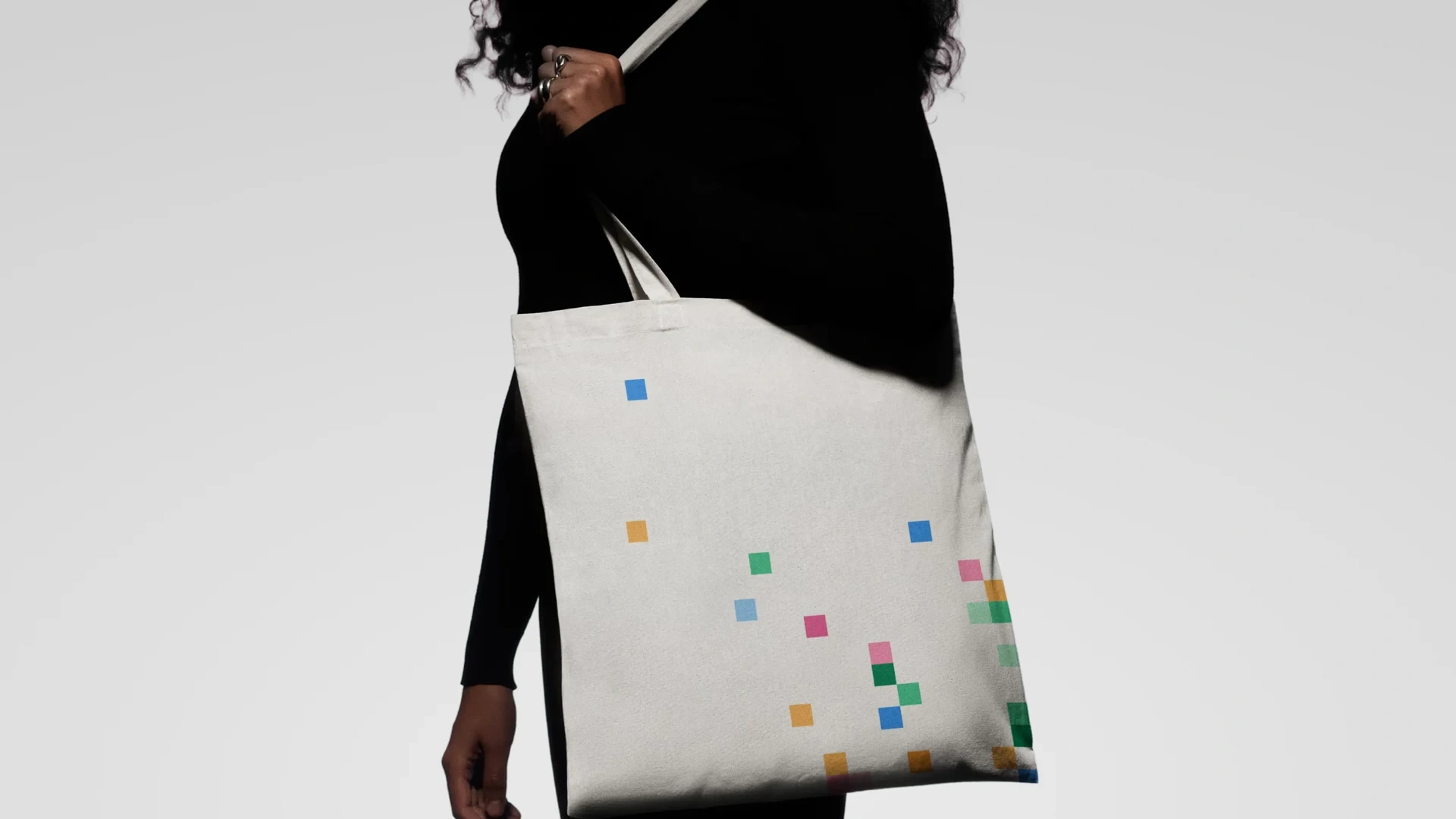
The square motif applied to a tote bag.
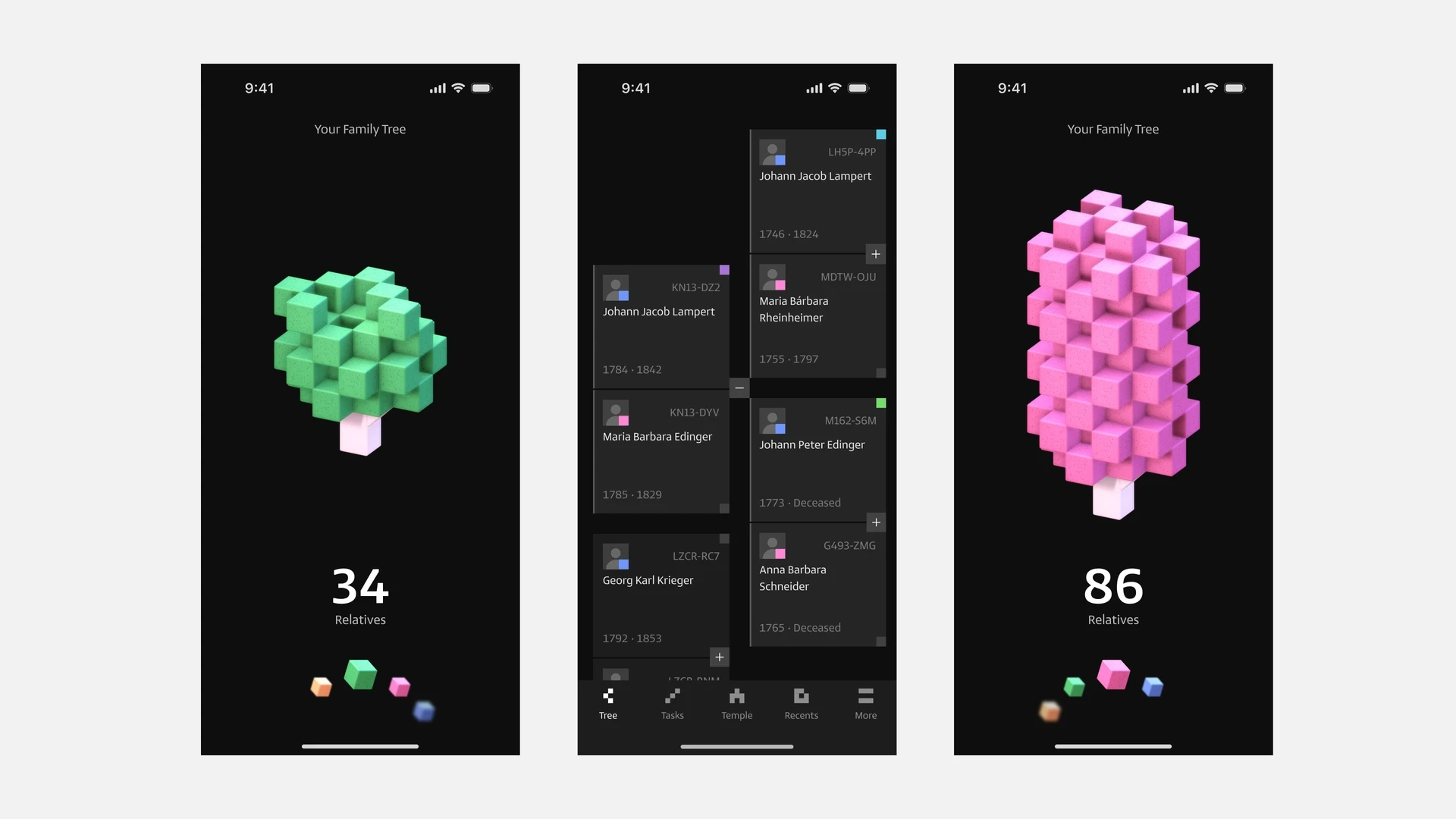
The digital identity across three mobile screens.
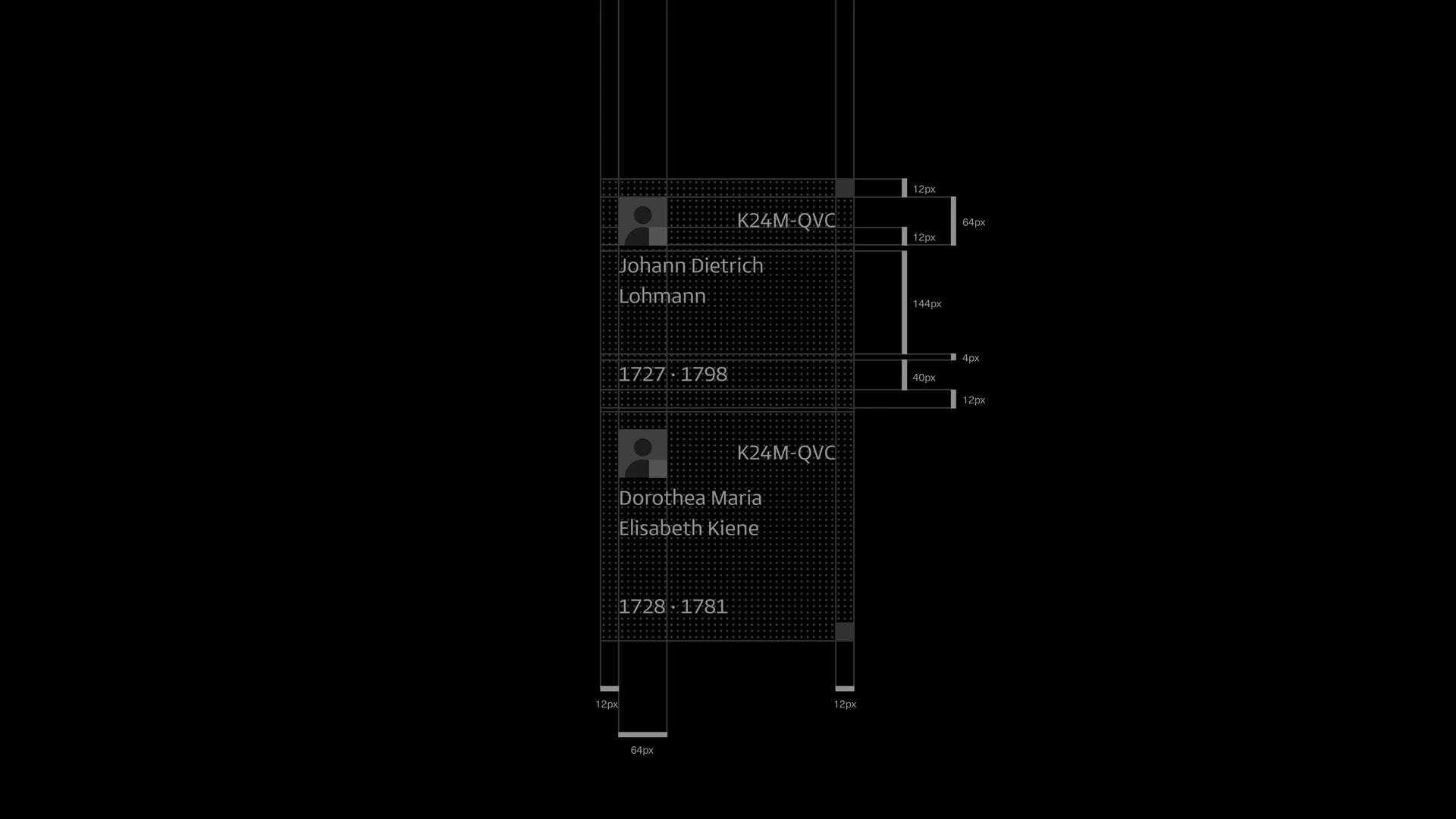
A modular grid shapes the family tree cards.

The identity applied to a cap.
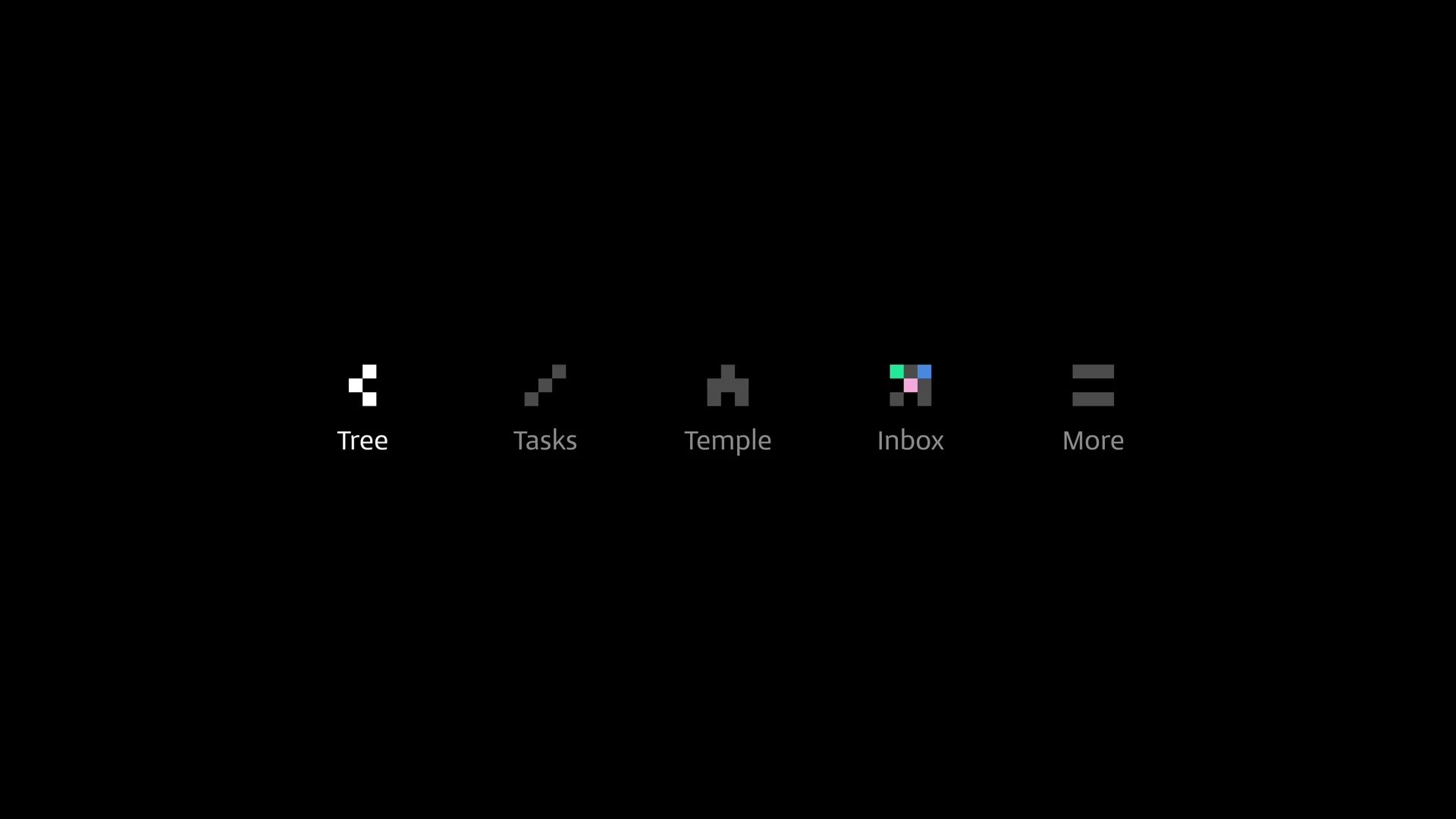
Square-based navigation icons extend the visual language.
The tree mark and its construction grid in motion.
Family history brought into the identity in motion.
3. Changing direction: keep the logo
The squares kept pulling me toward a new logo. But the more I thought about FamilySearch as a global brand, the clearer it got that its mark was worth keeping. A younger audience didn’t need a different symbol. They needed the product to feel different.
So I changed direction: keep the logo and expand its visual language. The hollow square at the center of the identity became the starting point for everything else. In the interface, it represents people and the connections between them, carrying a brand people already recognize into a more expressive experience.
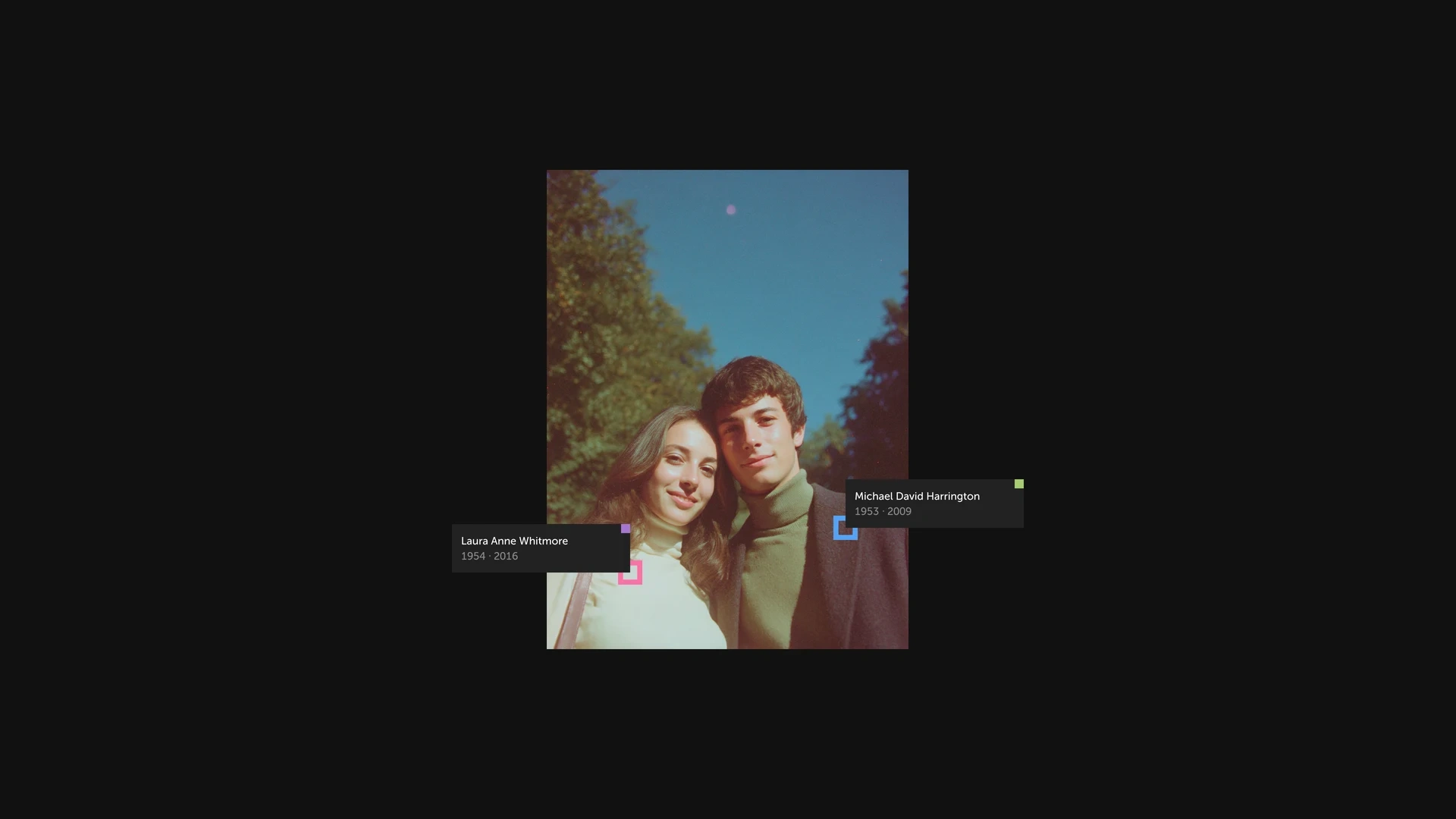
Hollow squares connect family records to people in a photograph.
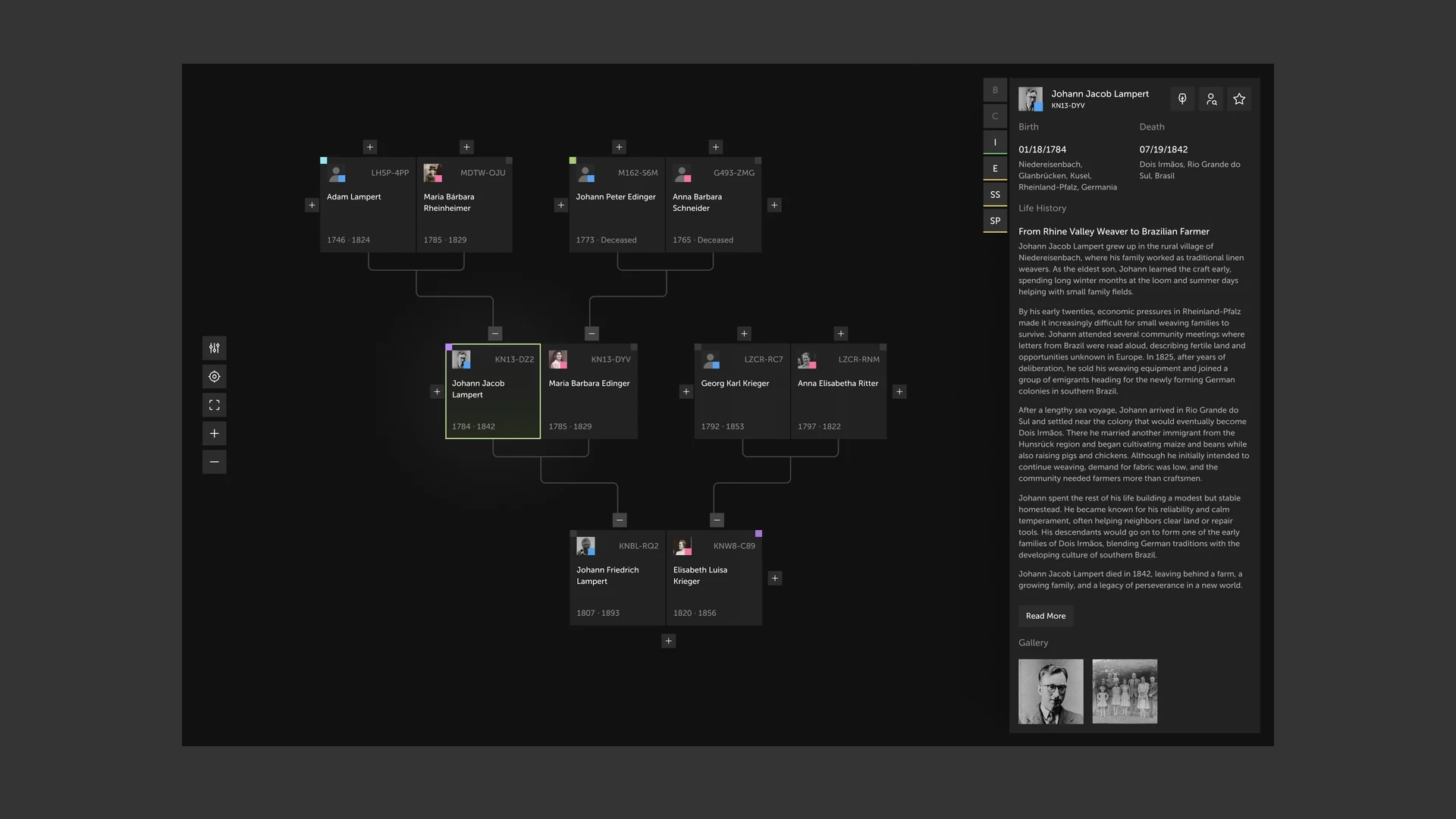
The family tree and an ancestor’s story side by side.
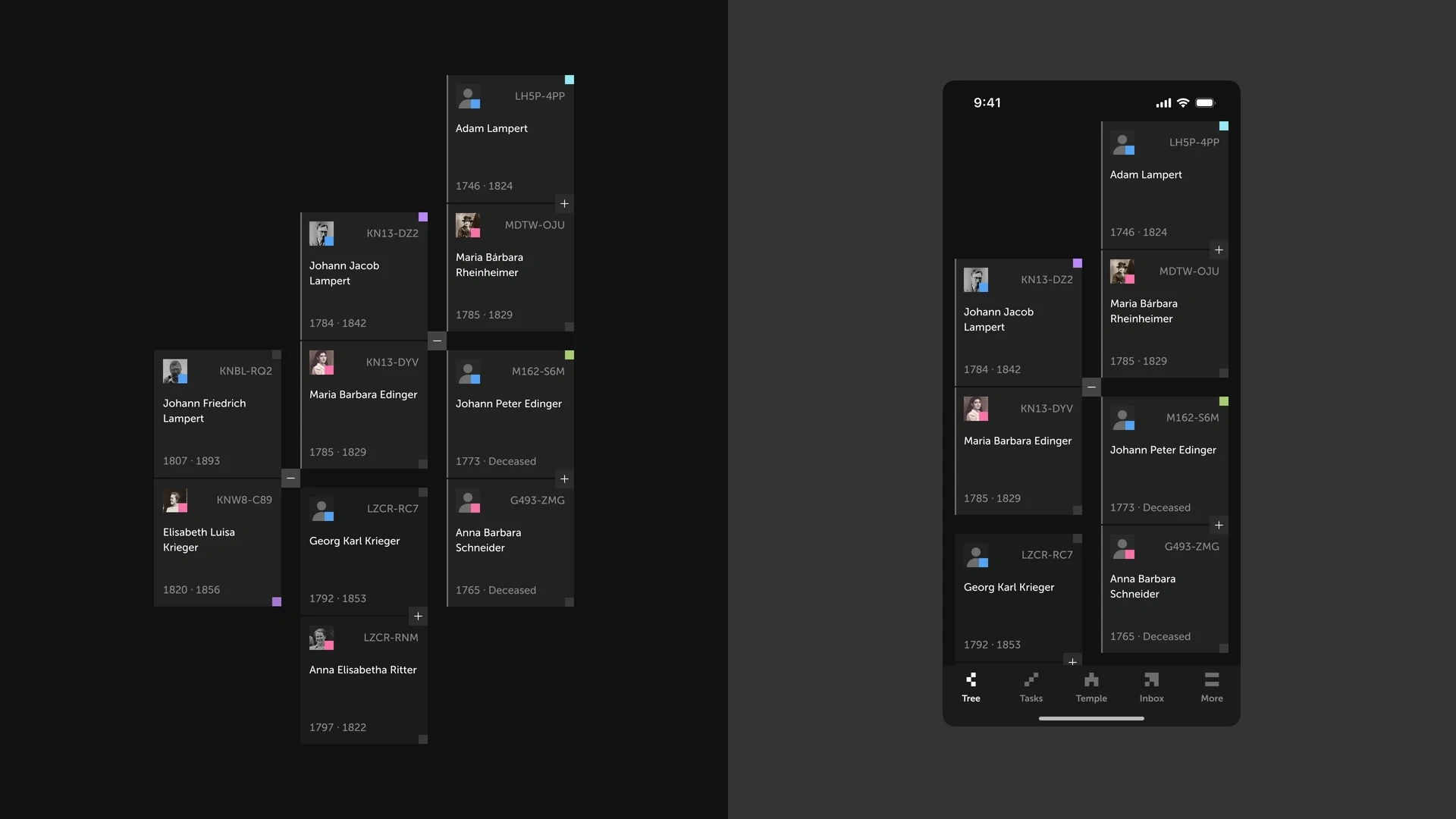
The square-based family tree across desktop and mobile.
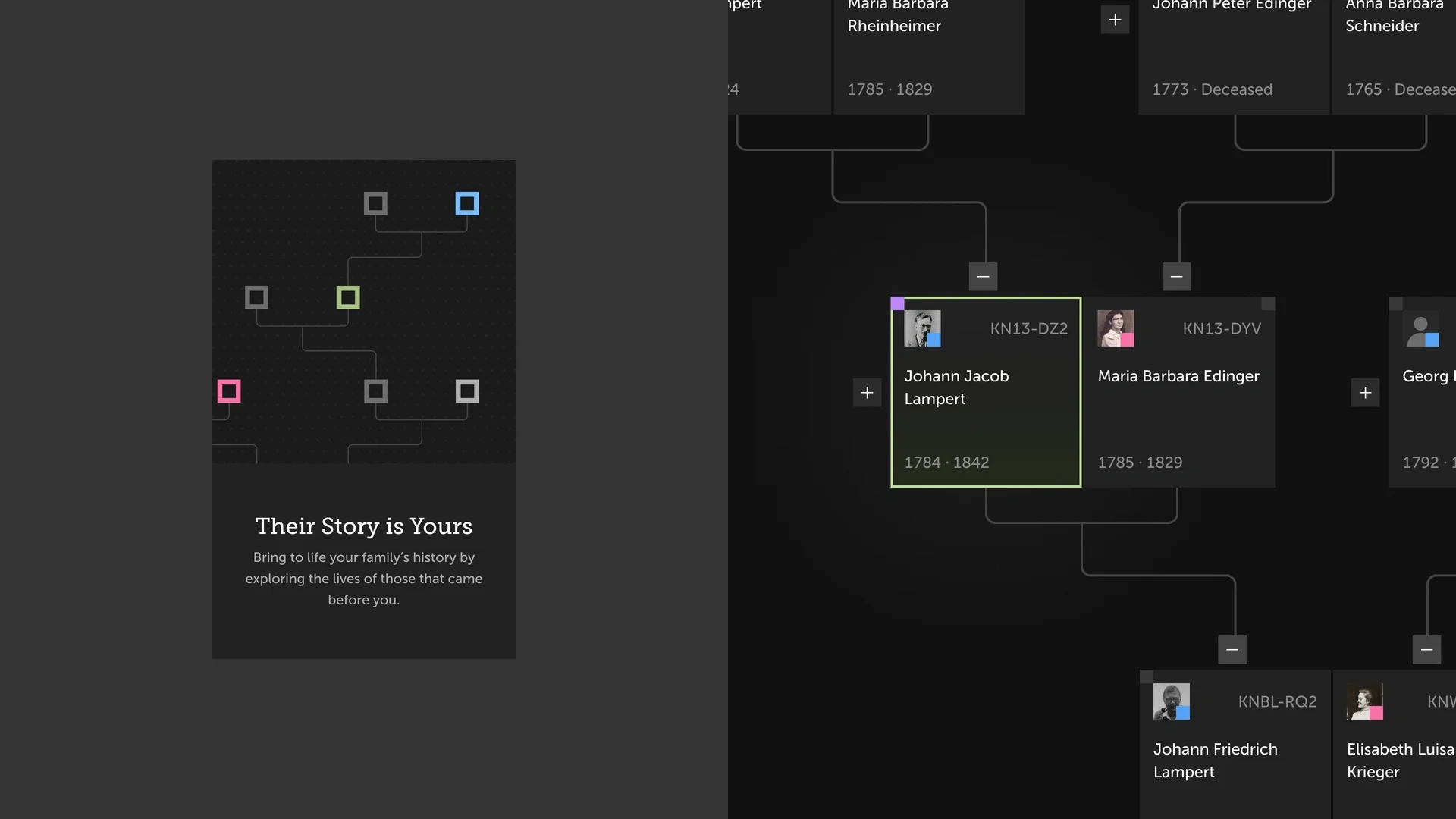
Hollow squares connect the invitation to the family tree.
4. A tree you can explore
I built the hollow square into a working interaction concept. Family cards, connection lines, selection states and controls all share the same language, so it still feels like FamilySearch, just more alive.
Panning, zooming and selecting a relative turn the tree into a space to explore, and opening someone’s story keeps their family in view around them. The game-like feel comes from direct interaction and quick feedback, while the focus stays on the people behind the records.
Remember the two audiences? The same tree also has to serve Church members working on temple ordinances. I added a view option that turns ordinance information on or off. With it on, indicators appear on the family cards and reveal details as you explore. With it off, the tree goes back to names, relationships and stories. The workflow is there when you need it, without becoming everyone’s default.
Exploring the family tree through an on-brand interaction system.
An optional ordinances layer within the same family tree.
5. Your Family Grove: progress you can see
Remember that 3D tree from the early explorations? I developed it into Your Family Grove, where each glowing leaf is a relative. The tree’s size follows your family tree: a few relatives make a small tree, hundreds or thousands make a full canopy. The count is still there, but now it has a shape. You see your tree grow, not just a number go up.
You can orbit the grove, move closer and find the relatives behind each leaf. I also explored a progress bar toward unlocking a temple in the scene, so the next milestone is always clear without turning family history into a score.
In Octalysis terms, visible growth and milestones support Development and Accomplishment, and a grove that’s yours supports Ownership and Possession. These are the motivations I designed for, not outcomes I’ve measured.
A personal family grove makes progress visible and invites exploration.
The 3D tree’s size reflects the number of people in the family tree.
6. Make it yours
Watching the grove grow is one thing. Shaping it is another. The prototype lets you try different tree styles, change the time of day and add rain or snow, with every choice showing up instantly in the scene.
This draws on Empowerment of Creativity and Feedback: room to experiment, see the result and try again. It also deepens ownership, since the grove becomes something you shaped, not something you were handed. The family connections stay the same. The mood is up to you.
Trying different appearances and atmospheres for a personal family grove.
What I built
A new tagline, “Their Story Is Yours,” written to work for members and non-members alike
A visual language grown from the existing hollow square: family cards, connection lines, controls and selection states
An interactive family tree prototype, with an ordinances layer you can turn on or off
Your Family Grove, a 3D tree that grows with your family, with a temple milestone and a customizable style, time of day and weather
How I’d measure it
This is a concept, so there’s no usage data yet. If it shipped, I’d track three things:
Share of users under 18, against the 2% reported in 2018
Week-one return rate for new young users
Relatives added per session, to see if the Grove actually motivates progress
You don’t need a rebrand to change how a product feels
My first instinct was a new logo. What actually made the product feel younger was expanding the identity FamilySearch already had and borrowing from something young people already love: games and game-like interfaces. The brand stays recognizable, and the experience becomes a lot more inviting.
FamilySearch is already doing a lot for young people. This concept is my contribution, as a member, to help that work grow.
Like this project
Posted Jul 24, 2025
In this concept, I made FamilySearch’s tree feel alive for younger users: relatives you add grows a tree and a building, so your family history visibly grows.