FlexAI Console

Thibaud Ramade

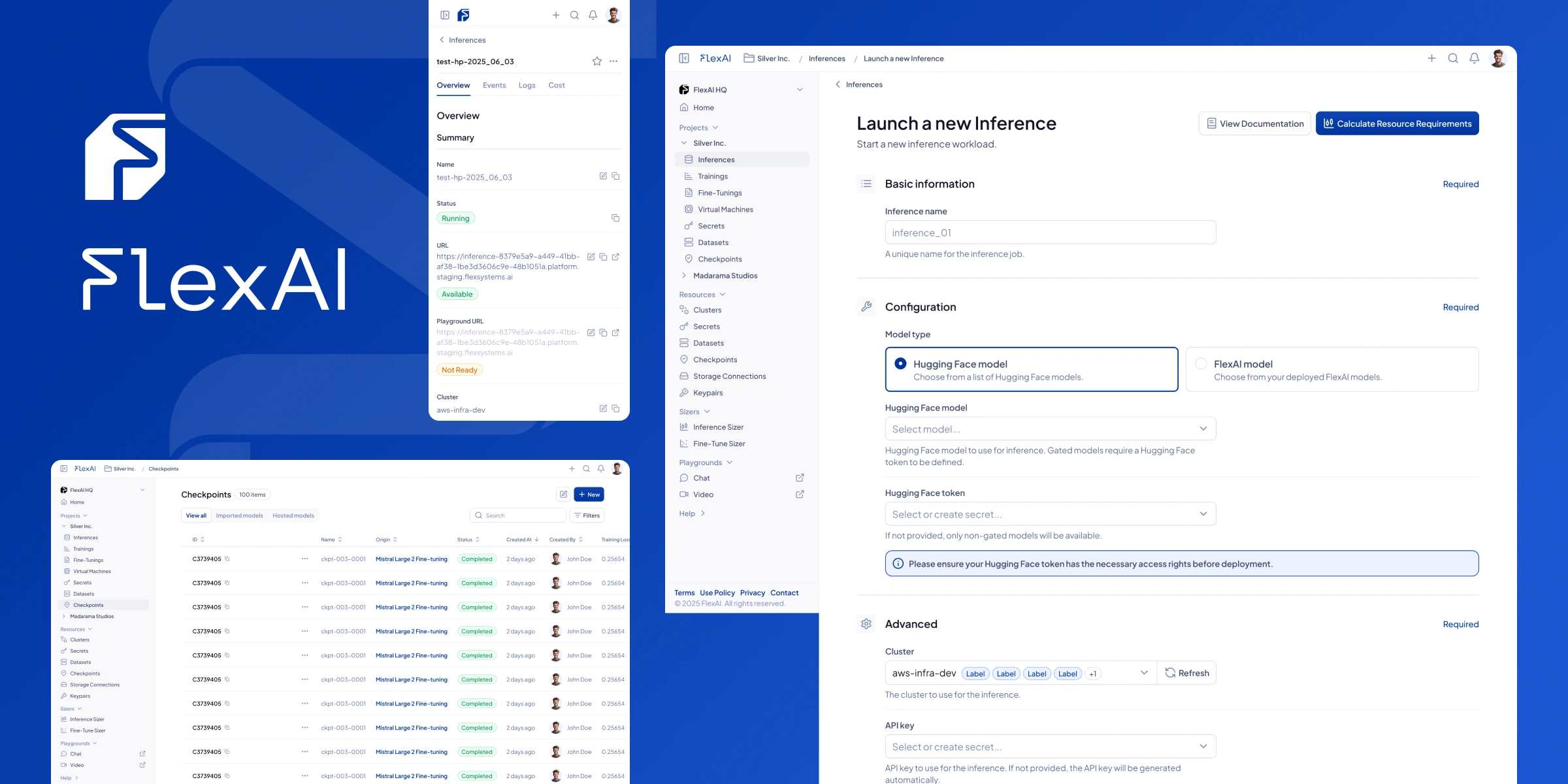
FlexAI is a software company that delivers AI infrastructure allowing users to build, tune and deploy AI workloads in a multi-cloud and multi-compute environment. They tasked me with creating a design system for their main product, the Console, as well as designing the product's shell and foundational flows, including a detailed SCRUD database system.
All designs shown on this page are the property of flex.ai and are used with permission
Design System & Navigation
The task
Create a coherent, user-friendly and scalable design system inspired by FlexAI’s existing branding, to facilitate collaboration with other designers and engineers
Create an app shell and navigation system that makes using the product intuitive and enjoyable for the end user
Maintain clear and affording messaging across all flows, without overloading the interface
Challenges
As a software product with corporate-leaning branding, the design system needed to bring the flows to life and make them feel friendly and appealing
With many different workload and resource types to work with, the application needed to guide the user directly to what they were looking for efficiently, as well as let them know where they were at all stages of the user flows
Solutions
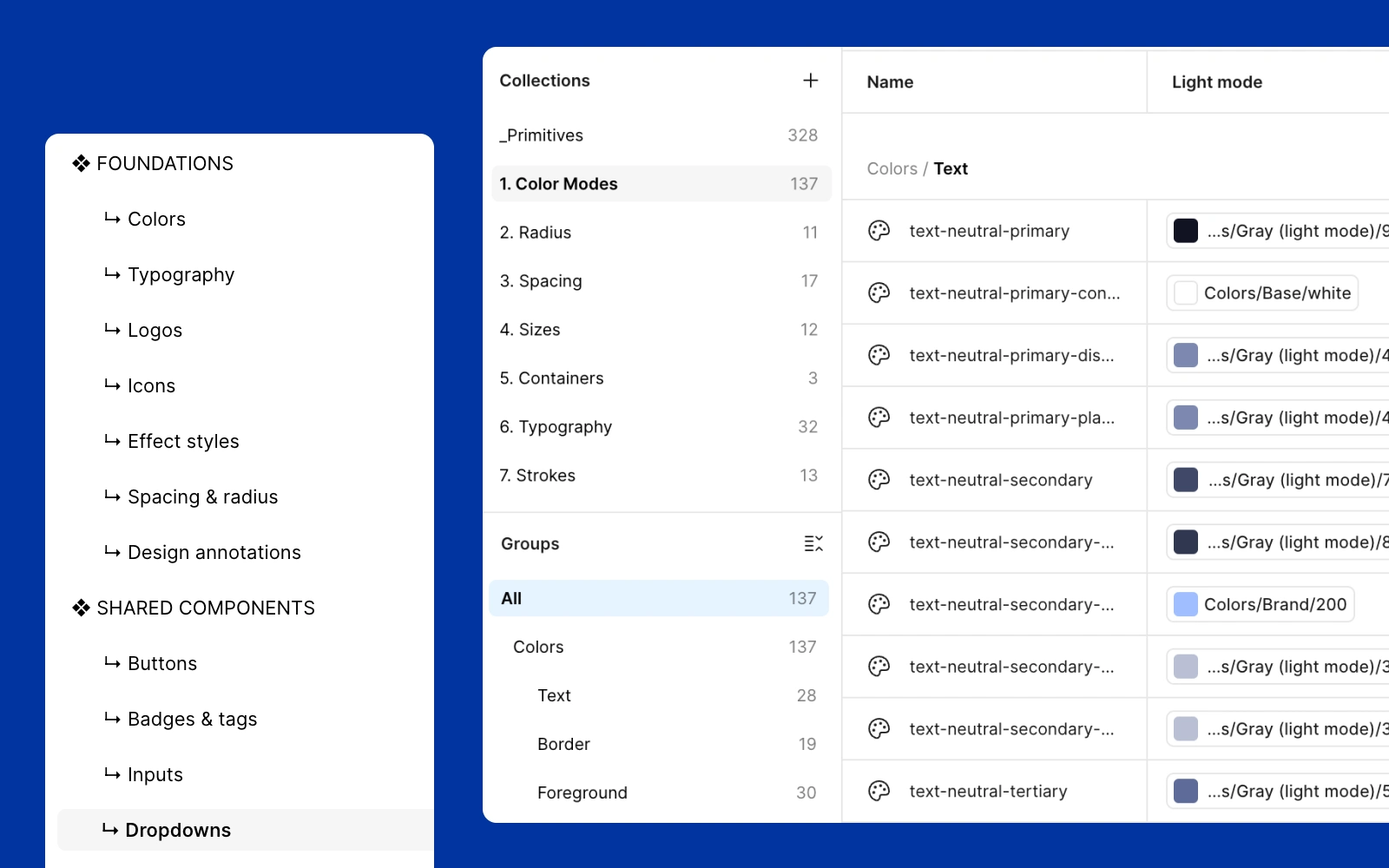
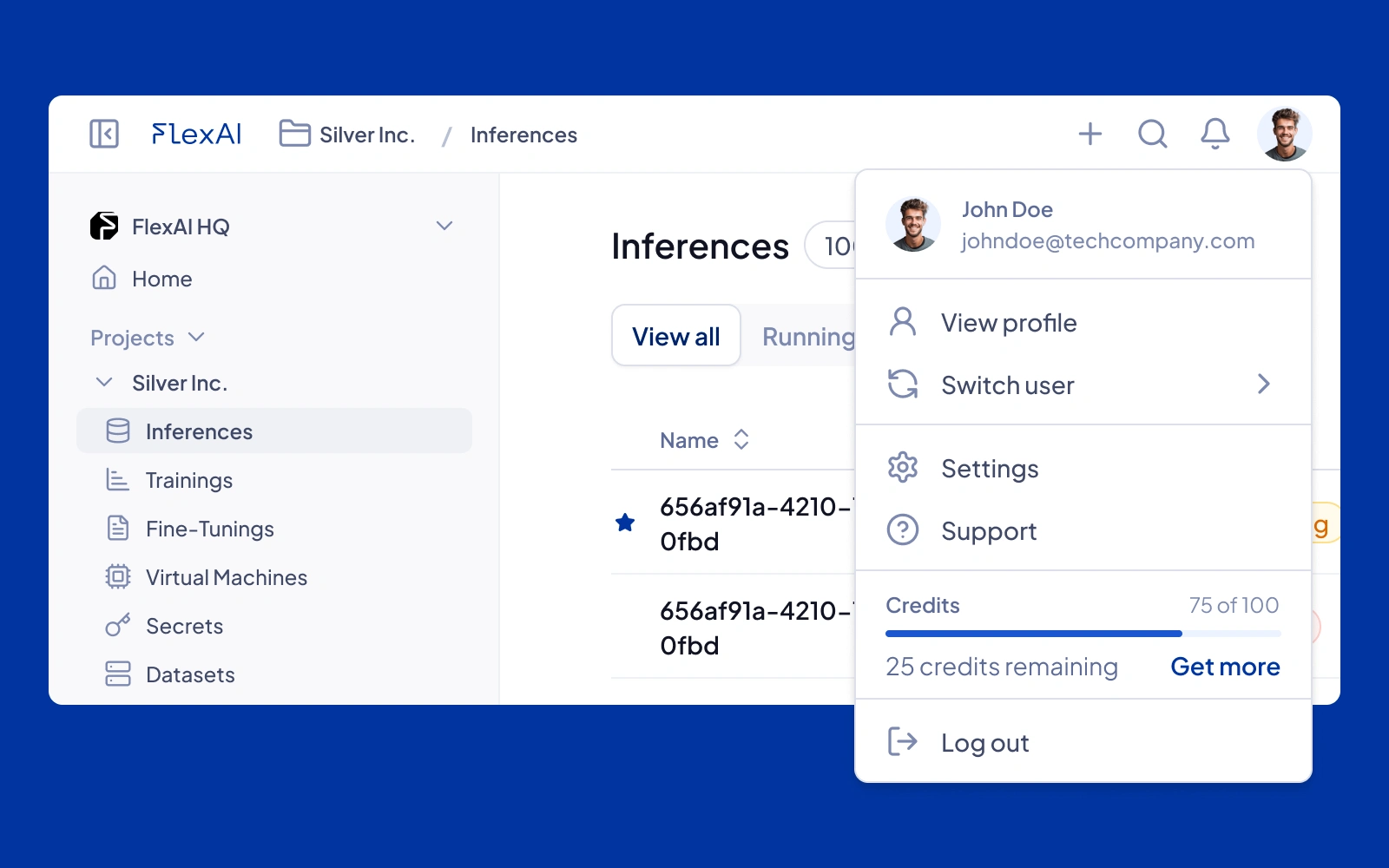
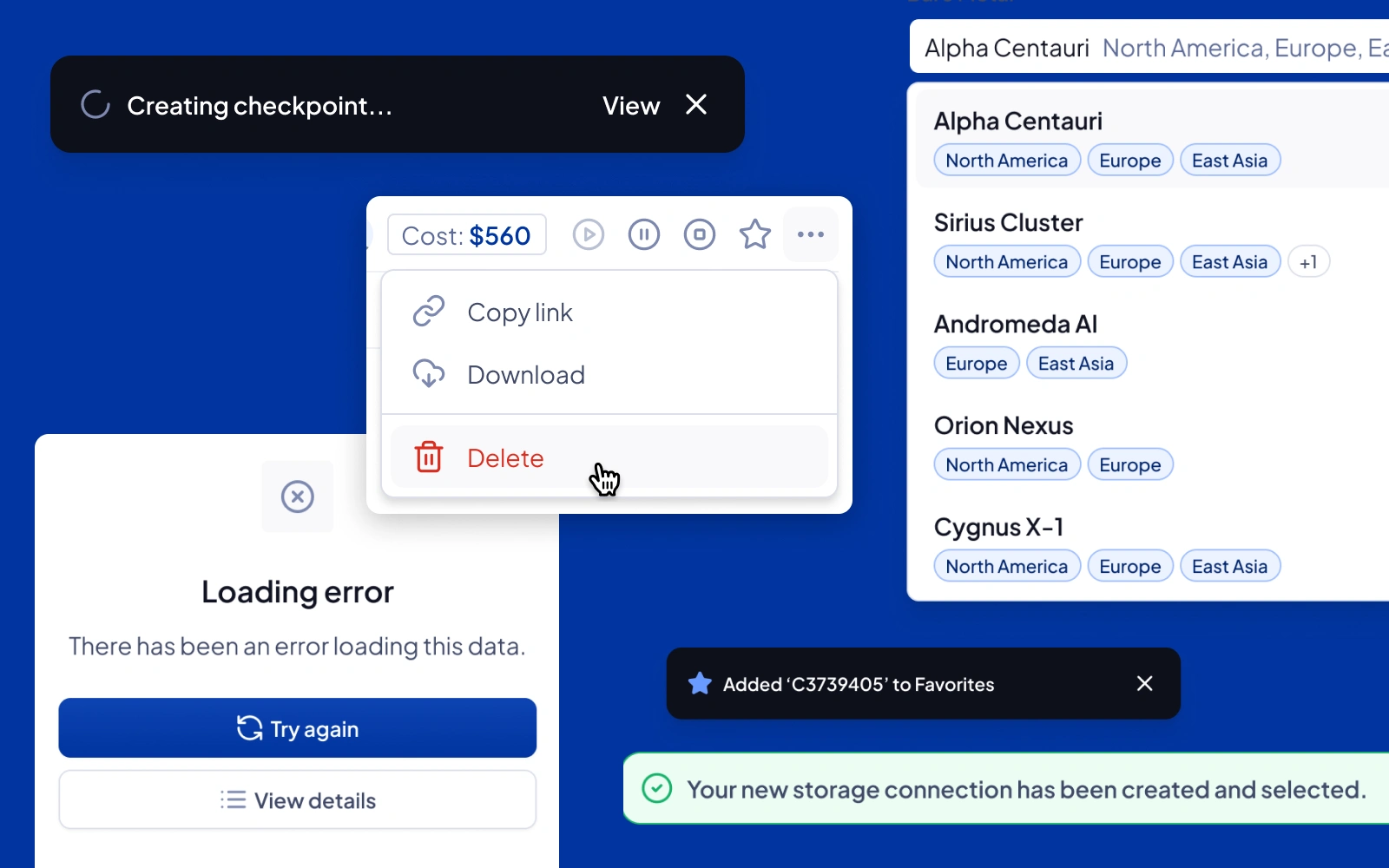
A shared UI Library file system was set up in Figma, complete with a dev-friendly scalable design token nomenclature, that allows one source of truth for styles and shared components across all current and future products
A combination of side and top navigation bars were introduced to promote flexibility and accessibility, including a workspace switcher, breadcrumbs, quick actions, account management and more
Great care was put into making sure the messaging and wording were clear and concise all around, to allow the user full control and understanding of the product features, before, during and after their input
Creating and managing Database entries
The task
As the core of the application, managing workloads and resources needed to be as easy and swift as possible
While new features were being worked on and progressively rolled out, the designs needed to account for the current product specs and leave room to grow for upcoming additions
Challenges
With multiple types of database entries to consider, the user interfaces needed to offer both structure and flexibility to allow for maximum ease of use
In an ever-evolving startup environment, product requirements were often updated, necessitating an organized and flexible approach to keeping designs relevant
Solutions
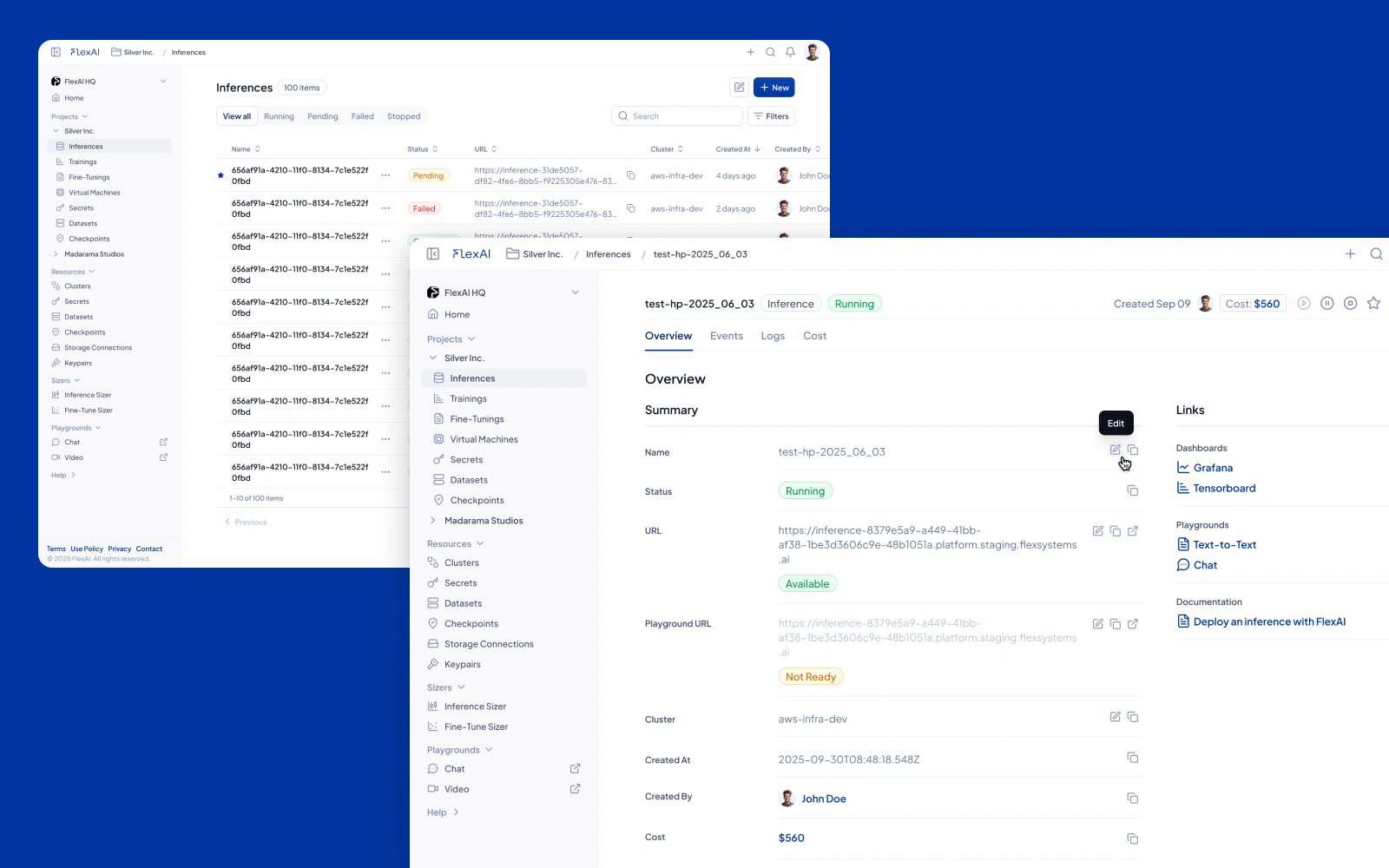
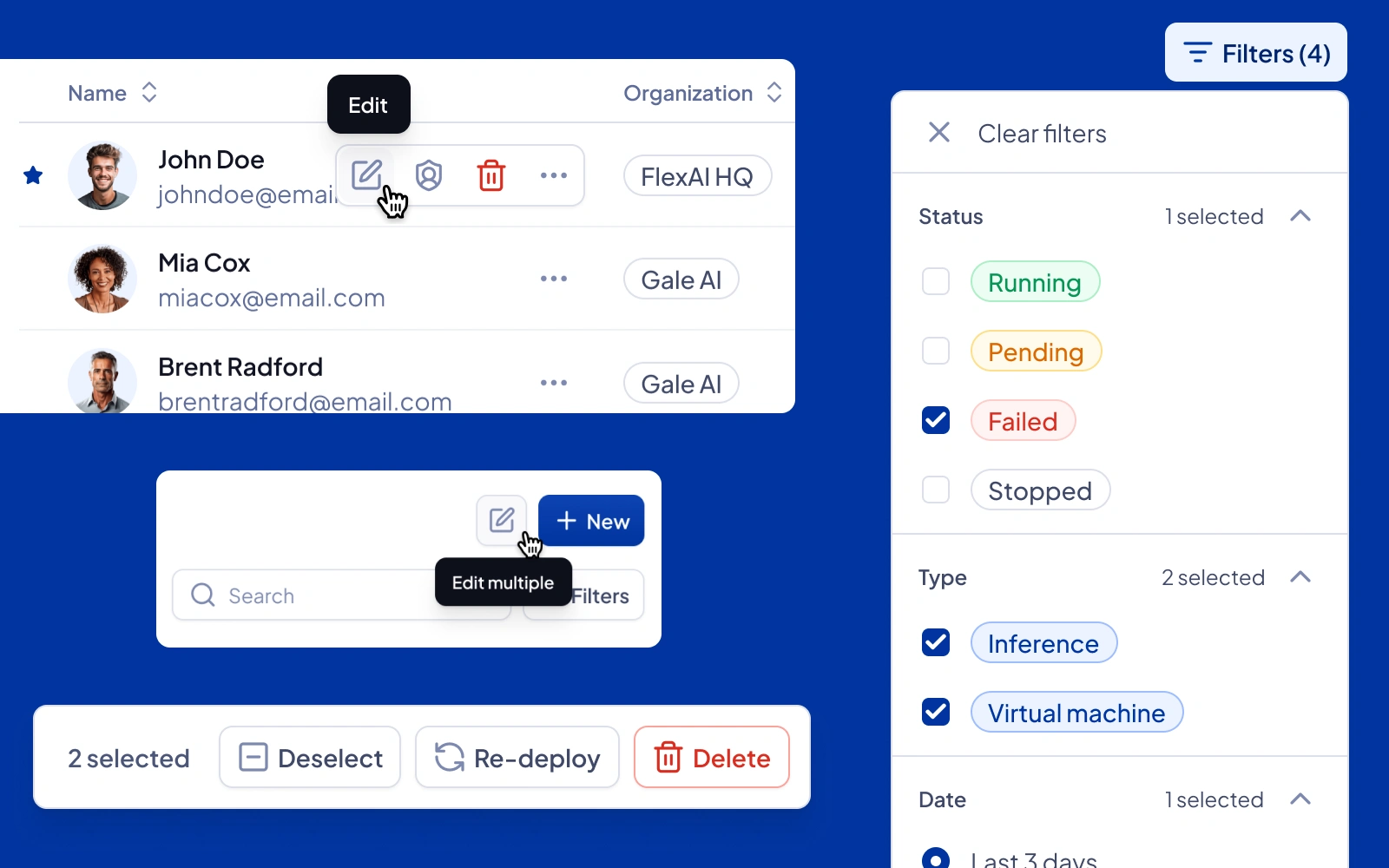
A robust Search, Create, Read, Update, Delete (SCRUD) framework was implemented, allowing users to navigate their data entries with clarity
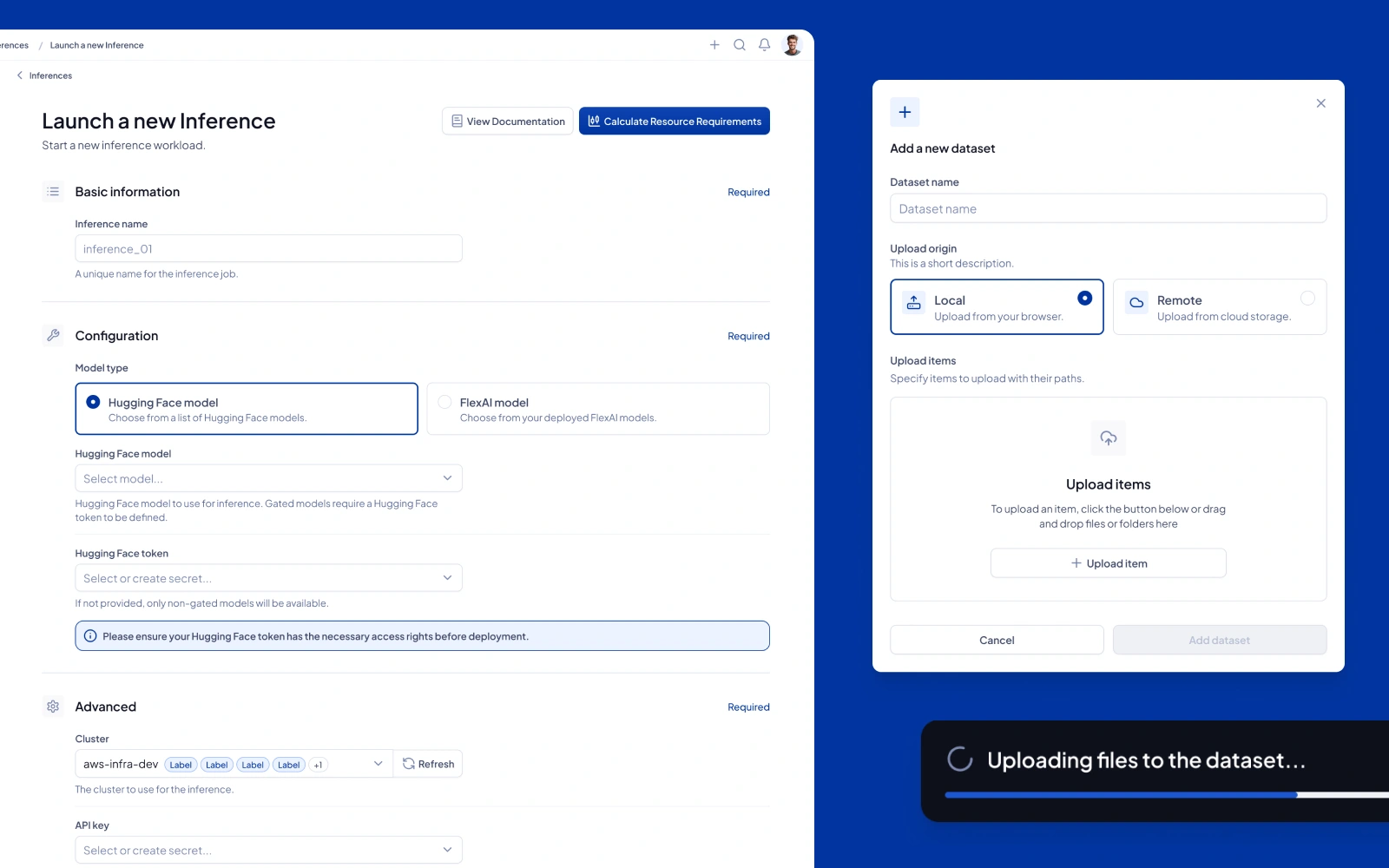
Special care was put into designing approachable yet feature-packed creation forms, including field dependency, third-party connections, nested creation flows and more
A layered and sequential approach was taken to make sure data tables didn't overload the user with actions and information, making interaction with table entries inviting and rewarding
Like this project
Posted Feb 2, 2026
FlexAI tasked me with creating a design system for their main product, the Console, as well as designing the product's shell and foundational flows.