NeuroFlow : AI-Powered Productivity Dashboard

Akeem Saka


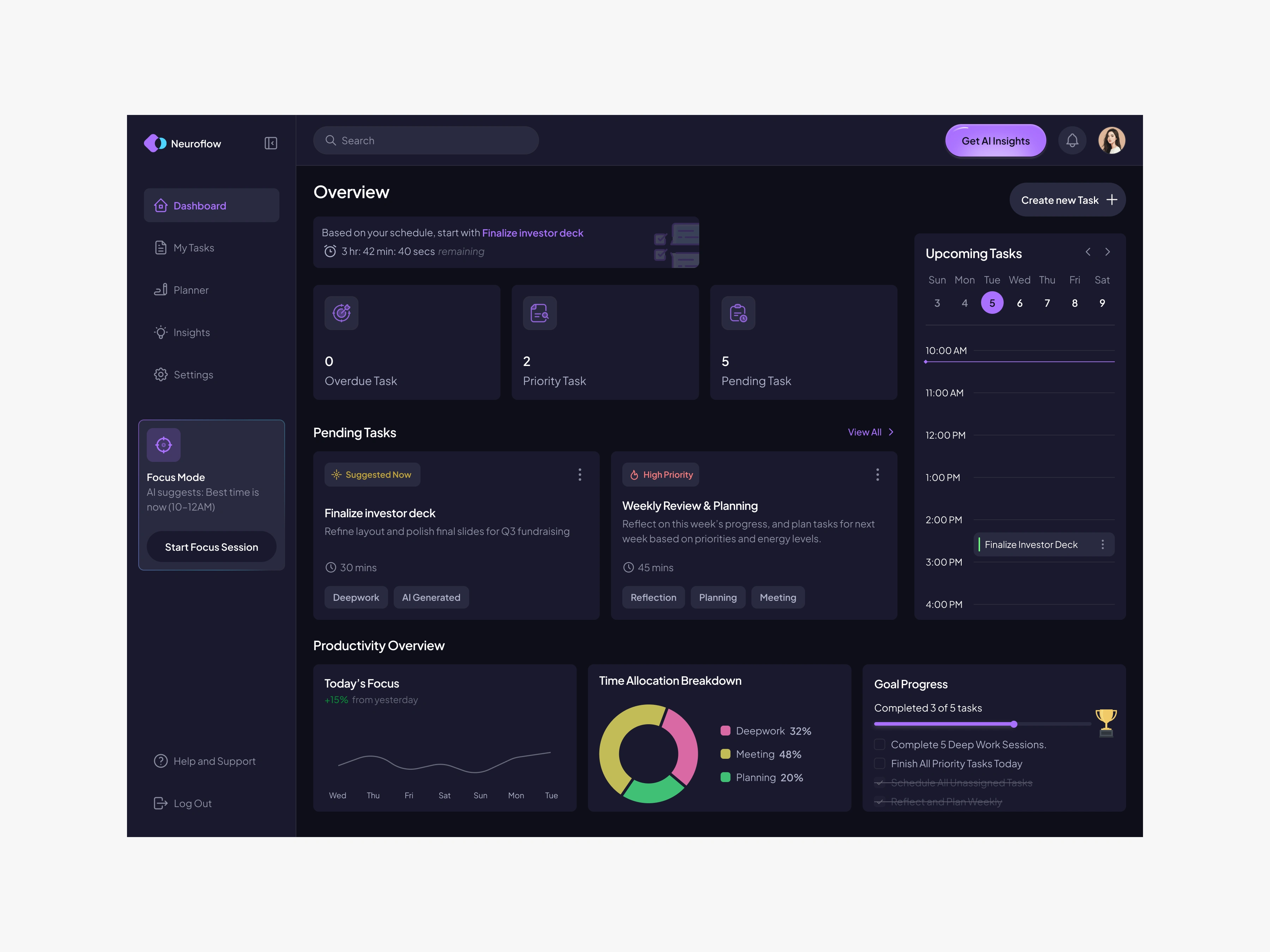
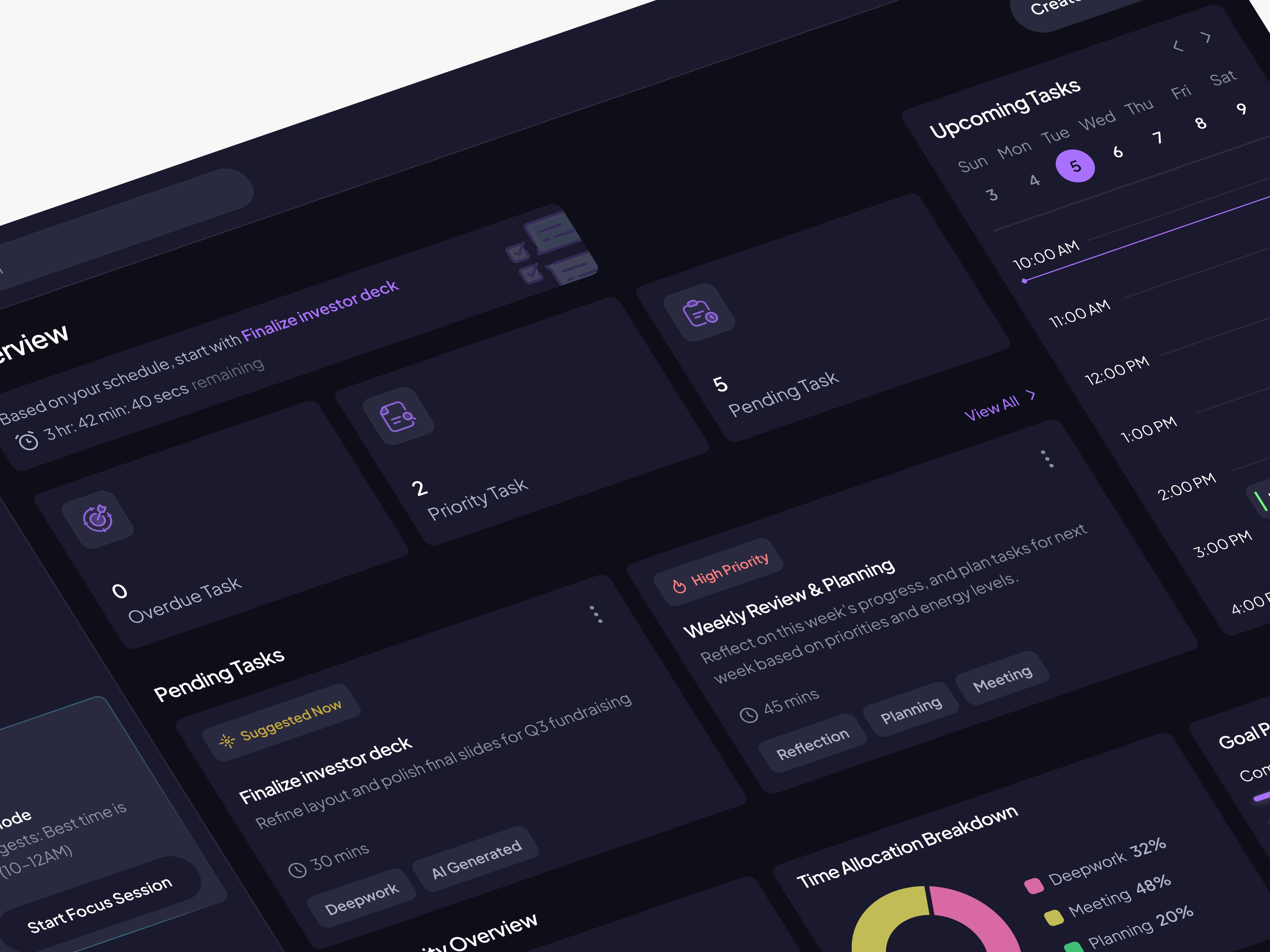
Mockup Image of Neuroflow
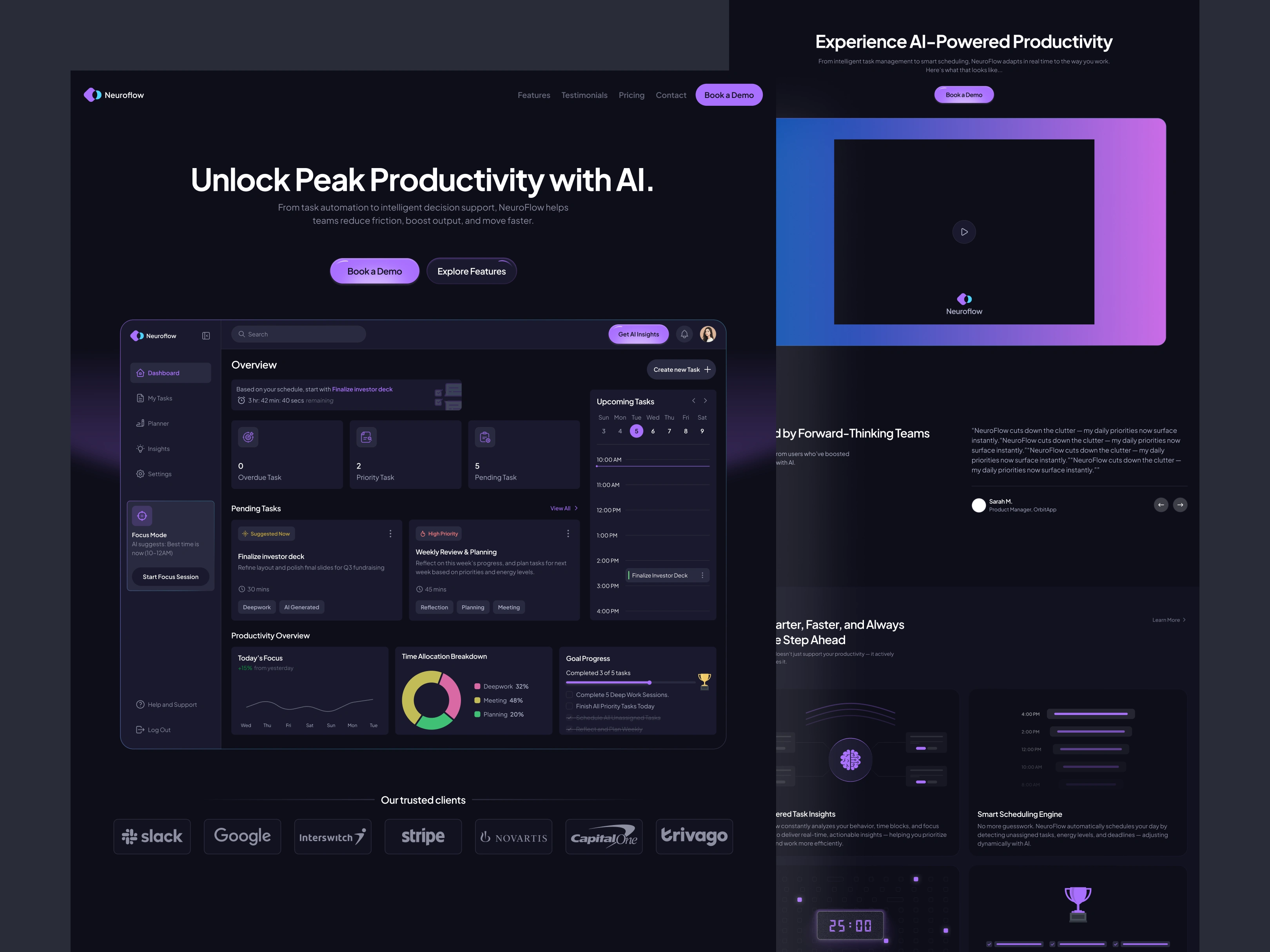
Neuroflow landing page
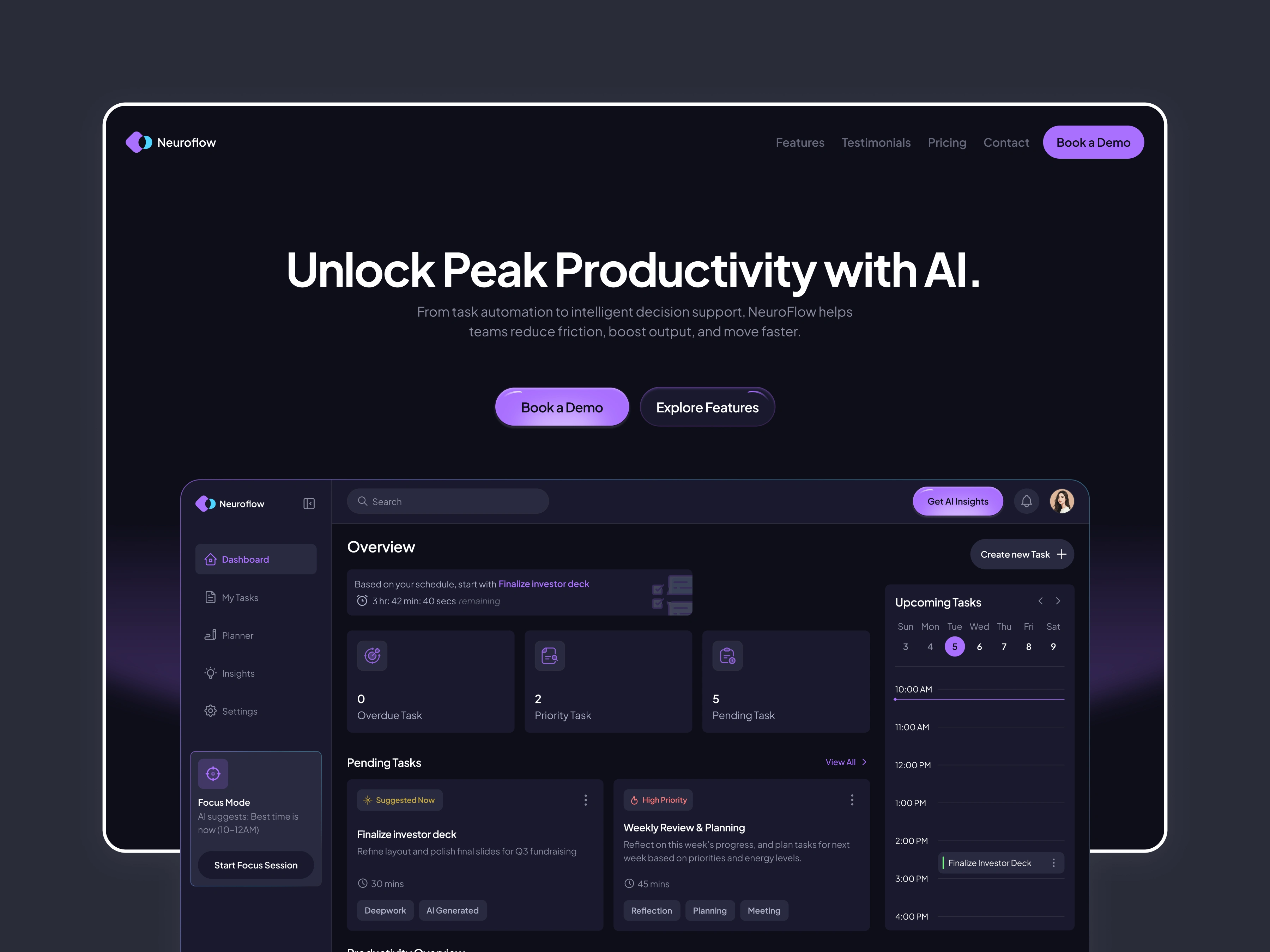
NeuroFlow is a productivity SaaS I designed to help users plan smarter, focus deeper, and track goals through AI-driven insights.
The core design challenge was making data-heavy information feel calm and actionable — not overwhelming. I solved this through a card-based layout, clear visual hierarchy, and an AI insight panel that surfaces contextual recommendations without interrupting the user's workflow.
What I designed:
Main dashboard with AI insight cards, task management, and goal tracking
Focus Mode sidebar for distraction-free work sessions
Full landing page built and published in Framer
The Problem
Most productivity apps overwhelm users with features. Calendars, task lists, habit trackers, focus timers — all separate tools, none talking to each other. Users spend more time managing their tools than doing actual work.
The Brief I Set Myself
Design a single AI-powered dashboard that connects tasks, goals, and focus sessions — and surfaces the right information at the right time without the user having to ask for it.
Target user: a young professional or remote worker managing multiple projects, who needs clarity not complexity.
The Design Challenge
The hardest problem was information density. A productivity dashboard needs to show a lot — tasks, goals, insights, focus state — without feeling like a cockpit. Every design decision was about reducing cognitive load while keeping everything one tap away.
What I solved:
Card-based layout that lets users scan without reading
AI insight panel that gives contextual nudges, not generic tips
Focus Mode accessible in one click from any state
Progress visualisations that feel motivating, not stressful
What I built:
Full dashboard UI with task management, goal tracking, and AI cards
Focus Mode sidebar
Marketing landing page — designed in Figma, built and published live in Framer
Tools: Figma, Framer, Rive
Like this project
Posted Aug 10, 2025
I designed NeuroFlow, an AI-powered productivity platform that help users plan, focus and achieve goals through real-time insights and intuitive task management