Built with Rive
Interactive Micro-Animations for Product Engagement

Aavirash Mitra

Interactive Rive Micro-Animations — Explore, Reveal, Discover
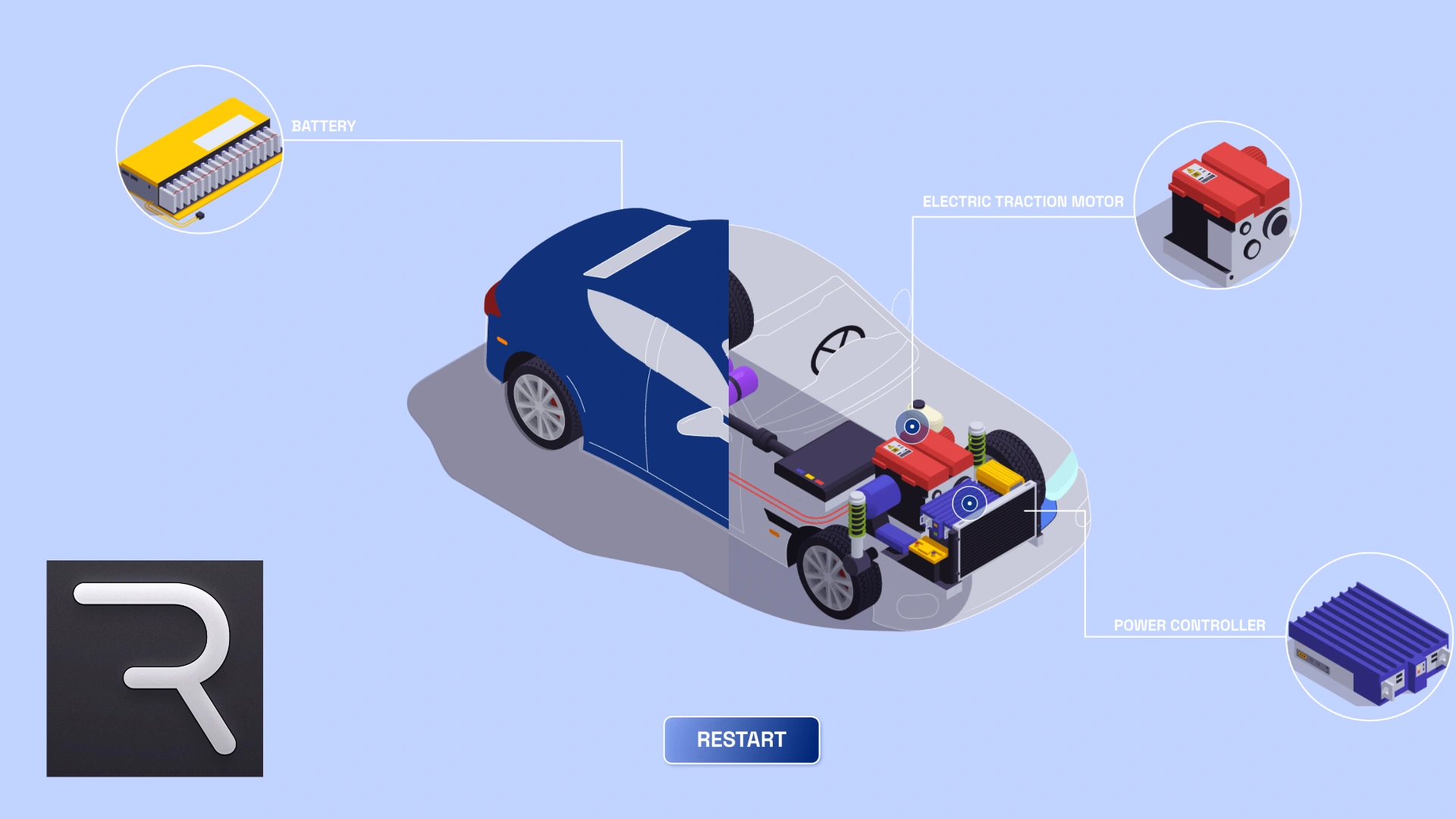
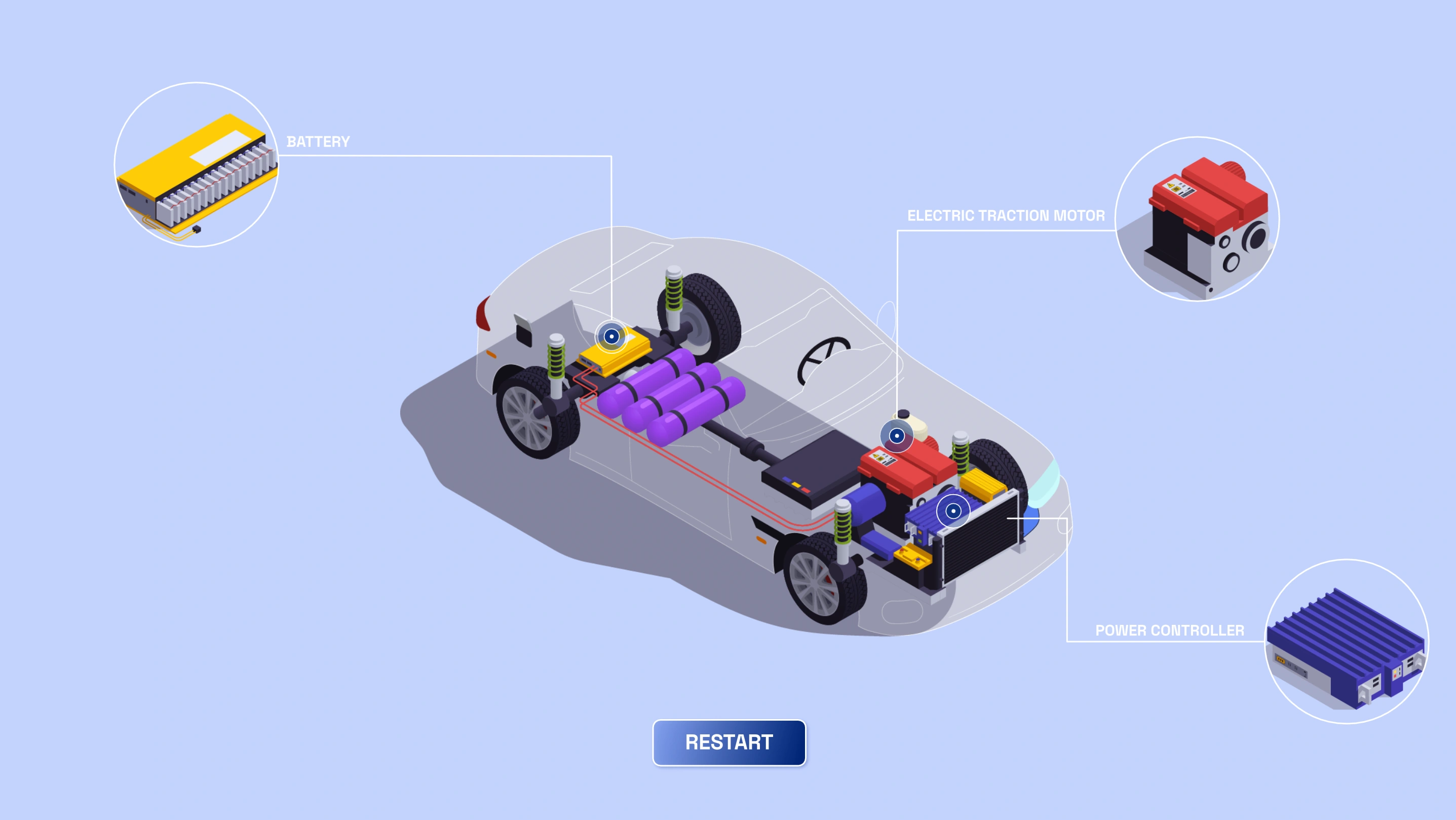
Two interactive micro-animations, same product, two completely different ways for users to engage with it. A drag-to-reveal slider that lets people scrub between the exterior and internals. And a hotspot-based explorer where clicking individual components surfaces details one piece at a time. Both designed, animated, and state-machined in Rive, exported as
.riv files, and embedded live on the web with full interactivity.Slider X-Ray Reveal
Drag to Discover — Continuous Input, Continuous Feedback.
The slider puts the user’s hand on the transition. Drag left, the car is intact. Drag right, the bodywork falls away and the internals appear — radiator, engine, suspension. There’s no “before” and “after” — there’s a spectrum the user controls in real time. The numeric input in Rive’s state machine is bound directly to the drag position, blending between two visual states across a continuous range. It’s designed for comparisons, product reveals, and any moment where the story lives in the transition between two states, not in either one alone.
Works great for: product reveals, technical comparisons, before/after showcases, feature breakdowns, and pricing tier visuals.
Hotspot Explorer
Tap a Part, Get the Detail — Discovery at the User’s Pace
These aren’t timeline animations that play and stop. Each micro-animation is driven by user input in real time. The slider reveal smoothly interpolates between the intact exterior and the exposed internals as the user drags — no keyframes triggering on a schedule, just direct manipulation. The X-RAY mode snaps the exterior away on click, exposing labeled components underneath with a controlled transition. Every motion was crafted in Rive to feel responsive and tactile — fast enough to feel connected to the input, smooth enough to feel polished.
Works great for: product reveals, technical comparisons, before/after showcases, feature breakdowns, and pricing tier visuals.
Design & Animation Craft
One Illustration System, Two Interaction Models
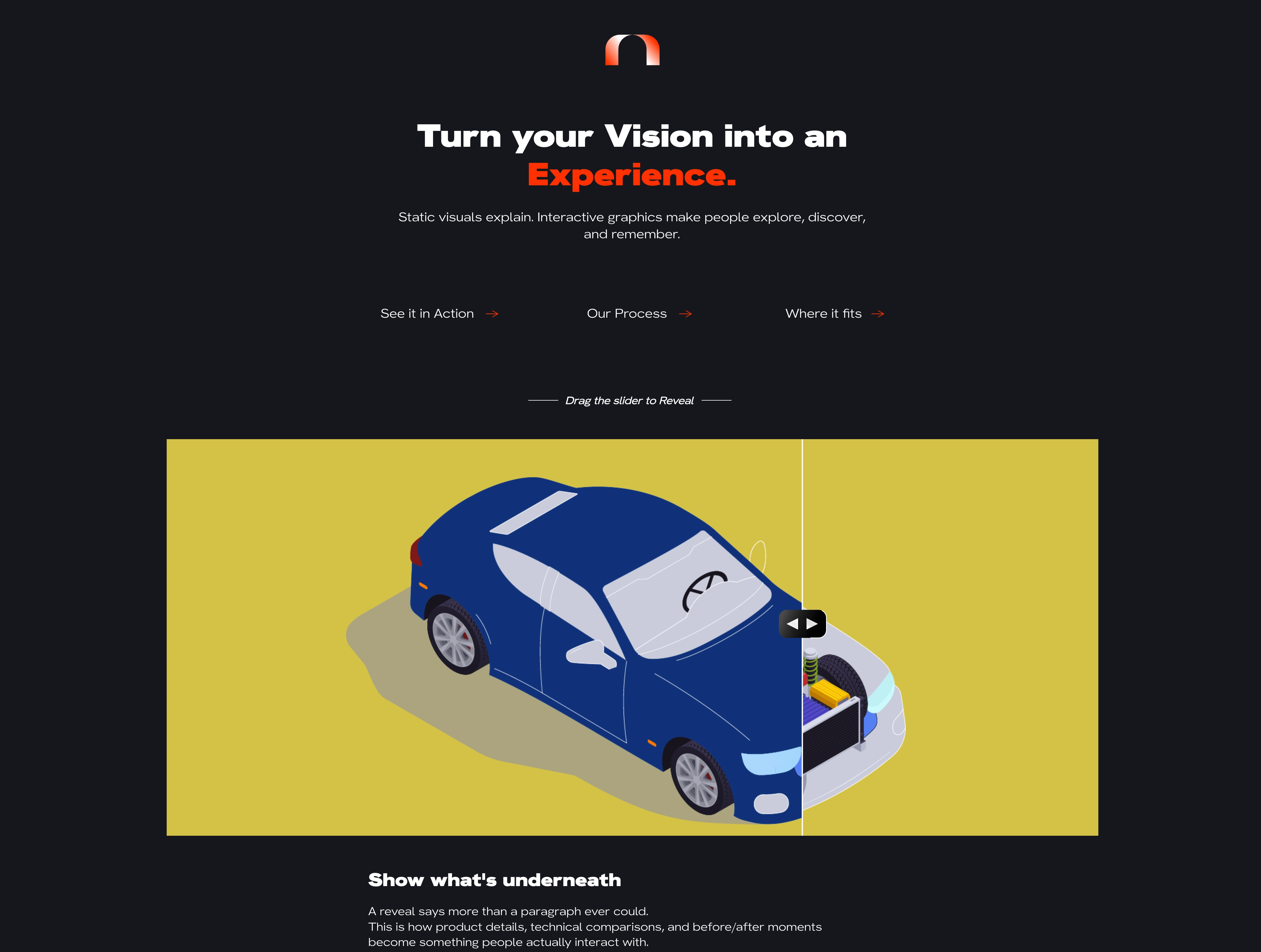
Both animations share the same isometric car illustration — designed in layers from the start so each component (shell, engine, radiator, springs, wheels) could be independently controlled. The design challenge wasn’t making it look good static. It was making every intermediate state look intentional — mid-drag on the slider, one hotspot active while others rest. Color, contrast, and depth were built for a dark background where interactive affordances (the slider handle, the hotspot pulse) need to read instantly.
State Machines & the .riv Embed
.riv Embed Two State Machines, One Lightweight Embed
Each animation runs its own state machine inside Rive. The slider uses a single numeric input that blends between states along a range. The hotspot explorer uses multiple boolean inputs — one per component — with independent entry and exit transitions. Both were exported as
.riv files and embedded directly into the site using the Rive web runtime. No video fallbacks, no sprite sheets, no Lottie conversions. The .riv carries the full state logic, so interactions bind straight to browser events. What runs on the site is exactly what was built in the editor — same weight, same responsiveness, same fidelityWhere It Fits
Not Just Motion — A Format That Converts, Teaches, and Retains
Static images explain. Video demonstrates. Interactive animation hands control to the user — and that changes how people understand, remember, and trust what they’re looking at. One
.riv file, runs natively in the browser, no plugins. The interaction is the content.Like this project
Posted Jun 3, 2026
Created interactive micro-animations using Rive for web embedding, enhancing user engagement with product reveals and technical breakdowns.
Likes
0
Views
22