Shelf 21 Design

Eugene Adavore

Background:
Over time, schools have tried to evolve from the orthodox ways of managing all activities from admitting students, to allocating classes to teachers, attendance and all the other activities that surround running and managing the schools, students and teachers.
Shelf 21 is built to allow schools carry out the activities in a less stressful and cumbersome manner for all parties involved.
Objective:
To provide a unified intra-organisation communication platform that manages the activities of schools for:
Teachers.
Students.
Parents.
School Owners.
Product Form:
Web App
Mobile Responsive Design
Mobile Application
Use Cases
Clients:
Schools; Secondary schools and later tertiary Institutions.
Users:
School Owners.
Teachers.
Students.
Parents.
Product Requirement and Project Scope
A product requirement document was provided to guide my designs. A detailed list of features required for the whole team, responsibilities for each member in question was properly spelt out to ease design and implementation of the product.
The scope of the designs covered;
The admin end - School Owners
Users; Teachers, Students, Parents of Students.
The Super-admin.
After these designs were catered for, mobile responsive designs were done for employers and employees to ease accessibility.
Design Process
Initial Meetings: Initial meeting was done to kick off a thorough understanding of the product, set expectations and establish outcomes for design.
Design Phase:
Research and Inspiration Finding: In a bid to find a style that works for Shelf21, research into existing and similarly designed products were done to help guide my visual design decisions.
Design: With a given amount of research done, design kicked off.
Regular Meetings and Feedback: With a 3 months time frame, a weekly design review and feedback was needed to aid communication and design improvements.
Designed Sections.
A few Flows
Feature: Dashboard
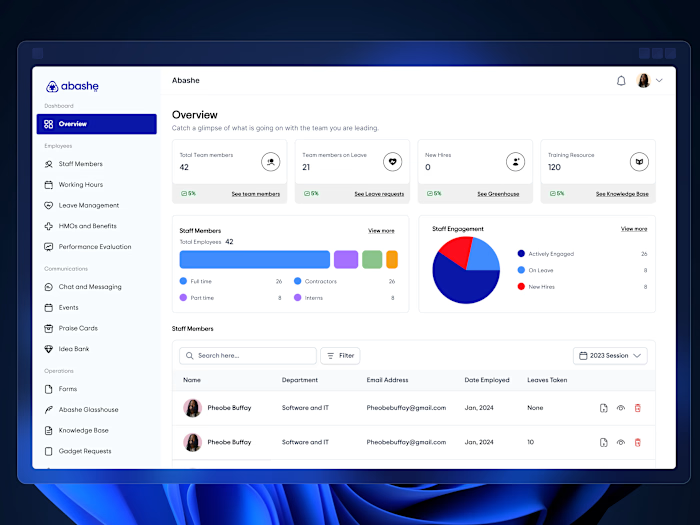
About: Here, users get to see an overall view of everything that is happening in their institution. From the teachers in their employ, to the students they have admitted and are managing and of course they will be able to carry out functions that allow them to drill down further on different parameters in question.
Feature: Students
About: Here, the school administration will be able to see details about an individual student in a class. See their results and performances as well as their attendance in given classes for the term. Of course, it is built in that the administration will be able to send broadcast messages to parents of students as a group or individually.
Features: Examinination
About: The examination feature allows the school administration to track the examination questions that is being submitted by the teachers for the different classes. With this, examination papers will be submitted, reviewed and stored for future references if and when needed. Of course the grading system can be set here and dates for the examinations can be assigned with ease.
Feature: School Plan
About: The school plan allows the school administration to plan out how the school year will turn out. How many weeks, terms and even the plans for the examination. With this done, the school calendar will drill down for everyone to be aware of the structure that has been put in place.
Like this project
Posted Jun 15, 2025
Led the web and mobile design of Shelf21, an edutech platform that makes learning, school admin, and communication simpler and more intuitive.
Likes
1
Views
4