Custom Shopify Storefronts: Design to Launch

Dayan Ramly Ramadhan



Overview
Role: Shopify Frontend Developer. Stack: Shopify Liquid, Tailwind CSS, JavaScript, Figma.
I build custom Shopify storefronts from approved Figma designs for consumer brands. This case study covers my typical approach across several live stores, from section architecture to launch.
The Problem
Brands usually come with a strong design but face the same challenges on Shopify.
Off-the-shelf themes cannot match a custom design faithfully.
Stores need to stay editable by non-developers after launch.
Performance and mobile experience often suffer from heavy themes and apps.
The Approach
1. Design review before code
I review the Figma file first to identify reusable patterns, flag anything hard to build in Shopify, and agree on scope.
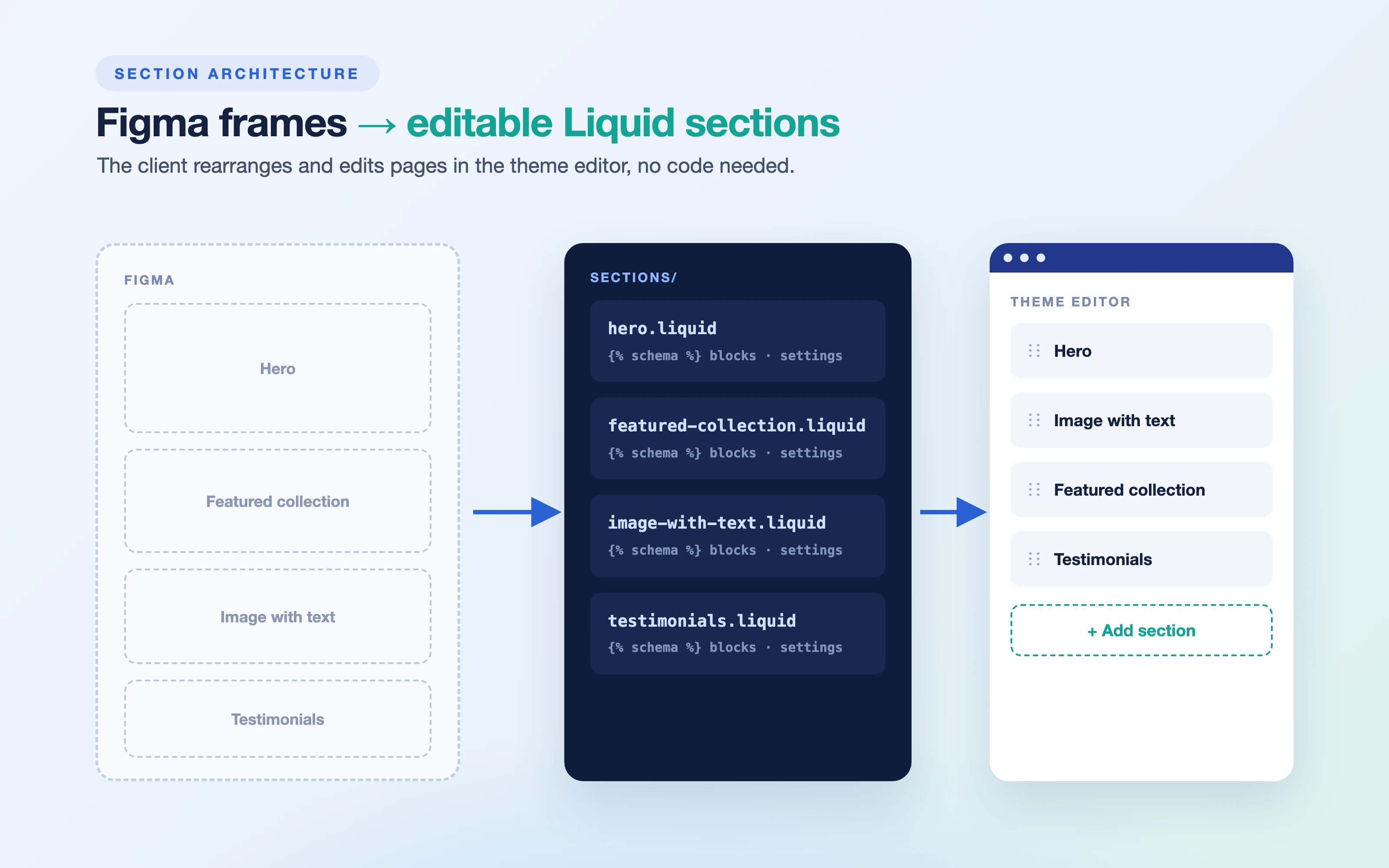
2. Section-based architecture
I build the theme with custom Liquid sections and blocks, so the client can rearrange and edit content in the theme editor without touching code.
3. Consistent styling system
I use Tailwind CSS with shared tokens for colors, spacing, and type, so the store looks consistent and new pages are fast to build.
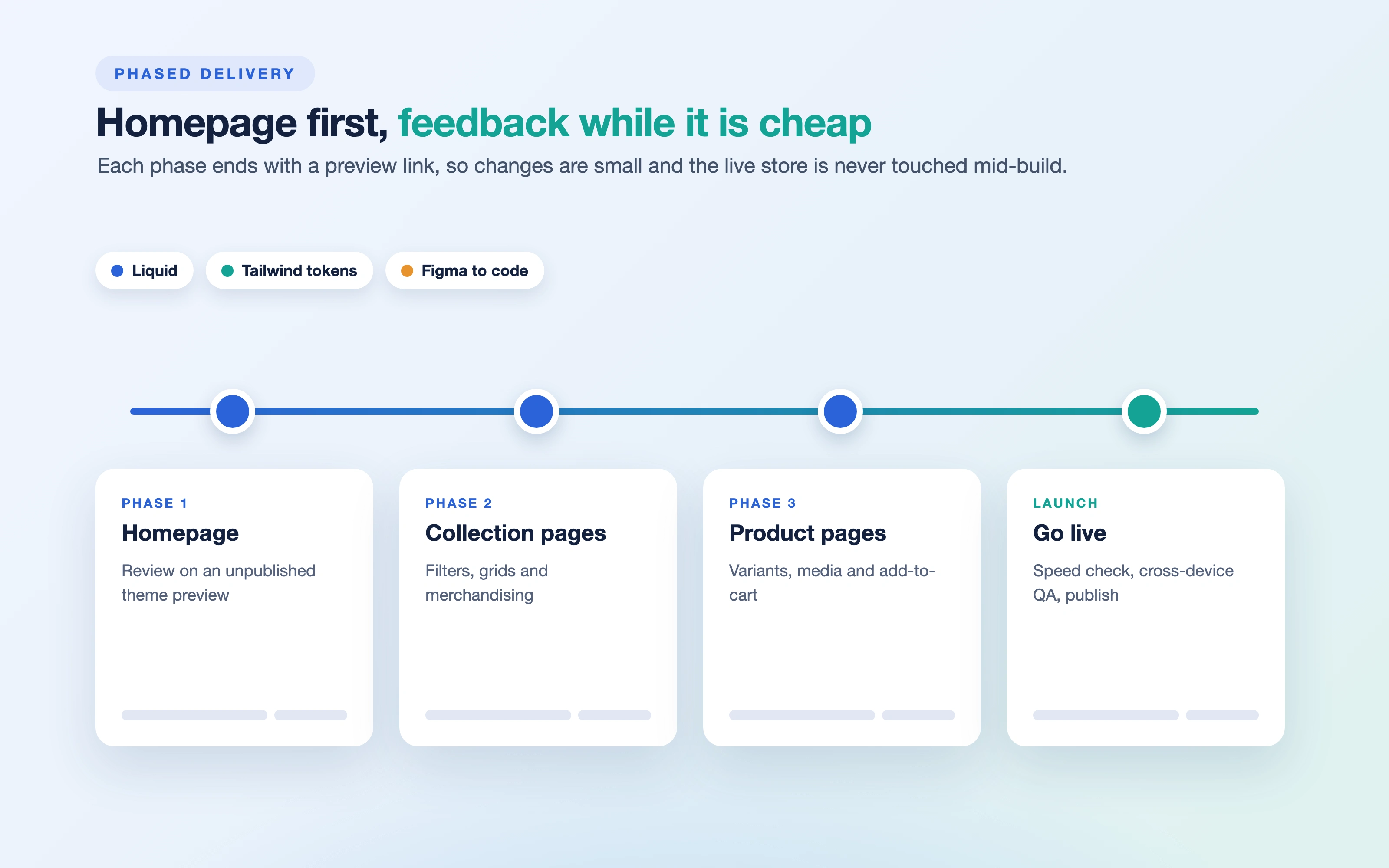
4. Phased delivery
I deliver in phases, usually homepage first, then collection, product, and supporting pages, so the client can review early and feedback stays small and cheap to apply.
5. Performance and QA
I optimize images, limit unnecessary scripts and apps, and test across devices and browsers before launch.
The Results
Several live Shopify storefronts delivered from Figma to production.
Stores stay editable by the client through flexible sections.
Predictable, phased delivery with early review points.
Key Takeaways
Section-based themes balance design fidelity with client editability.
Phased delivery reduces rework and builds client trust.
Performance should be designed in from the start, not fixed after launch.
Like this project
Posted Oct 8, 2026
Custom Shopify themes built from Figma with Liquid sections and Tailwind, so clients edit pages in the theme editor. Delivered in phases.
Likes
0
Views
1