Zapier Training Recap: Formatter, Paths

Margaret Eneware


Zapier Training Recap: Formatter, Paths & Email Automation
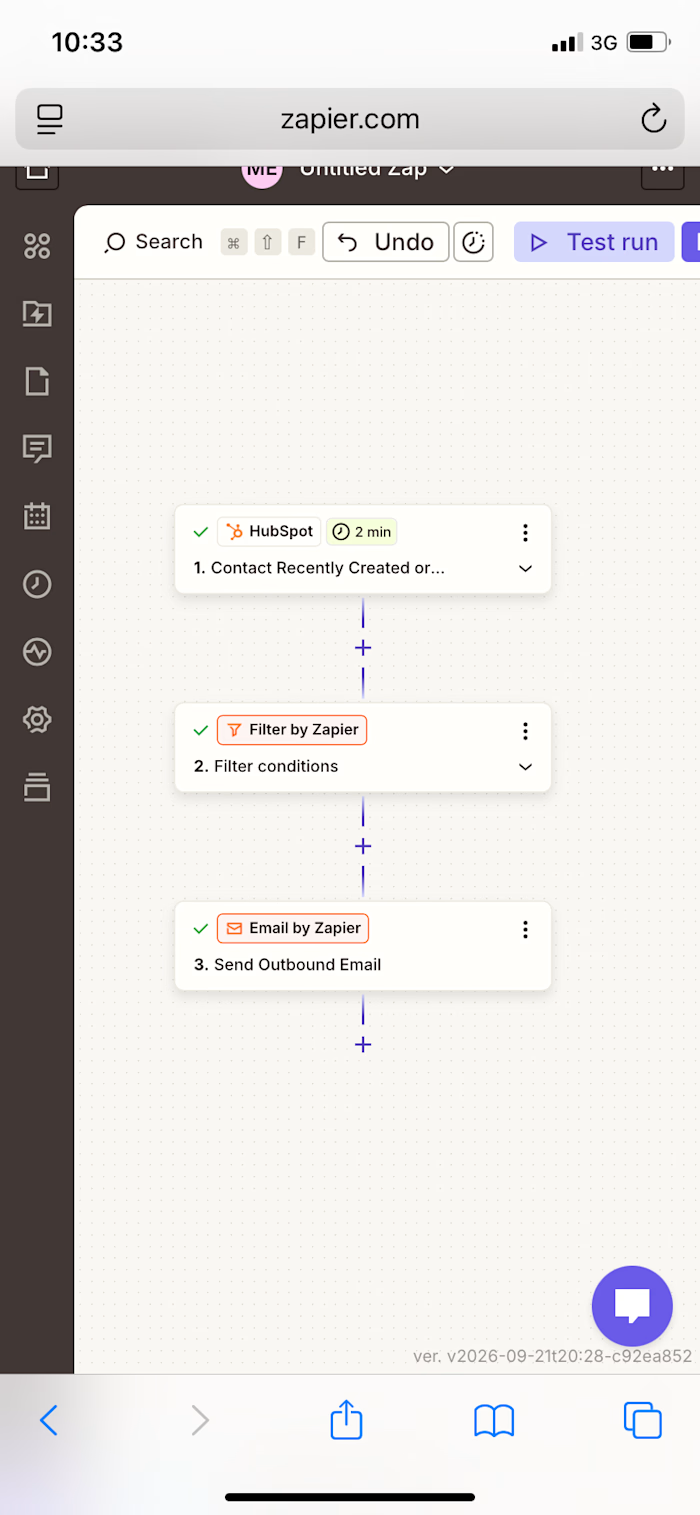
Today I went deeper into Zapier, Zapier’s no-code automation platform, working entirely from my phone. I extended a HubSpot-to-Email automation I’d already built by adding a data-formatting step and confirming my conditional logic and final email delivery all work correctly.
What I Practiced
✅ Added a Formatter by Zapier step to the automation, using the “Text” action event with a Capitalize transform
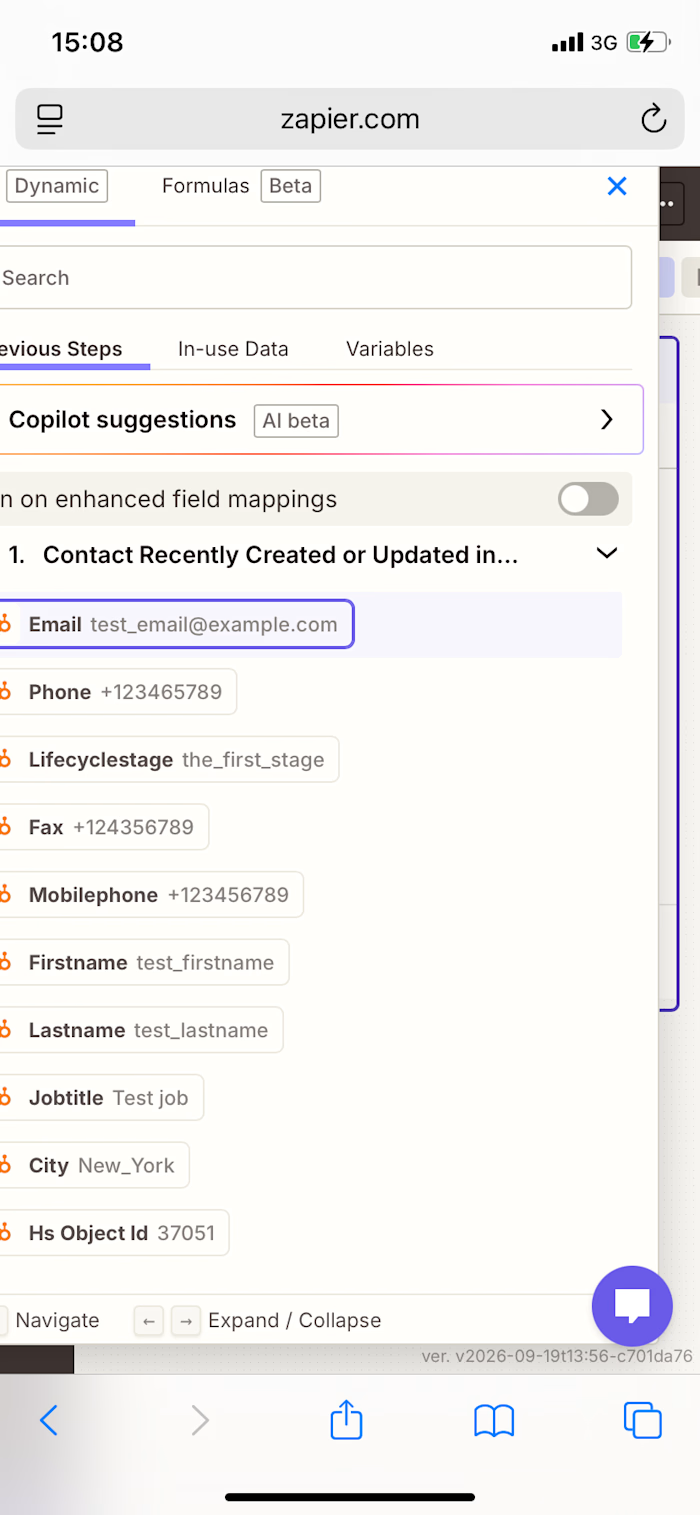
✅ Connected the Formatter step to pull in the Firstname field from a HubSpot contact
✅ Tested the Formatter step and confirmed it correctly capitalized the first letter of the name
✅ Placed the Formatter step before my existing Paths step, so data gets cleaned before the automation branches
✅ Re-tested my Path conditions step (City exactly matches “New_York”) and correctly interpreted a “path would not have continued” result when the test record’s city didn’t match
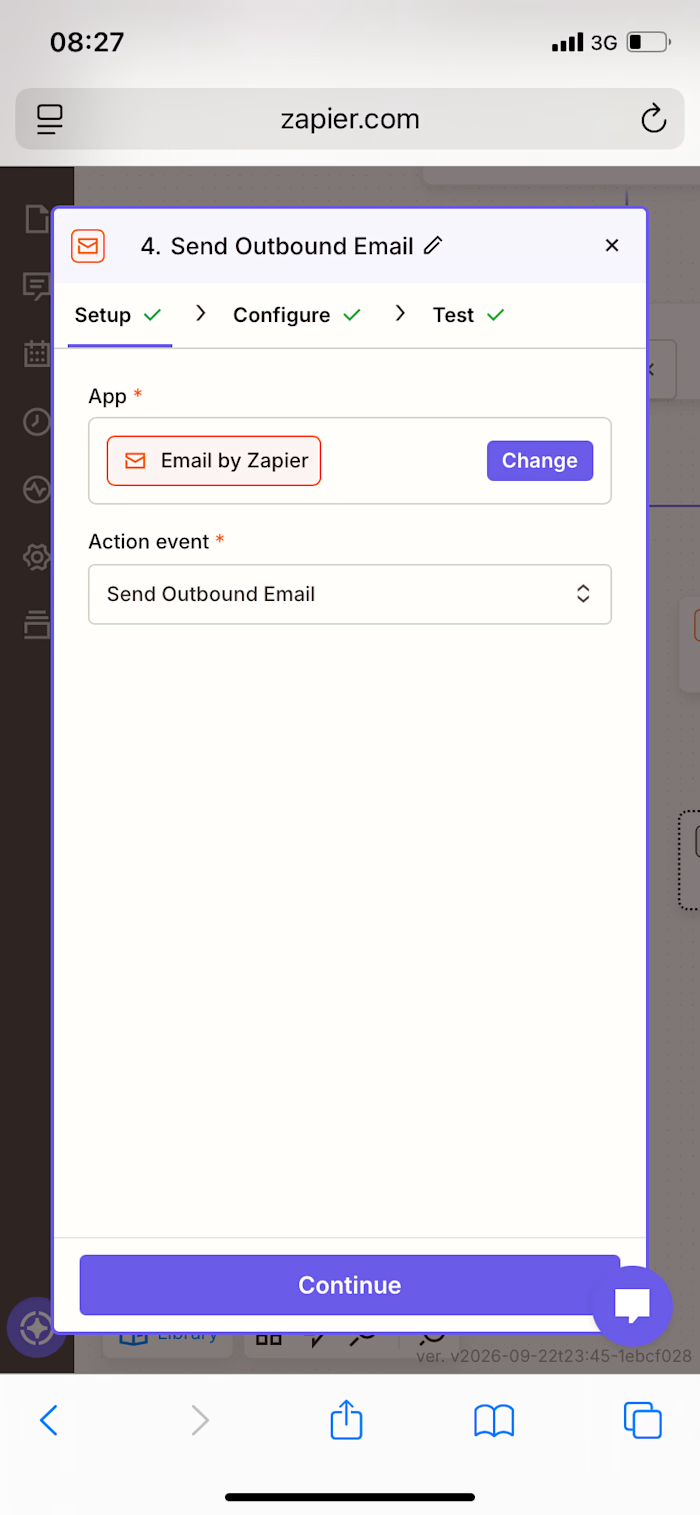
✅ Reviewed and confirmed the final Send Outbound Email step — recipient, subject line, and a dynamic body pulling in both Firstname and Email fields from HubSpot
✅ Ran a full test of the email step and confirmed successful delivery
✅ Made the intentional decision to keep the Zap unpublished while still testing and refining it
Skills Practiced
• Data transformation / text formatting in automation workflows
• Conditional logic (Paths) and interpreting automation test results
• Dynamic field mapping between connected apps
• End-to-end automation testing before going live
Like this project
Posted Sep 24, 2026
Zapier Training Recap: Formatter, Paths & Email Automation Today I went deeper into Zapier, Zapier’s no-code automation platform, working entirely from my ph...
Likes
0
Views
0