Learning Recap: Multi-Path Automation with

Margaret Eneware


Learning Recap: Multi-Path Automation with Zapier Paths
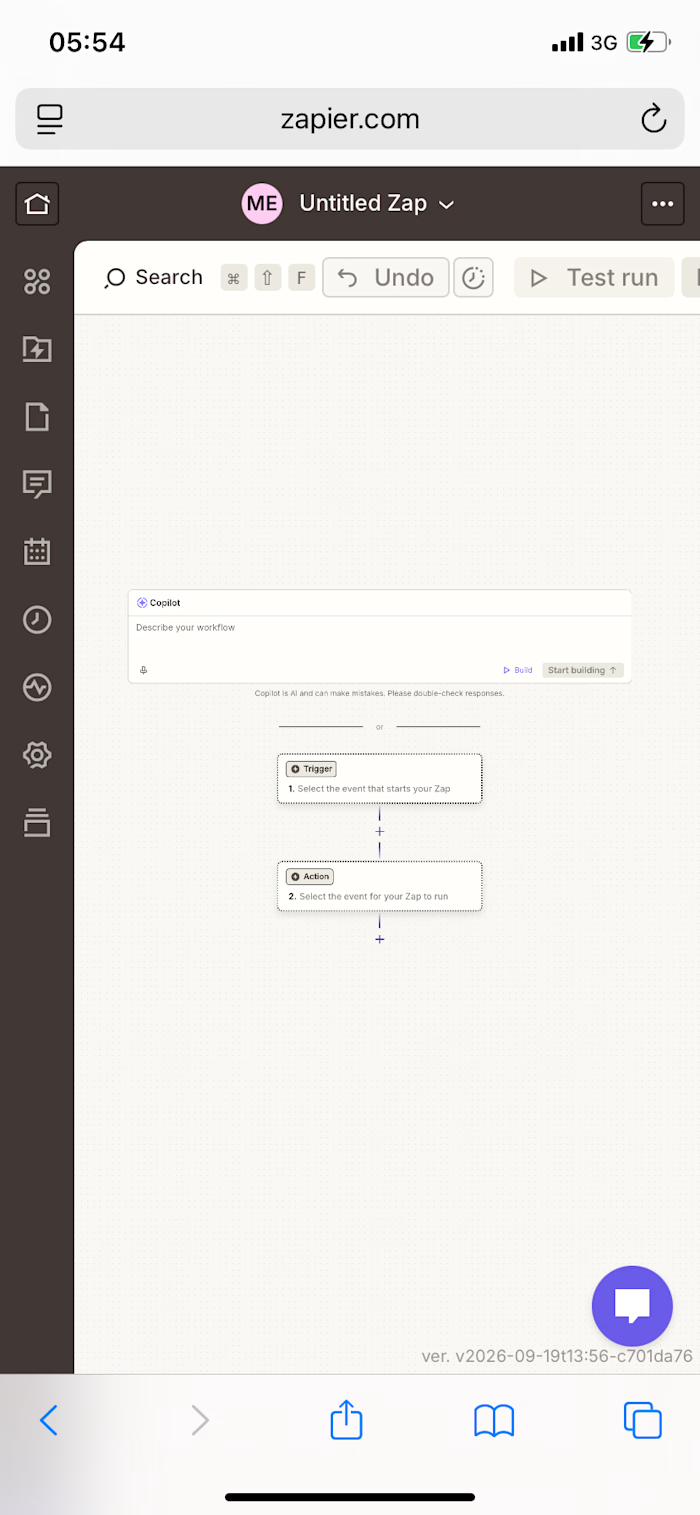
Today I advanced my Zapier skills by learning Paths — a way to build automations that branch into different outcomes based on the data they receive, rather than following a single straight line.
What I Practiced
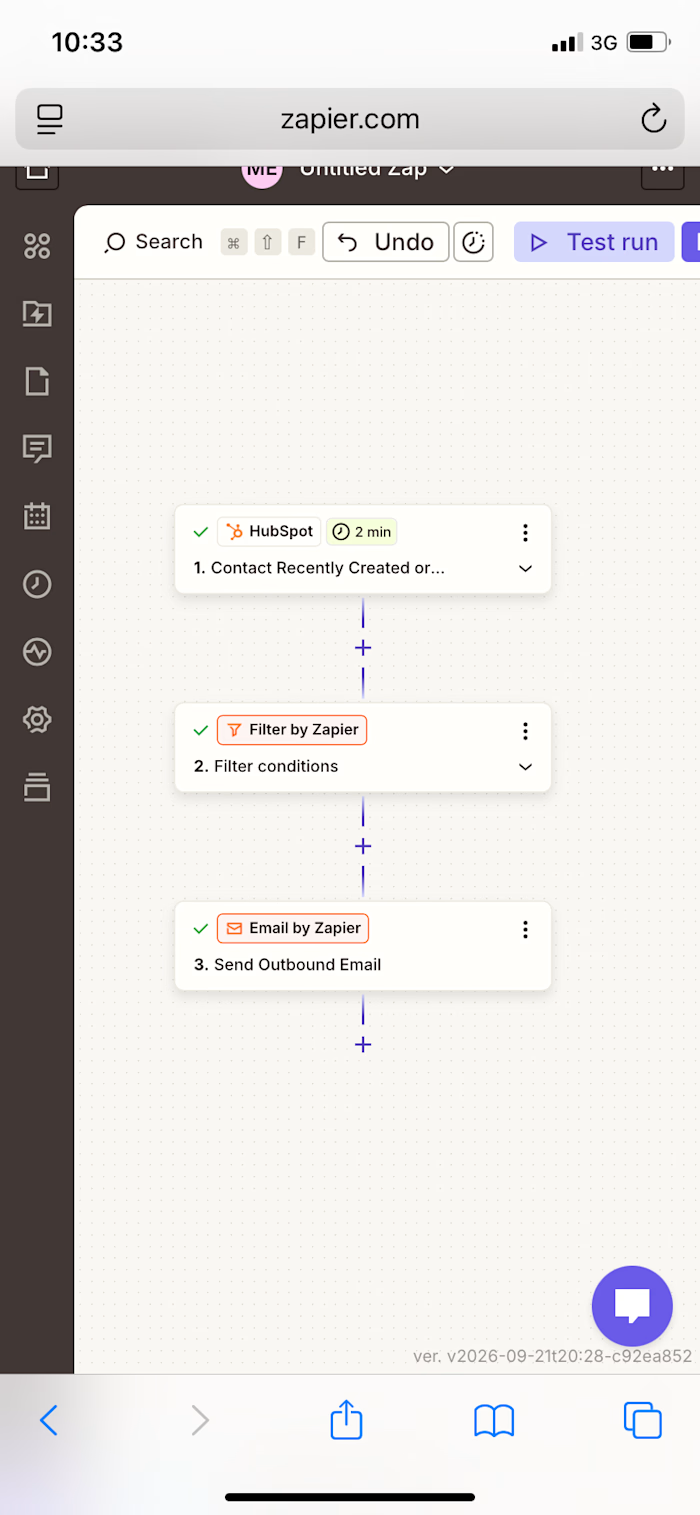
✅ Removed a single Filter step from an existing HubSpot automation
✅ Added a Paths by Zapier step in its place, splitting the workflow into two branches
✅ Configured Path A with a condition: only continue if Contact City exactly matches a specific value
✅ Configured Path B with the opposite condition: only continue if Contact City does not match that value
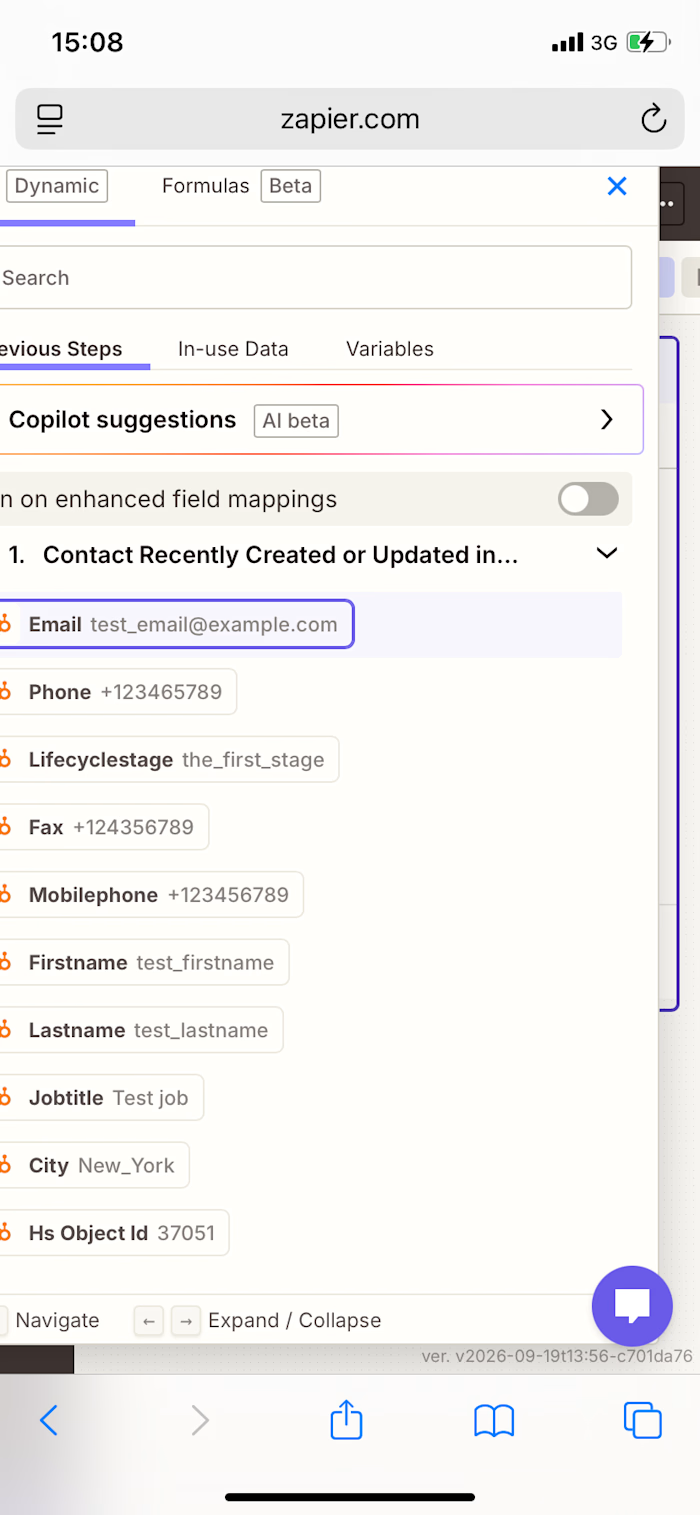
✅ Built a personalized email for Path A using dynamic contact data (first name and email)
✅ Built a separate, differently-worded personalized email for Path B using the same dynamic fields
✅ Ran live tests on both Path A and Path B to confirm each branch’s logic worked correctly
✅ Confirmed both email actions sent successfully during testing
Skills Practiced
• Conditional branching logic (multi-path automation)
• Rule-based decision making within a workflow
• Dynamic data personalization across multiple branches
• Live testing and validation of complex, multi-step automations
Like this project
Posted Sep 23, 2026
Learning Recap: Multi-Path Automation with Zapier Paths Today I advanced my Zapier skills by learning Paths — a way to build automations that branch into dif...
Likes
0
Views
0