Implementing Data Quality Check with AWS Data Glue

Tolulade Ademisoye



Implementing Data Quality Check with AWS Data Glue
A data step-by-step guide

Enterprises rise and fall on the level and quality of information at their fingertips. In today’s data-driven world, poor data quality can lead to flawed insights, missed opportunities, and costly mistakes. That’s why implementing robust data quality checks isn’t just an option — it’s a necessity.
As a Data Solutions Architect, I help organisations ensure their data remains reliable, consistent, and actionable across all systems. But is data quality a one-time fix? No! It’s an ongoing process that requires strategic implementation at both upstream and downstream stages of the data pipeline.
Drawing from my experience consulting for global brands, I’ll share practical insights on how to build resilient data quality frameworks that drive better business decisions.
Data Quality Checks with AWS Glue
AWS Glue Data Quality is a tool from Amazon that helps organisations ensure the integrity of their data. This guide provides an overview of how to implement it within your company. If you need a consultant-led implementation, feel free to reach out.
To analyse data quality in databases or data warehouses like Amazon RDS and Amazon Redshift using AWS Glue Data Quality, follow these key steps:
Set Up AWS Glue Data Catalog:
Make sure your data sources (Amazon RDS and Amazon Redshift) are registered in the AWS Glue Data Catalog.
Create Crawlers:
Create crawlers in AWS Glue to scan your databases and populate the AWS Glue Data Catalog with the metadata of your tables and schemas.
Set Up Glue Connections:
Set up connections in AWS Glue for both Amazon RDS and Amazon Redshift.
Create AWS Glue Data Quality Jobs:
Create Glue Data Quality jobs to analyze the data quality of your tables.
Become a data mentor on Semis and host sessions! https://semis.reispartechnologies.com
Detailed step-by-step guide
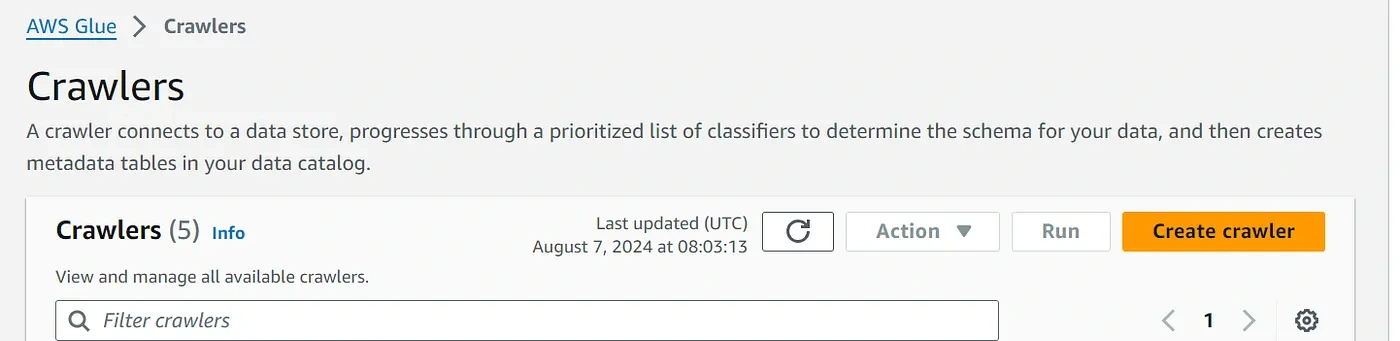
Set Up AWS Glue Data Catalog
If you have not already done so, you’ll need to set up the Glue Data Catalog:
- Navigate to AWS Glue in the AWS Management Console.
- Ensure you have the necessary IAM roles and policies set up for Glue to access your databases.
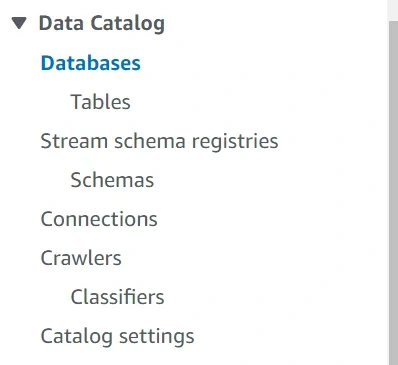
Create Crawlers

Navigate to AWS Glue Console.
2. Create a New Crawler:
— Go to Crawlers and click on “Add crawler”.
— Give the crawler a name and provide the necessary details.
3. Specify Data Source:
— Choose JDBC for Amazon RDS and Redshift.
— Provide connection details (JDBC URL, username, password).
4. Select the IAM Role:
— Choose or create an IAM role that has the necessary permissions to access the databases.
5. Schedule:
— Schedule the crawler or set it to run on demand.
6. Configure Output:
— Specify the Glue Data Catalog database where the metadata should be stored.
7. Run the Crawler:
— Run the crawler to populate the Glue Data Catalog.
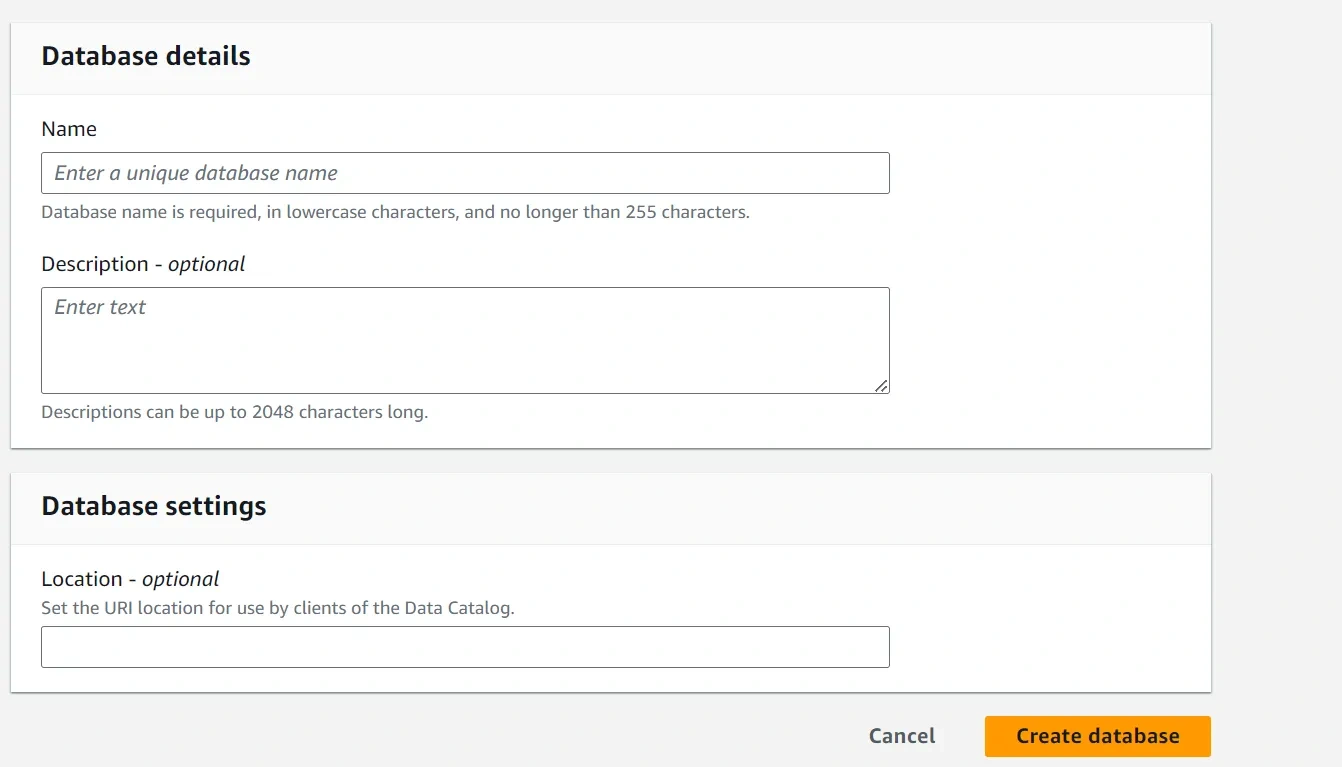
Set Up Glue Connections
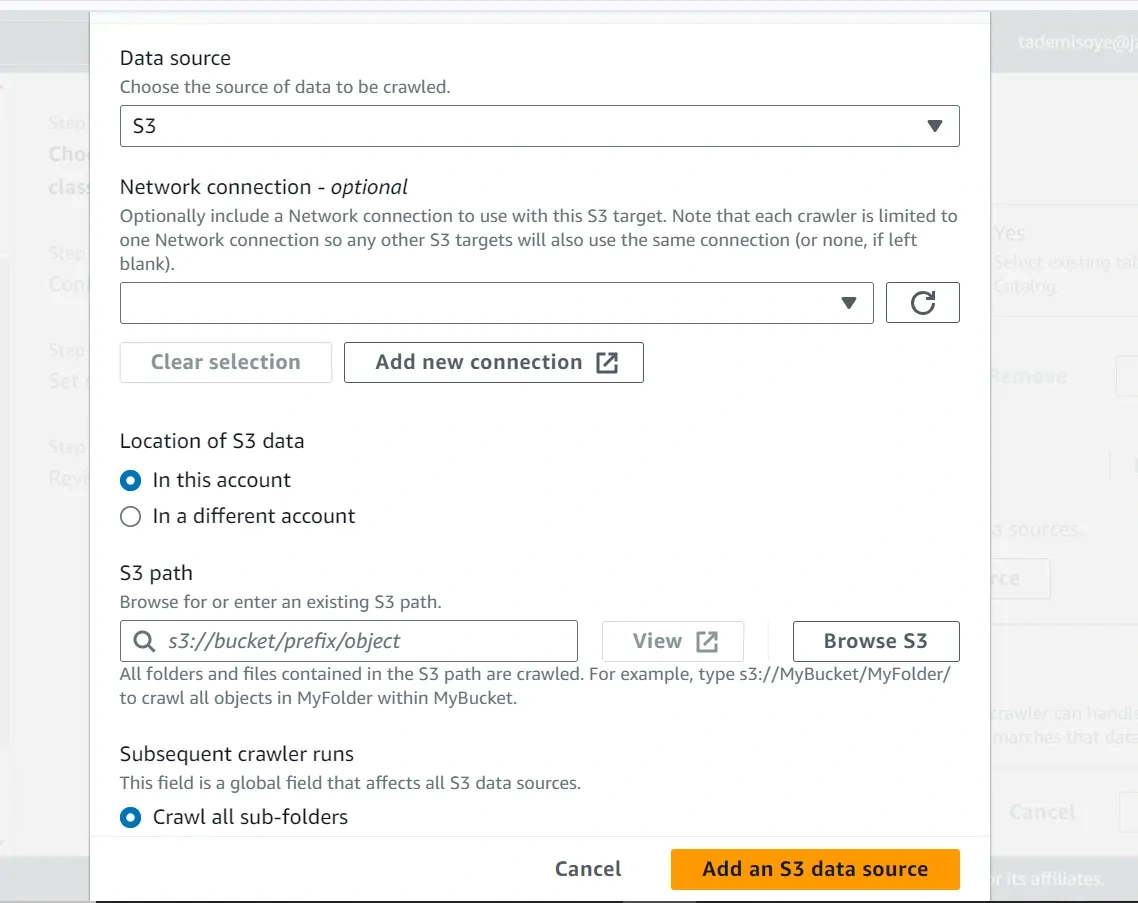
1. Navigate to Connections in AWS Glue Console.
2. Create Connection:
— Click on “Add connection”.
— Choose JDBC as the connection type.
— Enter connection details (JDBC URL, username, password) for both Amazon RDS and/or Amazon Redshift.
Create AWS Glue Data Quality Jobs
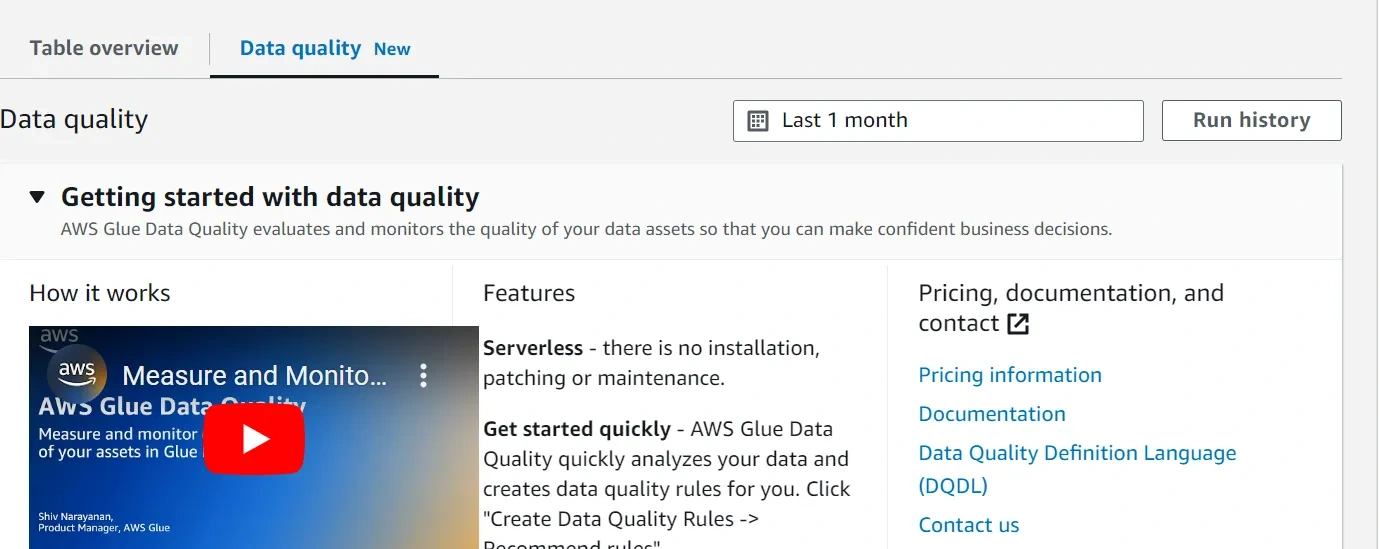
1. Navigate to AWS Glue Console.
2. Create Data Quality Job:
— Go to the Jobs section and click on “Add job”.
— Give the job a name and choose the IAM role.
3. Script to Load Data:
— Write a script to load data from the Glue Data Catalog.
— Perform data quality checks using the Glue Data Quality service.
4. Script Example:
Here’s a basic example of a Glue job script for data quality checks:
Running and Scheduling Jobs
— Run the Job:
— Manually run the job from the Glue Console or schedule it to run periodically.
- Monitor:
— Use AWS Glue Console to monitor the job execution and review logs for data quality results.
Create DQDL (Data Quality Definition Language) Rules
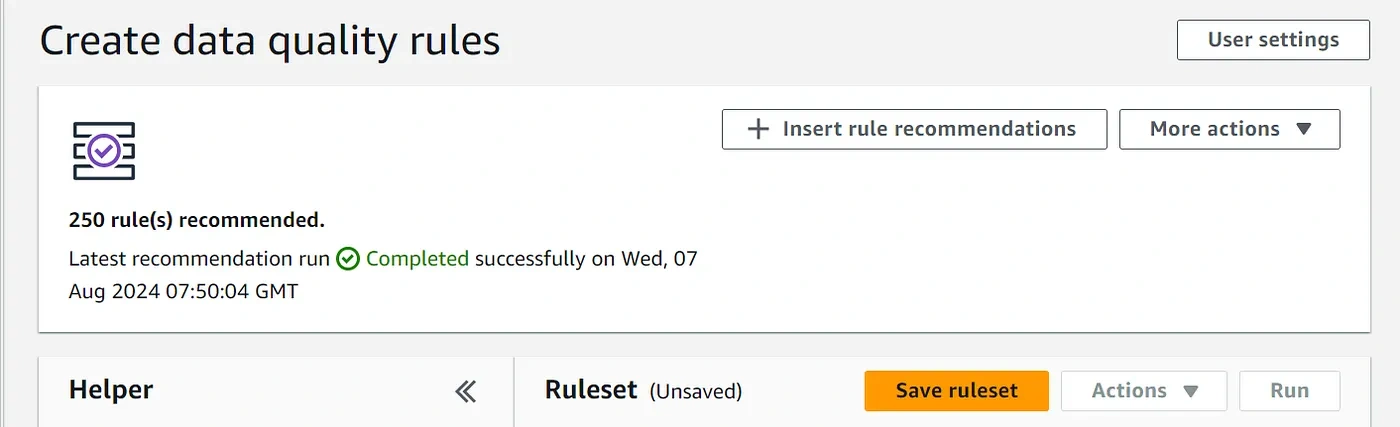
AWS Data Quality will recommend some rules for you, which is okay. After the rules are recommended, you may insert and adjust them to suit your needs.
Sample data quality rules
Conclusion
By following these steps, you can set up AWS Glue to perform data quality analysis on your databases in Amazon RDS and Amazon Redshift. This involves using crawlers to populate the Glue Data Catalog, setting up connections, and creating and running Glue Data Quality jobs.
Become a data mentor on Semis and host sessions! https://semis.reispartechnologies.com
Like this project
Posted Sep 5, 2025
Implemented data quality checks using AWS Glue for improved data integrity.