English Learning Platform Design

Oleksandr Pohribnyi


📌 Overview
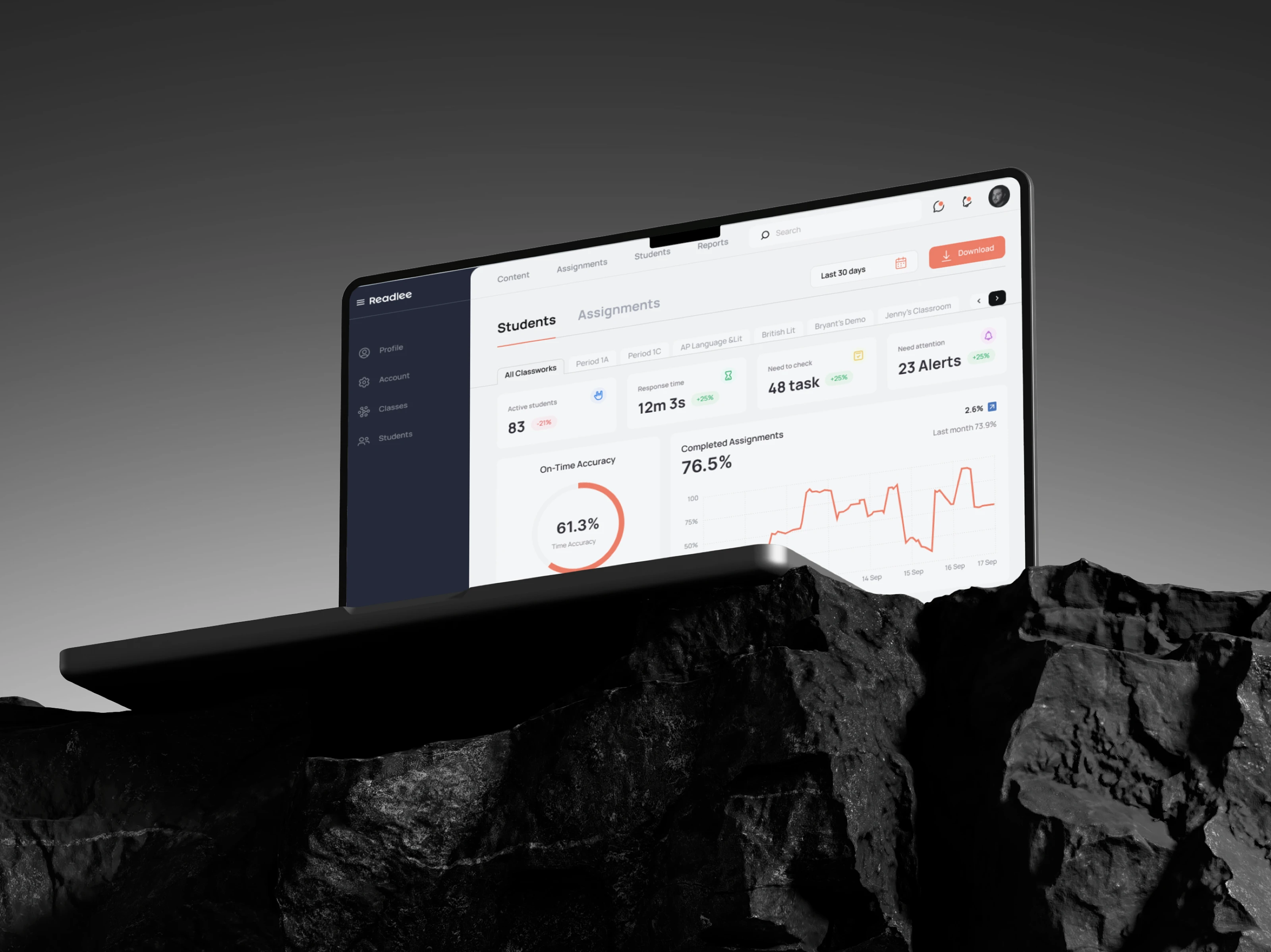
Reedlee is a language-learning platform that connects teachers and students to facilitate English education globally. By combining written and audio-based interactions, the platform enhances feedback, improves student involvement, and supports long-term knowledge retention across all ages — from children to adult learners.
🧩 The Task
My main objective was to design an audio recording interface that gives students a simple, intuitive way to record spoken English responses and allows teachers to easily review and assess them.
Additionally, I:
Analyzed the platform’s existing elements and user journeys
Identified areas for improving platform logic, layout, and content hierarchy
Rebuilt the student workspace structure in line with platform behavior
🔍 Research Phase
I conducted research focusing on several user groups:
Teachers
Children and teenagers
University students
Adult learners
By analyzing their behavior, device usage, and expectations, I shaped platform flows that would work well for all personas. The research helped define the audio process, interface layout, and micro-interactions.
I also carefully audited the full Reedlee platform, including:
Navigation structures
Key user flows for both teachers and students
Accessibility standards across devices
💡 The Solution
Based on the findings, I created:
A clean, accessible audio recording interface tailored to student workflows
Separate workspaces for teachers and students, with customized experiences
Logical platform transitions and interaction states for every stage in the learning process
Special attention was given to:
Building a detailed site map covering all screens to be designed
Prototyping student audio tasks with attention to feedback, progress, pause, and playback states
Designing all components and transitions with full device responsiveness
🎨 Design & UX Decisions
A modern, minimal UI based on the client’s brand book
Typography optimized for educational platforms: high readability and accessibility
Clear action buttons and one-click access to all personal cabinet features, assignments, and status indicators
Layouts that reduce friction for younger users without compromising functionality for adults
The cabinet and learning module structure was redesigned to feel logical and intuitive, enhancing navigation and ergonomics for every user segment.
📈 Results
The final design:
Brought clarity and usability into the audio-learning process
Optimized platform structure and transitions for both teachers and students
Improved platform performance across devices and screen sizes
Enhanced accessibility and user retention across all age groups
Delivered a consistent, streamlined UX flow in a complex, multi-role educational environment
🤝 Let’s Work Together
Looking to optimize your educational product or implement interaction-driven features like voice and audio? Let’s collaborate and design a meaningful learning experience.
Like this project
Posted Jul 15, 2025
Audio task interface for an English-learning platform, optimized for students and teachers across devices, improving feedback, access, and engagement.
Likes
0
Views
15