DadCam: Retro Camera App UX/UI

Hamza Jilani

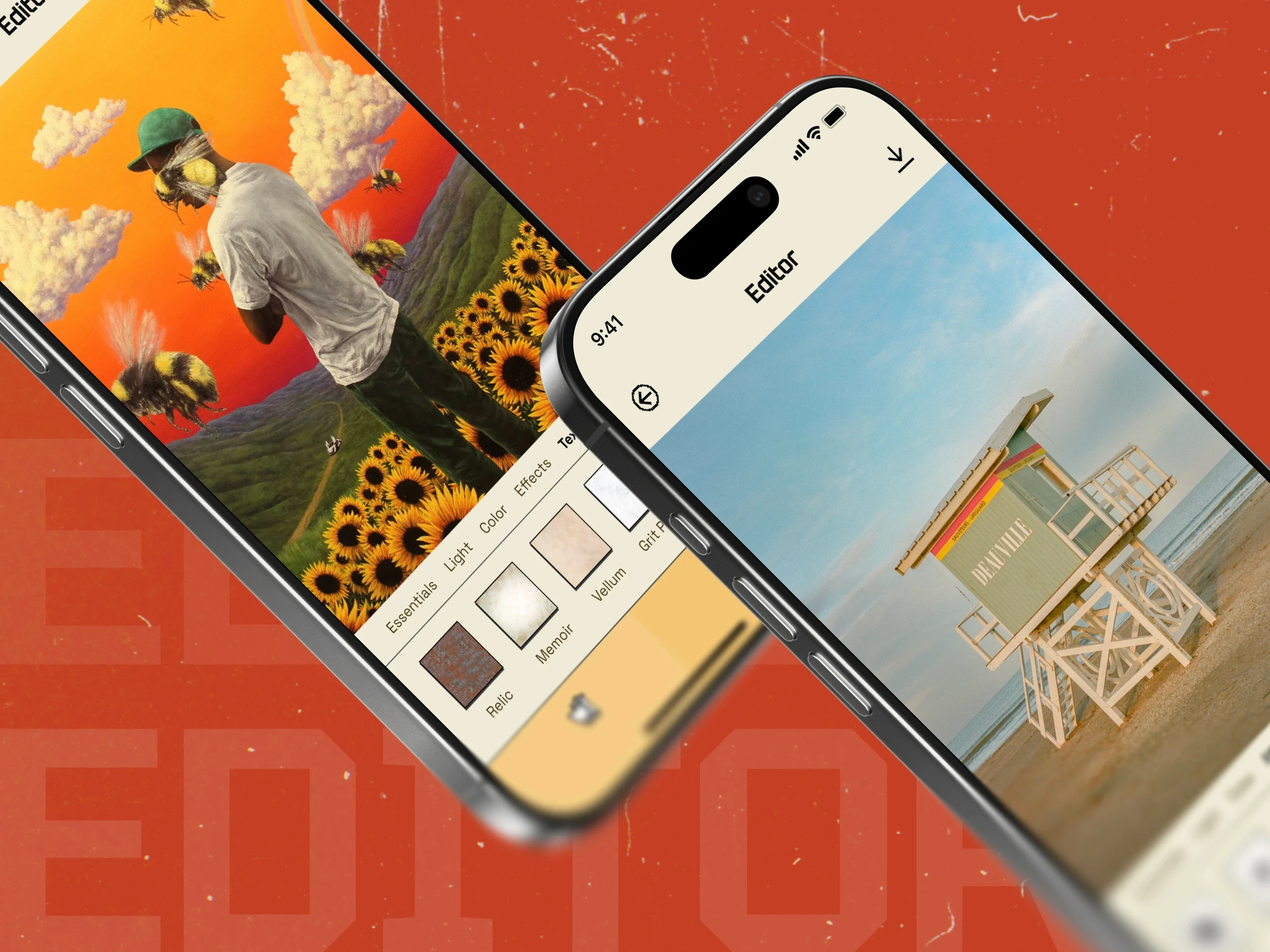
DadCam is a retro camera and photo-editing app built around a direct, one-handed capture and editing flow.
I mapped the camera, import, editing, filter, settings, permission, and upgrade journeys, then designed a visual system that borrows the feel of older camera hardware without hiding familiar mobile controls. The interface keeps the current image, selected effect, and next action visible.
The final design includes onboarding, capture and import flows, film-inspired presets, granular editing controls, subscription states, reusable components, and developer handoff in Figma.
See the full case study: https://plexable.com/cases/dadcam
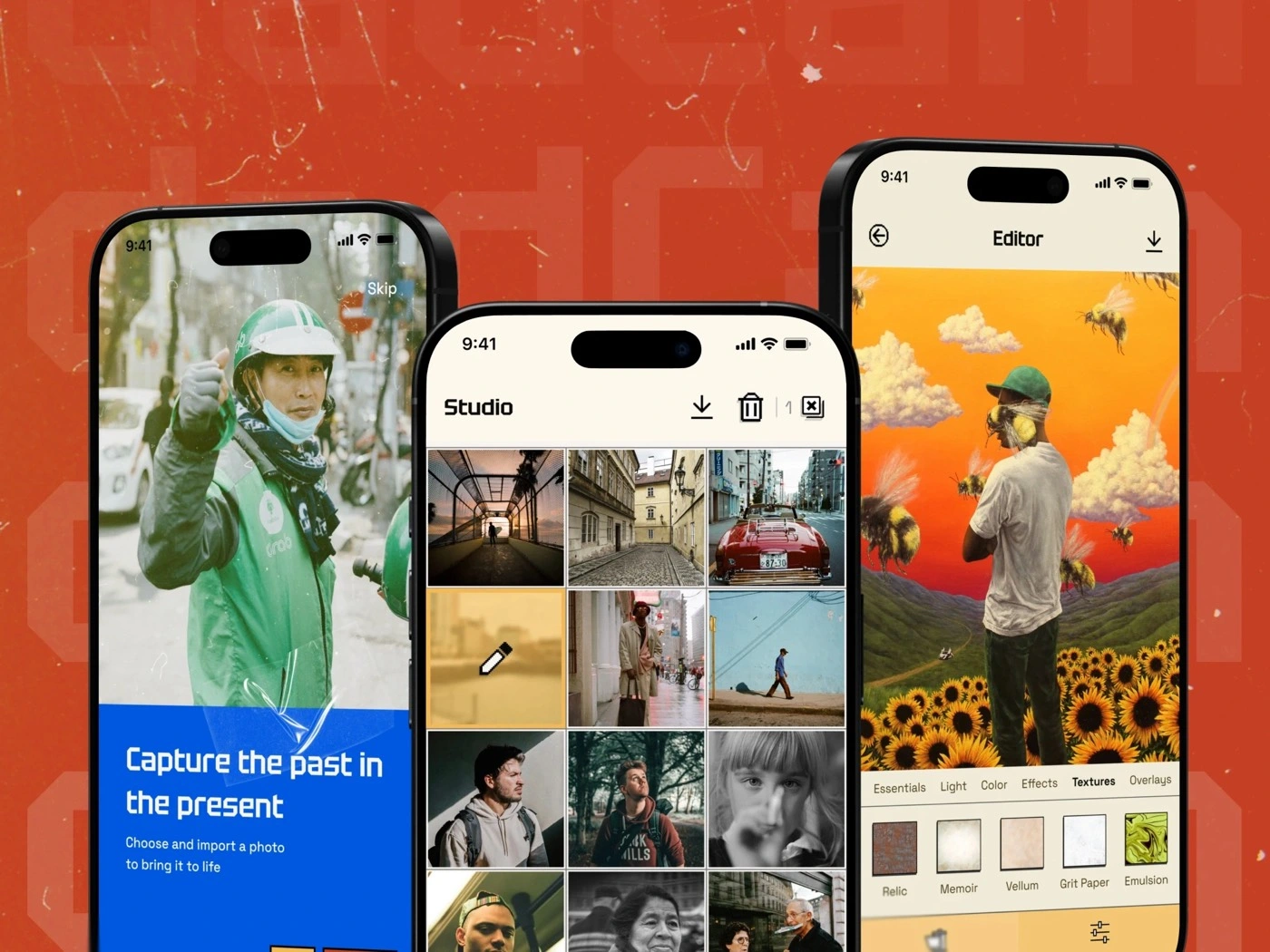
Users can import or capture a shot, find it in Studio, and keep editing without changing tools.
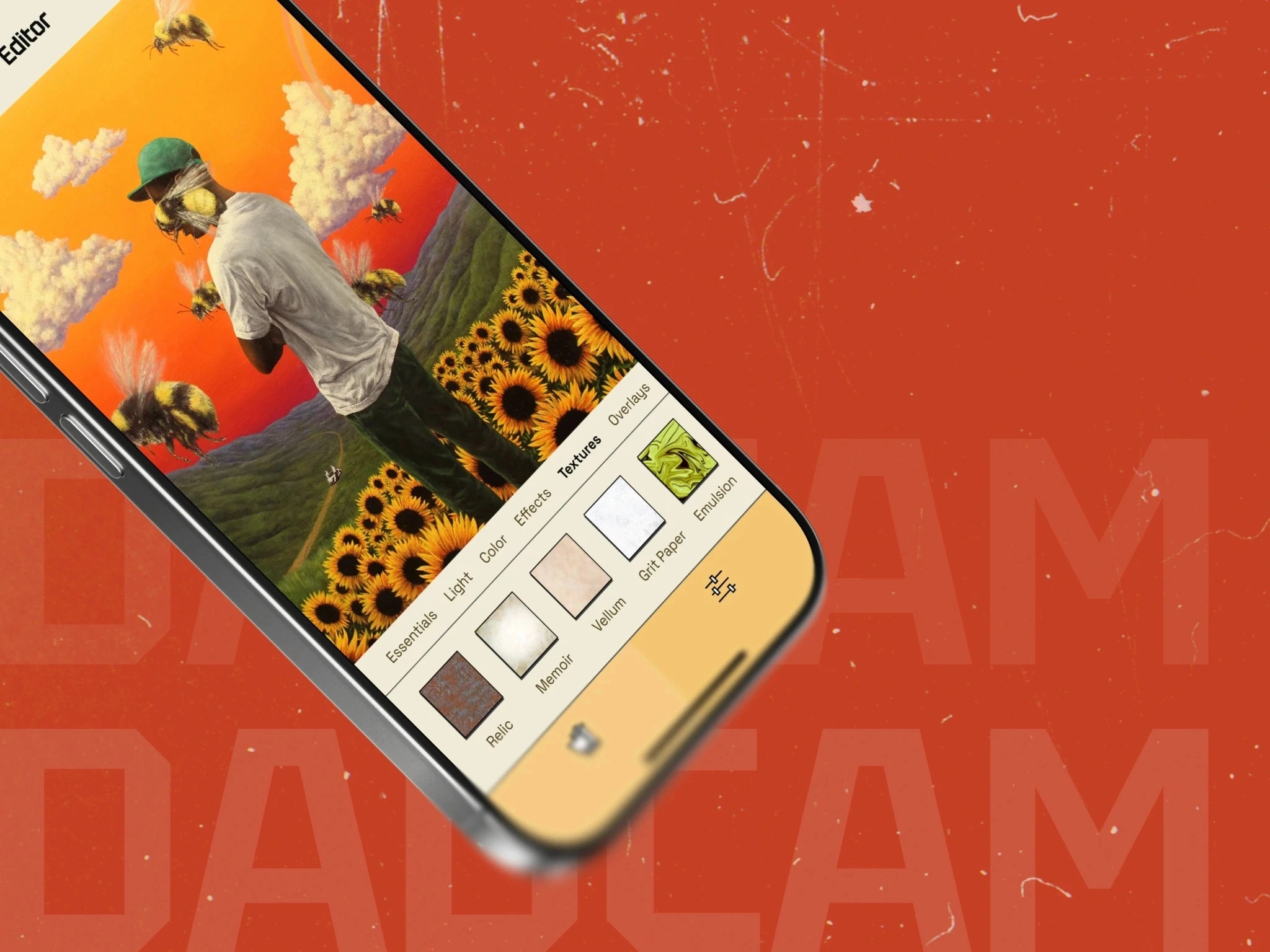
Texture, color, and light controls sit beside the image, so every adjustment has an immediate visual result.
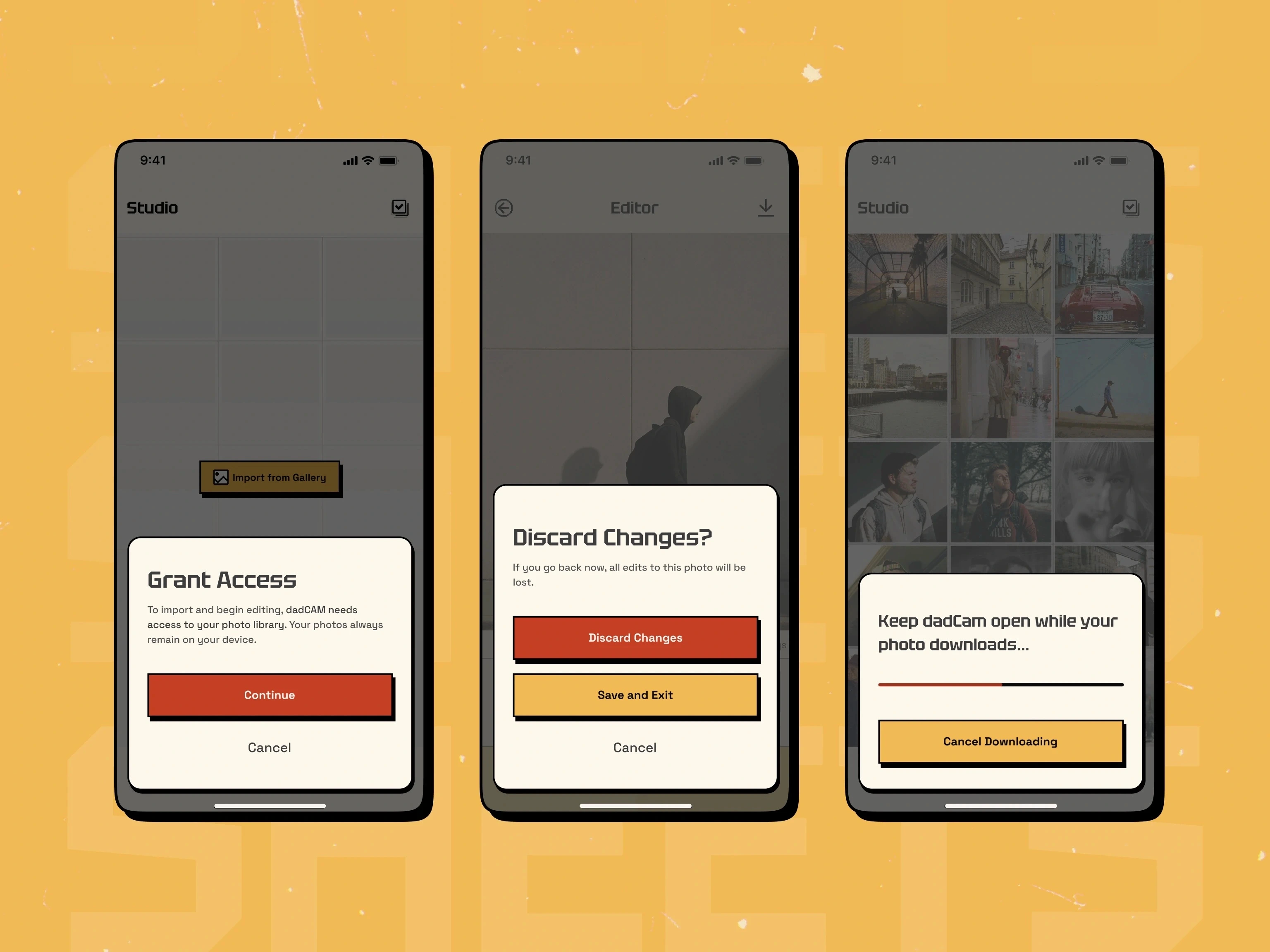
Permission prompts, discard warnings, and download progress tell users exactly what the app is about to do.
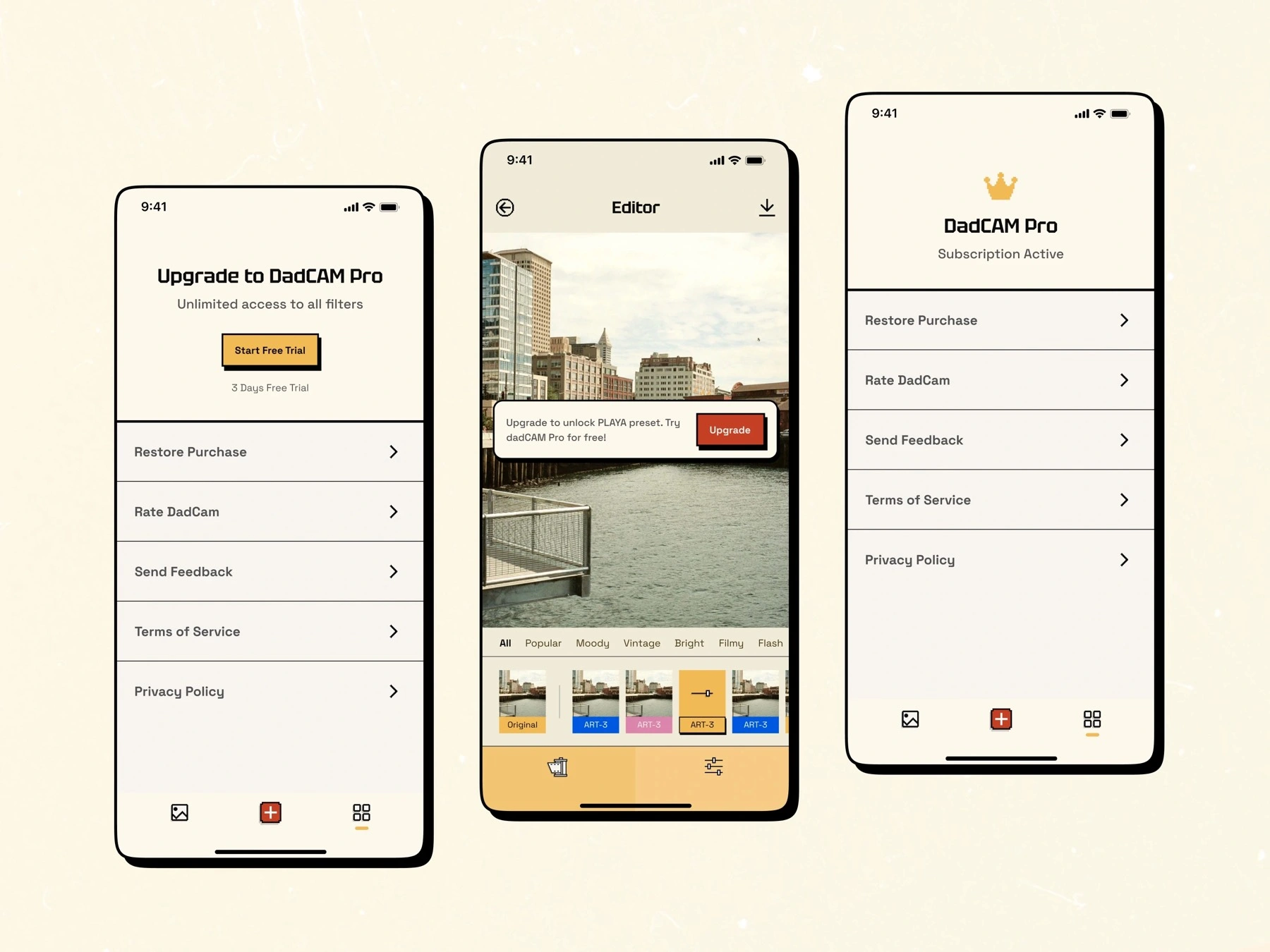
Paid presets lead into a focused upgrade flow, while restore purchase and subscription status remain easy to find in Settings.
A short look at DadCam's retro visual language and mobile onboarding in motion.
Like this project
Posted Aug 31, 2026
UX/UI design for a retro camera app, covering capture, import, film-inspired presets, editing controls, and subscription states.
Likes
0
Views
2