
Project Overview
I developed SQL Detail Generator, a Python-based desktop automation tool that simplifies SQL extraction, transformation, and report validation workflows.
The application processes Excel reports containing embedded SQL expressions, transforms supported aggregation queries into detail-oriented SQL using configurable field mappings, and exports structured results into new Excel workbooks.
The goal is to reduce repetitive SQL editing and make reporting data easier to inspect and validate.
The Challenge
In data reporting workflows, SQL queries are often embedded in Excel files and used to calculate aggregated business indicators.
When investigating report discrepancies, developers may need to manually extract these queries, identify their source tables, and rewrite them to inspect underlying records.
This process becomes particularly repetitive when dealing with multiple reporting files, SQL columns, JOIN operations, and UNION queries.
I built this tool to automate common transformation tasks and improve the efficiency of SQL-based data analysis.
Key Features
1. Automated Excel Processing
Built Excel file processing using Python and pandas.
Automatically detected columns containing
1#sqlValue(...) expressions.Supported manual column selection when automatic detection was insufficient.
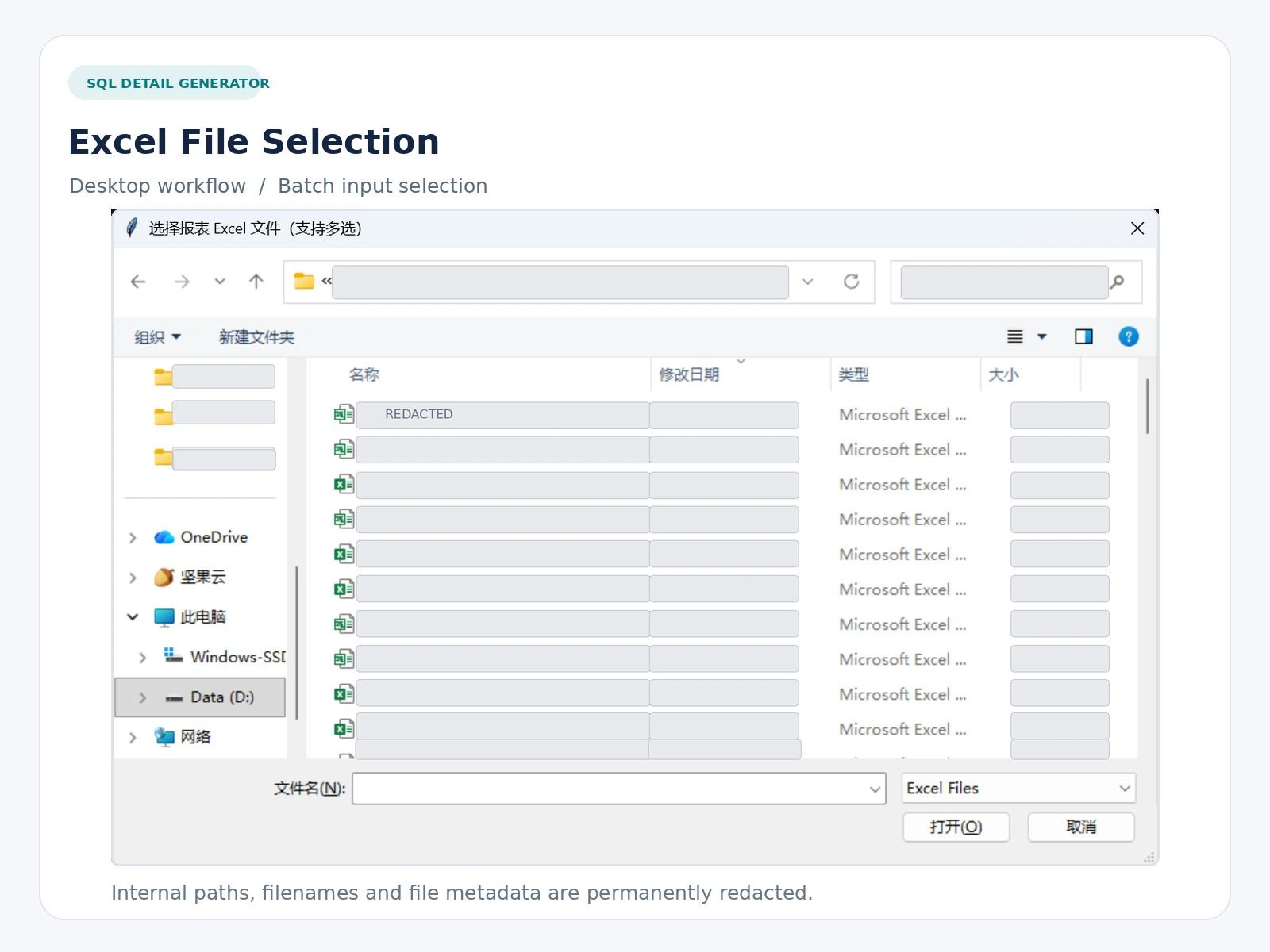
Enabled users to select and process multiple Excel files.
2. SQL Query Transformation
Developed transformation logic using Python regular expressions.
Extracted supported SQL expressions from reporting cells.
Reconstructed SELECT statements using configurable detail fields.
Preserved FROM, JOIN, and WHERE clauses for supported query patterns.
Implemented handling for selected UNION and UNION ALL structures.
3. Configurable Field Mapping
Created a TABLE_FIELD_MAP configuration to define output fields for different database tables.
Allowed users to customize generated SQL for their own reporting schemas.
Added fallback behavior when a table has no predefined field mapping.
4. Structured Excel Export
Exported SQL transformation results into new Excel workbooks.
Preserved original SQL alongside generated detail SQL for comparison.
Included reporting identifiers, indicator names, and reusable FROM expressions.
Added column-based identifier suffixes to distinguish extracted queries.
5. Desktop Interface and Batch Operations
Built a lightweight desktop interface using Tkinter.
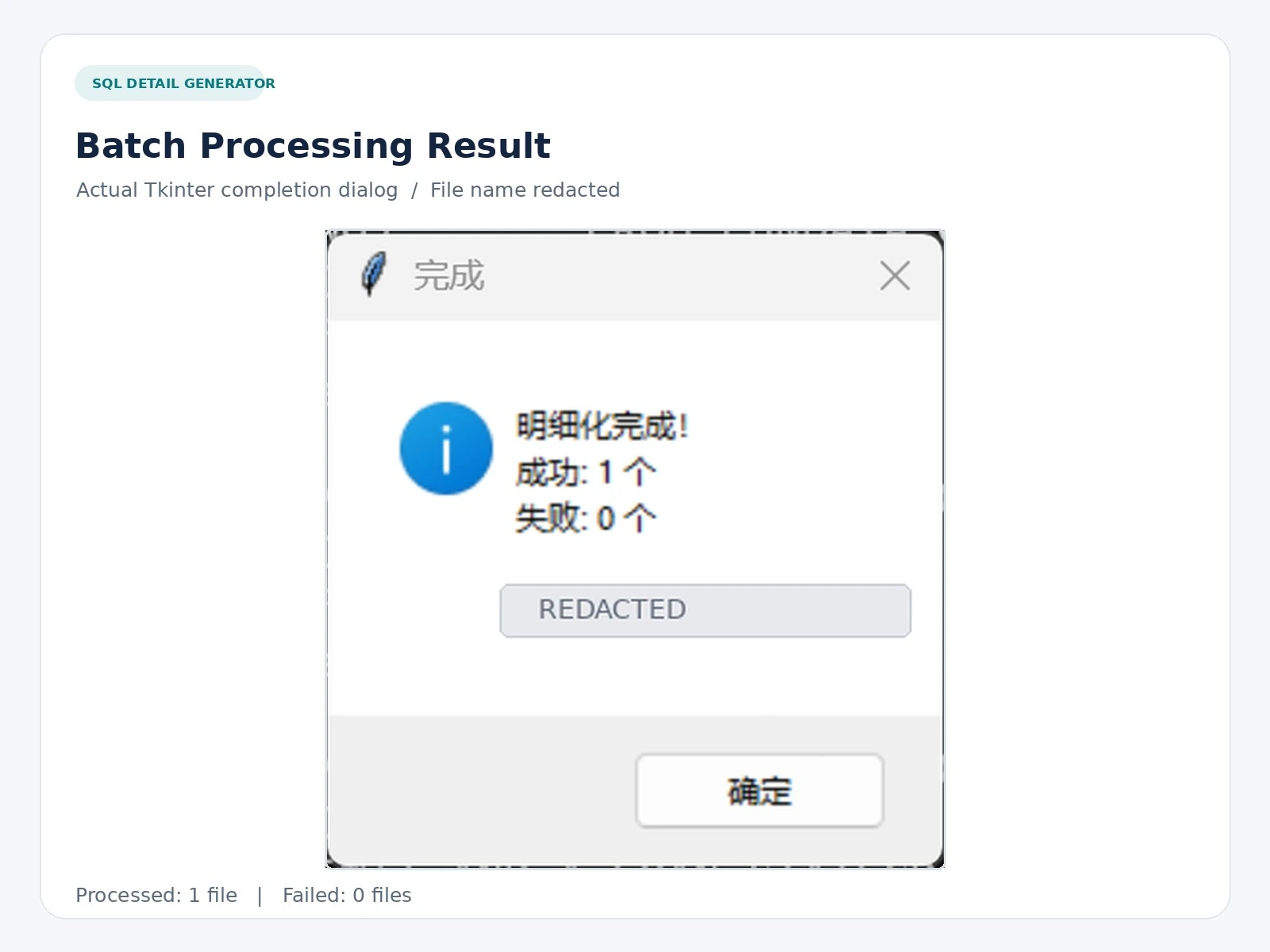
Implemented file selection, confirmation dialogs, and processing summaries.
Added file-level error handling so processing results can be reviewed.
Released a Windows executable for users who prefer not to run Python commands.
Workflow Demonstration
Users select one or more Excel reports through the desktop file dialog.
After confirmation, the application identifies supported SQL expressions, applies configured transformation rules, and exports the generated SQL into a structured Excel file.
The portfolio screenshots show the actual file selection and processing completion interfaces.
Internal report names, file paths, and client-related information have been redacted to protect confidentiality.
Technology Stack
Python · pandas · Tkinter · SQL · Regular Expressions · openpyxl · xlrd · Excel Automation
Project Status
SQL Detail Generator v14.2 has been released with public source code and a downloadable Windows executable.
The application is designed for specific reporting SQL patterns. Complex CTE queries, deeply nested subqueries, and some database-specific expressions are outside its current supported scope.
Generated queries should be reviewed and validated against the target database schema before execution.
What This Demonstrates
This project demonstrates my ability to translate practical business problems into reusable Python automation tools.
It highlights my experience with SQL transformation, Excel processing, desktop application development, configurable business rules, batch operations, and error handling.
GitHub Repository: https://github.com/ice789ice/sql-detail-generator
Windows Release (v14.2): https://github.com/ice789ice/sql-detail-generator/releases/tag/v14.2
0 likes · 1 view · Nov 14, 2026
Built a Python tool to extract SQL from Excel reports, transform queries, and export structured results.


