Excel Data Cleaning & Dashboard Reporting

Geethasree Naguboina

Excel Data Cleaning & Dashboard Reporting
📌 Overview
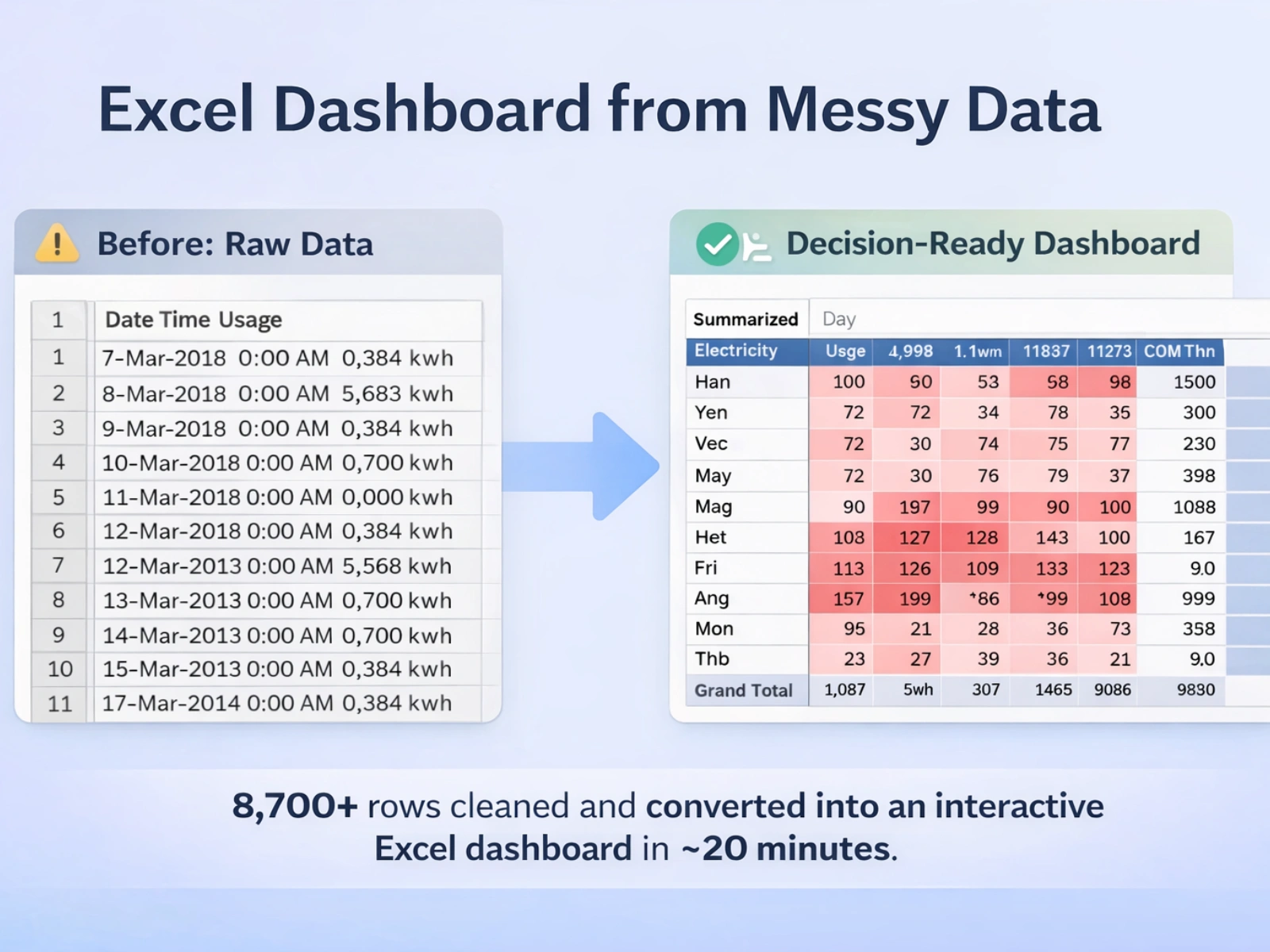
This case study showcases an end-to-end Excel workflow where raw, unstructured electricity consumption data was cleaned, structured, and transformed into an interactive, decision-ready report.
The focus was on converting messy data into a format that founders and small teams can easily analyze, filter, and explore—using Excel alone.
This workflow turned an unfilterable dataset into a decision-ready Excel dashboard, enabling faster usage analysis without moving data into complex BI tools.
❗ The Problem
The dataset was delivered in a highly unstructured format, with date, time, and electricity usage values combined into a single column.
With over 8,700 rows, the data could not be:
Filtered
Analyzed
Or visualized effectively in its original form
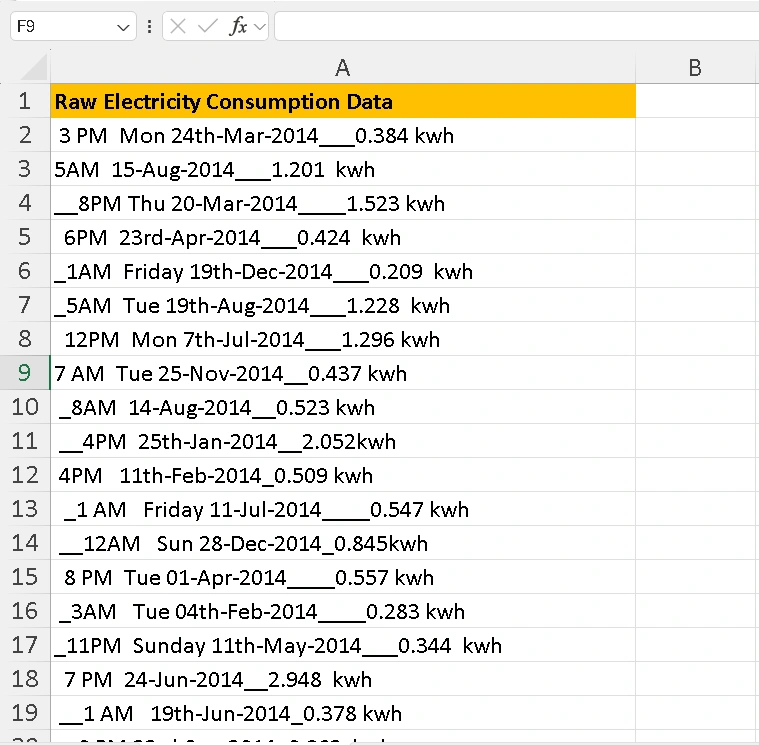
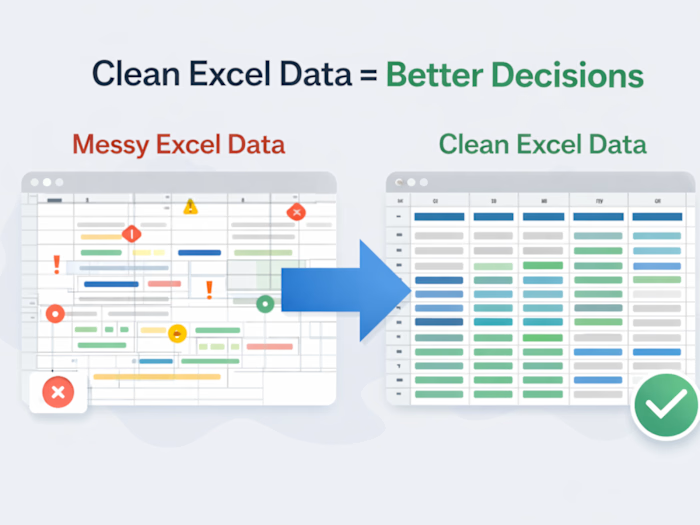
Messy Data
🧹 What I Did
1. Data Cleaning & Structuring
Cleaned and structured 8,700+ rows of raw data
Extracted date, time, and KWH into separate, usable columns
Standardized formats for consistency and accuracy
Prepared the dataset for analysis using Excel formulas and AI-assisted features
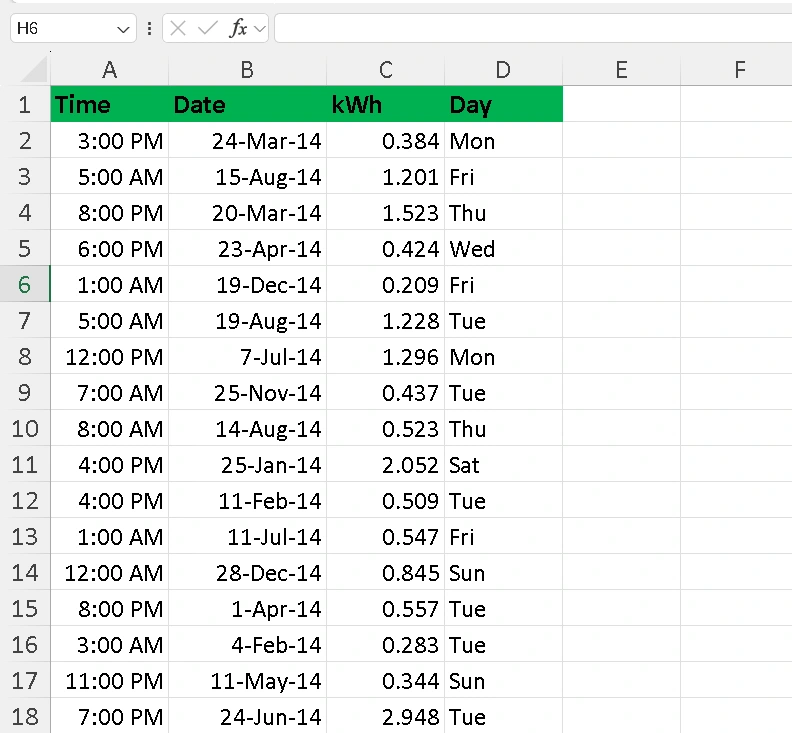
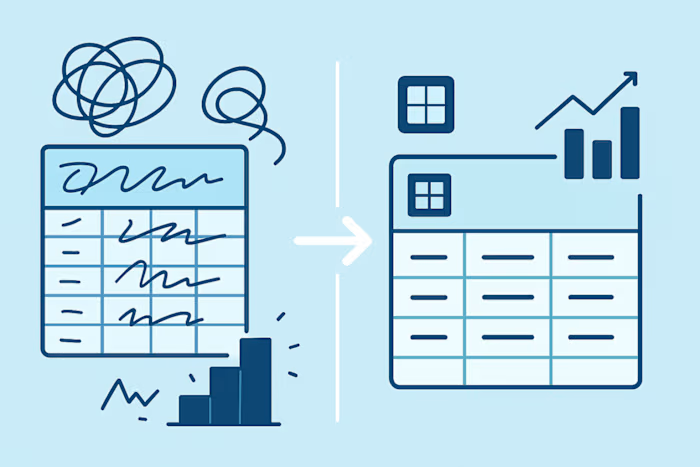
Data Cleaning
2. Analysis & Dashboard Creation
Built pivot tables to analyze electricity usage by month, day, and time
Added slicers for quick, interactive filtering
Applied conditional formatting to highlight usage patterns
Designed a clean, readable dashboard for fast insights
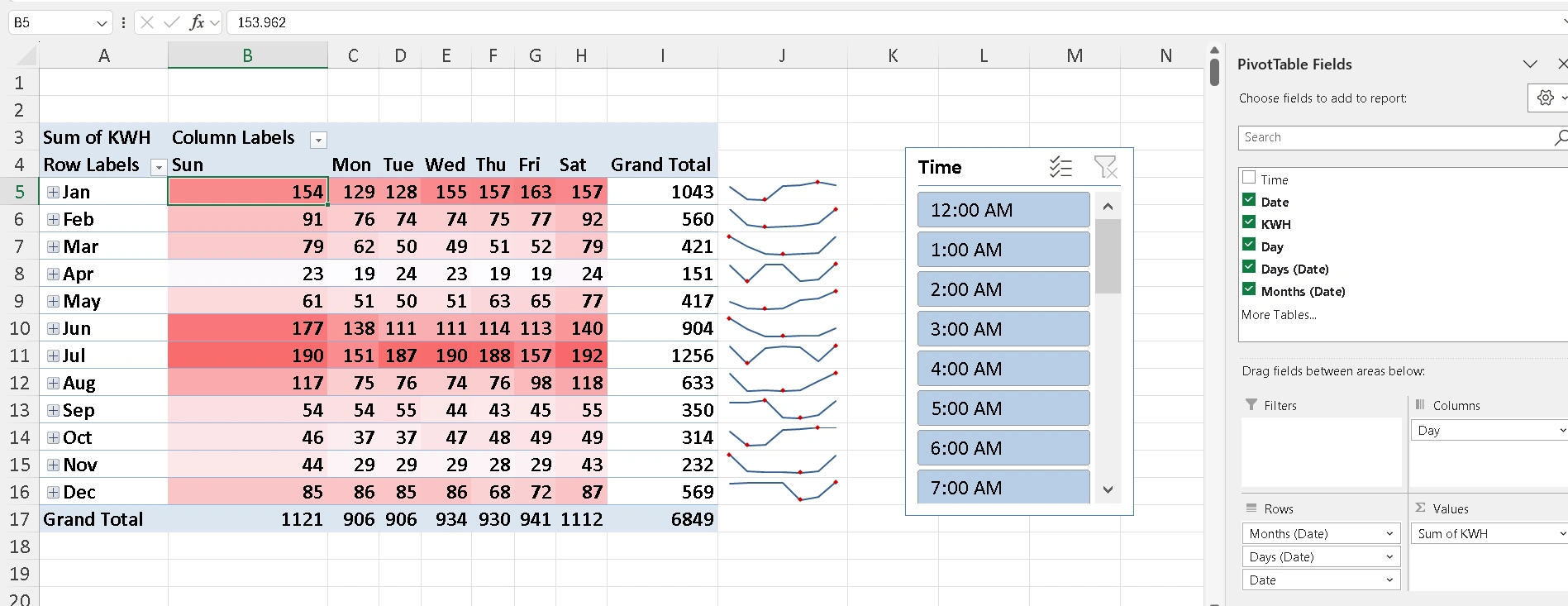
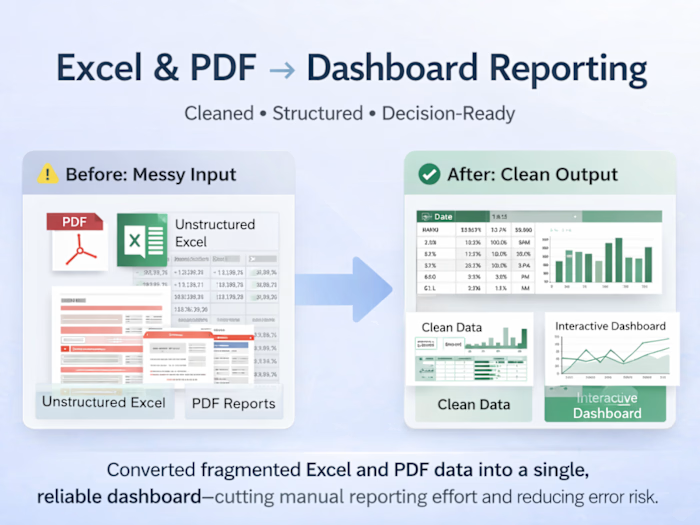
Interactive Report
✨ Final Outcome
Completed the full workflow in ~20 minutes end-to-end
Cleaned and structured 8,700+ rows of data
Delivered a fully interactive Excel dashboard
Converted raw data into a client-ready reporting solution that supports faster, clearer decisions
This type of Excel workflow is commonly used by founders and small teams for monthly reporting, audits, and cost-usage reviews.
Ideal for teams that need clean, decision-ready Excel insights from messy data—without complex tools or overengineering.
Like this project
Posted Jan 14, 2026
Cleaned and structured 8,700+ rows of Excel data and built an interactive dashboard with pivots and slicers for fast, reliable reporting.
Likes
4
Views
25