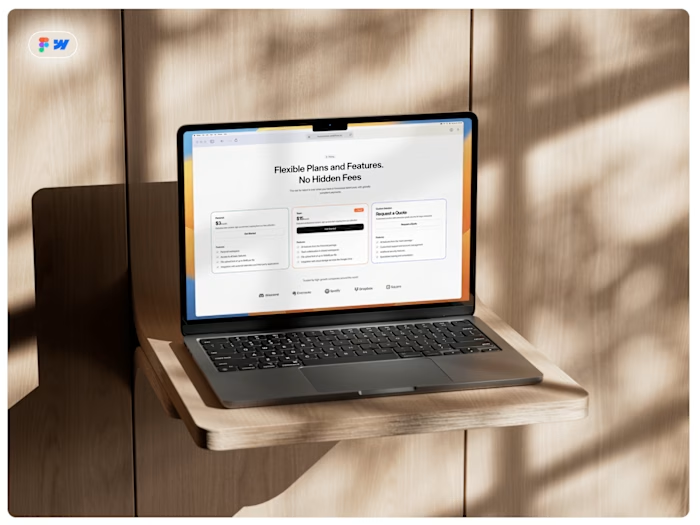
Webflow Developer tries to make Figma design in WordPress

DeAndre Holland


Webflow Developer trying to make a Figma design in WordPress
Introduction
Having to use WordPress more than Webflow, I needed to make something that would challenge myself creatively and strengthen my problem-solving skills.
At my current job, I design and develop websites and landing pages for businesses in the wellness space. Not being proud of my output in 2025, I made myself build the first website of the year at the level people know me for.
Webflow Developer trying to make a Figma design in WordPressIntroductionEvery Battle Has Its ChallengesHurdles I overcameDay 01: DesignHey Figma, it's been a whileThe battle is over. Get ready for the war.Day 02 - 03: Building the DesignWhy having an approach is importantSetting my stageThe aftermathRetrospective
Every Battle Has Its Challenges
After coming back from my hometown during the holidays, where I spent my last day there in the hospital watching over my grandmother after experiencing a stroke, I had to get work done.
The client I had been assigned to needed a new-branded website. Looking at the growing queue of new websites that needed to be made, I could only be ambitious on one project. The marketing and sales team needed this specific site done expeditiously, so I had to lock in.
Hurdles I overcame
Elementor slow designer
Elementor's widgets lack proper styling
Not many photos of the client
JavaScript is handled differently with Elementor
Poor and outdated UX of WordPress's dashboard
Not experienced in PHP
Tried AI to troubleshoot code failure
Day 01: Design
Hey Figma, it's been a while
Whenever I want to get super creative on a design, I always start in Figma. If it's something simple, I skip the design phase and move to the development phase.
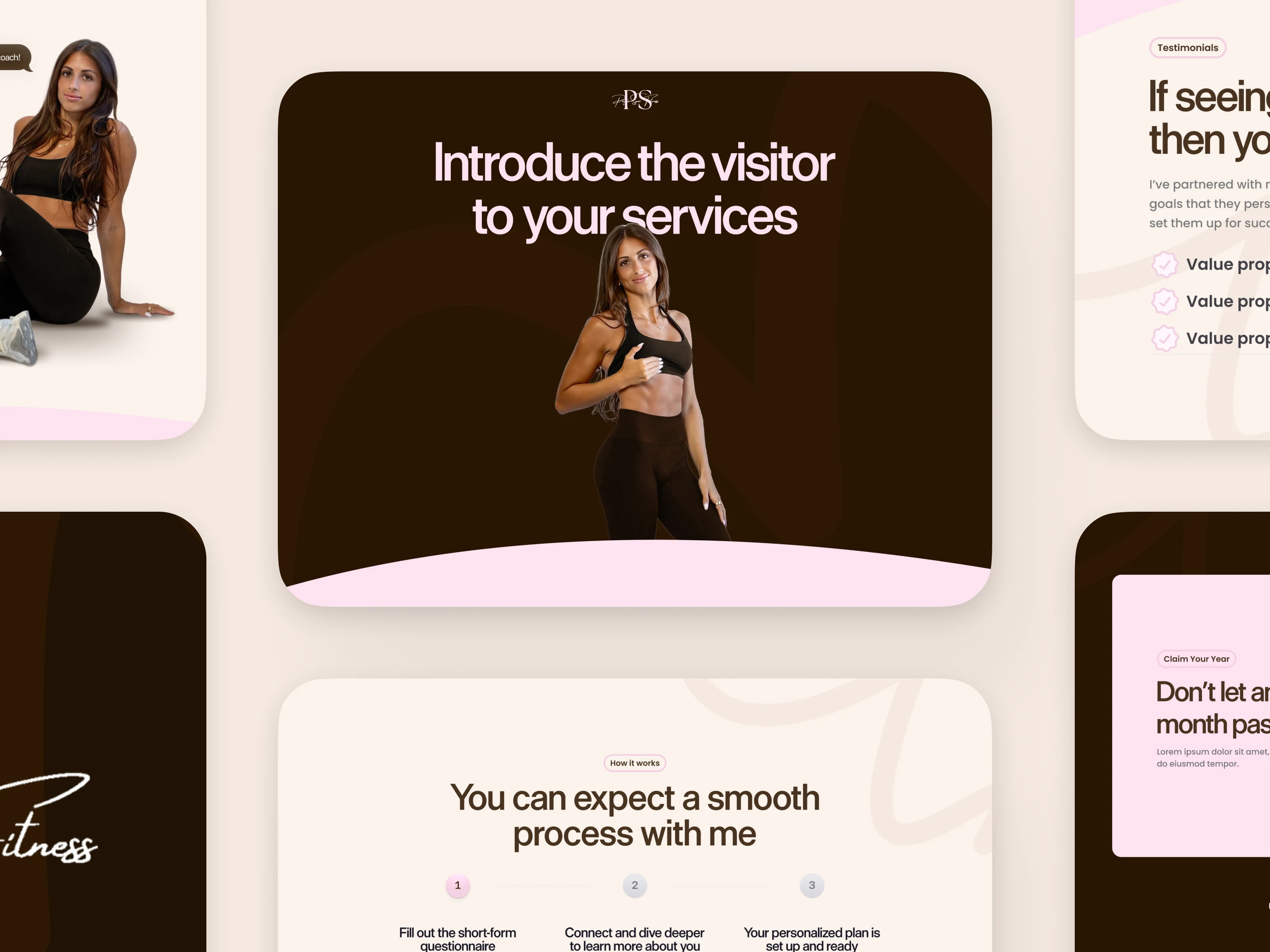
Being a person who is passionate about improving processes and streamlining things, I used my components in Figma that were specifically made for Webflow because they weren't cookie-cutter (basic) designs. From there, I customized each section to the Brand Designer's branding.
A part of me was mad at myself for using Figma components that were easy to translate to Webflow. Converting the designs to Elementor was definitely going to come with some headaches.
I was thinking about all the GSAP I wanted to do and all the vector elements I used throughout the design. I foresaw myself spending a lot of time finding workarounds, but I continued designing anyway.
I completed the design within 6 hours of my working day – that's with the back and forth from Photoshop, taking breaks, and handling other work duties. With the design finished, I sent it to the stakeholders for approval to start development.
Figma Prototype
The battle is over. Get ready for the war.
Smiling on the inside, I was granted a quick approval. In a solace moment, I took it in because I knew the next day was going to be the real challenge I had to face.
Day 02 - 03: Building the Design
Why having an approach is important
In the real world, this would be an insanely expensive bill for the client. Having a process to ensure you're set up for success before the design and development phase would make your life [ and the client's life ] easier – remember that.
With the sabbatical I took from the creative field to learn and work in tech operations, I'm always proactively learning other platforms and creating in my downtime to stay prepared for any roadblocks that may come my way.
With that being said, I created a staging site in WordPress. I implemented my theme, added plugins, set the brand colors, inserted my custom CSS at the foundation level to reduce the time it takes to fix the mobile design, and moved assets from the design to a folder to focus on building my design.
Setting my stage
Walking into work, I made my desk area suitable for an optimal focus session.
I meditated, took some deep breaths, selected a specific playlist to keep me in flow state, then took a swig of a Monster Energy drink and went in.
Design on desktop (before copy revisions)
The aftermath
On the second day, I decompressed at home to prepare for the next day. That was the day I wanted to get the page completed so the stakeholders could add the copy.
Dealing with Elementor's slow loading, figuring out which place to add CSS just in case a colleague needs to get inside the site, and making sure the site is accessible and performing well before the next team adds things. I'm going to have to do Quality Assurance after them, but at least all my scores are green!
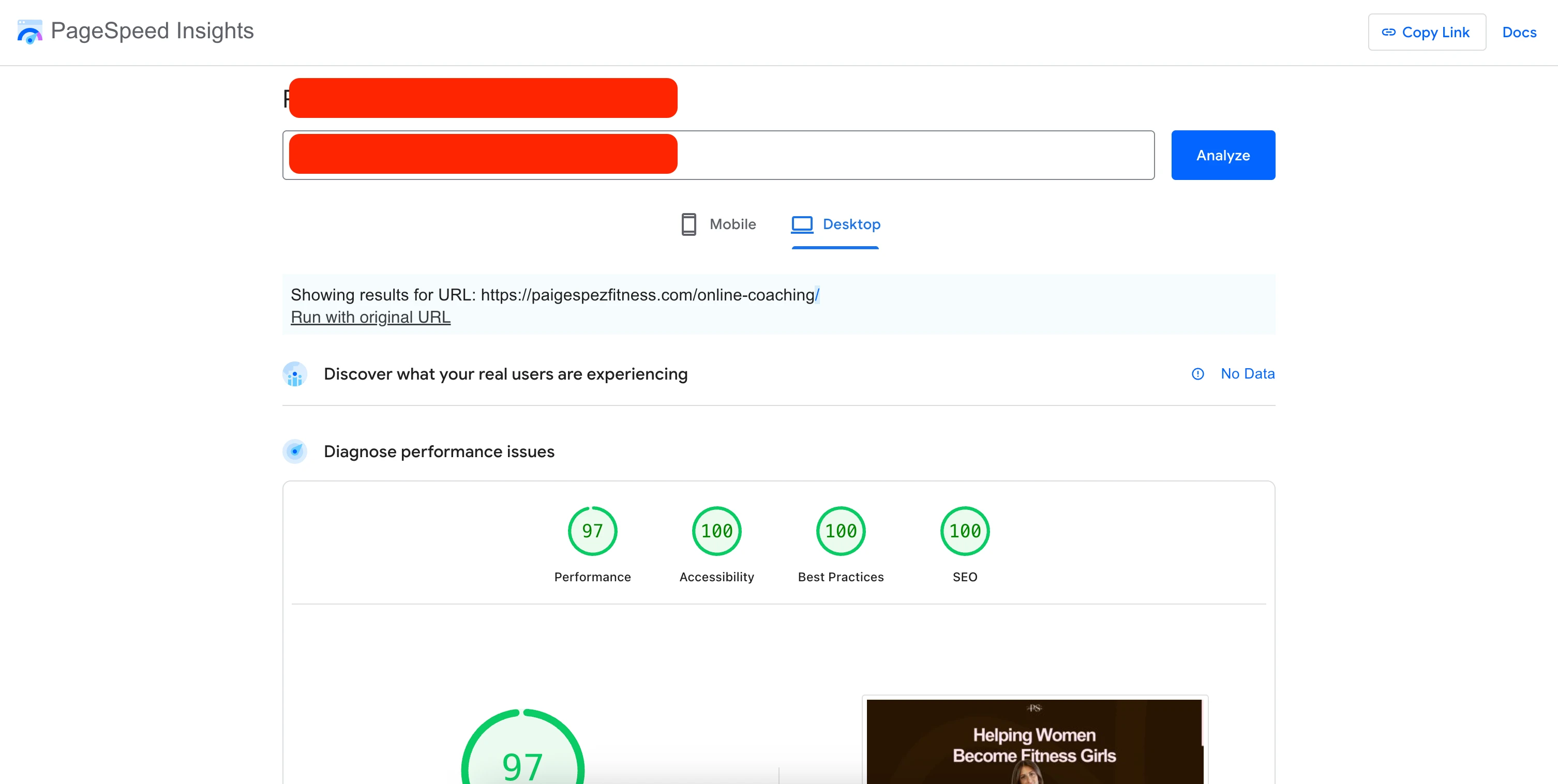
Google Page Insights for Desktop (Before Quality Assurance)
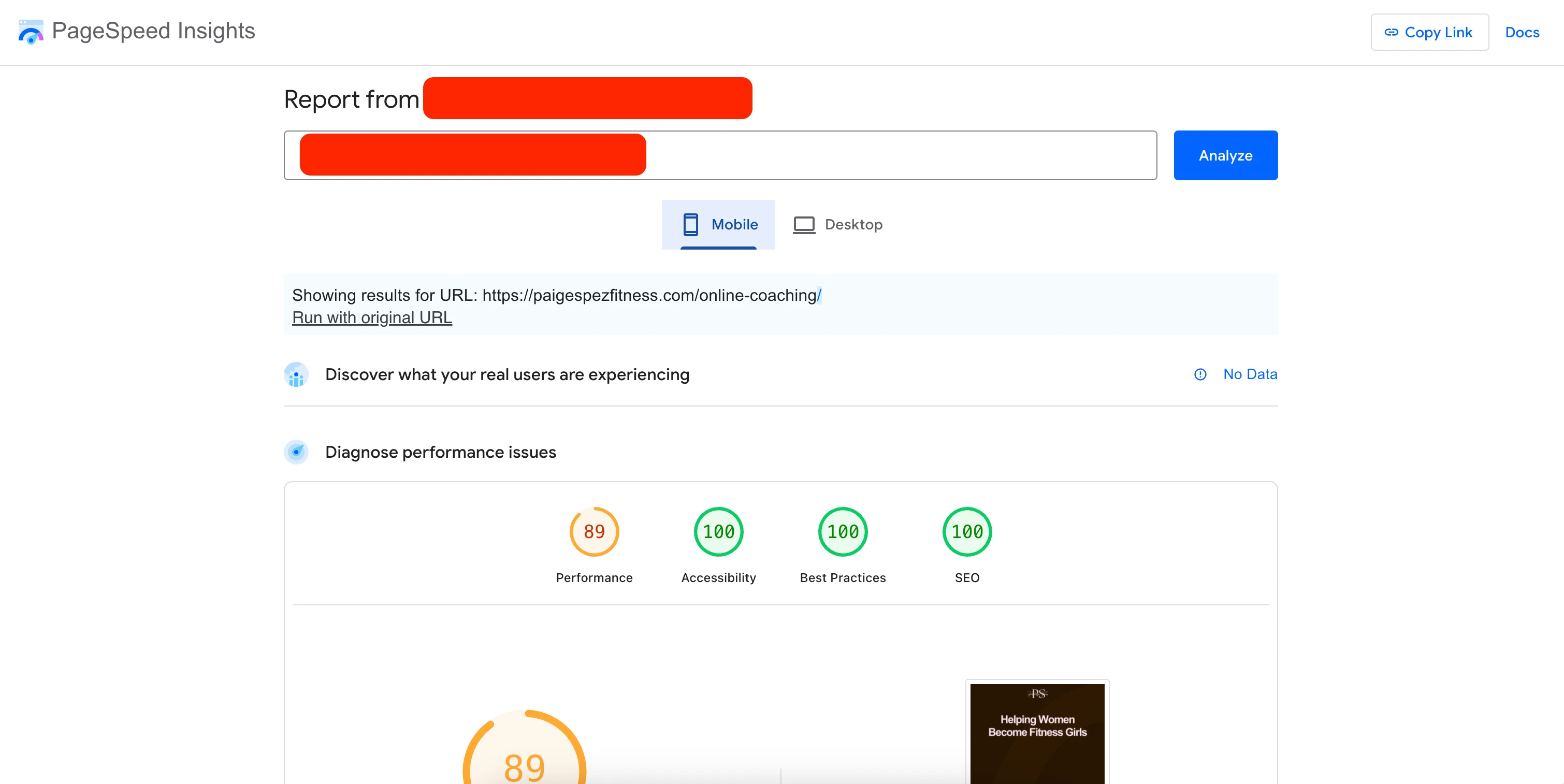
Google Page Insights for Mobile (Before Quality Assurance)
Building on a traditional web hosting server instead of a CDN is what caused the mobile performance score to drop.
Retrospective
The endeavor was easy if you're looking in a rearview mirror, but I'm not. During the development phase, I found myself constantly searching for workarounds or having to pivot completely because I couldn't achieve something in my design due to Elementor's limitations.
The issues I faced on the second day required me to sleep on them, which was beneficial because staring at a screen too long will make you blind to errors.
WordPress and Elementor are great (if that's your choice); this isn't a slight at those specific tools. Working in Webflow for so long, a more complex tool, I was able to creatively solve problems and create fixes in Elementor despite not having my tool of choice, and AI making things worse.
Hope you all like my work and this case study!
Like this project
Posted Jan 7, 2026
While not being in Webflow as much as I would like, I needed to design and develop an ambitious design for Marketing to keep my skills and creativity strong.
Likes
0
Views
16
Timeline
Jan 5, 2026 - Jan 9, 2026