Built with FlutterFlow
InfiniteUp Tasks: AI Task Planning App

InfiniteUp Agency
3 collaborators


Say the thing. Get the steps.
Most to-do apps are a place to store your intentions. InfiniteUp Tasks takes the thing you’ve been avoiding, breaks it into steps you can actually start, and stays with you until it’s done. Type it, speak it, or photograph the list you already wrote.
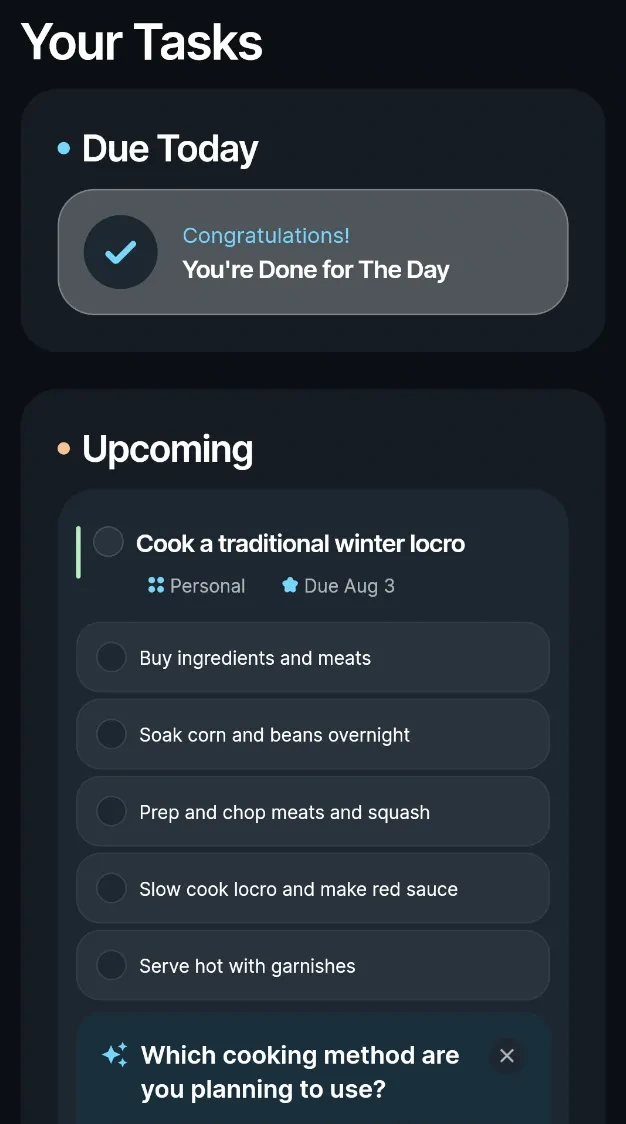
InfiniteUp Tasks daily feed in dark mode
The problem is never the list
It’s the one item on it that’s too big to start.
Everybody has that item: sort out the taxes, get the CV up to date, plan the trip. It moves from list to list for months because the task is really five tasks in a trench coat, and none of them have been named.
Tasks names them. Describe the mountain in your own words and it returns ordered steps, sensible dates, and a task partner that checks in on the plan rather than filing it away.
What it does
Break it down
Describe what you’re trying to get done. Tasks turns it into concrete, ordered subtasks with real start and due dates, the plan you’d write with an hour and a clear head.
A task partner that changes the plan
Every task has a partner that reviews the steps, asks the question that changes the plan, and adjusts it when you answer. It edits the task itself, rather than sitting beside it as a detached chatbot.
Type it, say it, photograph it
Start with one typed line, say it out loud, or photograph a handwritten list. Tasks reads the input and turns it into an actionable plan.
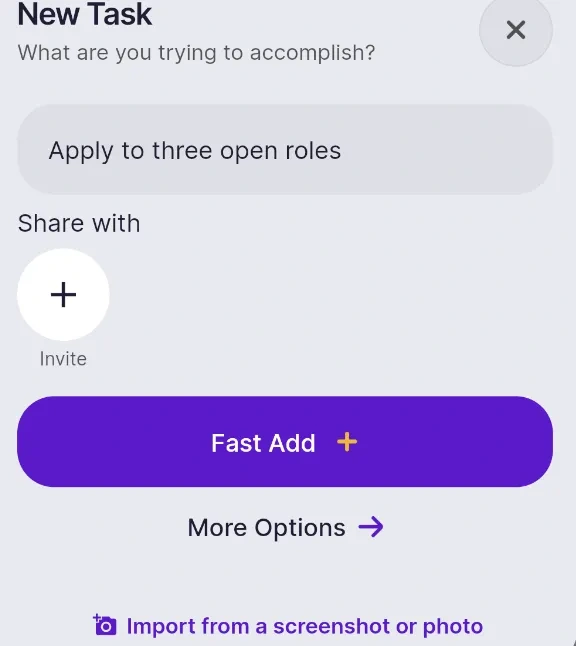
New Task sheet with typed, voice, and image input
Share work without the handoff mess
Invite someone to a task by email. They see the same steps and the same chat, and nothing lands on their board until they accept. Shared work remains available to the people on it.
A feed on the phone, a board or week on desktop
Mobile centers the work due today. Desktop adds a kanban board and a calendar for moving the week around, with the same account and task data across every screen.
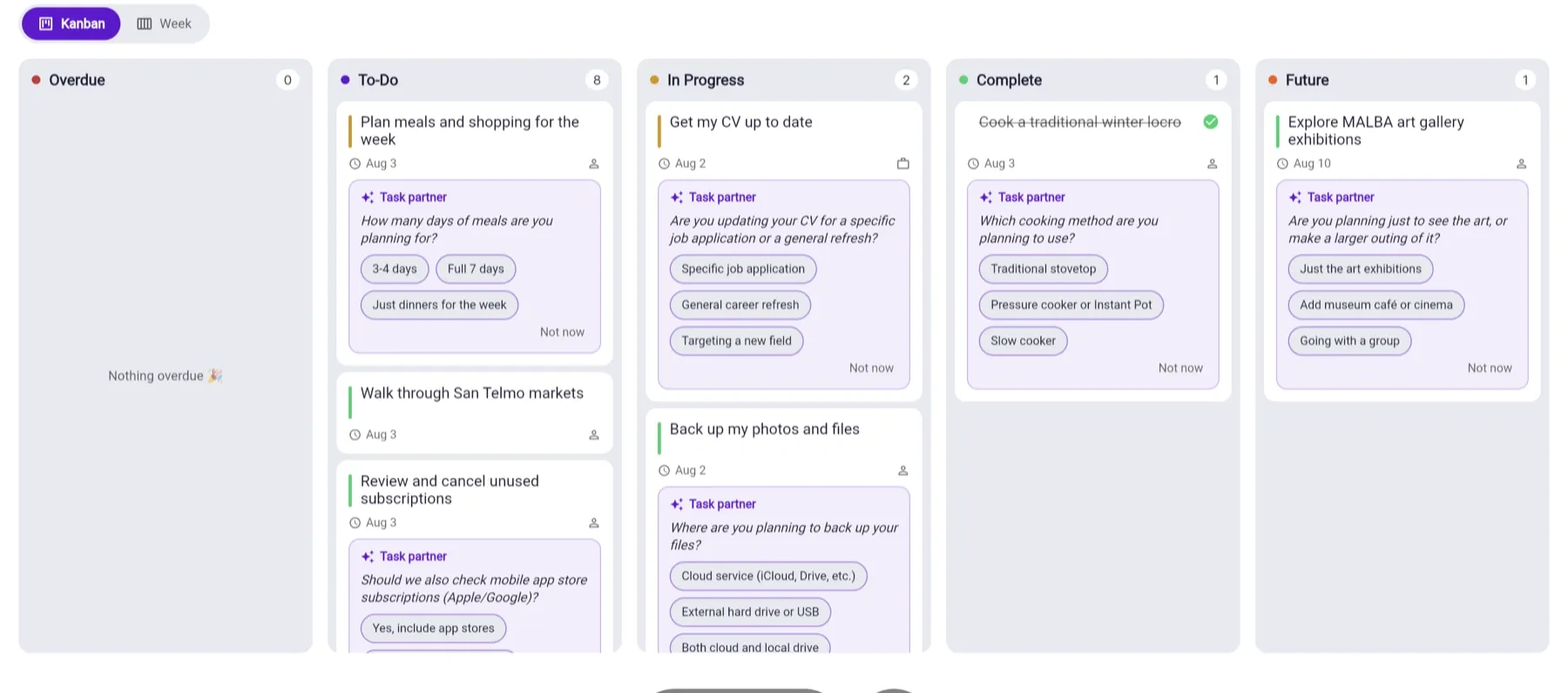
Kanban board on desktop
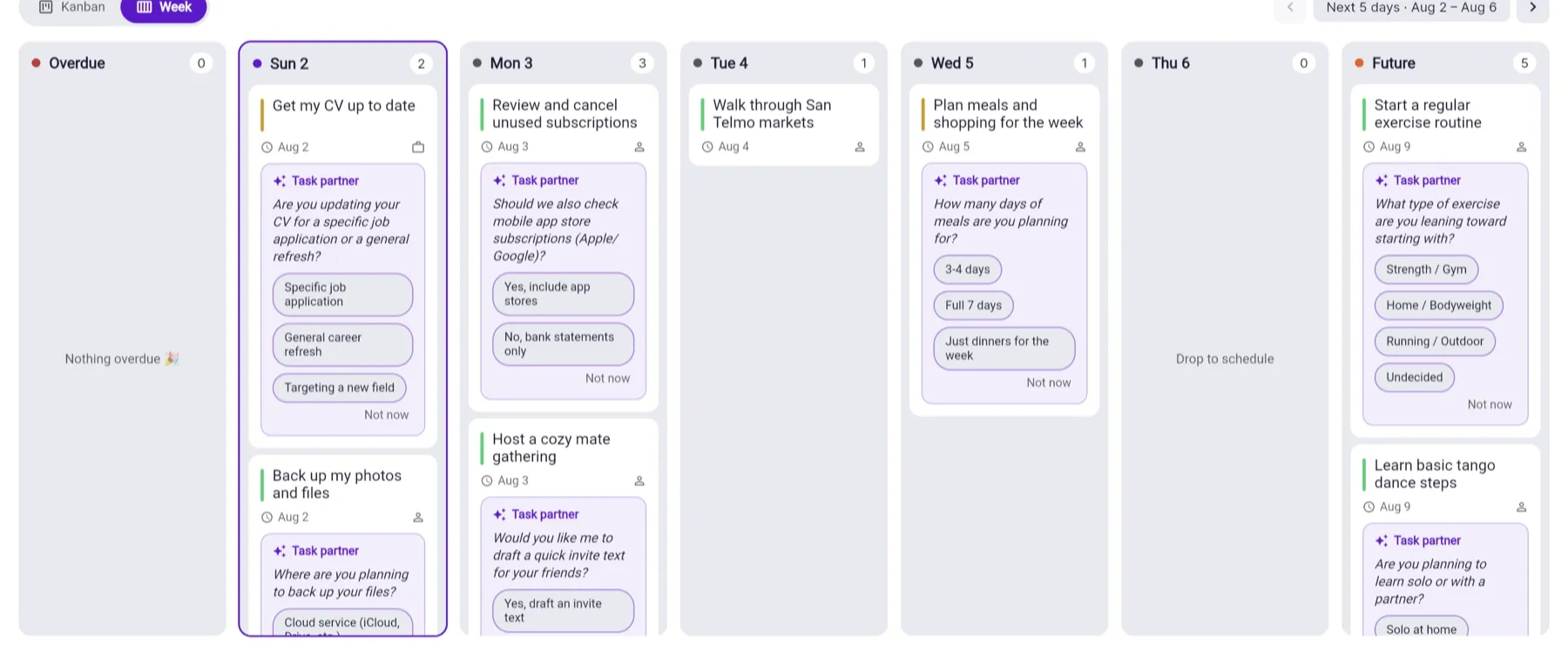
Week view with drag-to-reschedule tasks
Follow-through that stays quiet
Tasks sends one daily digest in the user’s timezone with what is actually due, plus notifications when shared work moves. Dark mode keeps the late-night version readable.
Personalization that shapes every plan
During onboarding, people choose what they’re trying to make progress on, including career, money, health, home, study, or family. They also choose how plans should be written: 15-minute steps or larger blocks, time estimates on or off, high-impact work first, a direct tone, and fewer questions when that’s what helps.
Those preferences shape later plans. Starter ideas also reflect the user’s rough location, so day-one suggestions are relevant to the week in front of them.
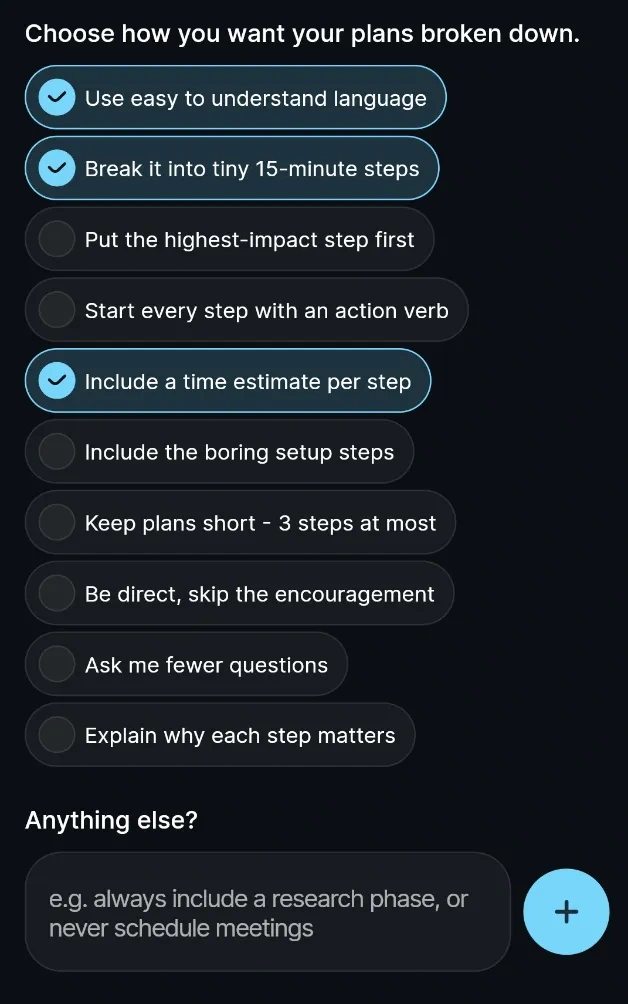
Onboarding preferences for plan style
How it goes
Tell it the thing. “I need to get my CV up to date before Friday. It’s getting urgent.” Typed, spoken, or photographed from a notepad.
Get a plan. Tasks returns ordered steps, dates, and priority based on urgency, then asks the one clarifying question it needs.
Do the next thing. The next small step is ready when it’s time to start, instead of leaving the whole mountain sitting on a list.
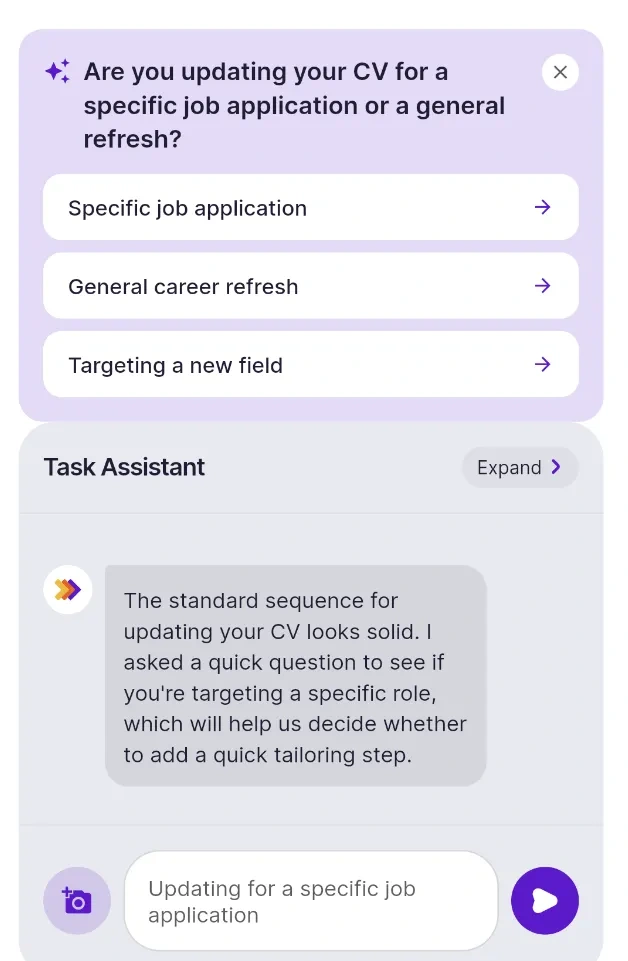
Task partner asking a clarifying question
Why we built it
Before Tasks, we built DOER Business, a task manager that reached 5,890 users across 117 countries with a 68.6% engagement rate and no paid ad spend. We retired it anyway.
The usage data pointed to the same snag: people weren’t short of places to write things down. They got stuck at the moment a task was too big to start, while smaller items were ticked off around it. A better list wouldn’t solve that. A tool that helps do the breaking-down might.
Product and technical approach
Tasks runs across iOS, Android, and the web from a single codebase. It uses Firebase for the underlying product infrastructure and Google Gemini on Google Cloud Vertex AI for planning and task-partner conversations. Voice, image understanding, shared workspaces, push notifications, and scheduled jobs are all part of the production product.
Significant parts of the app were built through FlutterFlow MCP with Claude Code supporting the workflow. That gave the team a faster way to iterate on product logic and ship across the visual development environment, full-stack app, and cross-platform release cycle.
Where it’s going
Tasks is live and free while we shape it with the people using it. We’re testing whether a task manager that breaks down work, asks the right question, and follows up earns a lasting paid place in a category many people assume is finished.
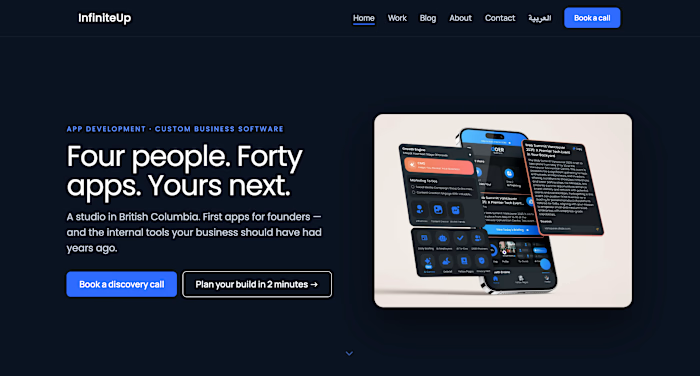
The studio behind it has shipped 40+ apps and around 60,000 installs. Tasks is funded by ongoing client work, so the team can keep improving the product without racing a runway.
Build something like it
Tasks is our own product, so the same systems we build for clients run here in production. If you’re building an AI-enabled, cross-platform app with shared workflows, voice or image input, and real product infrastructure, build your app with us.
Like this project
Posted Apr 8, 2026
InfiniteUp Tasks turns an overwhelming task into a plan you can start, with AI-guided steps, voice and image input, shared work, and iOS, Android, and web apps.