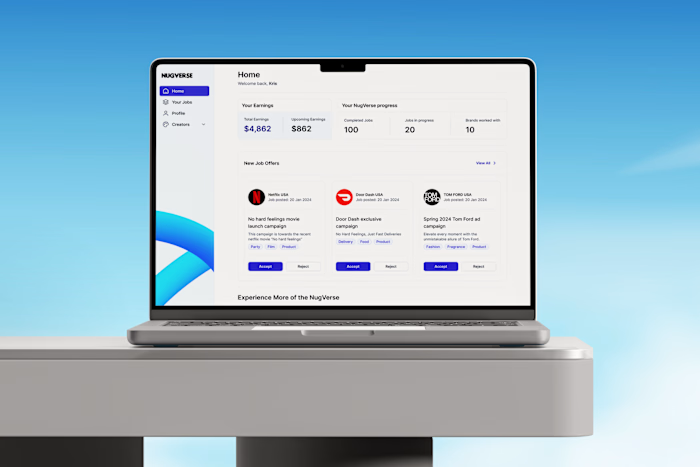
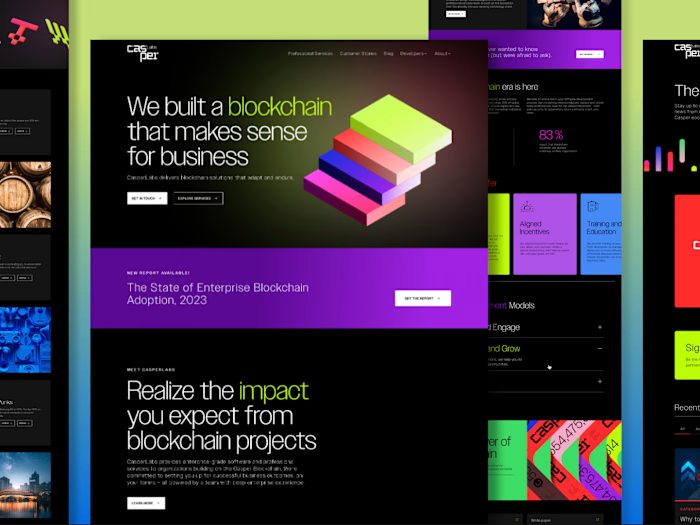
Building an Intelligent Portfolio.

Samuel Iweibo


Building a Portfolio That Shows How I Think, Not Just What I’ve Built
Over the holiday, I spent time working on my design portfolio, but this time, I treated it like a real product.
I wanted to build it end to end, leveraging AI as deeply as possible, not just as a tool for speed, but as a collaborator in the process. I started where I always do: research. I spent time studying portfolios I admired, reviewing my previous work, and thinking critically about how I wanted to position my experience, my thinking, and the kind of designer I am today.
This quickly became more than a portfolio refresh. It became a passion project.
Backstory and the Problem I Wanted to Solve
Late last year, I interviewed with a major company. I made it to the fourth stage out of five and then I did not hear back.
I later reached out to one of the design leads who interviewed me to understand why I wasn’t selected. His feedback was honest: I had a lot of 0–1 experience.
Most of my career has been spent as a founding designer at startups, leading design at an agency, and freelancing, including time on Toptal. I have consistently taken ideas from vision to execution, often in ambiguous, high-pressure environments.
I've come to realize that some companies do not see 0–1 experience as value. Others see it as a superpower.
That realization reframed everything for me.
I decided to treat my portfolio as a design problem to solve two clear challenges:
Help recruiters get answers to early questions before deciding to reach out
Walk people through my entire design process while building the portfolio itself with AI
I was not just redesigning a website. I was redesigning perception.
Designing the Portfolio in Figma
I started by collecting references, lots of them. I reviewed some of the best portfolios out there, identifying what resonated with me and what did not.
Then I audited my previous portfolio.
How was I positioning myself? What signals was I unintentionally sending? What story was missing?
This step was critical. Before involving AI, I needed clarity on intent.
Coding in VS Code Using Figma MCP and GitHub Copilot
I explored different platforms. I initially considered Framer or Lovable, tools I have used before and genuinely like. But this time, I wanted more control.
So I decided to design the portfolio in Figma, build it in React, use GitHub Copilot heavily, and integrated an AI assistant trained on my own data.
This process took me through three modes at the same time: designing, prompting, and coding.
AI wrote roughly 80 percent of the code, while I contributed about 20 percent, focusing on structure, logic, and decision-making. I leveraged Figma MCP with VS Code, which made translating design systems into components far more efficient.
Prompting With Claude
Structured prompts were better than casual instructions. I spent more time refining prompts, often with Claude, than writing code. Breaking tasks down clearly made a massive difference.
Prompting worked best when I understood development. Natural language was powerful, but understanding technical terms dramatically improved outcomes.
Creating a Custom GPT Using the Grok API
I also integrated the Grok API to build a custom GPT trained with information about me, so recruiters can ask questions directly and get contextual answers.
This turned my portfolio into something interactive, opinionated, and alive.
Deploying and Hosting With Railway
Frontend and backend hosting were separate concerns. Doing this myself drove it home.
I hosted my backend on Railway, which made the process surprisingly smooth.
Next Steps
I am currently working on detailed case study pages and integrating a headless CMS so I can update content easily without touching code.
There is still so much I am learning.
Over the course of this year, I will be building more end-to-end products with AI and sharing what I learn as I go, openly, honestly, and practically.
Call to Action
If you are interested in how I built this using VS Code, GitHub Copilot, and Figma, or you would like to test this approach on a real project, feel free to reach out:
Email me at: iweibosamuel@gmail.com
Visit my website: www.samueliweibo.com
Like this project
Posted Jan 7, 2026
Developed an AI-collaborative design portfolio to showcase process.