B2B Content Repurposing — AI Demo

Patryk Majda

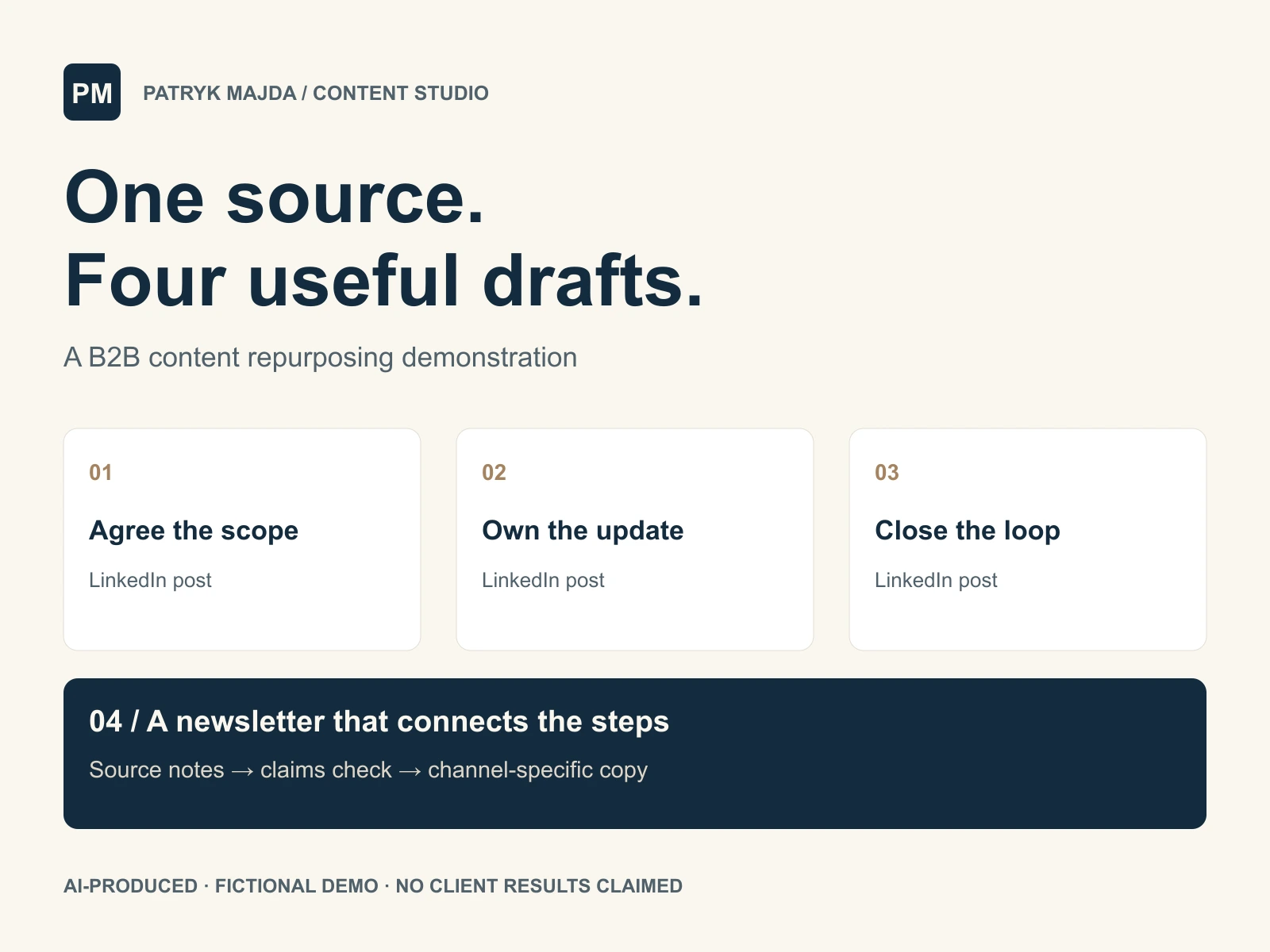
Fictional demo: one source, three posts and a newsletter
AI-produced portfolio sample. The business, product and source notes below are fictional and were created for this demonstration. This is not a client project, testimonial or evidence of commercial results. No real company's endorsement is implied. The copy illustrates a workflow and remains subject to client review in a real engagement.
Original source notes
S1 — Product and audience. This fictional product is a shared request board for small web agencies. A client submits a website change using a form. Each request has a description, page URL, owner and status.
S2 — Approval. Before work starts, the agency adds a written scope. The client can approve the scope or ask for changes. The request retains a record of that approval. The product does not decide whether a request is included in a commercial contract.
S3 — Workflow. The board uses four statuses: New, Needs information, In progress and Ready for review. A named owner is responsible for updating each request. The client receives an email when the request is ready for review.
S4 — Handover. At handover, the agency adds the final page link and a short explanation of what changed. Unfinished items remain visible. A CSV export is available for archiving. The export is not described as a full backup.
S5 — Boundaries. The product does not create invoices, track billable time or replace the agency's support policy. There are no measured results or customer testimonials available for this sample.
S6 — Tone and purpose. Use direct, practical English for agency owners. The goal is to explain a clearer way to handle website requests. Ask readers to review one recent request in their current process. Do not claim specific time savings, imply that all agencies have the same problem, or promote an invented free trial.
LinkedIn post 1 — agreeing on the work
A client asks for “a quick website update.” Before anyone starts, make the request specific.
Which page should change? What needs to be different? Who will do the work? What is the client approving?
In this request-board workflow, the agency writes a scope against the request. The client can approve it or ask for changes, and that decision stays with the work.
It still needs a commercial decision: the board cannot tell you whether a change belongs in the existing contract.
Open one recent request. Could someone understand the approved work without reading a separate email thread?
LinkedIn post 2 — making status useful
“In progress” is more useful when someone owns the next update.
This request board gives each website change a named owner and one of four statuses: New, Needs information, In progress or Ready for review.
The owner keeps the status current. When a request reaches Ready for review, the client receives an email and can check the work.
The status labels describe a simple process. They do not replace an agreement about response times or support.
Look at one request on your current board. Is its next step clear, and is one person responsible for moving it forward?
LinkedIn post 3 — finishing the handover
When a website update is ready, give the client something precise to review.
Add the final page link and a short explanation of what changed. Keep unfinished items visible instead of letting them disappear inside a general “done” message.
In this workflow, those details stay with the original request and its approval record. The board also offers a CSV export for archiving.
That export has a defined purpose. It should not be described as a complete backup of the website or the agency's systems.
Check your last handover: could the client find the changed page and understand what still needed attention?
Newsletter
Subject option A: Can your client follow a website request from start to finish?
Subject option B: A clearer handover starts with a clearer request
Preview text: Review the scope, owner, status and final link on one recent website change.
Choose one website update your agency handled recently. Could a client follow it from the original request to the final review without piecing together several messages?
Here is a simple workflow to compare with your own.
Start with the request. Record the page URL, the requested change and the person responsible. A short description gives the agency and the client a shared starting point, but the work still needs a defined scope.
Before work begins, write that scope against the request. Let the client approve it or ask for changes, and keep the decision with the task. Whether the work is covered by an existing contract remains a separate commercial decision.
Next, make the status useful. This example uses four stages: New, Needs information, In progress and Ready for review. A named owner updates the request as it moves. When it reaches Ready for review, the client receives an email asking them to check the work.
Finish with a specific handover. Add the final page link and explain what changed. Leave unfinished items visible so they can be discussed. If you export the board to CSV for archiving, describe that accurately; an export of requests is not a complete backup of a website.
This process does not create an invoice, track billable time or replace your support policy. Those decisions still need their own tools and agreements.
For now, review just one completed request. Can you find its scope, approval, owner, status and final page link? Note the first missing piece. That gives you a concrete question to address when you review how your agency handles the next change.
Editorial checks
Every product claim was checked against source notes S1–S6. No performance statistics, testimonials, free trial or extra features were invented. The CSV export is described as an archive, not a complete backup. A real client would approve factual accuracy and the final voice before publication.
Like this project
Posted Sep 29, 2026
Self-initiated AI demo: original source notes transformed into three LinkedIn posts and a newsletter, with a factual-claim check. Fictional product.
Likes
0
Views
0