Built with Anything
Development of JIG: A Sliding Puzzle App

Lorant Trellay
Verified


JIG - Turning a childhood puzzle into a deliberate digital experience
The idea started with a childhood memory. I had an Escher style sliding puzzle, and I still remember the satisfaction of moving tiles until the image finally aligned. I wanted to recreate that feeling using the Anything AI app builder, and see if I could guide an AI tool to build something simple, structured, and intentional.
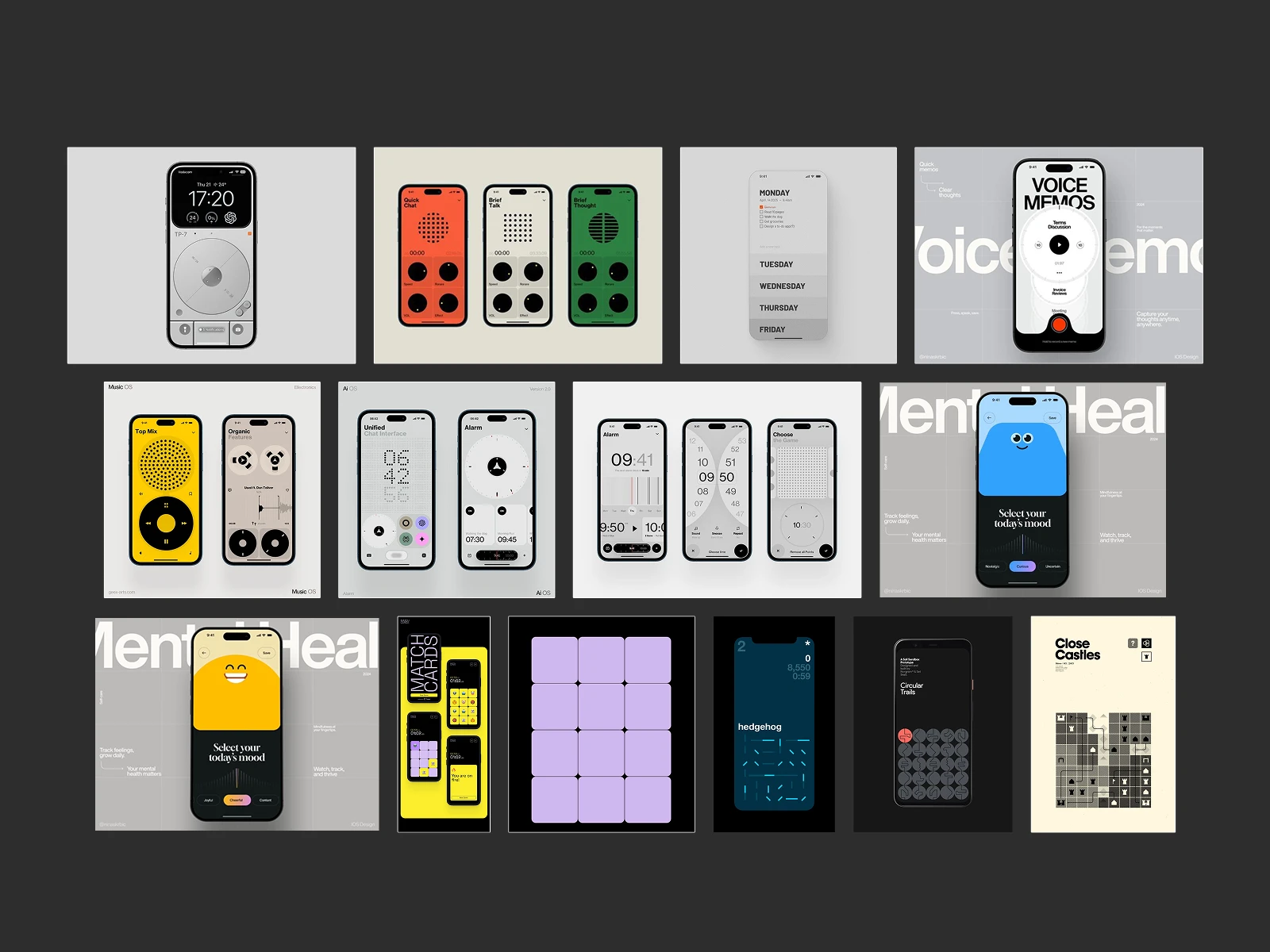
Tracing the spark
Before landing on puzzles, I explored other small concepts, including music and sound based mini apps. They felt too complex for one week, so I shifted toward tighter, logic driven games. A web app called Match Cards by Tinloof reminded me how strong a simple format can be when it is well designed, and that led me back to the sliding puzzle from my childhood.
The direction became clear: build a digital version of that experience.
Shaping the idea through iteration
I knew preparation mattered, so I began in Figma. I iterated through layouts until one structure felt clean enough to hold the game without visual noise.
JIG Design evolution
After that, I explored imagery. I tried mixed animals and environments at first, but the tone collapsed. It looked random, not like one product. Through many iterations using Sora I settled on winter woodland animals, each rendered in the same quiet style. Calm, minimal, and precise. December timing made that theme even more fitting, so I created 20 base puzzles and 4 to unlock.
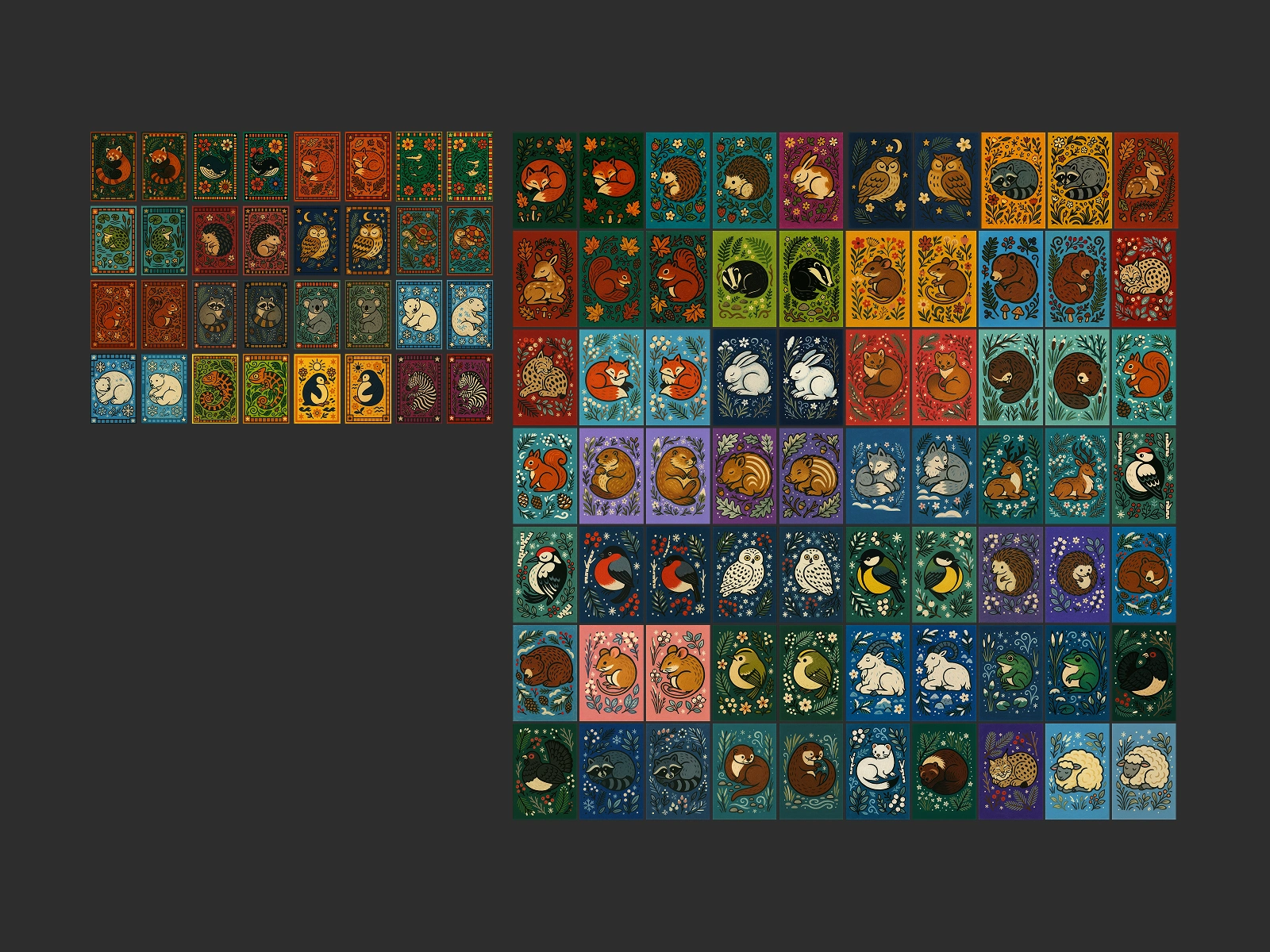
Image explorations
When everything finally clicked
JIG became a focused experience: a 3 by 4 sliding board, one open tile, winter animal images cut into pieces, and a countdown that starts after the first deliberate slide. The puzzle ends only when every tile aligns perfectly.
The visual system matched that clarity. Strict spacing, fixed corners, and consistent icon positions gave every screen the same discipline. Even tiles outside the board followed the grid so the puzzle looked like it continued beyond the screen.

Final concept design
Teaching the AI how to think
To build it correctly in AI, I studied the documentation and broke the app into three modules instead of asking the model to “build a puzzle game”.
Module 1 - Structure:
Grid, spatial system, proportions, margins, corner sizes, icon anchor points, and typography.
Module 2 - Behavior:
Tiles and interface elements obey the same spatial laws. No overlays or scaling tricks. Sliding, alignment, and transitions act like one system.
Module 3 - Puzzle feel:
Axis locked movement, movement thresholds, gentle easing, snap back on failed gestures, a disappearing instruction tile, and the timer triggering only after the first valid slide.
Splitting the build into modules gave clarity. The AI followed direction instead of improvising.
Takeaway
Constraints create quality. Tight rules shape cleaner products than long feature lists. Small decisions like easing, image style, and timing mattered more than anything extra I could have added.
JIG is a small game, but built with intention. And that was the point from the beginning.
Like this project
Posted Dec 5, 2025
Built JIG, a mobile sliding puzzle that hooks you with quiet challenge, crisp motion, and a design where every pixel has a purpose.
Likes
12
Views
170
Timeline
Dec 9, 2025 - Dec 9, 2025
Clients
Contra