Brand kit animation template built in SVGator

Ali Sabir


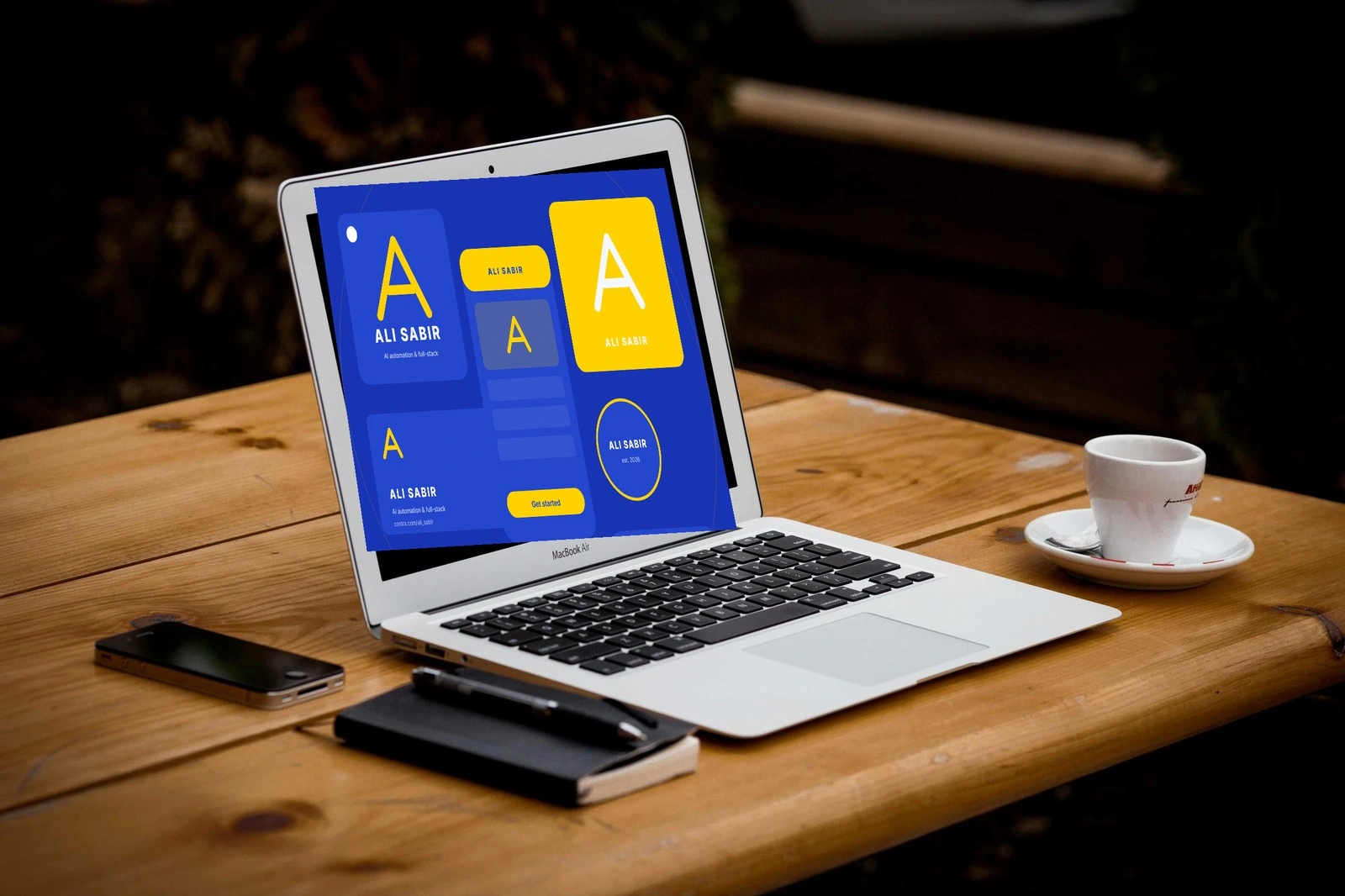
An editable animation template I entered in the SVGator Challenge on Contra. Drop one logo into the file and a full brand kit unfolds around it over five seconds: app icon, profile avatar, social card, business card and a call to action. Every colour, every line of text and the logo itself can be swapped inside SVGator, no animation knowledge needed.
Why a kit, not a logo reveal
Most logo reveals end where the real work starts. A client does not need to watch their logo spin, they need to see it living on the things they will actually ship. So the reveal here is the kit itself: the logo lands, shrinks into the corner, and the rest of the system builds out from it.
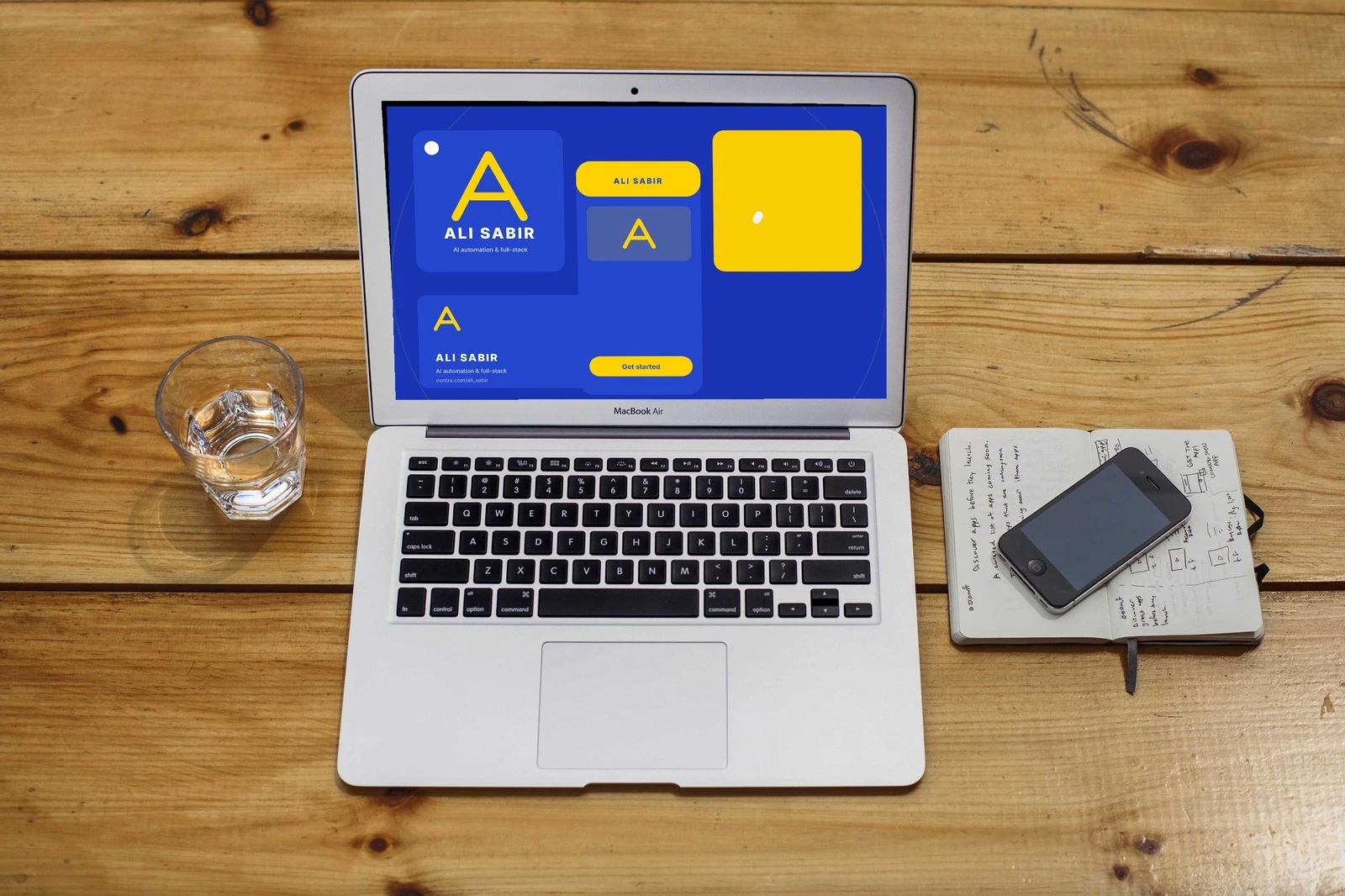
Halfway through: the logo card has landed, the rest of the kit is still building out.
How it was built
I wrote the whole project as code through the SVGator MCP instead of hand-keying 47 layers in the editor. A small Python generator describes every element, its pivot and its keyframes, and SVGator renders it. The timeline runs five seconds at 1200 by 900: the logo card arrives first, shrinks into the corner, then the app icon, avatar, social card and business card build out with staggered easing so it reads as one system rather than six separate things.
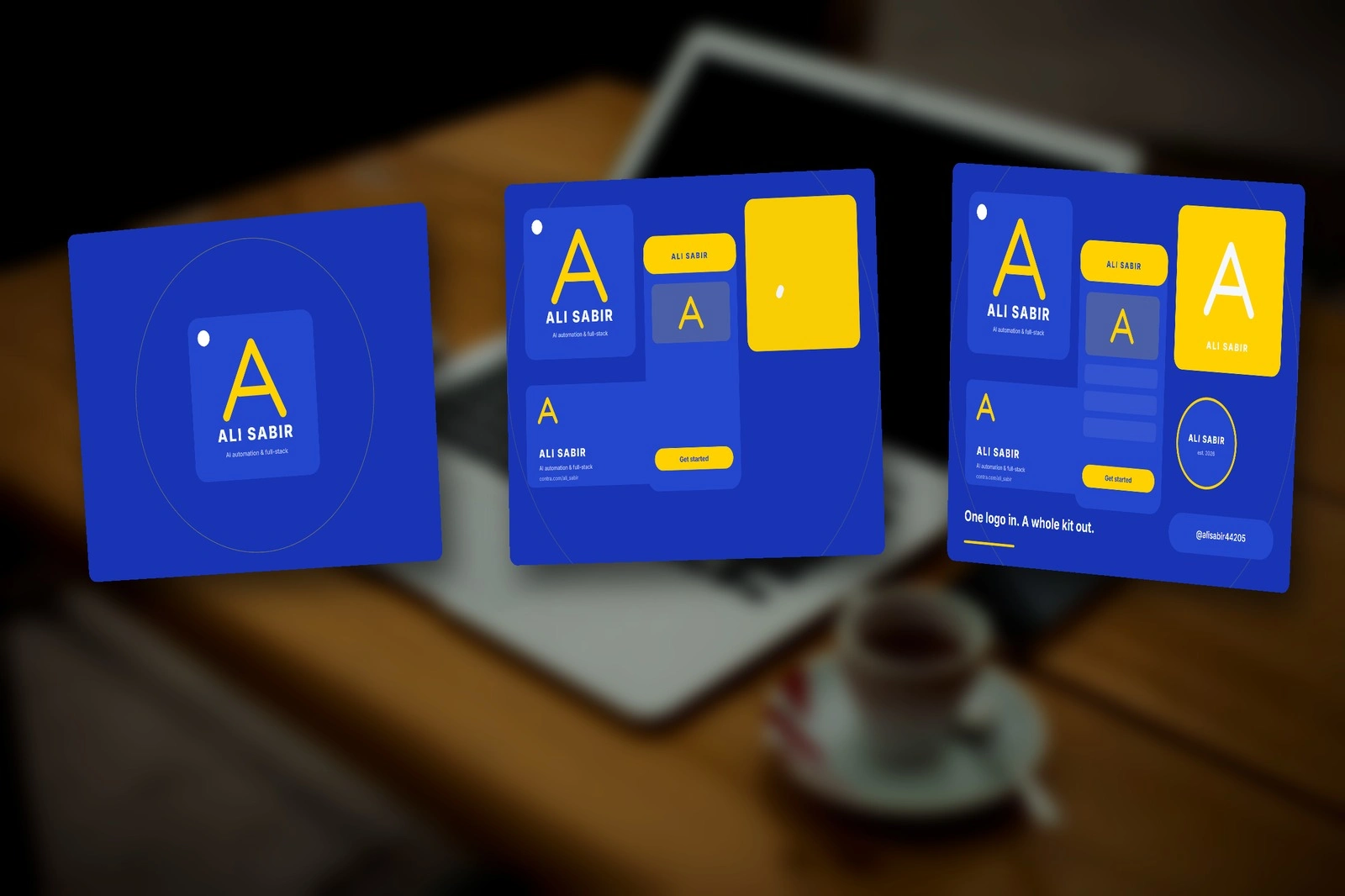
Three moments from the timeline: logo in, kit unfolding, kit complete.
12 colourways from one file
Because every colour is a named value, I could point the generator at twelve different palettes and render them all from the same project, all in sync. The one you see on the laptop is my own: cobalt and yellow. Swap in your brand's four colours and the whole kit follows.
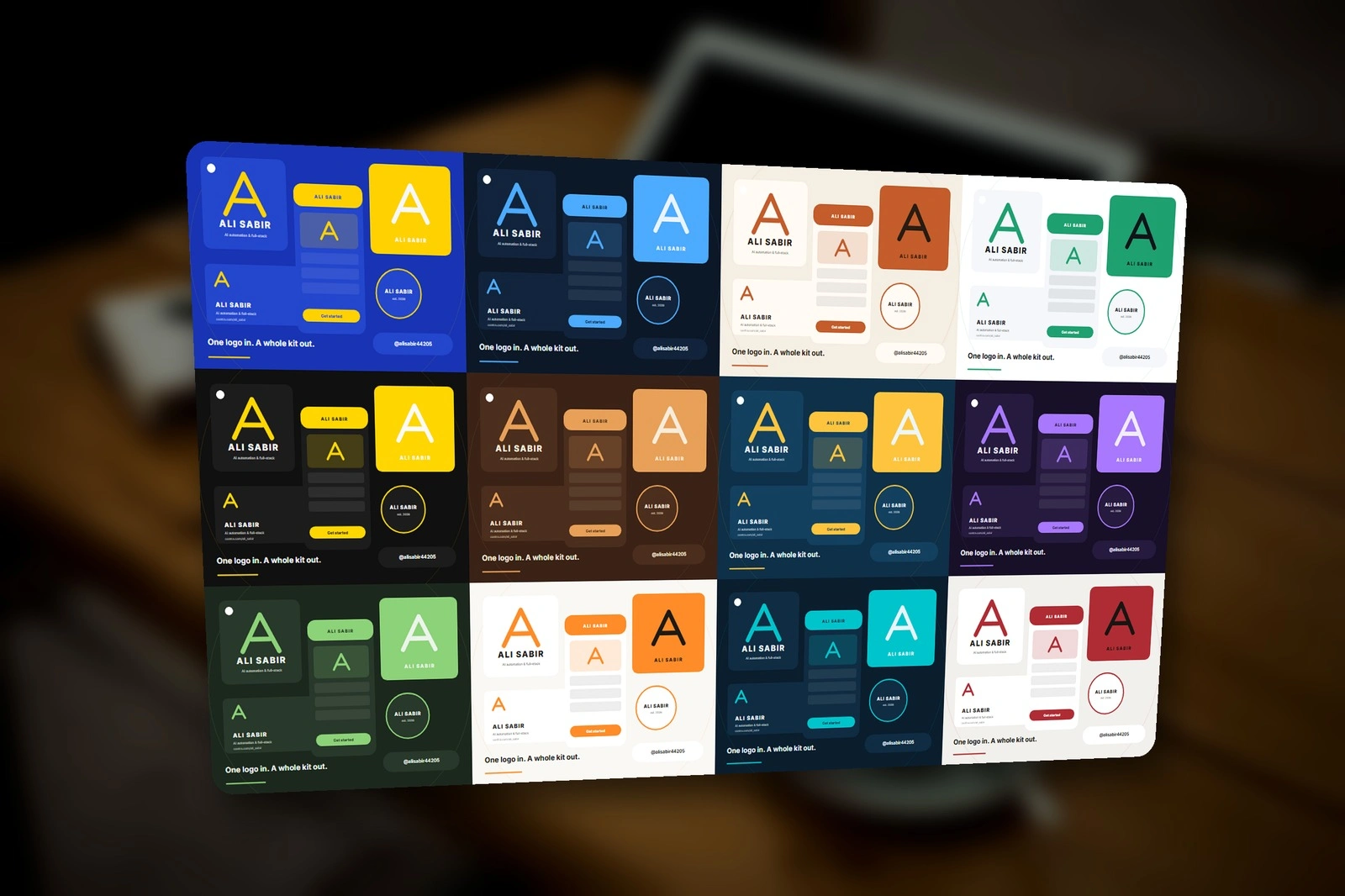
Twelve palettes rendered from the same project file, frame-synced.
See it move
The full five-second run, then all twelve colourways playing in sync.
Use it
This is one of two templates I entered in the challenge; the other is an editable testimonial card. Open the project in SVGator, duplicate it, drop your logo onto the logo slot and change the five colour values. If you want a kit like this for your own brand, with your real logo and type, I can turn one around in a couple of days.
Challenge entry: https://contra.com/community/f6rIWwnz-sv-gator-mcp-brand-kit-animation-with
Like this project
Posted Oct 14, 2026
Editable 5s SVGator template: drop in a logo and a full brand kit unfolds. 47 layers built as code via the SVGator MCP, 12 colourways from one file.
Likes
0
Views
5
Timeline
Oct 12, 2026 - Oct 14, 2026
Clients
Contra