
Nikhil Mishra
Data analyst building Excel and Power BI dashboards


Just built an interactive Workforce Analytics Dashboard in Excel
This project focuses on analyzing employee distribution, compensation trends, and hiring patterns (2015–2025) — all inside Excel.
Key highlights:
• Connected to a SQL database for dynamic data handling
• Used Power Query + Pivot Tables for transformation & modeling
• Implemented VBA Macros for automation (refresh, navigation, insights)
• Designed an intuitive UI with drill-down insights
What it delivers:
✔ Salary distribution & employee segmentation
✔ Department-wise workforce trends
✔ Hiring trend analysis over time
✔ Automated employee insights (highest paid, tenure, etc.)
This project pushed me to go beyond basic Excel and treat it like a full analytics tool instead of just a spreadsheet.
Still improving — next step is taking this level of analysis into Power BI & Python.
#Excel #DataAnalytics #Dashboard #SQL #DataScience #BusinessIntelligence #Automation
3
2
122
🚀 Excited to share that my personal portfolio is now live!
Built from scratch to showcase my work in Data Analytics & Visualization, this project reflects my journey of turning raw data into meaningful insights.
🔗 Explore here: https://nk-folio.backends.online/
Open to feedback, collaborations, and opportunities. Let’s connect!
#Portfolio #DataAnalytics #PowerBI #Excel #WebDevelopment
2
109
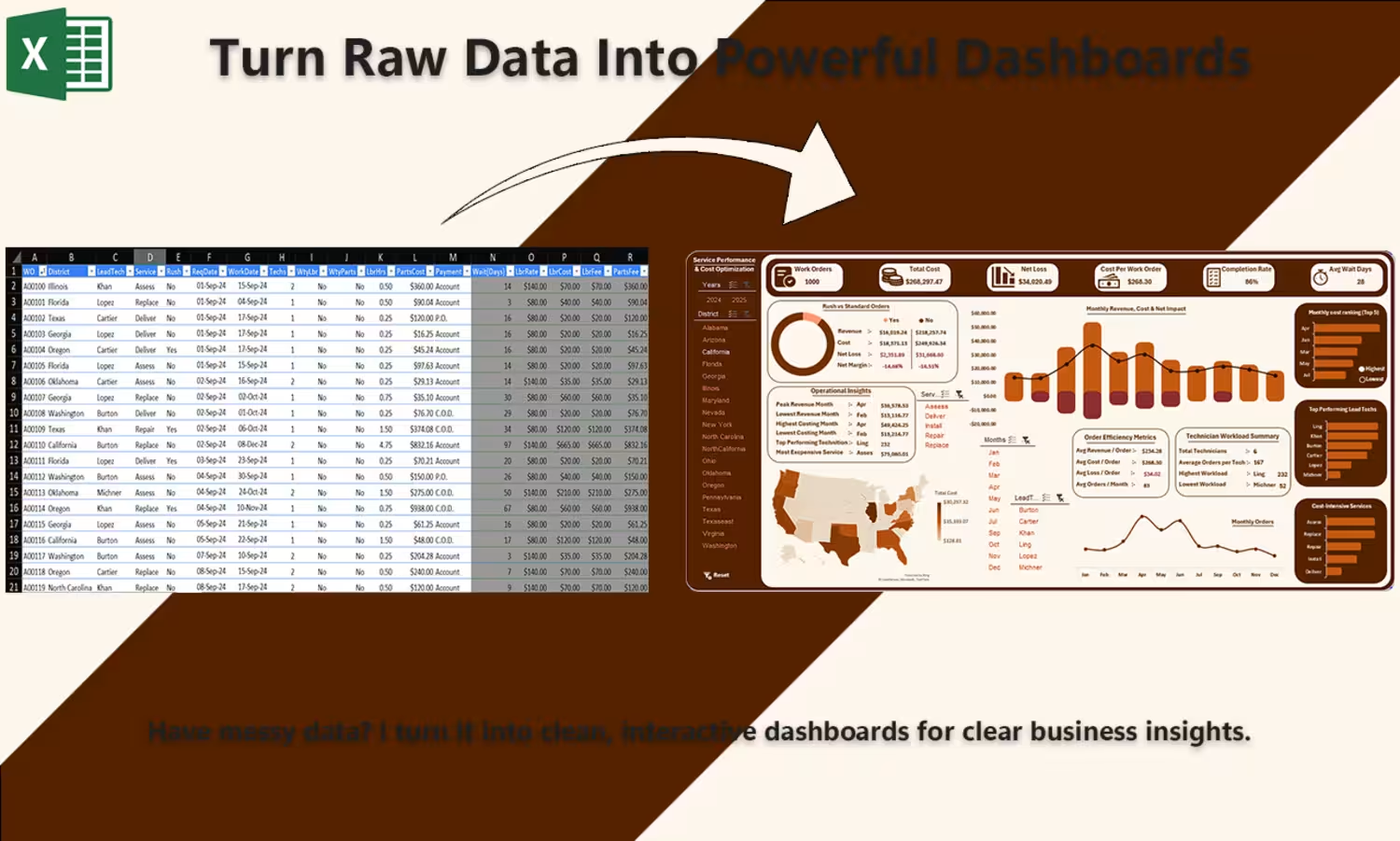
Built this Service Performance Dashboard in Power BI ⚡
Transformed raw data into actionable insights on:
• Revenue & profit trends
• Cost optimization opportunities
• Technician performance
• Regional performance analysis
Used interactive visuals, filters, and KPIs to make decision-making faster and clearer.
Key takeaway? A dashboard isn’t about visuals—it’s about driving decisions.
More projects dropping soon 🚀
0
59
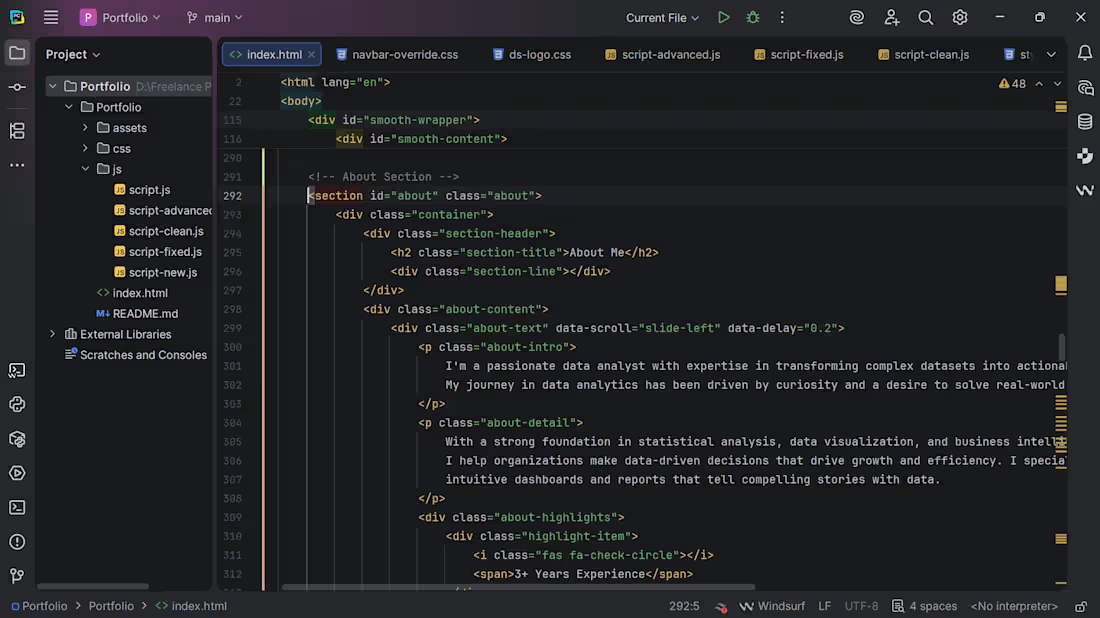
🚀 Excited to share that I’ve been working on my personal portfolio from scratch.
Built with a focus on clean design, smooth interactions, and real-world data projects.
Going live tomorrow. Stay tuned. 👀
1
67