The network for creativity
Join 1.25M professional creatives like you
Connect with clients, get discovered, and run your business 100% commission-free
Creatives on Contra have earned over $150M and we are just getting started
Back to feedPost
Just built an interactive Workforce Analytics Dashboard in Excel
This project focuses on analyzing employee distribution, compensation trends, and hiring patterns (2015–2025) — all inside Excel.
Key highlights:
• Connected to a SQL database for dynamic data handling
• Used Power Query + Pivot Tables for transformation & modeling
• Implemented VBA Macros for automation (refresh, navigation, insights)
• Designed an intuitive UI with drill-down insights
What it delivers:
✔ Salary distribution & employee segmentation
✔ Department-wise workforce trends
✔ Hiring trend analysis over time
✔ Automated employee insights (highest paid, tenure, etc.)
This project pushed me to go beyond basic Excel and treat it like a full analytics tool instead of just a spreadsheet.
Still improving — next step is taking this level of analysis into Power BI & Python.
#Excel #DataAnalytics #Dashboard #SQL #DataScience #BusinessIntelligence #Automation


Connecting Excel directly to a SQL database for live data handling is the step most people skip — they export manually and wonder why their dashboard is always a week behind.
The automated employee insights section is really useful for HR teams who spend hours building the same...

well i haven't thought of that yet because i am working on a different sql based project but i may go with power automation.
That makes sense — Power Automate would be the cleaner choice when moving to the Microsoft ecosystem fully. Would be interesting to see how the workflow compares once you get there. Good luck with the SQL project!
The network for creativity
Join 1.25M professional creatives like you
Connect with clients, get discovered, and run your business 100% commission-free
Creatives on Contra have earned over $150M and we are just getting started











Related posts

Exploring a clean, modern SaaS dashboard UI. Focused on simple layouts, smooth interactions, and a better user experience 🚀


i had to like this, it got my attention, very nice build mate.


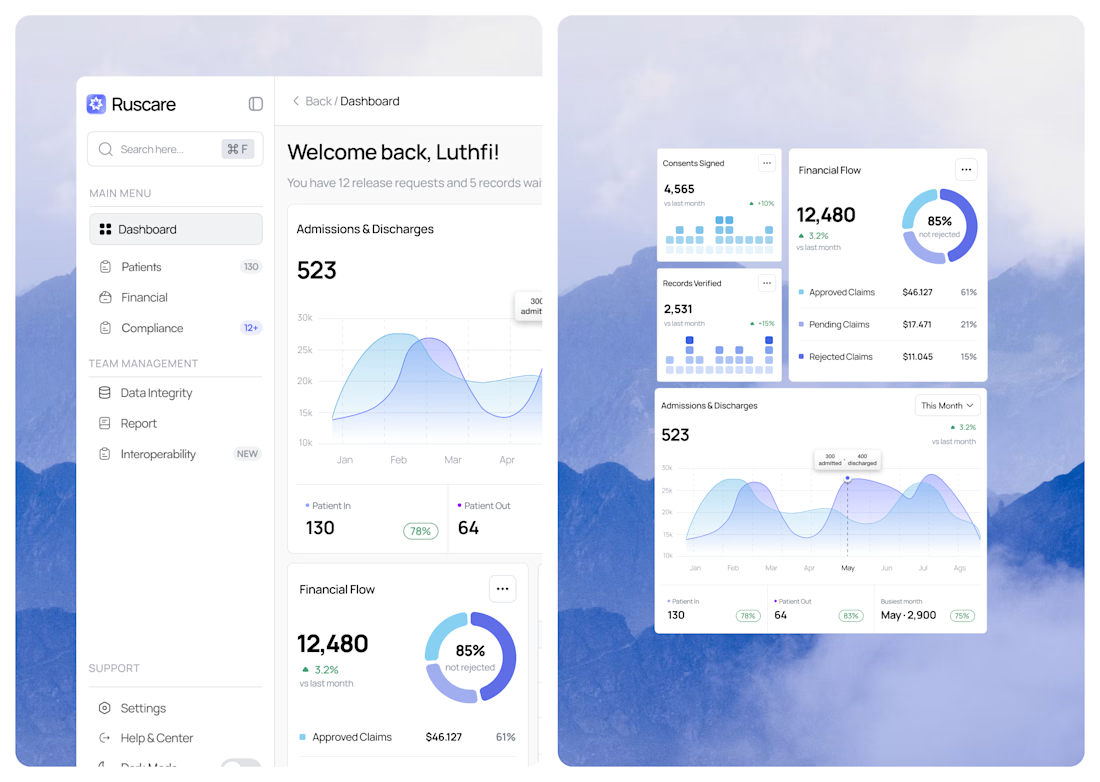
dashboard that keeps records, visits, and coverage clear at a glance.🩺✨


Looks clean! 👌