Mete Oyama
Brand Designer | UI Designer | 3D Designer
- 14
- Followers


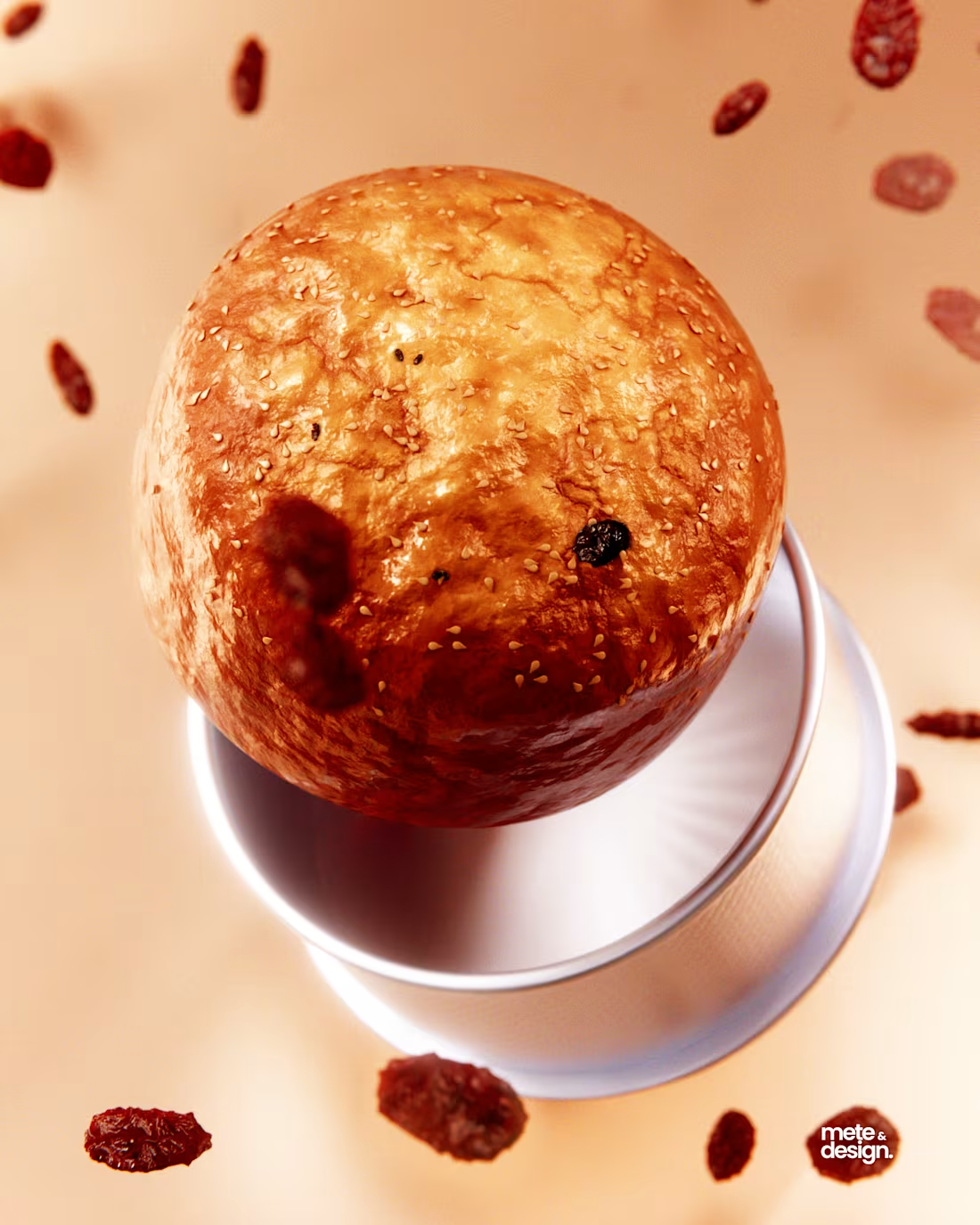
I just wrapped up this 3D muffin study, and the most interesting part wasn’t the modeling... it was the finishing.
I couldn’t get the raisins to fuse perfectly into the mesh inside Blender without overloading my PC, so I approached it like real production work: solve what you can in 3D, finish the rest in post.
1) Floating raisins done with curve guide + particle system
2) Fog glow, lens distortion, color balance and multiply in compositing
3) Two renders blended together for the best parts
4) Final realism added in Photoshop by painting contact shadows and color grading for warmth
They’re about knowing how to combine tools to get a believable final image.
I ended up trying some other effects like the frosty glass and dry brush paint effect, couldn't decide, so here they all are.
1
71
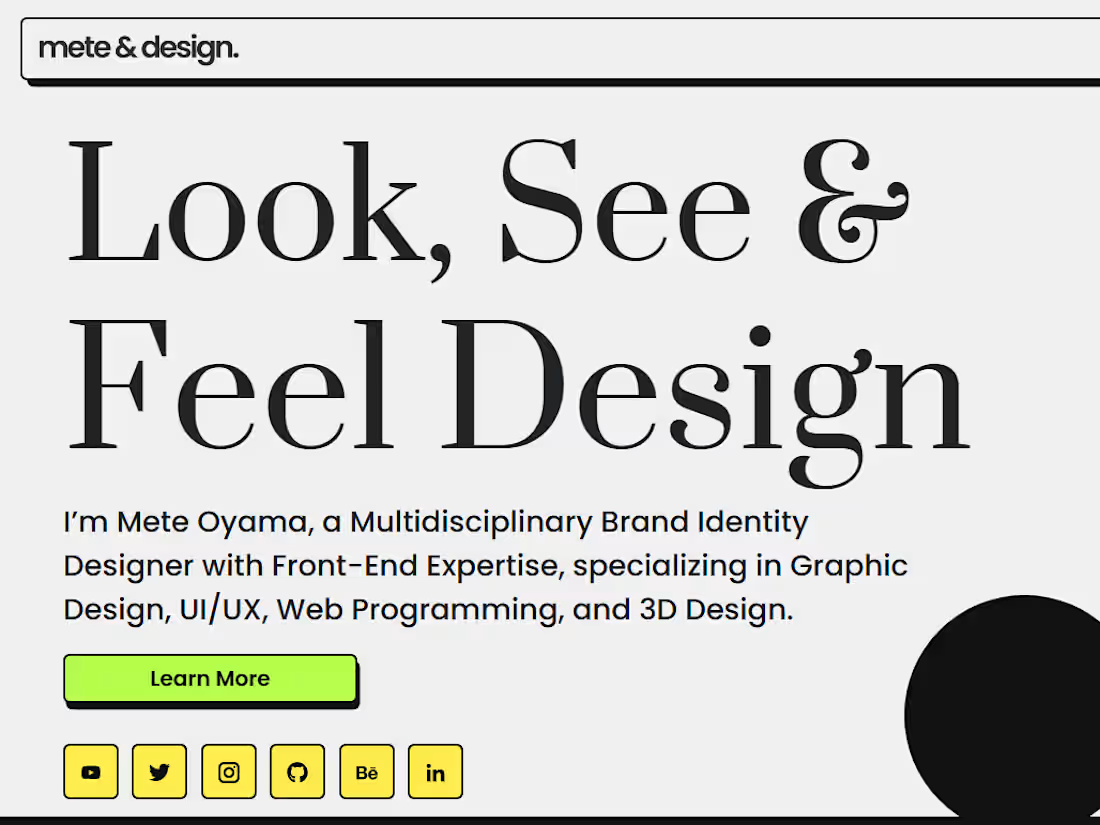
If you haven’t visited my website yet… now’s a good time 😎 https://meteanddesign.netlify.app
1
132
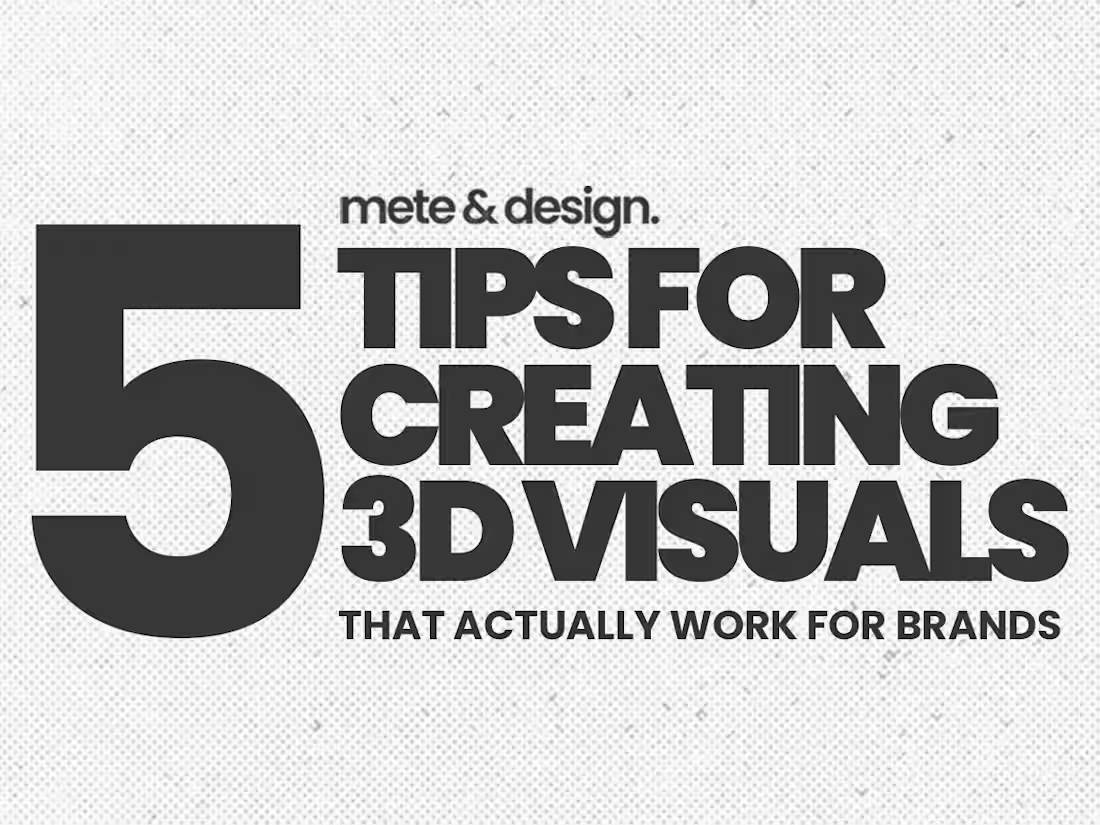
4 Tips for Creating 3D Visuals That Actually Work for Brands
Here are 4 practical tips to make your 3D designs work beyond just looking good:
1. Start with clean shapes – Simple forms read better and scale across formats. Avoid unnecessary complexity; clarity always wins.
2. Use brand colors strategically – Don’t just fill objects with color. Create depth and emotion through lighting, shading, and subtle gradients that highlight the brand palette.
3. Keep perspective consistent – Consistent camera angles and proportions keep your visuals cohesive across campaigns, helping the audience instantly recognize the brand.
4.Render multiple angles – One scene can generate multiple marketing assets. Different perspectives give flexibility for social posts, ads, and presentations without extra modeling.
https://lnkd.in/esaeNWaA
1
73
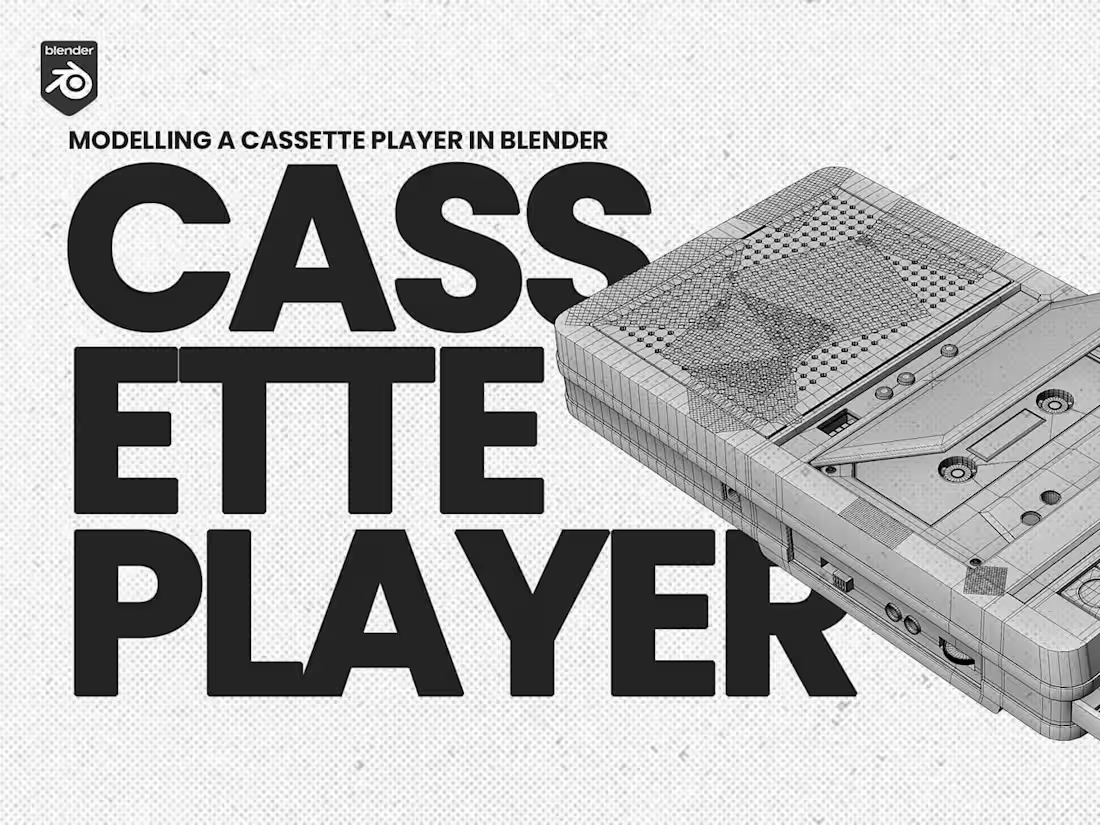
I just shared something a little different on YouTube.
Instead of a polished tutorial, I uploaded a 4-hour, real-time Blender modeling session of a cassette player... completely unedited and with no commentary.
You’ll see the full process:
mistakes, corrections, pauses, rethinking proportions, and figuring things out as they happen.
I left it this way intentionally to show what 3D modeling actually looks like behind the scenes. It’s rarely perfect, and that’s okay. What matters is the ability to adjust, learn, and keep going.
One of the beautiful things about 3D modeling is that there’s never just one “right” way to achieve a result. This is simply the approach I took, and others may reach the same outcome using entirely different techniques.
https://youtu.be/kcpYpSVcOCw
2
74