


PowerShell tip: make errors actually stop your script.
Many cmdlets throw "non-terminating" errors. Your try/catch never fires, the loop keeps going, and you find out later that a handful of mailboxes never got updated.
What I do in bulk Microsoft 365 scripts:
- Add -ErrorAction...
Most slow small-business sites I look at have the same problem: huge images. A photo straight off a phone can be 4000px wide and several MB, then gets shown in a 1200px box.
Before any image goes on a page, I do three things:
1. Resize it to the largest size it will actually...
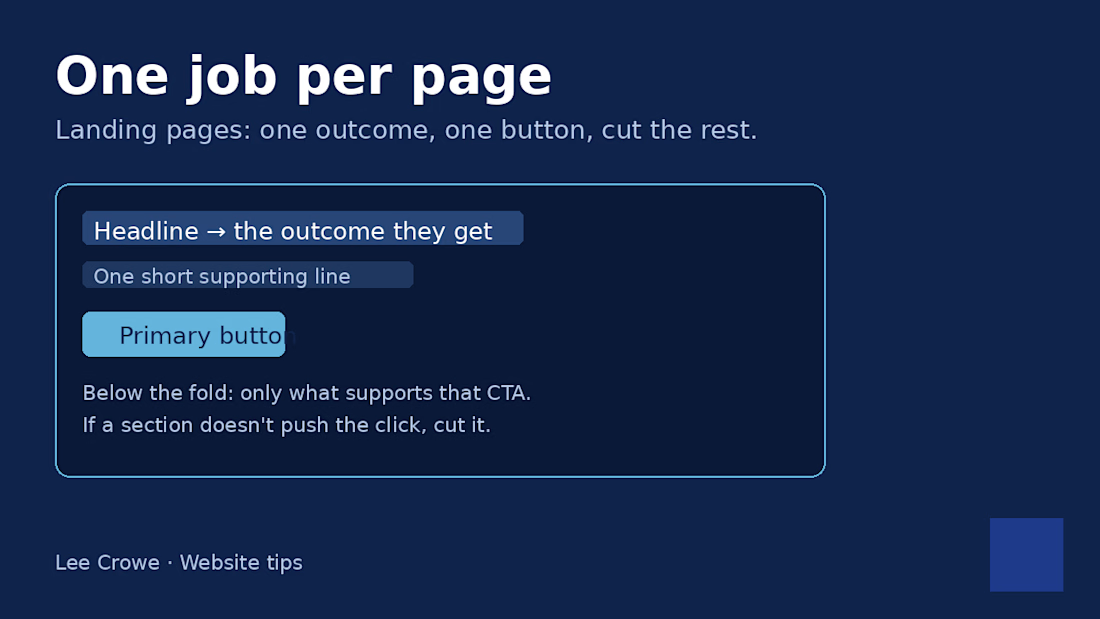
When I build a one-page site, I give it one job. Not three.
Above the fold: one headline that says the outcome (what they get), one short supporting line, and one button. No carousel, no second offer, no "learn more" that opens a menu.
Everything below the fold backs that same CTA...
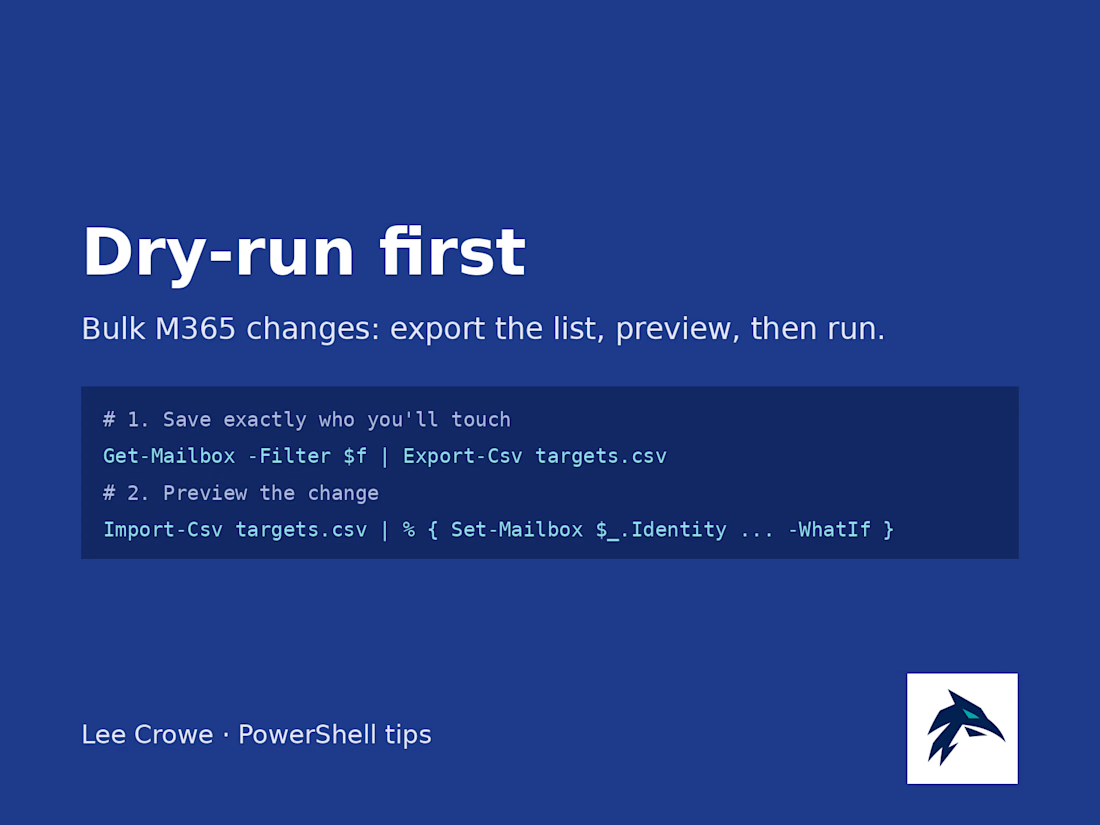
Before I run any bulk change in Microsoft 365, I do two boring things first.
1. Export the exact target list. Run your Get-Mailbox or Get-MgUser filter and pipe it to Export-Csv. Open the CSV and read it. If someone's on that list who shouldn't be, you just caught it for free.
2....