The network for creativity
Join 1.25M professional creatives like you
Connect with clients, get discovered, and run your business 100% commission-free
Creatives on Contra have earned over $150M and we are just getting started
Back to feedPost

Most slow small-business sites I look at have the same problem: huge images. A photo straight off a phone can be 4000px wide and several MB, then gets shown in a 1200px box.
Before any image goes on a page, I do three things:
1. Resize it to the largest size it will actually display (around 1600px wide is plenty for most hero images).
2. Export it as WebP, keeping a JPG fallback only if you need it.
3. Add loading="lazy" to images below the fold, plus width and height so the layout doesn't jump while it loads.
It takes a few minutes and can make a big difference. Run PageSpeed Insights before and after so you can see it for yourself.
The network for creativity
Join 1.25M professional creatives like you
Connect with clients, get discovered, and run your business 100% commission-free
Creatives on Contra have earned over $150M and we are just getting started





Related posts

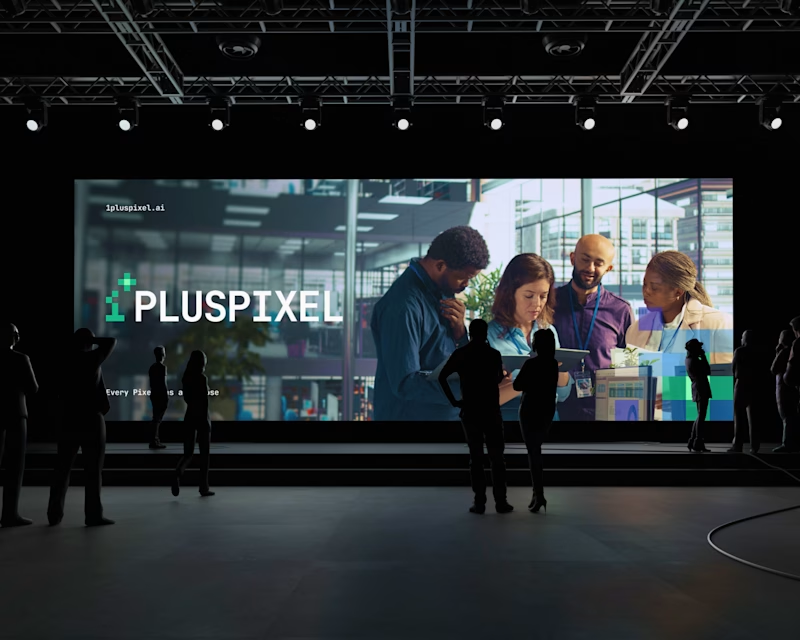
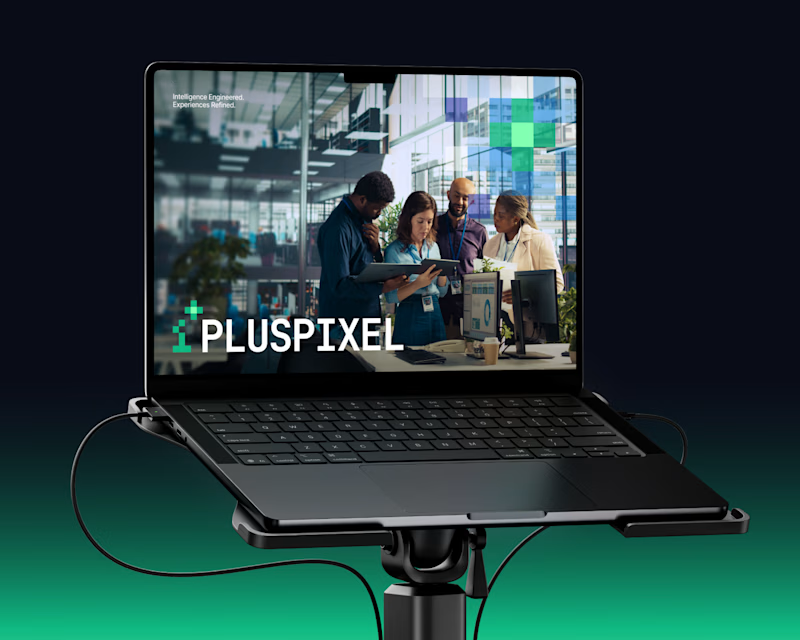
Same content, two different settings.
One designed to be seen on a big conference screen, the other experienced through a compact device. It's interesting how the same visuals can feel different depending on where they show up.
Which setting do you think brings the content to life better?
7 votes
Ends in 6h

Big screen. The wide stage gives the visuals more room.

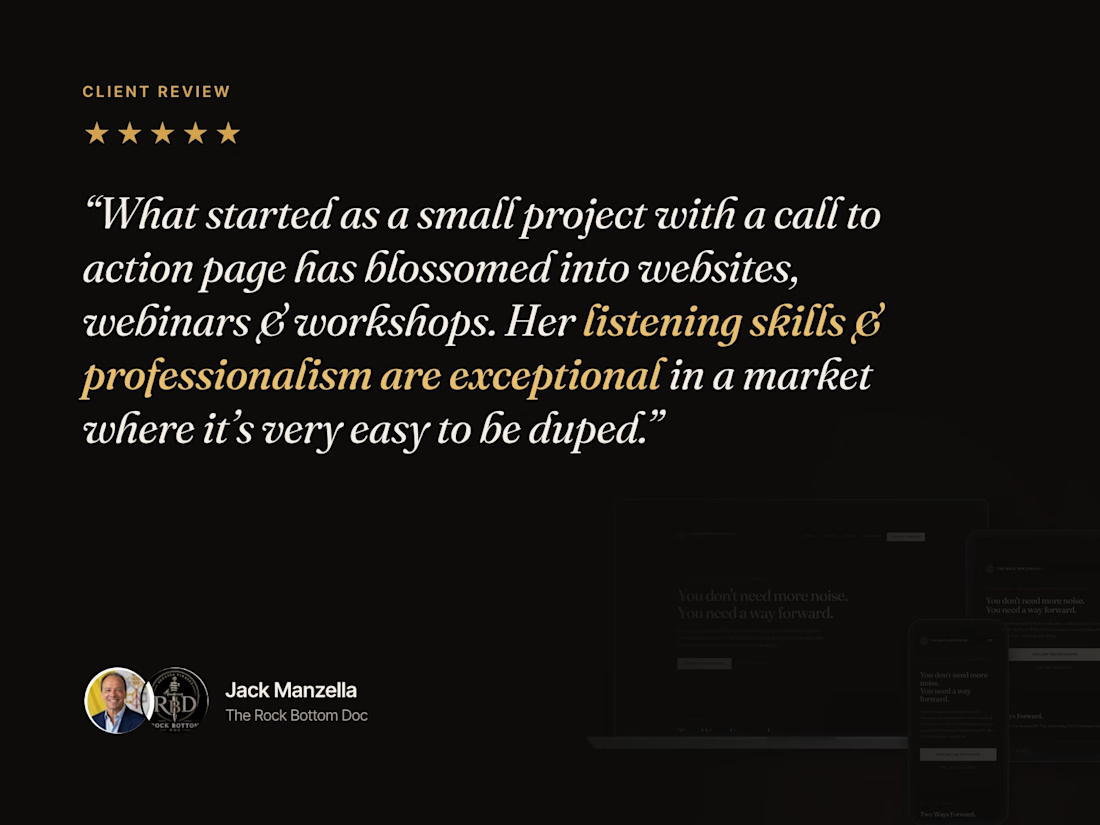
It started with one small call-to-action page.
Today it's two Kajabi websites, webinars, workshops and full social media for The Rock Bottom Doc.
This review from Jack means a lot to me. Great projects aren't built in one step. They grow when there's trust, listening and consistency on both sides.
Thank you, Jack, for trusting me with your vision. 🙏
If you're a coach or creator ready to take your brand from one page to a full platform, let's talk.


Going from one small CTA page to two Kajabi sites plus webinars says a lot about the trust you built. Congrats on the review from Jack!

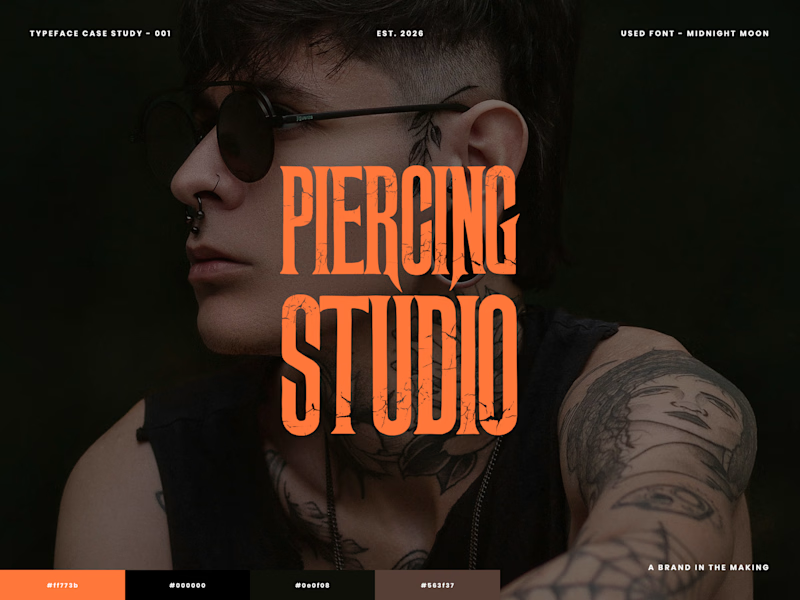
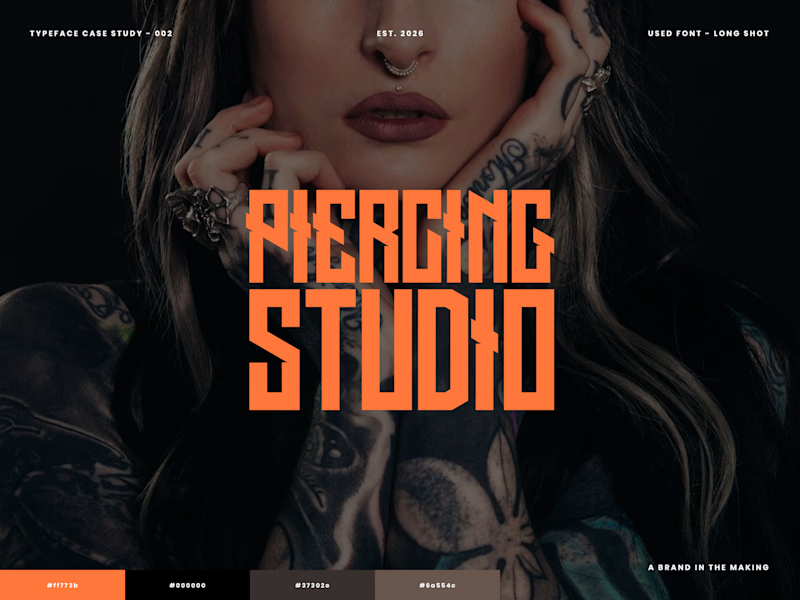
🖤 Which font hits harder?
I'm exploring typography for a Tattoo & Piercing Studio design. Looking for something bold, edgy, and full of attitude.
Which one gets your vote? 🤘
7 votes
Ends in 4h
Long Shot. The uneven edges feel like real flash lettering, which suits a tattoo studio.