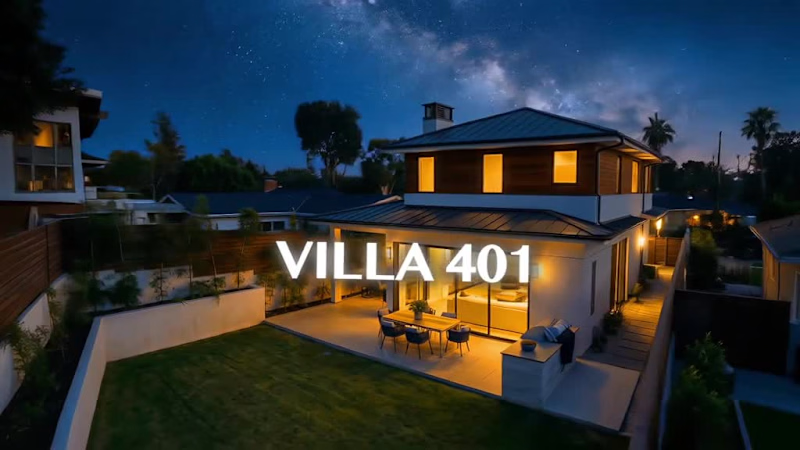
Freelancers using Google Flow in LagosFreelancers using Google Flow in Lagos
AI Video Producer & Editor | AI Content creator | AI Artist
5.0
Rating
87
Followers
AI Video Producer & Editor | AI Content creator | AI Artist
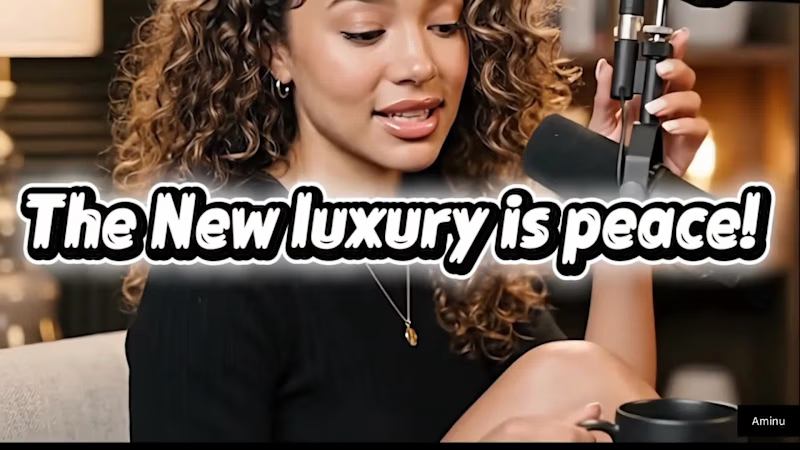
Cover image for AI Video Podcast — "The
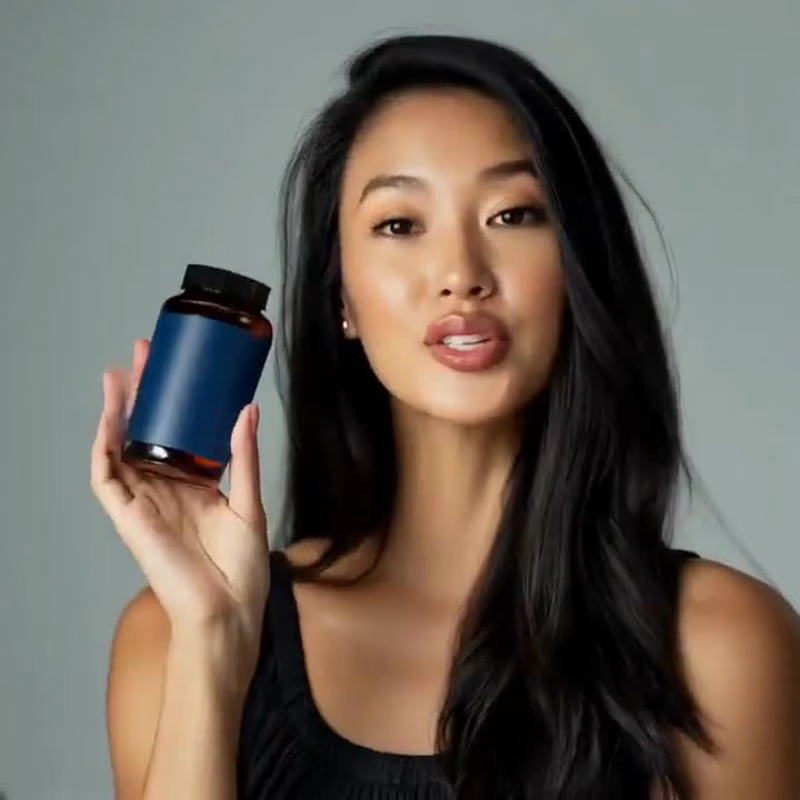
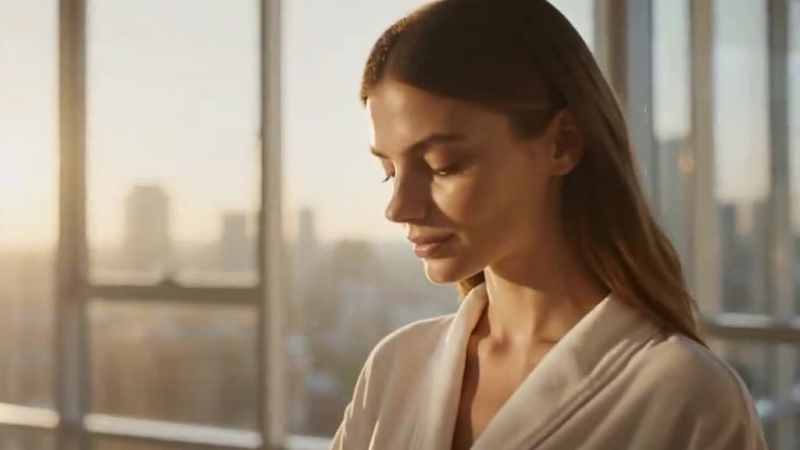
AI Video Podcast — "The New Luxury Is Peace" This project explores the intersection of AI storytelling, cinematic video production, and digital content creation. I developed and produced a fully AI-generated podcast featuring two virtual hosts discussing wellness, confidence, beauty, and modern self-care. The objective was to create a conversation that felt authentic, visually engaging, and professionally produced while showcasing the capabilities of generative AI workflows. My Role Creative Director AI Prompt Engineer Script Writer Character Designer Video Producer Editor Process The project began with designing two consistent AI-generated hosts and defining their personalities, appearance, and speaking styles. I then developed the podcast concept, wrote the dialogue, planned camera compositions, directed scene-by-scene performances, and generated each shot individually. To maintain character consistency throughout the production, I refined prompts, adjusted camera direction, and optimized scene structure during the generation process. The final edit was assembled with cinematic pacing, dialogue synchronization, subtitles, music, and color grading. Tools & Techniques AI Character Generation AI Video Generation Prompt Engineering Cinematic Storytelling Script Development Video Editing Motion Graphics Sound Design Outcome The result is a polished AI-generated podcast that demonstrates how artificial intelligence can be used to create engaging, human centered content while maintaining a premium visual and storytelling standard.
1
2
6
423
Cover image for Everyone froze at the same
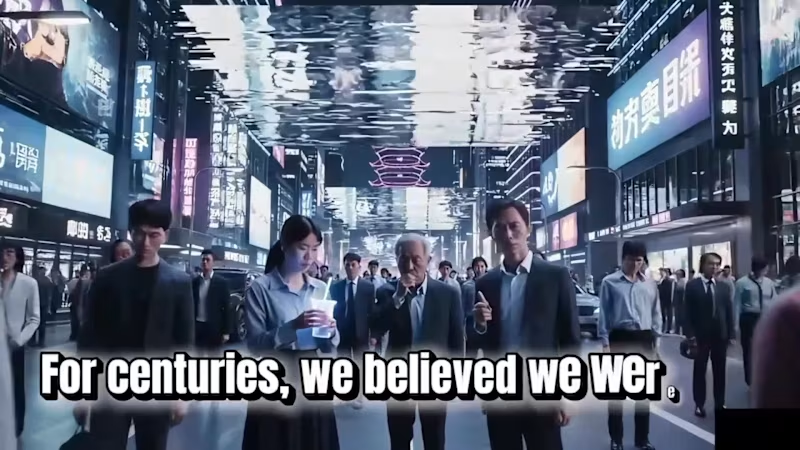
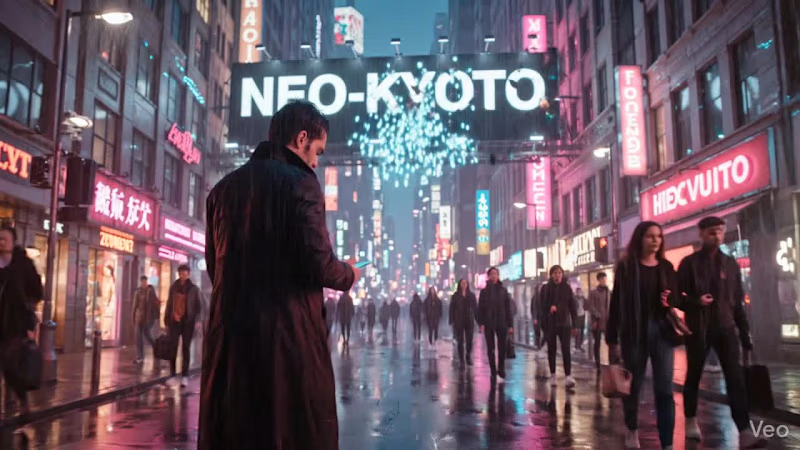
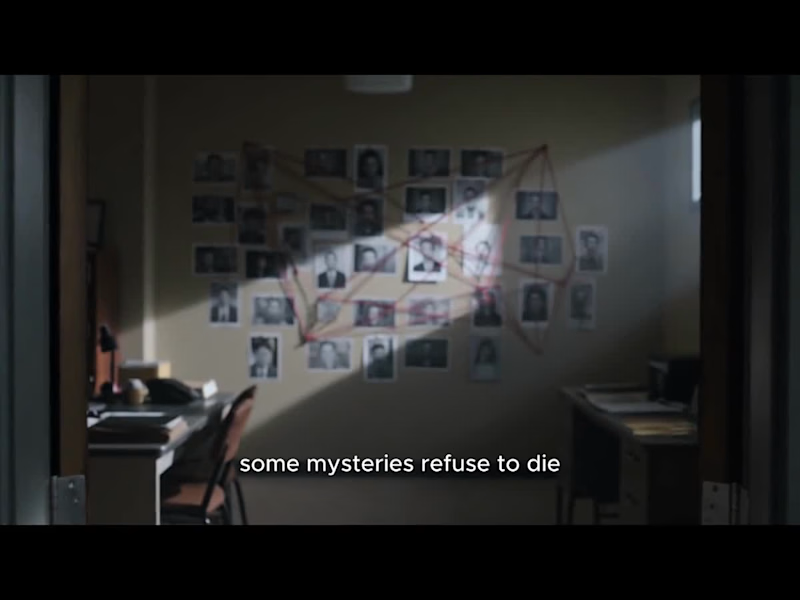
Everyone froze at the same time, only one person could still move. [ MOVIE TITLE- ECLIPSE PROTOCOL} That single idea became the foundation of Eclipse Protocol. I wanted the trailer to feel unsettling before anything “big” even happened. A world that looks calm on the surface, but slowly reveals that something is deeply wrong underneath. The story is built around a system called 'The Veil' a network designed to remove fear, pain, and chaos from human life. Everything feels controlled. Peaceful. Perfect. Until the system begins to fail. Instead of treating this project like a normal AI video experiment, I approached it like a real film production. I started with story structure first: mystery, tension, escalation, then collapse. Every scene was designed to push the audience deeper into the world without fully explaining everything. Visually, I focused on cinematic pacing, controlled camera movement, dark atmospheric lighting, and restrained editing. I avoided overloading scenes with action because suspense works better when the viewer feels something is wrong before they understand why. Sound design became a major part of the storytelling. Low ambient textures, glitch effects, distant impacts, and slow voice delivery were all used to create tension and unease. The goal was to make the audience feel watched by the system itself. What makes this project special to me is that it was never about generating random “cool AI shots.” It was about creating a believable world with mood, structure, and emotional weight. A trailer that feels less like content and more like the beginning of a real film.
2
308
I design products people don't need help using

1x
Hired
5.0
Rating
65
Followers
I design products people don't need help using
Framer & Website Designer • Video Editor • Canva • Pitchdeck
6
Followers
Framer & Website Designer • Video Editor • Canva • Pitchdeck
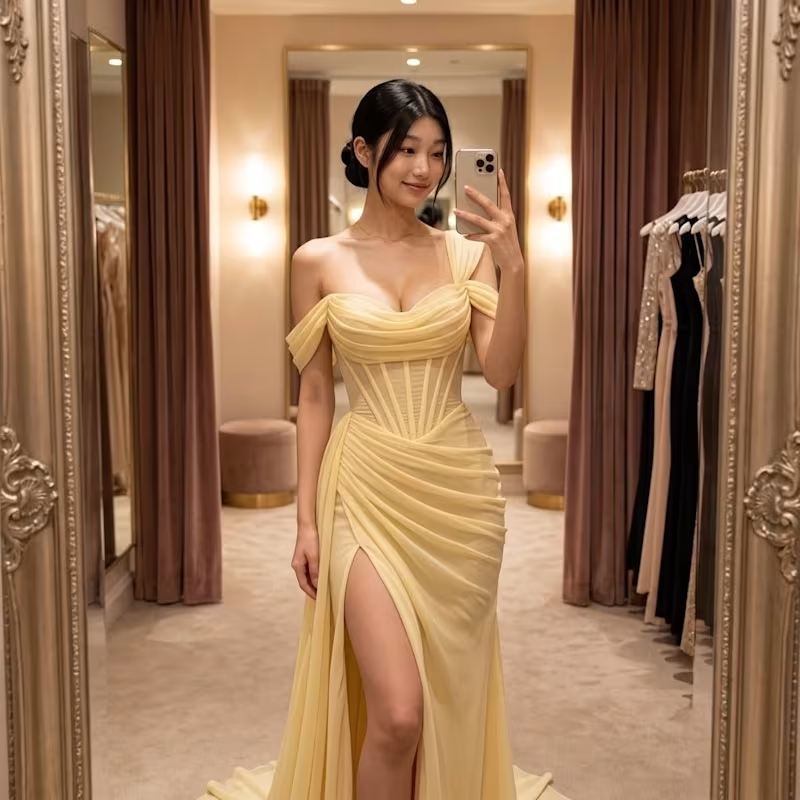
Graphic designer & AI Image/Video Producer
8
Followers
Graphic designer & AI Image/Video Producer
Cover image for ÉCLAT NOIR Luxury Perfume Launch
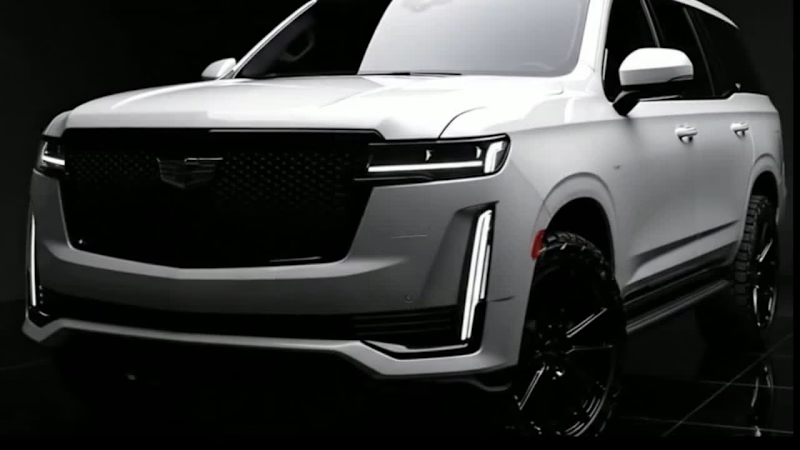
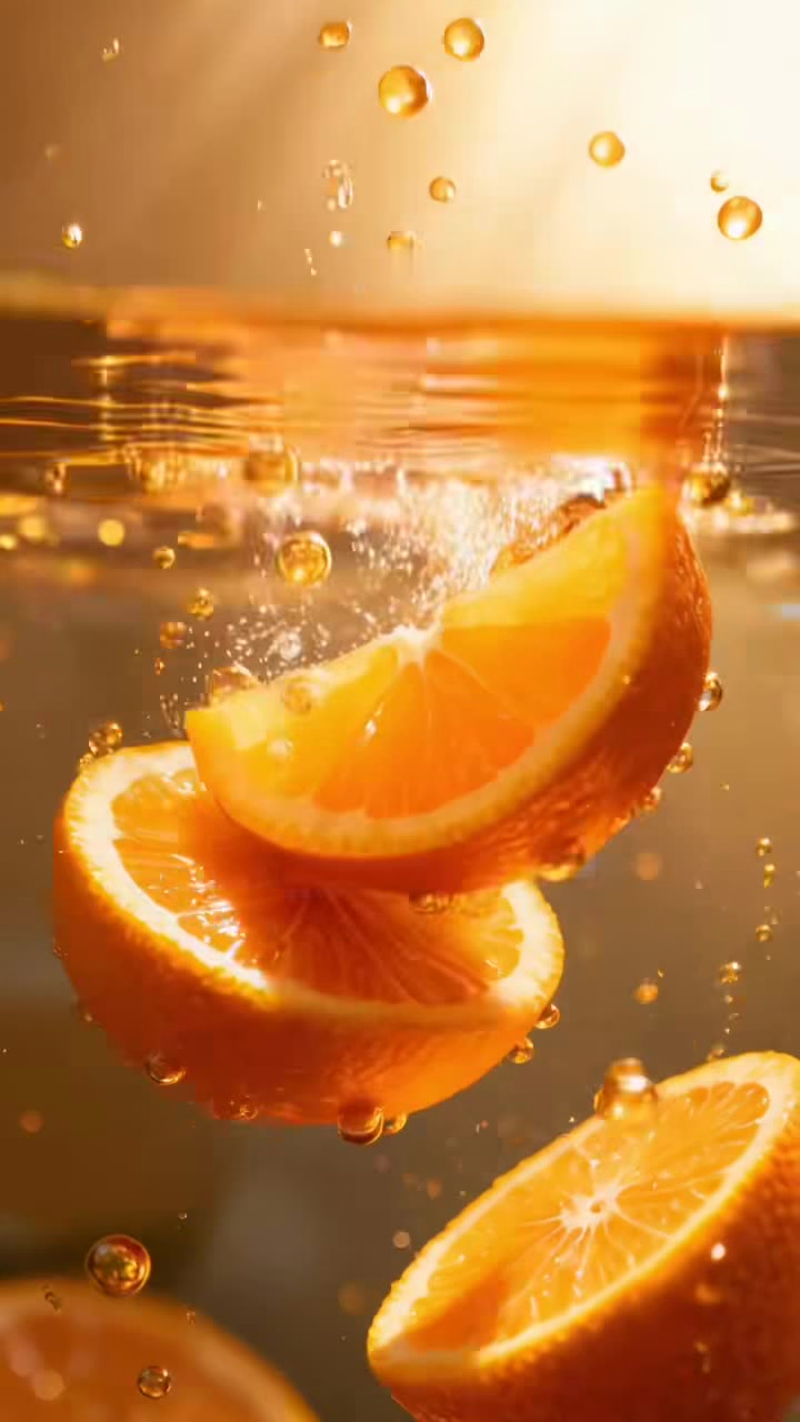
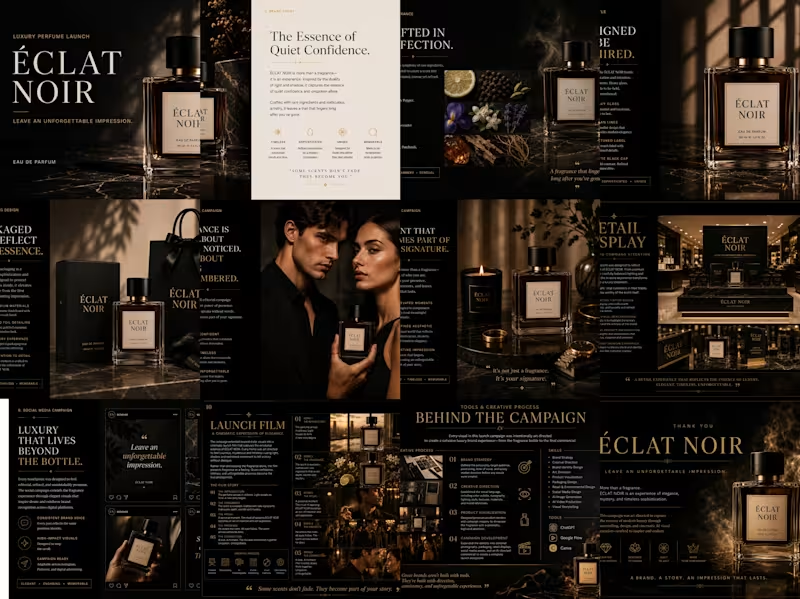
ÉCLAT NOIR Luxury Perfume Launch Campaign OVERVIEW ÉCLAT NOIR is a conceptual luxury fragrance brand created to explore how AI can accelerate premium brand campaigns without compromising creative direction. Rather than designing a single logo or product mockup, I developed a complete launch experience, from brand positioning and product visualization to social media assets, retail displays, packaging concepts, and a cinematic commercial. The objective was to prove that AI is most powerful when guided by strong creative thinking, art direction, and a clear brand narrative. THE CHALLENGE Luxury brands don’t sell products, they sell emotion. The challenge was to create a fragrance launch that felt sophisticated, timeless, and aspirational while maintaining visual consistency across every customer touchpoint. Every asset needed to communicate the same feeling: Quiet confidence. Mystery. Lasting presence. MY APPROACH Instead of treating AI as the designer, I approached it as a creative production pipeline. I first defined the brand strategy, audience, visual language, storytelling direction, and campaign structure before producing any visuals. From there, I directed every scene, product render, environment, and cinematic sequence to ensure the entire campaign felt like work from a premium luxury brand. The result is a cohesive launch campaign that spans multiple marketing channels while maintaining one consistent identity. DELIVERABLES Brand Identity Direction Luxury Product Visualization Packaging Design Concepts Editorial Campaign Lifestyle Campaign Retail Display Concepts Social Media Campaign AI Commercial Storyboard AI Launch Film Campaign Presentation Creative Process The project was built using an AI-assisted creative workflow where strategy remained the foundation of every decision. Defined the brand positioning and campaign narrative Developed the creative direction and visual language Designed the product and packaging concepts Produced luxury campaign imagery Created storyboard frames for the commercial Generated cinematic video sequences Edited the launch film Designed the final presentation Results ÉCLAT NOIR demonstrates how modern creative tools can be combined with strategic design thinking to build premium brand experiences in a fraction of the traditional production timeline. Rather than replacing creativity, AI became a production partner that allowed ideas to move from concept to execution with greater speed while preserving a high level of craftsmanship and consistency. The final outcome is a complete luxury launch campaign that showcases branding, visual storytelling, campaign design, and AI-assisted creative direction working together as one cohesive system. TOOLS ChatGPT: Brand strategy, creative direction, copywriting, art direction, prompt development, and campaign planning. Google Flow: AI commercial generation. Canva: Presentation and campaign layout. InShot: Commercial video editing and final post-production. SKILS Creative Direction Brand Strategy Brand Identity Campaign Design Art Direction Product Visualization Visual Storytelling AI-Assisted Design AI Video Production Presentation Design Prompt Engineering https://canva.link/u931zqdxj2xrd2w
1
98
Cover image for LUMEA AI-Powered Luxury Skincare Campaign
Overview
LUMEA
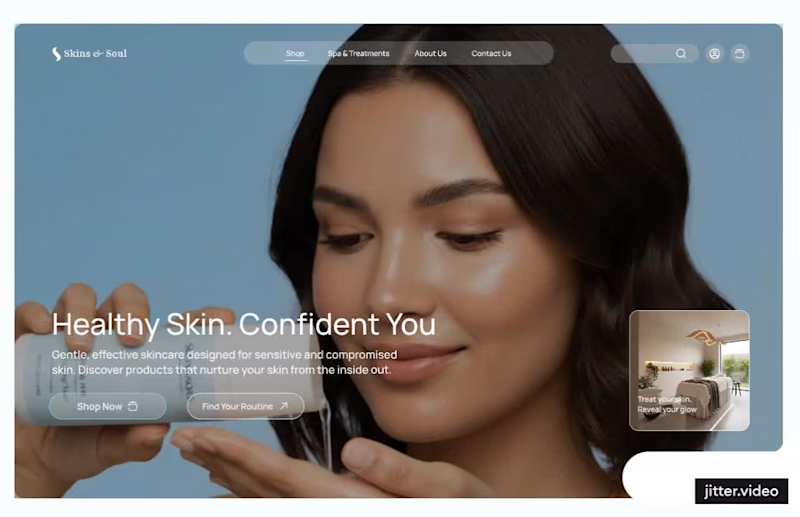
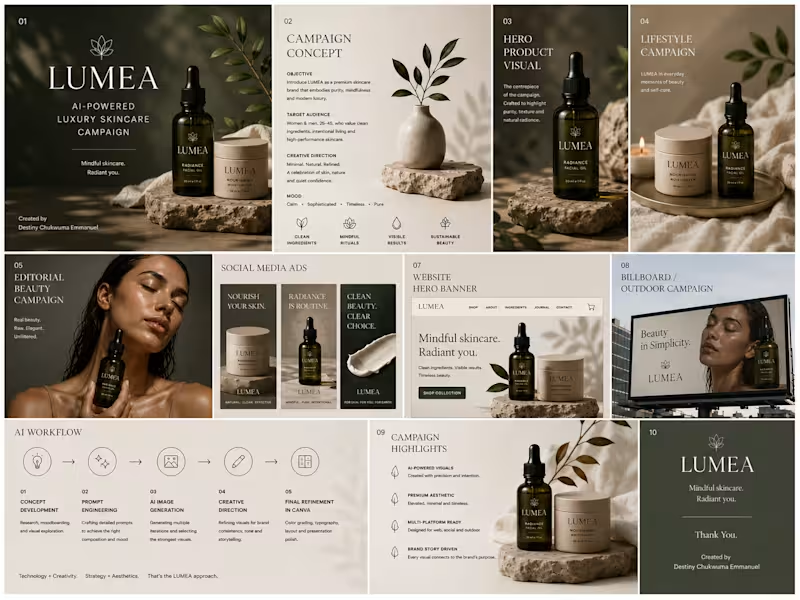
LUMEA AI-Powered Luxury Skincare Campaign Overview LUMEA is a fictional luxury skincare brand created to showcase the power of AI in commercial advertising and visual storytelling. This concept explores how AI can be leveraged to produce premium campaign visuals that capture a brand’s identity and connect with a modern, design-conscious audience. The Challenge The objective was to create a cohesive campaign that communicates elegance, trust, and sophistication while demonstrating how AI generated imagery can be used for high-end marketing and brand communication. My Approach I developed the creative direction, established the visual language, and used AI to produce a series of cinematic campaign visuals. Every image was crafted with a focus on premium aesthetics, consistent lighting, refined composition, and a luxurious brand feel to ensure a cohesive campaign across multiple marketing touchpoints. Deliverables Creative Direction Brand Campaign Concept AI-Generated Commercial Visuals Hero Product Imagery Lifestyle Campaign Assets Editorial Beauty Visuals Website Hero Concept Billboard Advertisement Tools ChatGPT (Creative Direction & Prompt Development) AI Image Generation Outcome This project demonstrates how AI can be used as a creative partner to develop visually compelling, brand focused campaigns. It reflects my ability to combine strategic thinking, art direction, and AI powered visual creation to produce marketing assets that feel polished, premium, and commercially relevant.
2
2
125
Brand & UI/UX Designer | Thumbnail Designer | Web Design
Cover image for I built the complete UI/UX
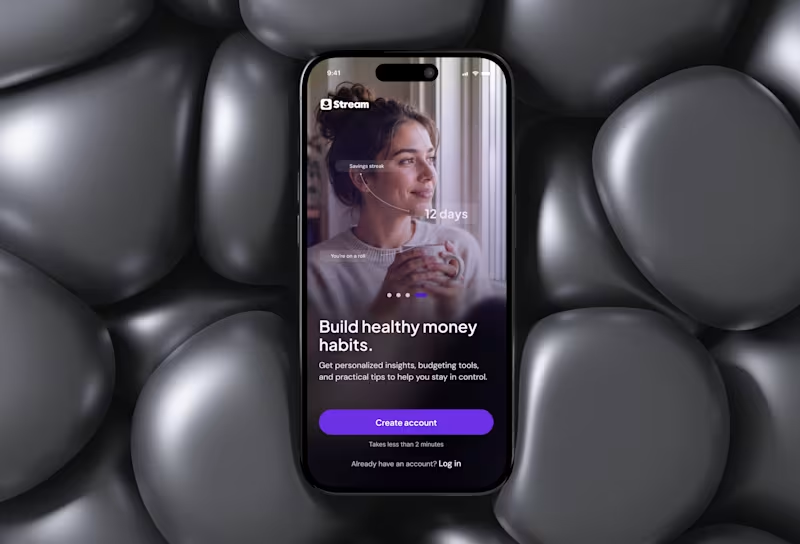
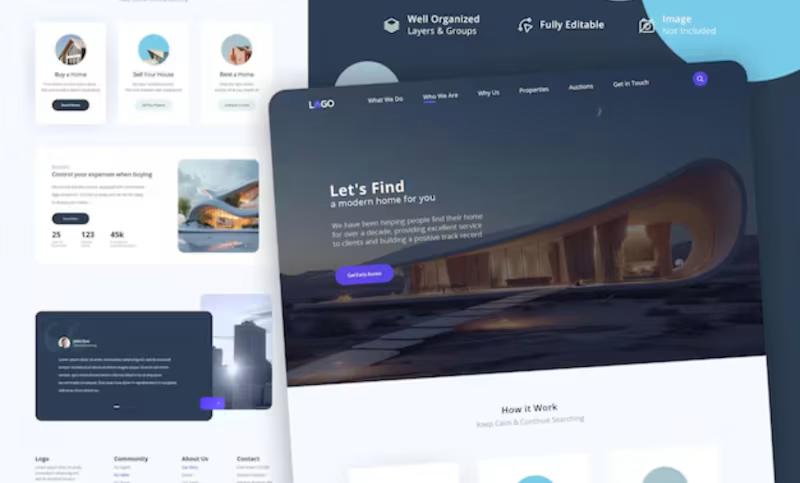
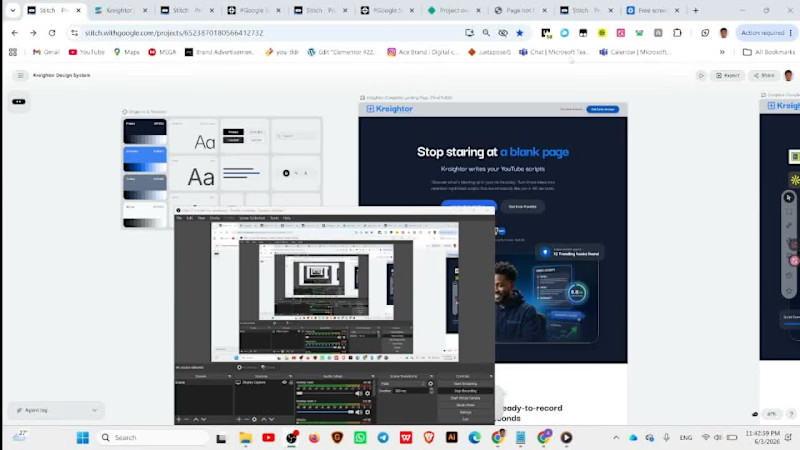
I built the complete UI/UX of Kreightor an AI-powered YouTube creator platform designed specifically for African and emerging market creators. The product solves two pains I confirmed through user research I conducted last year across Nigerian, Ghanaian, and Kenyan creators: they don't know what to make videos about, and when they do have an idea, they freeze at a blank page not knowing what to say or how to structure a script that keeps people watching. Kreightor combines two core features into one seamless workflow a trending idea discovery engine that shows creators what's blowing up in their niche right now, and an AI script generator that produces fully retention-optimised scripts structured around the YouTube algorithm, in the creator's own voice, in under 60 seconds. The platform is priced at $9/month specifically because every tool that solves this problem today charges $49 to $299/month, built for creators in California and priced for American salaries. Nobody is building for Africa. That's the gap Kreightor fills. The prototype covers 10 complete screens across the full user journey from landing page through authentication, a 4-step voice profile onboarding, the main idea discovery dashboard, script generator, script result with AI scoring. The Prototype https://stitch.withgoogle.com/preview/6523870180566412732?node-id=3f6dc0afc5894a4d8df63fcf54e2dcea How I Used Stitch I used Google Stitch as the primary design tool for the entire product not just to generate screens, but as a core part of my thinking and iteration process. I started by loading my design system directly into Stitch using the DESIGN.md (http://DESIGN.md) feature. I defined my brand tokens primary blue (#2563EB), dark navy (#060B1E), Darker Grotesque for headings, Inter for body so that every screen Stitch generated automatically respected the Kreightor visual language from the first generation. From there I built all 10 screens using Standard Mode prompts, being very specific about layout, component hierarchy, copy, colour values, and interaction states. I treated Stitch less like a "generate and accept" tool and more like a collaborative design partner I would generate a screen, identify what wasn't right, write a targeted refinement prompt, and iterate until it matched my vision. For more complex screens like the dashboard and script result layout I used Experimental Mode with reference images to get the layout precision I needed. Once all screens were complete I used Stitch's prototype feature to wire the full user flow together connecting every CTA, button, and navigation element across the entire 14-screen journey so the prototype is fully clickable from landing page to upgrade success state. I then exported the designs to Figma using the Copy to Figma feature for layer cleanup and developer handoff, and extracted the React component code per screen for the development build. Stitch Features I Used The DESIGN.md (http://DESIGN.md) Loaded my complete brand token system before generating a single screen. This meant every generated UI automatically used my exact colors, fonts, and spacing without me having to correct it after the fact. This feature alone saved me hours of manual correction and made every screen feel like it came from the same design system rather than a series of disconnected AI generations. Animate Feature Used to bring the Hero section image and cards around it to live and also applied hover states. Prototype / Play Mode Used to wire all 10 screens into a single clickable user flow. What would have taken me hours of manual hotspot wiring in Figma happened automatically when I hit Play Stitch inferred the journey from screen names and content, and I only needed to manually wire a handful of connections it missed. React Code Export Exported component code for each screen to hand off to my developer alongside the Figma file. Having production-ready React components come out of the design process rather than having to write them from scratch is a meaningful time saver. My Experience Using the Platform Stitch genuinely surprised me. I came in expecting a tool that would get me 60% of the way there and leave me doing heavy manual work to finish. That's not what happened. The DESIGN.md (http://DESIGN.md) feature is the one I'd tell every designer to use first. Loading your design system before you generate anything is the difference between outputs that feel random and outputs that feel intentional. Once my tokens were in, Stitch stopped feeling like an AI generator and started feeling like a fast junior designer who already understood my brand. The thing I appreciated most was the prompt iteration loop. You're not locked into the first generation. Every refinement prompt I wrote moved the design meaningfully closer to what I had in my head. By the third or fourth iteration on complex screens like the dashboard, I was looking at something I genuinely wanted to show to investors. Where Stitch still has room to grow is in granular layout control. There were moments particularly on the two-column dashboard layout and the script result screen where I knew exactly what I wanted spatially but the prompt interpretation gave me something slightly different. I ended up regenerating multiple times with a reference image to solve this, which worked, but a manual drag-and-drop override would have been faster. The prototype wiring was the biggest time save I didn't expect. The auto-connect on Play mode is genuinely magical the first time you see it work. I had a fully clickable 10-screen flow ready to share in minutes after I thought I was going to spend the rest of the afternoon doing it manually. Overall for a founder or designer moving at speed, Stitch is the best zero-to-prototype tool I've used. The gap between what you imagine and what it generates is narrower than any other AI design tool I've tried, and it only gets narrower the more intentional you are with your prompts and your design system setup.
2
99
AI Cinematic Creator & Video Editor crafting standout video
1x
Hired
AI Cinematic Creator & Video Editor crafting standout video