Product Design Projects in Federal Capital Territory
Sign Up
Post a job
Sign Up
Log In
Filters
2
Projects
People
Message
16
Abdul Ahmad
pro
Sugarbox App
16
155
Message
1
Chiedozie Okafor
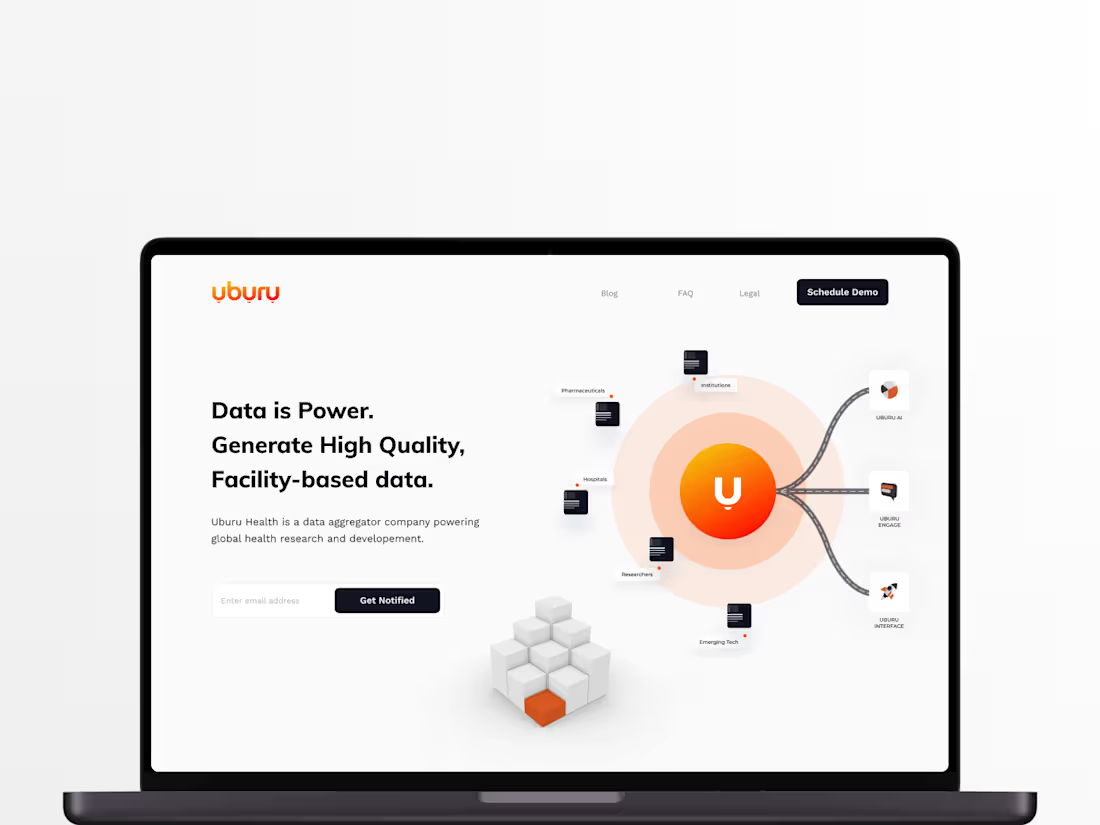
Designing Uburu AI for African Health Data Accessibility
1
24
Message
0
Moses & GrowthByDesign Team
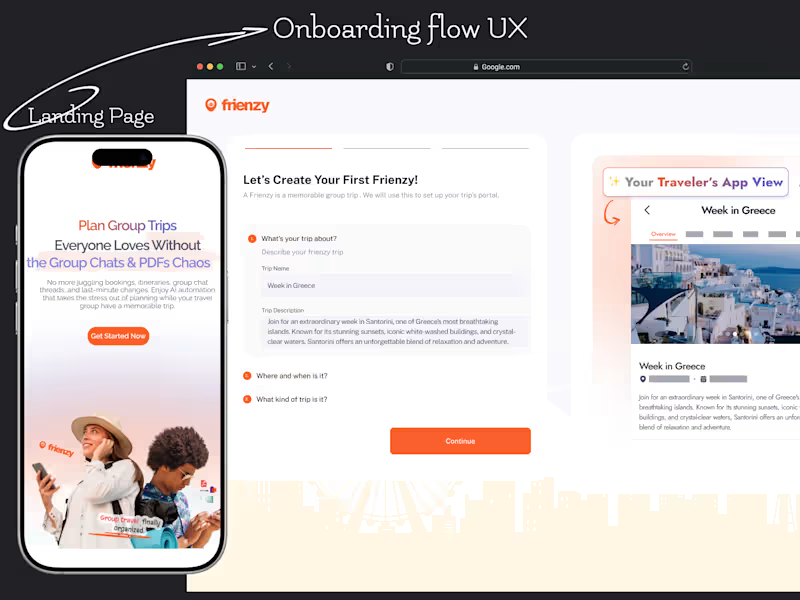
Frienzy Pro Onboarding UX and Landing Page Design
0
27
Message
10
Shater Tsavsar
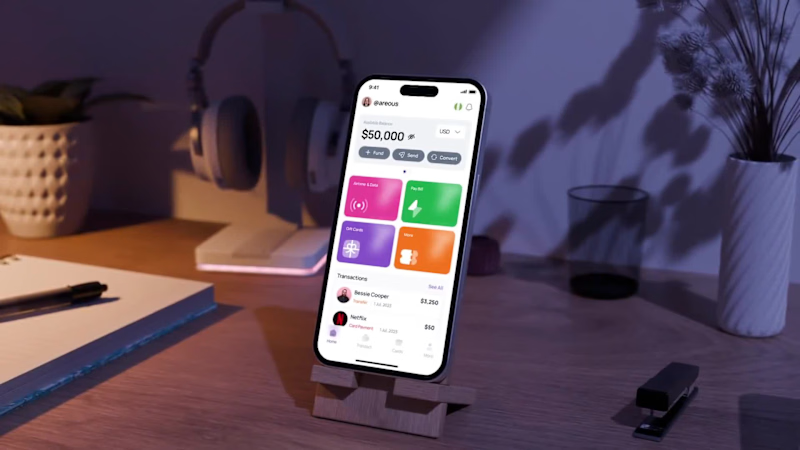
Fundify :: Fintech App
10
247
Message
1
Timothy Exodus
pro
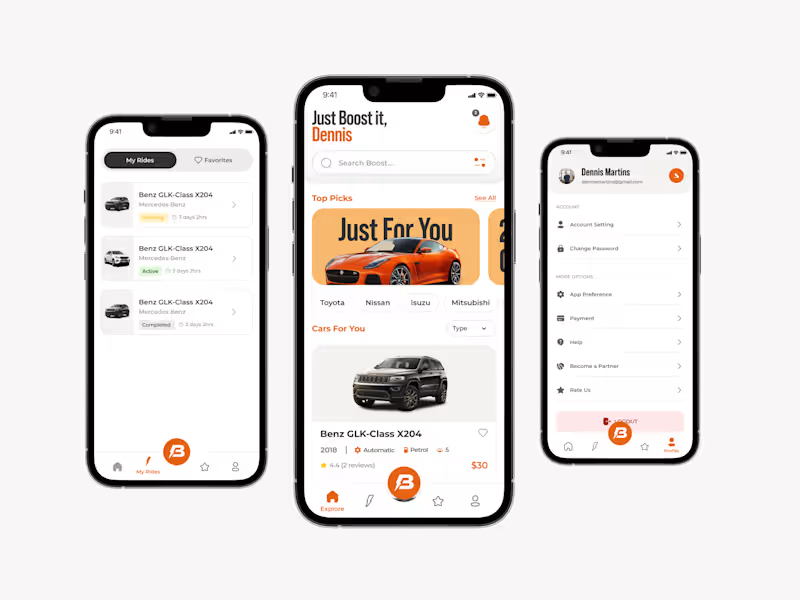
Car Rental Solution
1
26
Message
3
Mustofa Al-Ameen Mustafa
pro
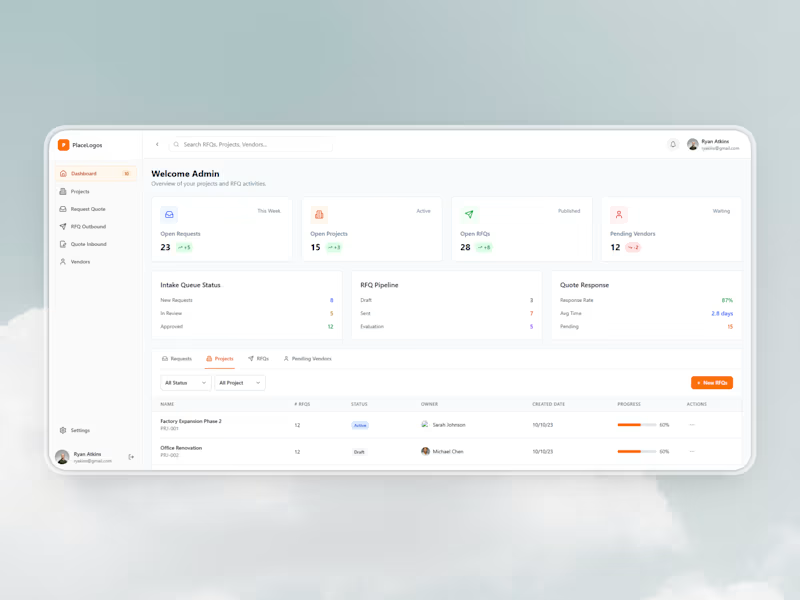
Procurement Management Interface Development
3
31
Message
2
Habiba Abdullahi 😎
pro
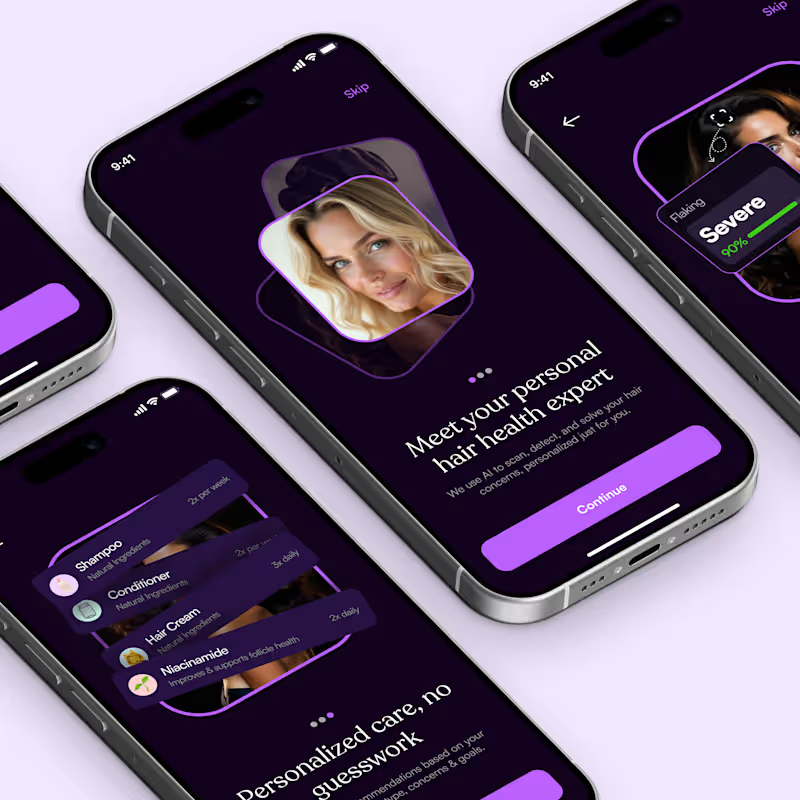
AI-Health Wellness Mobile App
2
108
Message
2
Charles Charlid
pro
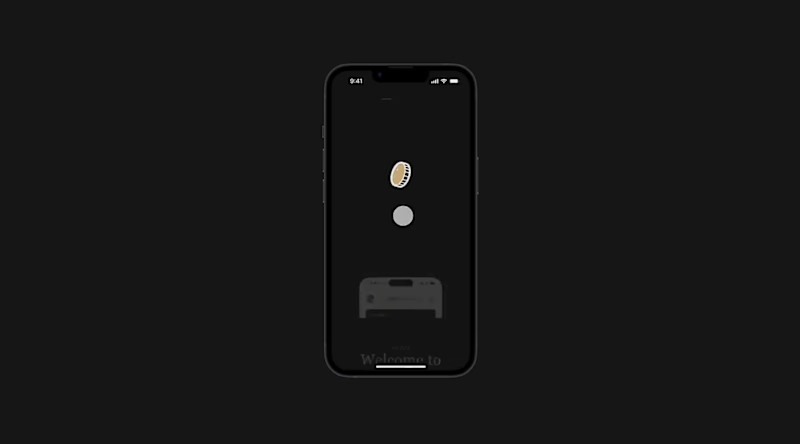
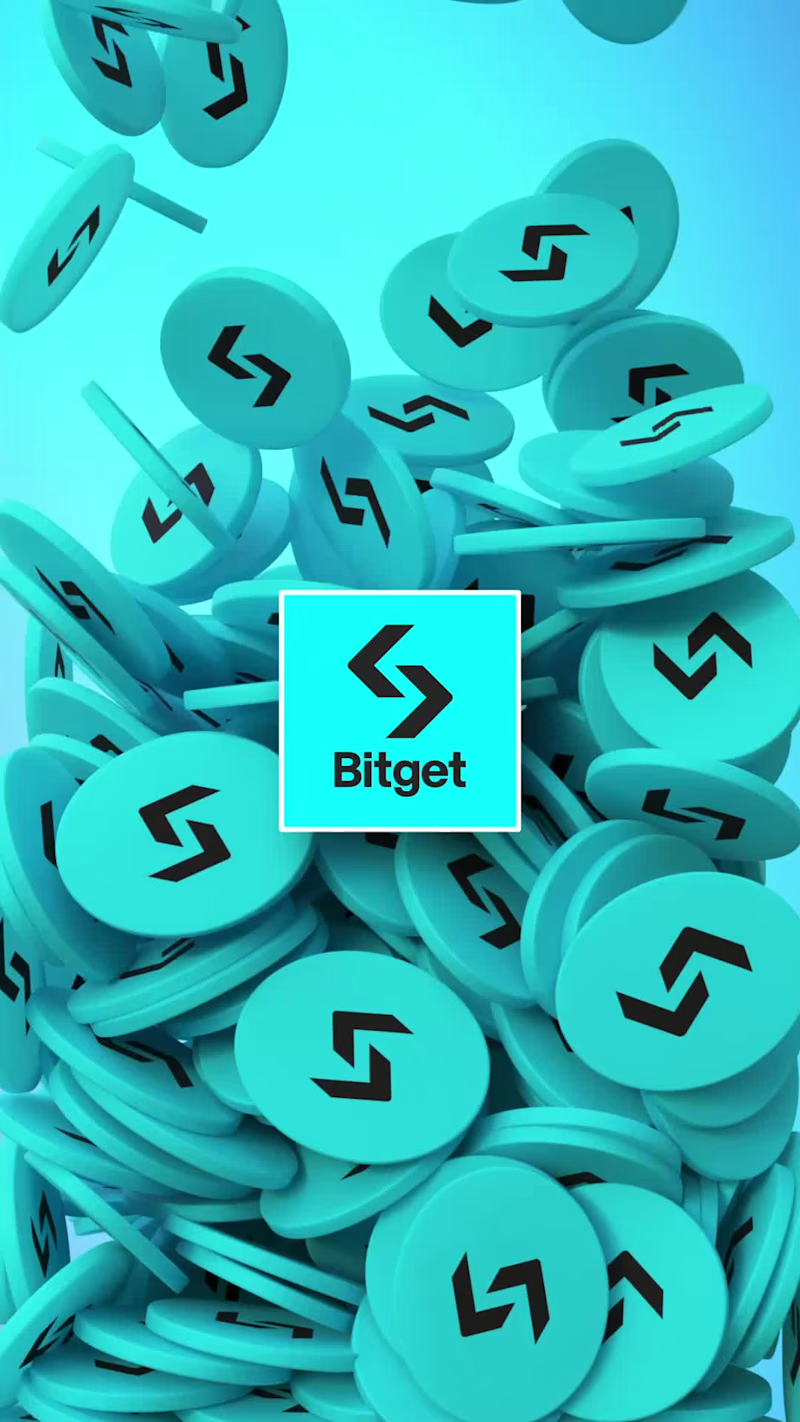
I created and animated these Coin and POS models in Blender and After Effects, but now I ended up with two variants. Which one do you prefer for a drop-down product showcase?
2
295
Message
0
almostbroke® Studio
max
Saving $6m through rapid explorations
0
9
Message
1
Hauwa Yusuf
pro
CoSpace: Revolutionizing Rental Experience in Lagos
1
3
Message
1
Eugene Adavore
pro
SLICE Admin Dashboard Design
1
1
Message
0
Daramola Oluwatimilehin
Recently validated a conversation card deck concept through a real, paid delivery. The physical deck proved the experience works in social settings. Now I’m focused on building the platform behind it, a system that allows people to customize decks by choosing categories, tone, and structure before anything gets printed. Validating offline, then building software to scale it. Building in public.
0
74
Message
1
Paul Idenyi
pro
I recently designed an eCommerce website for a fashion brand, Fashionista. The main thing I paid attention to was how people actually shop. When someone lands on a fashion site, they’re not trying to explore everything. They’re usually scanning quickly, looking for something that catches their eye. So the goal was to make it look so good and make people want to buy the moment they land. I kept the layout simple and clear and Bold, using strong product hierarchy The Products are easy to find, categories make sense, and made the product details page irrestible Every section had one job which is to guide the user closer to checkout So someone can go from landing on the site to finding something they like without overthinking it.
1
73
Message
1
Joshua Ikhine
Payrevo - Website Design and Framer Development
1
3
Message
2
Toyin Daniel-Oluwagbiyi
Horizon Digital Wealth Management Platform Design
1
2
4
Message
0
Isaac Blake Tile
Building the "Do More" UI: From Sketch to Vision When I set out to design the Do More app, my mission was to translate a very specific set of requirements—raw sketches and a clear functional hierarchy—into a high-end, minimalist productivity tool. I wanted to move beyond the typical cluttered task manager and create something that felt both authoritative and inspiring. Here is how I brought the "Do More" vision to life: The Aesthetic Foundation I leaned heavily into a high-contrast dark mode, utilizing a deep black background and crisp white typography. While the brief called for a black-and-white scheme, I made the executive decision to introduce muted accent tones—soft purples and mint greens. I used these sparingly to highlight progress bars and active states, ensuring the interface feels alive rather than static, without sacrificing that clean, "Opal-inspired" sophistication. The Home Page: Instant Clarity On the Home page, I focused on immediate orientation. I placed the date selector right at the top with a "Yesterday, Today, Tomorrow" pill toggle so the user always knows where they stand. Underneath a daily motivational quote, I dedicated the largest portion of the screen to "Focus Now." This section acts as the app's brain, intelligently merging prioritized long-term goals with immediate to-do items to eliminate decision fatigue. The Everyday Page: Actionable Structure For the Everyday page, I followed the brief’s request for a top-heavy calendar. This allows users to see their goal-driven deadlines at a glance. Below that, I reimagined the standard To-Do list. Instead of basic bullet points, I designed rounded-rectangle cards that feel tactile and modern. I also integrated a dedicated "Memories" block, providing a seamless space for the requested journaling feature without cluttering the daily task flow. The Goals Page: Mapping the Dream This is the heart of the app. I titled this section "Long-Term Visions" to elevate the stakes. I structured each goal as a comprehensive card where the "Dream" (the long-term goal) sits in bold, prominent text at the top. Underneath, I mapped out the "Steps"—the short-term pathway required to get there. To make these visions feel attainable, I integrated high-quality, atmospheric imagery into each card, turning a simple list into a visual bucket list. Ultimately, I wanted Do More to feel like a premium digital sanctuary for achievers. By balancing functional constraints with a "human-first" design philosophy, I’ve created a UI that doesn't just track tasks—it architecturally guides users toward their biggest ambitions.
0
6
Explore projects