The network for creativity
Join 1.25M professional creatives like you
Connect with clients, get discovered, and run your business 100% commission-free
Creatives on Contra have earned over $150M and we are just getting started
Back to feedPost

Some days I'm designing landing pages.
Some days I'm building sales funnels or crafting automations.
Some days I'm deep in psychology-based sales copy.
Some days I'm creating Instagram content.
Other days I'm the manager - managing tasks, contractors, building SOPs, onboarding new clients and team members, analysing what's working, what's not working, and the best way to move forward.
My work wear many hats, and I wouldn't have it any other way.
People often ask, 'So what do you call yourself — an OBM? A funnel builder?'
Honestly, I don't have a neat answer for that yet, and I've made peace with it (for now).
What I do know is this: I'm grounded, I'm a little (a lot) nerdy, and the thought of cleanly organised systems makes my mouth water.
freelancerlifeprojectmanagerCopywritingMarketing StrategyProject ManagementCanvaClickUpOnline Business Management


The network for creativity
Join 1.25M professional creatives like you
Connect with clients, get discovered, and run your business 100% commission-free
Creatives on Contra have earned over $150M and we are just getting started
Related posts


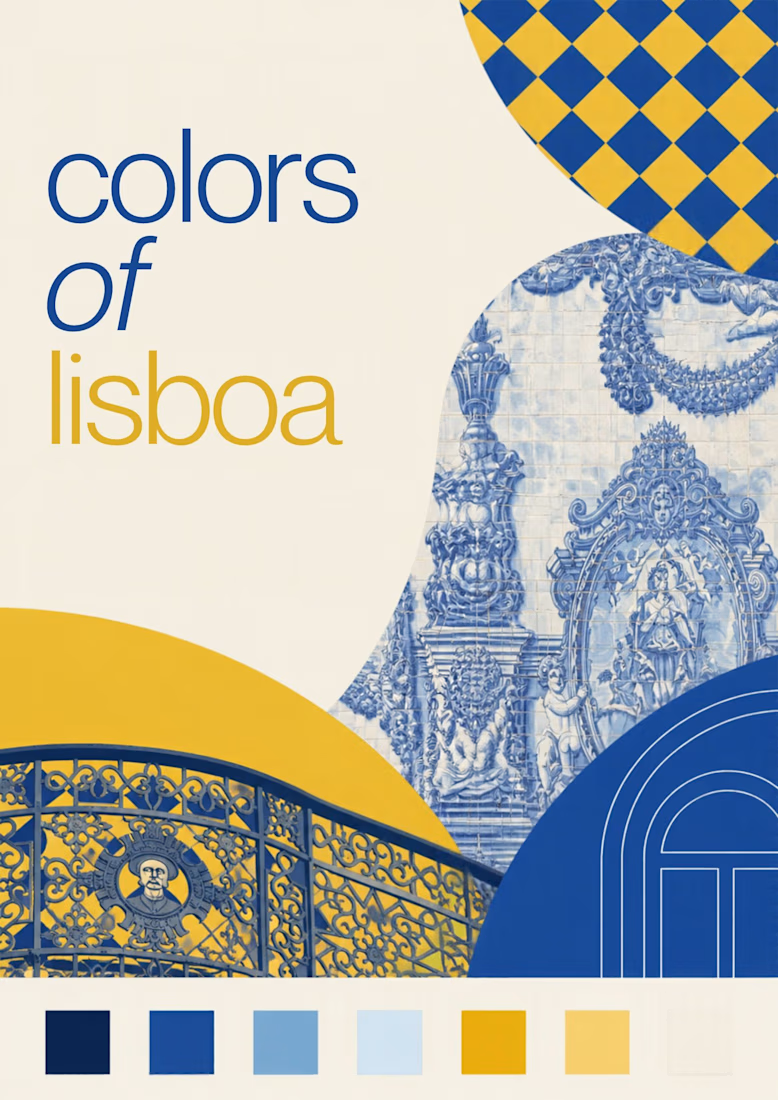
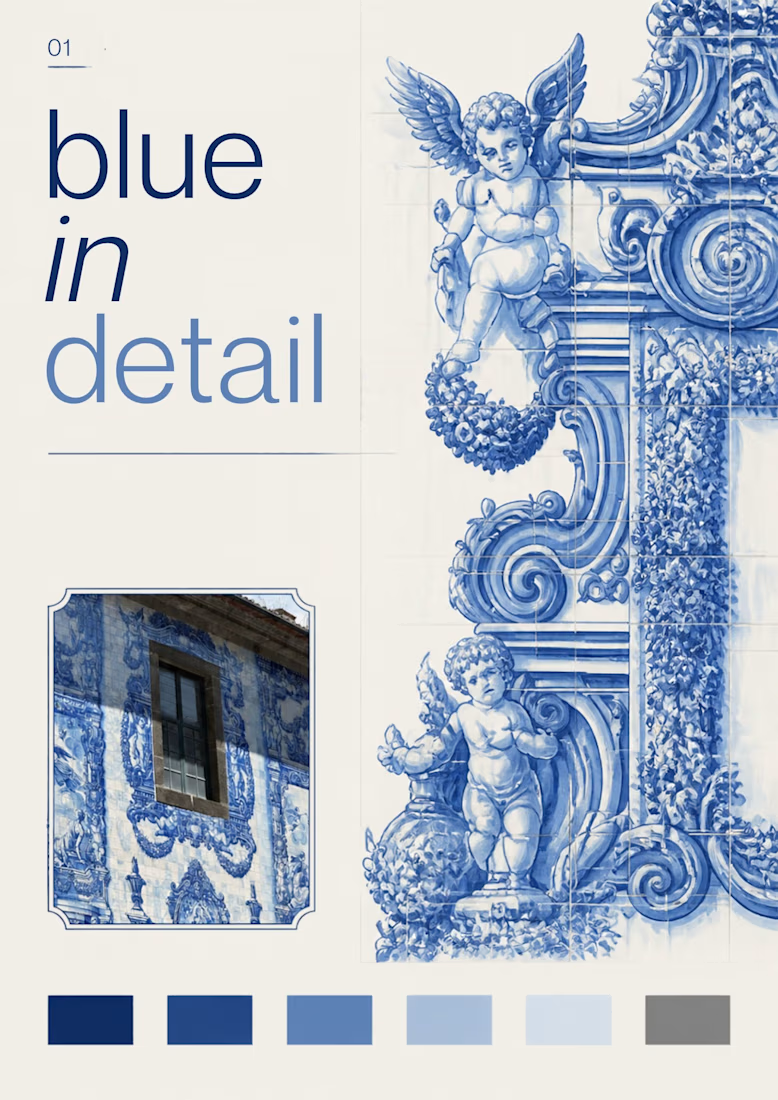
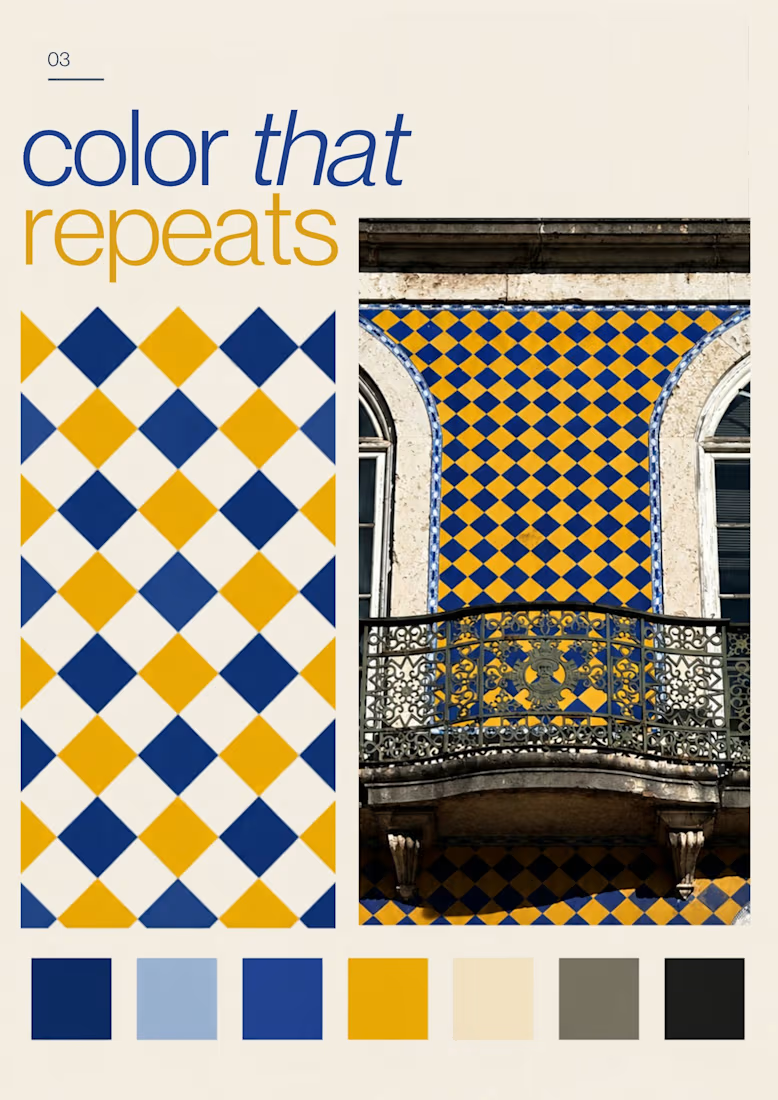
Turning the colors I notice around Lisbon into a series of posters, each inspired by a different photograph.
01 [Blue in Detail] started with the blue Portuguese tiles, exploring their intricate patterns, ceramic tones, and small details.
02 [Color on Repeat] explored the rhythm of blue and yellow tiles, using repetition as the starting point for the design.
I sampled colors from my photographs and used Canva Craft to explore layouts, typography, and graphic elements. Then I refined the designs by hand, adjusting the colors, spacing, and text.


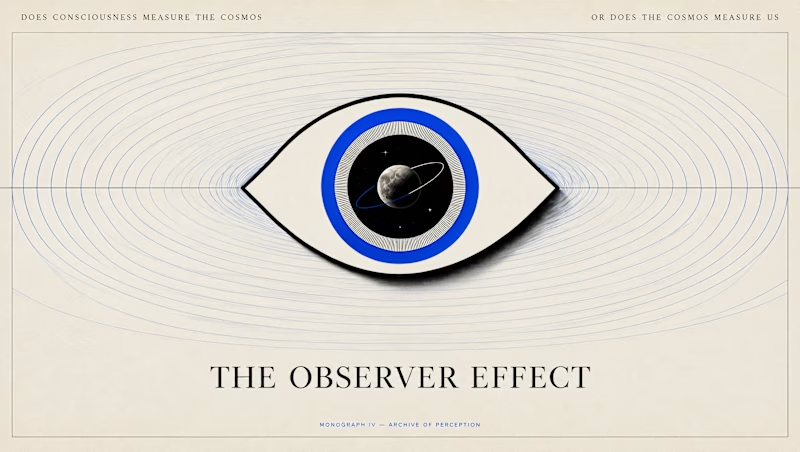
Can looking at something change what you see?
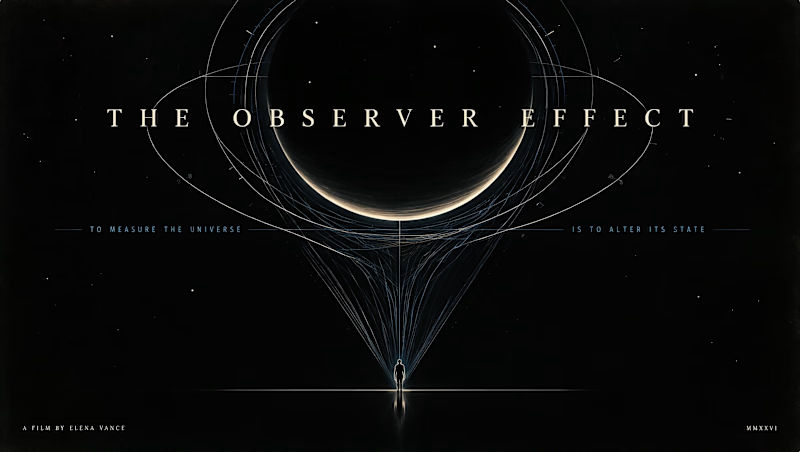
I wanted to put Canva Craft to test with an idea I've been sitting with lately: the Observer Effect.
It's a concept that got me thinking about the relationship between observation and reality, and how our understanding of what we see can get a little philosophical (and existential) very quickly:)
I gave Craft two different directions to interpret the same idea.
A: The Cosmic Observer takes a human perspective against the scale of the universe.
B: The Universe Looking Back turns the gaze itself into the subject, blurring the line between the observer and the observed.
I wanted to see how Craft would translate something this abstract into a poster and how differently it would approach the brief.
Which direction would you choose, A or B?
14 voted
52%
13 voted
48%
27 votes
Closed

This is so cool!

Designed a premium audio e-commerce storefront for VickMix 🎧
From the bold headphone hero section to product listings, audio technology highlights, and a clean product-focused layout, every section is designed to showcase the products and make browsing effortless.
What do you think of this design? Would you keep the minimalist look or make it more colorful? 👇


I'd keep it minimal. The grey palette lets the headphones do the talking.