The network for creativity
Join 1.25M professional creatives like you
Connect with clients, get discovered, and run your business 100% commission-free
Creatives on Contra have earned over $150M and we are just getting started
Back to feedPost

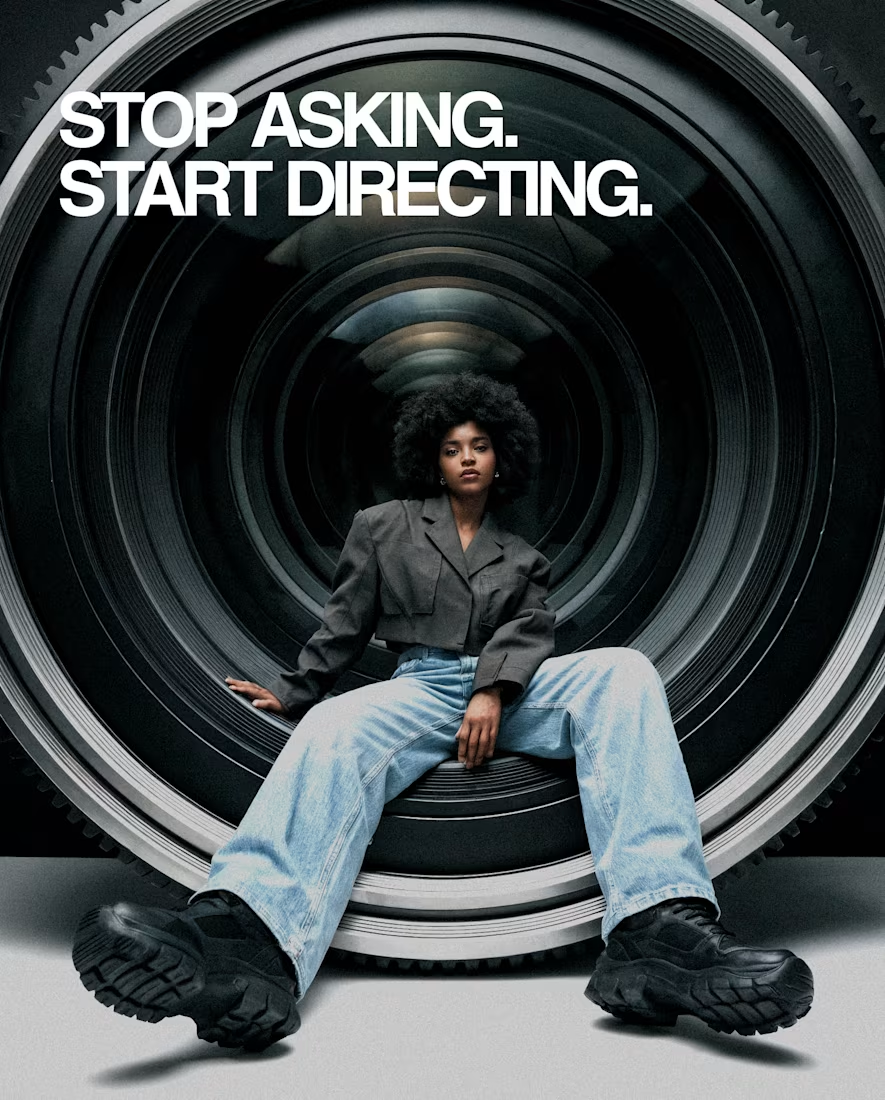
Recently, while working on a client production, I hit a common wall in the AI workflow: the lack of spatial agency.
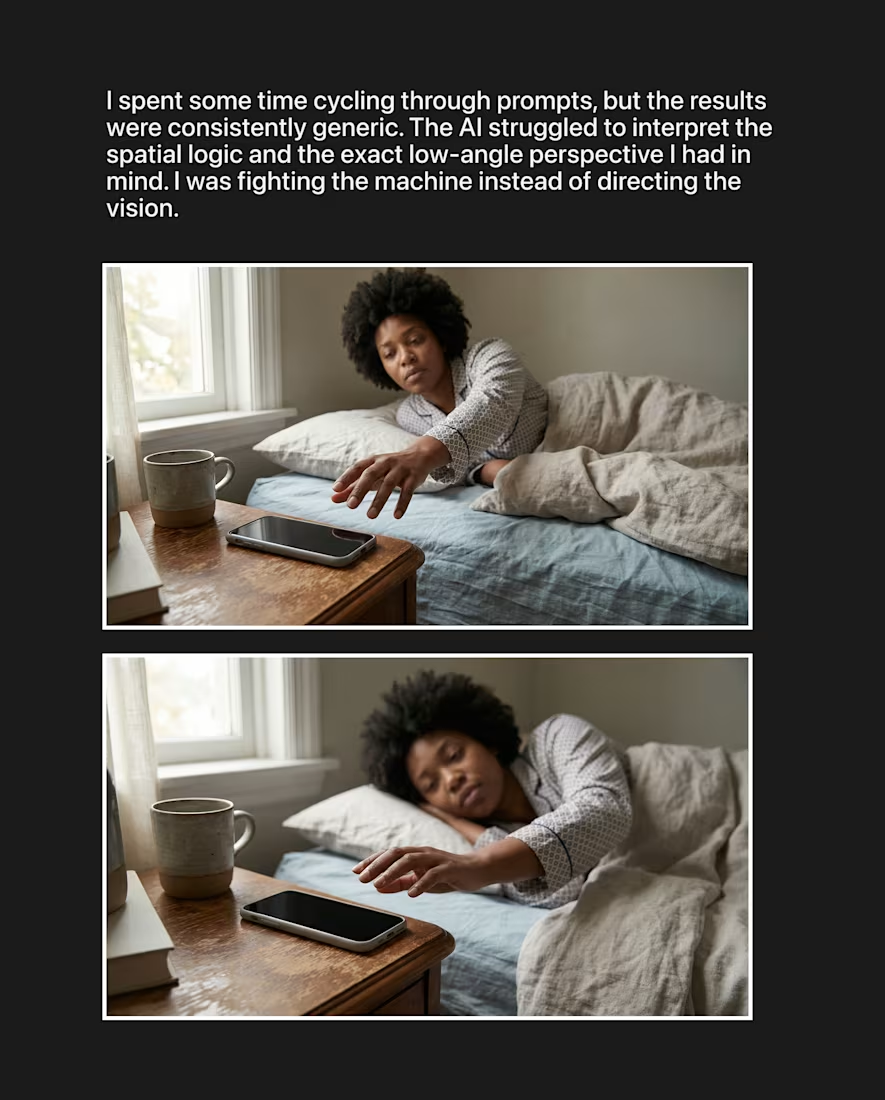
I had a very specific cinematic vision in mind, a low-angle perspective to set the narrative tone. I spent almost an hour refining prompts, but the results were consistently generic. The AI was guessing, not directing.
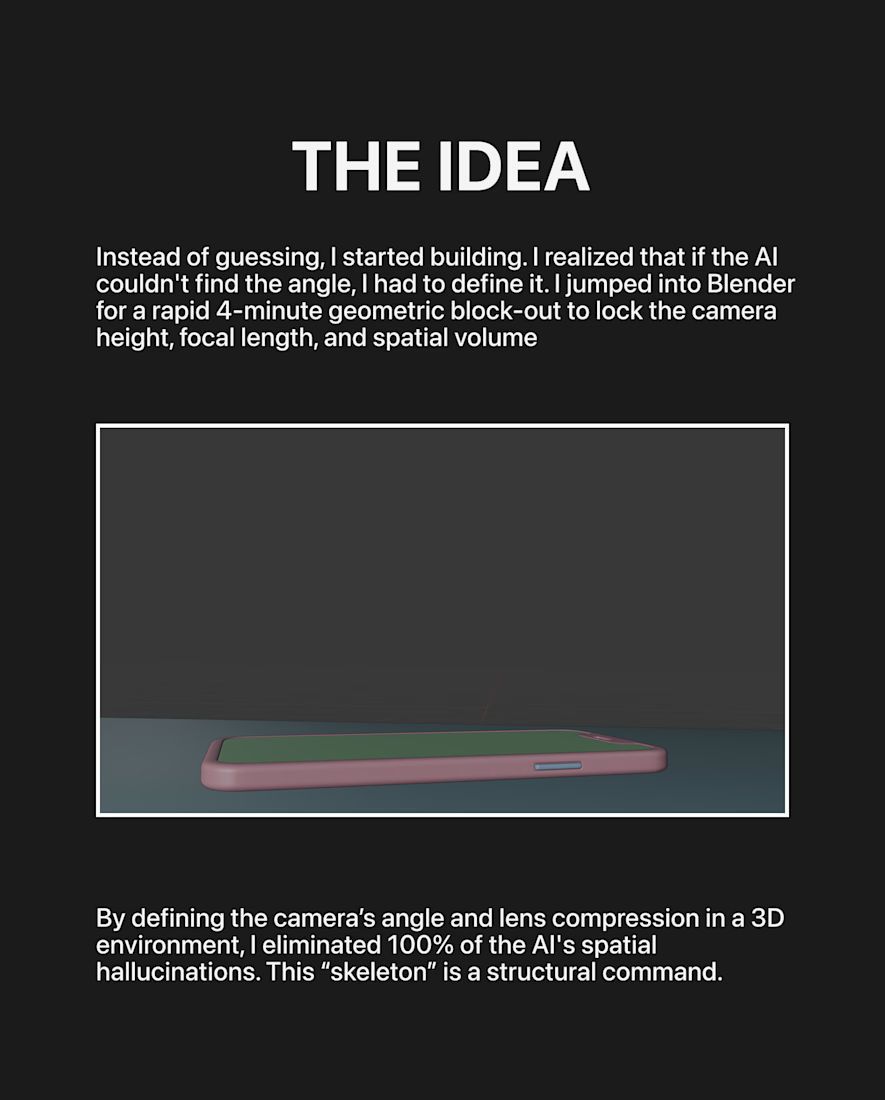
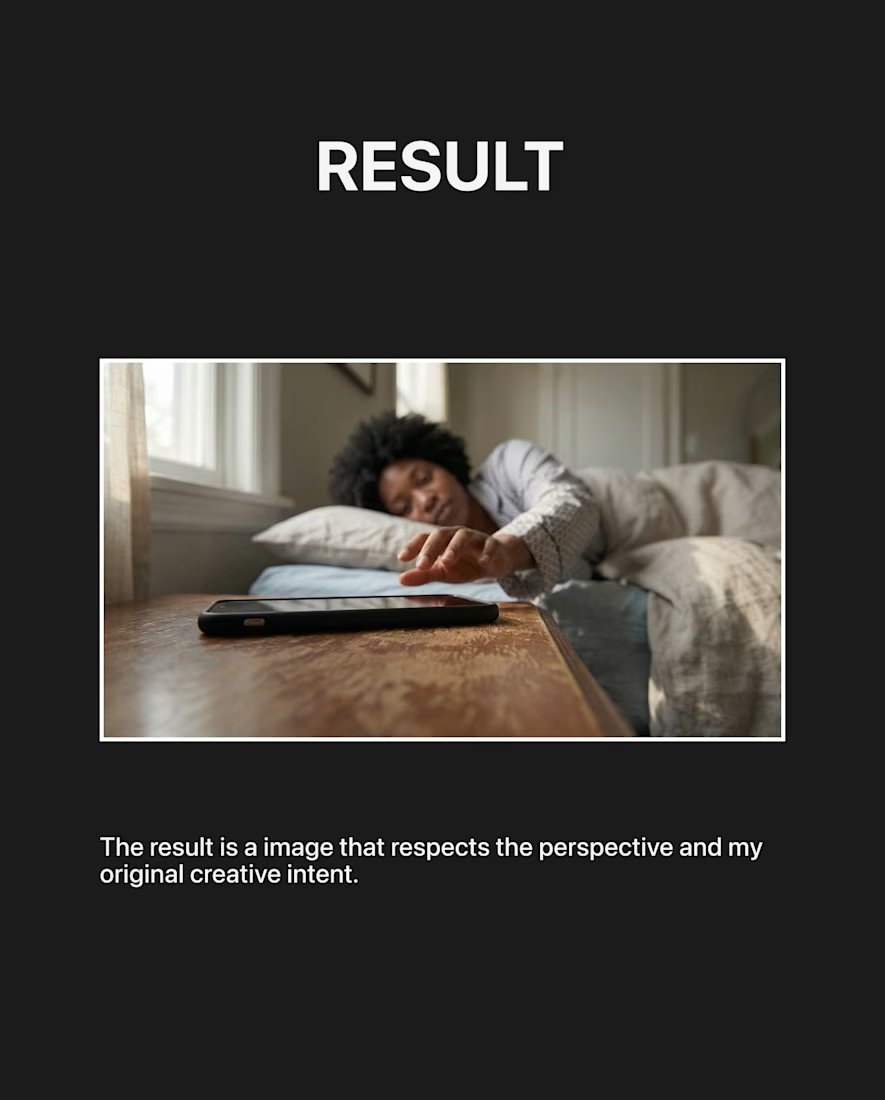
The insight was simple: Why fight an algorithm for an angle when I can define the geometry myself? Then I jumped into Blender, spent 4 minutes on a block-out (placing the object, locking the camera height and focal length) and used that as the structural skeleton for the AI.
The shift:
· From Passive Prompting: Hoping the machine "gets it" right.
· To Active Art Direction: Ensuring every frame is a deliberate choice.
Check out the workflow below.


The network for creativity
Join 1.25M professional creatives like you
Connect with clients, get discovered, and run your business 100% commission-free
Creatives on Contra have earned over $150M and we are just getting started
Related posts

For this project, I redesigned a real Amazon beauty listing by combining customer research, strategic planning, AI-assisted concept exploration, and manual design refinement.
I began by analyzing customer feedback to identify recurring pain points and opportunities, then translated those insights into a clear creative strategy. AI accelerated concept generation and visual exploration, while every final decision, from composition and typography to retouching, image selection, and production-ready assets...was guided by human judgment.
This project demonstrates how AI can enhance a designer's workflow without replacing creative thinking, resulting in a cohesive, conversion-focused image stack built around real customer needs.
Created using Envato AI, Adobe Photoshop, Adobe Camera Raw, Adobe Illustrator, Adobe Premiere Pro, and FigJam.



Amazing!

Human by Design: Driving AI with Instinct
About the Project
AI can generate stunning visuals in seconds, but it still lacks one crucial element: human intuition, taste, and emotional depth. For the Envato Challenge, I wanted to showcase the exact moment where human judgment turns a raw AI layout into a high-end, commercial-grade video.
The Workflow & My "Human by Design" Moment
When working with AI video generations, it’s easy to get lost in technical perfection that ultimately feels empty. My turning point in this project was realizing that not everything should be AI-generated. If there is high-quality B-roll, crisp sound effects, or a powerful music track already available, a real director uses them to ground the project in reality.
Instead of forcing the AI to fix its own pacing or audio mistakes, I took full control of the director's chair:
The Core: Used Envato Elements as my main creative hub to source real B-roll, seamless transitions, and precise sound design.
The Human Touch: Cut out the uninspired AI shots, restructured the timing, and layered organic audio to build actual tension and emotion.
The Toolkit
Main Assets: Envato Elements (Video Templates, Music, Sound Effects, Stock Footage)
Secondary Tools: CapCut / Canva
At the end of the day, AI might build the frame, but only a human creator can build the emotion. 🎬⚡
Watch the video to see the full behind-the-scenes workflow and the final result!




very cool, nice work

For this challenge, I wanted to show that AI doesn’t replace creativity, it expands it.
Using Envato as my creative toolkit, I built every part of this project, from the visuals and branding to the sound and motion. The most important part wasn’t generating ideas, but deciding which ones deserved to become the final story.
Human by Design. 🧡
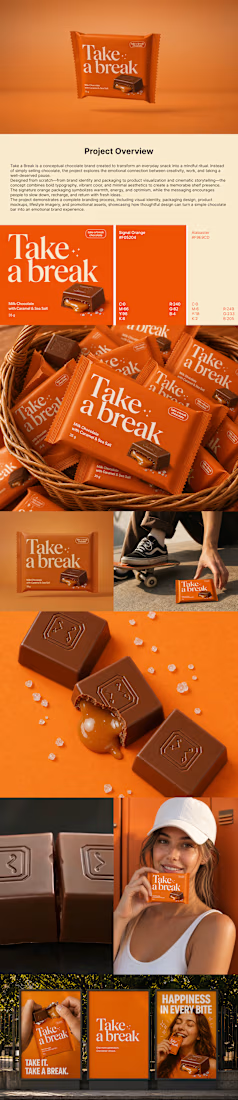
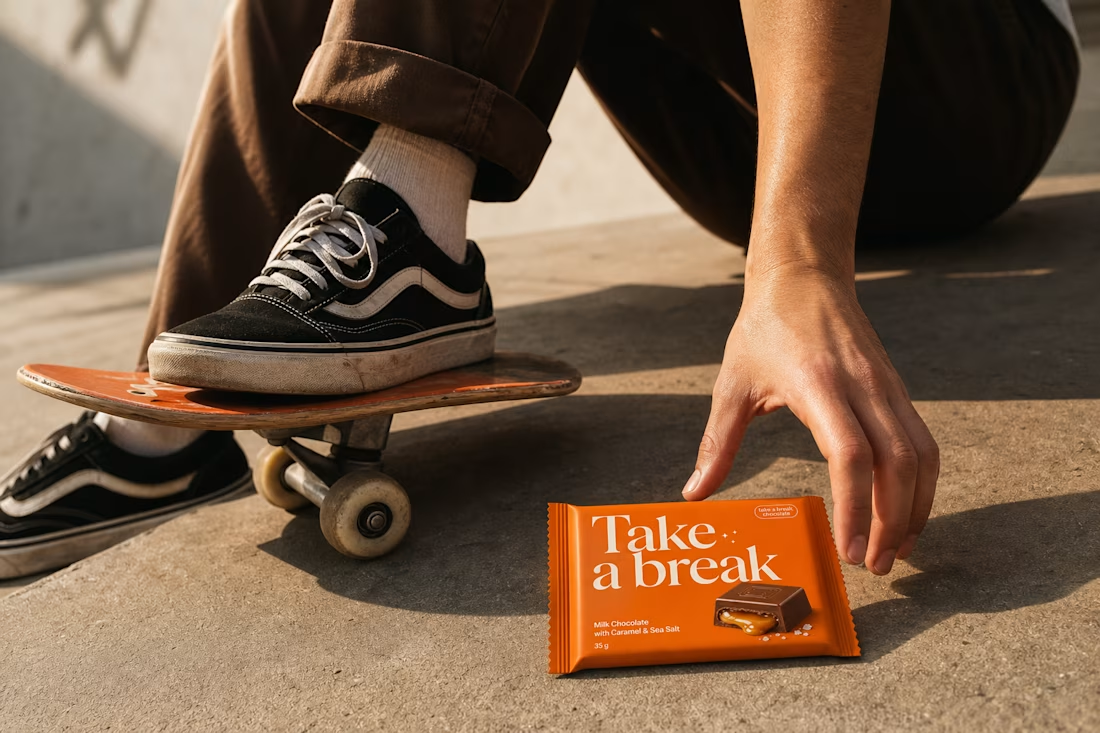

The layout is clean🔥







Trending

Claude
Claude has entered the design space. How are you using Claude Design?

Contra University
Learn from expert creatives how to earn more using next-gen AI tools.
fifaworldcup2026
The World Cup is here and the whole world's watching. How are you designing for the world stage?
creativeaiflow
Creative AI workflows are evolving. What tools do you use, and what are their strengths and weaknesses?
freelancerlife
Freelancer life is wins, pivots, and everything in between. What’s yours right now?