The network for creativity
Join 1.25M professional creatives like you
Connect with clients, get discovered, and run your business 100% commission-free
Creatives on Contra have earned over $150M and we are just getting started
Back to feedPost
Well designed, and it caught attention the first time


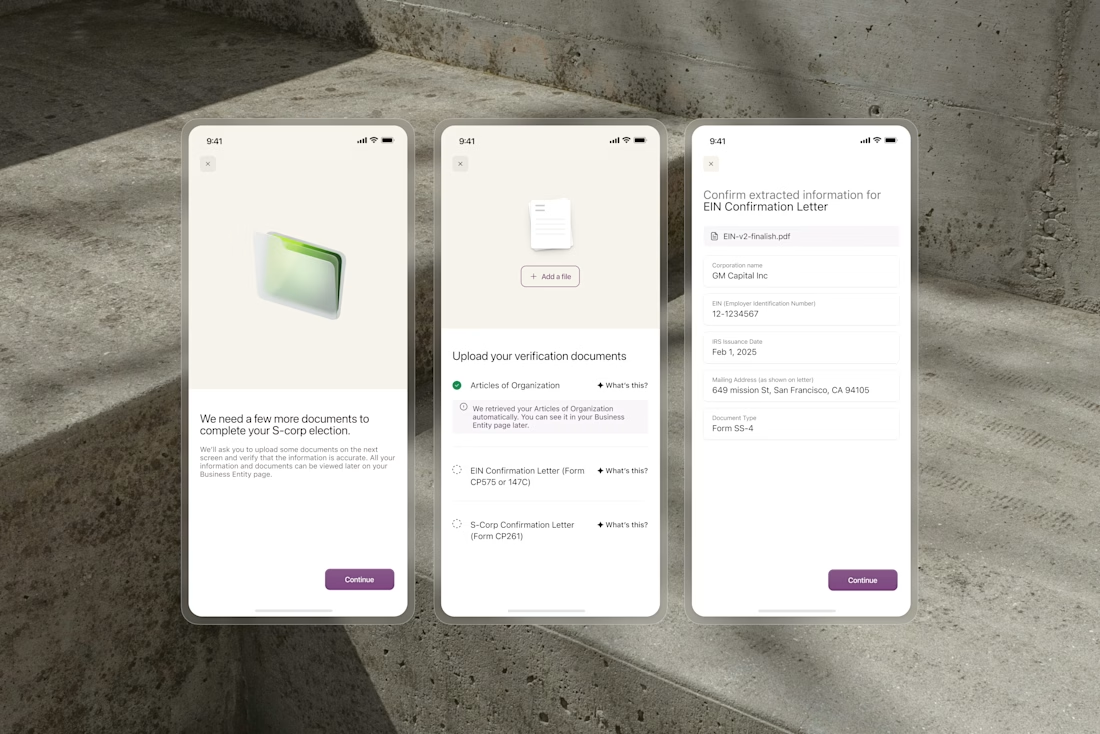
OCR extracts business names, formation dates, and addresses from uploaded documents automatically. But users still need to trust what the system found before anything gets submitted.
We designed the confirmation flow around editable fields that surface extracted data clearly....

Super impressive work

Awesome Work

Editable confirmation fields is such a smart UX call. Trust is the hardest thing to build in OCR flows and surfacing extracted data clearly solves that well.

Absolutely. Automation is only valuable when users still feel in control. That confirmation layer is what turns raw OCR output into something people can actually trust and rely on.


Impressive

Editable fields are the right call. Users do not trust extraction they cannot fix. Showing the data in the open with one tap to correct turns a black box into a tool. That is the difference between automation and assistance.

Great work!
The network for creativity
Join 1.25M professional creatives like you
Connect with clients, get discovered, and run your business 100% commission-free
Creatives on Contra have earned over $150M and we are just getting started



Related posts

Solar Energy Website
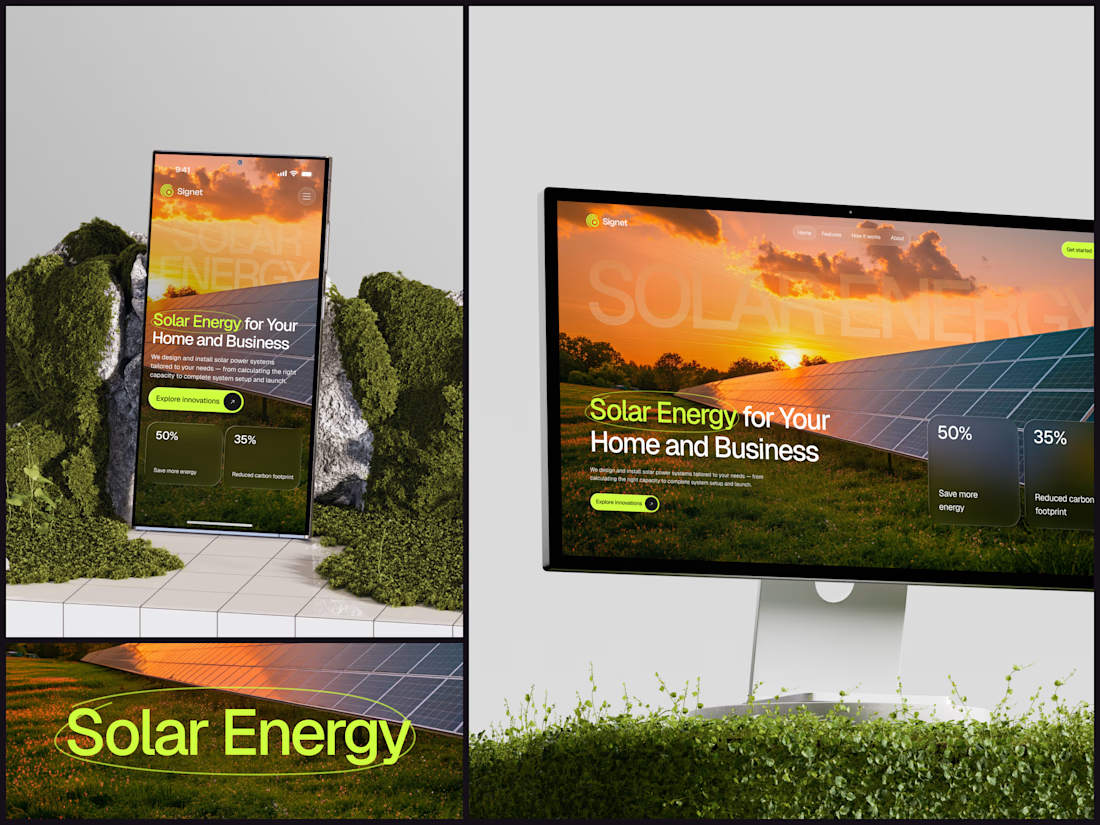
A thin lime circle tells you which two words this page is about.
The headline sits over a sunset photo of a panel field. The "Get started" and "Explore innovations" buttons share the circle's lime, so the eye moves from the circled words straight to the next step.
Large faded capitals repeat those two words across the sky, faint enough to stay inside the photo. On mobile they break onto two lines, and the headline and button stack above two frosted cards.
Only two words of "Solar Energy for Your Home and Business" are lime, and the whole page follows them.
Designed by the Hue & Machine team.
#SolarEnergy #RenewableEnergy #CleanTech #WebDesign #LandingPage #HeroSection #UIDesign #ResponsiveDesign #MobileDesign #FigmaDesign



This is really cool, Nice job Dmytro

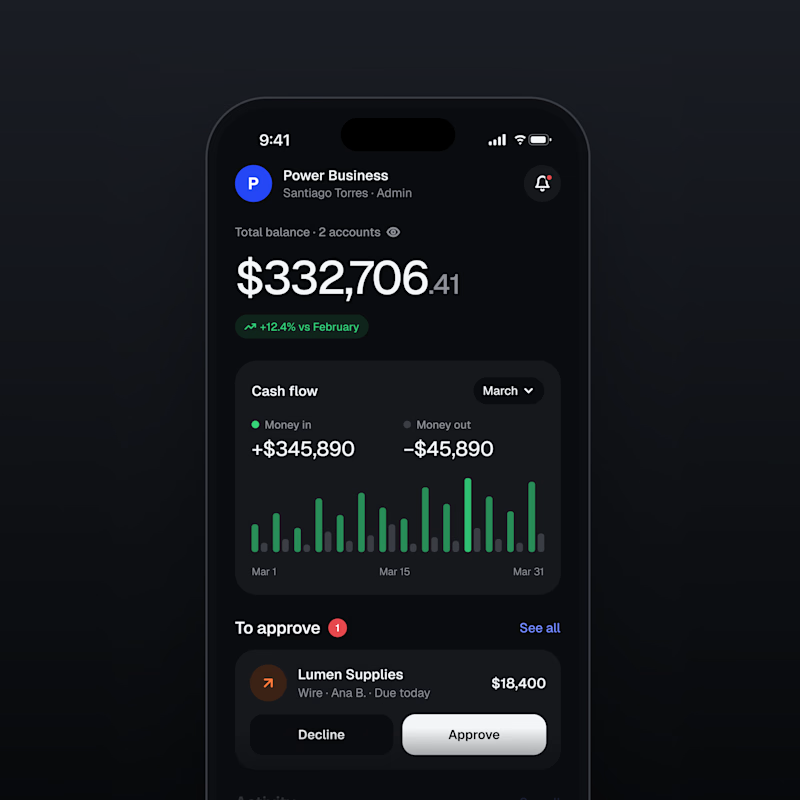
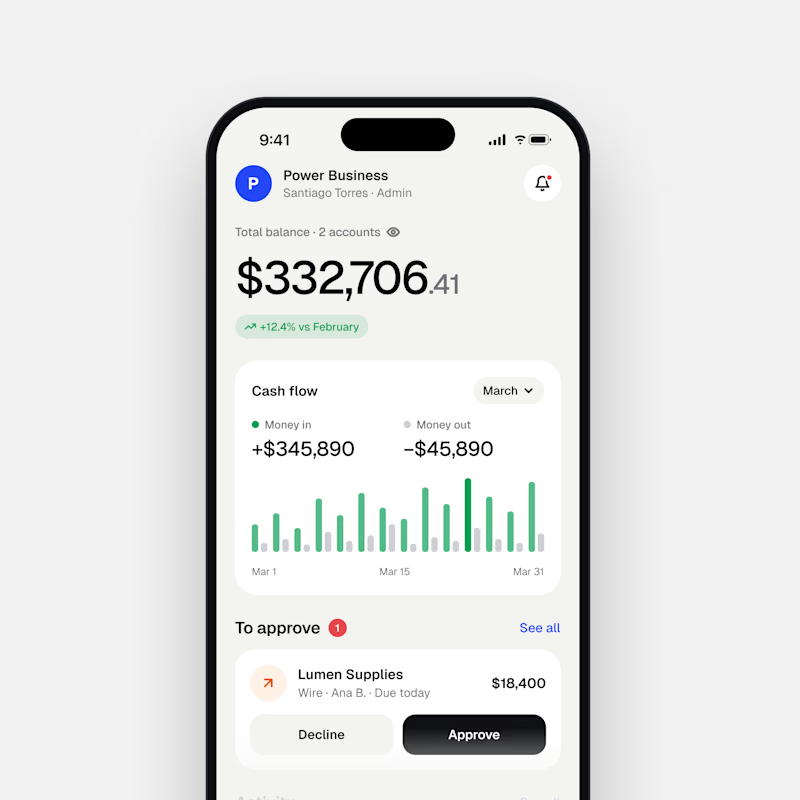
Dark Mode 🖤 or Light Mode 🤍?
Which one matches your vibe? 👀
15 voted
54%
13 voted
46%
28 votes
Closed

Both are nice clean designs...for me,Dark mode!

Absolutely goated


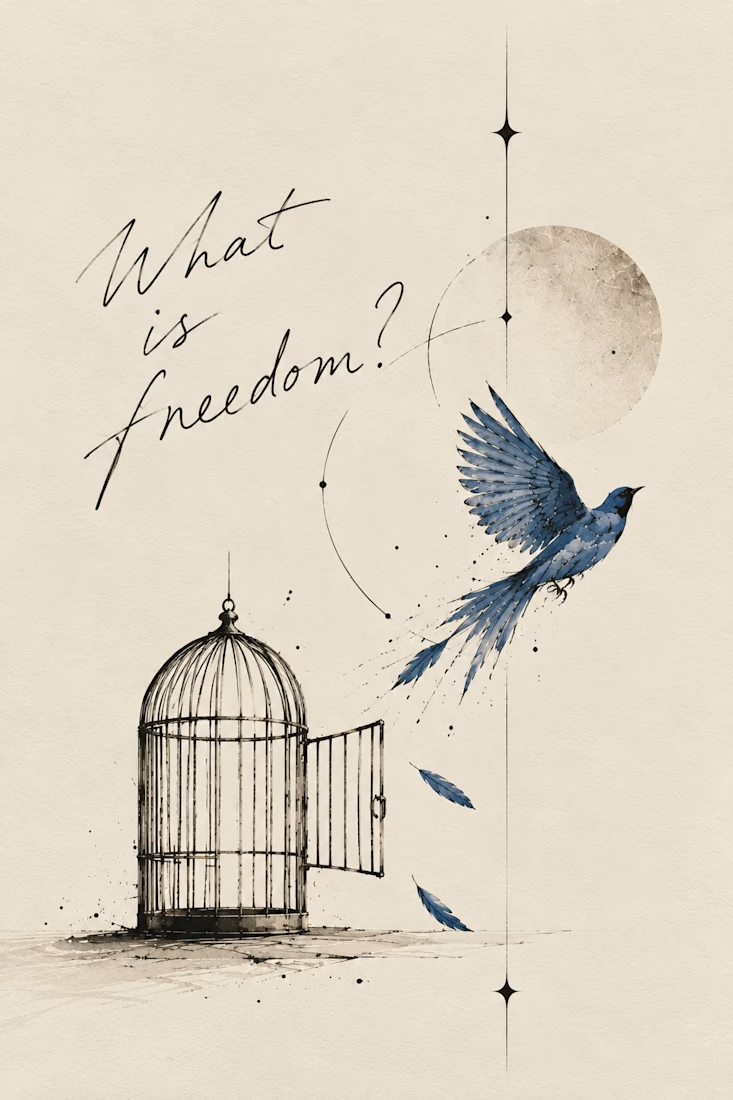
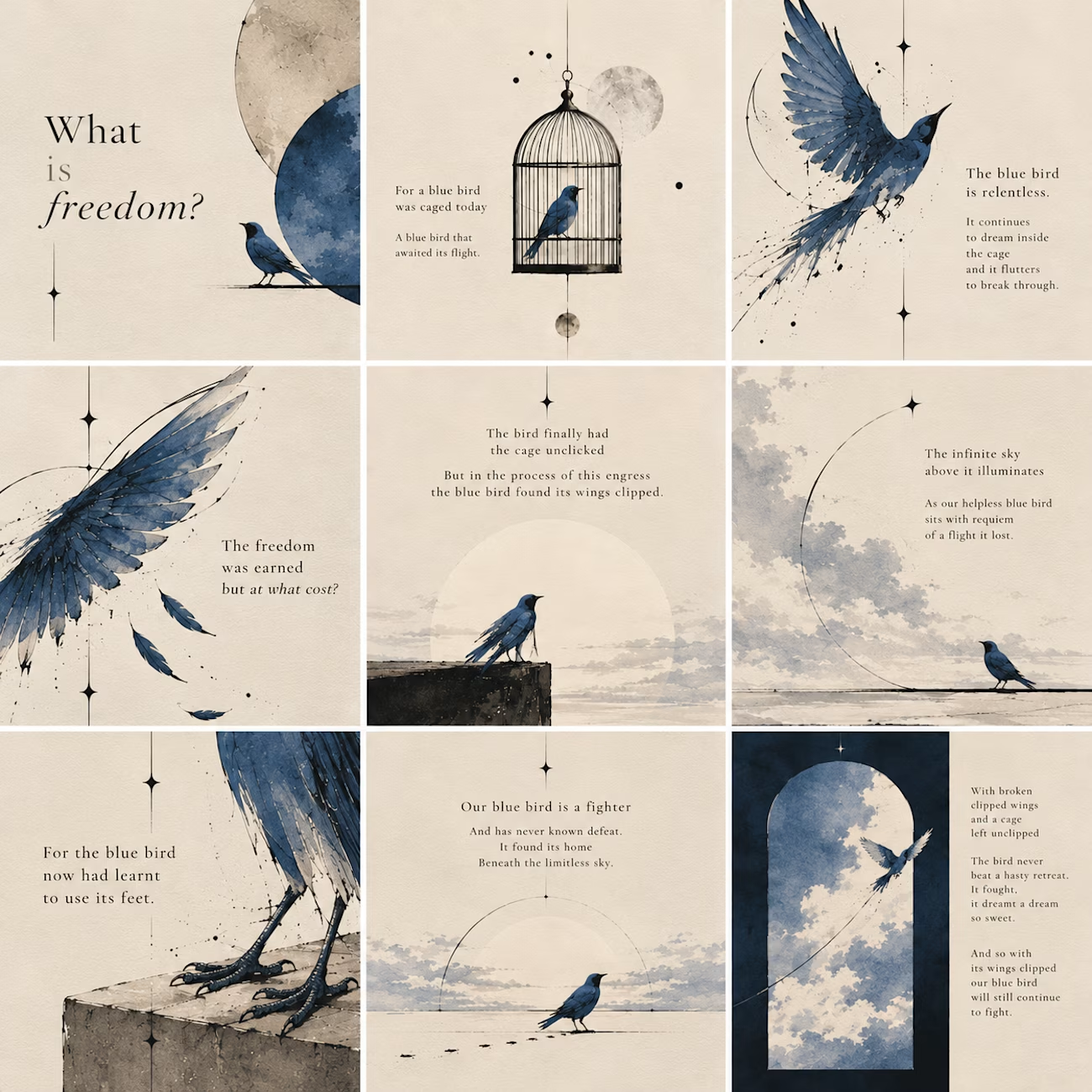
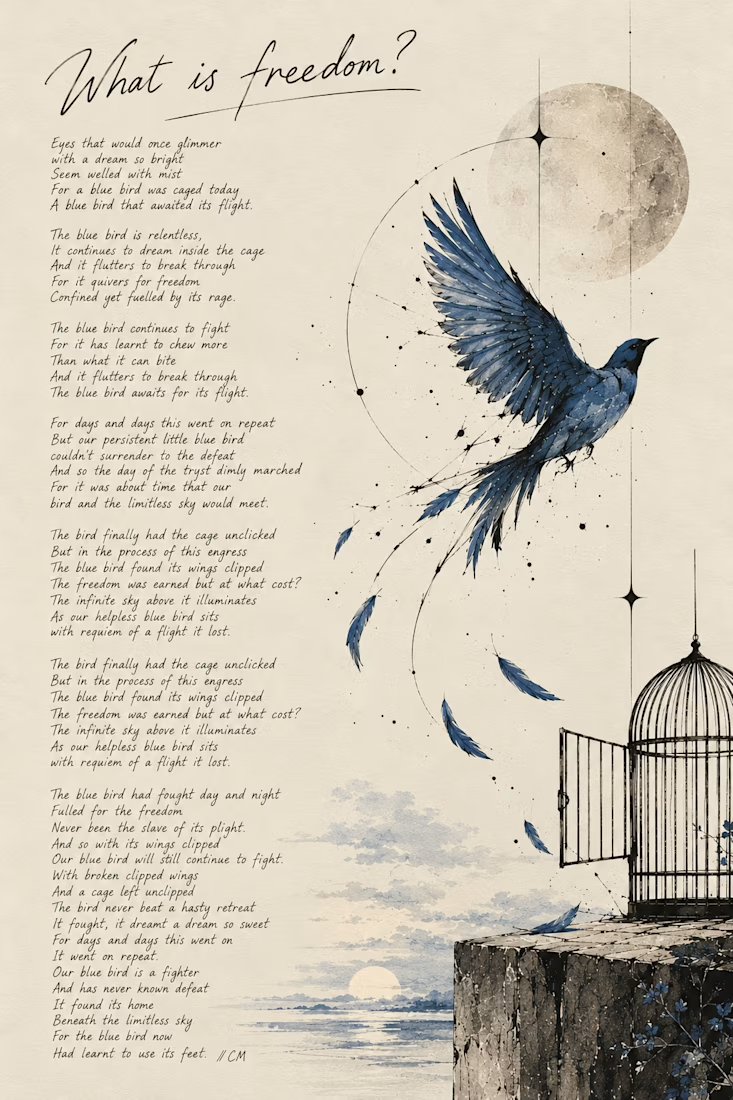
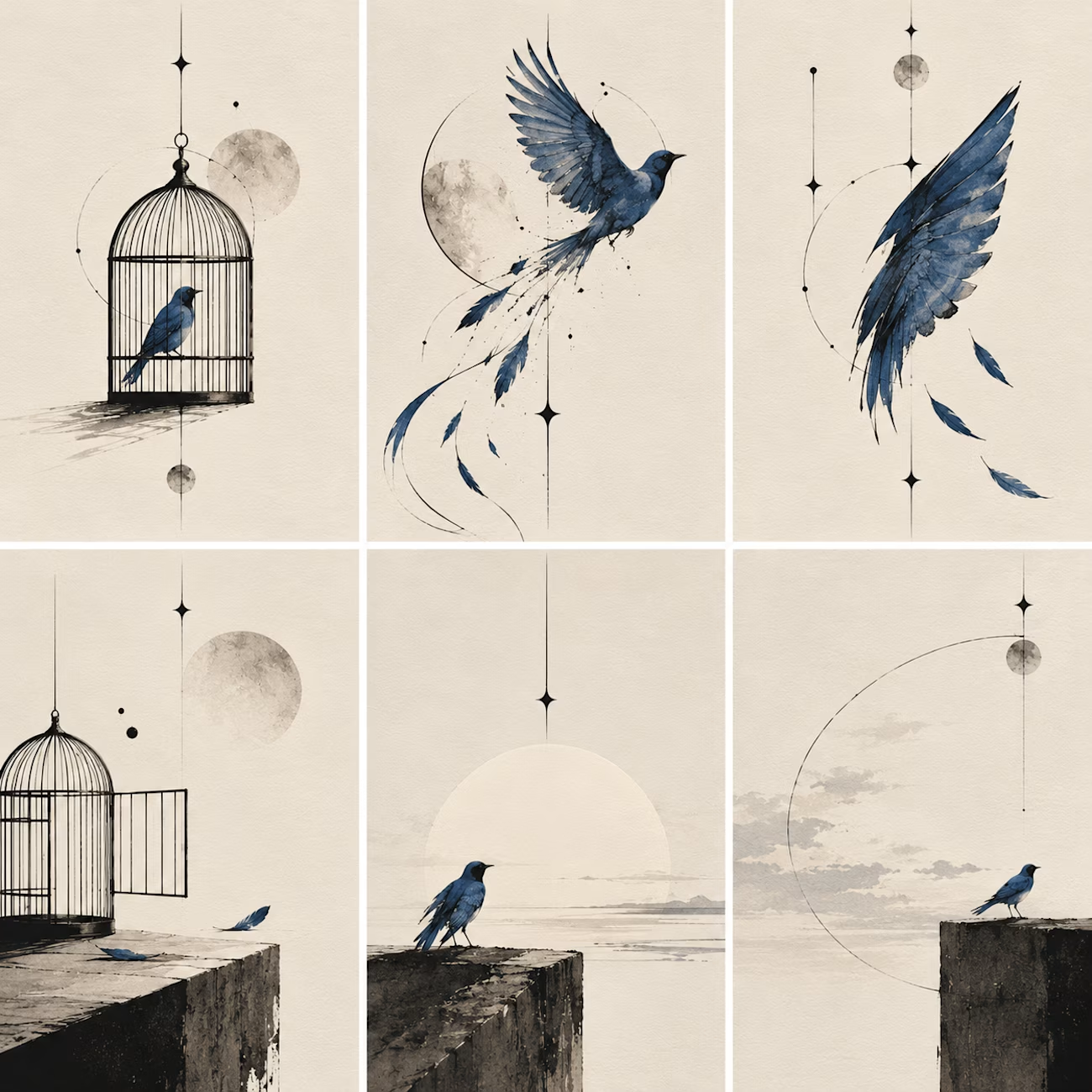
What happens when a poet picks up a pen and remembers she likes to sketch too:)
I write poetry over at @words.bycm on IG and since Inktober is here, I thought it was time to let that side of me out of its little corner of Instagram.
This is 'What Is Freedom?', a poem I wrote...

Kudos to you, you've really done a great work.