The network for creativity
Join 1.25M professional creatives like you
Connect with clients, get discovered, and run your business 100% commission-free
Creatives on Contra have earned over $150M and we are just getting started
Back to feedPost

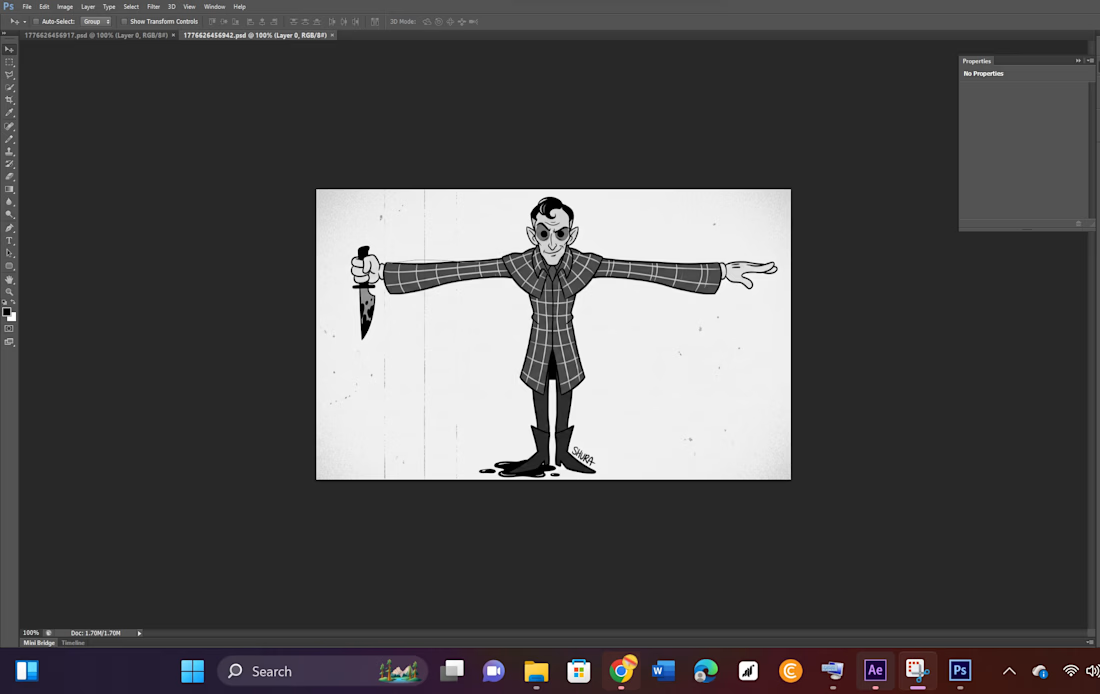
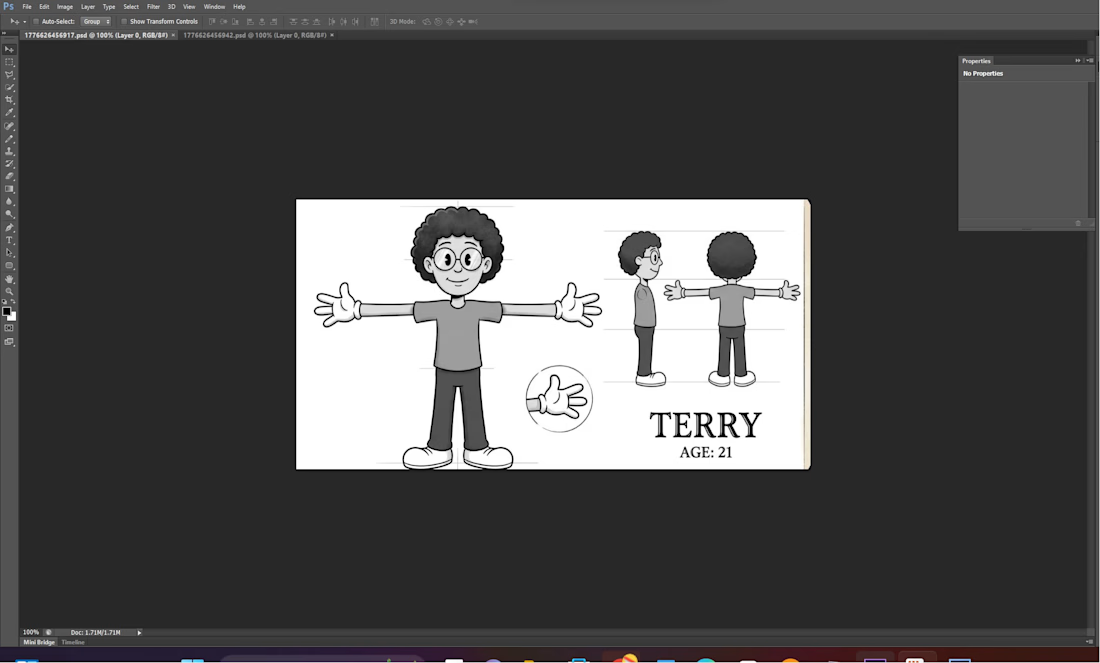
The project was carried out in two main stages: design and animation. In the design stage, characters and visual elements were created in Adobe Illustrator using vector graphics. Each character was drawn in a T-pose and properly structured into separate layers such as the head, arms, legs, and body to make them suitable for animation.
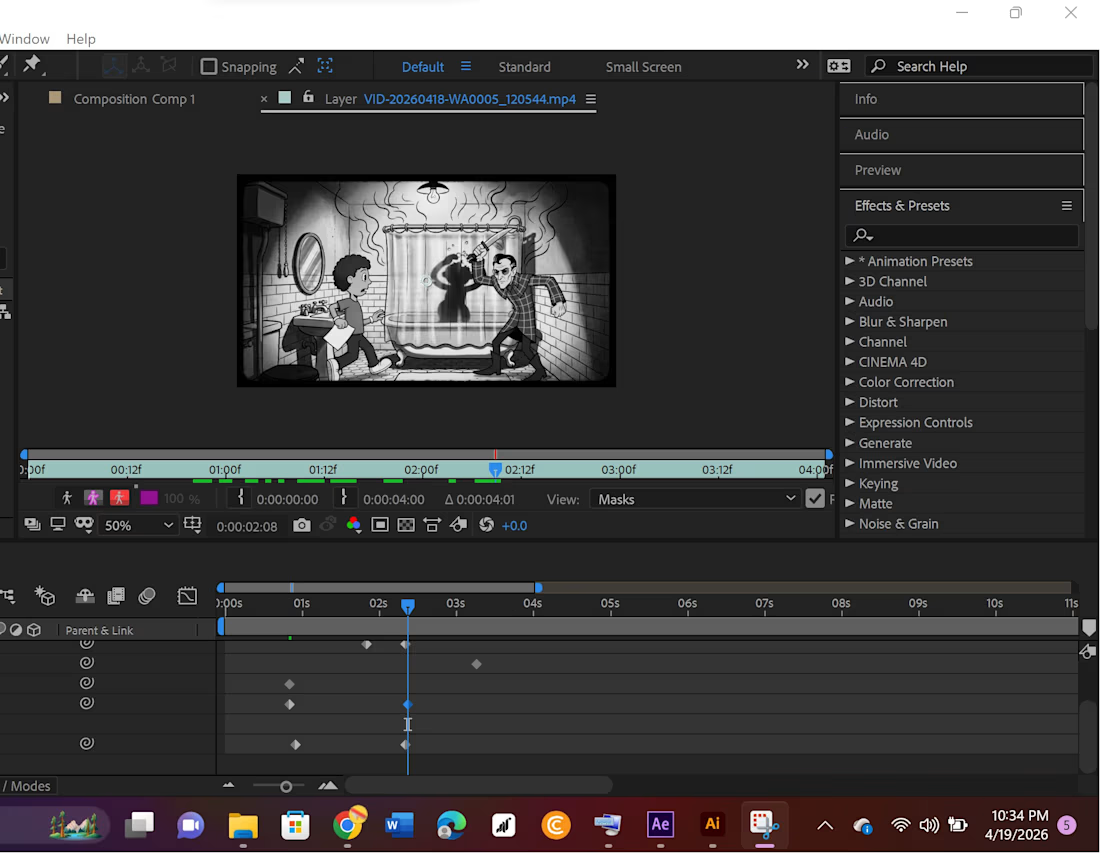
In the animation stage, the Illustrator files were imported into Adobe After Effects as compositions. The characters were rigged using the parent and link system to connect body parts and simulate natural movement. Keyframe animation was then applied to control motion such as position, rotation, and timing. A complete scene was developed by arranging backgrounds, adding lighting and shadow effects, and applying a grayscale visual style to enhance storytelling.
Finally, the animation was previewed, refined, and rendered into a video format as the final output.



The network for creativity
Join 1.25M professional creatives like you
Connect with clients, get discovered, and run your business 100% commission-free
Creatives on Contra have earned over $150M and we are just getting started
Related posts




So good! Love the logo pacement on the last illustration, beautiful!

One reference image. Nine cinematic keyframes. A complete fight scene.
Upload your input, describe the mood and setting, and this workflow builds 9 keyframes optimized for action sequences. Made for filmmakers, storyboard artists, and editors who move fast.


looks stunning 👌

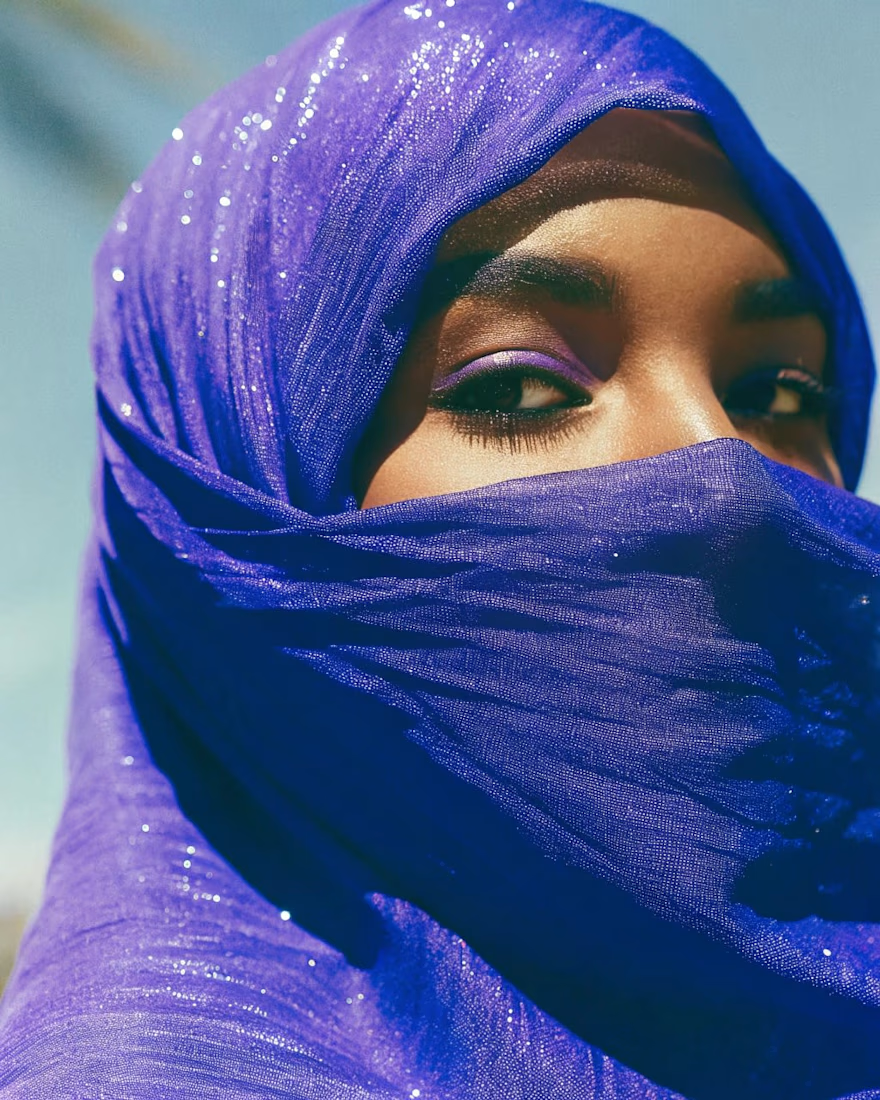
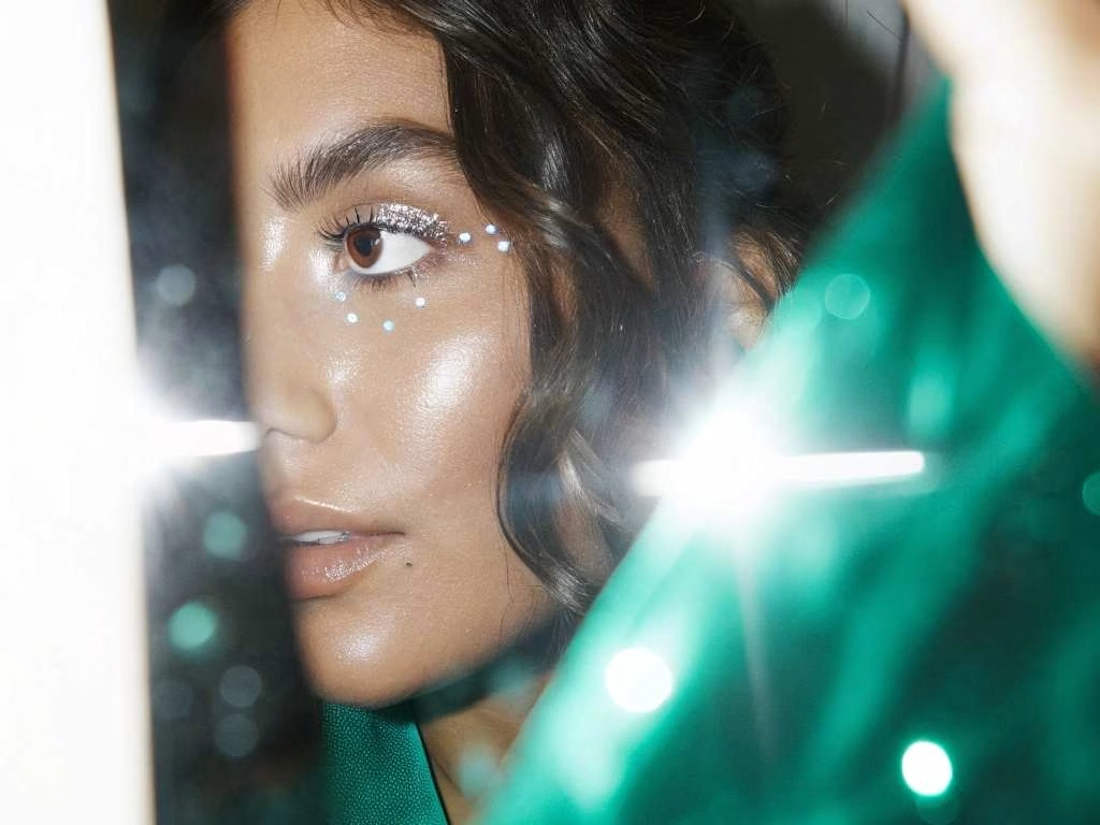
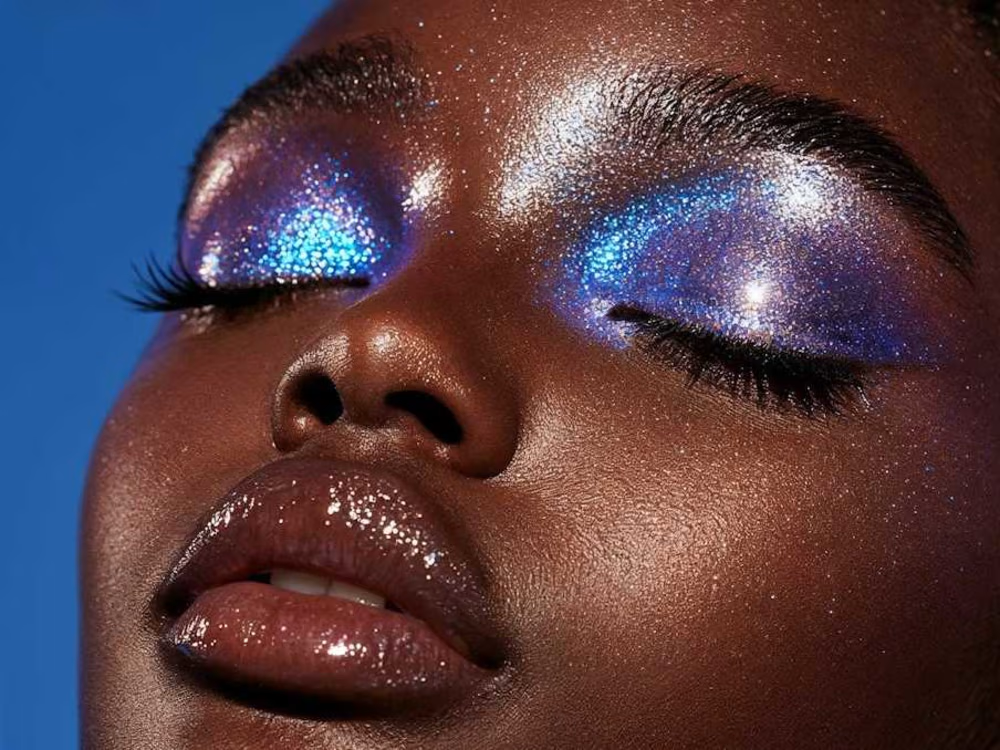
A self-initiated AI beauty editorial exploring color, texture and light as the new makeup. Three portraits move from veiled cobalt to dewy daylight to high-glitter close-up, each leaning into hyperreal skin and pigment that traditional photography rarely captures in one shoot. Built using a stack of, Weavy Ai and Higgsfield with Lummi for refinement, then color-graded for an editorial print feel. Created as a personal study for beauty brands and magazines exploring AI-generated campaign imagery.



So good!











Trending

Runway
AI video generation is exploding. What are you dreaming up in Runway?

Contra University
Learn from expert creatives how to earn more using next-gen AI tools.
creativeaiflow
Creative AI workflows are evolving. What tools do you use, and what are their strengths and weaknesses?
portfolioreview
The best portfolios tell a story, not just show a grid. Share yours for feedback.
freelancerlife
Freelancer life is wins, pivots, and everything in between. What’s yours right now?