The network for creativity
Join 1.25M professional creatives like you
Connect with clients, get discovered, and run your business 100% commission-free
Creatives on Contra have earned over $150M and we are just getting started
Back to feedPost

" LEARN GRAPHIC DESIGN AT HOME WITHOUT A LAPTOP "
Learning graphic design is easier when you follow the right steps and practice regularly. A graphic designer is a person who presents information in an attractive way through the medium of pictures, colors, logos, and various designs.
Is it possible to learn graphic design at home on a mobile phone?
Yes, you can learn it from a mobile phone. And also earn money from it in the future. A computer or laptop is not necessary when you are starting to learn.
There are 7 main types of graphic design:
• Visual identity design
• Marketing and Advertising design
• User interface design
• Publication design
• Packaging design
• Motion graphic design
• Environmental graphic design
From these, you can choose whichever type of graphic design you like and find easiest to practice.
A simple and straight forward roadmap for learning graphic design is as follows:
Step 1: Choosing the Right Apps
Initially, you do not need an expensive computer. You will find the best, free, and easiest apps directly on your mobile phone .You can practise graphic design for 30–60 minutes every day to improve your skills.
• Canva / PixelLab: Best and easiest for creating social media posts, banners, and thumbnails.
• PicsArt: For learning photo editing and manipulation.
• Vector Ink / Infinite Design: For creating logos and vector designs.
Step 2: Learning Basic Design Rules
Just using apps is not enough. You also need to understand some simple rules of design:
• Colour Theory: Which colors look nice together (e.g., light-colored text on a dark background).
• Typography: When and how to choose fonts (important information should be in larger text and primary letters).
• Alignment: Placing all text and photos neatly in a single line and proper order.
Step 3: Practice and Copying Work
To get started, watch basic graphic design tutorial videos on YouTube and begin basic practice. Look at good designs created by other people and try to recreate them exact-to-exact on your mobile phone. (This is called copy work, which helps you get comfortable with the apps and builds your practice).
Step 4: Building Your Own Portfolio
Create your own page on social media and post your designs there. In the beginning, design for free or at a low cost for nearby shops or friends. (e.g., Birthday banners, business posts).
How to earn money from graphic design?
It cannot be said for sure if you will earn money right at the beginning of your graphic design journey.
However, once you practice more and perfect your skills, create a portfolio to showcase your designs and then start looking for clients.
To develop your skills, you can try doing the following tasks:
• Designing posters for shops.
• Creating social media posts for small businesses.
• Designing invitation cards for birthdays and weddings.
• Posting the completed posters on social media.
• Creating advertisements.
Conclusion
Graphic design is a creative and useful skill. You can learn graphic design right from home with the help of a mobile phone.Using apps like Canva, you can create posters, banners, logos, social media posts, and YouTube thumbnails.
With regular practice, hard work, and imagination, you can develop excellent skills in this field.
After gaining experience, you can also get opportunities to earn an income through freelancing or other design work.
The network for creativity
Join 1.25M professional creatives like you
Connect with clients, get discovered, and run your business 100% commission-free
Creatives on Contra have earned over $150M and we are just getting started











Related posts

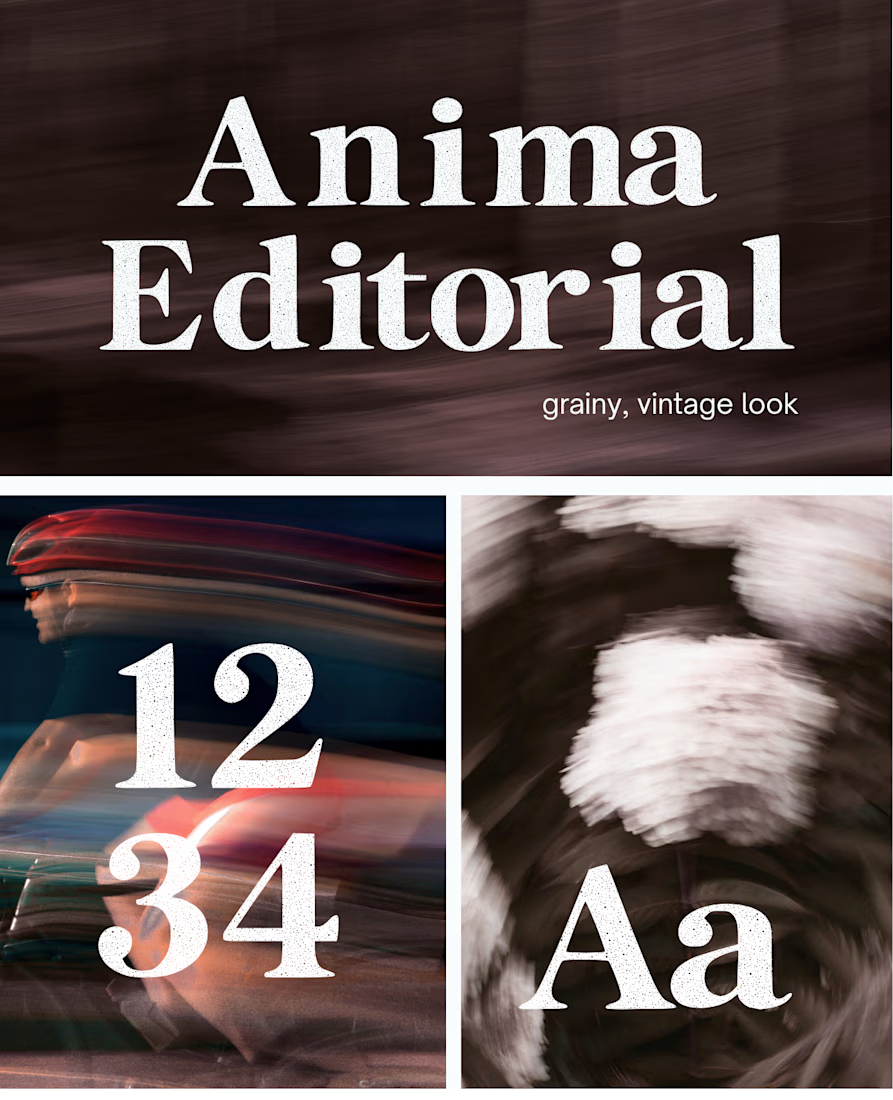
I created this font & it is free to download and use in your free or paid projects. Enjoy 🚀 find it at https://twaperdigital.com/anima-editorial




I like this font
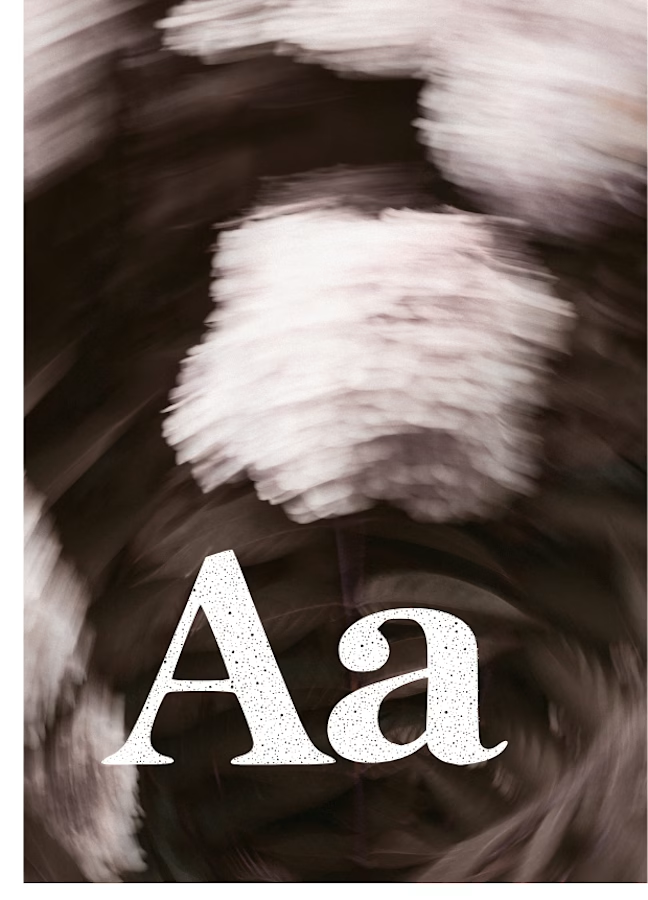
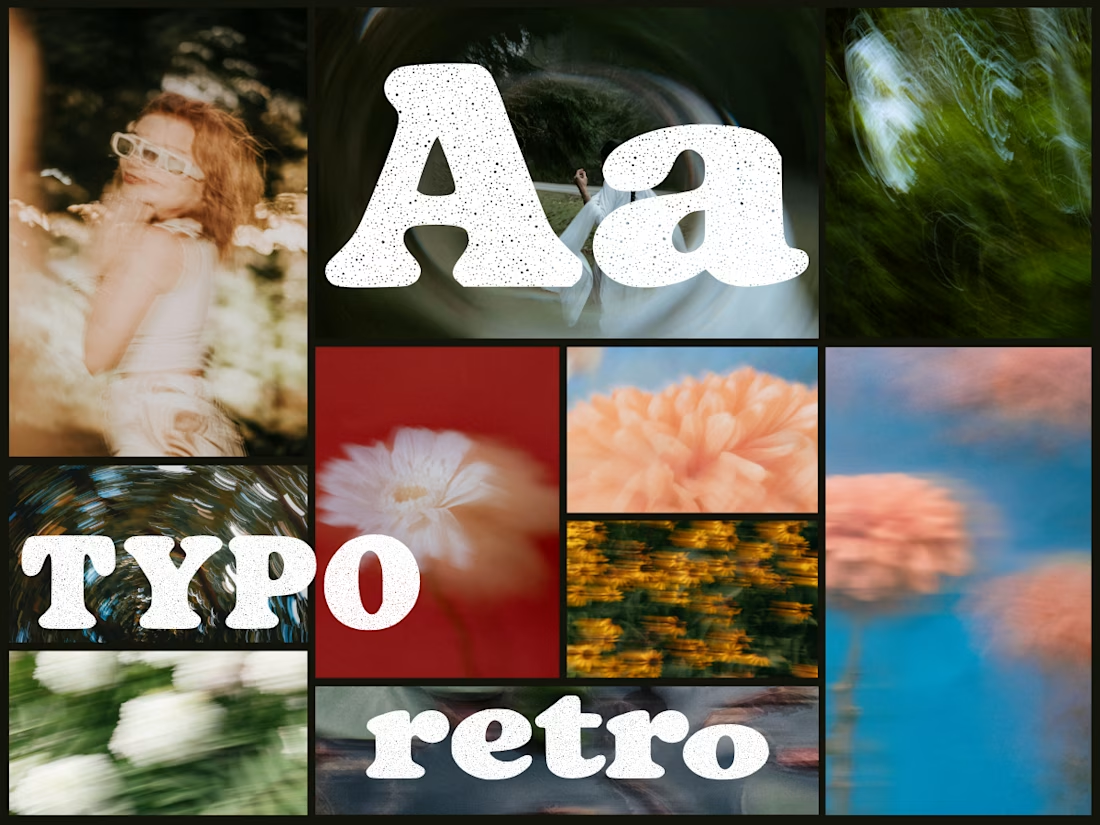
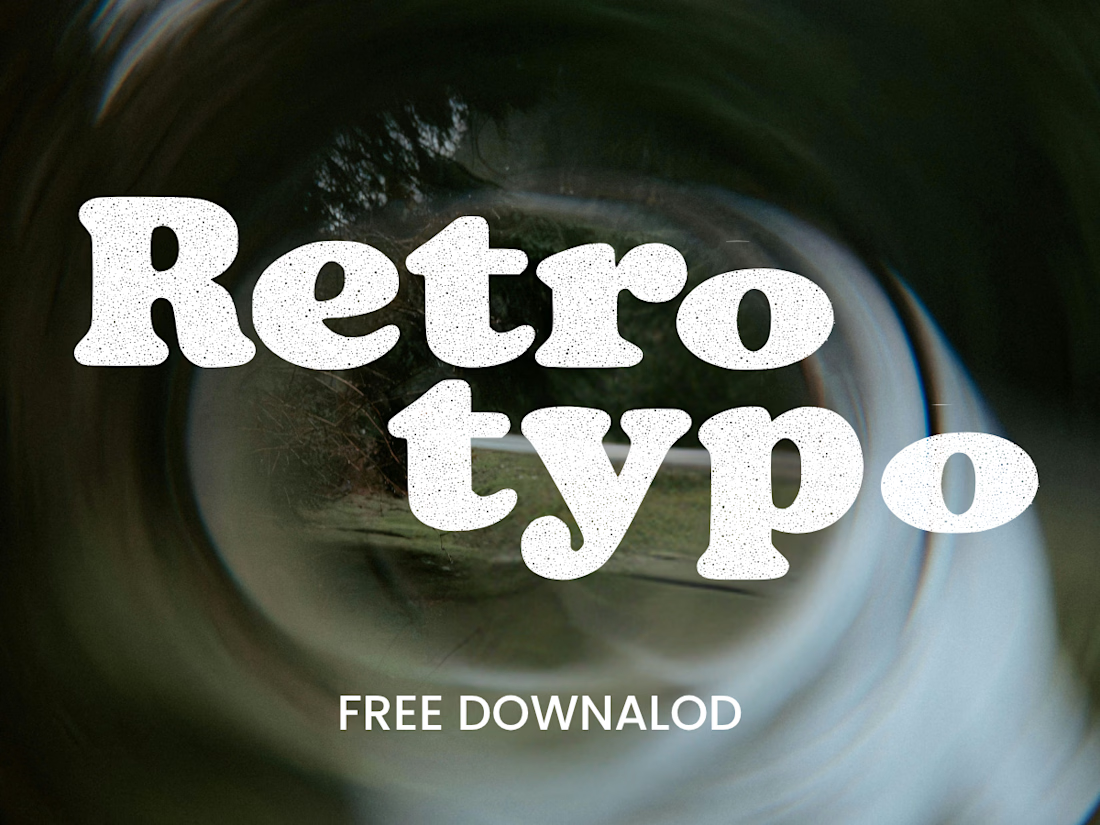
Anima is a self-initiated type design project inspired by vintage print, worn ink and analog photography.
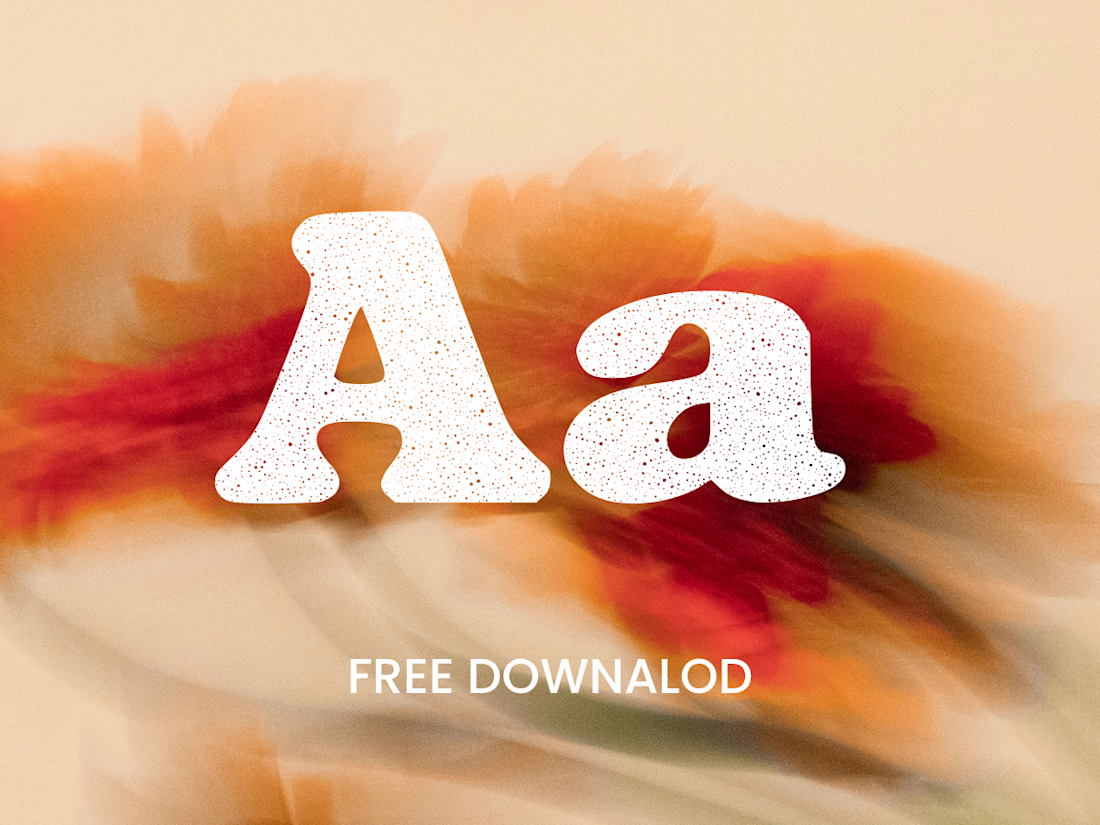
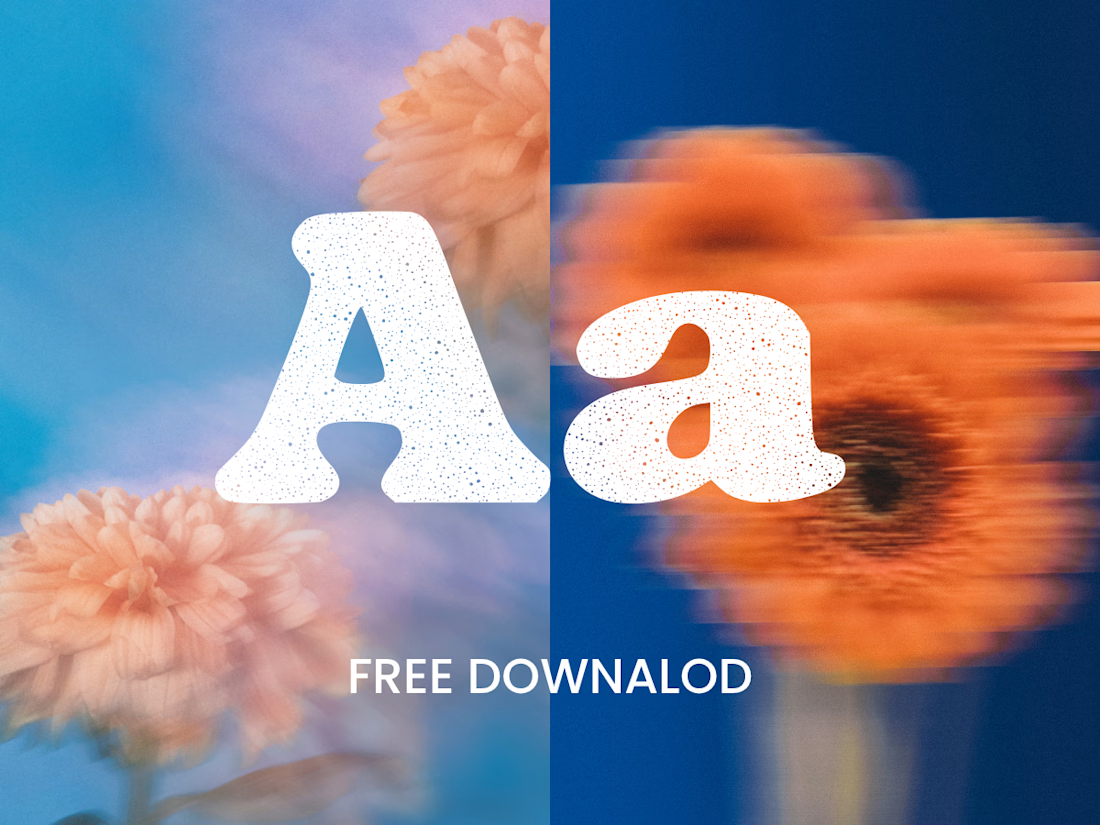
The collection includes two experimental serif typefaces: Anima Editorial, with elegant proportions and contrasting strokes, and Anima Retro, with softer, bolder shapes. Both feature grain built into the letterforms.
I developed the creative direction, custom fonts and promotional artwork, combining AI-assisted exploration with font development. The campaign pairs textured typography with motion-blurred photography to capture a warm, nostalgic mood. FREE DOWNLOAD AT https://twaperdigital.com/anima-retro


Great job Denisa the font style background and it's effects are great 🎉🎉🎉🎉
keep going Denisa🔥🔥🔥🔥

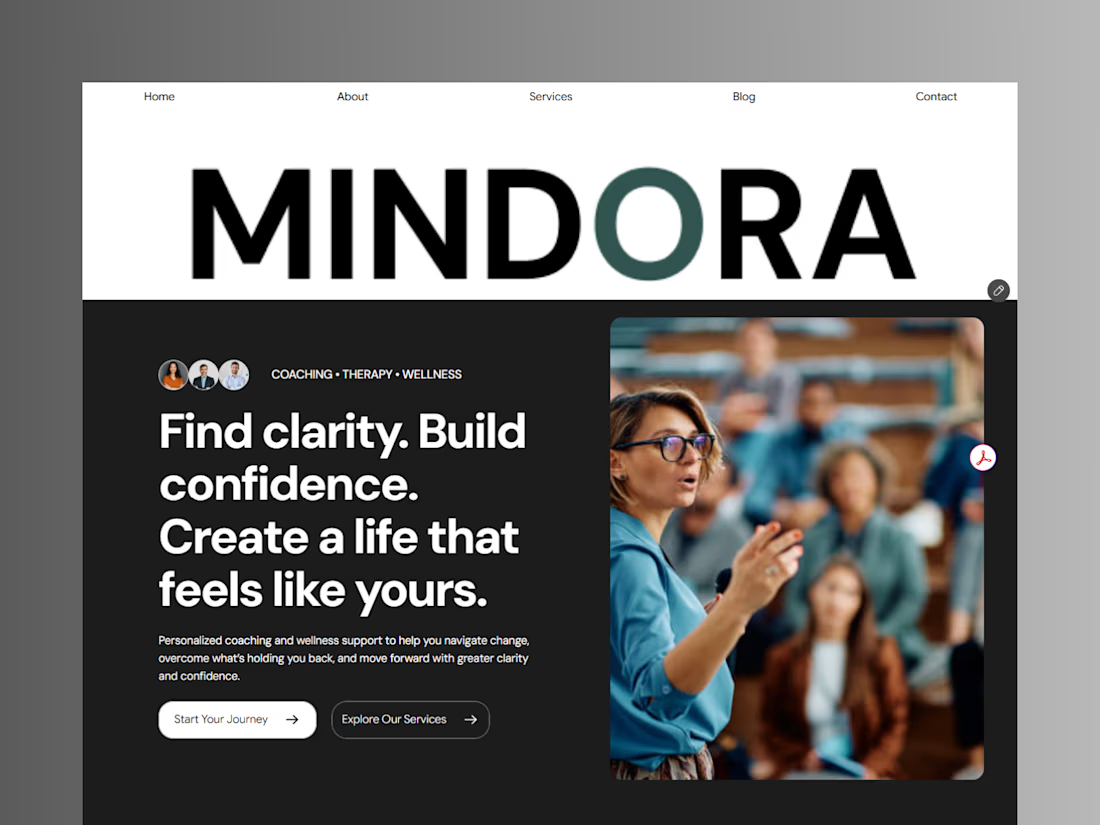
Introducing Mindora — a Life Coaching & Wellness Framer Template.
I designed Mindora for life coaches, wellness professionals, and personal growth brands looking for a calm, modern, and welcoming online presence.
Inspired by clarity, confidence, and meaningful growth, Mindora features a thoughtful layout, dedicated service sections, a blog for sharing valuable insights, and a clean visual style designed to help brands connect with their audience.
Built with Framer, it's a customizable starting point for creating a professional coaching or wellness website.
Explore Mindora and bring your next website idea to life.
Kindly check it out the template: https://www.framer.com/marketplace/templates/mindora-life-coach/



Great work