The network for creativity
Join 1.25M professional creatives like you
Connect with clients, get discovered, and run your business 100% commission-free
Creatives on Contra have earned over $150M and we are just getting started
Back to feedPost

My experience with Figma Agent Beta
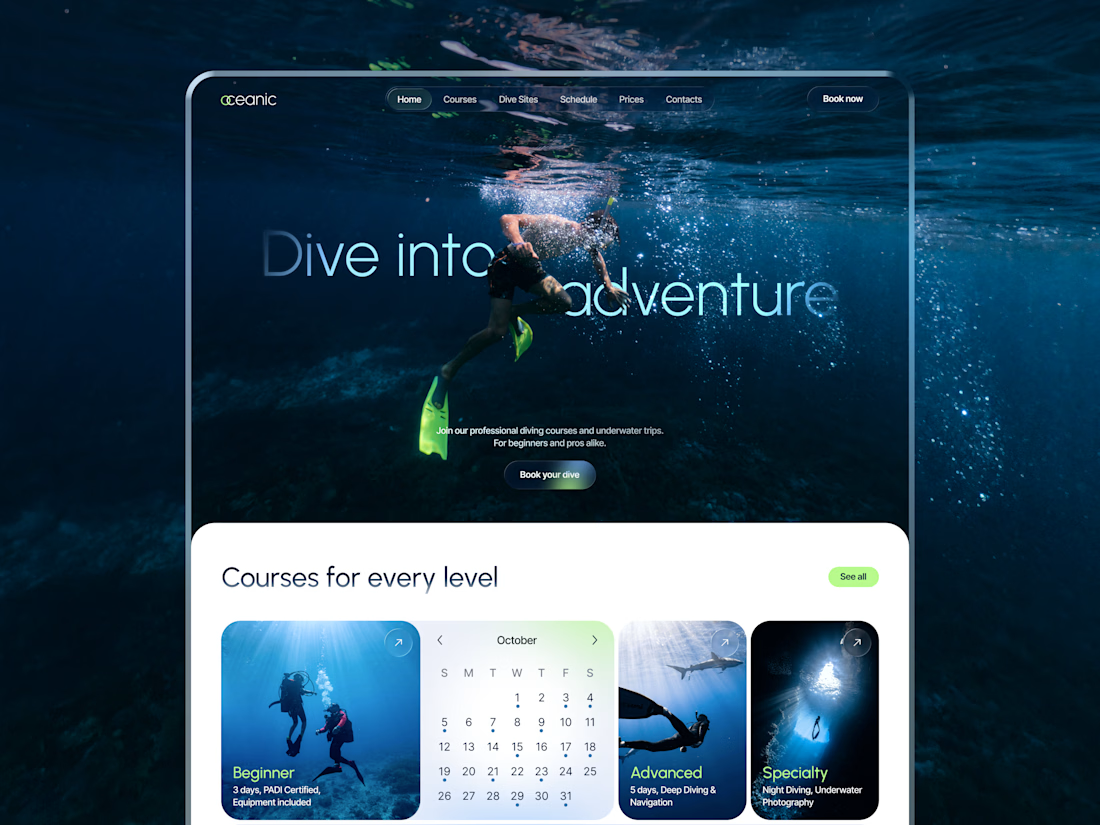
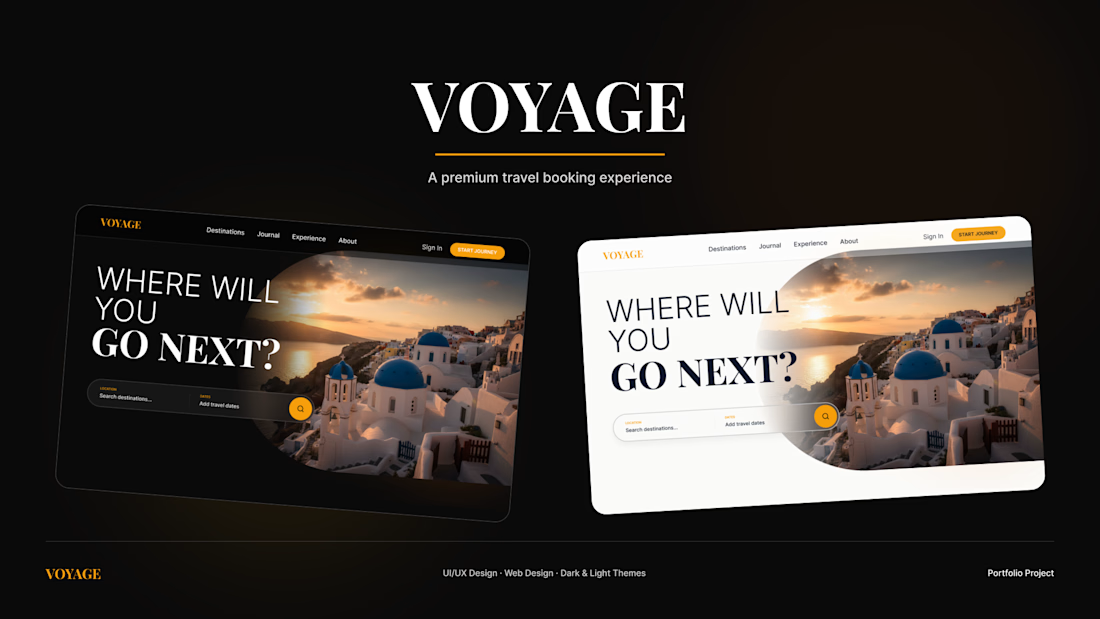
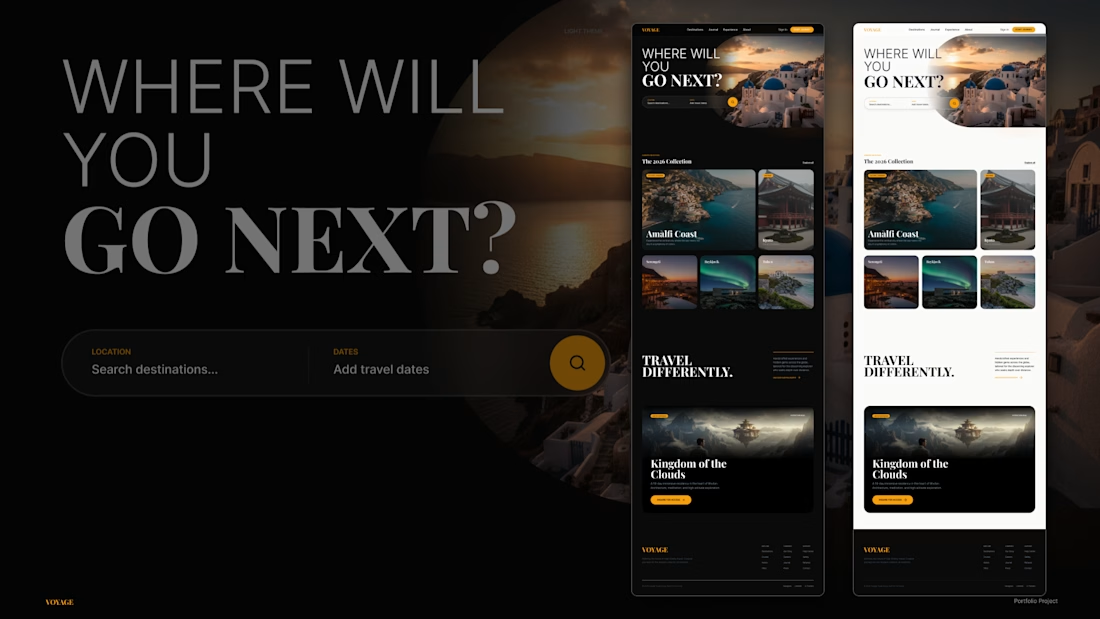
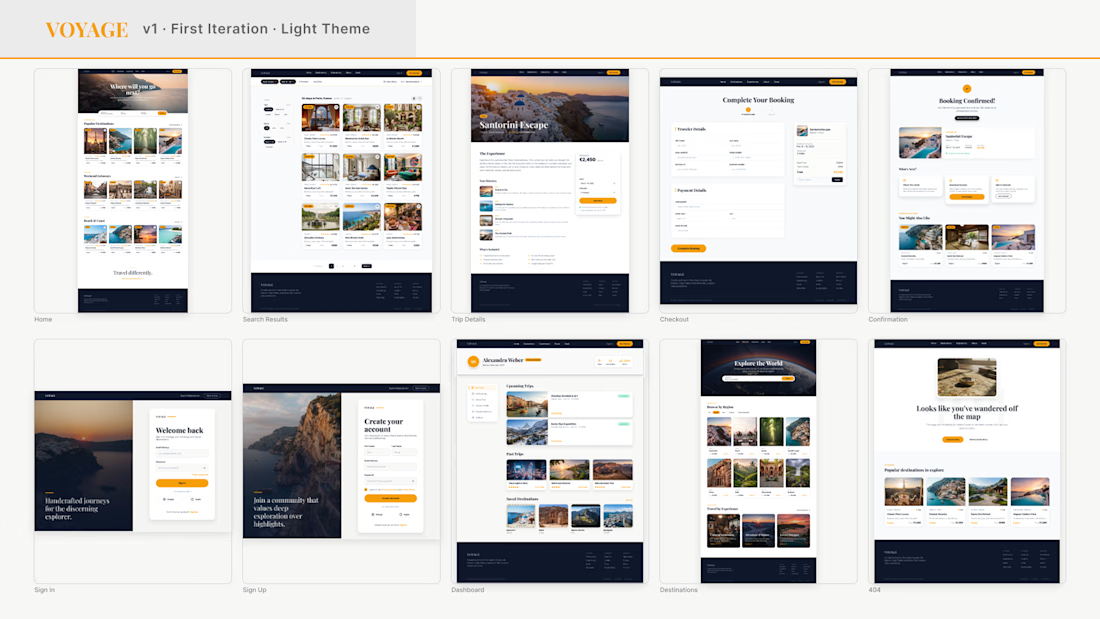
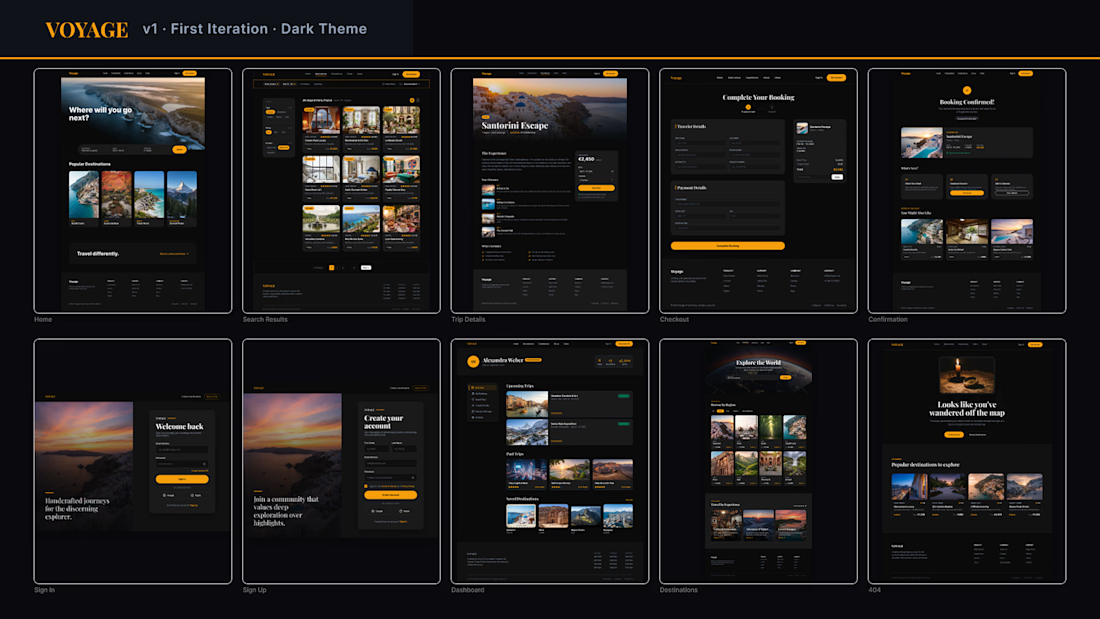
This project includes the initial design version and two redesigned homepage variants — one in a dark theme and one in a light theme. The new design was created with the help of Figma Agent Beta.
Although the tool is still in beta, I really enjoyed working with it.
The agent understands prompts well, offers a wide range of design solutions, and navigates the canvas confidently, even when the file already contains many frames.
It works best step by step: when creating and refining individual screens gradually, rather than trying to generate a large number of frames at once.
What I especially liked:
— it very rarely breaks an existing design when making changes;
— when major changes are required, it often creates a new version in a separate frame while preserving the previous one;
— it maintains the style and structure of the design well when creating subsequent frames, which helps keep the pages visually consistent;
— it can apply the same type of edit across multiple frames at once. For example, it can review all pages and unify the typography system or update recurring elements, such as the website header;
— after manual edits, it continues working with the updated version of the design instead of reverting it to an earlier state;
— while the agent is working on a task, it is possible to continue working manually in another part of the canvas. This does not interfere with its work and helps avoid wasting time waiting.
One drawback is the lack of a convenient step-by-step way to roll back changes made by the agent. Figma has version history, but during active work it would be useful to have a simpler way to return specifically to the agent’s previous result.
Overall, Figma Agent Beta left a very positive impression. What I found especially valuable is that it does not simply generate individual screens, but allows you to work with the design as a whole: develop it gradually, edit it manually, and continue working without constantly having to fix broken elements.

The network for creativity
Join 1.25M professional creatives like you
Connect with clients, get discovered, and run your business 100% commission-free
Creatives on Contra have earned over $150M and we are just getting started
Trending
retrofuturism
Share your favorite designs from the past exploring the distant future. Or your own take on the aesthetic 🚀
halftone
Dots. Texture. Grain. Let's see your designs using the halftone technique.

Midjourney
Creatives are showing off what they're making with Midjourney.
colorgrade
Video editors sound off: How do you enhance the mood of your video in color grading?





Related posts


design of the day, how do you do this and where did you get inspiration from. 🔥❤️

Option 1 — Bold & Editorial
Two directions. One brand. Which one wins? 👀
I explored two different visual approaches for the same coaching website — each with its own personality, typography, color, and visual energy.
A — Bold, dark & editorial
B — Bright, elegant & modern
If you were the client, which direction would you choose?
Cast your vote and tell me what made you pick it. 👇
#UIDesign #WebDesign #Framer #WebDesignInspiration #DesignPoll #Framer

75 voted
72%
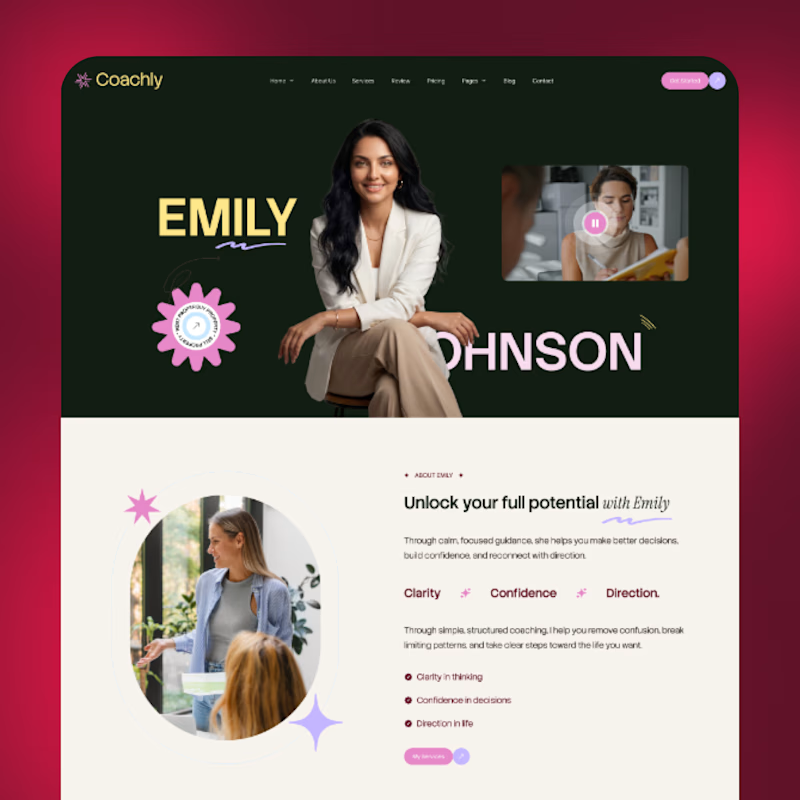
29 voted
28%
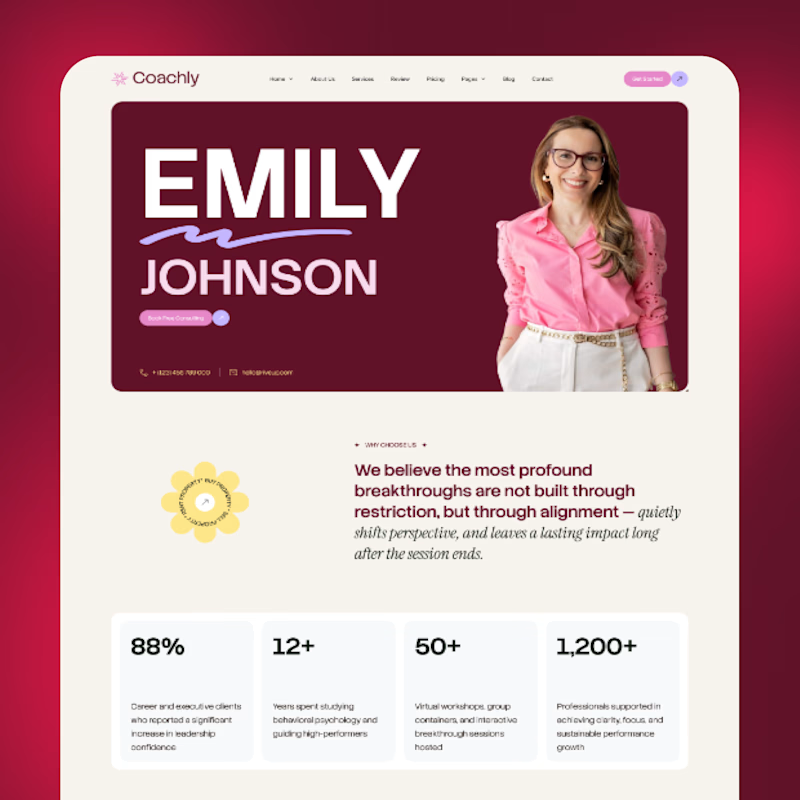
104 votes
Closed

Both directions look strong, but I’m leaning toward A Bold, dark & editorial 👀 It feels more distinctive and has a stronger visual personality. Would love to see where you take it next! 🔥

When does a hand-drawn logo make sense for a brand?
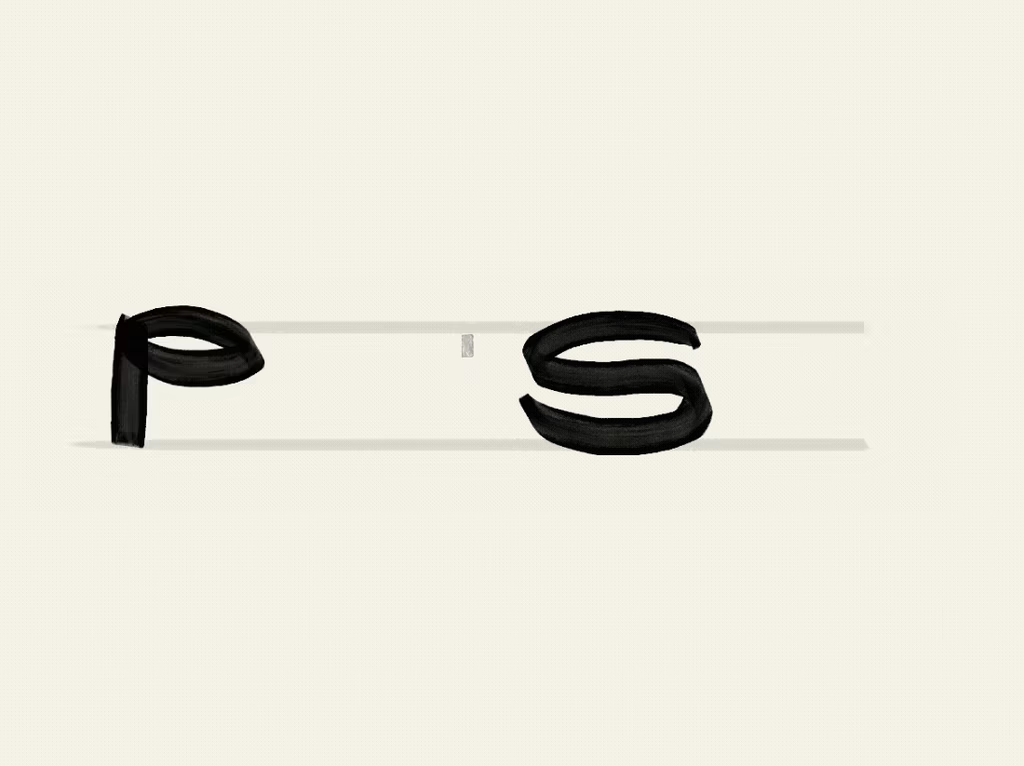
In this case, a Barcelona-based creative studio founded by a team with decades of combined experience approached me wanting a hand-drawn identity that would feel unexpected for a team like them, a way to signal creativity and distinction.
They came with a strong concept: the sediment at the bottom of a wine glass. What stays after everything else fades. A nod to what good work leaves behind after years of experience.
The entire identity is built on hand-drawn illustration, so the logo needed to do something different. With so much personality already living in the visuals, we went for a logotype with weight and presence, something that could anchor the brand and communicate their expertise.
The hand is still there. Just in a different form.
Do you think hand-drawn elements are being used more as a trend than as an intentional choice?



Looks super cool! Love the craft behind every branded element, from type to illustration. I believe it makes the brand very strong and consistent