The network for creativity
Join 1.25M professional creatives like you
Connect with clients, get discovered, and run your business 100% commission-free
Creatives on Contra have earned over $150M and we are just getting started
Back to feedPost
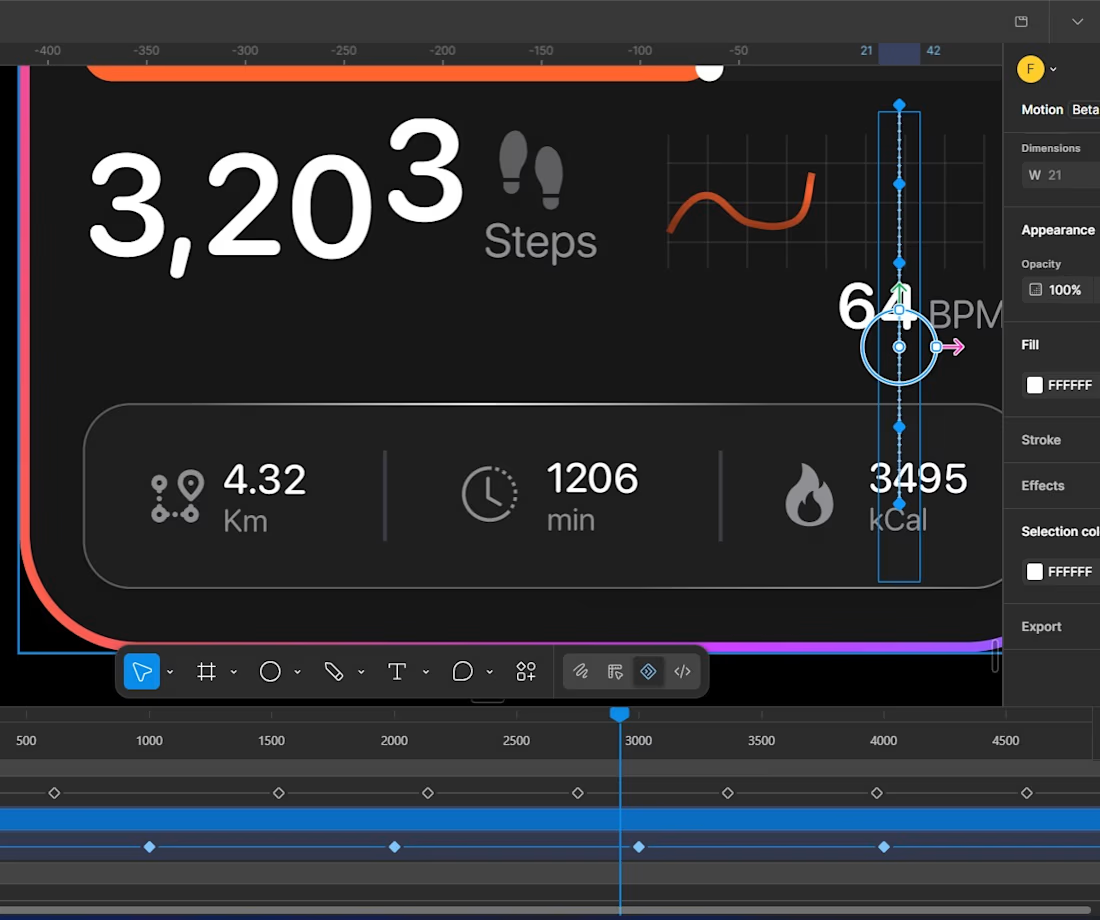
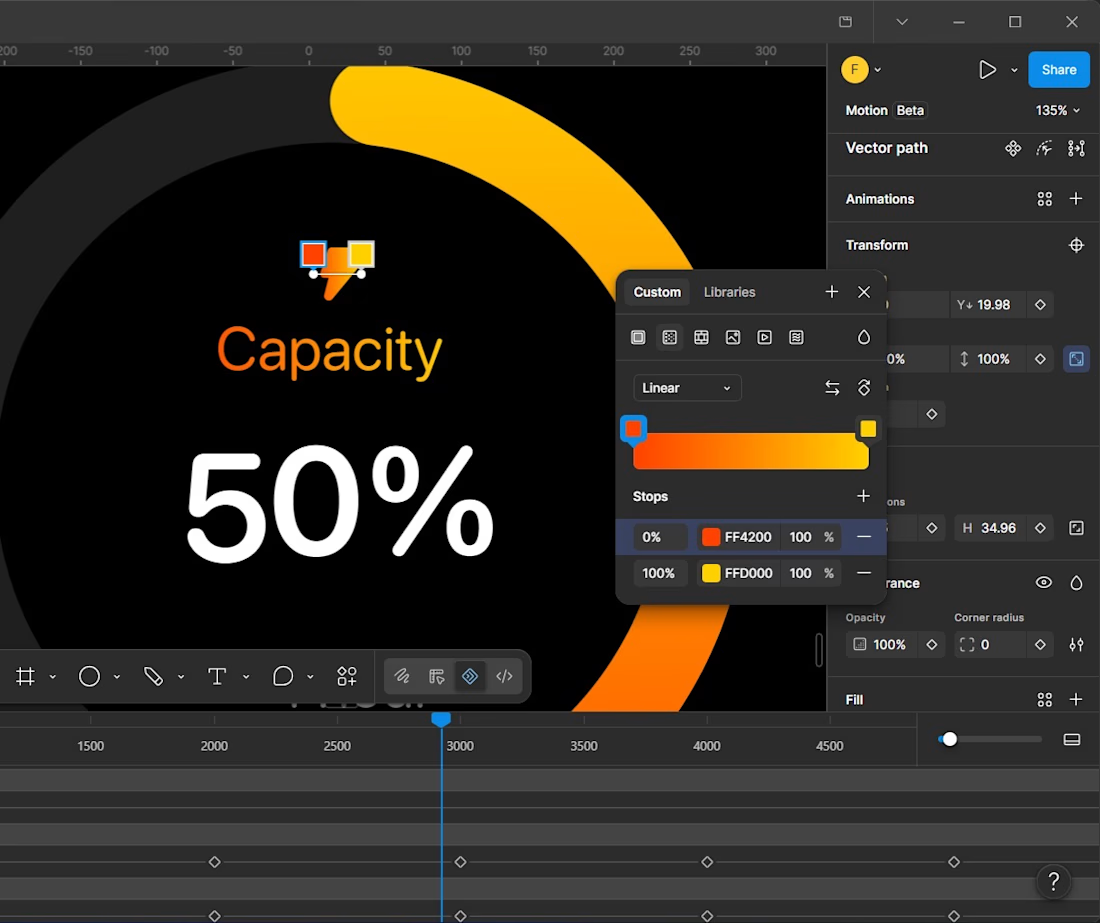
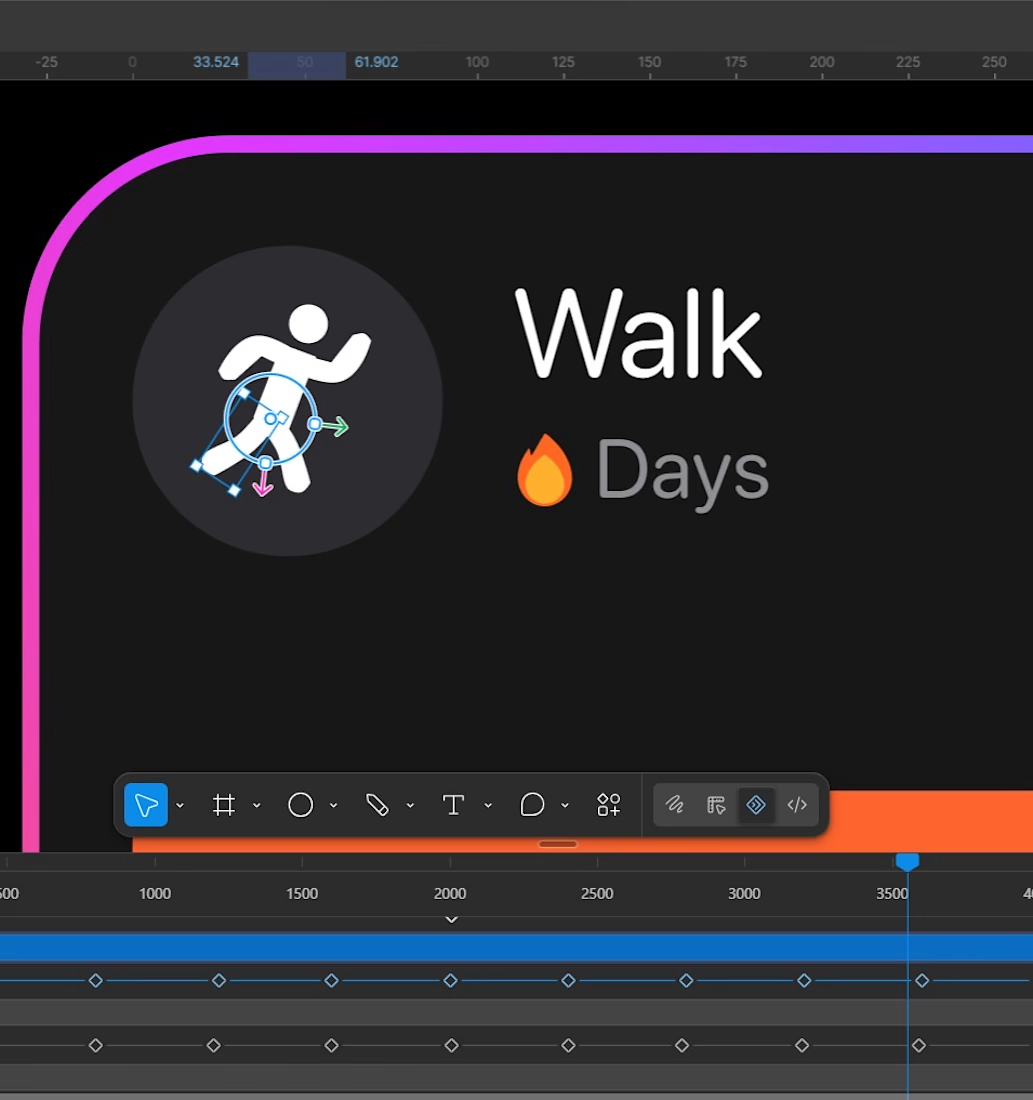
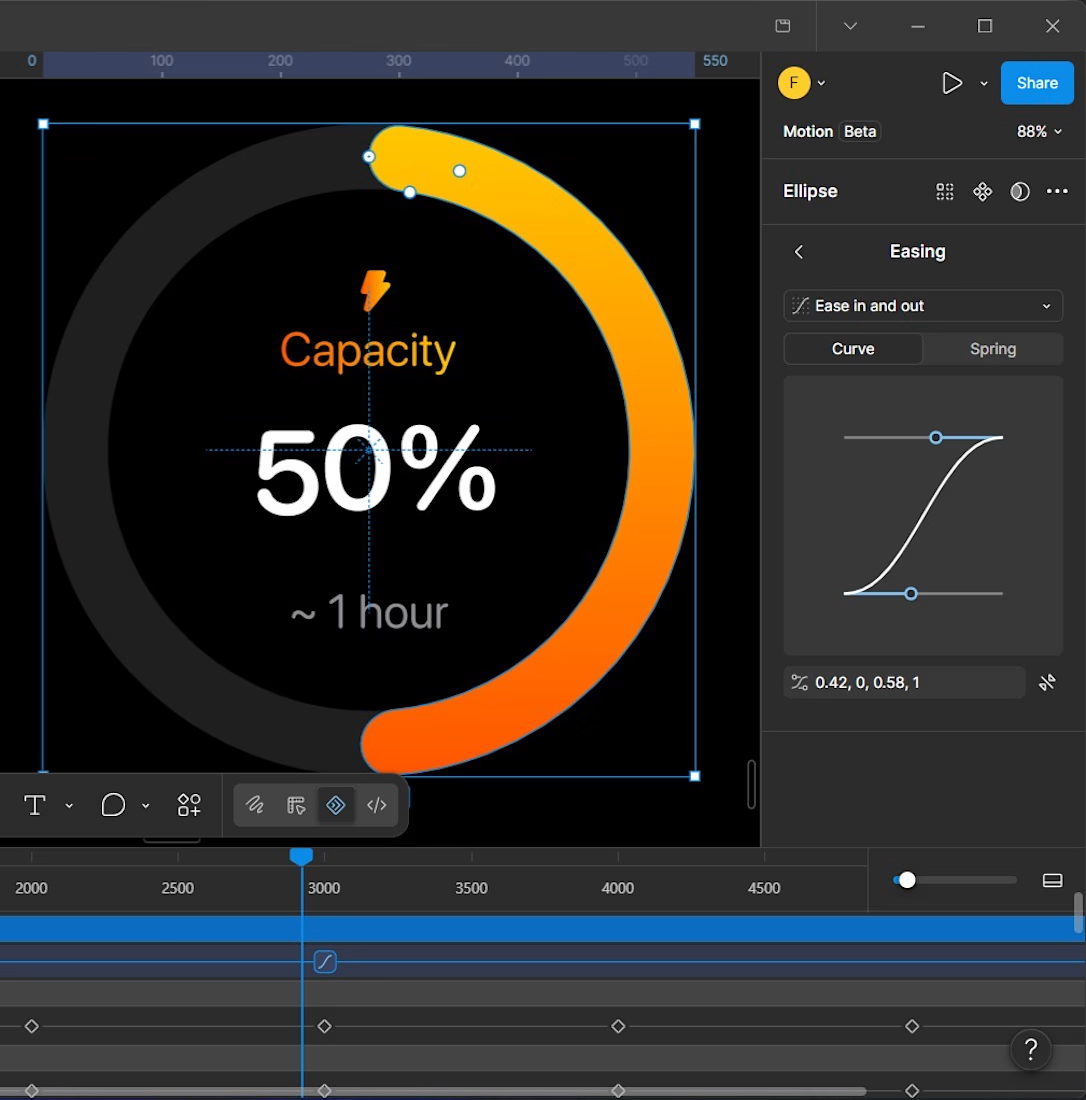
Animated UI Components: Figma + Figma Motion
I designed and animated a set of UI components in Figma using Figma Motion.
The goal was simple: make everyday interface interactions feel more natural, responsive, and enjoyable.
What I worked on
I started by designing the components with a focus on:
Clear visual hierarchy
Consistent spacing
Reusable components
Clean typography
Proper interaction states
A consistent visual language
After creating the components, I used Figma Motion to bring them to life.
Why motion?
Good UI shouldn’t only look good when it’s static.
The way an element appears, changes, responds, or moves can make an interface feel much easier to understand.
For the animations, I focused on keeping the movement:
Smooth
Simple
Purposeful
Fast enough to feel responsive
Subtle enough not to distract
The goal wasn’t to add animation just for decoration.
Each transition was designed to give the user feedback and make the interaction feel more connected.
My process
1. Design the component
I first created the UI component and made sure the structure, spacing, typography, and visual states were consistent.
2. Define the interaction
I considered what should happen when the user interacts with the component—how it should appear, change, or respond.
3. Add motion
I then used Figma Motion to create the transitions and refine the timing and movement.
4. Refine
I adjusted the animation until it felt natural and balanced with the rest of the interface.
The result
The final components combine UI design and motion design to create interactions that feel more polished and intentional.
This project was also a good reminder that small interactions can have a big impact on how a product feels.
Designed in Figma.
Animated with Figma Motion.


Animation timeline.

Clean work🔥
Thanks

Great work!
Thanks

This is really cool🙌
Thank u

Good work
thanks

I did'nt know that we can aniamte numbers in figma
yea with figma motion

nice work
thanks

Beautiful work.
Thank u


the capacity dial is satisfying. is figma motion actually nice to work in?
Yea it is. Though still has some limitations

Thank u
The network for creativity
Join 1.25M professional creatives like you
Connect with clients, get discovered, and run your business 100% commission-free
Creatives on Contra have earned over $150M and we are just getting started









Related posts

Figma Football
An unofficial football concept inspired by Figma and its visual language.
The ball was created using a custom 3D generator I built in ChatGPT, with animated interface icons and graphics developed with Claude.
Part design experiment, part exploration of how custom AI-powered tools can become part of the creative process.


The interface icons translate surprisingly well into a football identity.

Ripple: book an Influencer the way you'd book a hotel 💧
Working with Influencer is still messy: DMs that go nowhere, rates you have to chase, contracts over email, and paying upfront with no guarantee.
Ripple puts the whole deal in one place:
• Discover Influencers matched to your Brand campaign, with real stats and a clear rate card
• Send a request and negotiate terms in chat
• Approve a proposal that both sides can see, line by line
• Sign once and it's binding for both sides
• Pay by phase, held in escrow until the work is approved
From "who should we work with?" to "booked" in minutes.
#ProductDesign #UIUX #CreatorEconomy #MobileApp #ConceptDesign

This is such a needed concept, Praveen! 👏 The influencer booking process is honestly a nightmare right now. Love how you simplified it like booking a hotel - super clear positioning. The design in the video looks clean too! 💧

A little peek at the brand work we did for Elio Mortgage.
A warm, approachable identity full of warm vibrant colors paired with soft sun rising inspired gradients, inner glows and custom illustrations & more. Loved this direction!
Full case study coming soon, from process to final identity.
Plenty of logo explorations to share too!


That color palette takes the whole identity to a different level!! I loove it.
