The network for creativity
Join 1.25M professional creatives like you
Connect with clients, get discovered, and run your business 100% commission-free
Creatives on Contra have earned over $150M and we are just getting started
Back to feedPost
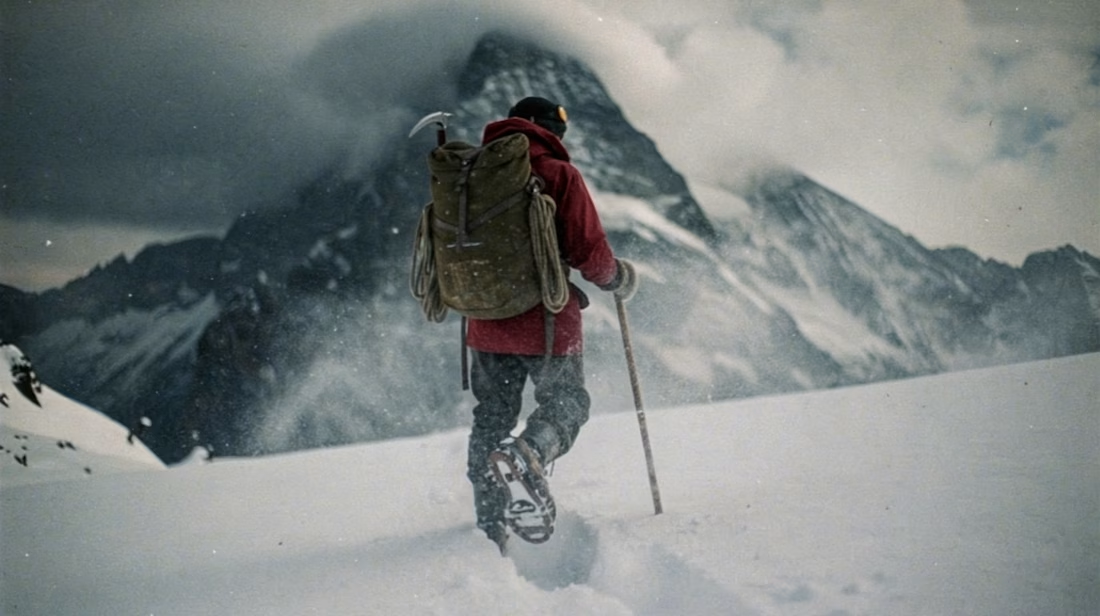
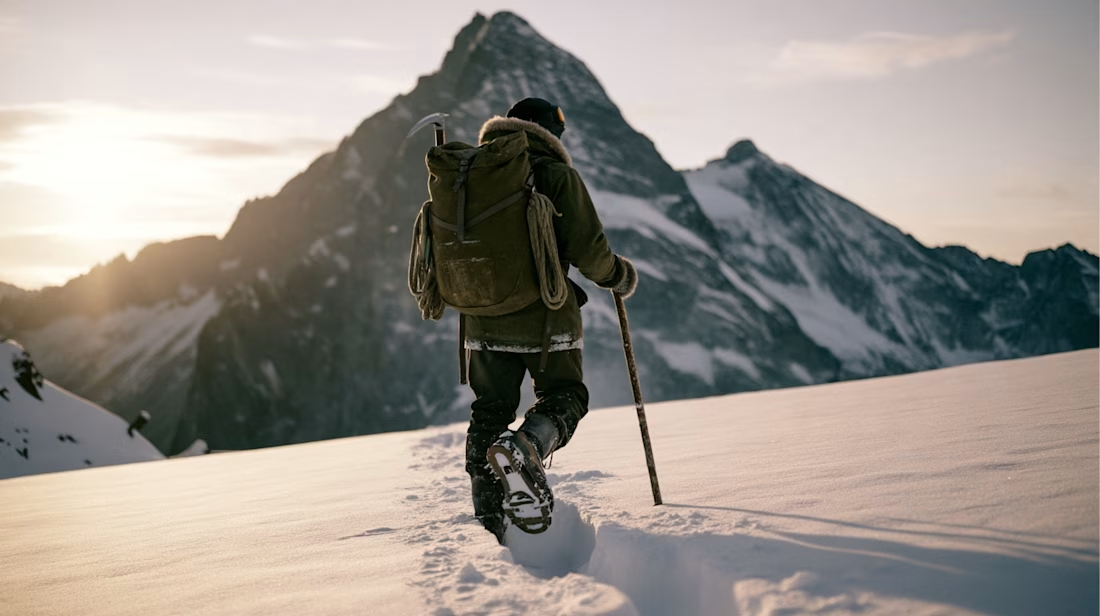
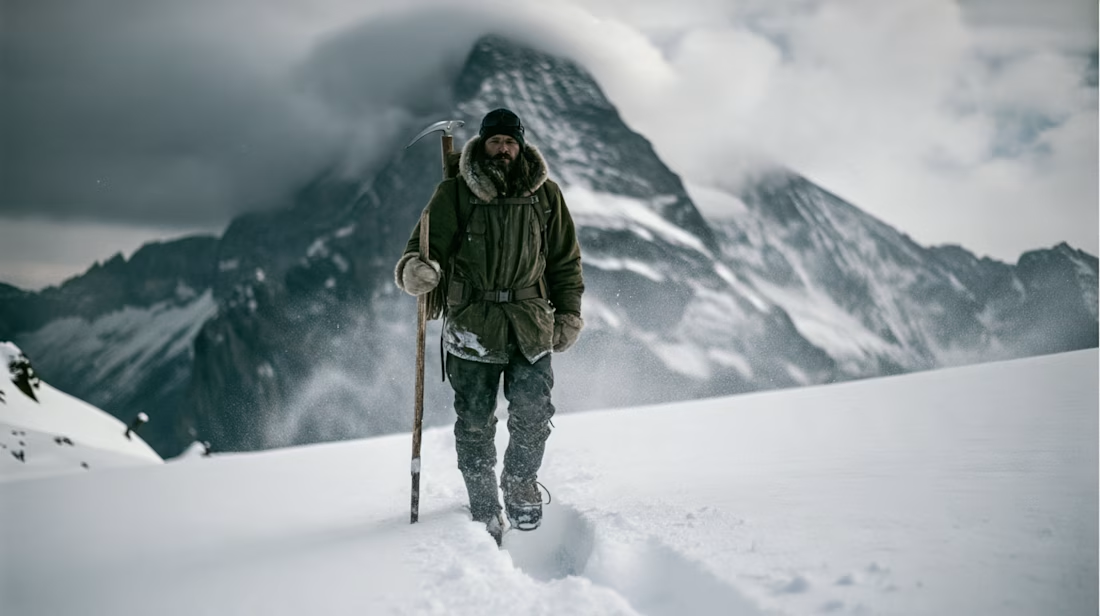
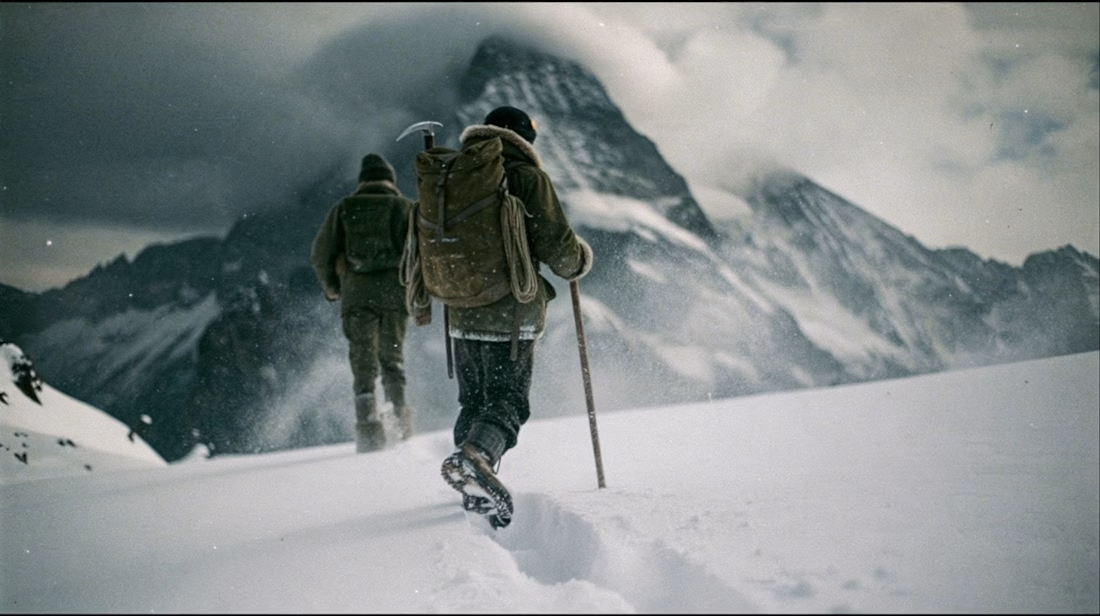
What happens when you take a hero frame from an AI-generated video and push it back into an image edit model?
This weekend I took a still from a recent Seedance 2.5 piece I made —depicting a solo mountaineer in a harsh alpine environment — and ran it through Midjourney's new v8.2 edit model to see how far I could iterate on a single frame without regenerating from scratch.
Tested wardrobe swaps, environment shifts, and style transfers.
Video walkthrough of the process coming in a separate post.


This looks cool

And here's a video walkthrough breaking down the process in more detail. How I approached each individual generation, the thought behind it, and my thoughts on how successful I thought each of them were.
Thanks for checking it out!

Nice work

Looks sooo good man, great job! 🚀

firee man

My honest review is chatgpt's new image generation model is more better than Midjourney 😊😊

This is top notch quality

Iterating on a single frame without regenerating is such a smarter workflow. The before/after on the mountaineer scene is really striking.


Nice one

Turn this into video


wardrobe swaps on one frame without regenerating, that's the workflow I want

Looks nice

Cool

Iterating on one frame instead of regenerating from scratch feels like the more art-directable way to use these models.
hard agree!

how realistic it is


Pulling a hero frame out of a video and pushing it back into an edit model is such a clever pipeline, you get motion-grade composition with still-image polish. The alpine grade stayed consistent across every pass, that is the hard part. The walkthrough makes the thinking easy to follow.
Iterating on one strong frame instead of regenerating from scratch makes so much sense for keeping consistency. The wardrobe swaps held up really well. Looking forward to the walkthrough

Looks Great 🙌

What inspired the visual direction here?

This is so impressive

SMOOTH

iceman looks cool
The network for creativity
Join 1.25M professional creatives like you
Connect with clients, get discovered, and run your business 100% commission-free
Creatives on Contra have earned over $150M and we are just getting started








Related posts


Your Hero Section Has One Job: Be Clear.
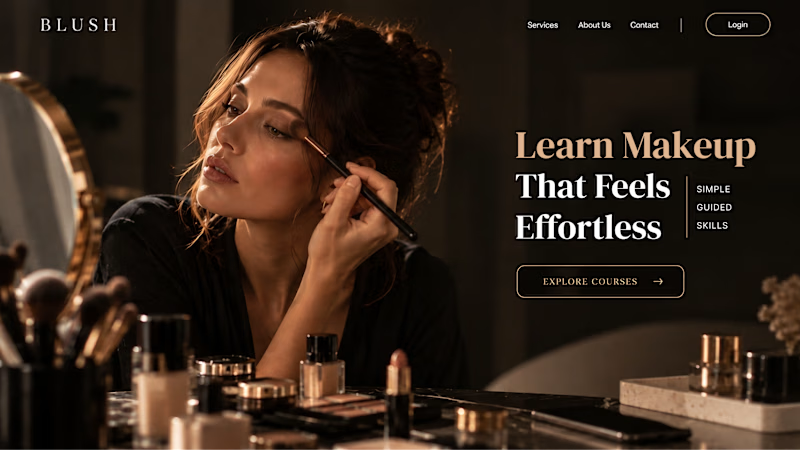
You don’t need huge headlines or long explanations. You need the right image + short headline + clear offer.
For the first version, we worked on the branding, the image and the copy together, so at first glance it’s clear: this is a makeup course, and here’s what you’ll get.
The second version is still beautiful and still feels like beauty. But what are you actually getting? A makeup course? Products? A store? That’s the problem with a Hero that looks good but isn’t thought through.
Your first screen doesn’t need to say everything. It just needs to say the right thing.

22 voted
61%
14 voted
39%

36 votes
Closed


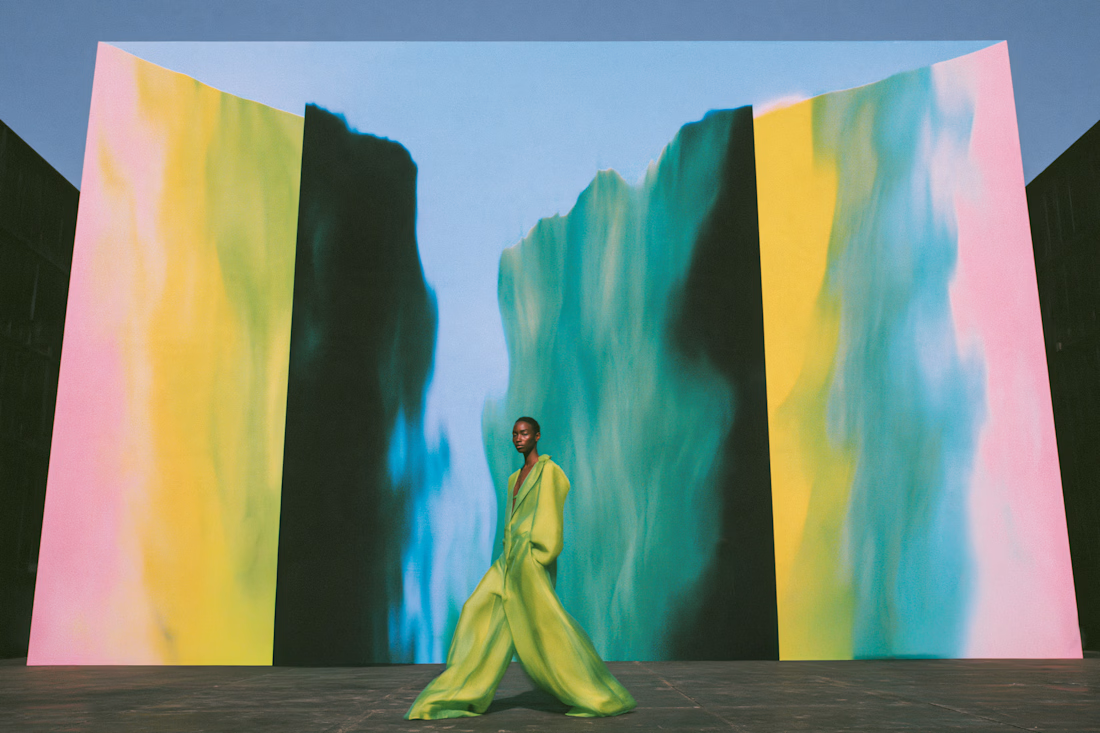
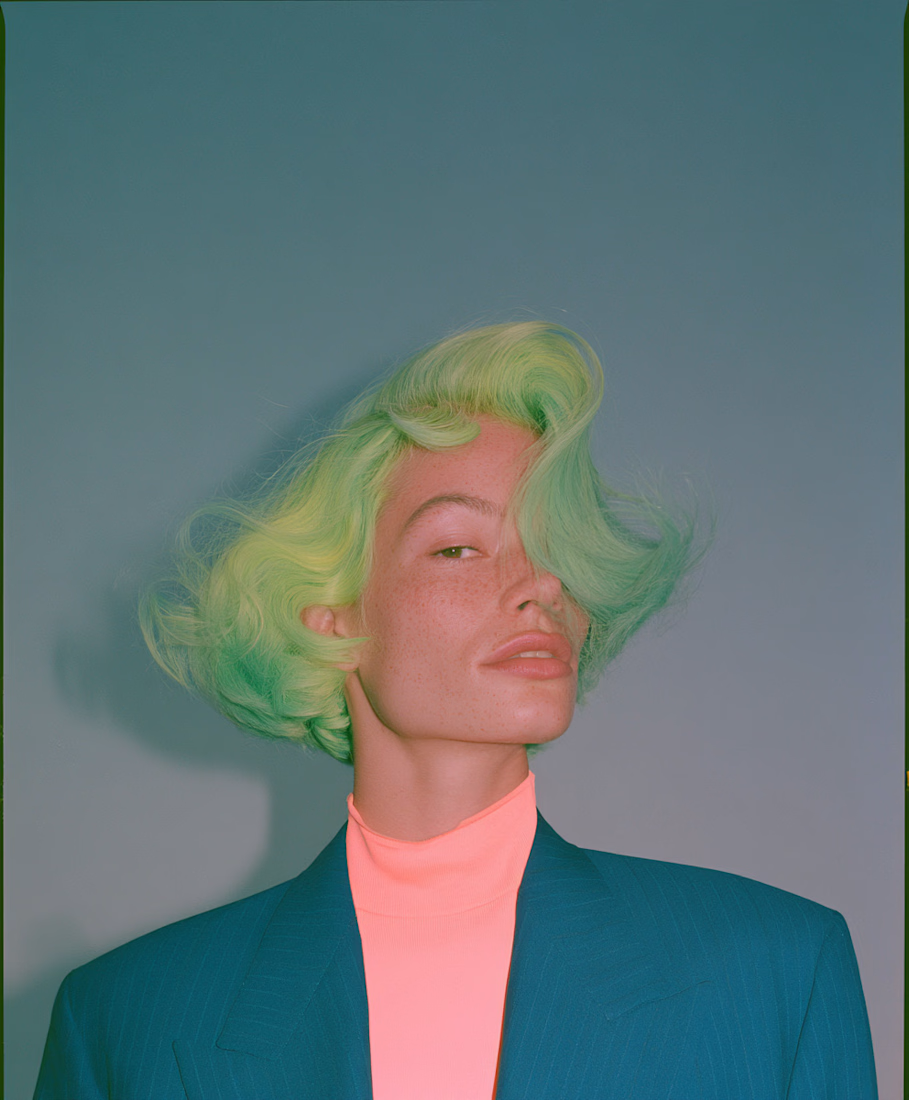
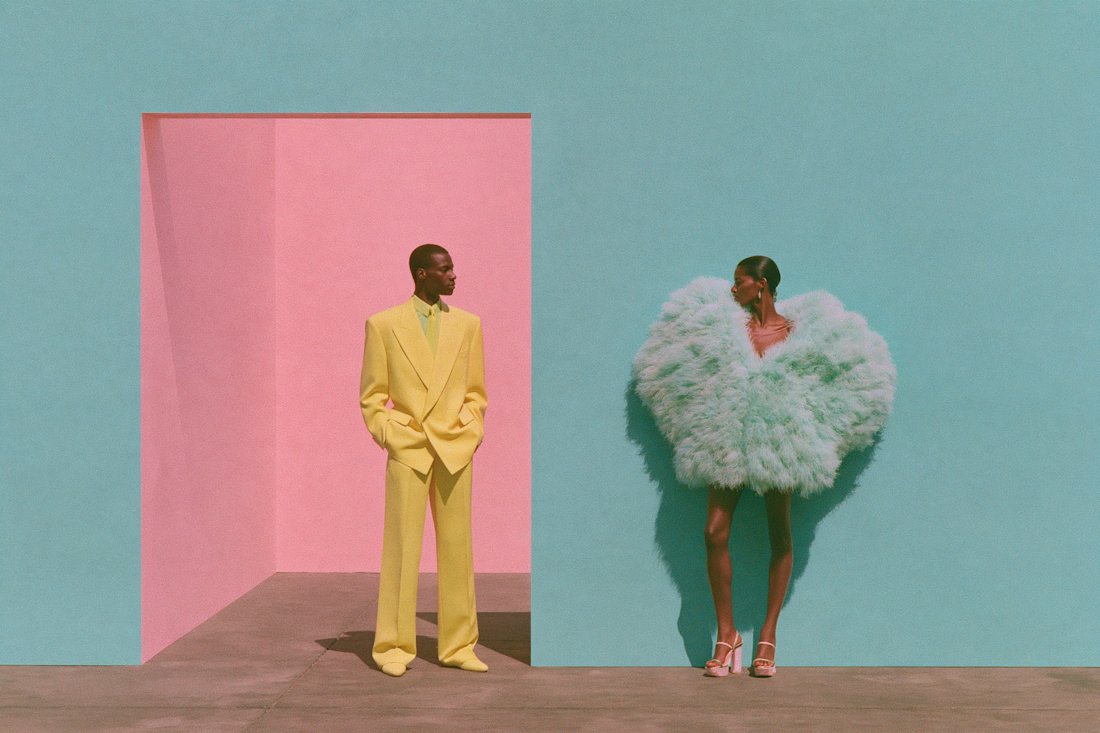
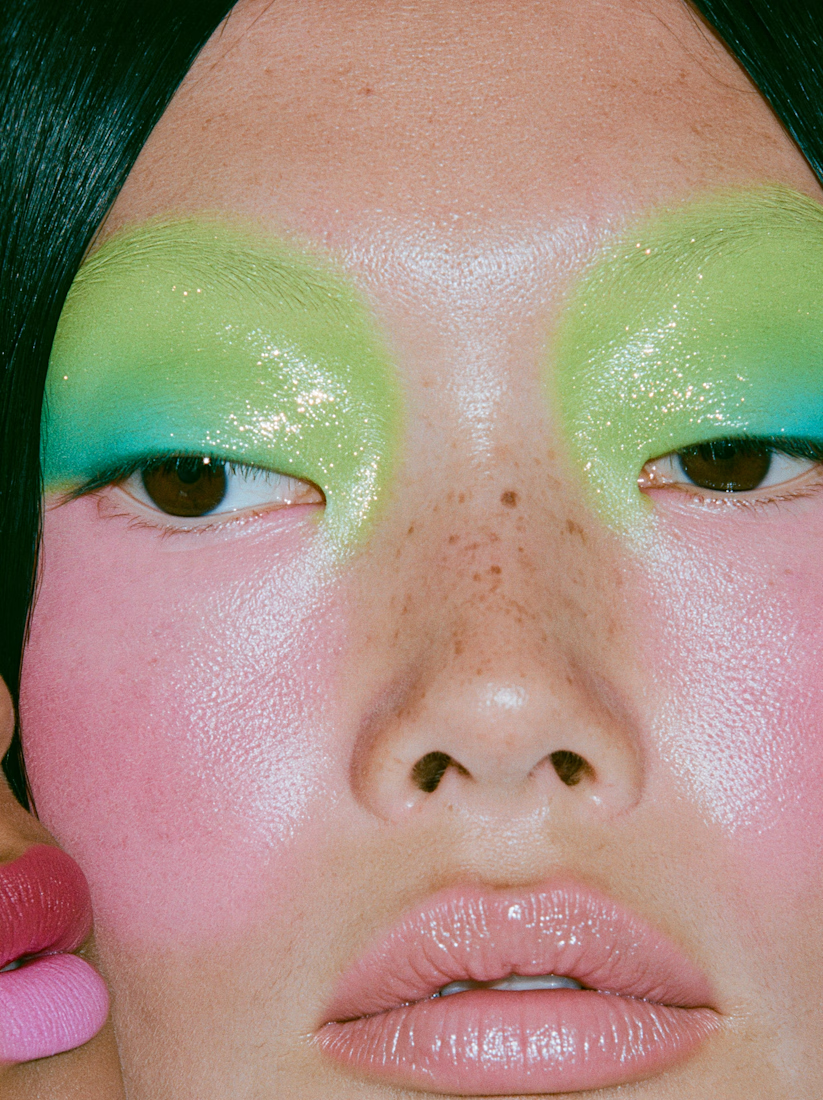
Chlorophyll: an 18-frame color story that moves from pastel to full saturation. Many models, many designers, held together by a single palette, built to read like an editorial where the images carry the story. Original artwork and visual storytelling by Kelsey Laurel Creative Studio.




Super sleek presentation! ✨ The phone mockup with that purple gradient is looking premium. Clean editing!