
Suhas Hathwar
AEC Specialist | Mastering 3D, VR, Code & Fabrication


When distance shapes form and color follows height,
a ripple moves through a triangular world-
growing, shifting, glowing.
Crafted with Grasshopper, guided by parametric control,
and brought to life in Rhino.
#VisualPoetry (https://x.com/hashtag/VisualPoetry?src=hashtag_click) #DigitalArt (https://x.com/hashtag/DigitalArt?src=hashtag_click) #ParametricDesign (https://x.com/hashtag/ParametricDesign?src=hashtag_click) #Grasshopper3D (https://x.com/hashtag/Grasshopper3D?src=hashtag_click) #Rhino3D (https://x.com/hashtag/Rhino3D?src=hashtag_click)
0
164
Built my first ever Rhino plugin!
Meet the ColumnCenterlinePlugin — it instantly creates structural centerlines, labels, and dimensions from your column geometry.
Took me 7 days, 37 bugs, and a lot of coffee.
This started as a fun experiment, I just wanted to understand how plugins in Rhino actually work.
I had zero coding background in c#, literally none.
So I decided to dive into C#, Visual Studio, and the RhinoCommon SDK… and things got interesting real fast
The plugin works like this:
1. You run the command ColumnCenterlineCommand
2. Input your layer name (e.g. “COLUMN”)
3. Choose your settings , extension length, grouping tolerance, circle radius
4. Watch it auto-generate the full grid!
0
170
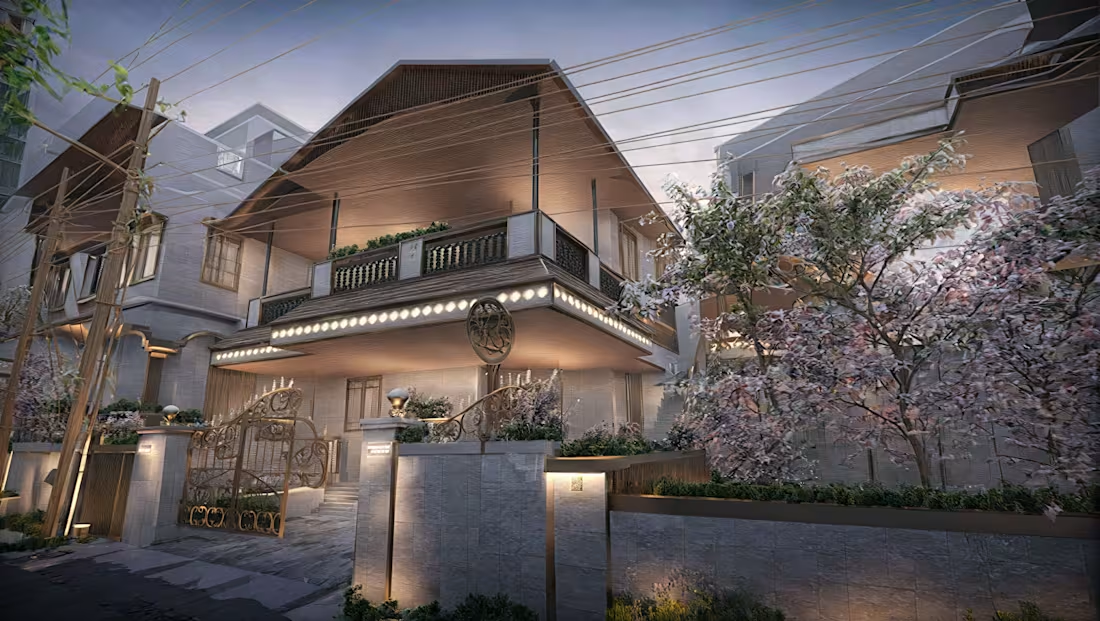
AI-Enhanced Architectural Visualization
0
16
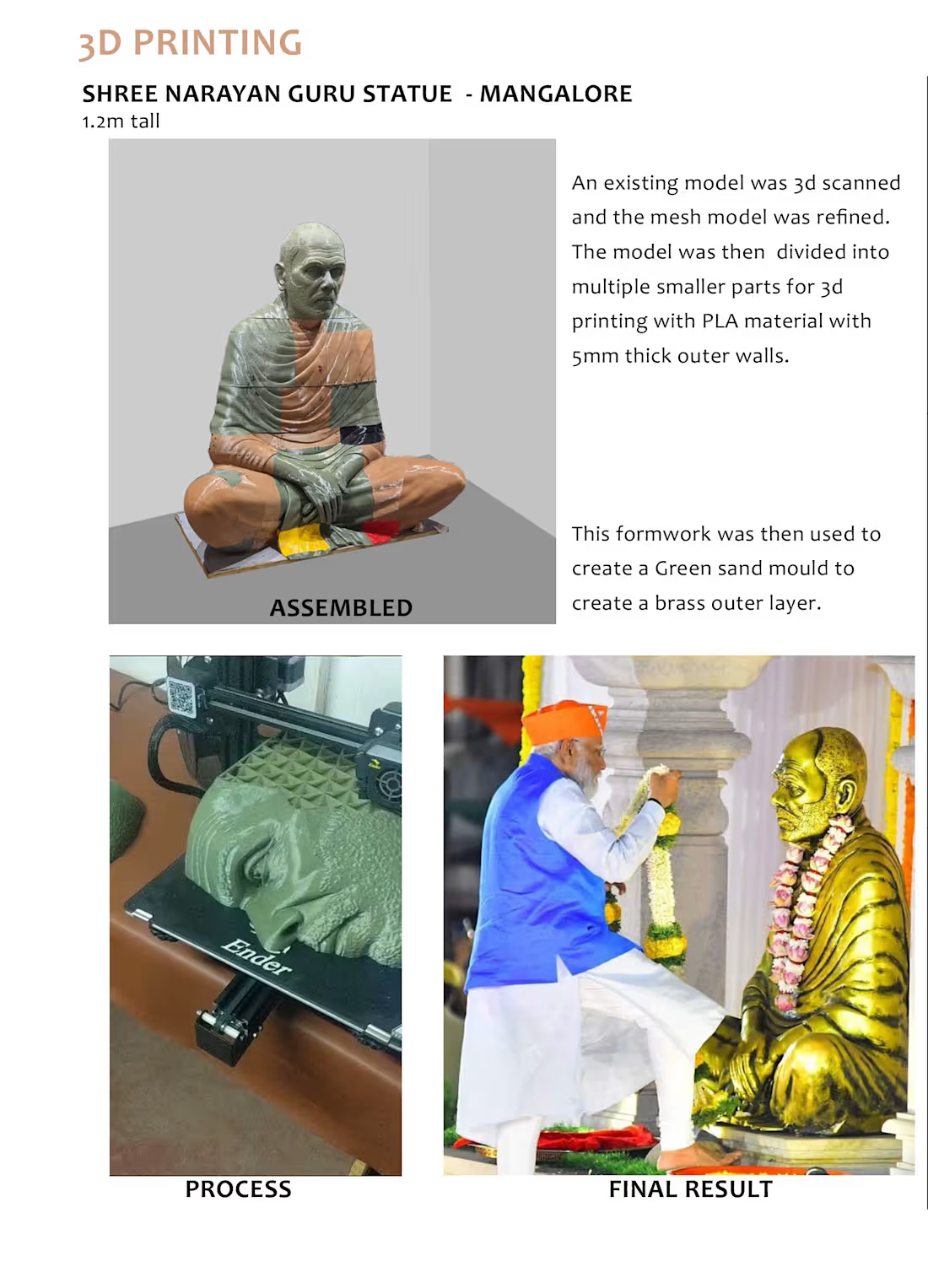
3d printing statue mold design process
0
7