
Dima Shain
🪬 Product Design Lead | B2B • SaaS • Complex UX Flows
Profile in progress
Dima is building their profile!

I'm a UI designer. Spent years hoarding UI screenshots, 3D icons, illustrations. Pinterest, Dribbble, Figma, desktop, random folders.
The constant nightmare: I need a tab bar. Or an empty state with illustration. Right now. I know I saved something like this. Three months ago. Somewhere, lol.
Built a desktop app to kill my own pain. Files on disk, plain folders, sync via Google Drive / Dropbox / iCloud. No cloud lock-ins. That was the easy part.
The hard part - search.
Off-the-shelf vision models are useless for UI. Dropped a Linear screenshot into CLIP - it sees "a computer screen with text". Thanks, super informative, lol.
They were trained on cats and landscapes, not on interfaces.
What ended up working - a combo of four layers. OCR pulls button labels, headings, body copy from every image. On top of that, a vision model with my own prompt dictionary for UI patterns: modal, toast, tabs, empty state, chart, dashboard. Wrote the dictionary myself, from what I actually look for. Plus manual tags users drop in two clicks. And fuzzy search over filenames as a fallback.
Now "settings" pulls up settings screens even when the word isn't on the image. "empty state" pulls illustrations of these screens, not random app shells. Closer to how I actually search. By what's in the image. Not by filename.
Not perfect. Dense dashboards still confuse the model. Auto-tags are rough. But this is the first reference manager I built that I actually use myself.
Curious - what else could I tweak in the search logic to make it work sharper?
1
50
Account Creation Screen
AI-powered workflow in action: generated the image in Gemini, crafted the animation prompt with Claude, then brought it to life in Grok.ai (http://Grok.ai) and integrated the result into my UI.
2
3
129
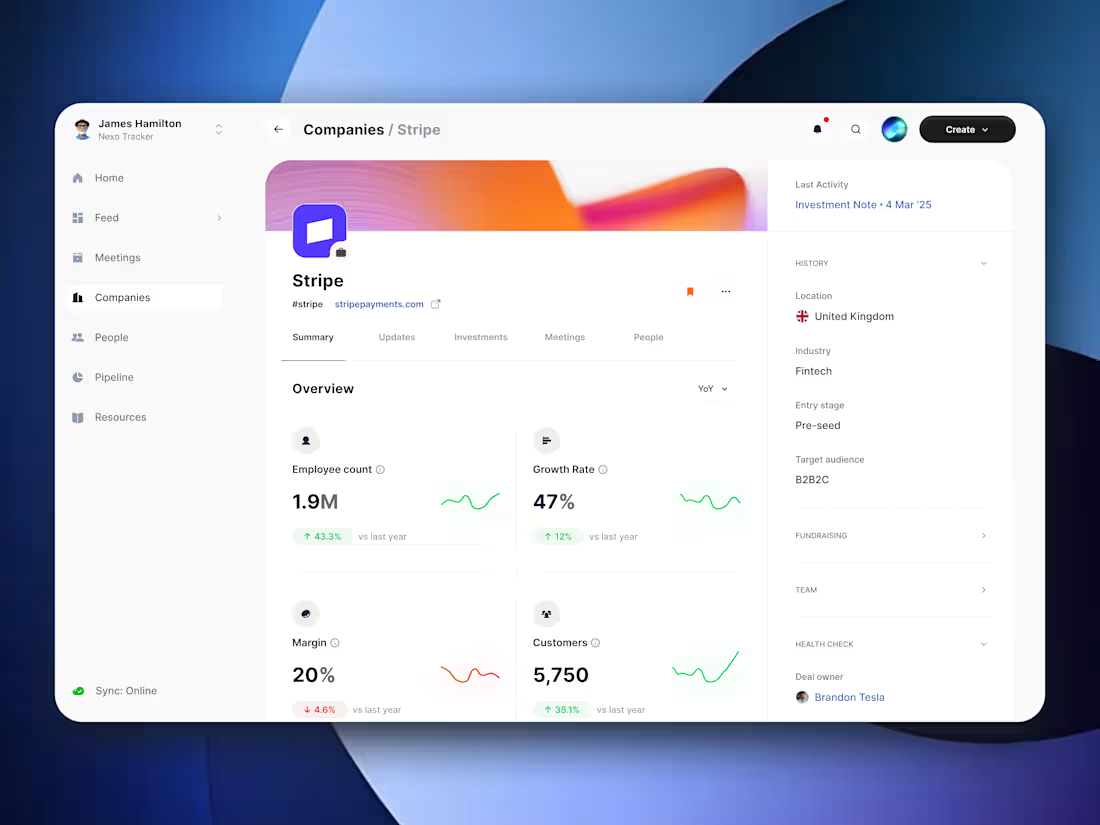
VC Fund CRM - Company
1
17
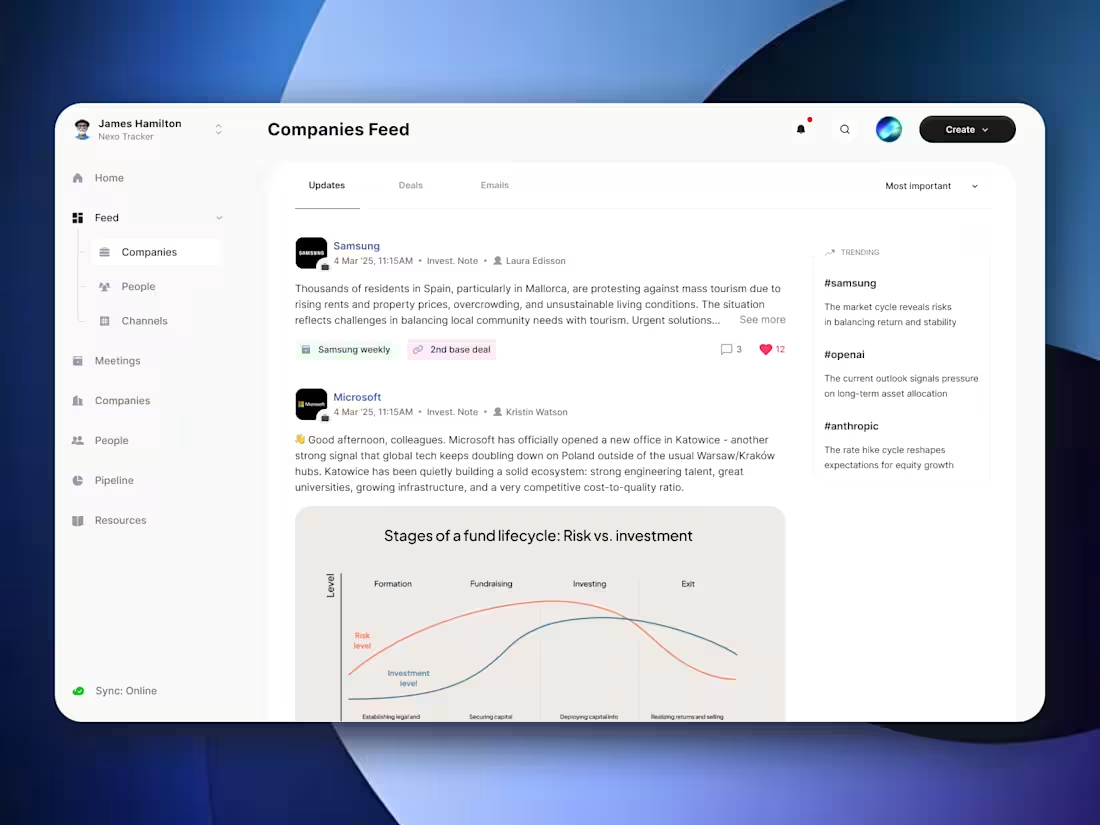
VC Fund CRM - Nexo [PWA APP]
1
49