
Mobile UI/UX DesignSrikar Suresh
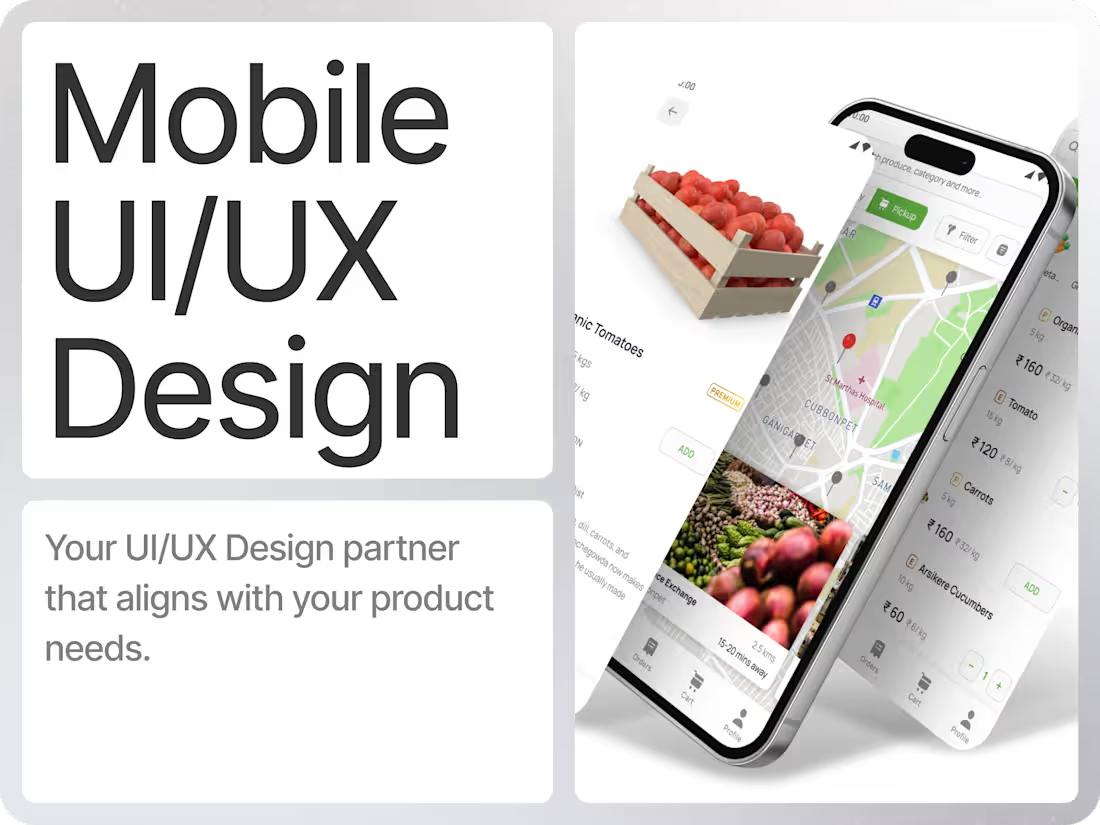
I design clean, modern mobile apps with a strong focus on clarity, usability, and scalable systems. You get a complete UI/UX foundation in Figma, including flows, components, visual direction, and interaction logic that developers can implement without friction. The result is a product that feels polished, intuitive, and ready to evolve with your roadmap.
What's included
Discovery & Product Structure
Understanding goals, users, core flows, and required features. Creation of a clear information architecture and user flow map.
Wireframes & UX Foundations
Low-fidelity layouts that define navigation, hierarchy, and all key interactions before moving into visuals.
Full UI Design in Figma
High-fidelity designs for iOS and Android using platform-native patterns or a custom design language. Includes layout, components, typography, color, iconography, and visual direction.
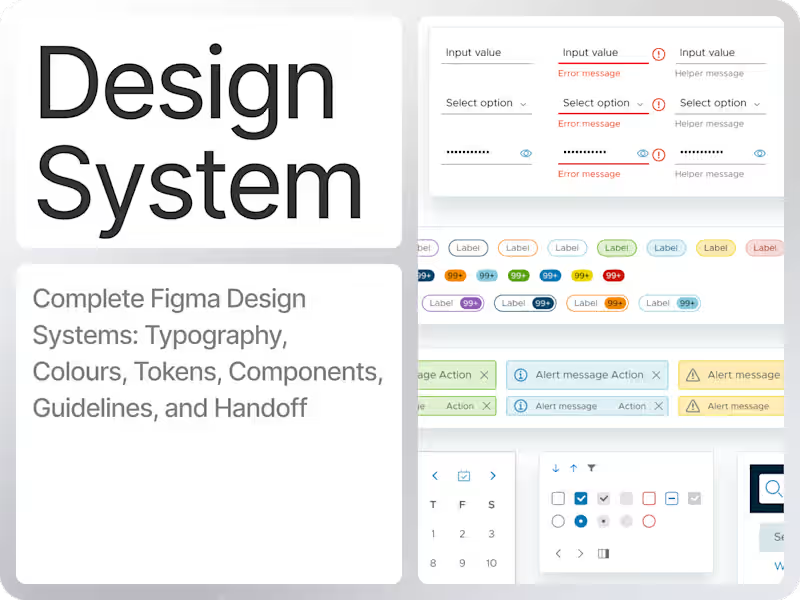
Component & Design System
A scalable set of reusable components, states, grids, and tokens designed for consistent development and easy feature expansion.
Motion & Interaction Direction
Definition of transitions, gestures, micro-interactions, and motion principles. Optional delivery of Lottie/Rive/Jitter animations for onboarding, empty states, or illustrations.
Prototypes
Interactive Figma prototypes showing flow, usability, and motion to help align designers, developers, and stakeholders.
Handoff for Development
Structured Figma file setup, component documentation, redlines, assets, and support for developers during implementation.
QA Support
Review of implemented screens, feedback on spacing, interaction details, and visual accuracy to ensure quality in the final build.
FAQs
Example work

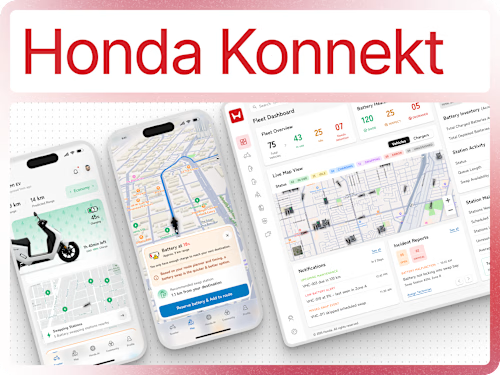
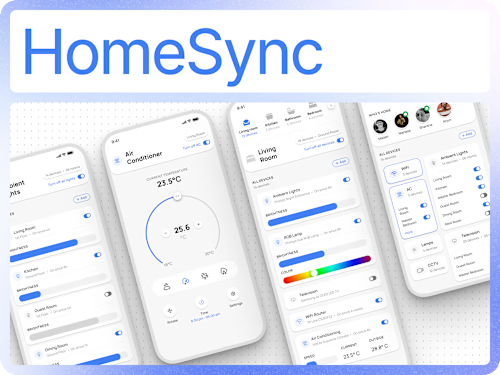
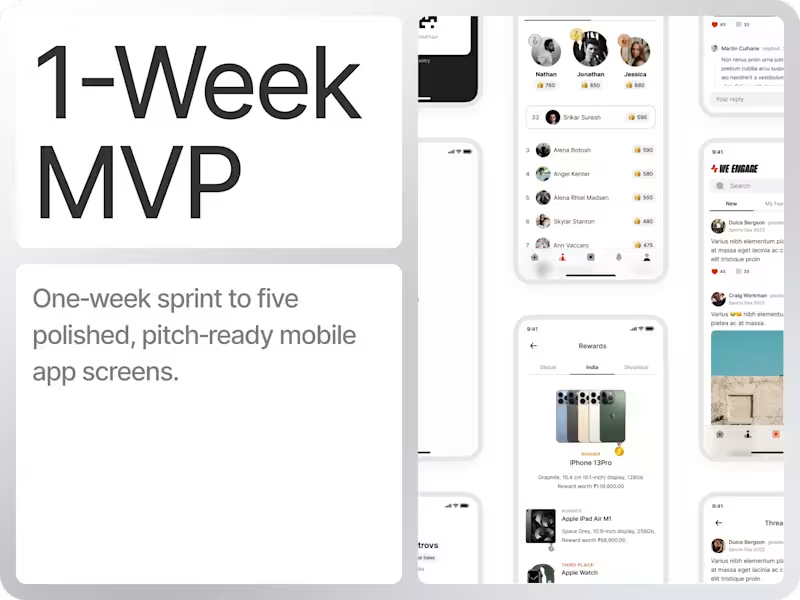
Srikar's other services
Starting at$60 /hr
Tags
Figma

Sketch

Product Designer
UI Designer
UX Designer
Service provided by
Srikar Suresh proBengaluru, India
- 25
- Followers
Mobile UI/UX DesignSrikar Suresh
I design clean, modern mobile apps with a strong focus on clarity, usability, and scalable systems. You get a complete UI/UX foundation in Figma, including flows, components, visual direction, and interaction logic that developers can implement without friction. The result is a product that feels polished, intuitive, and ready to evolve with your roadmap.
What's included
Discovery & Product Structure
Understanding goals, users, core flows, and required features. Creation of a clear information architecture and user flow map.
Wireframes & UX Foundations
Low-fidelity layouts that define navigation, hierarchy, and all key interactions before moving into visuals.
Full UI Design in Figma
High-fidelity designs for iOS and Android using platform-native patterns or a custom design language. Includes layout, components, typography, color, iconography, and visual direction.
Component & Design System
A scalable set of reusable components, states, grids, and tokens designed for consistent development and easy feature expansion.
Motion & Interaction Direction
Definition of transitions, gestures, micro-interactions, and motion principles. Optional delivery of Lottie/Rive/Jitter animations for onboarding, empty states, or illustrations.
Prototypes
Interactive Figma prototypes showing flow, usability, and motion to help align designers, developers, and stakeholders.
Handoff for Development
Structured Figma file setup, component documentation, redlines, assets, and support for developers during implementation.
QA Support
Review of implemented screens, feedback on spacing, interaction details, and visual accuracy to ensure quality in the final build.
FAQs
Example work
Srikar's other services
$60 /hr