
Roshni Havelikar
AWS Cloud & DevOps Engineer | EC2, S3, CI/CD, Serverless
New to Contra
Roshni is ready for their next project!
Serverless Expense Tracker Development
1
3
📒 Expense Book
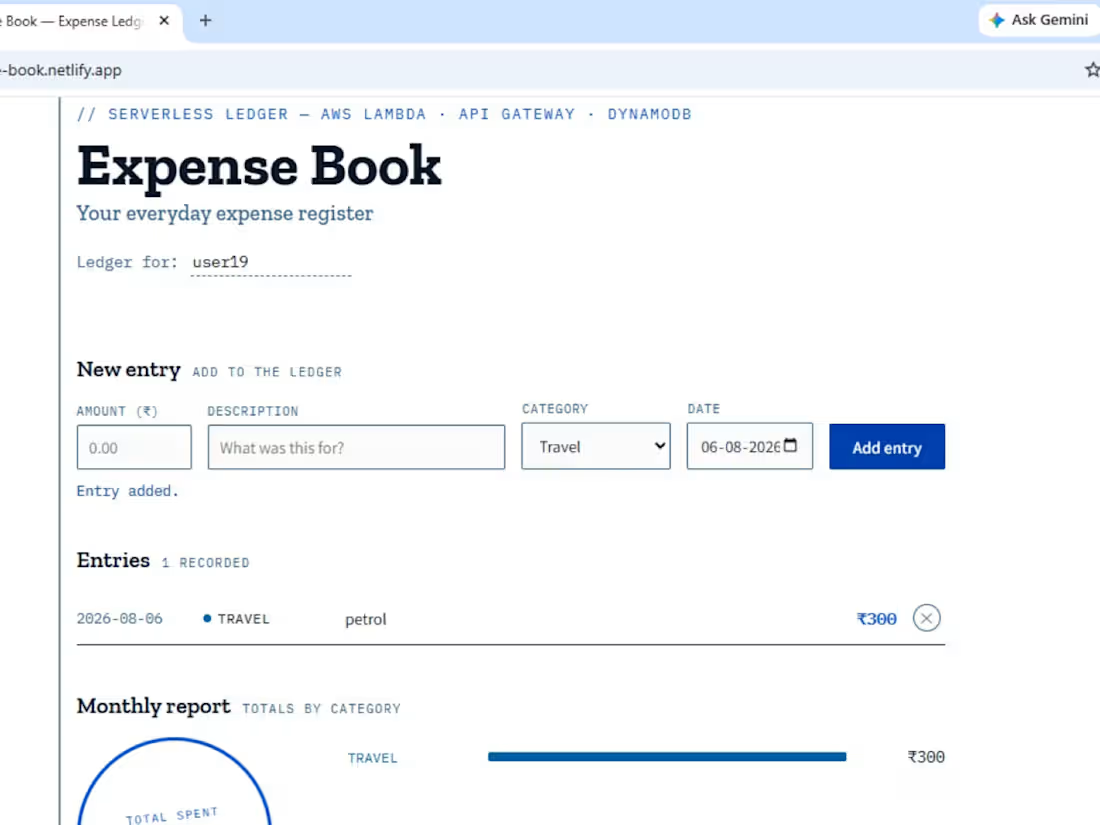
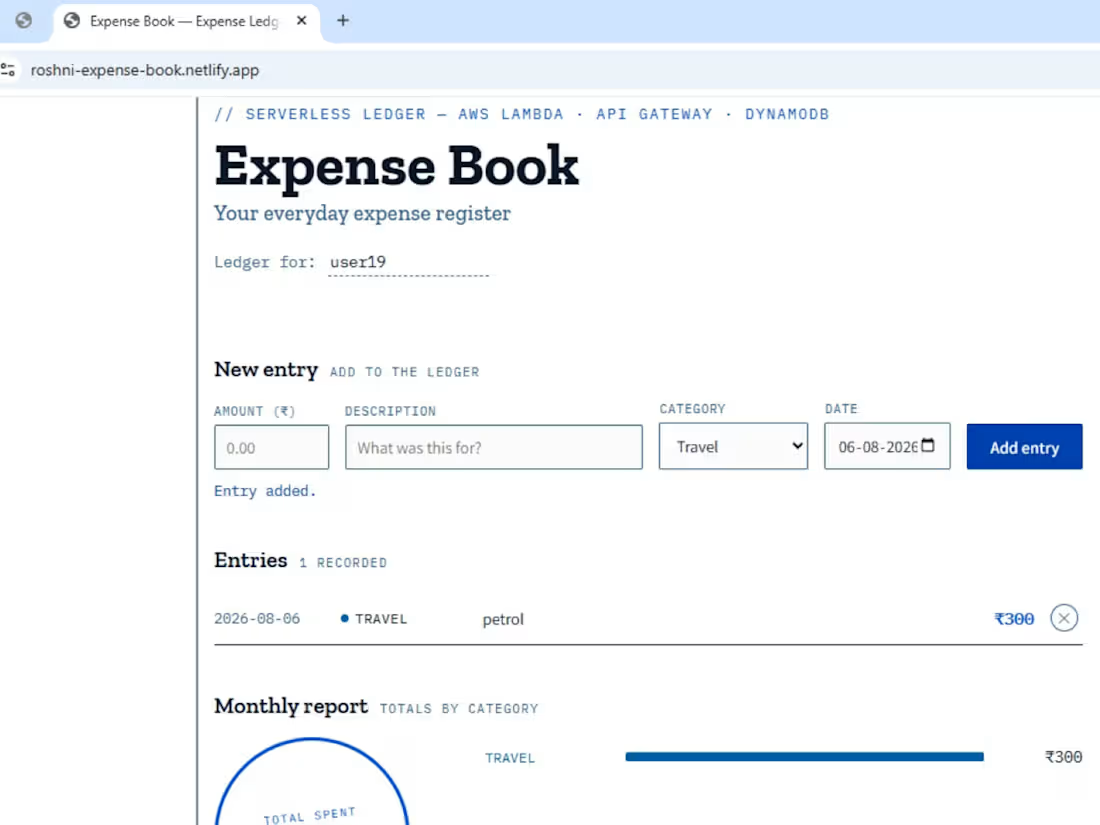
A serverless, full-stack expense tracker built entirely on AWS — no servers to manage, no infrastructure to maintain. Add expenses, track spending by category, and view monthly reports, all backed by a pay-per-use backend.
🔗 Live Demo: https://roshni-expense-book.netlify.app
💡 Why I built this
I wanted to understand serverless architecture from the ground up — not just read about Lambda and API Gateway, but actually wire them together, break things, read the CloudWatch logs, and fix them. This project is the result: a working expense tracker where every part of the stack — database, backend, API layer, and frontend — was built and debugged by hand.
⚙️ Architecture
┌─────────────┐ HTTPS ┌──────────────┐ Invoke ┌─────────────┐ Read/Write ┌──────────────┐ │ Frontend │ ─────────────▶ │ API Gateway │ ─────────────▶ │ Lambda │ ─────────────────▶ │ DynamoDB │ │ (HTML/CSS/JS)│ │ (REST API) │ │ (Python) │ │ (NoSQL) │ └─────────────┘ ◀───────────── └──────────────┘ ◀─────────────── └─────────────┘ ◀───────────────── └──────────────┘ Netlify Roshni stage 4 functions, Partition key: userId IAM execution role Sort key: expenseId
Request flow: the browser calls a REST endpoint → API Gateway (with Lambda proxy integration) forwards the raw event to the matching Lambda function → the function reads/writes DynamoDB using an IAM role scoped for that access → the response is serialized back through API Gateway to the browser, with CORS headers so the request isn't blocked cross-origin.
✨ Features
Add expenses with amount, category, description, and date
View all expenses in a clean, ledger-style list
Delete individual entries
Auto-generated monthly report with category-wise totals
Fully responsive UI, no frameworks — just HTML/CSS/JS talking directly to the API
1
64
AWS VPC Peering Project
📌 Overview
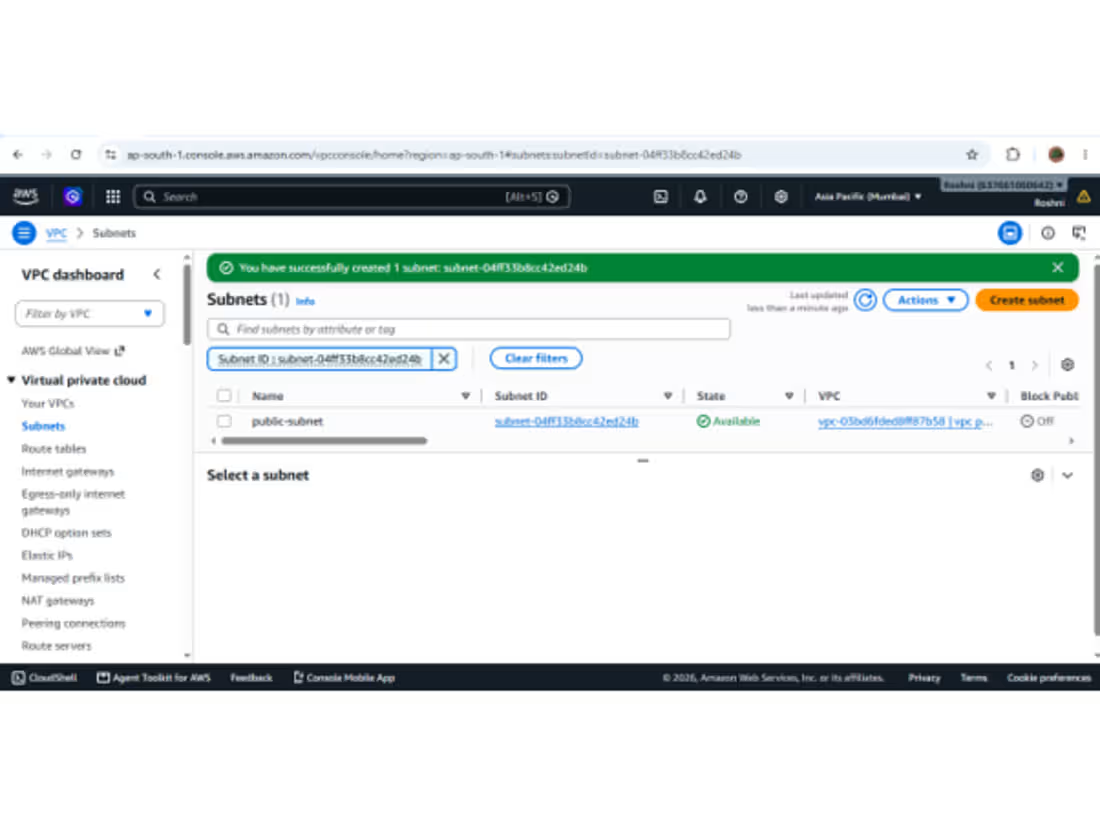
This project demonstrates how to establish a VPC Peering connection between two Virtual Private Clouds (VPCs) on AWS using the AWS Management Console. VPC peering allows resources in both VPCs to communicate with each other using private IP addresses, as if they were part of the same network.
🏗️ Architecture
VPC A: 10.0.0.0/16 (Region: ap-south-1)
VPC B: 192.168.0.0/16 (Region: ap-south-2)
Peering Type: Different-region VPC Peering
Connectivity: Private IP communication between instances in both VPCs
🛠️ Steps Followed
Created two separate VPCs with non-overlapping CIDR blocks
Launched an EC2 instance in each VPC
Initiated a VPC Peering Connection request from VPC A to VPC B
Accepted the peering connection request from VPC B
Updated route tables in both VPCs to route traffic through the peering connection
Updated security group inbound rules to allow traffic between the VPCs
Tested connectivity between instances (ping/SSH) to confirm the peering worked.
✅ Result
Instances in both VPCs were able to successfully communicate with each other using private IP addresses through the peering connection
1
67
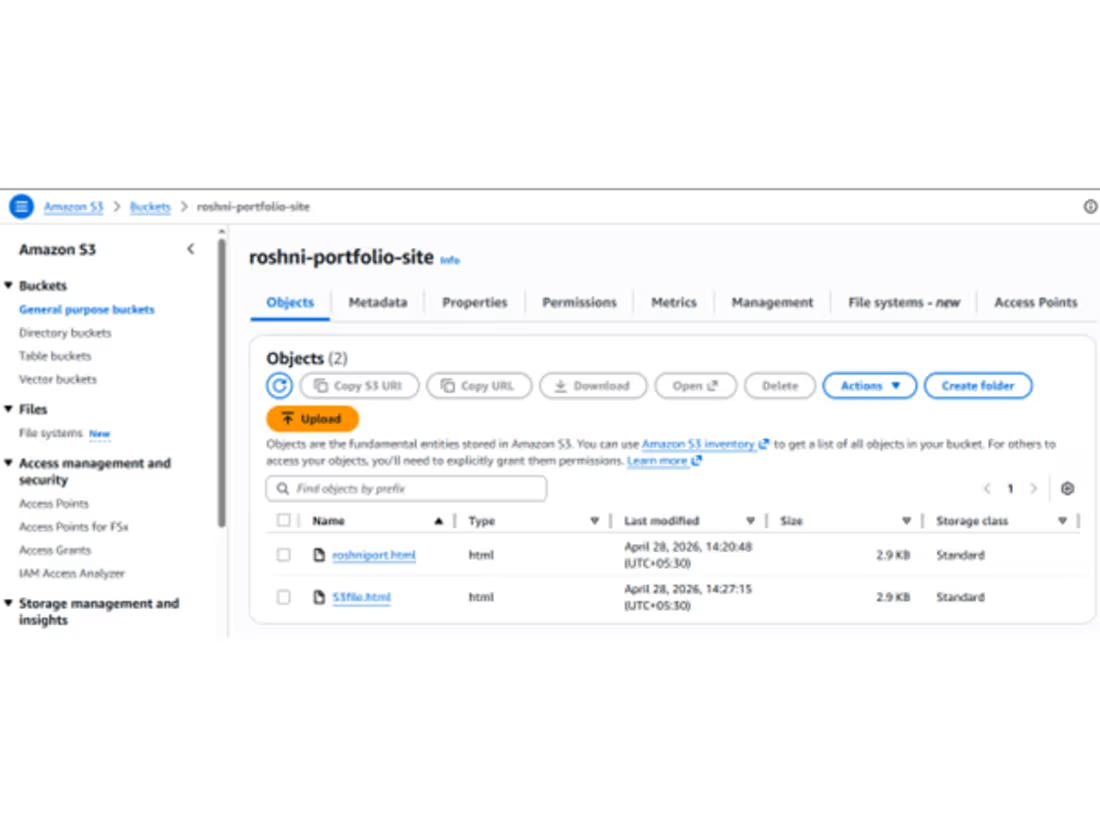
S3 Static Website Hosting
🔹 What I Did
Created S3 bucket
Enabled static website hosting
Uploaded website files
Made content publicly accessible
🔹 How I Did
Configured bucket permissions
Disabled block public access
Added bucket policy
Used S3 endpoint URL to access site
🔹 Output
Website successfully hosted using S3 URL
1
83