Calendar Dashboard

Cansaas Agency

Overview
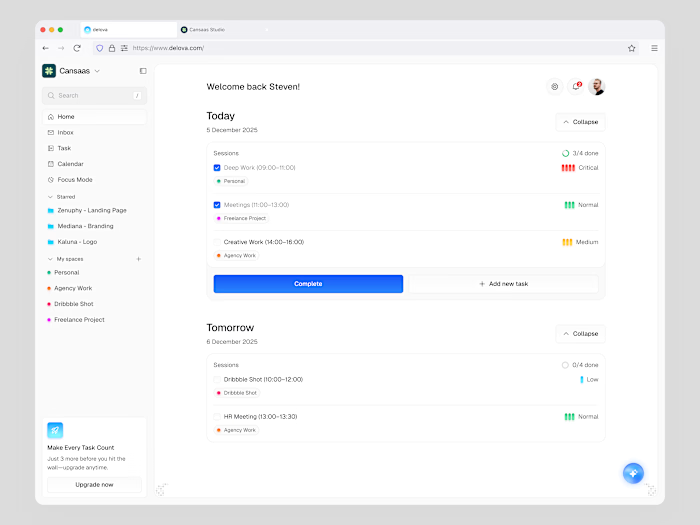
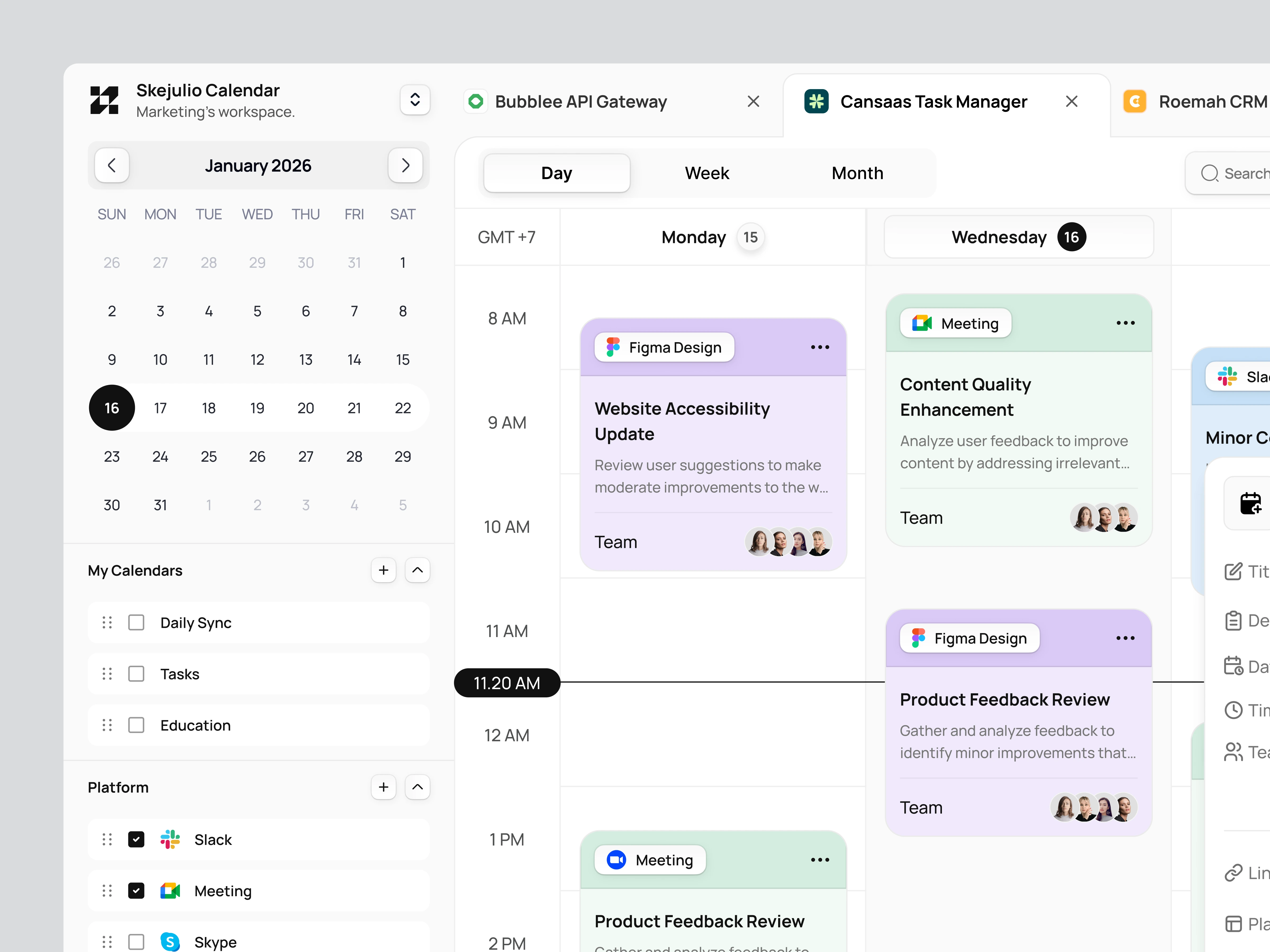
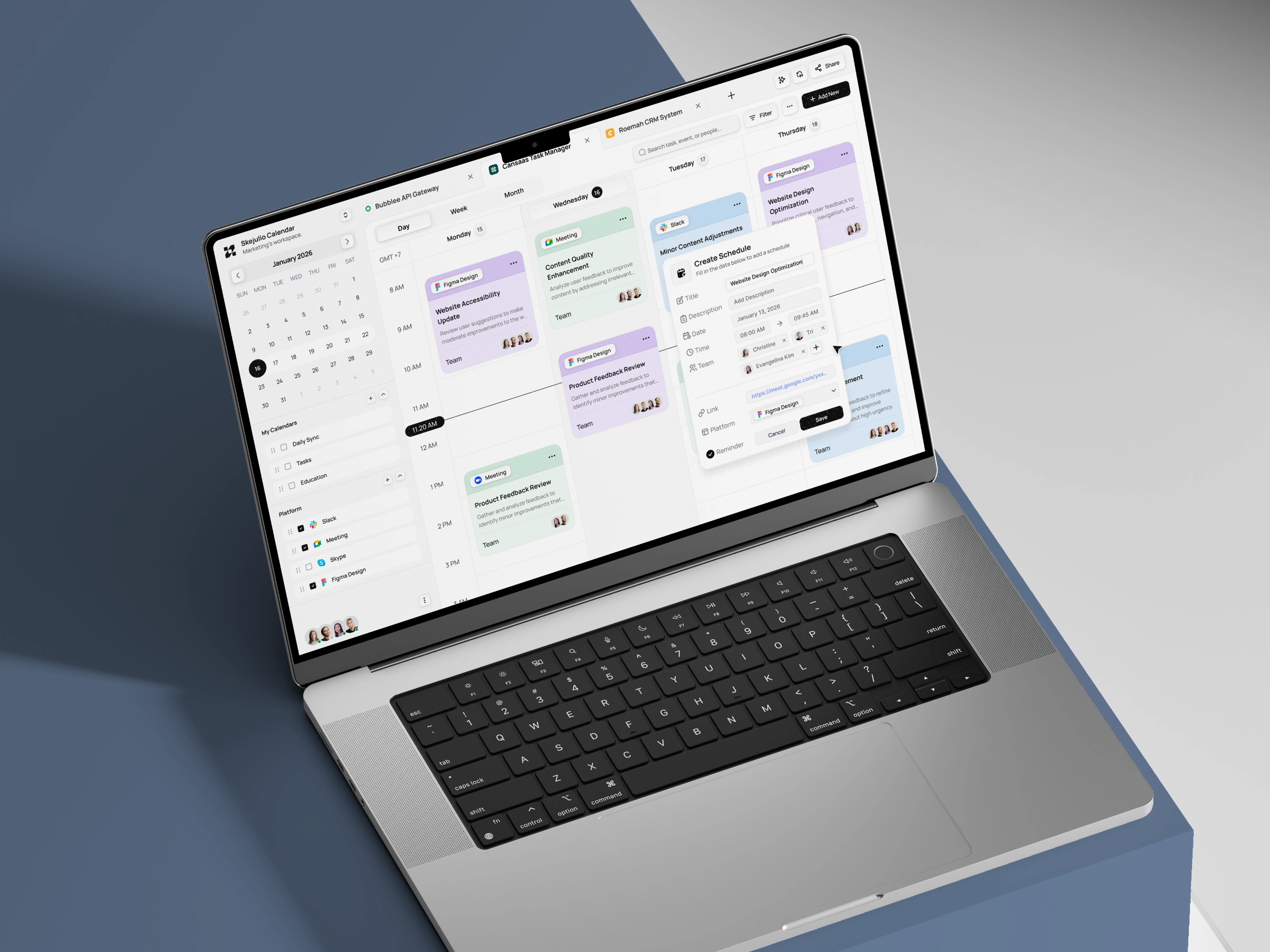
This case study explores a calendar dashboard designed to help teams plan, manage, and collaborate on schedules more efficiently. The interface brings tasks, meetings, and design work into a single unified timeline, making daily and weekly planning easier to understand at a glance.
The Challenge
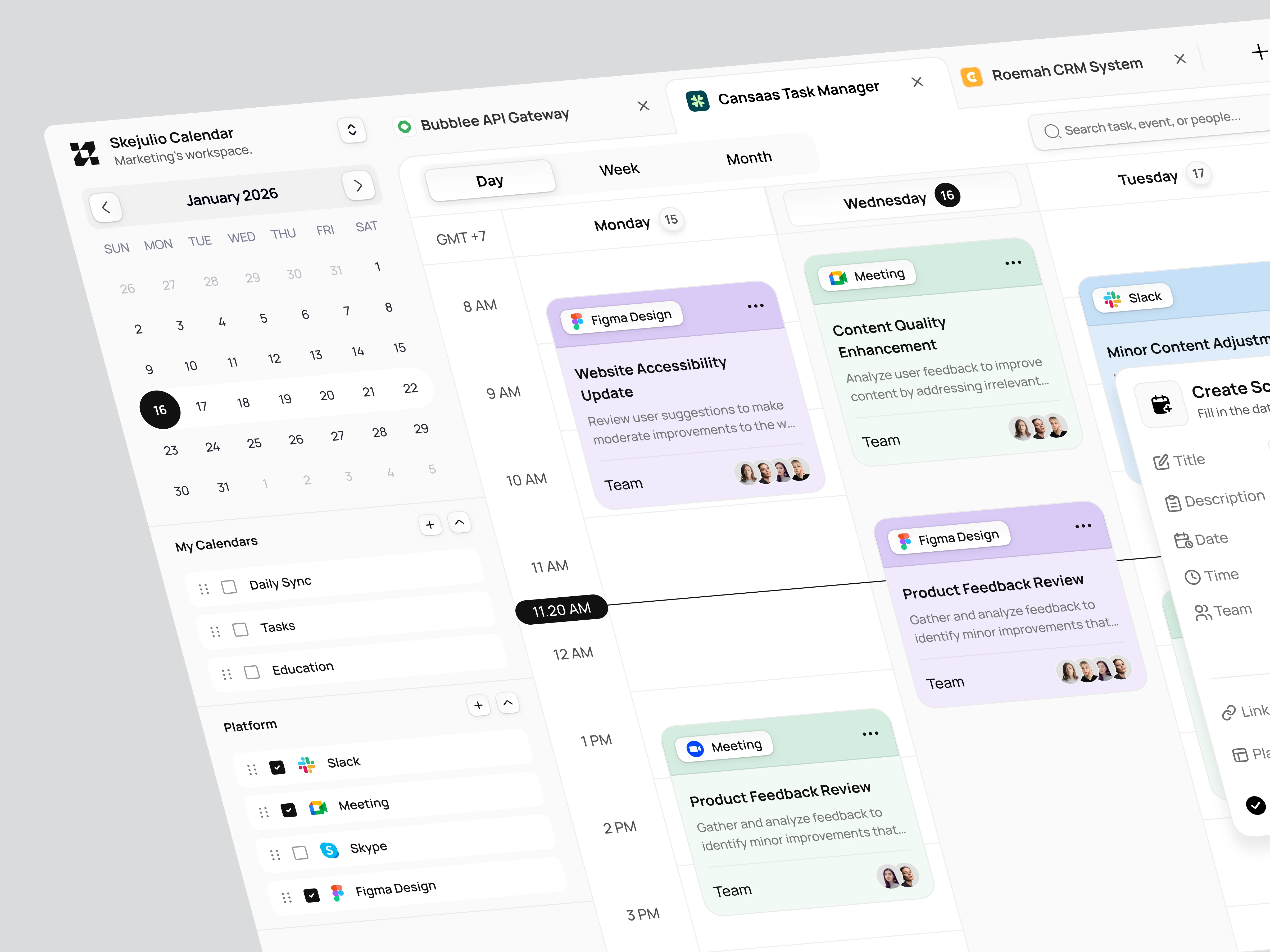
Teams often rely on multiple tools to manage schedules, tasks, and meetings. This fragmentation creates context switching, missed updates, and unclear ownership. The challenge was to design a calendar experience that centralizes activities while remaining flexible for different workflows and roles.
Design Approach
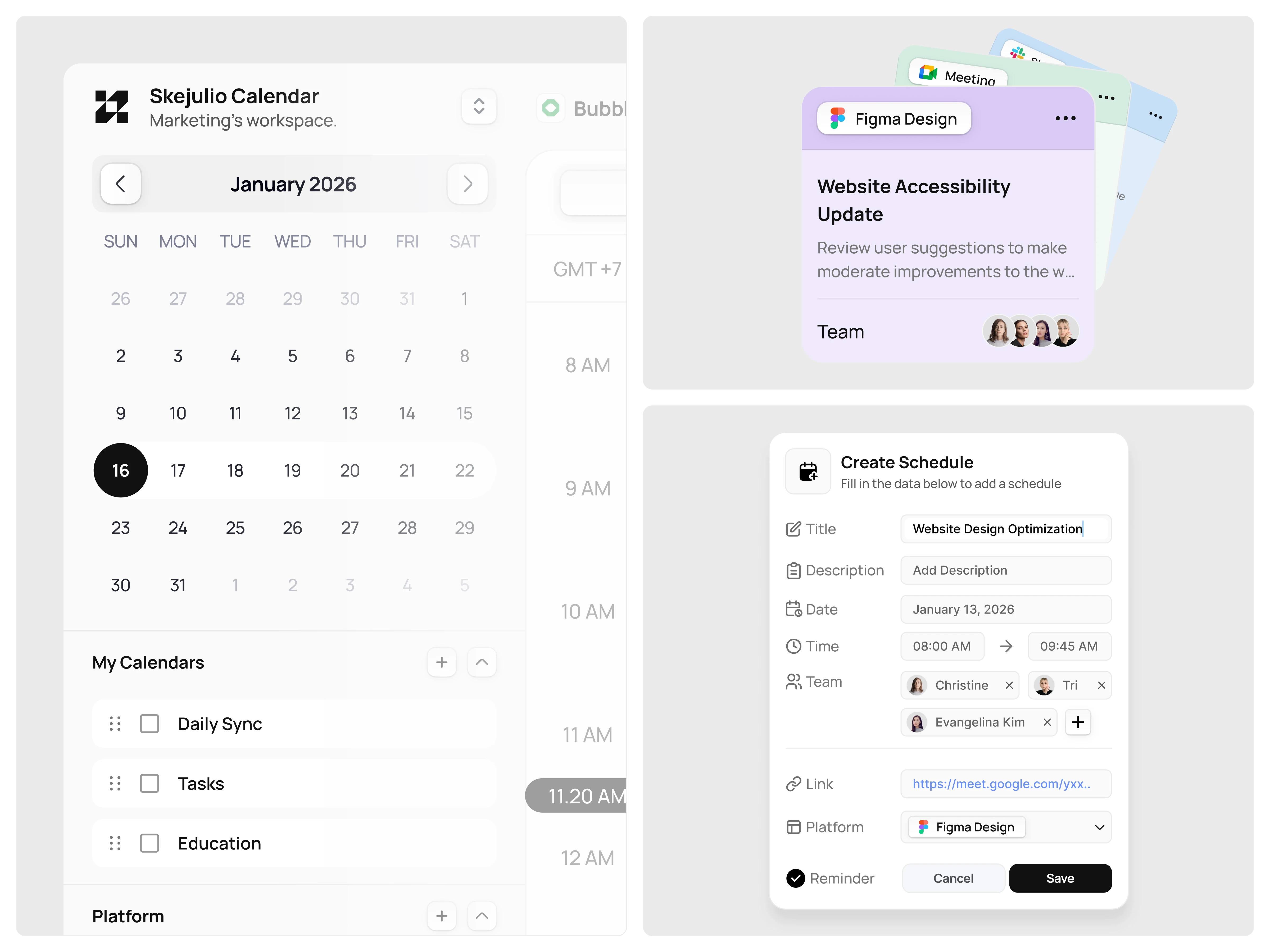
We focused on clarity and structure through a timeline based layout. Events are visually categorized by type and platform, allowing users to scan schedules quickly. Side panels and modals are designed to support fast creation and editing without breaking focus, keeping the workflow smooth and uninterrupted.
Key Features Highlighted
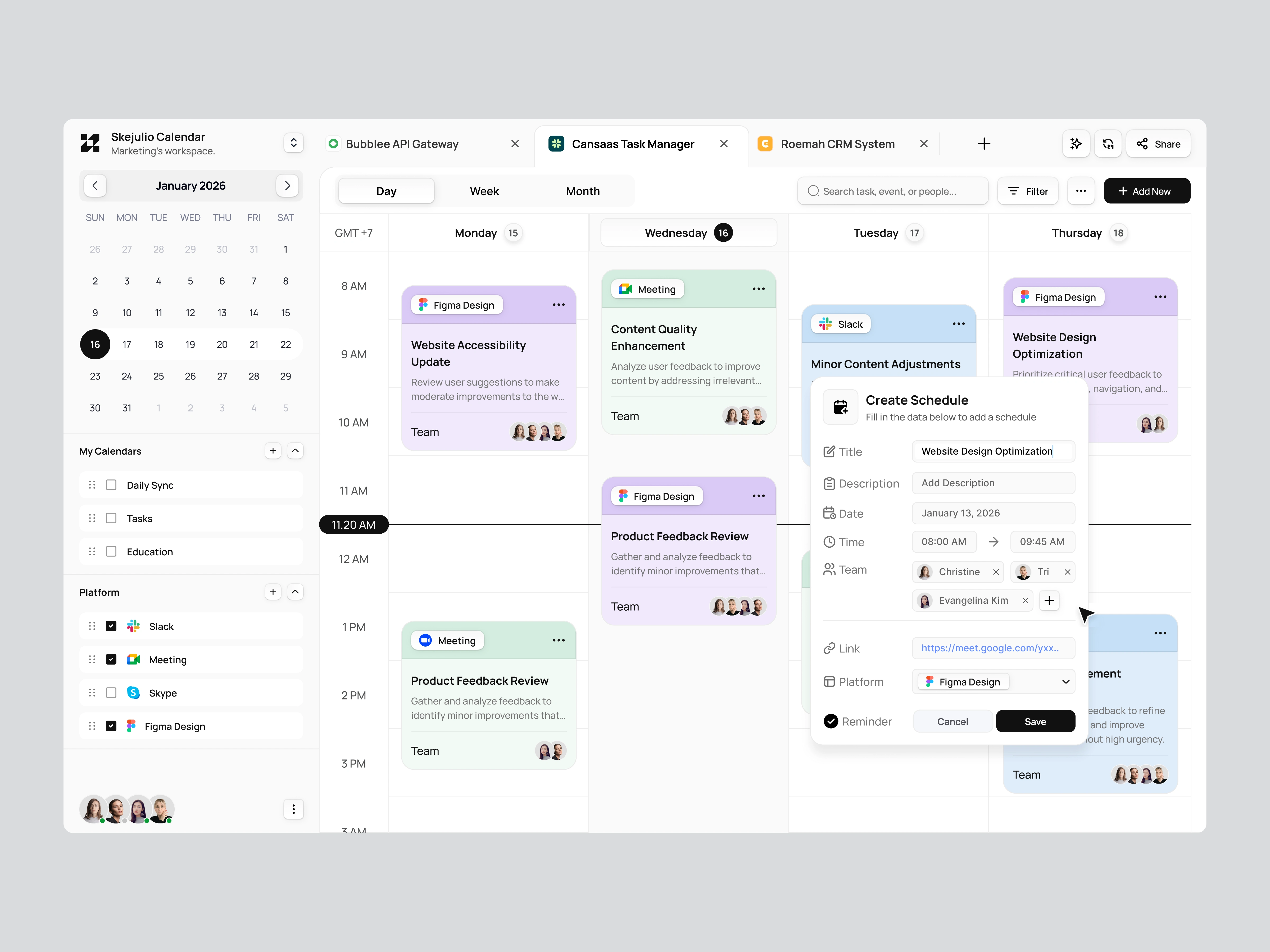
The dashboard highlights day, week, and month views, collaborative scheduling, and quick event creation. Platform integrations and team assignment features are surfaced clearly to support real time collaboration. Each element is designed to reduce friction and make scheduling feel lightweight and intuitive.
The Solution and Impact
By consolidating tasks and meetings into a single calendar experience, the dashboard helps teams stay aligned and organized. Users can plan faster, understand priorities clearly, and collaborate without relying on multiple disconnected tools. The result is a more focused and efficient scheduling workflow.
Like this project
Posted Jan 5, 2026
Designing a calendar dashboard that unifies tasks and meetings with clear timelines, flexible views, and seamless team collaboration.
Likes
2
Views
8