
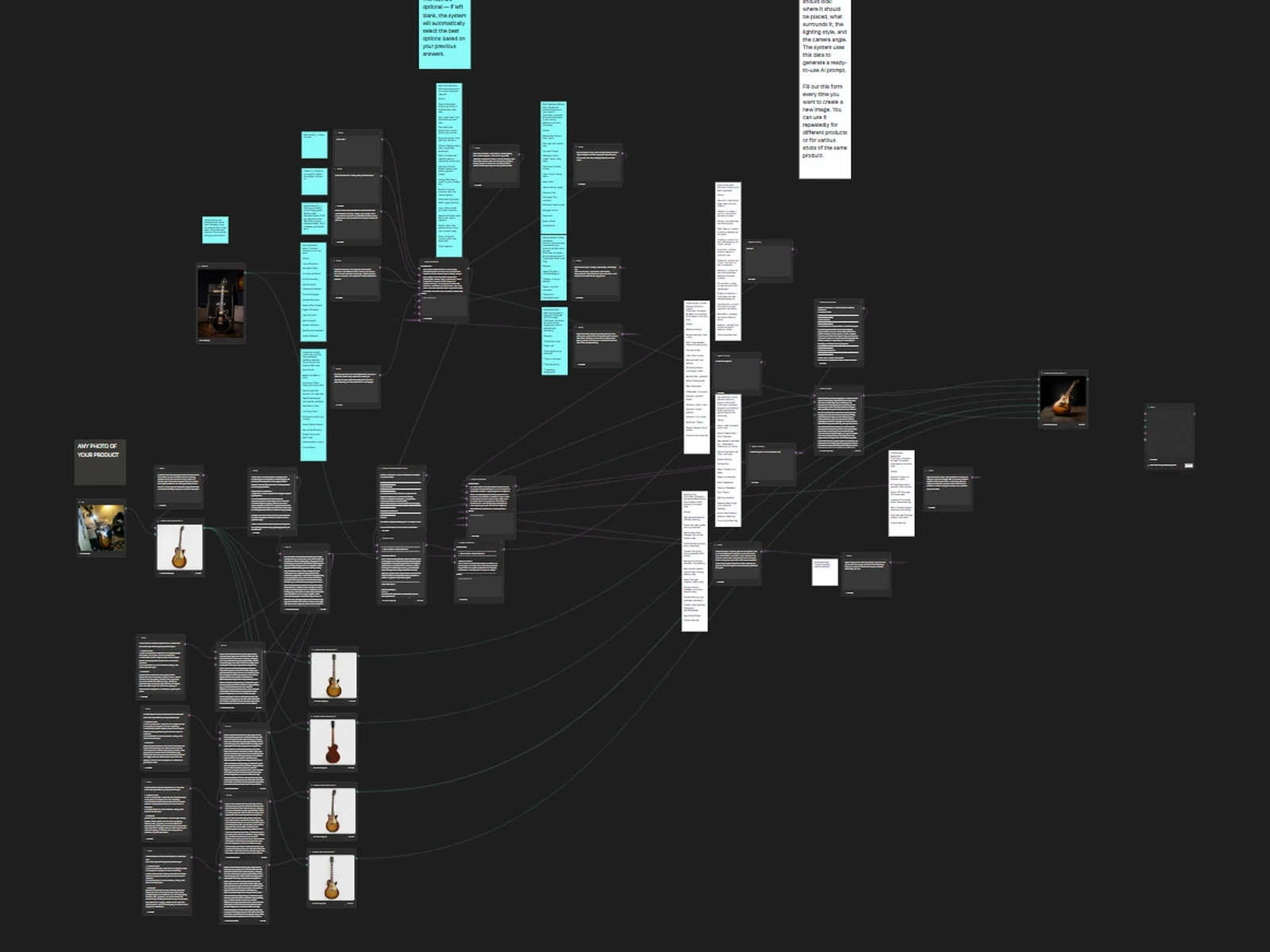
The workflow in Figma Weave
My self-prompting product photography workflow in Figma Weave (formerly Weavy). For clients I build systems like this in Claude Code; this one is public. Open it in your browser: no email, no install.
Drop in any photo of your product. Phone snap, bad lighting, whatever: the workflow handles it.
It generates your product from different angles and upgrades the details to studio quality.
It asks about your brand style and shot type: lifestyle, hero shot, flat lay, mood.
It writes the intermediate prompts itself, deciding on lighting, composition, mood and colour grade.
It outputs a final prompt and a final photo, ready to publish.
One guitar, start to finish
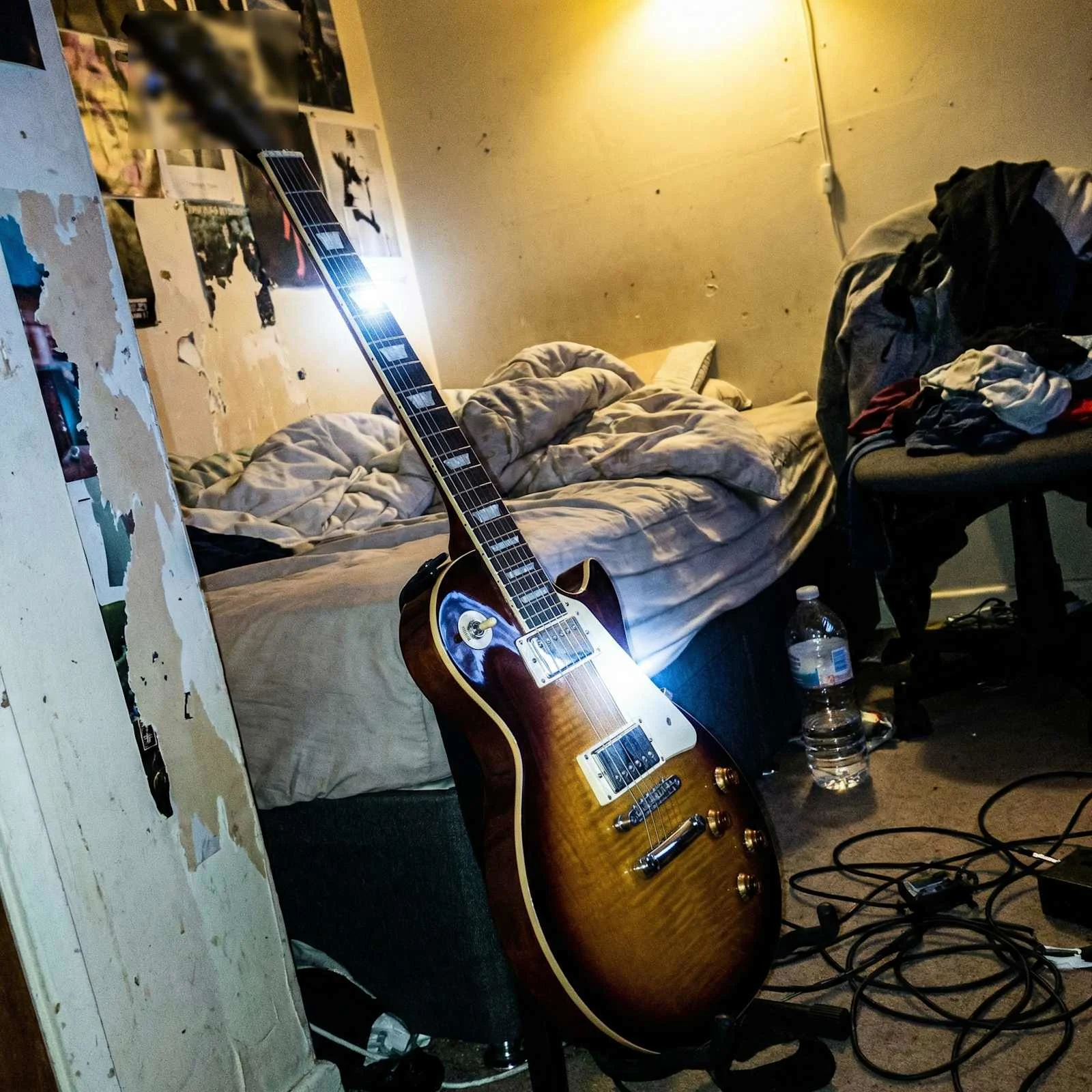
The input: a phone snap of the guitar in a messy room, bad light included
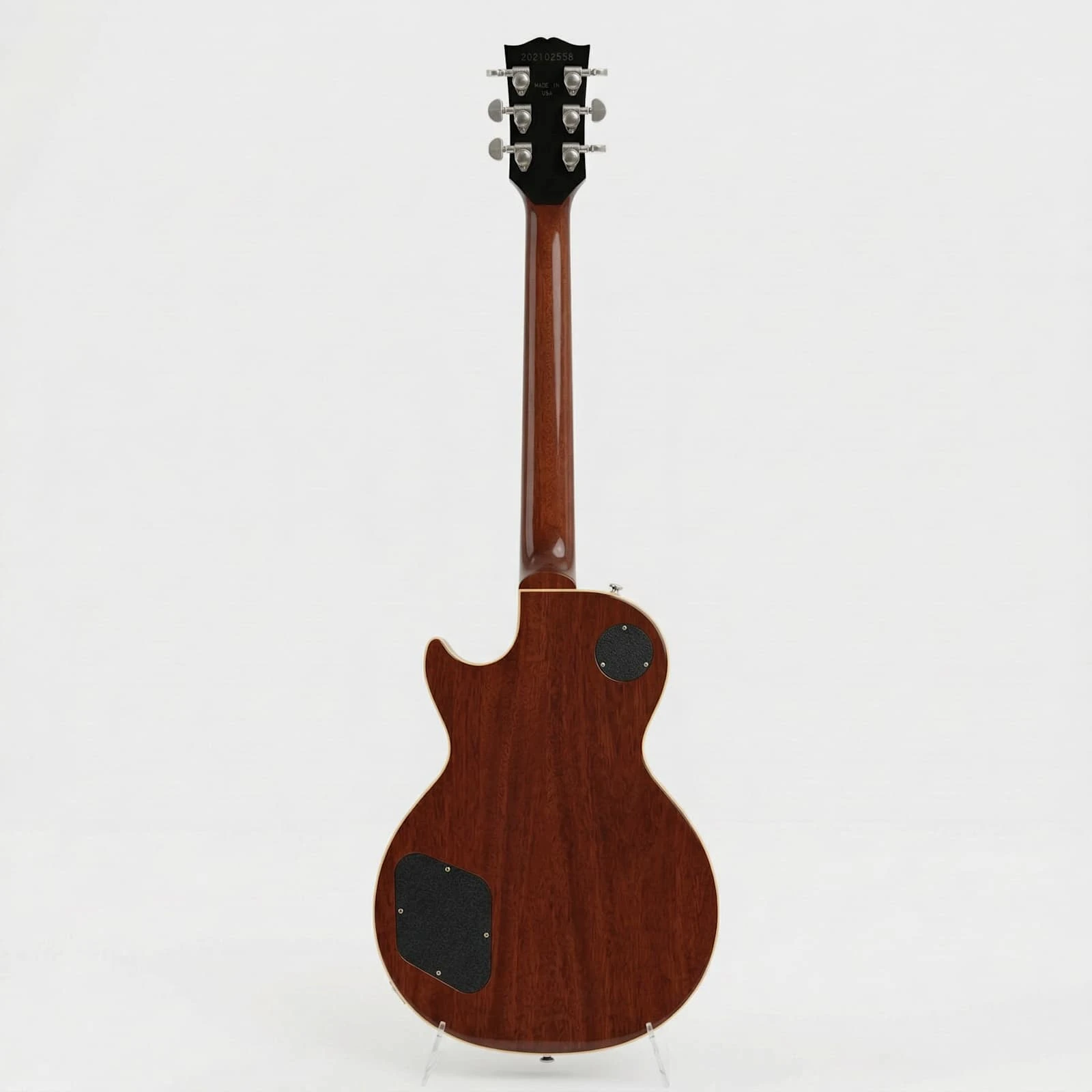
A studio angle generated from that one photo, with the hardware and the finish kept
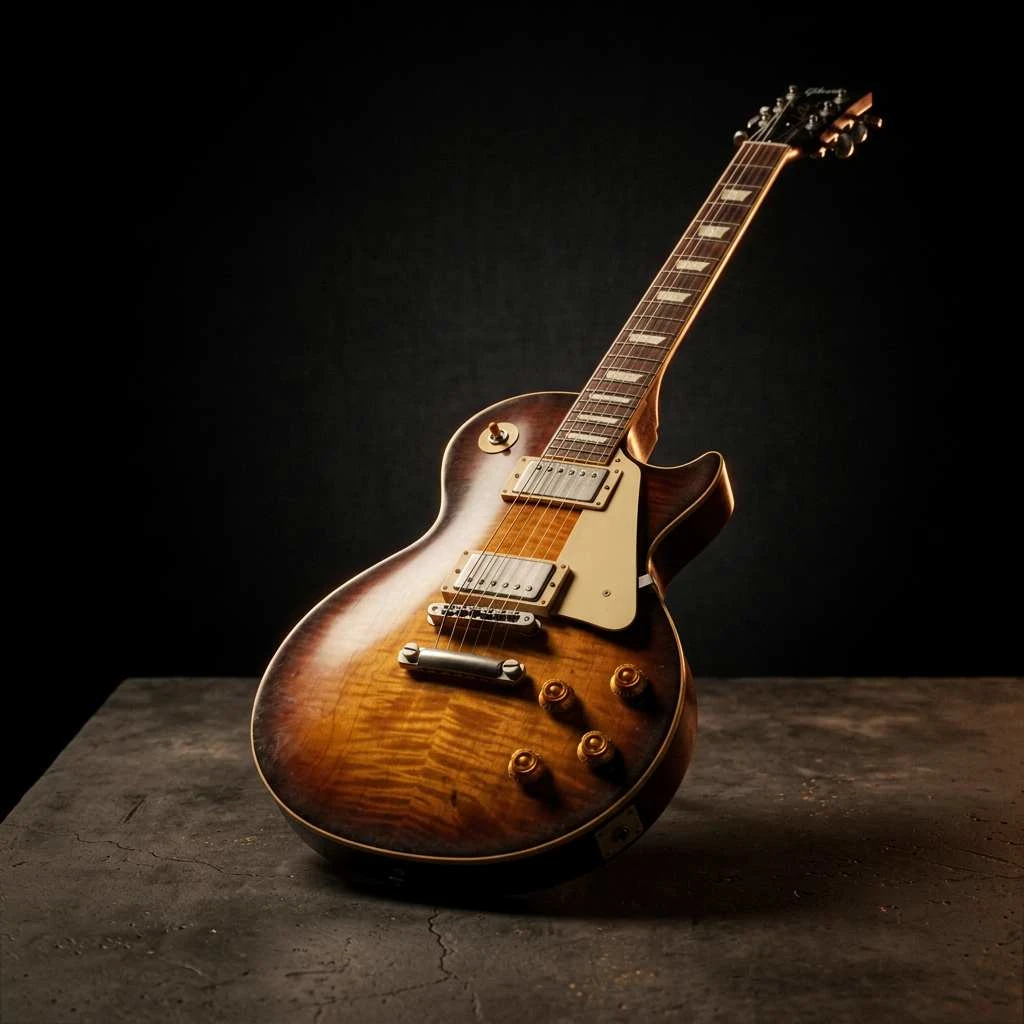
The final photo, lit and composed by the prompts the workflow wrote itself
One source photo, a full product session in your brand's style. No photographer, no shoot plan, no four-week wait. I still use it for every product session.
0 likes · 3 views · Oct 7, 2026
A public, self-prompting workflow: one product photo in, a full product session in your brand's style out.