
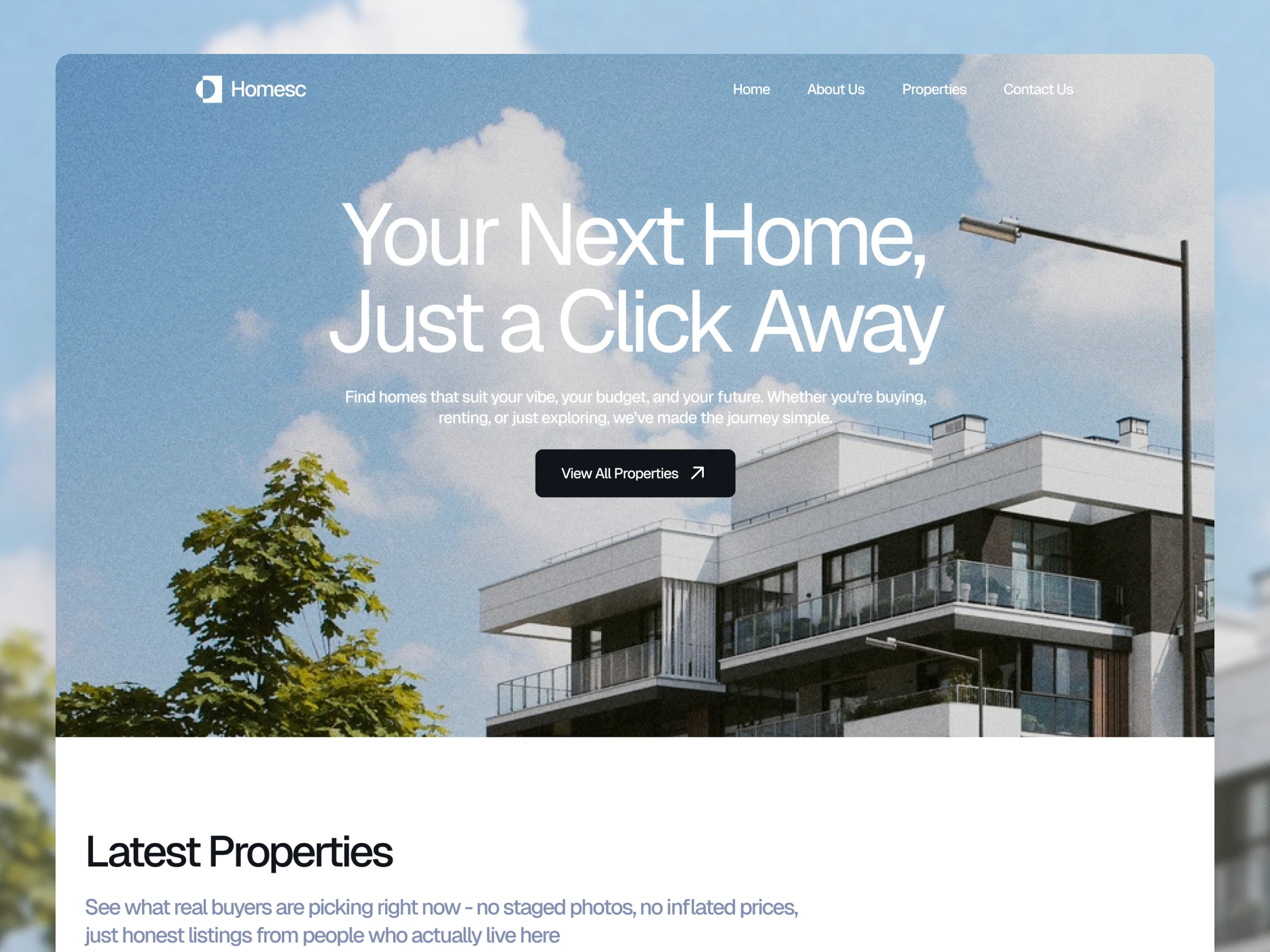
Overview
Client: Gediminas Andrijaitis
Company: Ycode
Project Duration: 2 Weeks
Role: UX/UI Designer, Ycode Developer
Tools: Figma & Ycode
Figma Preview: https://bit.ly/44dqLZh
Check out the live site here: www.homesec.com
🧩 Problem Statement
When my client approached me on Contra, he had a clear vision:
"Create a property listing website that would make the process of finding a home feel simple and welcoming."
He wanted something that stood out from the typical, cold real estate platforms, a place where families could actually envision their future homes.
The idea was simple: make home searching intuitive, clear, and fast, while providing the business team with an effortless way to manage property data.
💭 Solution
The client came to me with several key requirements:
A clean, modern design that didn't feel intimidating to first-time buyers
Smart search filters that helped people find what they needed
An easy way for property owners to list their homes without technical headaches
A system that could grow with their business
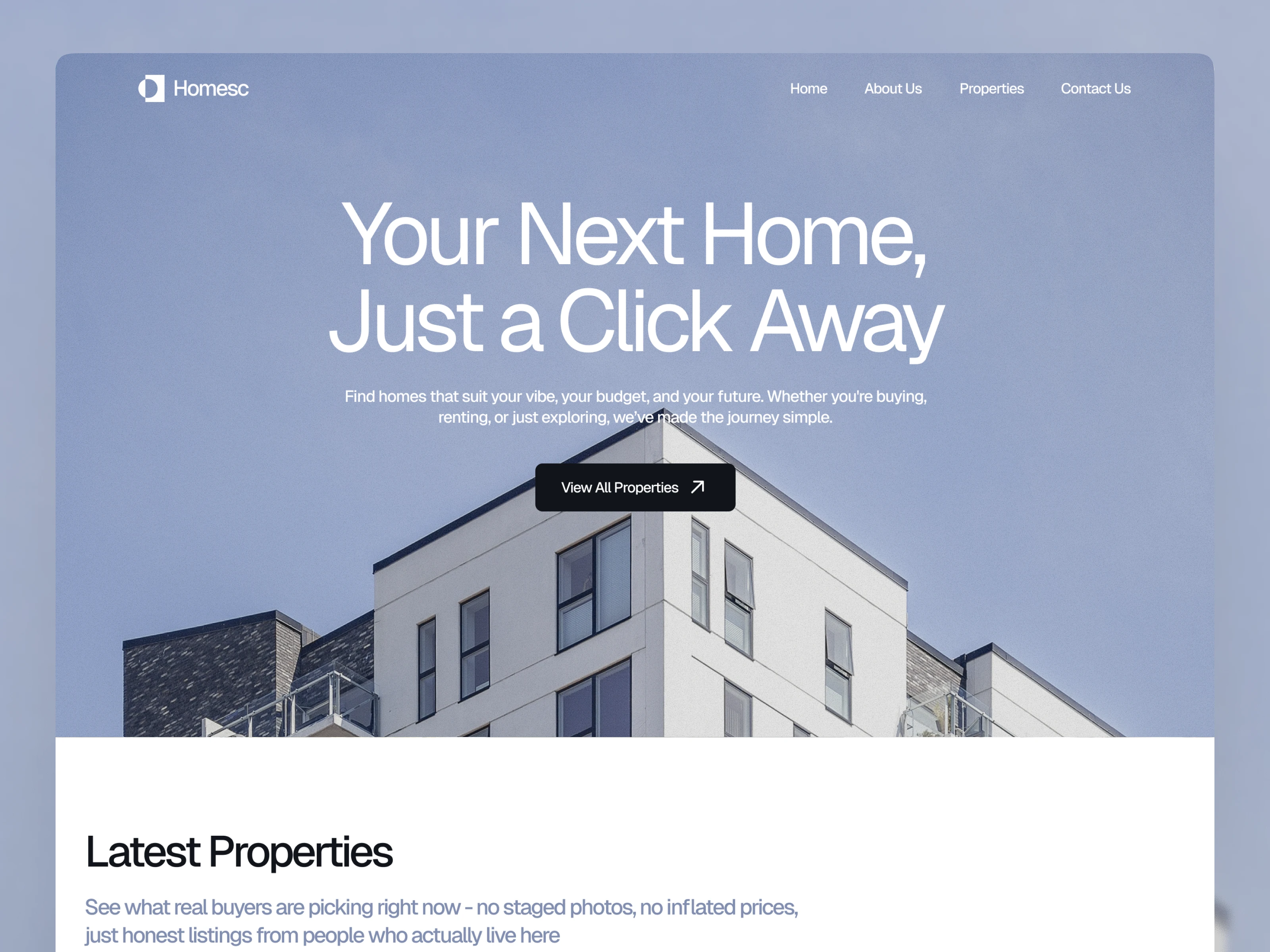
Hero Section Variation 2
🎨What I Did
Design + Development + CMS Setup
I took care of the entire end-to-end flow:
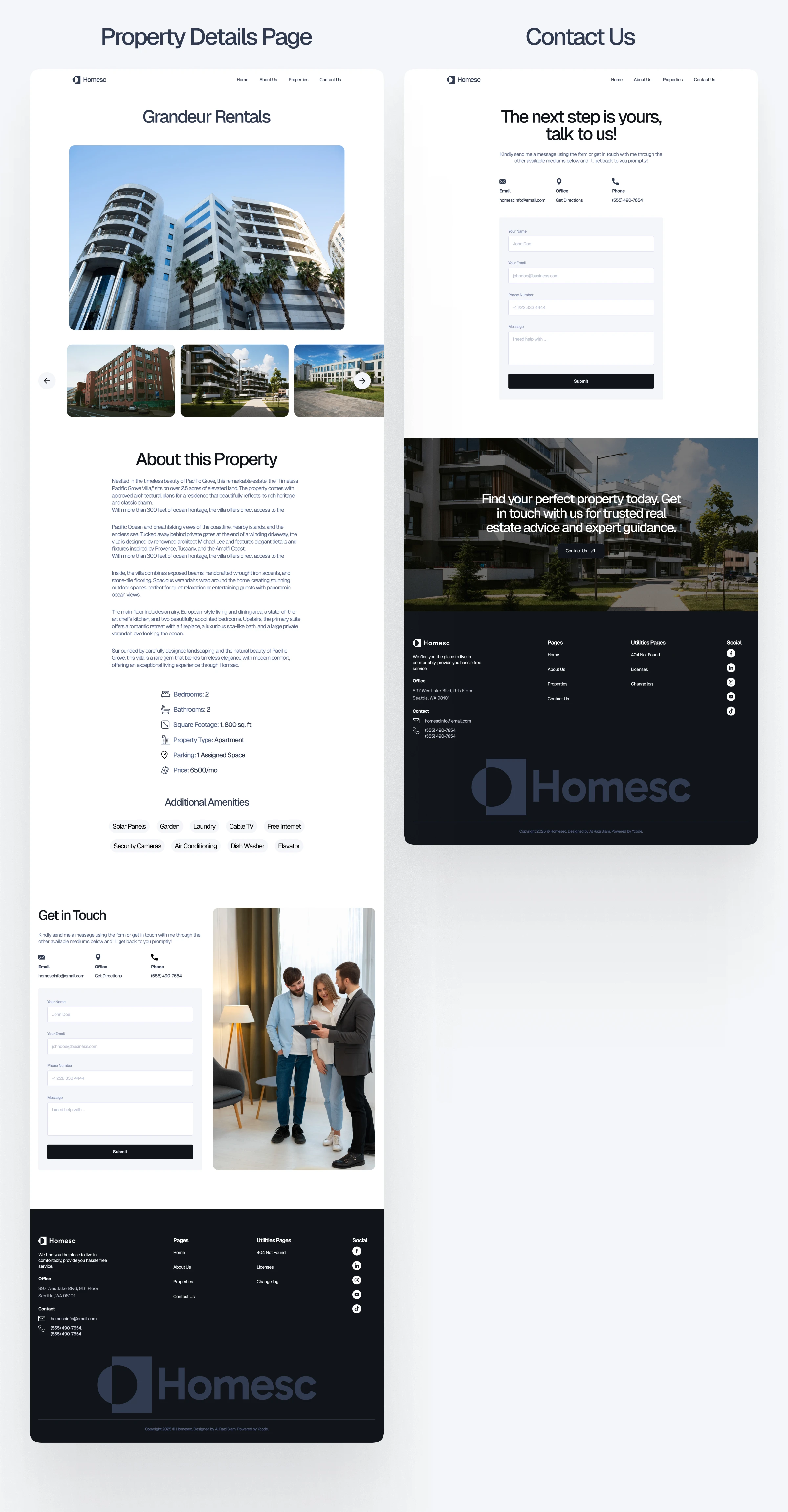
UI/UX Design: Designed all key pages: homepage, listings, property details, about, and contact page.
CMS Structure: Built a custom CMS for property data (images, prices, amenities, etc.)
Custom Search Filters: Developed easy-to-use filters so users can search by bedrooms, bathrooms, and price range
Responsive Design: Ensured everything looks perfect on desktop, tablet, and mobile
No-Code Development: Brought it all to life using Ycode, with no reliance on external developers.
Figma Preview: https://bit.ly/44dqLZh
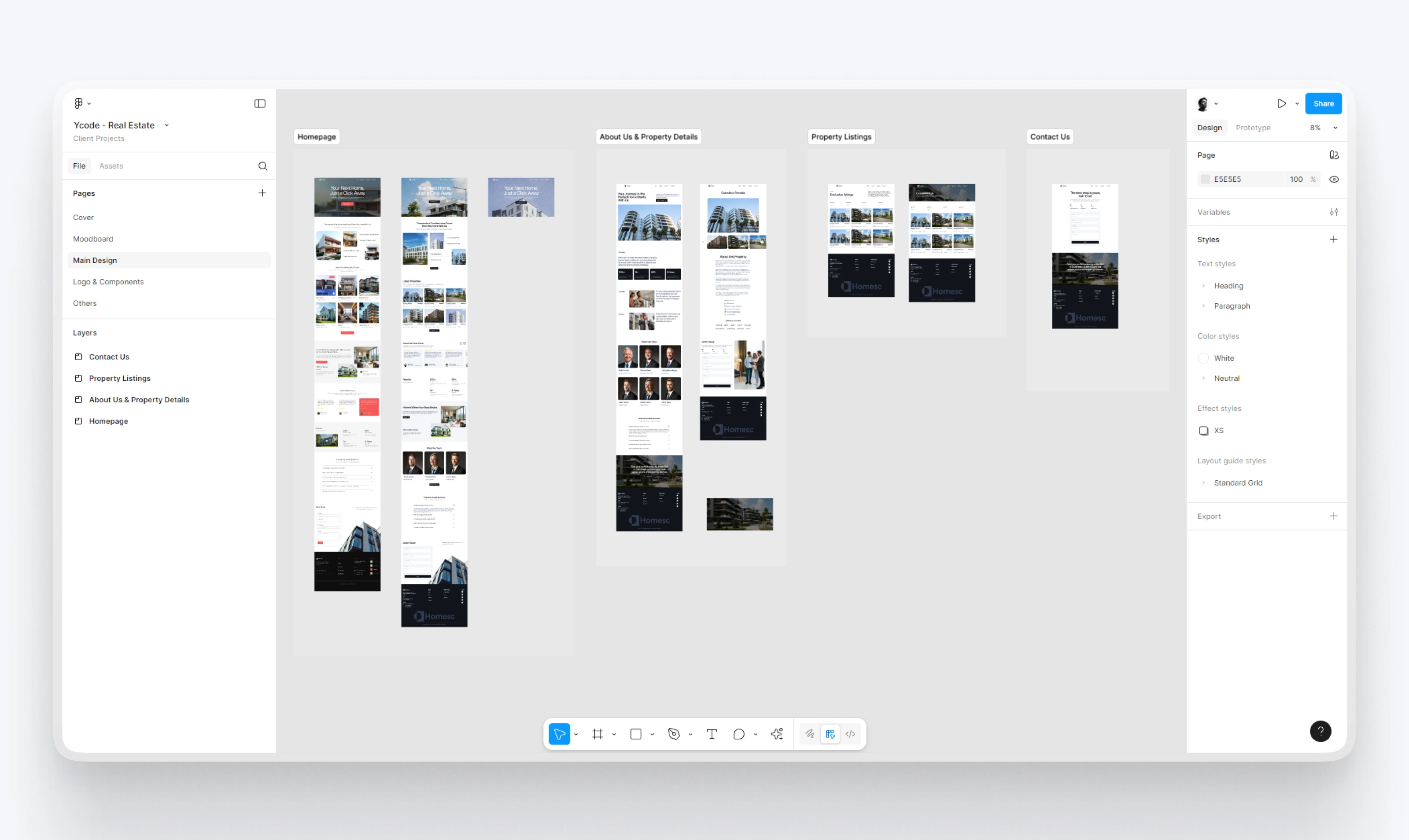
Figma Preview
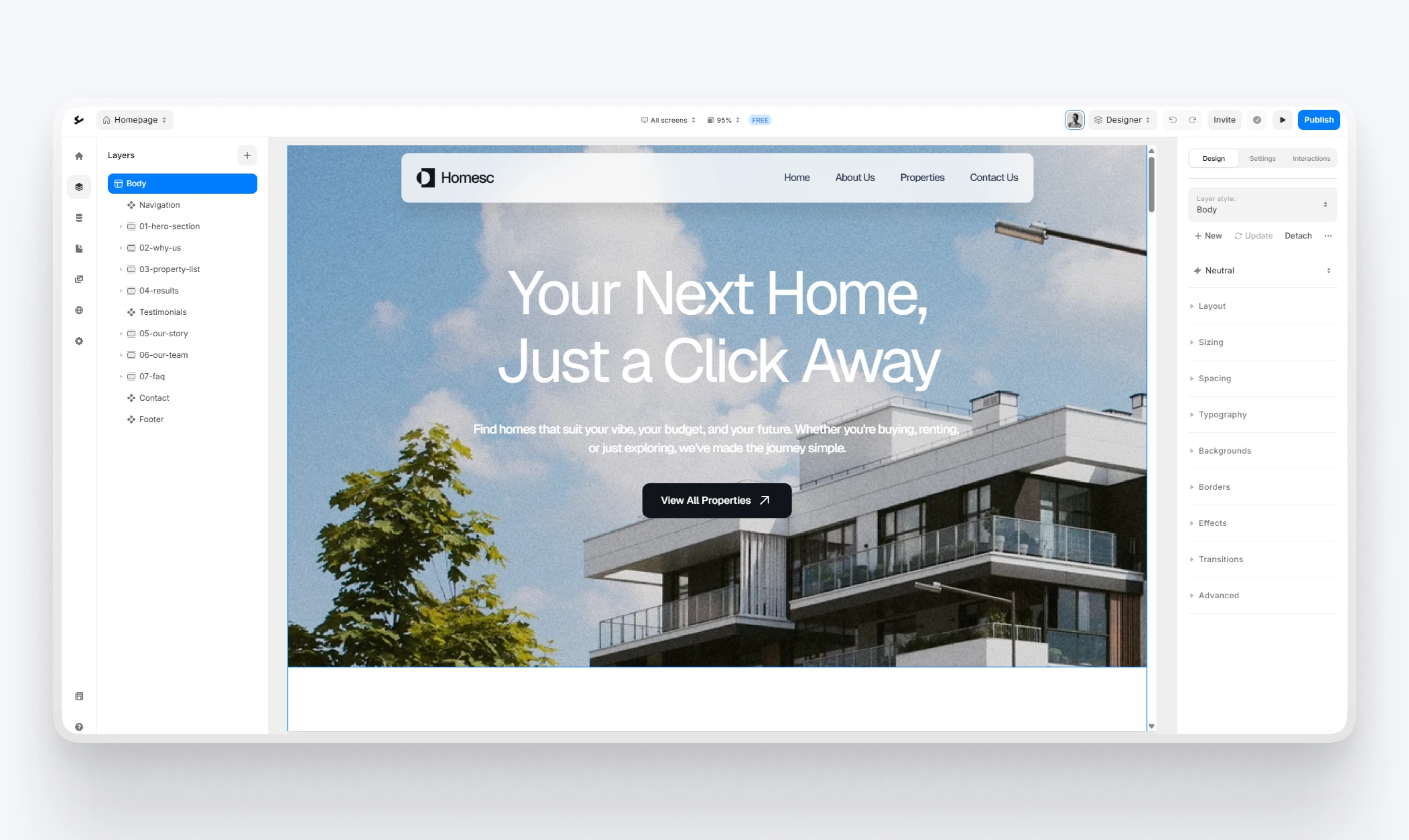
Ycode Preview
⚙️ CMS Setup (For the Client)
I created a fully customizable content system:
The client can add/edit property listings without touching design or layout
Each listing supports rich images, descriptions, tags, and pricing data
It’s scalable — they can list 10 or 1,000 properties and it’ll still run smoothly
The best part? They don't need any technical knowledge. It's as simple as filling out a form
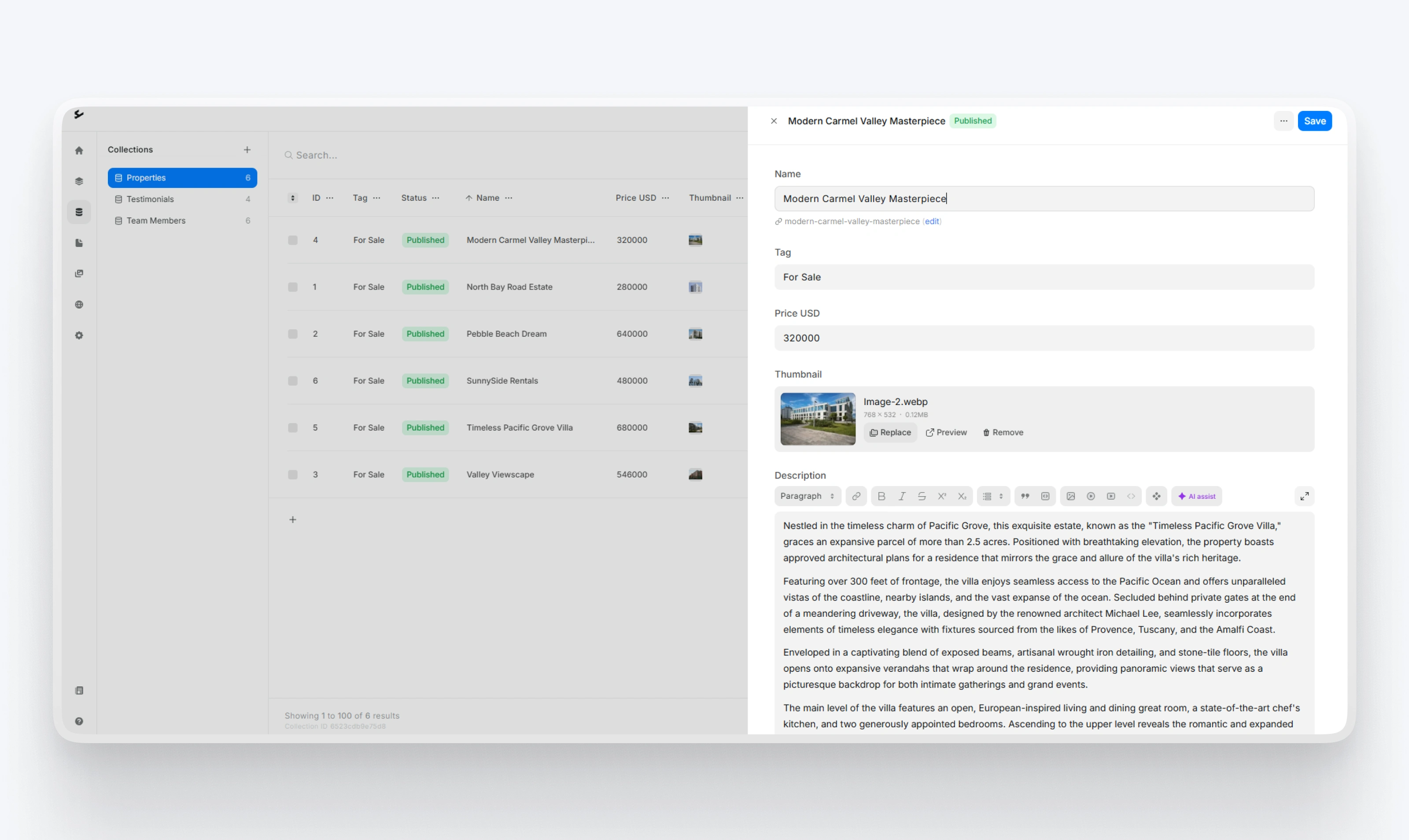
Custom CMS
Smart Search Filter That Actually Works
Property search can be frustrating when you're scrolling through hundreds of listings that don't match what you need. I implemented custom filters that let users narrow down by:
Price range
Number of bedrooms
Number of bathrooms
These filters update results in real-time, so users see matches instantly without page reloads.
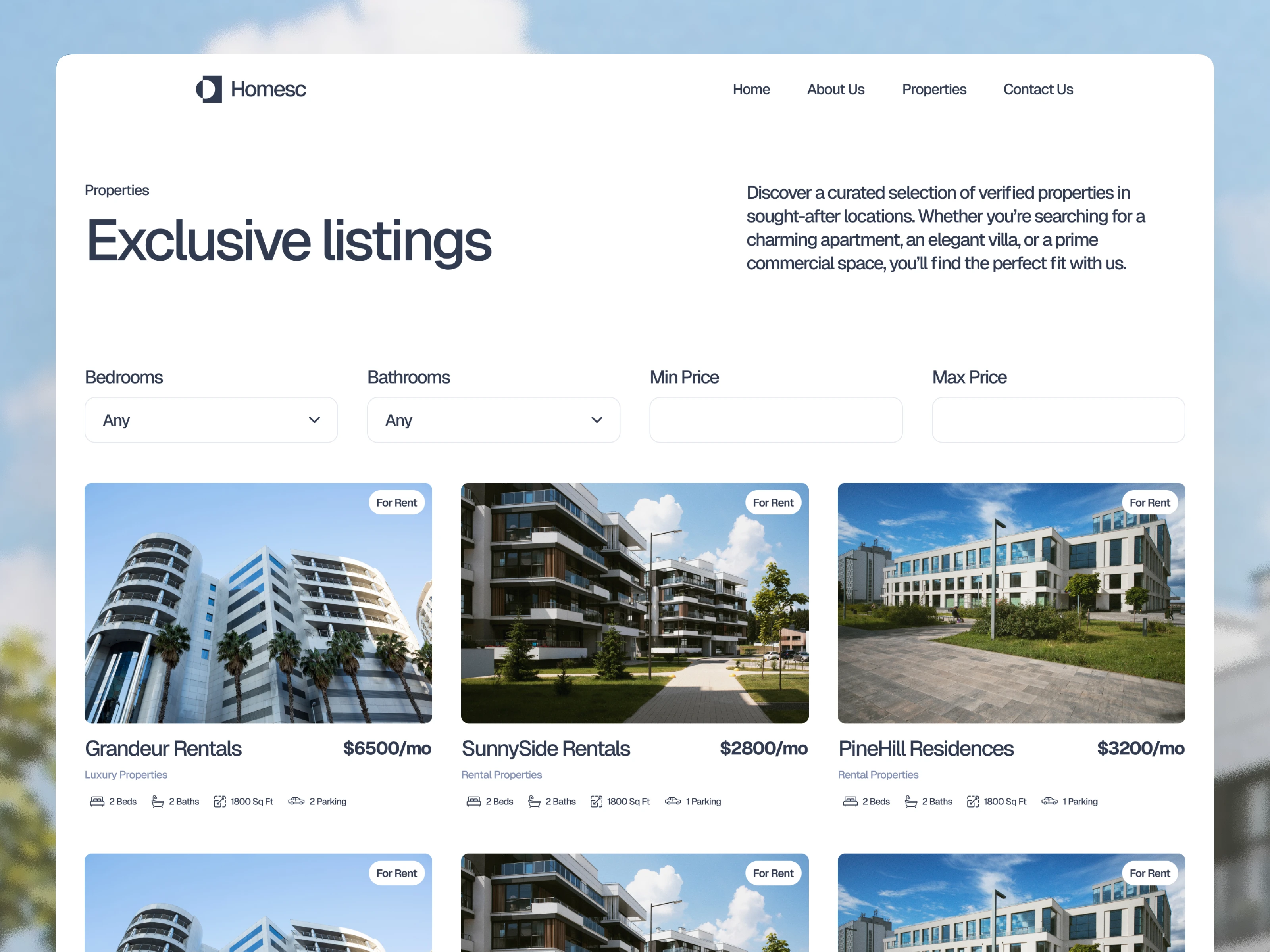
Search Filter
📈 Outcome
✅ Delivered a beautiful and fully functional website within the deadline
✅ Client can now manage all listings without any technical help
✅ Property browsing feels smooth and effortless
✅ Clear brand story, trust-building testimonials, and contact flows
Figma Preview: https://bit.ly/44dqLZh
Check out the live site here: www.homesec.com
UI Design Preview
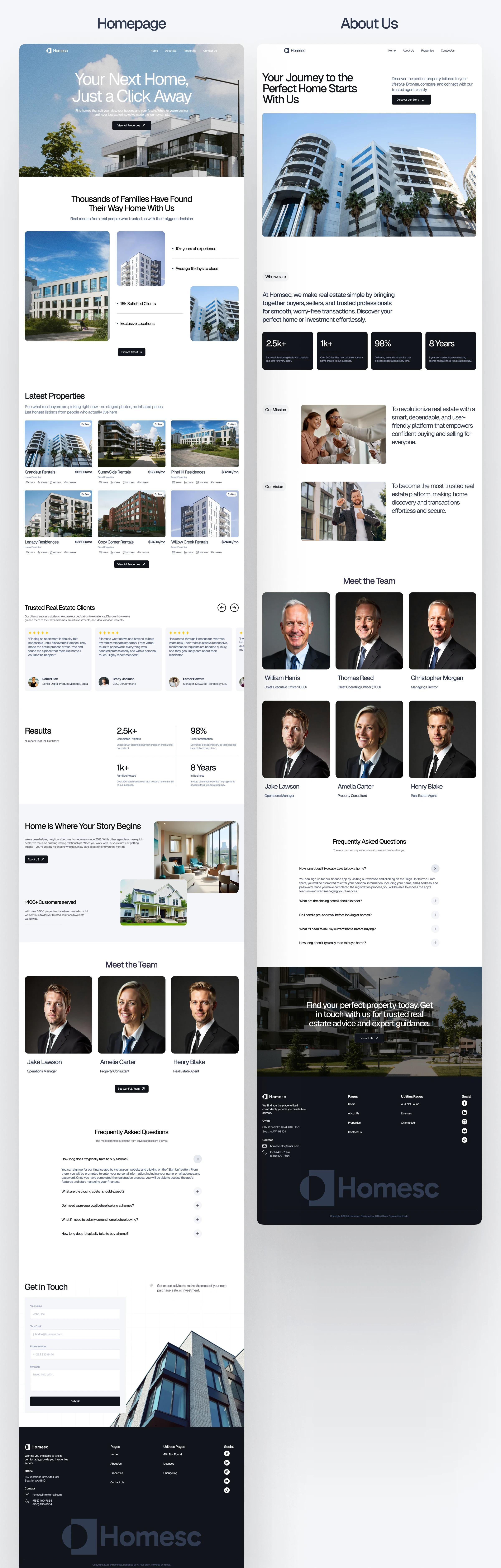
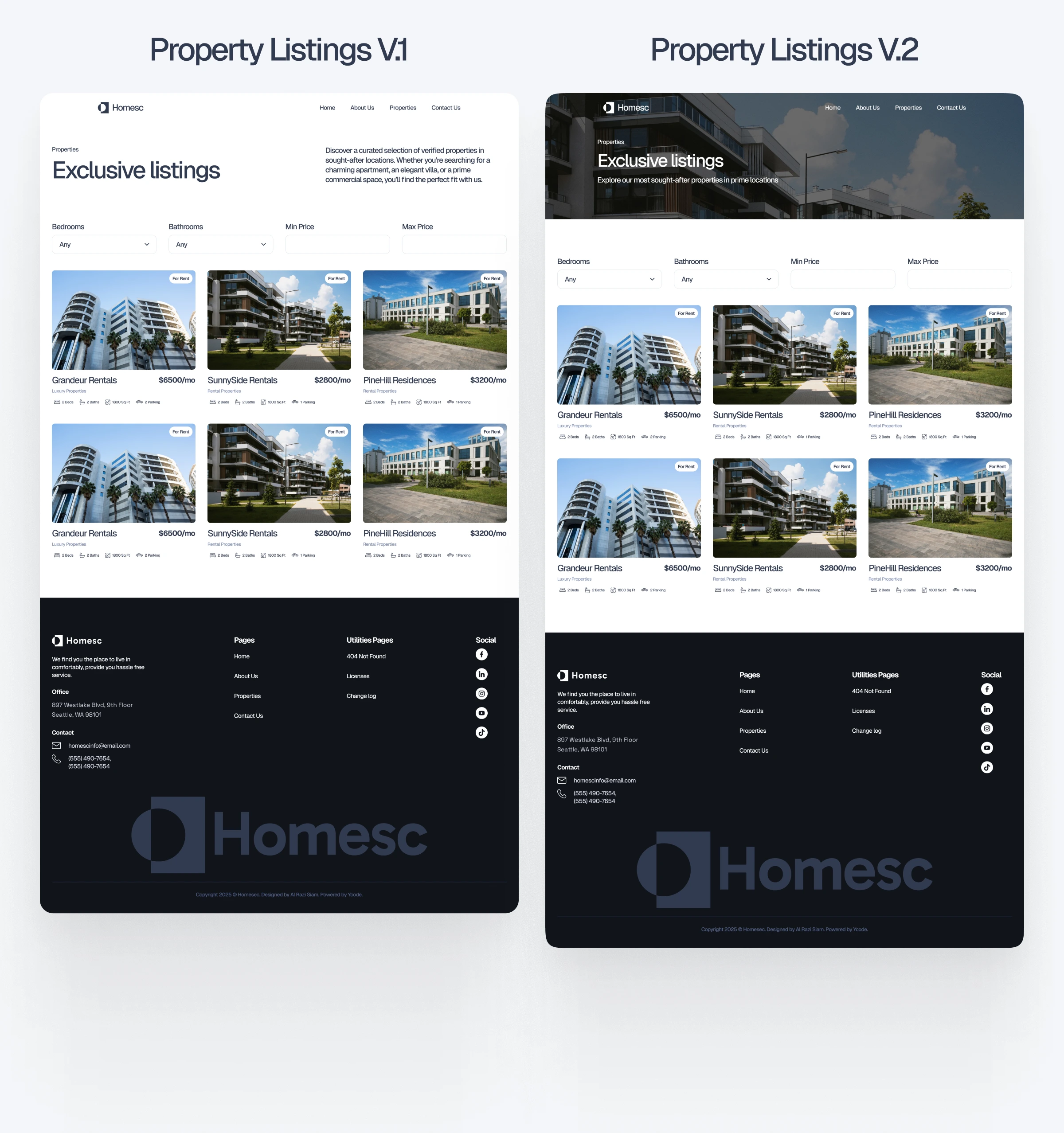

1 like · 109 views · Jul 2, 2025
Designed and developed a property listing website in Ycode. Provided custom search filters and a built-in CMS that lets clients easily manage property listings.

