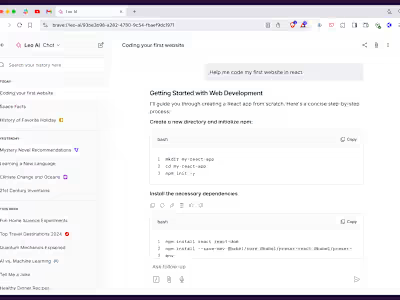
Contextual conversations with Leo AI

Agustín Ruiz

How we created an UX for easily adding the context of a webpage to an AI conversation.
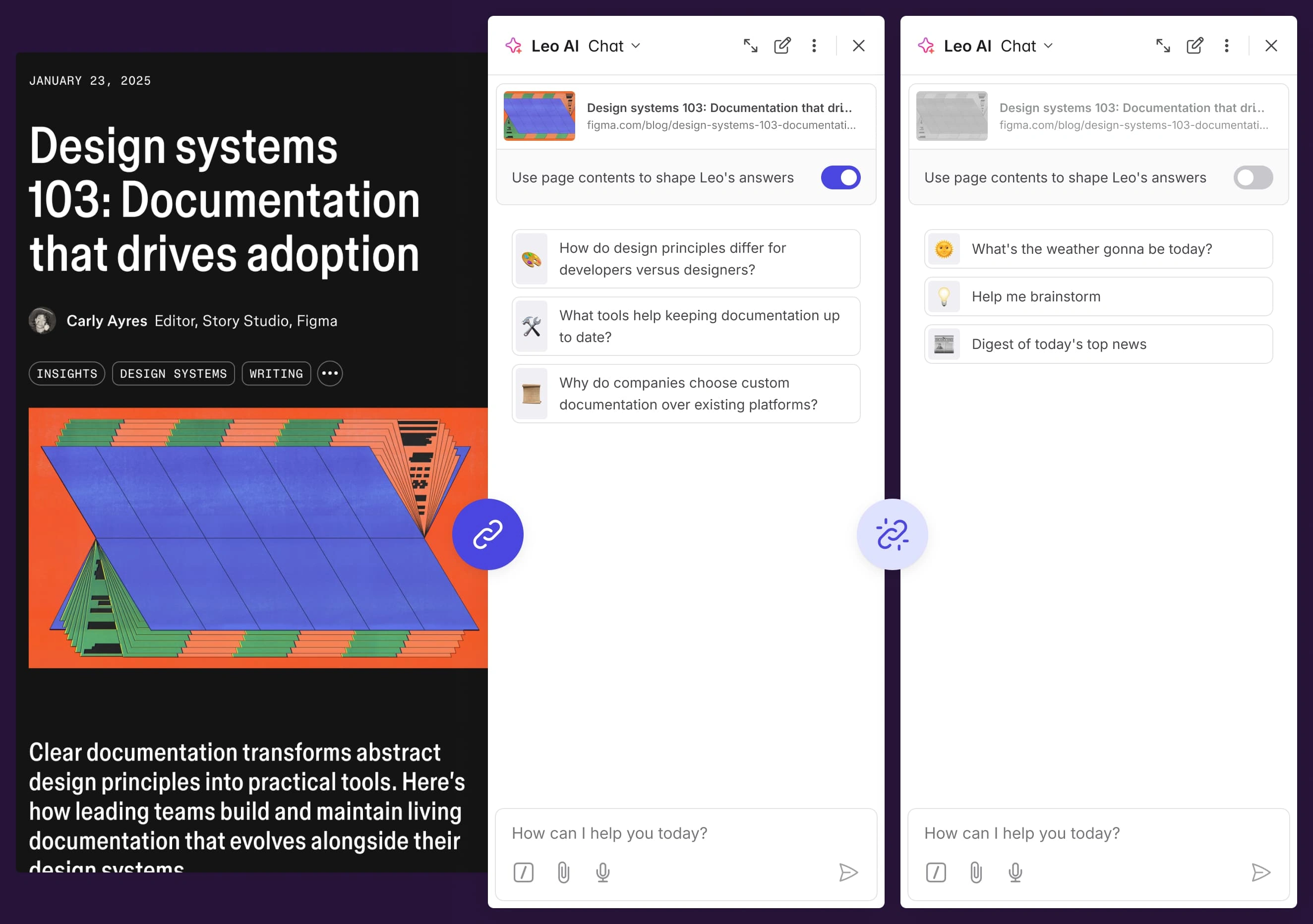
When opening Leo in the sidebar, we had to show an easy way to add the current tabs' content as the context for Leo's conversation, or be able to quickly shut it off for non-related questions.
Viewing a contextual conversation through history
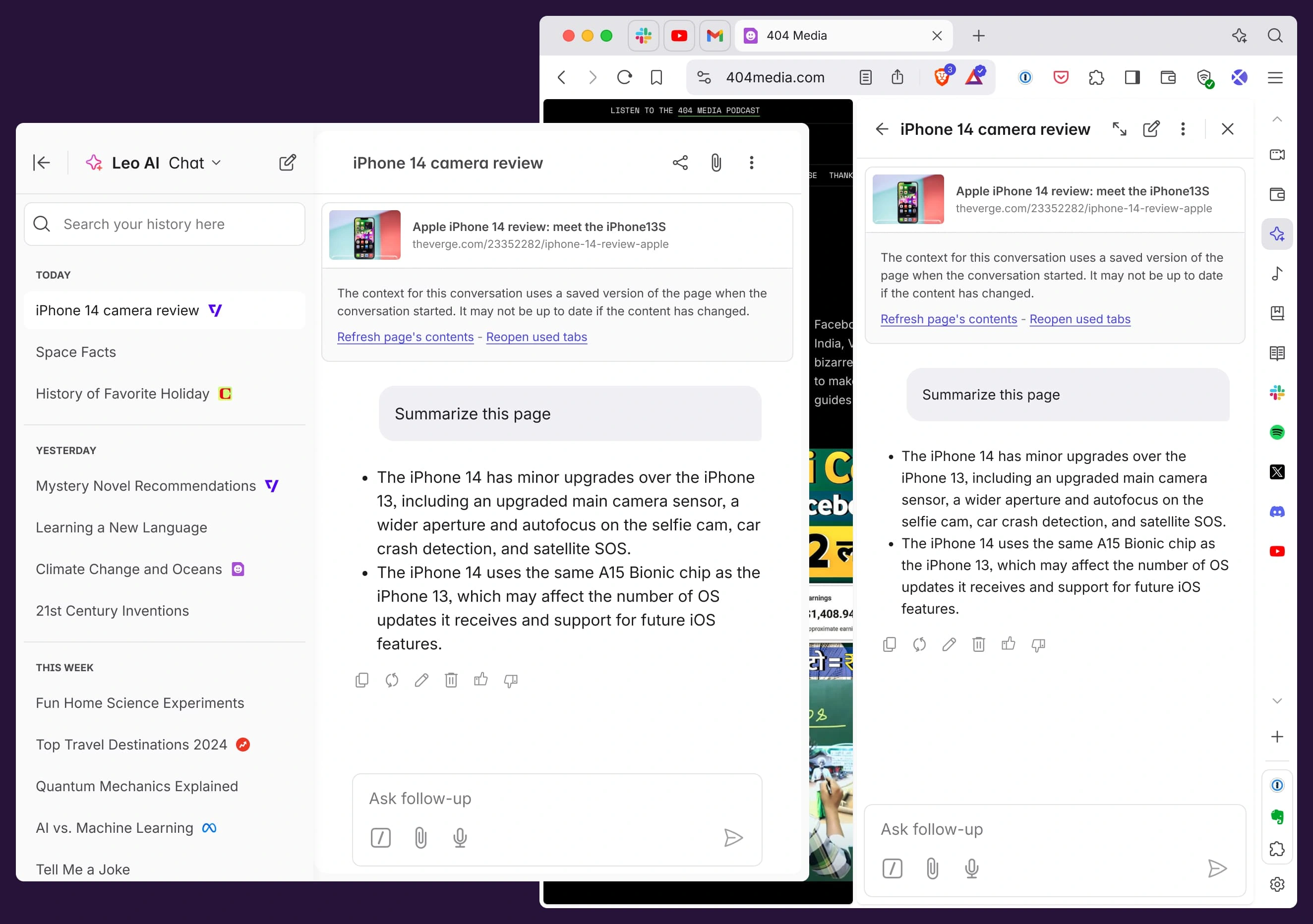
This design also allows for quickly seeing which page the user started a conversation from, even if they're no longer using it, or accessing through their chat history.
When viewing it from history, the page context will be cached, so we offer the possibility of reloading the page's contents to get the most up-to-date version of the website. They can even re open the tab the context came from, for easy access.
Like this project
Posted Feb 3, 2025
Show an easy way to add the current tabs' content as the context for Leo's conversation, or be able to quickly shut it off for non-related questions.