AI Knowledge Base Tools Review for StanzaGo

Vishvendra Nathawat


An AI knowledge base can help you serve your customers in the most effective way.
It allows them to easily find solutions to queries for which they might need external help. Plus, you don’t have to hire an exceptionally huge team of customer support agents to always be available for them.
In the age of AI, if you’re planning to serve your customers the best, it’s essential that you invest in the AI-powered knowledge base as well as customer support tools.
The following AI knowledge base tools we are going to explore are among the best AI knowledge base software available online. And why am I saying that? In addition to knowledge management, some of the tools offer features to incorporate AI chatbots.
If you’re ready, let’s get started with the AI knowledge base and customer support tools that we excluded from this list, and why.
Table of Contents
While researching the best AI knowledge base software, I came across multiple tools that have generated significant hype in the market. Many platforms refer to them as the god of customer support.
However, it’s not entirely true, and that’s why I excluded some of them, because in their place, you can have something better.
These are the tools I recommend you not invest in:
Zendesk AI Knowledge Base: It offers good features; however, the per-month price is $69, which is higher.
Front: At $35 per month pricing, which is higher, it offers limited features.
Capacity: This customer support software has a steep learning curve, and no pricing information is publicly available, which lengthens the process.
ClickUp: When you search for an AI knowledge base or simply knowledge base software, this tool appears in the search results. However, it’s a project management tool, not a KB or customer support. It can be used for internal knowledge management. It’s a good PMT with lower pricing and high features.
Slab: at $15/month, it offers internal KB features with AI that are limited.
Knowledge Base: Its pricing starts from $54/month and $24.99 for additional KBs. Higher pricing and limited AI features, such as title generation and keyword generation. Good KB features, but priced so high.
Helpjuice: It’s a dedicated knowledge base platform offering numerous AI features, including AI Writer, AI Search, AI Chatbot, Auto-Updating KB Chrome Extension, AI-Supported Tickets, and a Step-by-Step Tutorial Builder. But for all of these, you need to pay $449/month, which is too much.
Some tools we didn’t get a chance to test. You can revisit any time to check the updated list. If you are starting today, you can explore the following and choose the one that fits your requirements the most.
Top 7 AI Knowledge Base and Customer Support Software
The following AI knowledge base software we are going to look at offers the best features at the most reasonable price.
And the first tool we are going to discuss doesn’t even have a price.
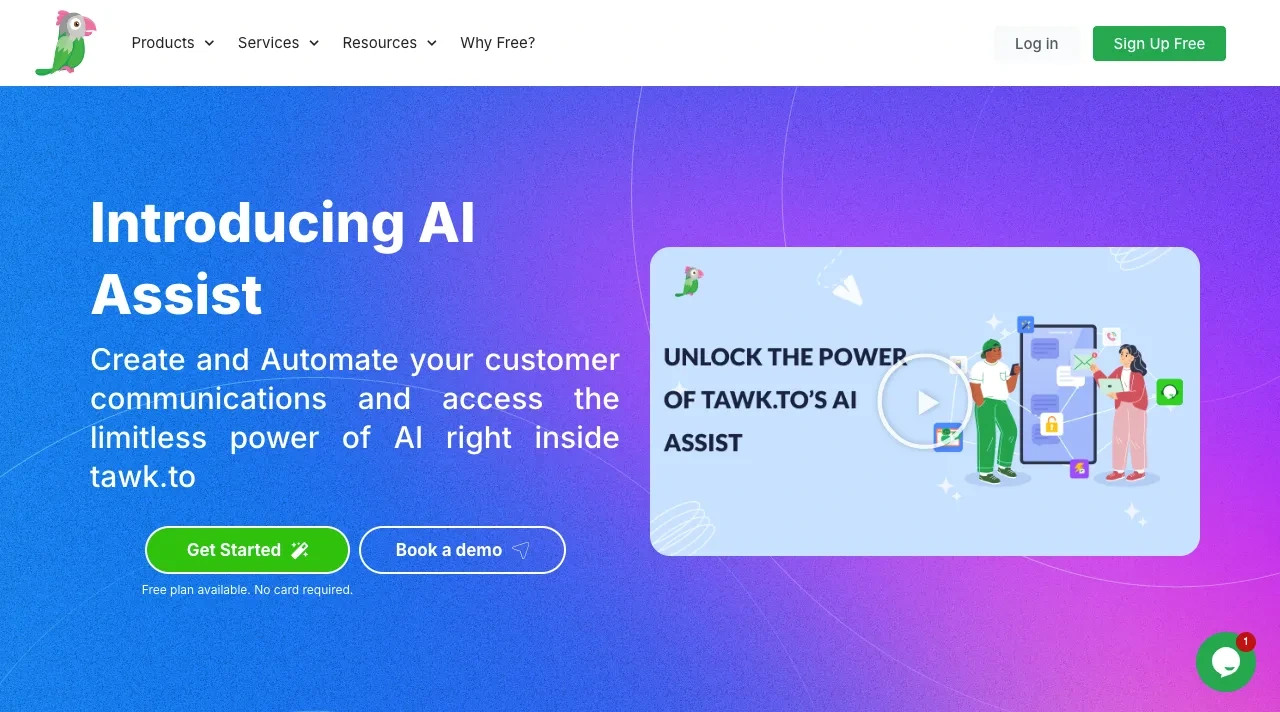
You might have come across it multiple times, but haven’t realized its full potential. I am talking about Tawk.to.
Even though Tawk.to is a customer support software, you can utilize it to create the knowledge base for your products, SaaS, or even the services you offer.
It’s the only tool in the market that offers its features with lifetime free validity.
As long as you want to use it, pay nothing.
With a simplified knowledge base offering you features to:
It also allows you to optimize its customer support options, which are Live Chat, Ticketing, CRM, Chat Pages, and the AI Assist.
Using the AI Assist, you can enable its Apollo AI Bot on the website without any manual setup.
You simply need to enable the feature, and Tawk.to’s smart program will take care of the rest.
Once it’s enabled, you can assist your customers or website visitors 24/7 with smart replies and AI commands. In addition, by using Tawk.to, you can do real-time customer monitoring to offer world-class user support.
It’s a simple-to-use and efficient customer support software that any business can use for knowledge management.
Slite is a game-changing knowledge base platform offering high-quality features and options at a remarkably affordable price of $10/month, which is unmatched by any other AI knowledge base platform.
Slite AI Knowledge Base platform.
Whether you need an AI knowledge management software for internal teams or your customers, Slite can easily fit in. You don’t have to look for another KB tool. It has everything you need to build an information-rich, easy-to-explore KB.
Its features, such as document verifications, make it possible for the internal team to be sure about the information added to the knowledge base.
Using the Ask AI option, employees can browse through information in existing documents without opening them one by one. Simply ask the AI, and it will generate the answer for them.
For documenting, the AI Assistant allows the team to improve the writing by offering prompts like:
By utilizing these features, your team can add content that is more suitable for your audience.
Apart from these, Slite makes your KB highly readable and intuitive to work with by offering support for multi-language, SSO, personalized onboarding, multi-user collaboration, templates for quick KB setup, document ownership, and other technical features like import, integration, and API.
At a $10/month price and with all these features, Slite is undoubtedly the best AI knowledge base software out there.
At no price, Tawk.to is a great platform to offer support to your customers. However, if you need more features than Tawk.to and still want to do it in an affordable way, without emptying your pocket, you can go with HelpCrunch.
HelpCrunch is a Ukrainian-based customer relationship management company offering easy tools to simplify online support for your business.
By using HelpCrunch, you can have a highly functional customer support environment as well as a knowledge base center. Starting with the multi-channel chat widget, you can address queries from Telegram, Messenger, Instagram, and WhatsApp.
Then, the chat widget can utilize the AI agents for multiple different segments, offers, and lead generation.
For the knowledge base, it offers an intuitive UI to build a help center with rich information.
The knowledge base can support multiple languages, as well as utilize the AI editor for rephrasing, translating, fixing grammar, changing tone, and other text improvements.
With that, you get SEO options, KB articles appearing in the chat widget, and content tracking.
These all options make it efficient for you to provide support to your customer.
But that’s not where HelpCrunch stops.
It takes customer support to another level by offering email marketing tools, popup display, and a mobile application to serve your customers no matter where you are.
What’s interesting is that HelpCrunch’s plans start from $25/month, which no other tool can offer.
4. Tettra
A knowledge base isn’t just about customer support; it’s often needed by internal teams as well. Therefore, if you need an AI knowledge base to help your employees work effectively, you can use Tettra.
It’s a feature-rich, AI-powered knowledge base tool offering intuitive options to build a simplified internal docs. It comes with:
Instant AI: An AI-powered search bar for quick answers from company docs to employees, enabling them to stay updated with the latest information.
Verified documents: whether or not the document uploaded is accurate to learn from.
Content request option: Enabling team members to generate a request to build informational docs that are missing.
Content suggestions feature.
Create doc pages using Google Docs, Markdown files, and the editor.
The editor has an intuitive UI, allowing you to create documents without getting confused or overwhelmed by the options.
All of these features make Tettra a suitable AI knowledge base software that any organization could use. However, you have more options by using the Tettra AI knowledge base, such as sharing the docs category as a public website, SSO integration, Zapier integration, and HTML export.
And for all that, you need to pay $10/month.
Thus, a powerful knowledge management software to empower your team and keep everything productive at reasonable prices.
Notion is a freemium project management tool that offers high-quality features to manage your projects. In addition to that, one can use it to build a knowledge base for internal teams. It is AI-powered and offers one of the best user-friendly options to build the simplest KB.
Using the Notion AI, you can generate detailed docs, translate, generate flowcharts, and autofill databases with summaries and insights.
It supports multi-user collaboration; hence, building your docs would be quick and effective.
The plans that offer Notion AI with unrestricted capabilities start from $24/month. However, something is trickier here. Because when you opt for its All-in-one AI plan, which includes AI search, AI chatbot, meeting notes, writing assistant, AI email app, AI research, Team Wiki, and Project Management Tool, it reaches a monthly cost per user of $197.
Now, it is not clear whether the user will get these features for $24 or not; this is something the Notion team should clarify as well.
Otherwise, it’s a good AI knowledge base software after Slite if your focus is entirely not on KB.
Document360 is one of the most popular knowledge base platforms, offering various kinds of tools and features to build a user-friendly and highly readable KB.
To meet your AI-powered knowledge base requirement, it offers the most simplified AI features.
When you create your knowledge base using Docuement360, you can enable AI Search, Eddy, to allow visitors to quickly find accurate and contextual answers based on the documents in your knowledge base.
Then, you’ve got the AI automation options that let you generate glossaries, titles, article summaries, FAQs, meta tags, and more.
Using its AI Writer, you can make the text longer or shorter, change the tone, convert speech, and even convert it to tables. Finally, with the help of an AI documentation generator, you can use simple prompts to generate docs and style them.
But just like other AI knowledge base platforms mentioned in this list, Document360 has more to offer.
It supports creating documentation of any kind, whether API or User Guides.
You can show endpoints in the navigation; enable dual TOC, show collaborators, views count, likes count, and the doc updated badge.
The AI tools for knowledge management that it offers are diverse and allow you to build an extensive KB that’s user-friendly. For instance, it lets you:
Enable the document Follow option and send notifications to the users.
Enable the Dark or Light mode button.
Sort documents using a category.
Utilize SEO fields to make the information optimized for Google search.
And just like that, you’ve got many other features when you choose to work with Document360.
The only con here is that the pricing is not available publicly, which makes it a little bit burdensome. However, the plus point is that the support is extremely active, and you can have custom pricing based on the features you’ll use.
And because the features it offers are world-class, you can consider this as your top AI knowledge base software.
If you’re looking for a pure AI-based customer support platform for your website, then you can start with Denser.
With Denser, you can incorporate AI agents on your website for various purposes, trained on the data you provide. Like, you upload a sheet of user guides, and the AI agent from Denser will extract all the essential information.
Next time, when the customer has a query related to the doc you uploaded, they can easily share it.
The pricing for AI agents from Denser starts at $29/month, offering AI agent customizations, integrations, and 24/7 AI agent support.
It’s a great tool to get started with and simplify online support using AI for your organization.
We will review the following tools very soon.
Stay in the loop by subscribing to us.
An AI knowledge base is now a strategic asset, one that should drive measurable outcomes (deflection, time-to-resolution, CSAT), not just checklist features.
Choose by outcome: match the tool to your use case (customer-facing vs internal), prioritize core AI capabilities (semantic search, conversational agents, content generation), verify integrations & governance (CRM, SSO, analytics, security), and model true TCO (scaling, seats, custom agents).
Practically, pilot the KB on your highest-volume queries, measure deflection and answer accuracy, and then iterate on content and model tuning. Vendors vary—free/light options work well for basic self-service; platform solutions excel in terms of documentation scale and SEO; pure AI-agent vendors excel at 24/7 conversational support.
If you’d like help designing, writing, or deploying your AI knowledge base and documentation, StanzaGo can build, train, and measure it to deliver tangible business outcomes.
Like this project
Posted Nov 17, 2025
Reviewed AI knowledge base tools for StanzaGo's blog.
Likes
0
Views
10