Client Onboarding SOP for a Bookkeeping Firm (sample)

Oscar Guardado

Header and roles
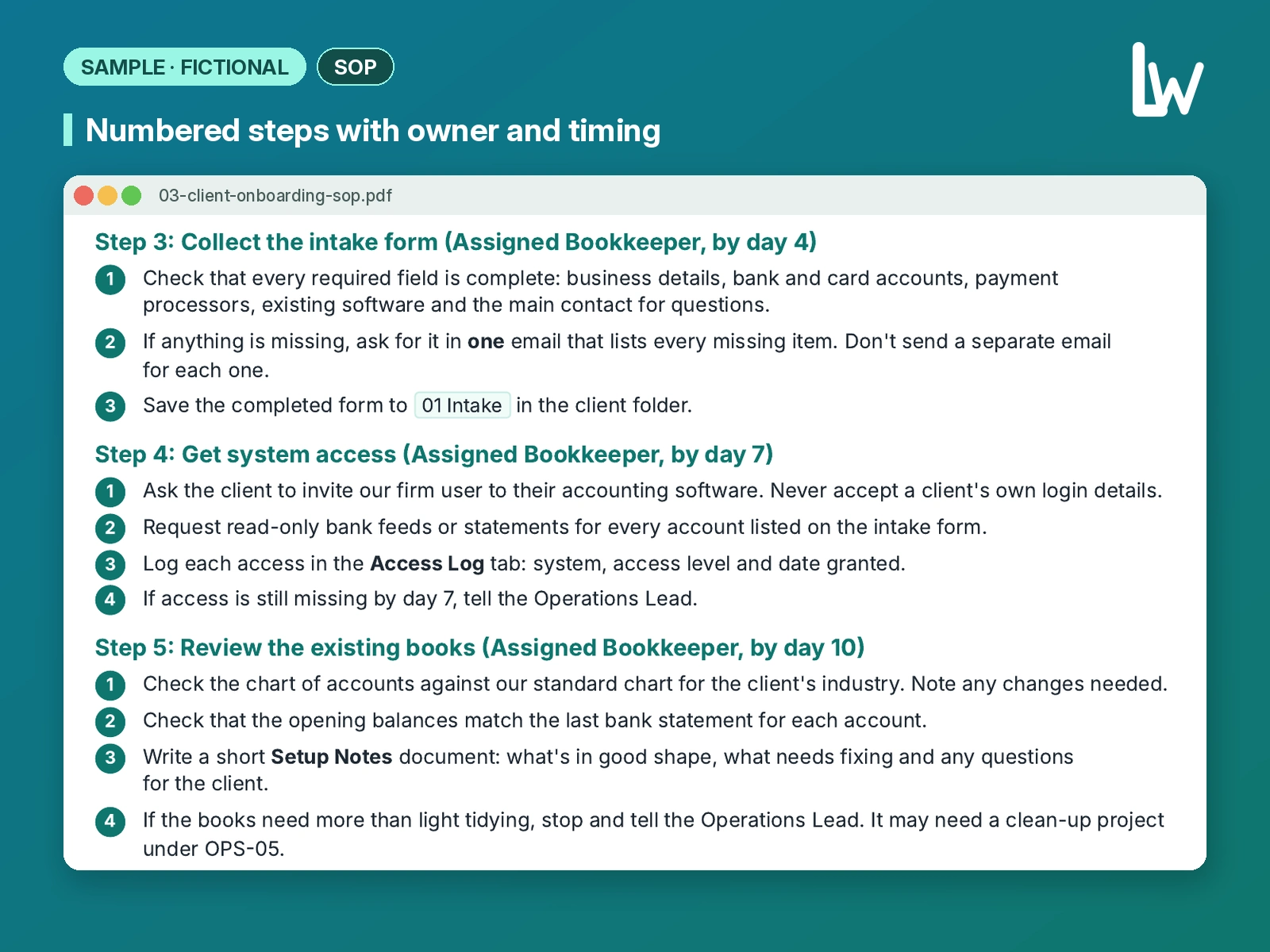
Steps
Concept piece for a fictional bookkeeping firm (Fennimarsh Bookkeeping). The firm, its offers and its details are invented, and no statistics or results are claimed.
The brief
Fennimarsh Bookkeeping is a fictional small bookkeeping firm that needed a client onboarding SOP covering every new monthly bookkeeping client from signed proposal to the first finished month of books. The document had to name roles, list prerequisites, walk through eight clear steps, include a sign-off checklist and escalation rules, and stay free of statistics or results claims. Version 1.0, owned by the Operations Lead, reviewed every six months.
Our approach
Purpose up front: every client gets the same start, nothing is requested twice, and anyone on the team can see where an onboarding stands.
Hard scope lines: monthly bookkeeping onboarding only; catch-up, payroll and tax point to other SOPs or the partner firm.
Roles named before steps: Operations Lead, Assigned Bookkeeper, Reviewer and Client, so ownership is never ambiguous.
Steps timed (day 1 through first month) with one place to escalate if access is missing or the books need a clean-up project.
Sign-off checklist and "if something goes wrong" rules so the SOP is usable on a busy Monday, not just readable in a folder.
The piece
Client Onboarding SOP
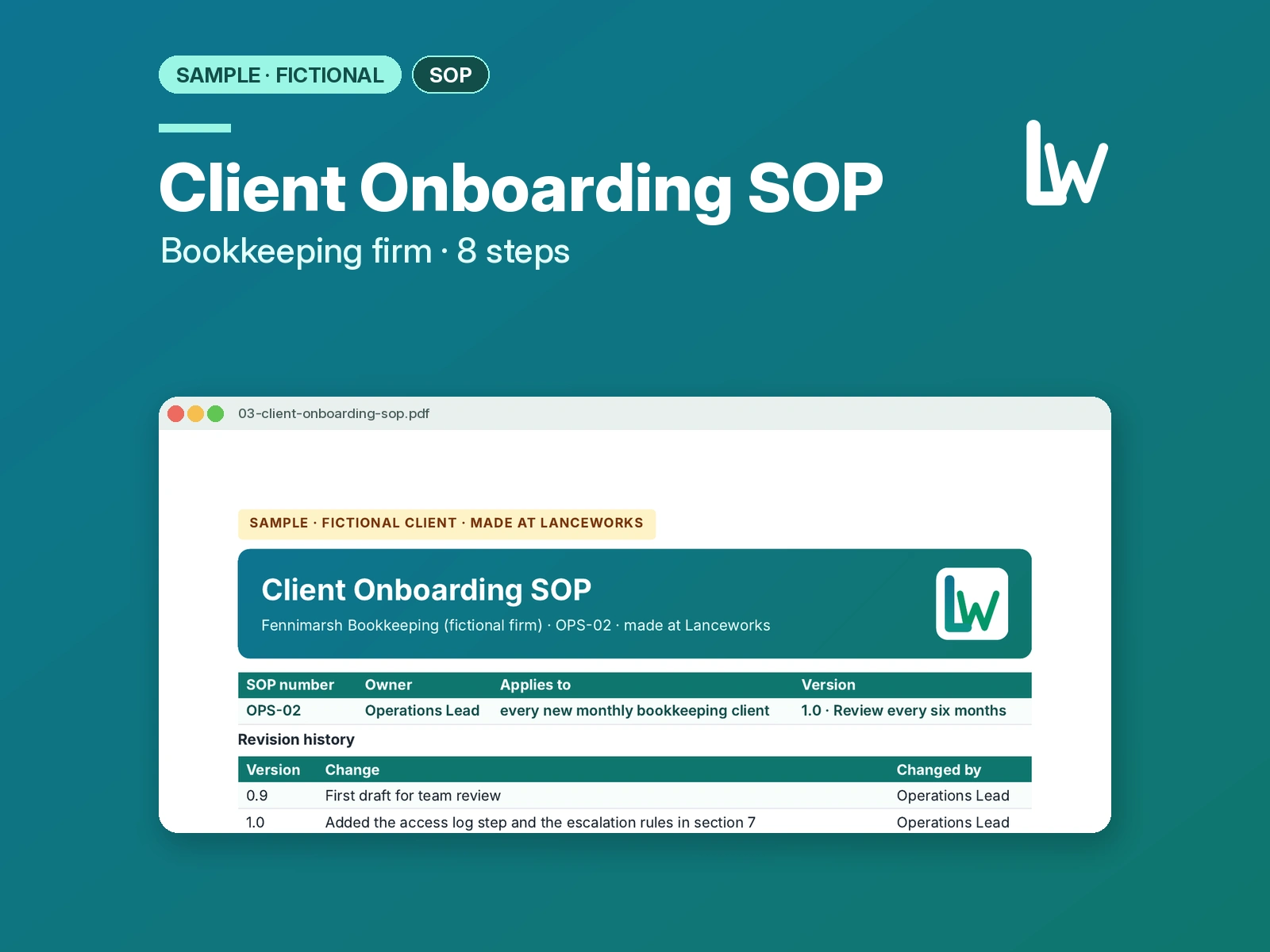
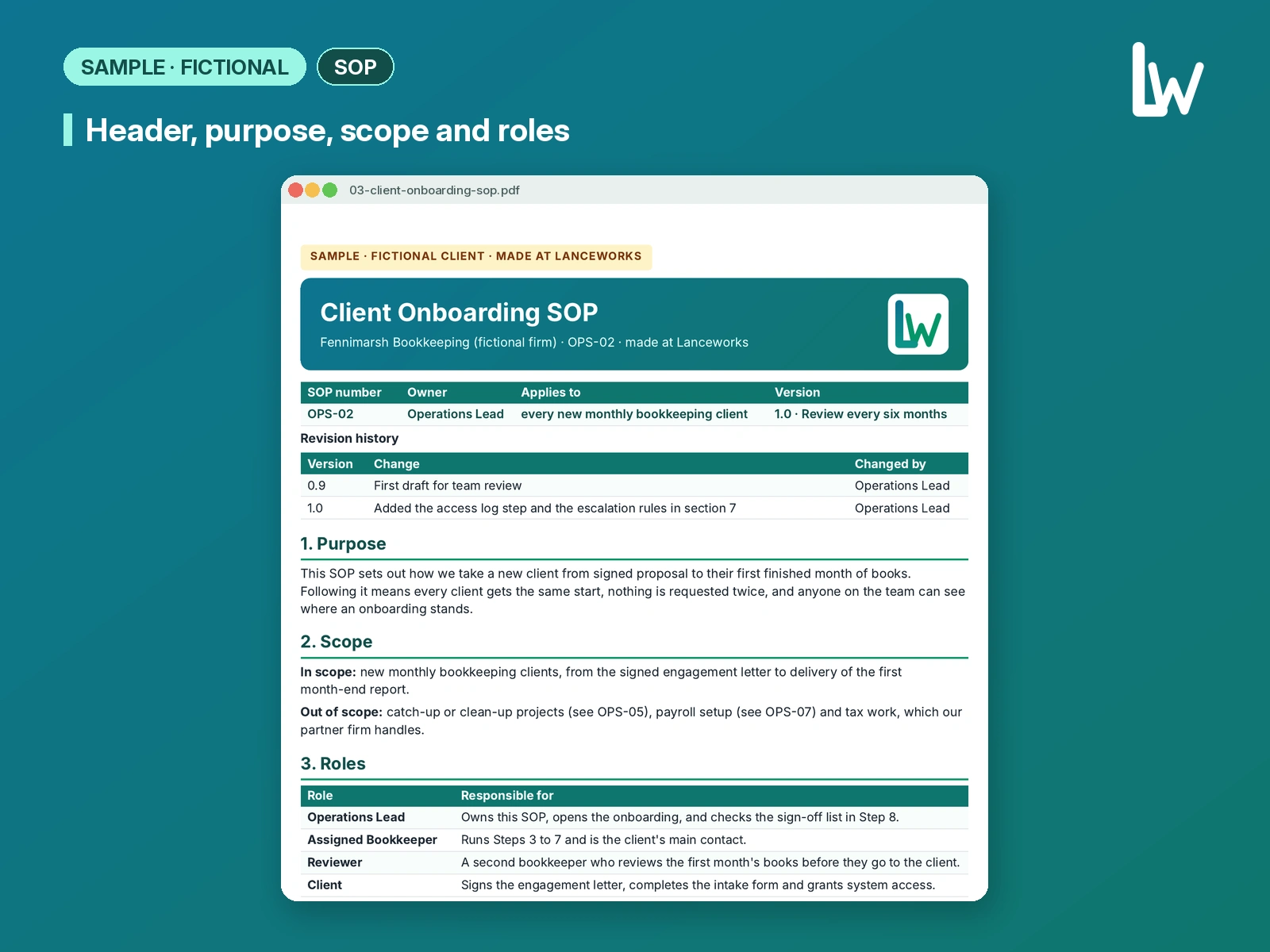
Firm: Fennimarsh Bookkeeping SOP number: OPS-02 Owner: Operations Lead Applies to: every new monthly bookkeeping client Version: 1.0 · Review every six months
Revision history
0.9 — First draft for team review (Operations Lead)
1.0 — Added the access log step and the escalation rules in section 7 (Operations Lead)
Purpose
This SOP sets out how we take a new client from signed proposal to their first finished month of books. Following it means every client gets the same start, nothing is requested twice, and anyone on the team can see where an onboarding stands.
Scope
In scope: new monthly bookkeeping clients, from the signed engagement letter to delivery of the first month-end report.
Out of scope: catch-up or clean-up projects (see OPS-05), payroll setup (see OPS-07) and tax work, which our partner firm handles.
Roles Operations Lead — Owns this SOP, opens the onboarding, and checks the sign-off list in Step 8. Assigned Bookkeeper — Runs Steps 3 to 7 and is the client's main contact. Reviewer — A second bookkeeper who reviews the first month's books before they go to the client. Client — Signs the engagement letter, completes the intake form and grants system access.
What you need before you start Signed engagement letter, saved in the client folder Client's main contact name and email The service tier from the proposal (Essentials, Standard or Plus) Access to our practice management tool and the shared client folders
Procedure Step 1: Open the onboarding (Operations Lead, day 1)
Create the client record in the practice management tool, using the legal business name from the engagement letter.
Create the client folder from the Client Folder Template. Do not build folders by hand.
Assign a Bookkeeper and a Reviewer, and set the onboarding status to Open.
Step 2: Send the welcome email (Operations Lead, day 1)
Send the Welcome: New Client template from the shared inbox. It introduces the Assigned Bookkeeper and links the intake form.
Set a follow-up task for day 4 in case the intake form isn't returned.
Step 3: Collect the intake form (Assigned Bookkeeper, by day 4)
Check that every required field is complete: business details, bank and card accounts, payment processors, existing software and the main contact for questions.
If anything is missing, ask for it in one email that lists every missing item. Don't send a separate email for each one.
Save the completed form to 01 Intake in the client folder.
Step 4: Get system access (Assigned Bookkeeper, by day 7)
Ask the client to invite our firm user to their accounting software. Never accept a client's own login details.
Request read-only bank feeds or statements for every account listed on the intake form.
Log each access in the Access Log tab: system, access level and date granted.
If access is still missing by day 7, tell the Operations Lead.
Step 5: Review the existing books (Assigned Bookkeeper, by day 10)
Check the chart of accounts against our standard chart for the client's industry. Note any changes needed.
Check that the opening balances match the last bank statement for each account.
Write a short Setup Notes document: what's in good shape, what needs fixing and any questions for the client.
If the books need more than light tidying, stop and tell the Operations Lead. It may need a clean-up project under OPS-05.
Step 6: Send the setup check-in (Assigned Bookkeeper, by day 12)
Send the client the Setup Notes and the questions they need to answer, in writing.
Confirm the monthly calendar: when we need statements each month and when they'll receive their report.
Record the client's answers in the Setup Notes and save the final version.
Step 7: Complete the first month (Assigned Bookkeeper, then Reviewer)
Categorize transactions and reconcile every account for the first month, following OPS-03 (Bank Reconciliation).
Hand the file to the Reviewer, who checks reconciliations, any uncategorized items and the draft report.
Fix anything the Reviewer flags, then send the month-end report to the client with a short cover note.
Step 8: Close the onboarding (Operations Lead)
Work through the sign-off checklist below.
Set the onboarding status to Complete and move the client to the monthly workflow.
6. Sign-off checklist
Engagement letter signed and saved
Intake form complete and saved in 01 Intake
Every account on the intake form has access logged
Setup Notes saved, with client answers recorded
Monthly calendar confirmed with the client in writing
First month reconciled and reviewed by a second bookkeeper
First month-end report sent to the client
Status set to Complete
Signed off by (Operations Lead): ________________ Date: ________
If something goes wrong Client doesn't return the intake form by day 4: send one reminder. If there's still no reply by day 7, the Operations Lead contacts the client. Client shares a password instead of inviting us: don't use it. Ask them to change the password and send an invite to our firm user instead. Books are in worse shape than the proposal assumed: pause at Step 5 and escalate. Don't start fixing past periods without a signed scope.
Related documents OPS-03 Bank Reconciliation · OPS-05 Clean-up Projects · OPS-07 Payroll Setup · Client Folder Template · Welcome: New Client email template · Access Log
What it shows and how we'd adapt it for you
This piece shows how we turn an onboarding into a usable SOP: clear purpose and scope, named roles, timed steps, a sign-off checklist and escalation rules that match how a small firm actually works. For your practice, we would draft from your notes or a call transcript, keep your real tools and templates, and match the voice your team already uses. That is what we deliver in our SOP Writing for Bookkeepers service on Contra.
Like this project
Posted Nov 3, 2026
Concept piece for a fictional bookkeeping firm. Client onboarding SOP: 8 steps from signed proposal to first month-end report.