SEO Blog: Round-Robin Scheduling for Sales Teams (sample)

Oscar Guardado

Intro
Three setup methods
Starting setup + CTA
Concept piece for a fictional B2B scheduling tool (Slatebook). The product and vendor are invented, and no statistics or results are claimed.
The brief
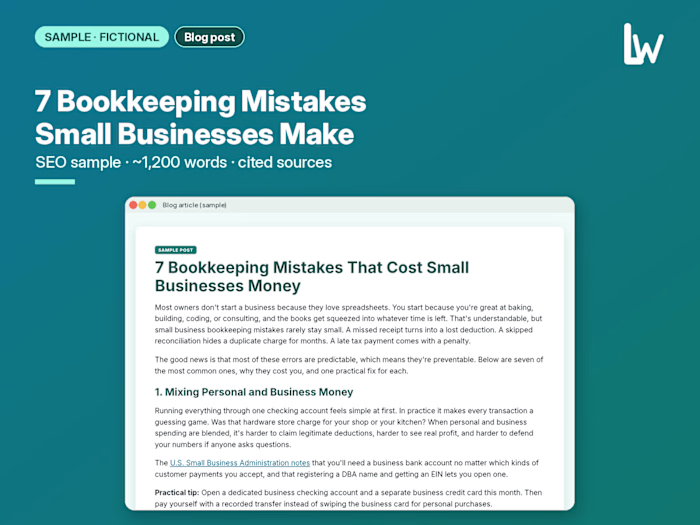
A fictional B2B scheduling vendor, Slatebook, needed a search-friendly blog post for sales managers and revenue operations leads at companies with 3–30 reps. Readers already know they have a demo-routing problem; they want to understand how round-robin scheduling works and how to set one up fairly. The post had to answer the definition in the first paragraph, cover three setup methods and fairness rules, use secondary terms like "round robin meeting assignment" and "demo request routing" naturally, stay practical with no invented statistics, and end with one clear product CTA after a fair note that other tools offer booking pages too.
Our approach
Search intent first: the opening paragraph defines round-robin scheduling and the two arguments it removes, so a busy sales manager gets the answer without a warm-up.
Structure built for skimmers: what it does, why manual routing breaks, three setup methods, fairness rules, a weekly check, a simple starting setup, then the product close.
Fair positioning: each method gets a "best for" and a "watch for," and the product section notes that Google Calendar and Outlook also offer booking pages with different routing depth.
Voice: plain and operational, written for sales managers and RevOps, with one accurate research nod (Harvard Business Review on lead response speed) and no invented conversion numbers.
One CTA: try the rotation on a single pool first, matching the article's "start small" advice.
The piece
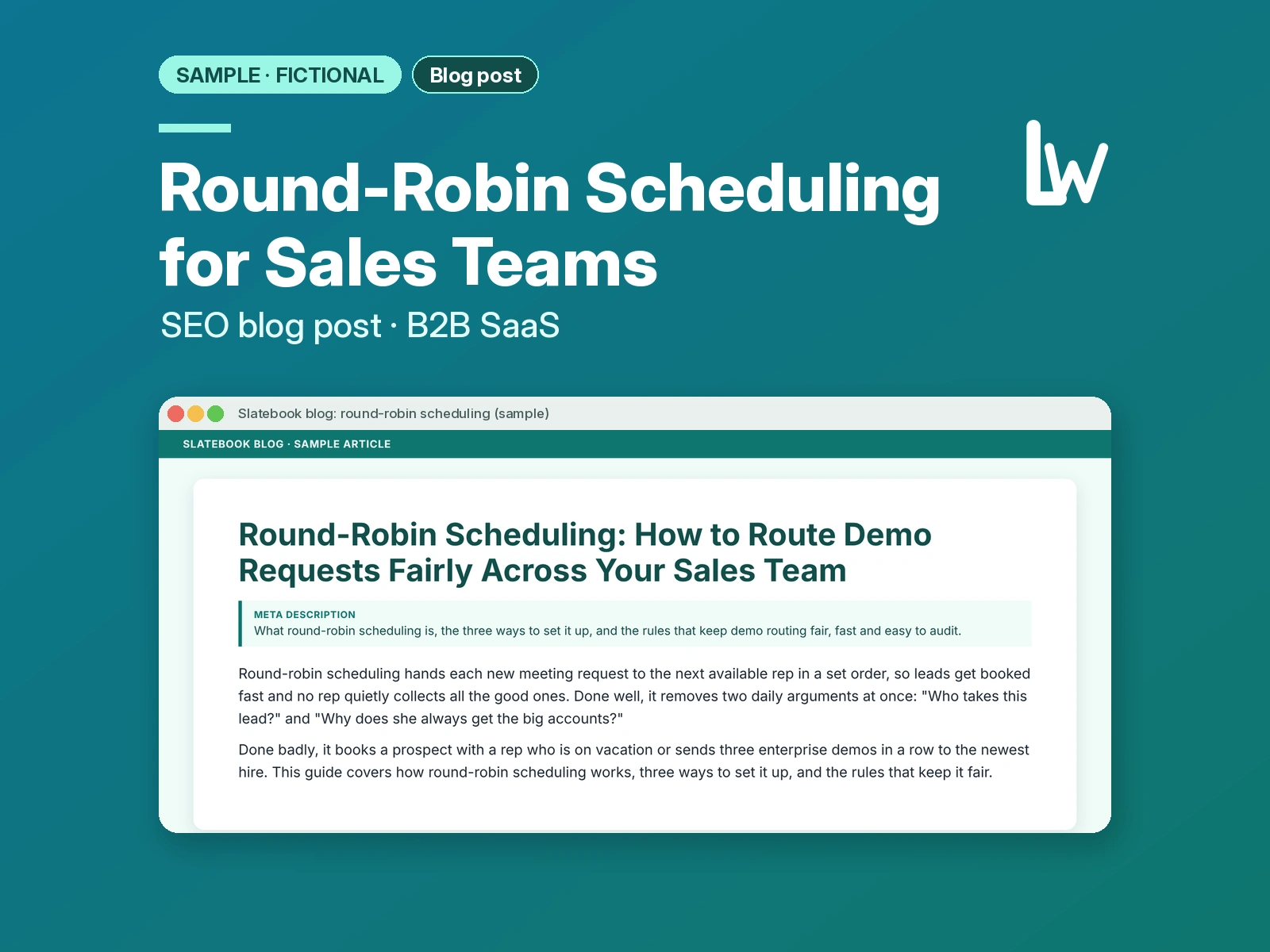
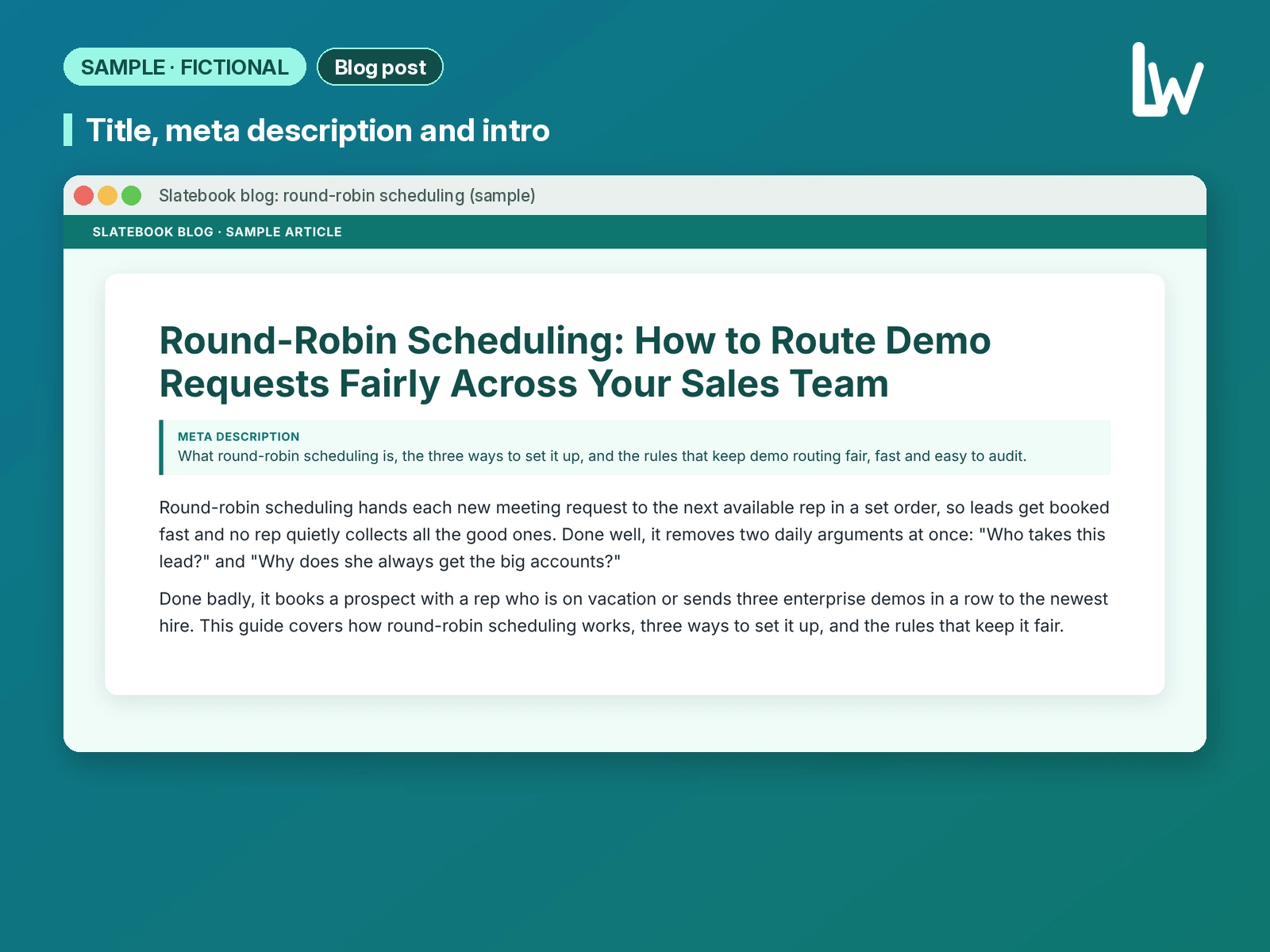
Round-Robin Scheduling: How to Route Demo Requests Fairly Across Your Sales Team
Round-robin scheduling hands each new meeting request to the next available rep in a set order, so leads get booked fast and no rep quietly collects all the good ones. Done well, it removes two daily arguments at once: "Who takes this lead?" and "Why does she always get the big accounts?"
Done badly, it books a prospect with a rep who is on vacation or sends three enterprise demos in a row to the newest hire. This guide covers how round-robin scheduling works, three ways to set it up, and the rules that keep it fair.
What round-robin scheduling actually does
A round-robin has three moving parts:
A pool. The group of people who can take the meeting, such as your account executives for North America.
An order. The rule that decides who is next. In the simplest version, it is a fixed rotation: Ana, then Ben, then Chloe, then back to Ana.
An availability check. Before a meeting is assigned, the tool checks the next person's calendar. If they are busy at the time the prospect picked, the meeting moves to the next person who is free.
The prospect never sees any of this. They pick a time on one booking page, and the meeting lands on one rep's calendar. Team booking pages in common sales tools work this way, showing the individual availability of each team member in the rotation.
Why manual routing breaks down
Most teams start with a shared inbox where demo requests appear and someone claims them. That works for a small team with a few requests a week, then stops working for three reasons.
Speed. A request sits until someone notices it. If it came in at 6 PM, it may wait until morning. Research published in Harvard Business Review found that most companies were not responding to online leads nearly fast enough.
Fairness. The fastest clicker wins. Reps in back-to-back calls, often your best ones, lose leads to whoever is refreshing the inbox.
Visibility. When one rep has far more demos than another, nobody can say whether it was luck, effort or routing. There is no record of who was offered what.
A round-robin fixes all three because the rule decides, instantly, and the tool keeps a log.
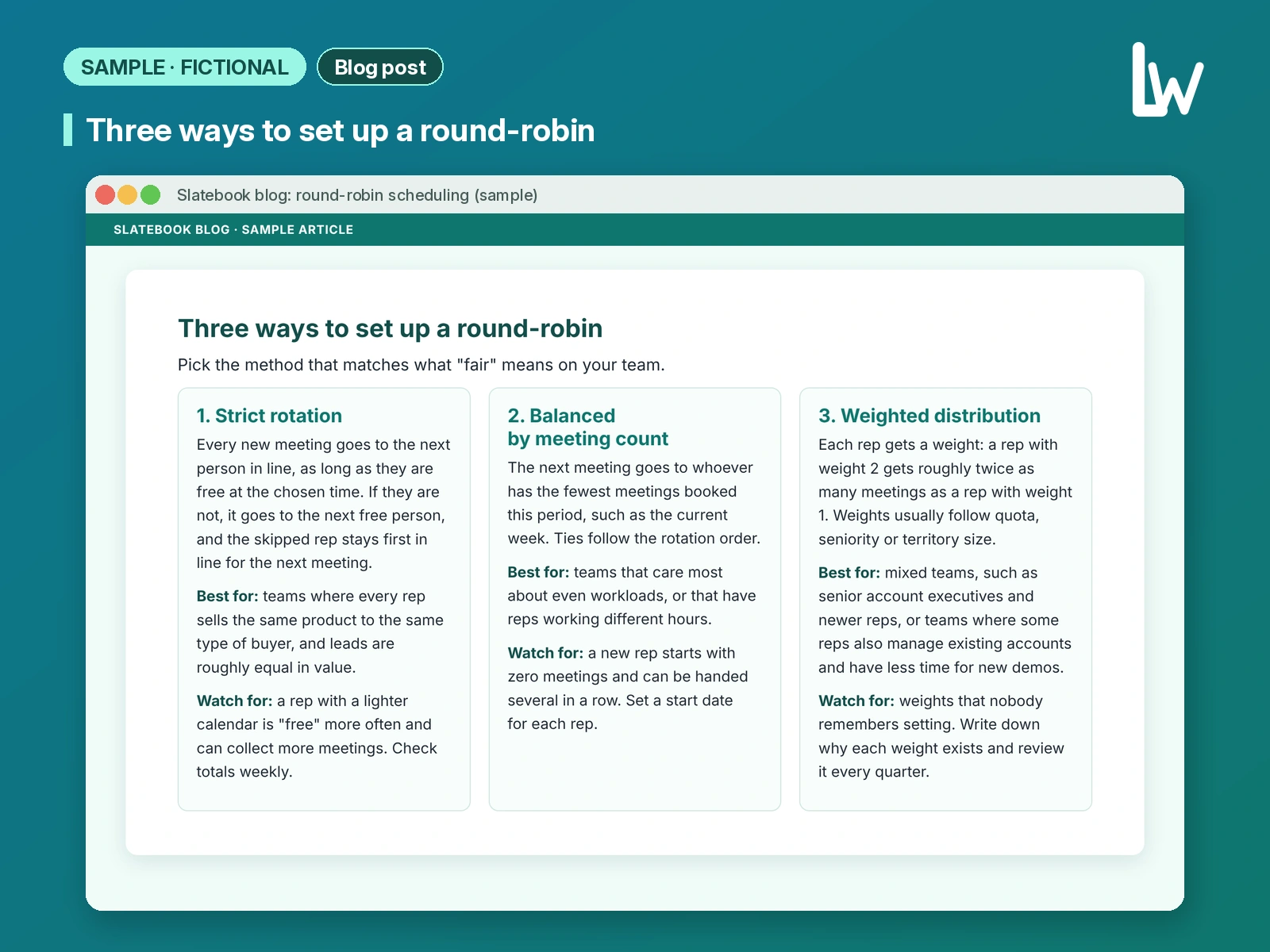
Three ways to set up a round-robin
Pick the method that matches what "fair" means on your team.
1. Strict rotation
Every new meeting goes to the next person in line, as long as they are free at the chosen time. If they are not, it goes to the next free person, and the skipped rep stays first in line for the next meeting.
Best for: teams where every rep sells the same product to the same type of buyer, and leads are roughly equal in value.
Watch for: a rep with a lighter calendar is "free" more often and can collect more meetings. Check totals weekly.
2. Balanced by meeting count
The next meeting goes to whoever has the fewest meetings booked this period, such as the current week. Ties follow the rotation order.
Best for: teams that care most about even workloads, or that have reps working different hours.
Watch for: a new rep starts with zero meetings and can be handed several in a row. Set a start date for each rep.
3. Weighted distribution
Each rep gets a weight: a rep with weight 2 gets roughly twice as many meetings as a rep with weight 1. Weights usually follow quota, seniority or territory size.
Best for: mixed teams, such as senior account executives and newer reps, or teams where some reps also manage existing accounts and have less time for new demos.
Watch for: weights that nobody remembers setting. Write down why each weight exists and review it every quarter.
Rules that keep a round-robin fair
Decide these rules before you switch anything on.
Route before you rotate. Not every lead should enter the same pool. Use the answers on your booking form, such as company size, region or product interest, to send the request to the right pool first. A round-robin then decides who in that pool takes it. Mixing enterprise and small-business leads in one rotation is a common reason teams say the system is unfair.
Respect real availability. Connect each rep's actual calendar, not a separate "availability" setting they forget to update. Calendar booking pages generally hide times when the owner is already busy, so an accurate calendar does most of the work. Add buffer time between meetings, and block out vacation days in the calendar itself.
Decide how cancellations count. If a prospect cancels, does the rep keep their place or get credit for a meeting? Whatever you choose, apply it the same way for everyone.
Keep existing customers with their owner. If a current customer or an open opportunity books through the demo page, the meeting should go to the person who already owns that relationship, not to the next rep in line. Check this against your CRM before the round-robin runs.
Give managers an override, and log it. There will be exceptions: a lead who asks for a specific rep, or a strategic account the manager wants to place personally. Allow manual reassignment, but record who changed it and why, so the totals still make sense at month end.
How to tell if it is working
Once a week, look at three things:
Meetings per rep. Compare the count with what your method should produce. With strict rotation and equal calendars, the numbers should be close. With weights, they should roughly follow the weights.
Time to first meeting. Check how far out prospects are booking. If the earliest open slot is often days away, your pool is too small or your buffers are too long.
Skips and overrides. If one rep is skipped often, their calendar may be overbooked or out of date. If managers override often, your routing rules may be missing a case.
Share these numbers with the team. Much of the frustration with lead routing comes from not knowing how it works.
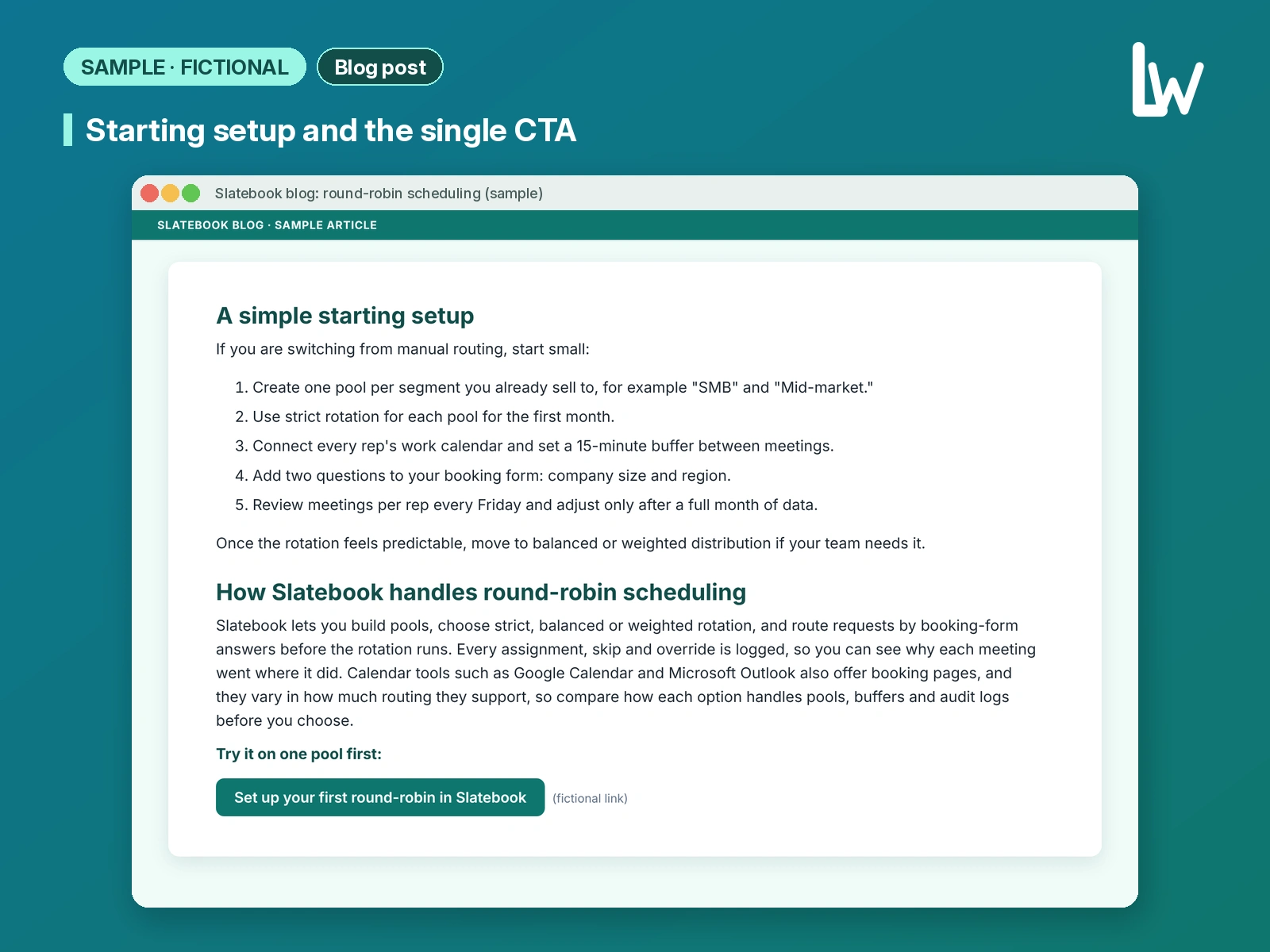
A simple starting setup
If you are switching from manual routing, start small:
Create one pool per segment you already sell to, for example "SMB" and "Mid-market."
Use strict rotation for each pool for the first month.
Connect every rep's work calendar and set a 15-minute buffer between meetings.
Add two questions to your booking form: company size and region.
Review meetings per rep every Friday and adjust only after a full month of data.
Once the rotation feels predictable, move to balanced or weighted distribution if your team needs it.
How Slatebook handles round-robin scheduling
Slatebook lets you build pools, choose strict, balanced or weighted rotation, and route requests by booking-form answers before the rotation runs. Every assignment, skip and override is logged, so you can see why each meeting went where it did. Calendar tools such as Google Calendar and Microsoft Outlook also offer booking pages, and they vary in how much routing they support, so compare how each option handles pools, buffers and audit logs before you choose.
Try it on one pool first: Set up your first round-robin in Slatebook (fictional link).
What it shows and how we'd adapt it for you
This piece shows how we turn a mid-funnel search into an article that defines the method fast, compares setup options fairly and ends with one clear next step. For your product, we would work from your brief and style guide, use your real routing features, integrations and onboarding steps, and add internal links to pages that actually exist on your site. That is what we deliver in our SEO Blog Writing service on Contra.
Like this project
Posted Nov 3, 2026
Concept piece for a fictional B2B scheduling tool. SEO blog on round-robin demo routing for sales teams. Not a real product or client.
Likes
0
Views
0