Built with Framer
Synaps Brand and Landing Page Development

Elena Perini
Verified
1 collaborator


Synaps - The AI Canvas for Architectural Design
Synaps is an AI-powered canvas for architectural design that allows architects to design, visualize, collaborate, and present within one platform.
When they reached out, the product was in development and there was no dedicated marketing website yet. The brand identity also needed refinement to match the level of innovation behind the tool.
The goal was to position Synaps as a serious next-generation architectural tool while clearly communicating its value to early users and studios

Visual Identity
Before developing the website, Synaps required a refined and scalable visual identity.
The product operates in the architectural and AI space. The brand needed to reflect structural clarity, spatial logic, and technical credibility while remaining contemporary enough to sit within the SaaS ecosystem.
My role was to refine the existing logo and define a coherent visual system that could extend across web, product, and marketing.
Logo Refinement
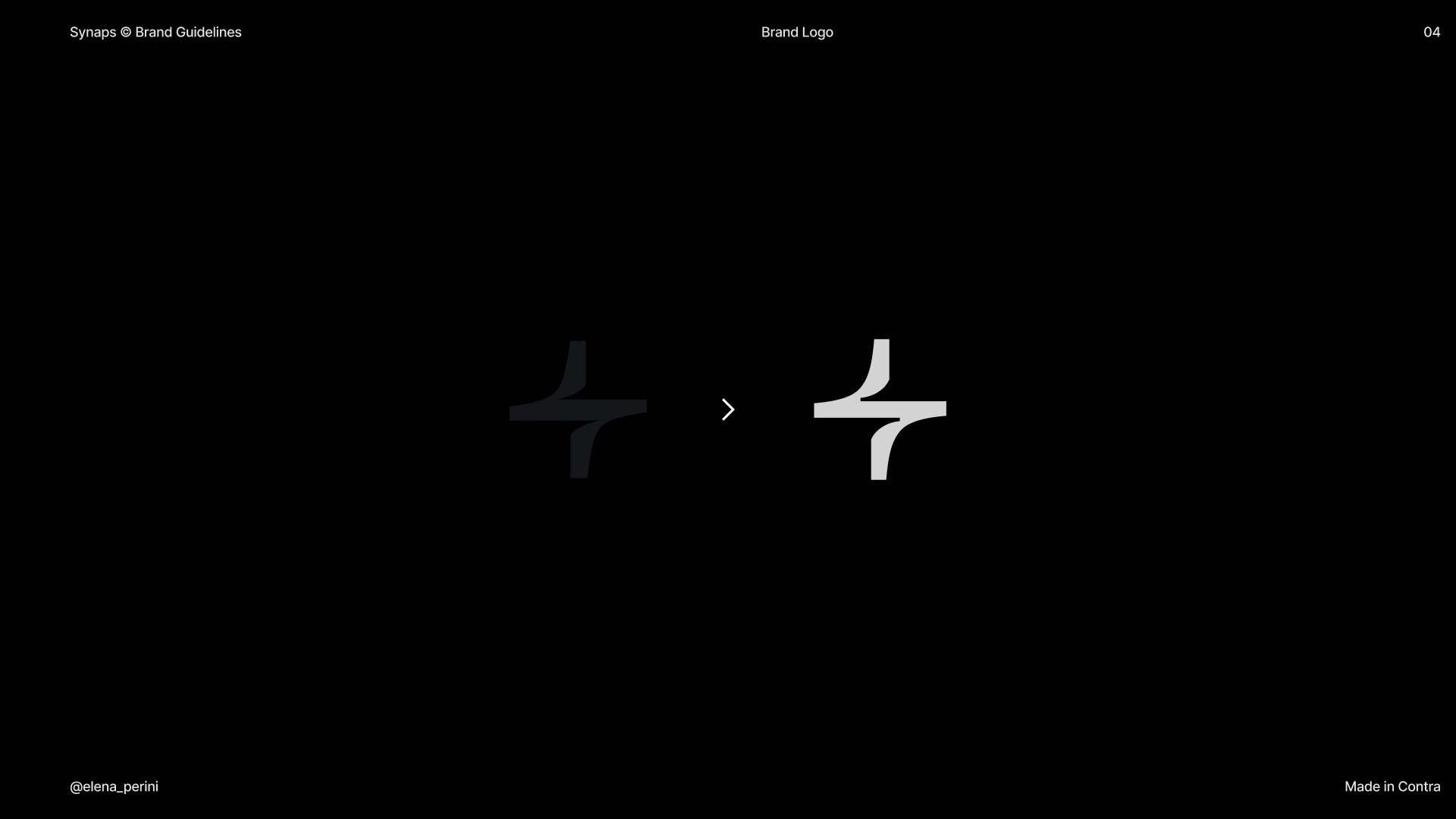
The logomark is built on a cross-shaped geometric structure. In its original version, the vertical and horizontal arms did not align optically. The top and bottom segments appeared slightly offset, which disrupted the balance of the symbol.
I reworked the internal geometry to correct this.
• Recalibrated the vertical axis
• Adjusted the proportions of the arms
• Corrected alignment so the top and bottom segments align optically with the horizontal structure
These changes ensure the mark reads as structurally balanced at different scales and across digital applications.
Typography System
The typography needed to function in both technical and marketing contexts.
I defined a clean sans-serif system to support:
• Clear hierarchy in feature explanations
• Legibility across UI previews and product screenshots
• Strong headline presence in the landing page
Spacing and weight relationships were structured to maintain clarity in long-form sections while preserving visual authority in large display headlines.
Color System
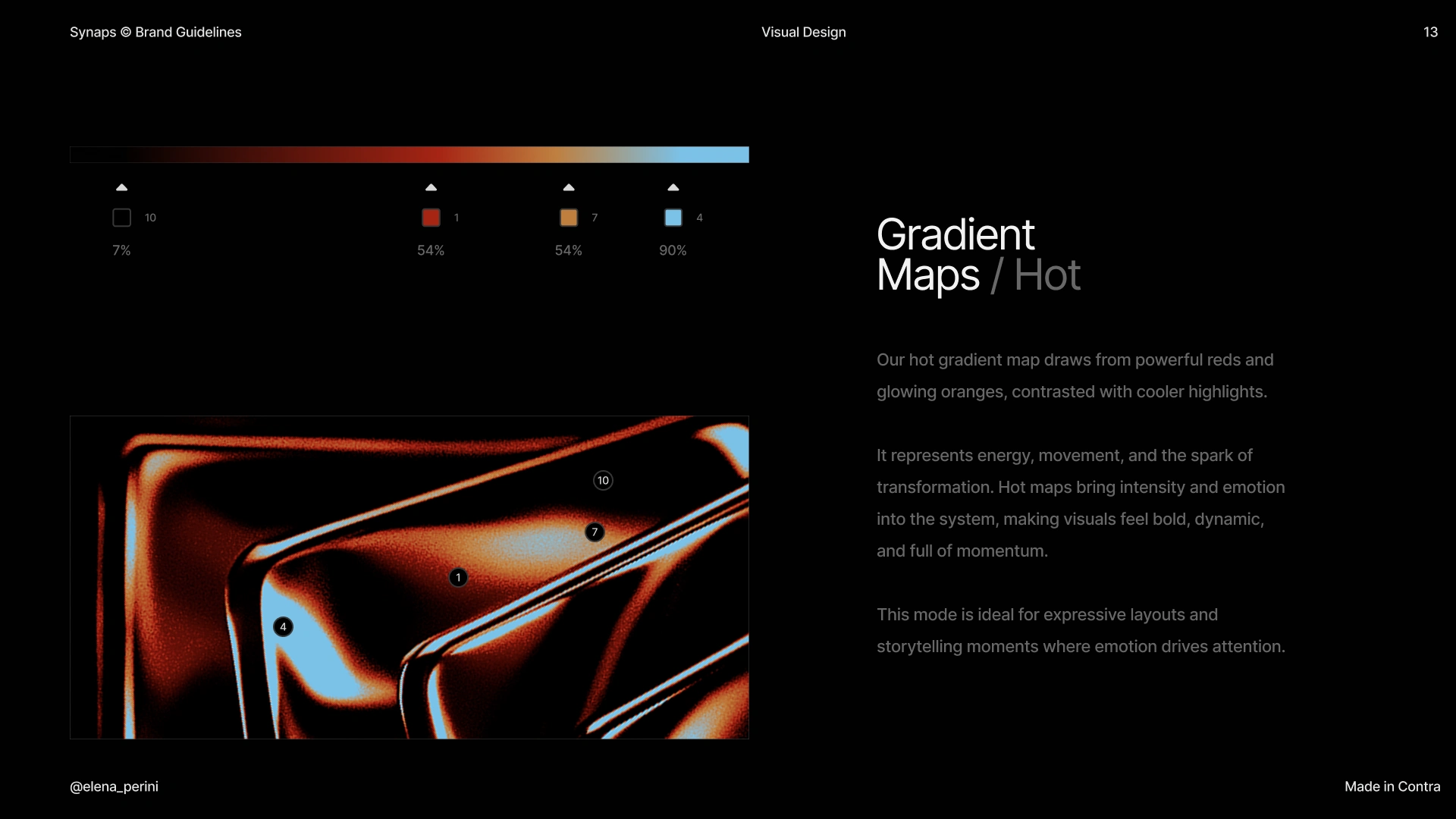
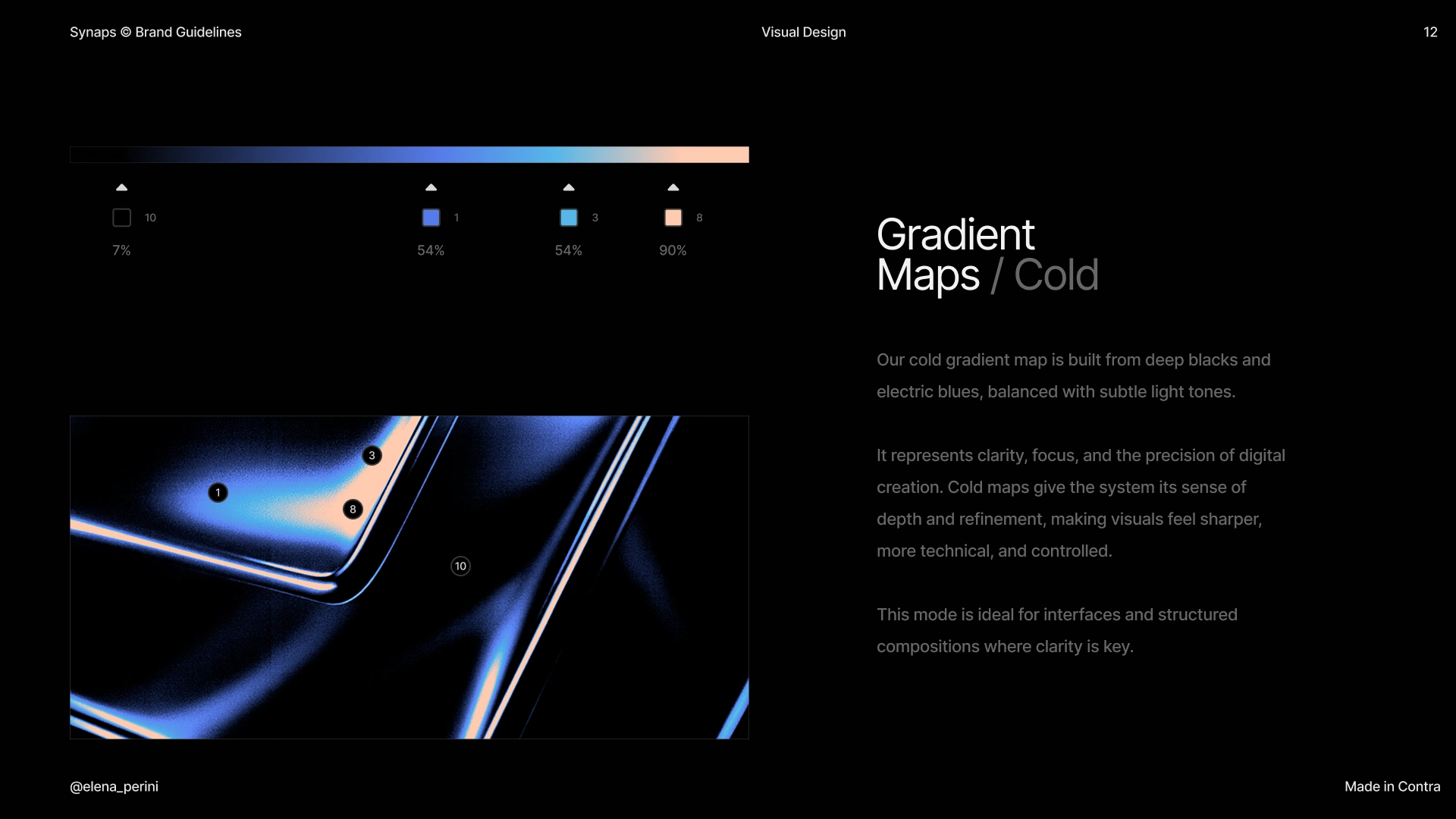
The palette is built around two primary accents:
Blue — used to establish reliability and system structure
Orange — used to signal interaction, highlight actions, and introduce contrast
Blue anchors layout sections and informational content.
Orange is reserved for calls-to-action and key product moments.
This creates a controlled contrast system that supports usability while maintaining visual distinction in the SaaS landscape.
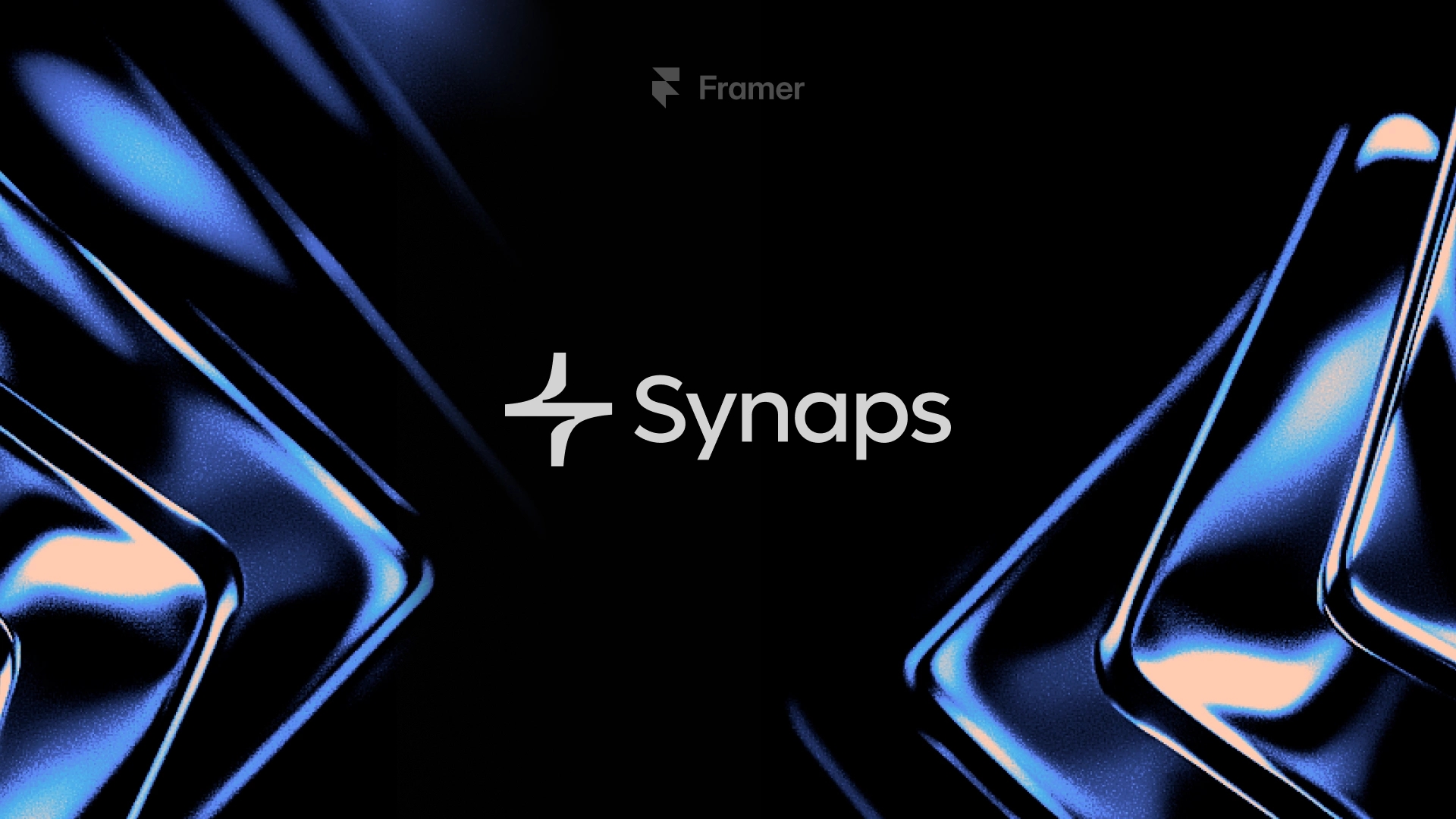
3D Visual Language
Because Synaps operates in architectural space, the visual system extends into dimensional forms.
I introduced a set of abstract 3D geometric assets that:
• Reference spatial construction
• Echo architectural forms
• Add depth to the brand’s digital presence
These assets function as structural elements within the layout rather than decorative graphics. They reinforce the core idea of moving from flat drafting to spatial visualization.
Framer Website Implementation
I designed and developed a single-page landing experience entirely in Framer, using native animations and interaction logic.
The objective was to translate a technically complex AI tool into a structured, interactive narrative — without relying on heavy development.
All animated elements were built directly in Framer.
1. Hero — Interactive AI Input
The hero is built around an interactive prompt field inspired by conversational AI interfaces.
What I implemented:
• A dynamic input component using Framer’s Workshop
• Rotating prompt examples such as “Ask Synaps to generate a modern villa”
• Clickable interaction that redirects users directly to the platform when pressing “Send”
The goal was to simulate the product experience immediately. Instead of a static headline, the hero behaves like the tool itself.
This reduces abstraction and creates instant product context.
2. Video Showcase
Below the hero, I implemented a product demo section.
• Embedded platform walkthrough video
• Structured layout to frame the product clearly
• Controlled spacing to maintain focus on the interface
This section anchors credibility through real usage rather than descriptive copy.
3. The New Drafting Experience
This feature section introduces the core drafting workflow.
It includes:
• Asset Library
• AI Floor Plan Tracer
• Core drafting capabilities
All transitions and reveal animations were built natively in Framer.
Elements animate into view to maintain rhythm while scrolling.
The structure keeps each feature isolated for clarity while maintaining visual continuity.
4. Synaps Nodes
This section explains the node-based workflow.
The layout visualizes how design paths branch and evolve, similar to node systems in 3D software or AI image generation workflows.
What I implemented:
• Structured visual layout to represent connected nodes
• Animated transitions between variations
• Clear hierarchy between prompt input and generated outputs
The goal was to communicate non-linear exploration without overwhelming the user.
5. Showcase Gallery
This section highlights architectural visuals generated with Synaps.
• Masonry-style grid
• High-resolution imagery
• Scroll-based reveal animations
The focus is on output quality. The visuals carry the narrative.
6. Presentation Canvas
This section demonstrates how Synaps handles architectural presentations inside the same platform.
• Canvas-style layout
• Structured composition referencing presentation boards
• Subtle motion to guide attention
The purpose is to show that the workflow extends beyond drafting and rendering into final delivery.
7. AI Draft to Scene
This section isolates the core differentiator:
Draw → Place Camera → Generate Scene
I implemented a step-based animated sequence that visualizes this transformation.
8. Multiplayer Design
This section communicates collaborative functionality.
• Interface mockups showing shared canvas
• Cursor indicators and comment visuals
• Subtle animation to imply real-time interaction
The goal is to position Synaps as team-ready.
9. Pricing
• Monthly and yearly toggle
• Three-tier structure
• Clear feature differentiation
• Visual emphasis on the primary plan
Built using Framer components to maintain scalability and responsiveness.
10. Footer
Standard navigation, legal, and secondary links.
Maintains brand consistency through typography and spacing.
Technical Execution
• Entirely built in Framer
• Native scroll-based animations
• Interactive components built without external code
• Responsive layout optimized for desktop and mobile
Like this project
Posted Feb 12, 2026
Brand refinement and Framer landing page for Synaps, an AI canvas for architects to draft, visualize, and collaborate in one platform.
Likes
13
Views
575
Timeline
Aug 11, 2025 - Oct 17, 2025
Clients
Synaps
Collaborators