FUIX Browser Extension Development

Abdullah Al Naiem

FUIX
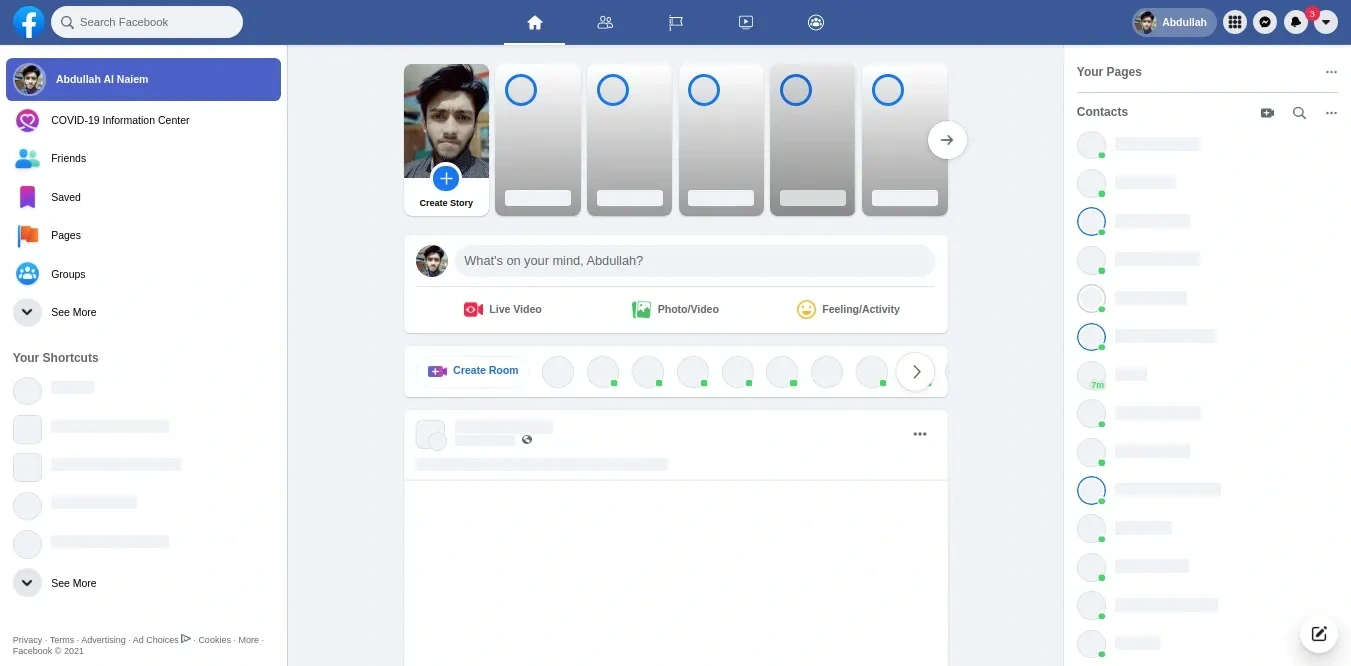
A browser extension for updating social media UI (eg: Facebook, Messenger, Instagram). Available for Chrome, Firefox, MS Edge, Opera
🌐 Browser Specs
Chrome Firefox Safari Microsoft Edge Opera Browser

Required Version v92.0 or higher


v79 or higher

v92.0 or higher
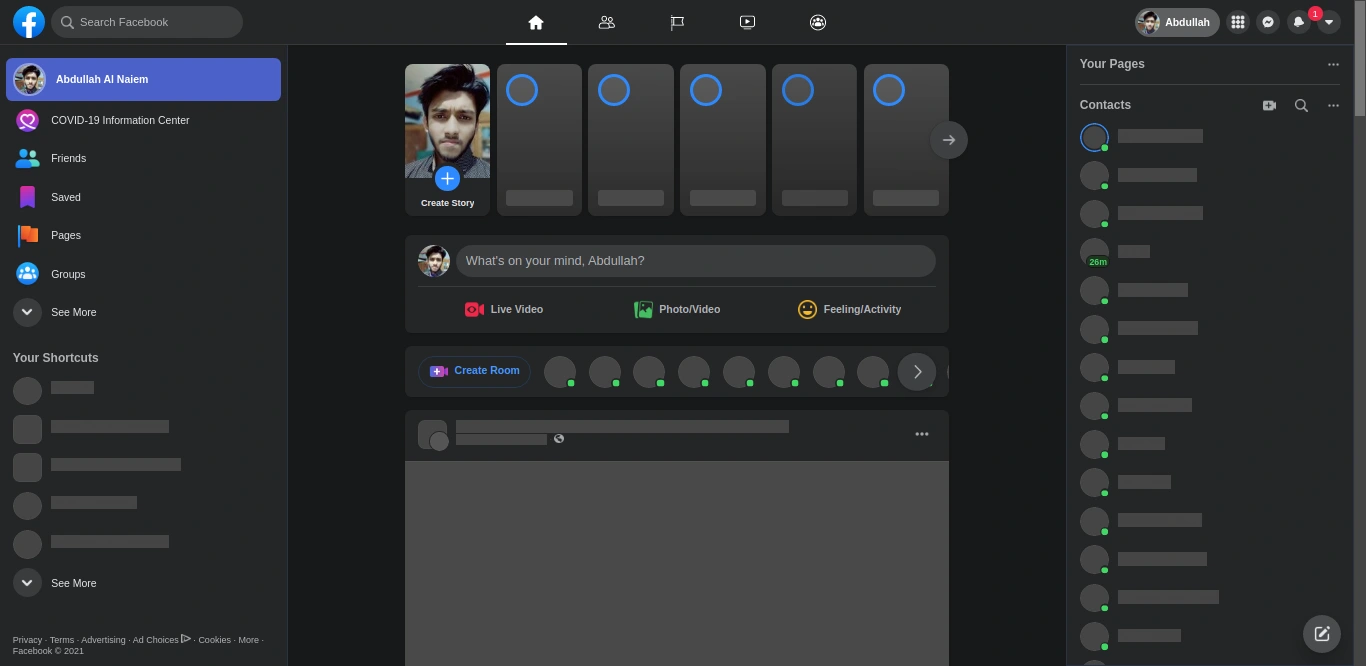
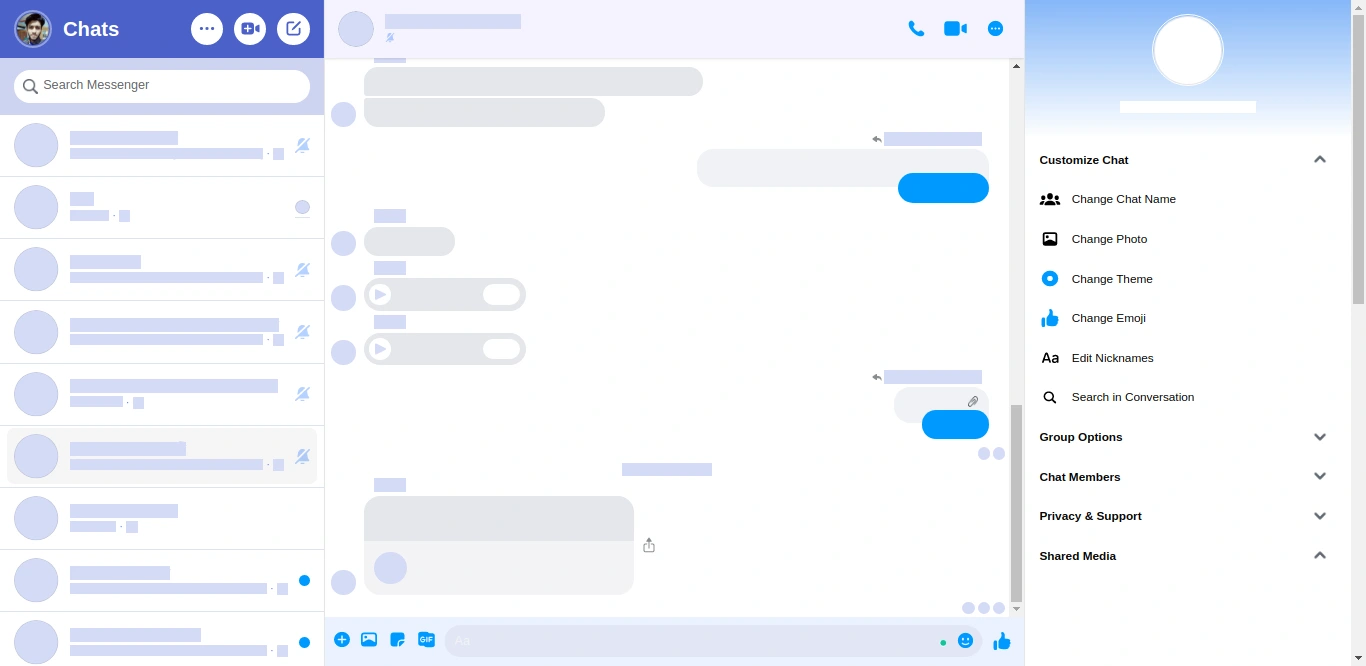
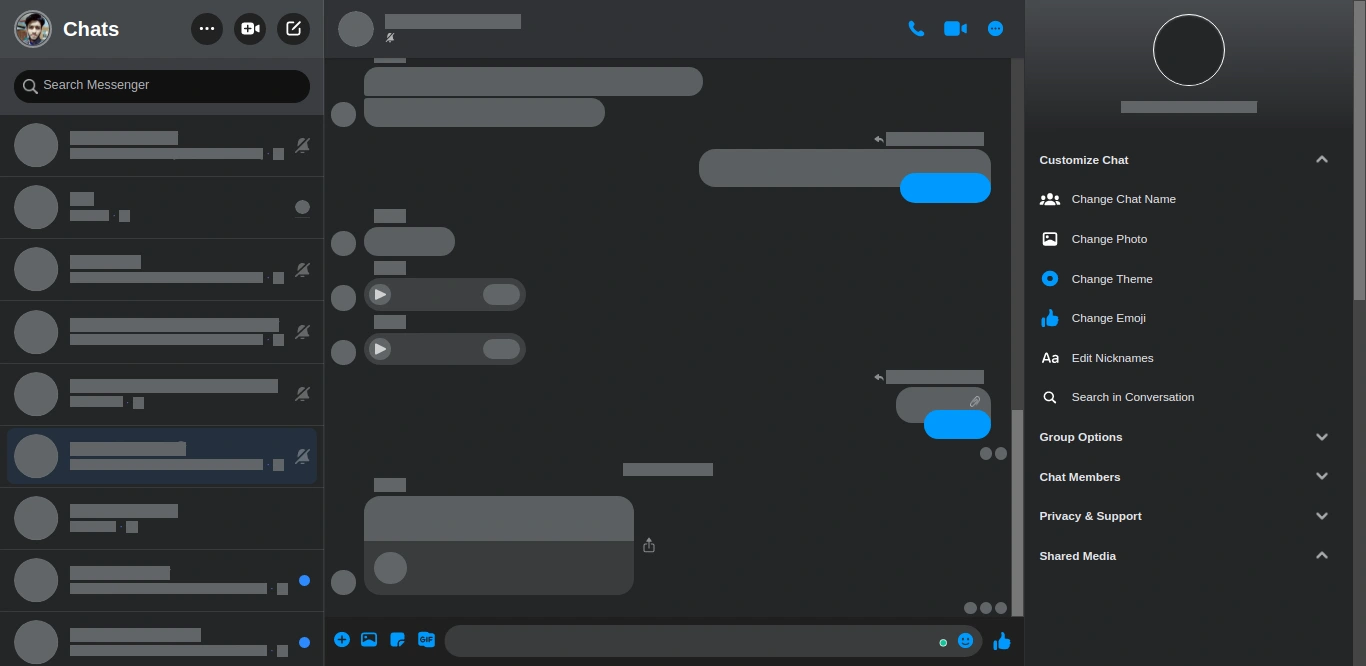
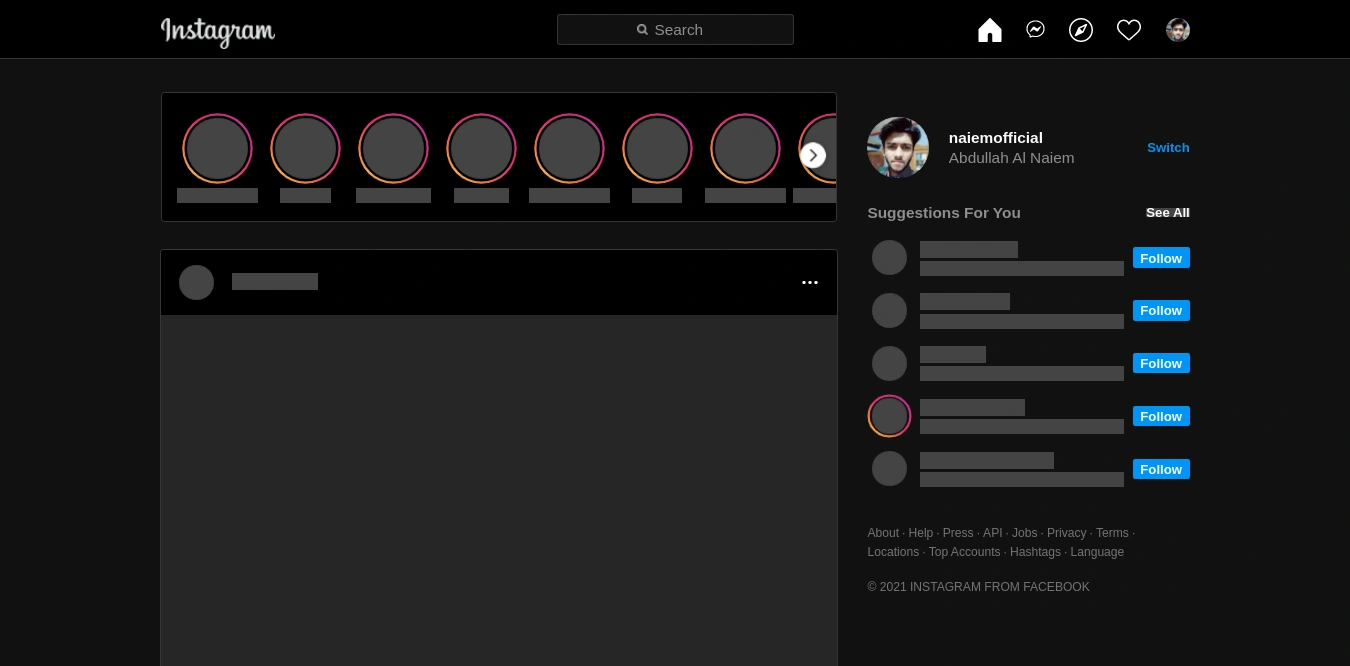
🖼️ Demos
Facebook Light
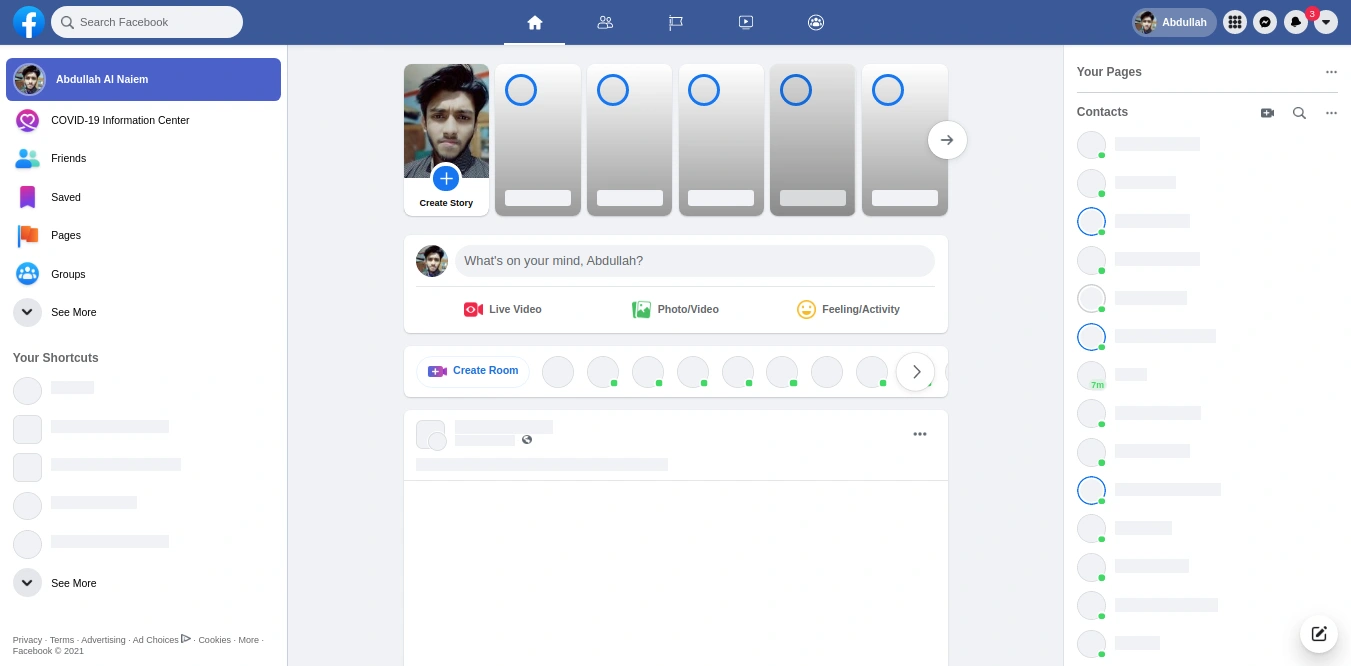
Facebook Dark
Messenger Light
Messenger Dark
Dark Instagram
⬇️ Installation
Click on the
Add to Chrome (or your preffered browser) link from the above table. After installing the addon you can pin it to your borwser in order to access and save preferences instantly.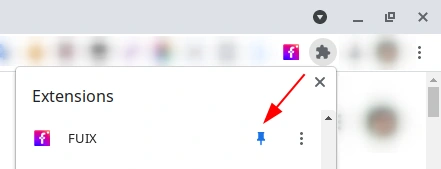
Then click on the

icon from the borwser toolbar or click from the

Extension dropdown (if you didn't pinned it)
⚙️ Settings
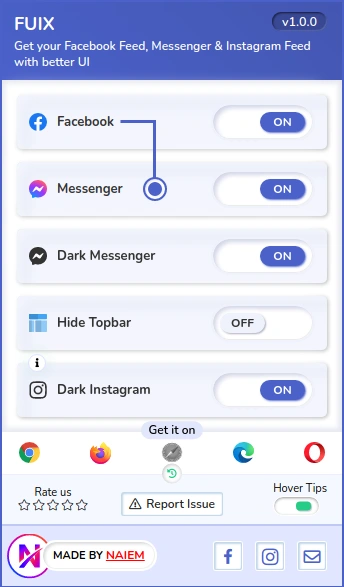
At the footer of FUIX addon you can some action button

Hover Tips:
If you don't want to see tips when mouse hover over every item then click to turn it off

Report Issue:
If something happens wrong with the FUIX addon or you notice any issue just click on the

Button
Rate us:
If you wish to leave us rating click on the star icon

from the FUIX addon footer or click below your preferred browser.


FUIX Interface & Settings
Here you'll get all the optons.
📙 Terms
The styles will be load from the Github repo. So make sure your internet connection is active to see the design.
UI update and changes will be made on the Github repo and it will be loaded automatically on your Facebook, Messenger, and Instagram feed through the FUIX addon.
There's no need to Update the addon to get the UI updates.
Addon can be updated when an internal update or new feature comes up or any bug is fixed.
📝 Important Notes
You can always save your preferences in FUIX. Internet connection isn't required to change the preference. Only required if you want to see the styles in your feeds.
After making changes on FUIX it may take 1-3 seconds to load the styles on your Facebook, Messenger, and Instagram feed. The styles loading delay also depends on your internet speed.
If your Facebook, Messenger, or Instagram feed is opened in your browser and the internet connection isn't active. At that time if you turned off any option that style will be gone if activate that again the styles won't load until the internet connection is active or reload the page.
You don't need to worry if you don't see any changes. There will appear a popup alert what happened.
The webpages style depends on the organized DOM by Facebook / Messenger / Instagram. The DOM can be updated anytime without any notice and you may see design conflicts on that moment or after that. In that case, you can turn off the options for 48-72 hours and we will update the design withon this time.
If you don't see any changes in this time, then create an issue in this repo (follow the next step) or conact me.
If something happens wrong with the FUIX addon or you notice any issue just click on the "Report Issue" button from the FUIX addon footer.
🔒 Privacy Policy
This addon only append styles from the Github repo to your feeds as per the saved preference. It doesn't collect any personal data or any sensitive information from your browser.
🔒 Contact
Request: If you wish to give suggestion to update UI or notice any conflict by FUIX. Please make a pull request.
Like this project
Posted Jun 12, 2025
Developed FUIX, a browser extension for updating social media UI.
Likes
0
Views
7