Tyms AI UX & UI Web Application Design

Muhammed Adepoju

Cover Image
Tyms AI – Redesigning accounting so it feels less like… Accounting
High-fidelity UX & UI redesign
Integration flows (accounting, e-commerce, payments)
Dynamic dashboards, reports, and tables
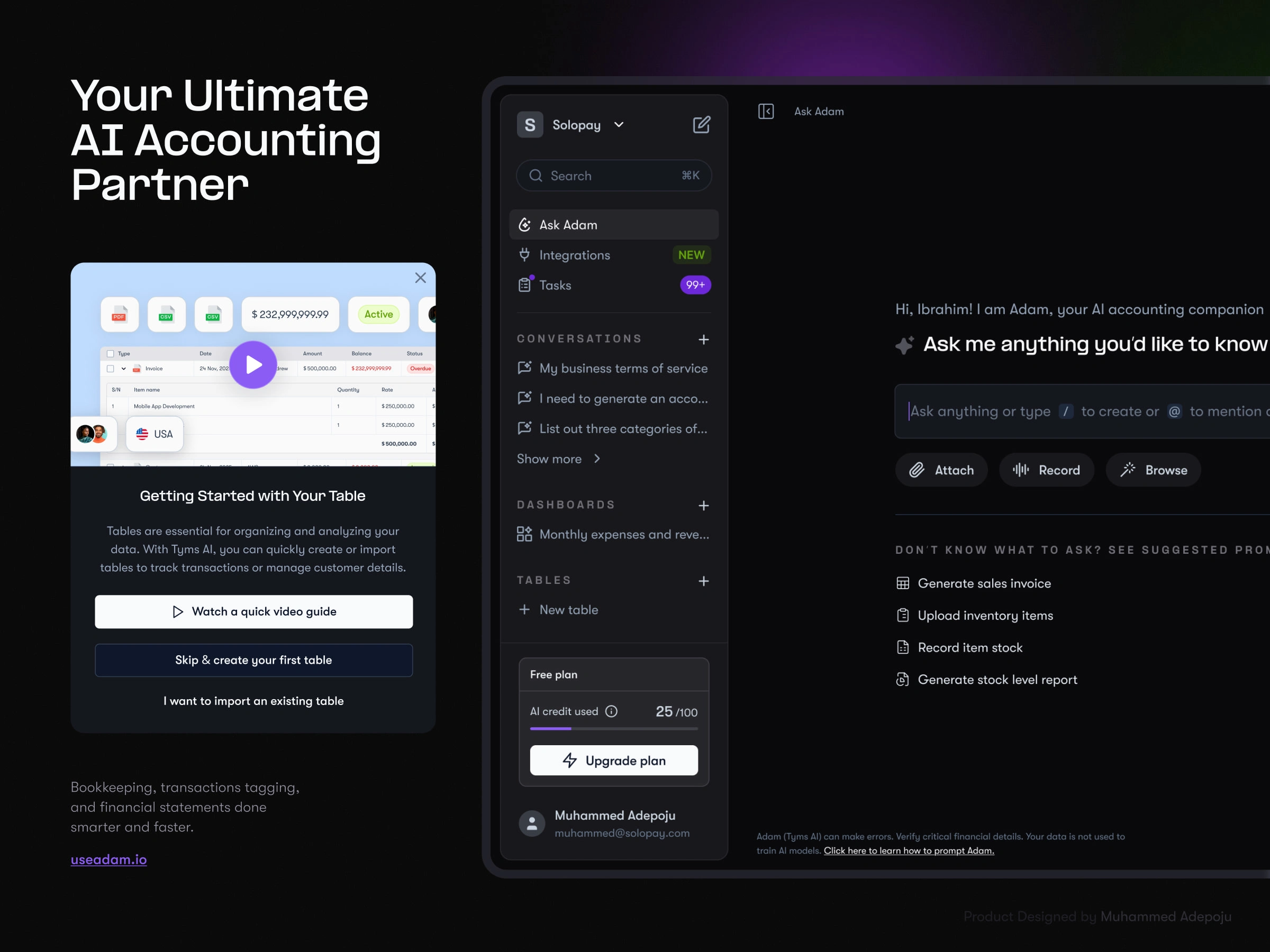
Ask Adam conversational interface
Light and dark mode design system
Year: 2024
Why I Took This On
Tyms is a full accounting platform, similar to QuickBooks, Xero, or Zoho Books. It gives businesses the backbone they need to manage invoices, ledgers, expenses, and reports. But here’s the catch: as powerful as it was, it often felt too generic.
Users wanted something simpler. They didn’t want to spend hours filling forms or navigating complex tables. Some even subscribed, only to cancel later, because the effort outweighed the value. What they were really asking for was an accountant they could talk to, someone who could pull answers and insights out of their data without making them work for it.
That is where Tyms AI came in.
How I Found My Place in the Project
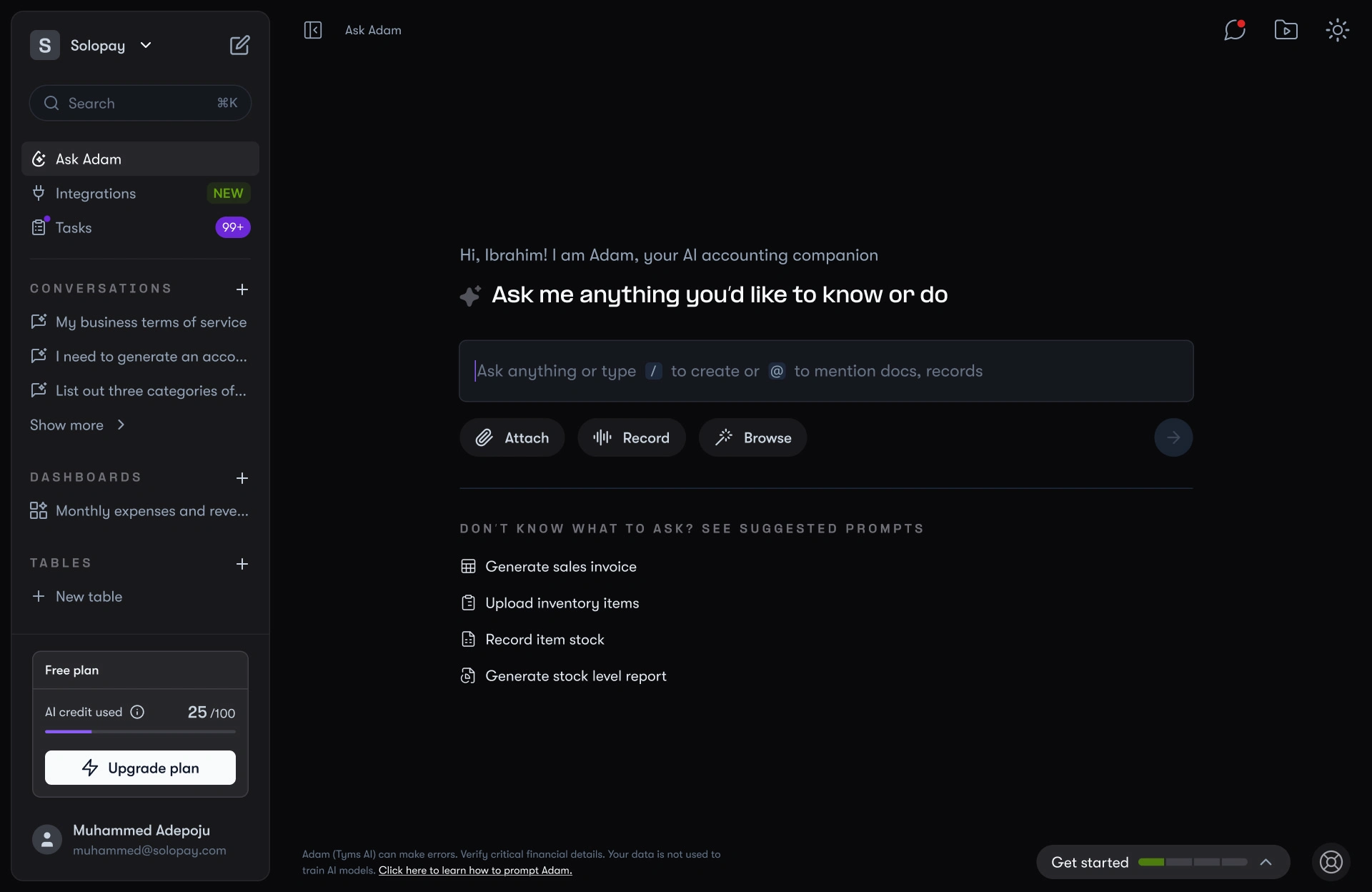
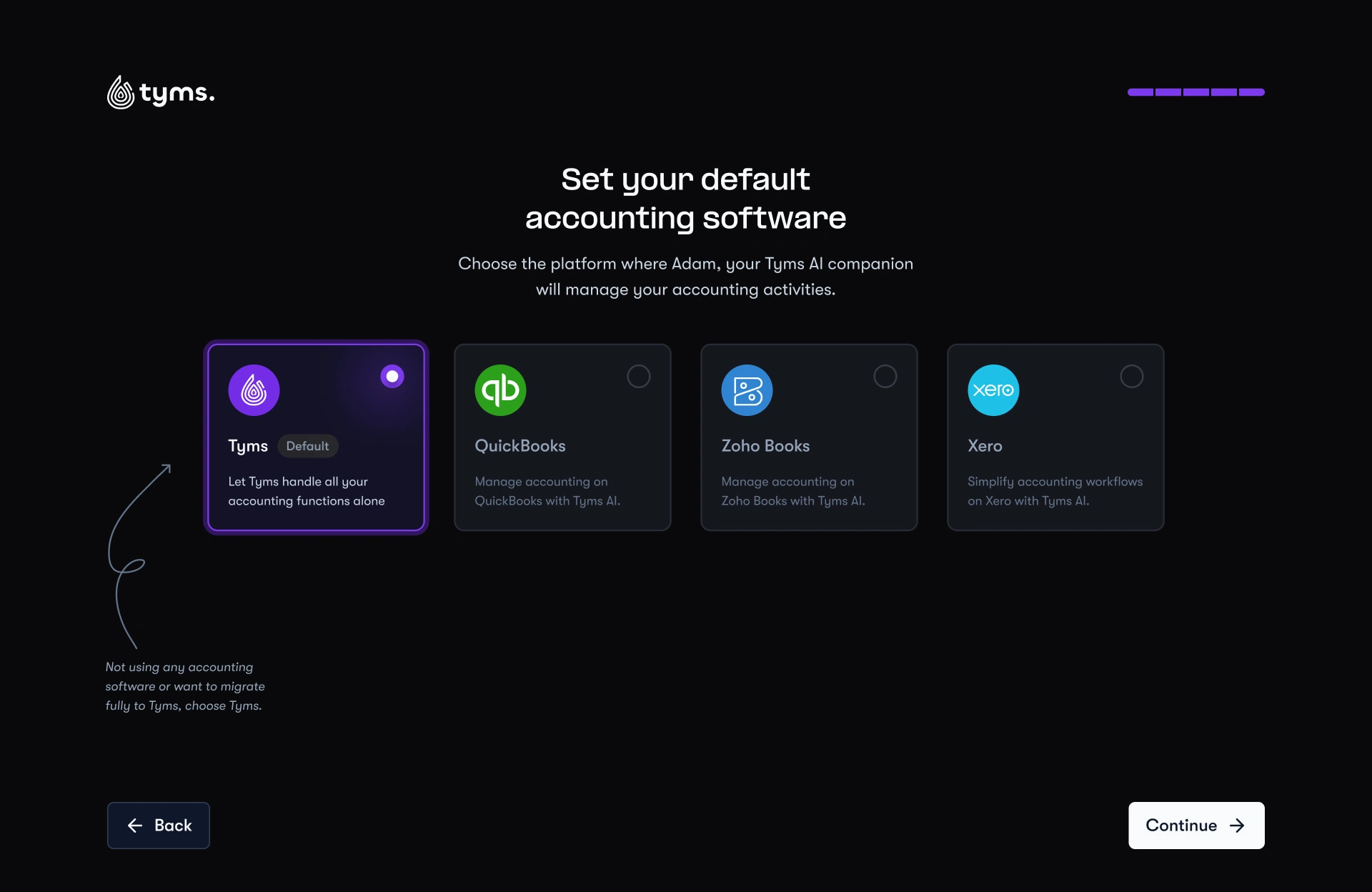
I joined the project as the UX and UI designer tasked with shaping Adam, the AI accountant. My role was not to redesign Tyms itself. The accounting platform already existed. Instead, I had to design the bridge: a conversational layer that sat on top of Tyms and could even connect with other accounting software like QuickBooks and Zoho Books.
My goal was to make Tyms feel less like an accounting system and more like a partner that listens, understands, and helps.
The Problem No One Likes to Admit
Accounting software has always had two reputations. For accountants it is powerful but rigid, leaving little room for flexibility. For business owners it is intimidating, time-consuming, and almost impossible to relate to.
Tyms had the same challenge. It was solid as an accounting tool, but for many users it still felt like just another QuickBooks. Generic, form-heavy, and not differentiated enough to keep people engaged.
Users told us in different ways:
“I don’t want to fill endless forms.”
“I want to talk to the software and just get what I need.”
“If I give you my data, help me make sense of it.”
This gap between managing data manually and getting value conversationally was the real opportunity.
My Way In
I wasn’t an accountant, so I had to catch up quickly. I couldn’t just assume how people worked, I needed to see it firsthand. I spent time digging into how accountants used traditional software, reading through their workflows, and asking questions about what frustrated them the most. Things like reconciliation, approval chains, and reporting all had layers I had to unpack.
For products I couldn’t access directly or that required booking a demo, I leaned on mobbins. Not to copy their UI, but to study how they structured information and connected flows in ways that created real value for businesses.
At the same time, I studied how non-accountants (small business owners, freelancers, managers) approached money. They weren’t thinking about double-entry bookkeeping or complex ledgers. They just wanted answers: Am I profitable? Where is my money going? Can I trust these numbers?
That contrast between accountants who needed depth and non-accountants who needed clarity gave me a clear lens. It showed me that if Tyms AI (Adam) was going to succeed, it couldn’t feel like a textbook or an exam. It had to feel like a conversation where you ask something in plain English and get back insights you can actually use.
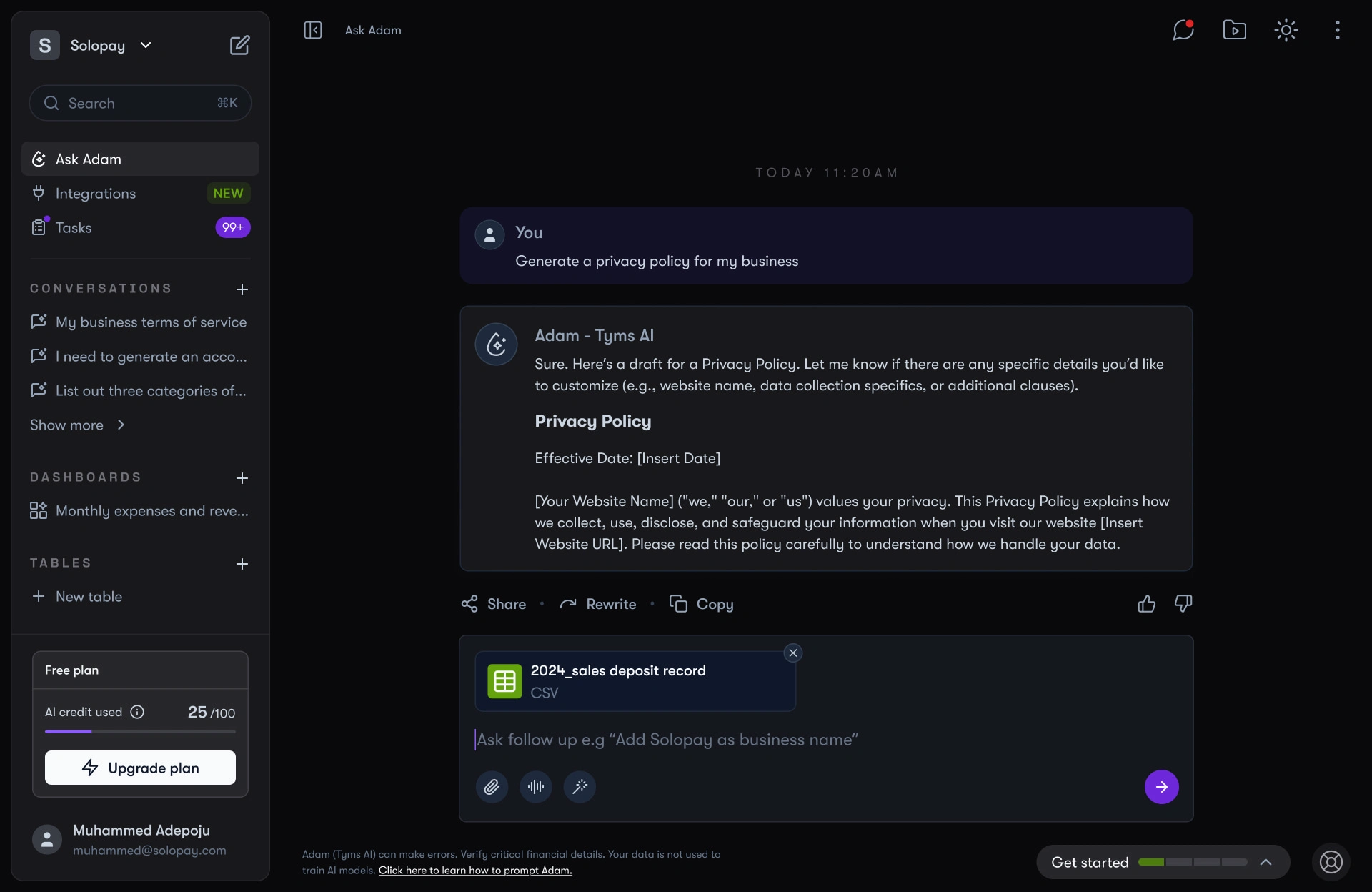
Tyms AI, or as we called him, Adam, was built to be that missing accountant. Adam does not replace Tyms. Instead, he makes Tyms and other platforms easier to use by turning complex accounting actions into simple conversations.
Adam was designed to:
Handle different inputs: text, audio, and file uploads.
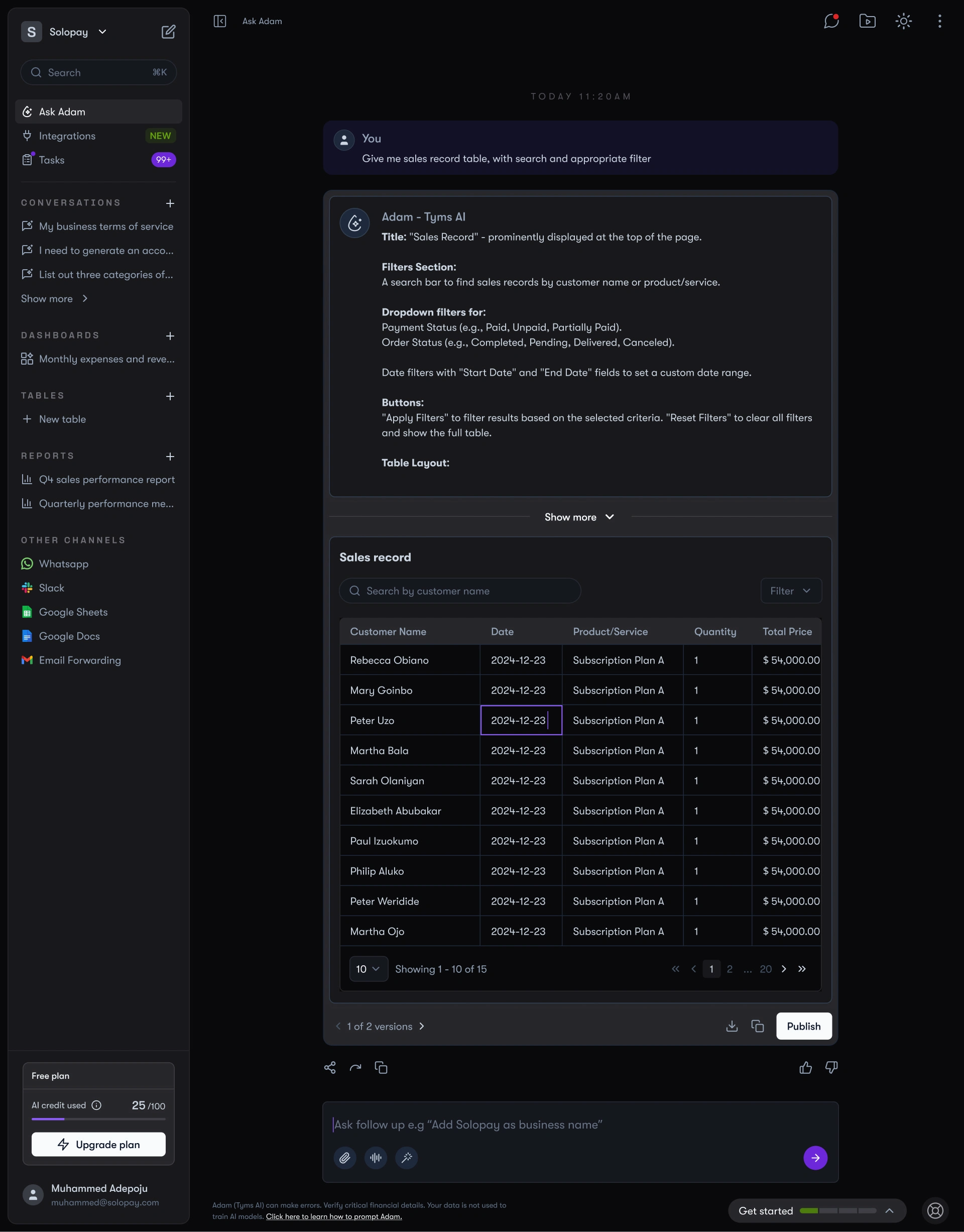
Reply in dynamic formats: not just plain text, but charts, tables, and analytics cards.
Support reusability: users could reuse past messages, export insights, or even share conversations publicly.
Stay integrated: pulling data directly from Tyms, QuickBooks, Zoho Books, Shopify, Stripe, and more.
With Adam, asking “What’s my cashflow this quarter?” became as simple as sending a message. Instead of forms, users got an answer they could act on immediately.
What We Built Together
This is where Tyms really came alive. A few highlights:
Onboarding
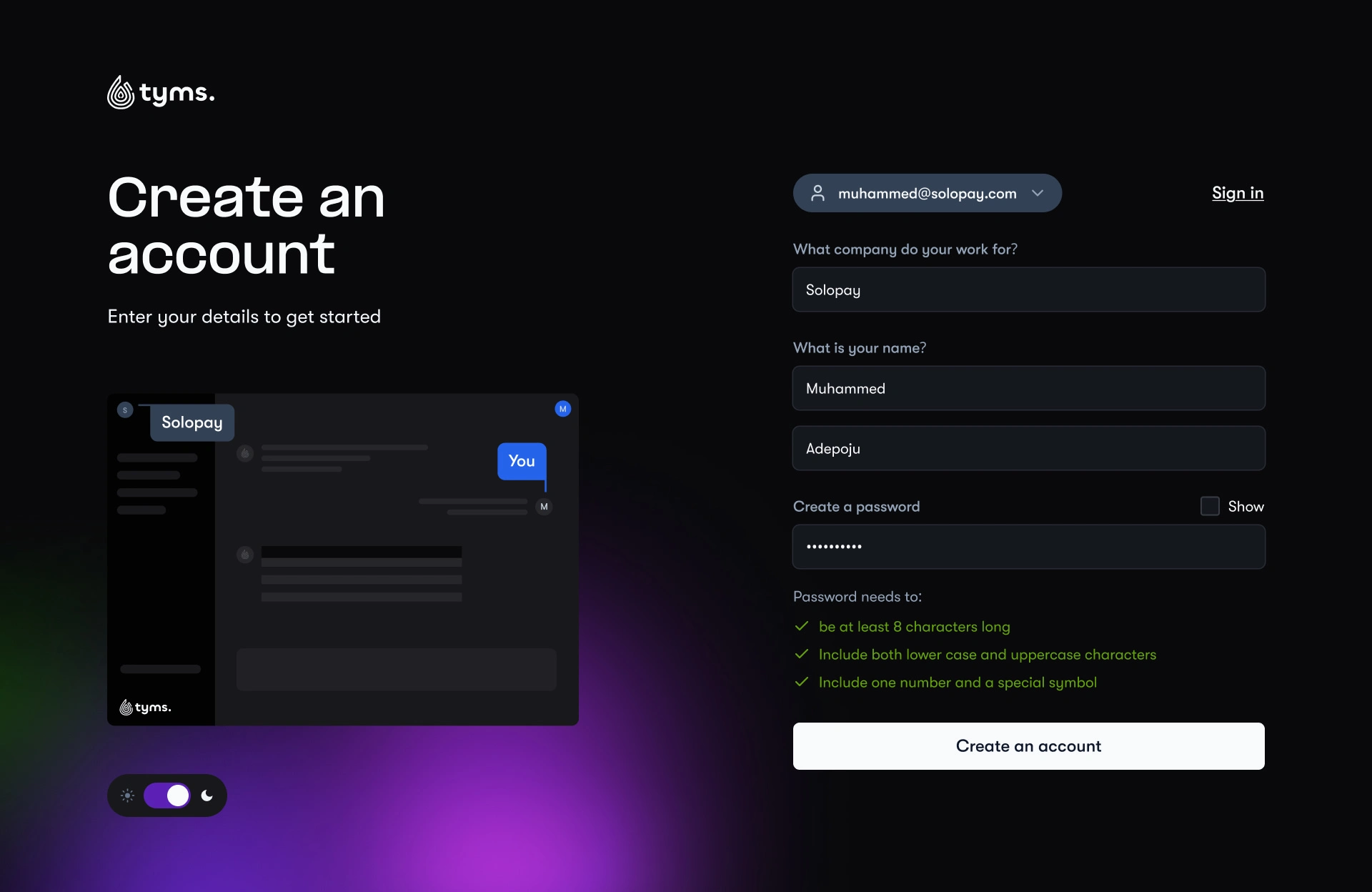
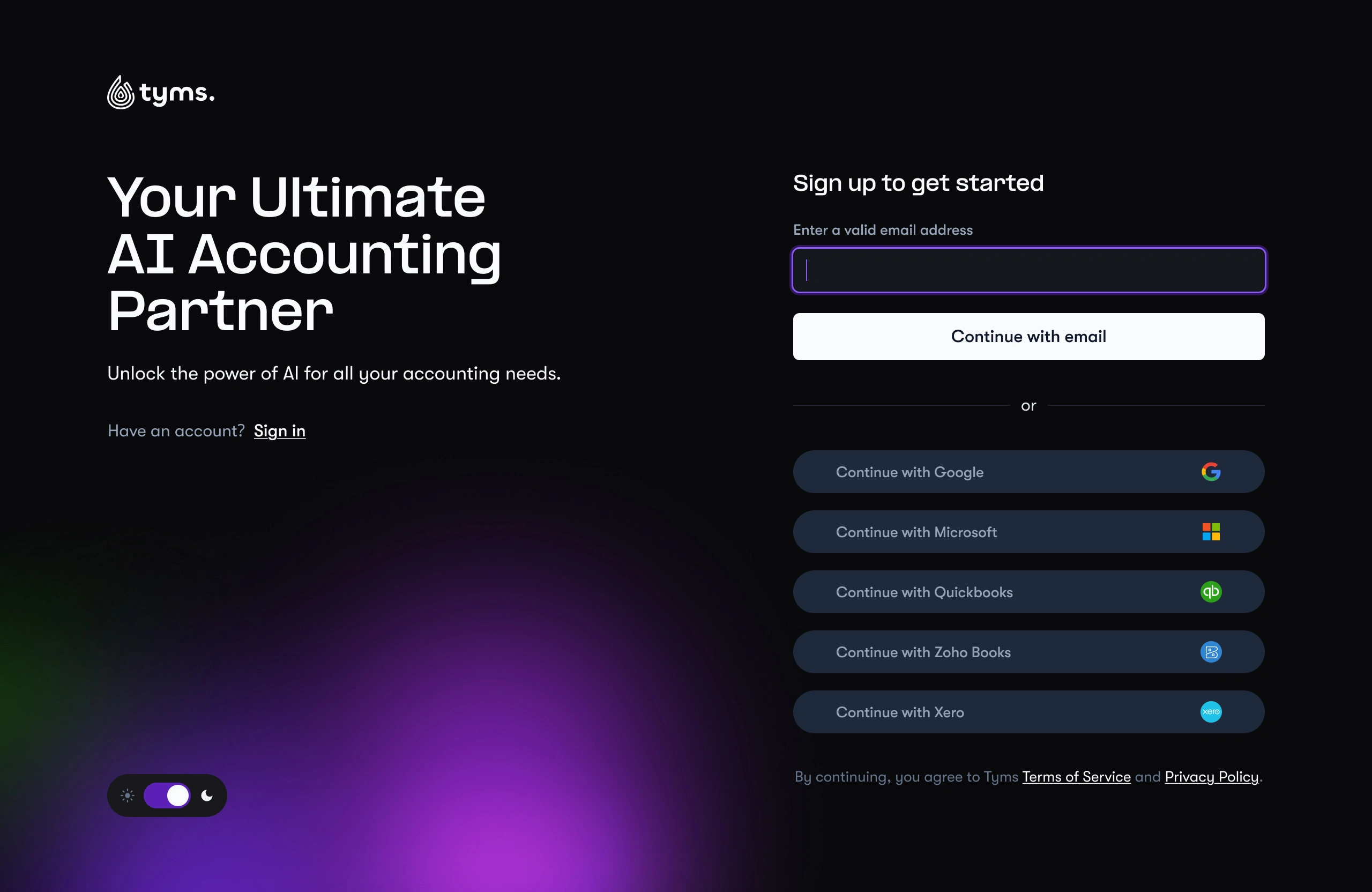
Users could sign up with email, Google, Microsoft, or even directly through QuickBooks, Zoho, or Xero. If they picked one of those, we pulled their business data automatically, saving them hours of setup.
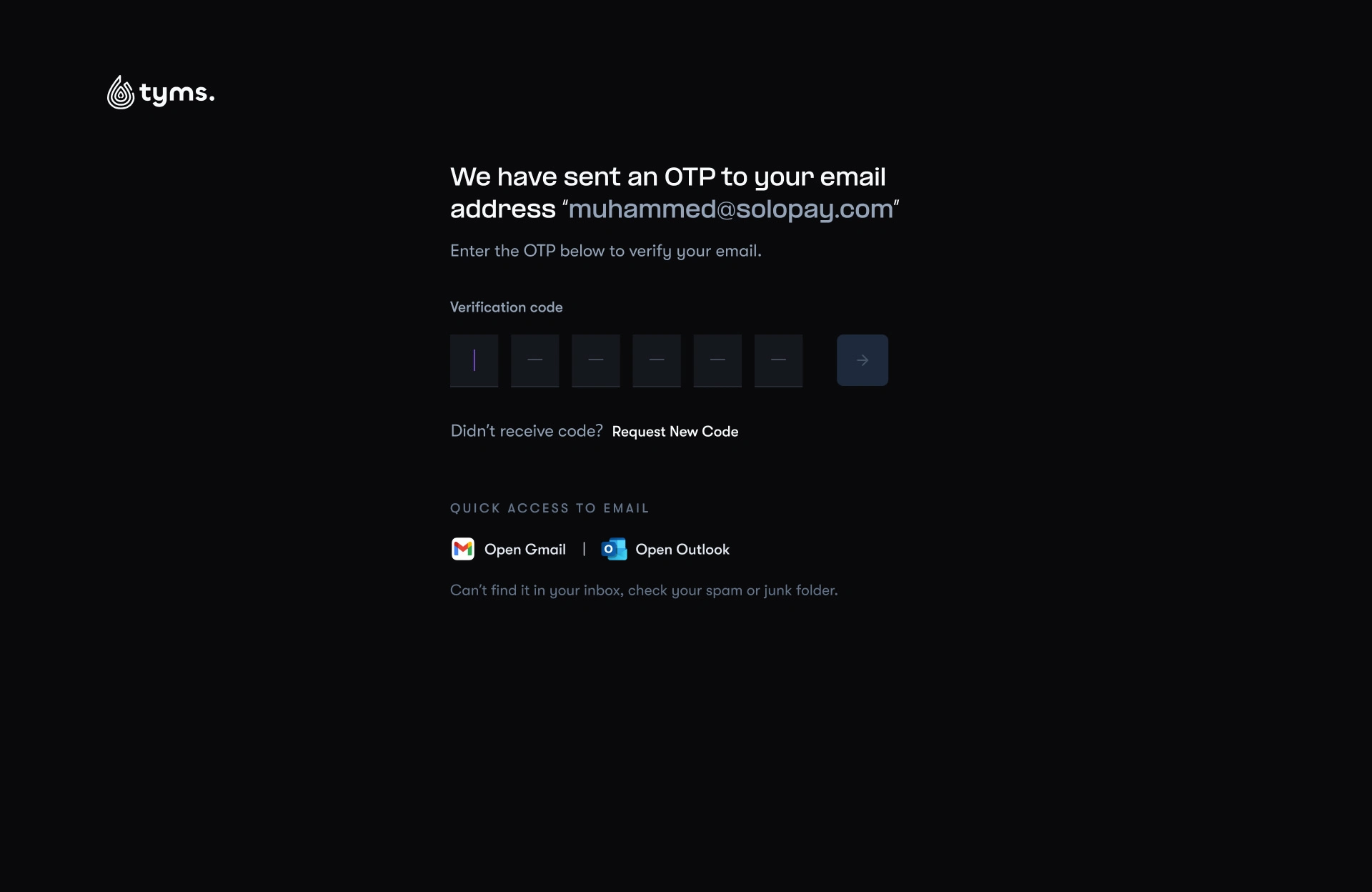
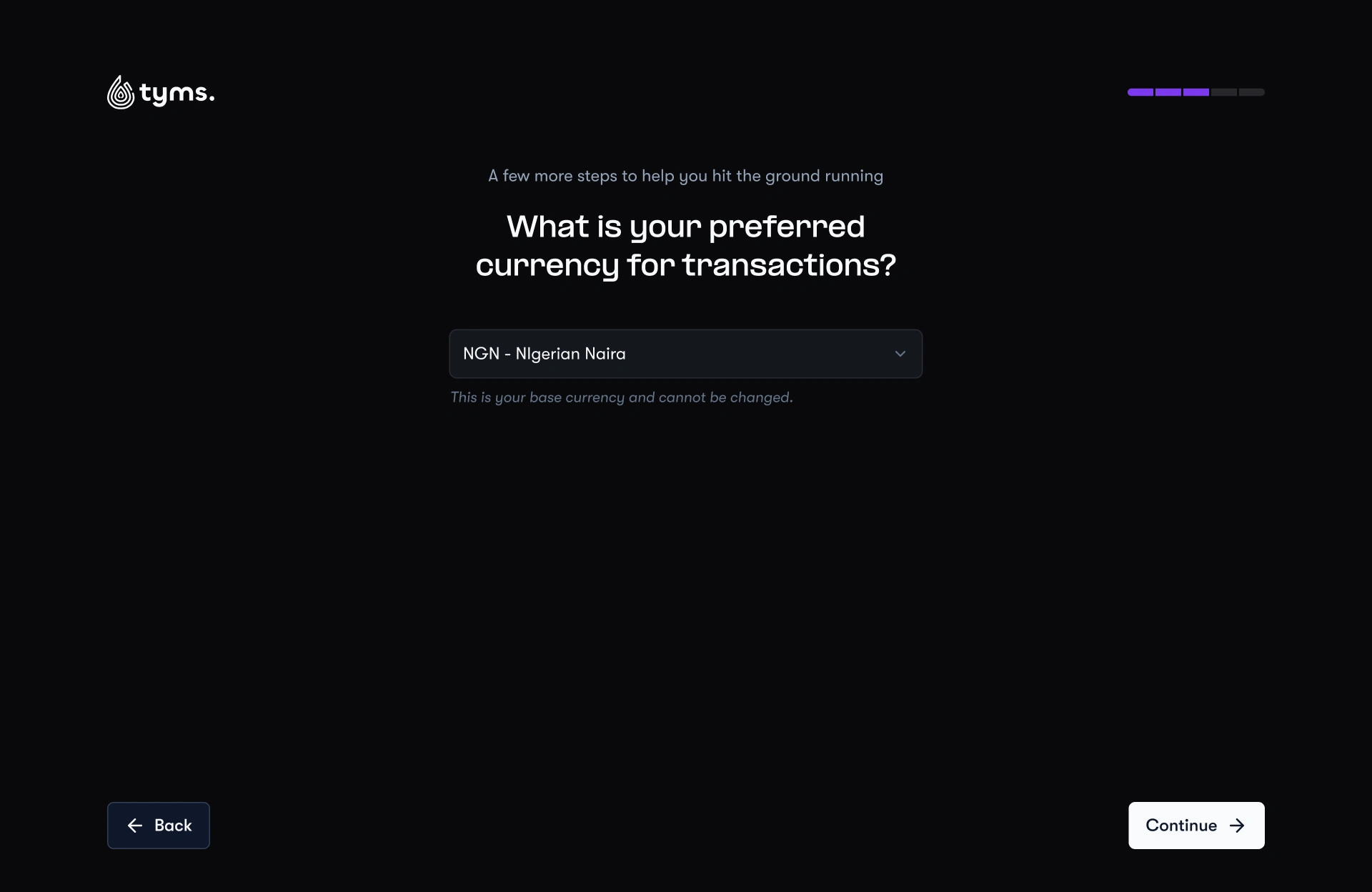
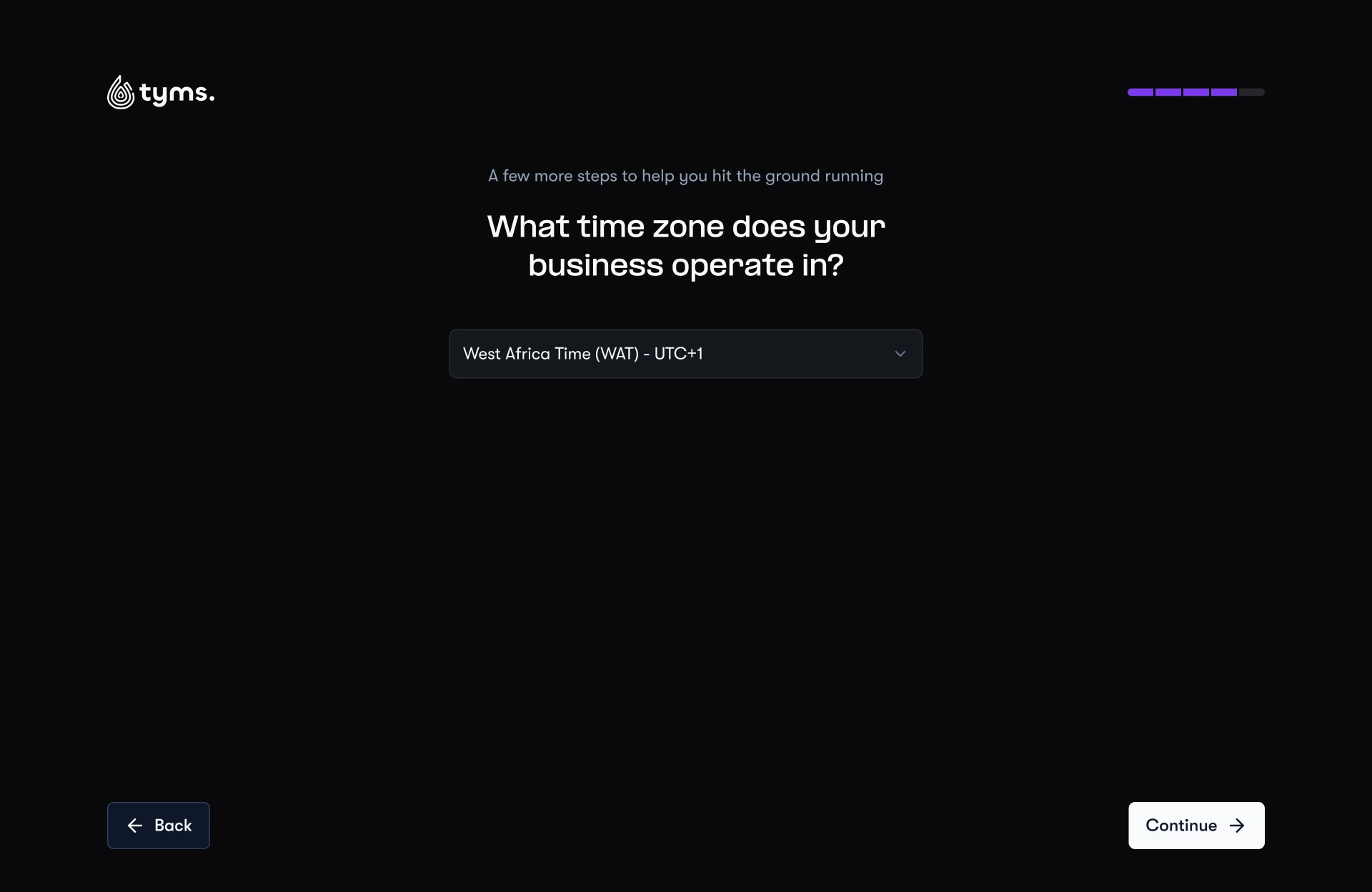
But we didn’t stop there. Once users were in, we asked a few lightweight post-onboarding questions. The goal wasn’t to overwhelm them, but to get just enough context. This gave Tyms AI a sense of who it was serving, so features like dashboards and reports could feel more tailored from the start.
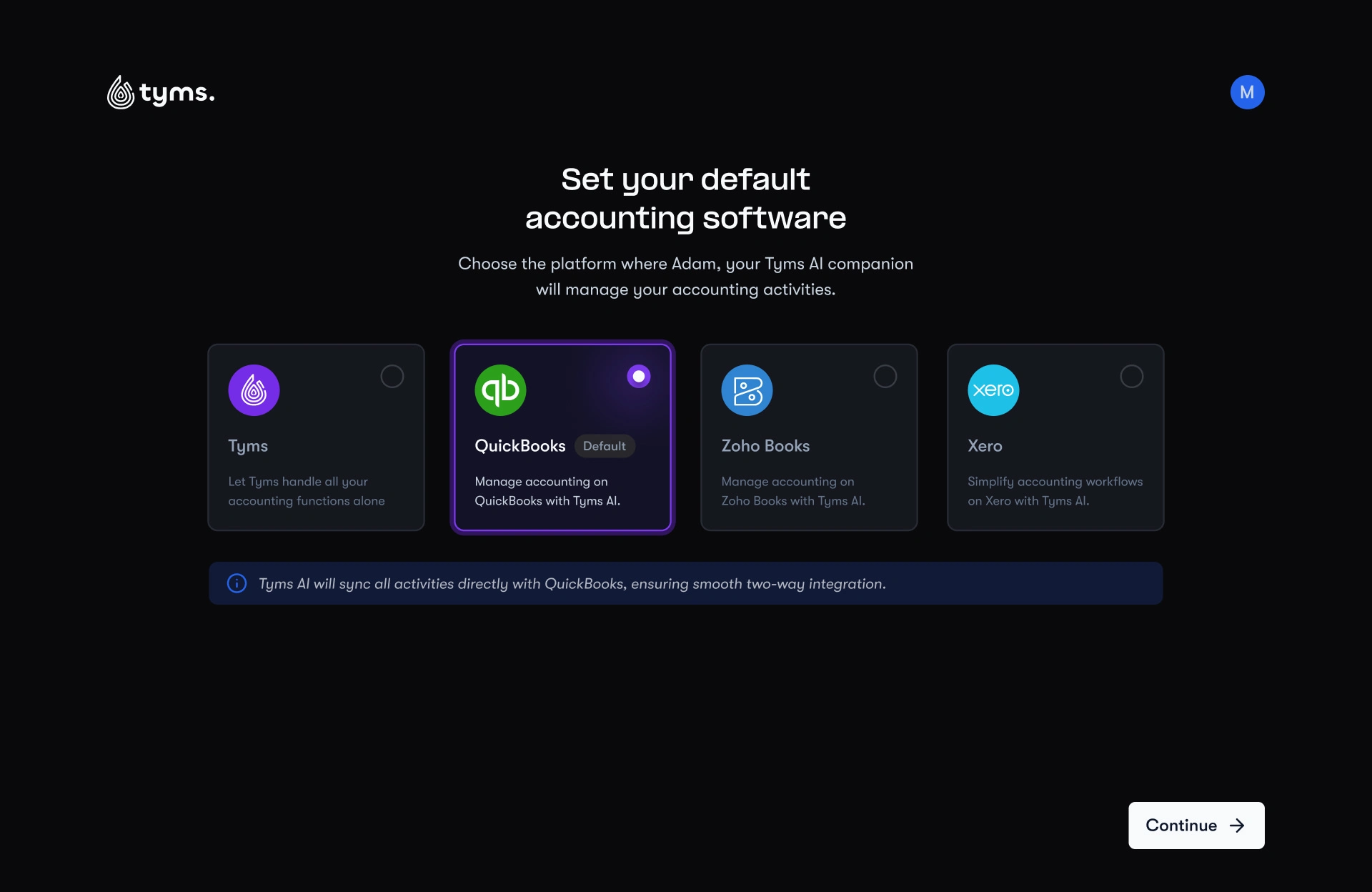
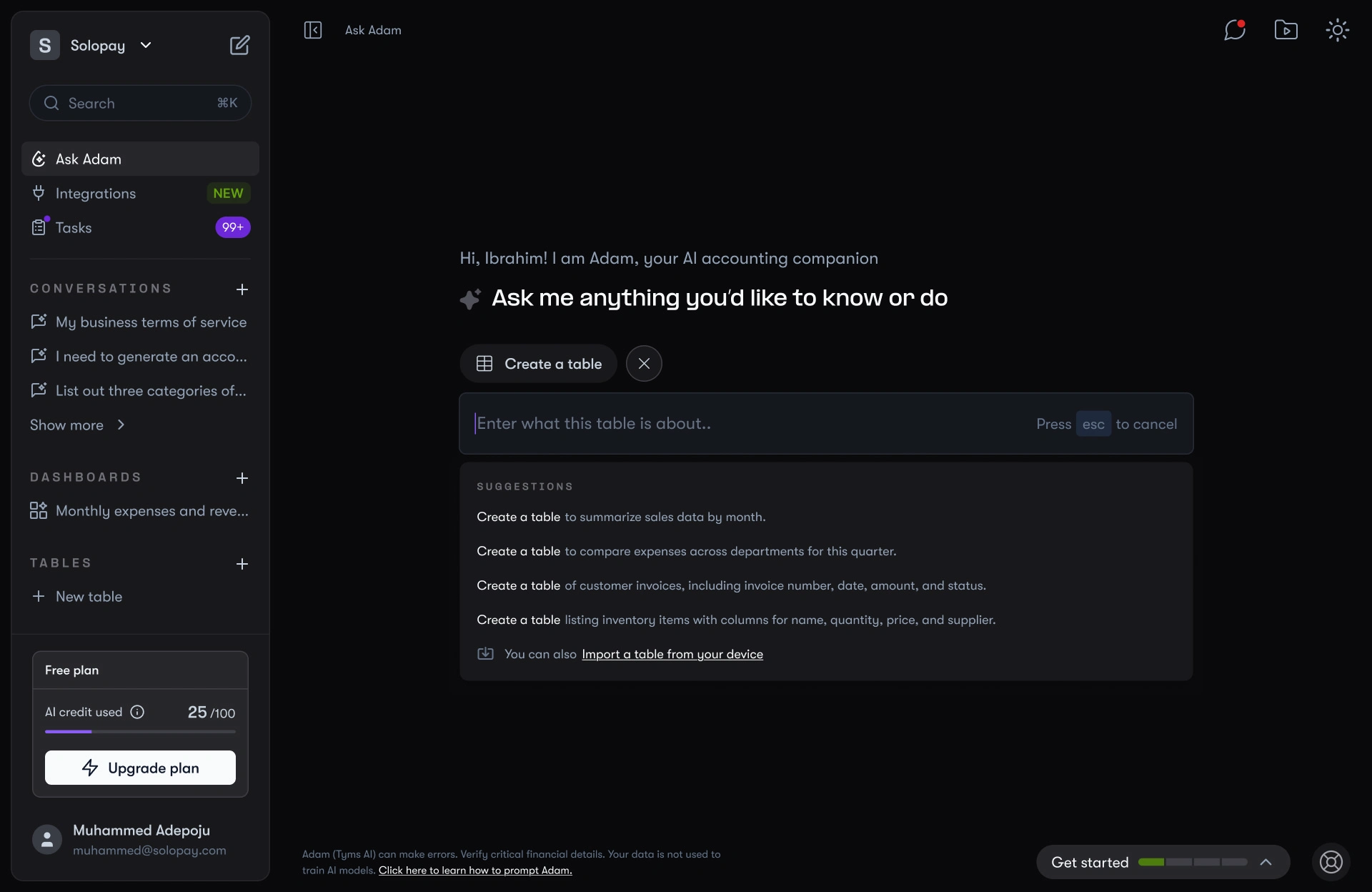
“Ask Adam”: the accountant that talks back
Instead of learning reports, users could just ask. Adam handled text, files, and audio, and replied with dynamic outputs, charts, tables, analytics cards. Conversations could be shared or reused like threads.
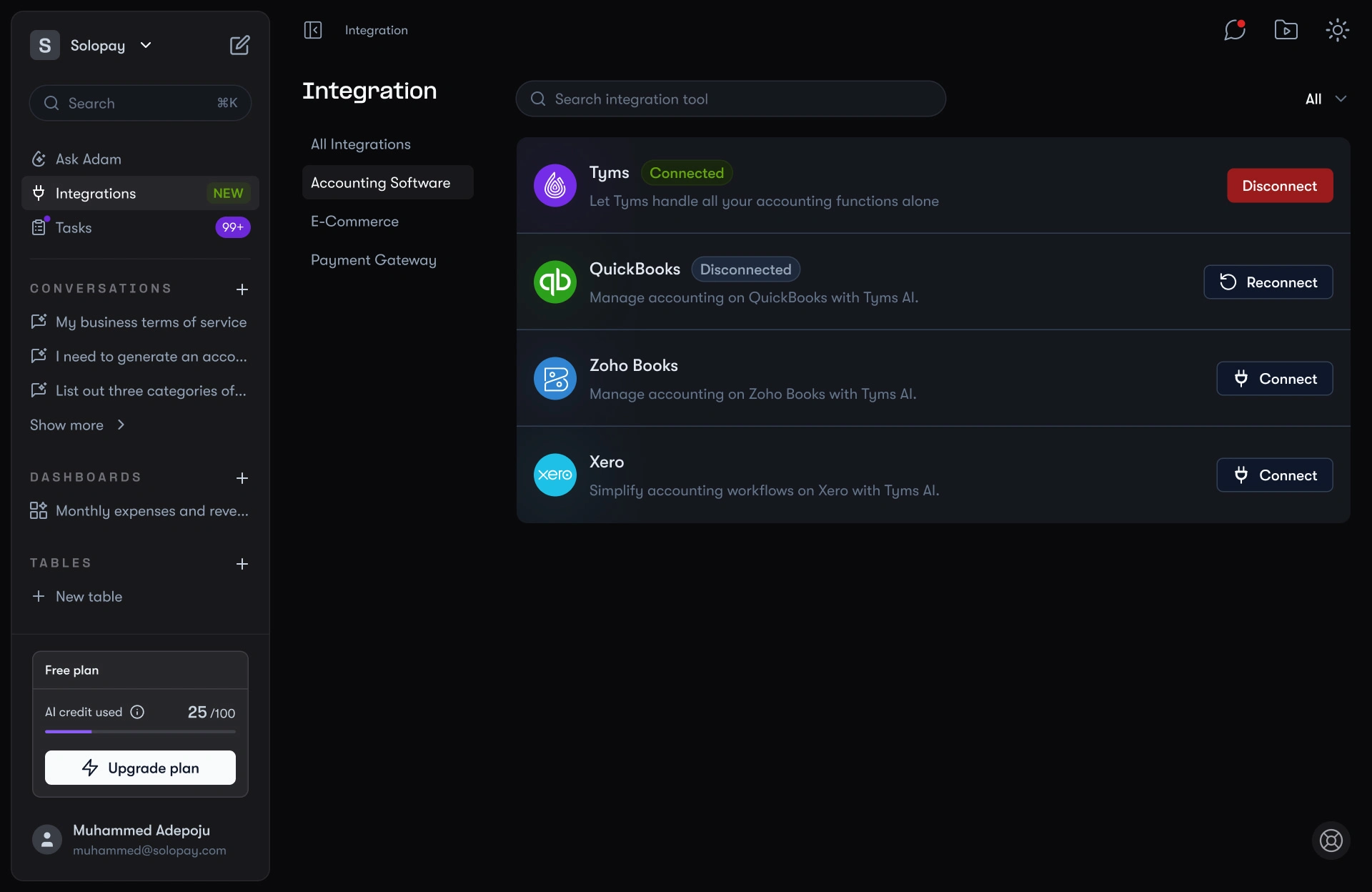
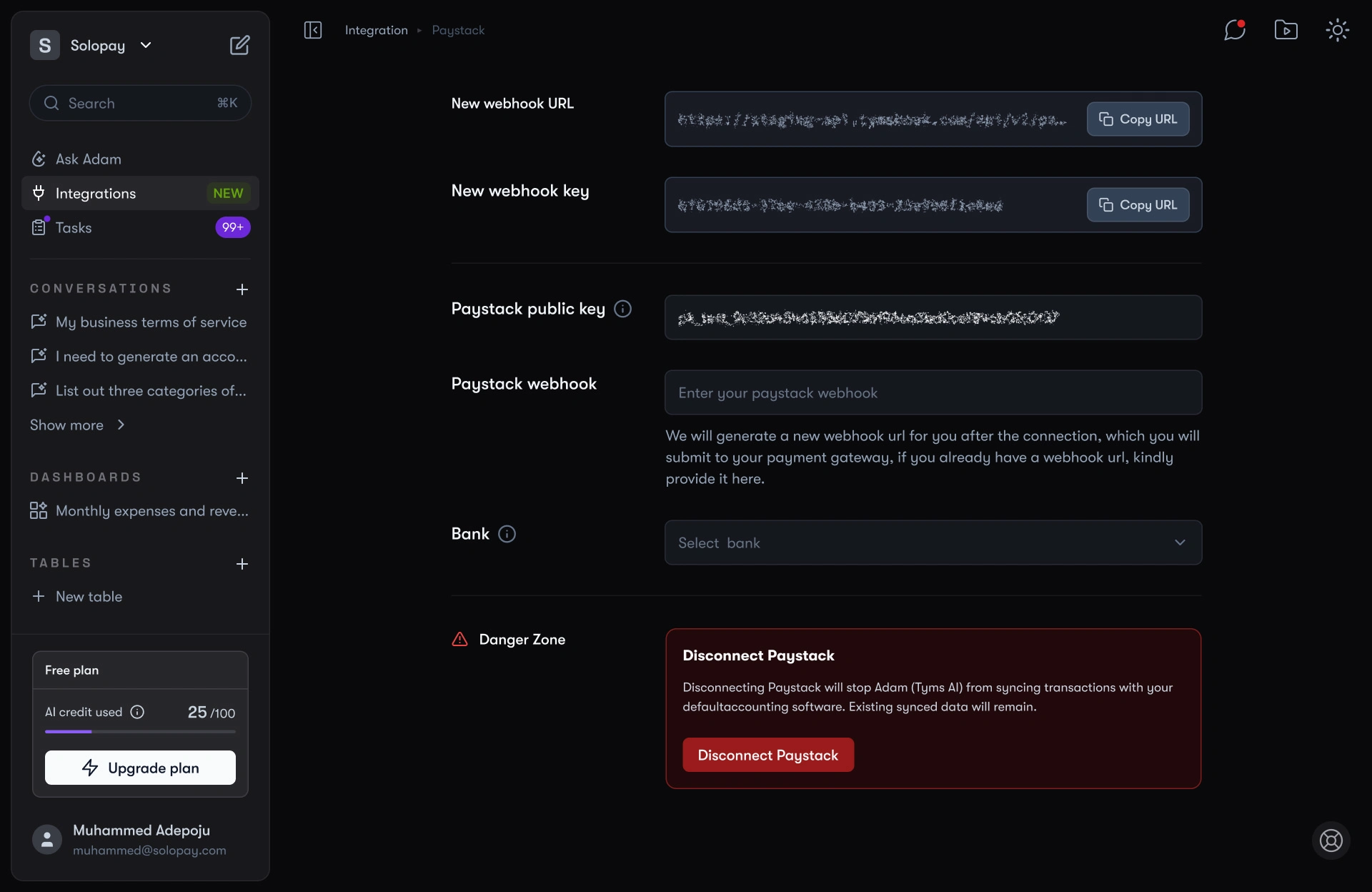
Integration
Accounting platforms, e-commerce systems, and payment gateways could all connect in one place. Each came with thoughtful options, like linking sales accounts or mapping payments to bank accounts.
Tasks
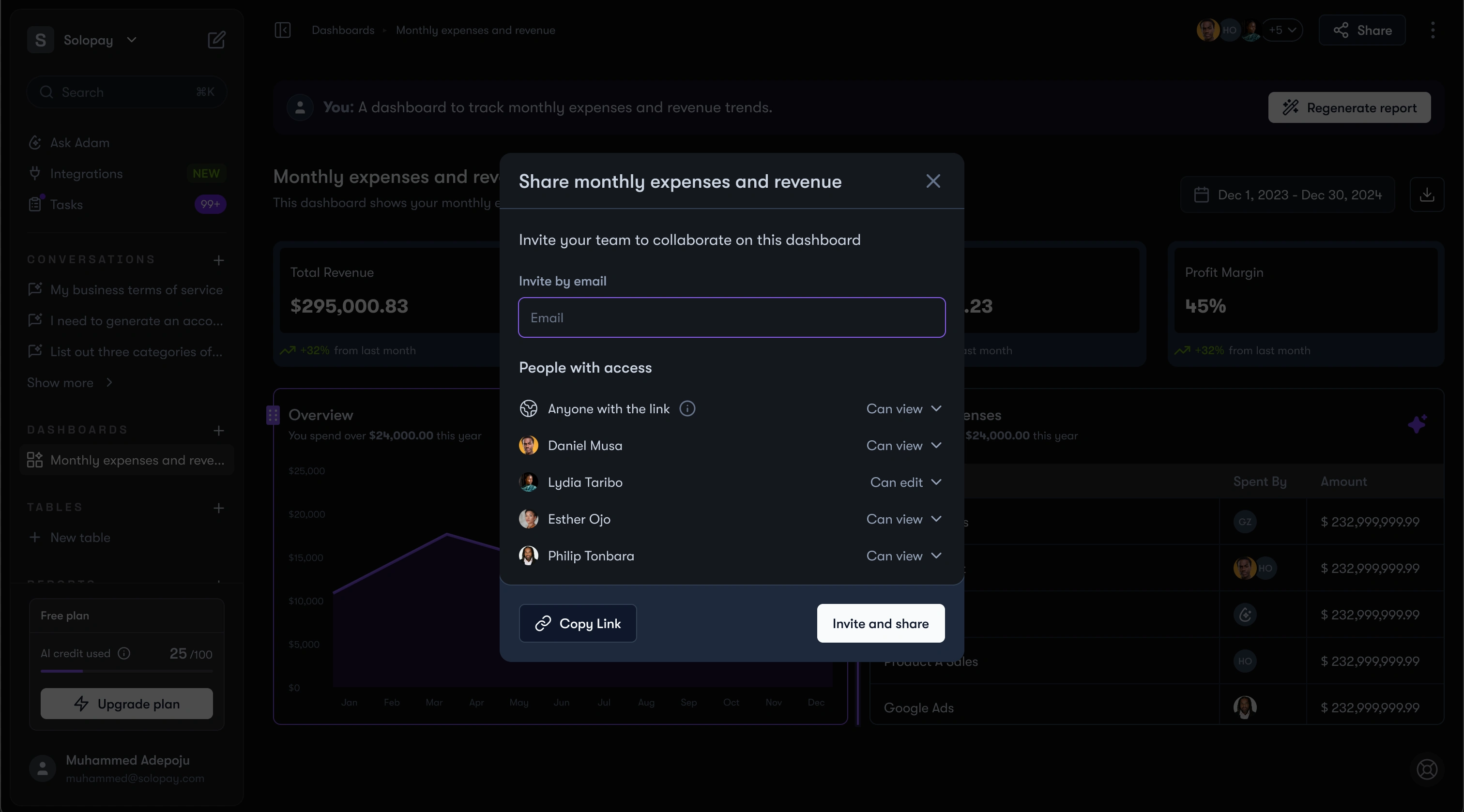
To-dos, approvals, even AI-delegated work all lived in one table. Recurring, scheduled, or auto-generated when something needed sign-off.
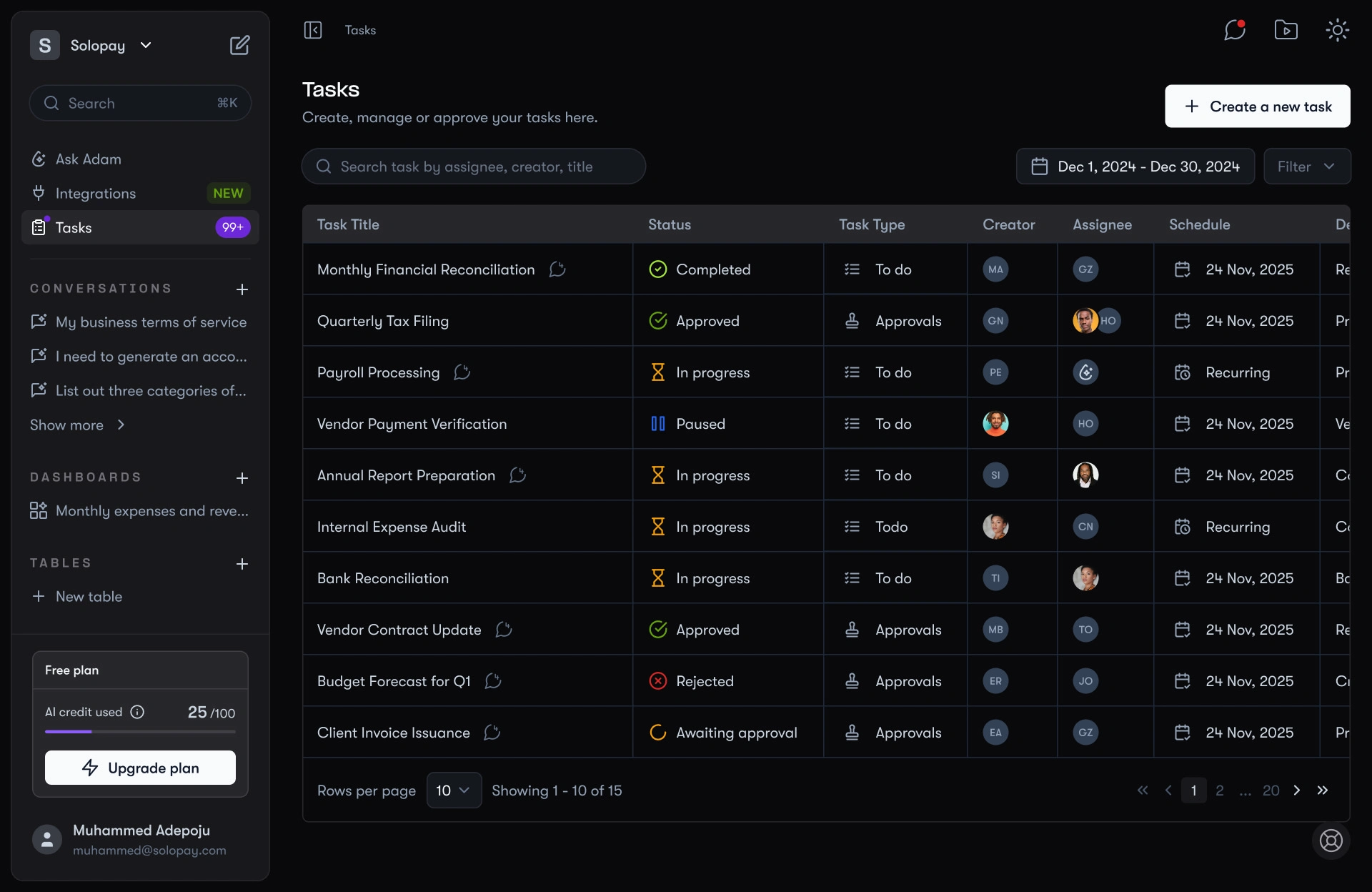
Task Management
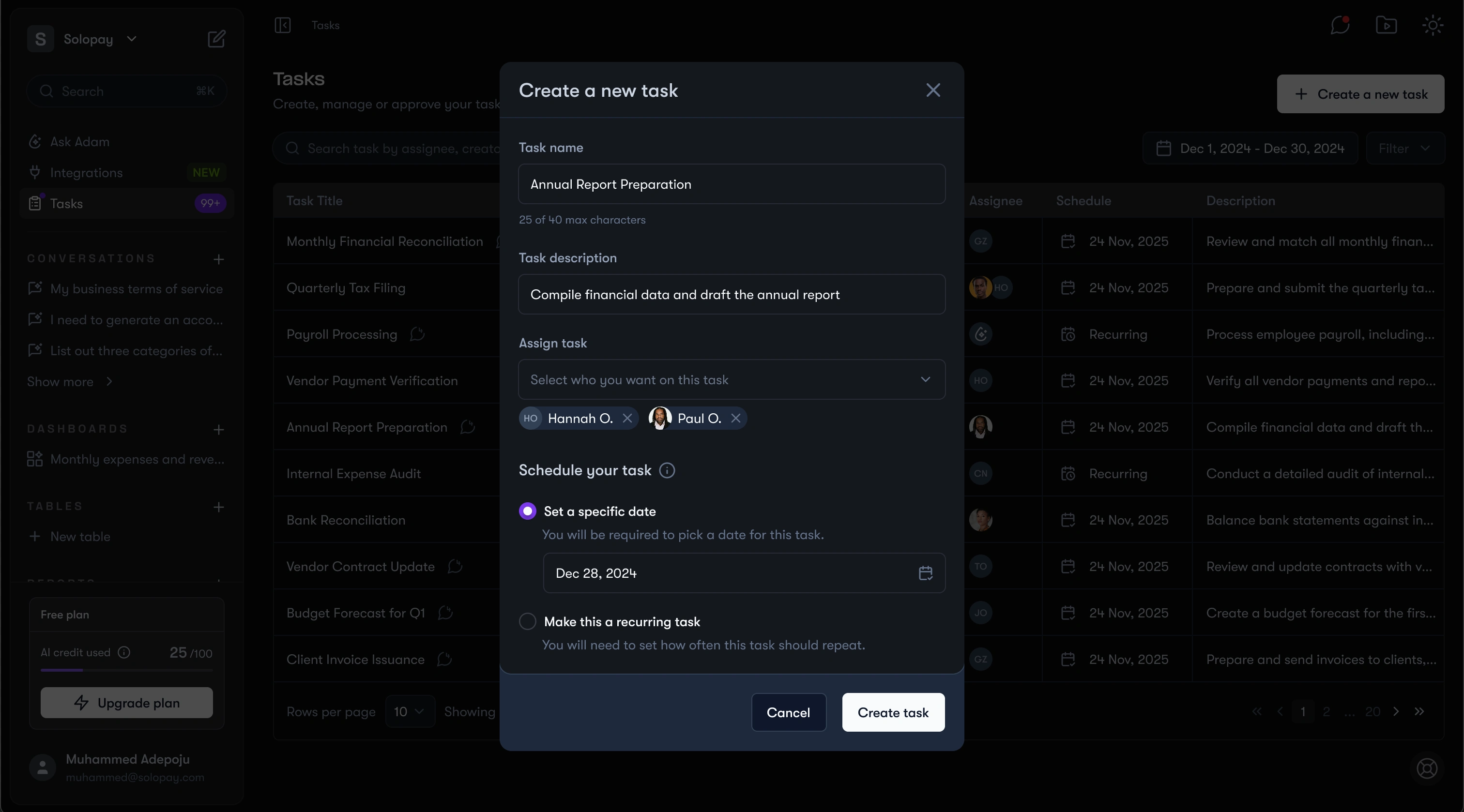
Create new task
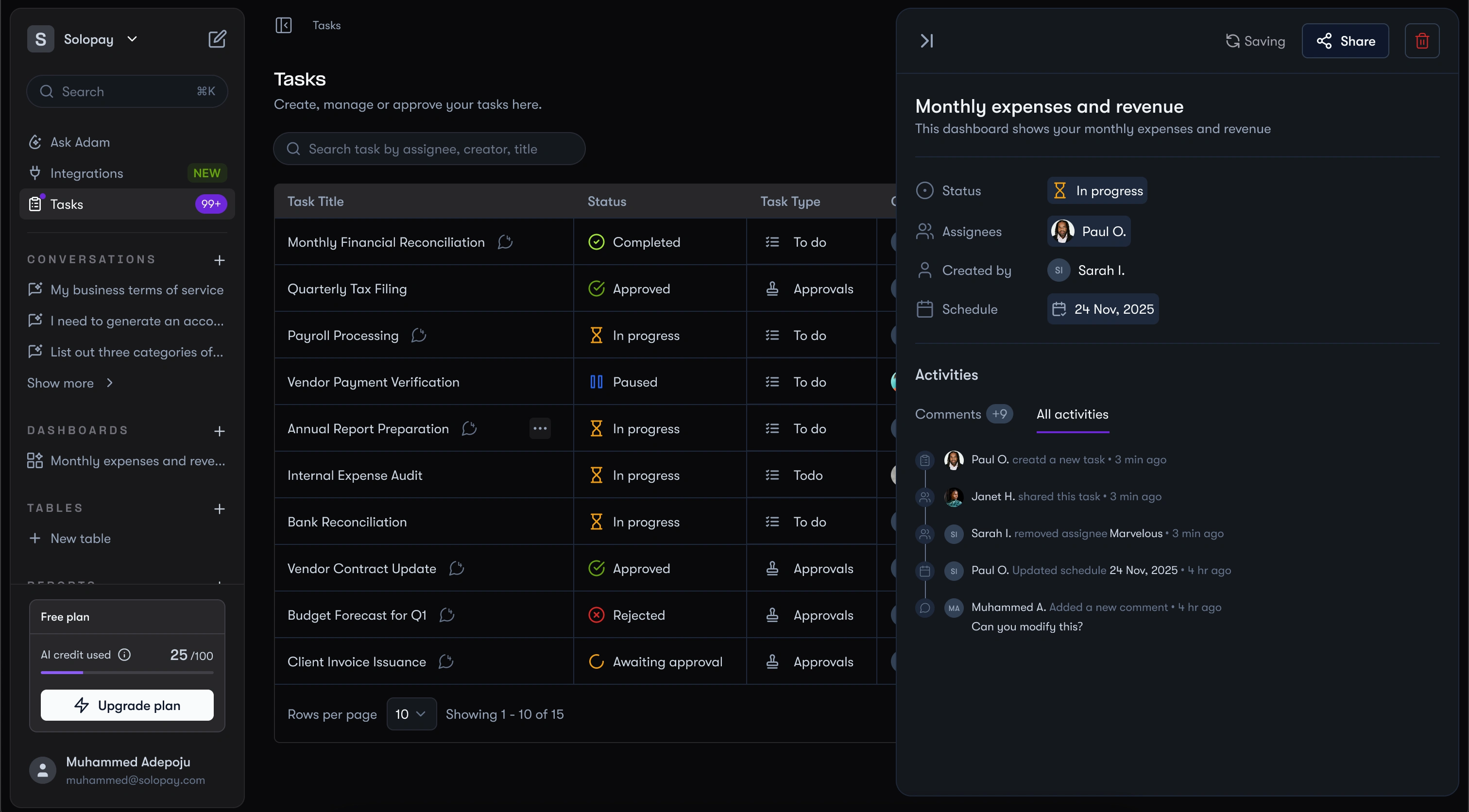
Task details
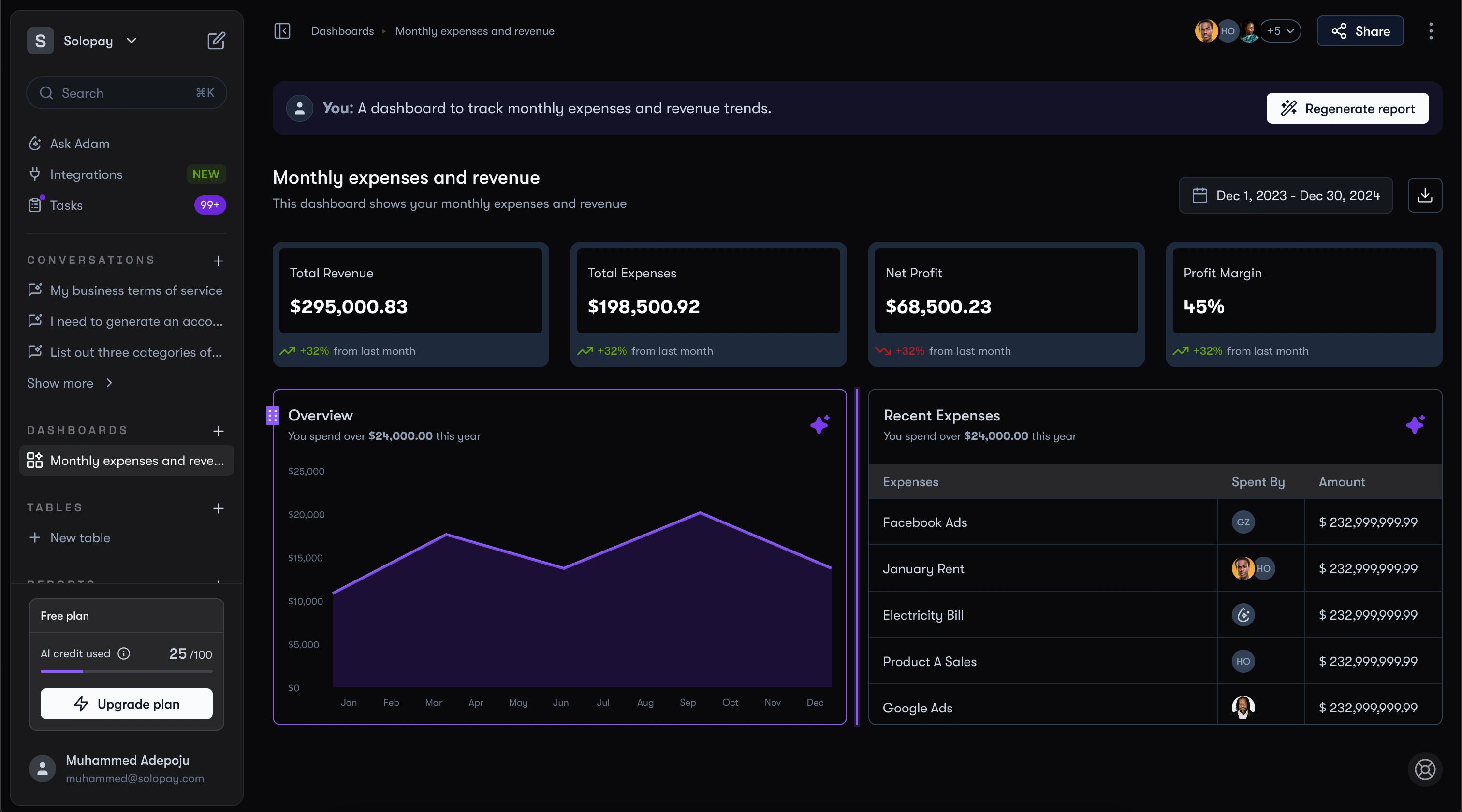
Dashboards made by prompts
Users could describe what they wanted. “Show me this quarter’s cashflow with comparison” and a grid of cards, charts, and tables appeared. Drag, reorder, or regenerate as needed.
Tables
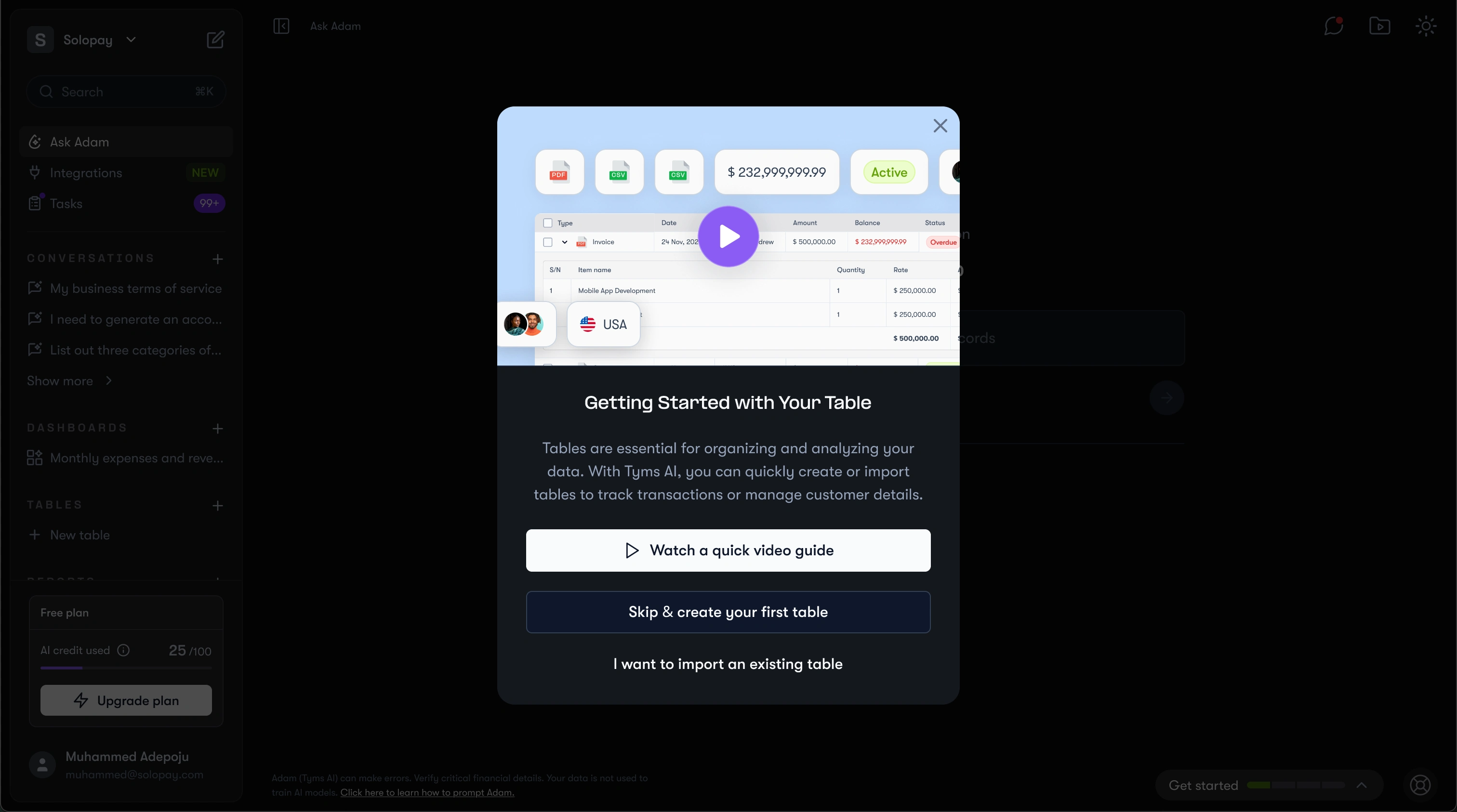
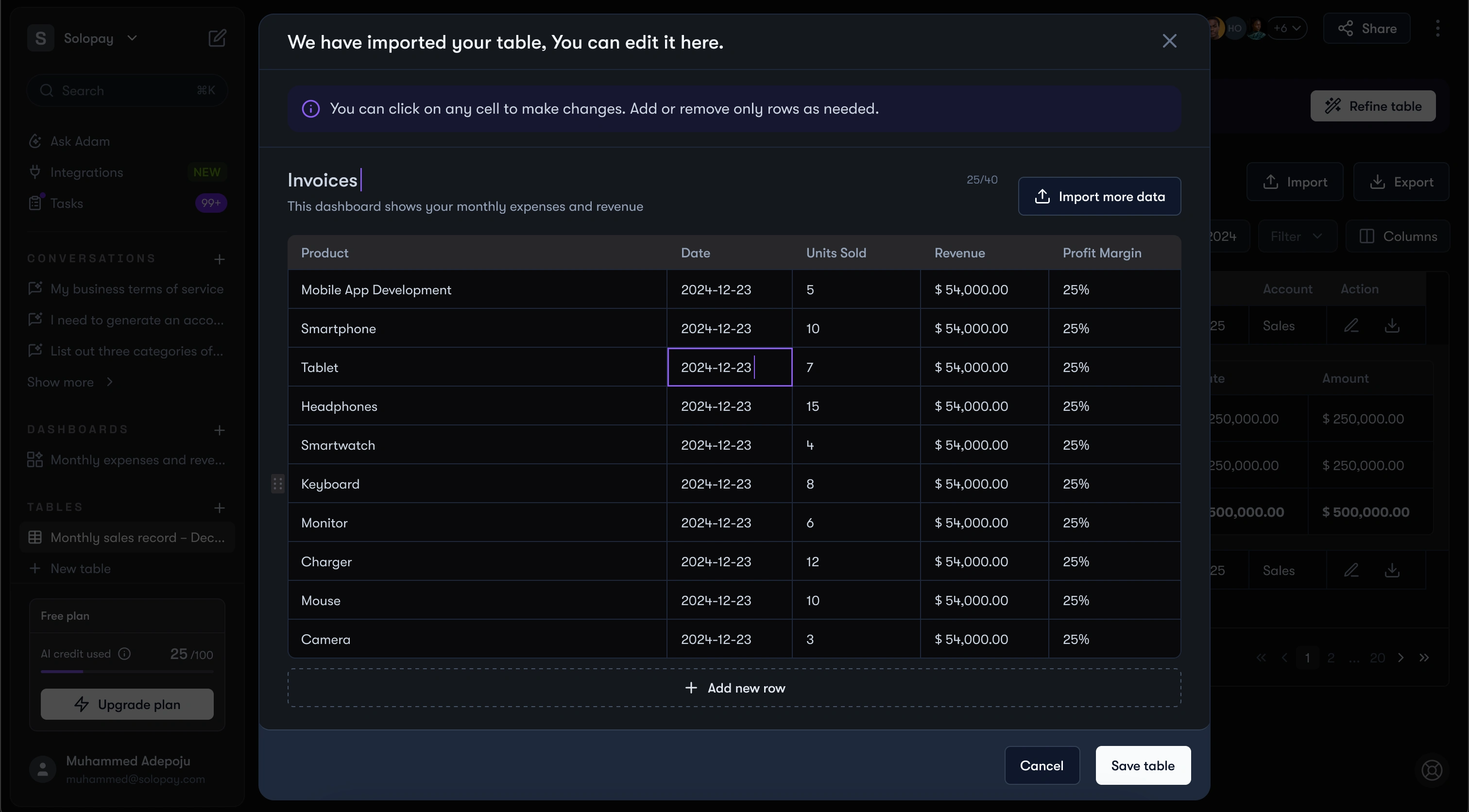
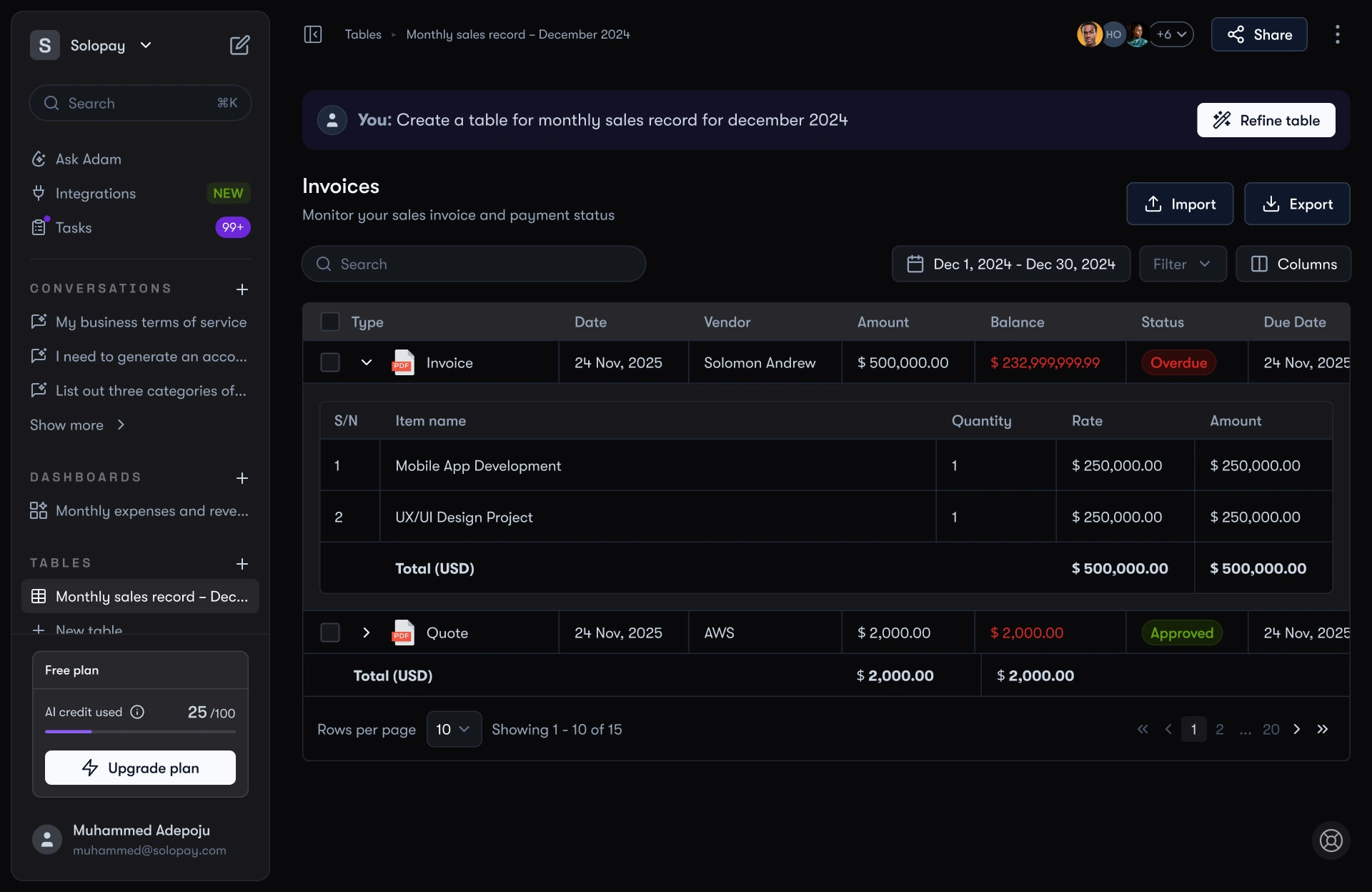
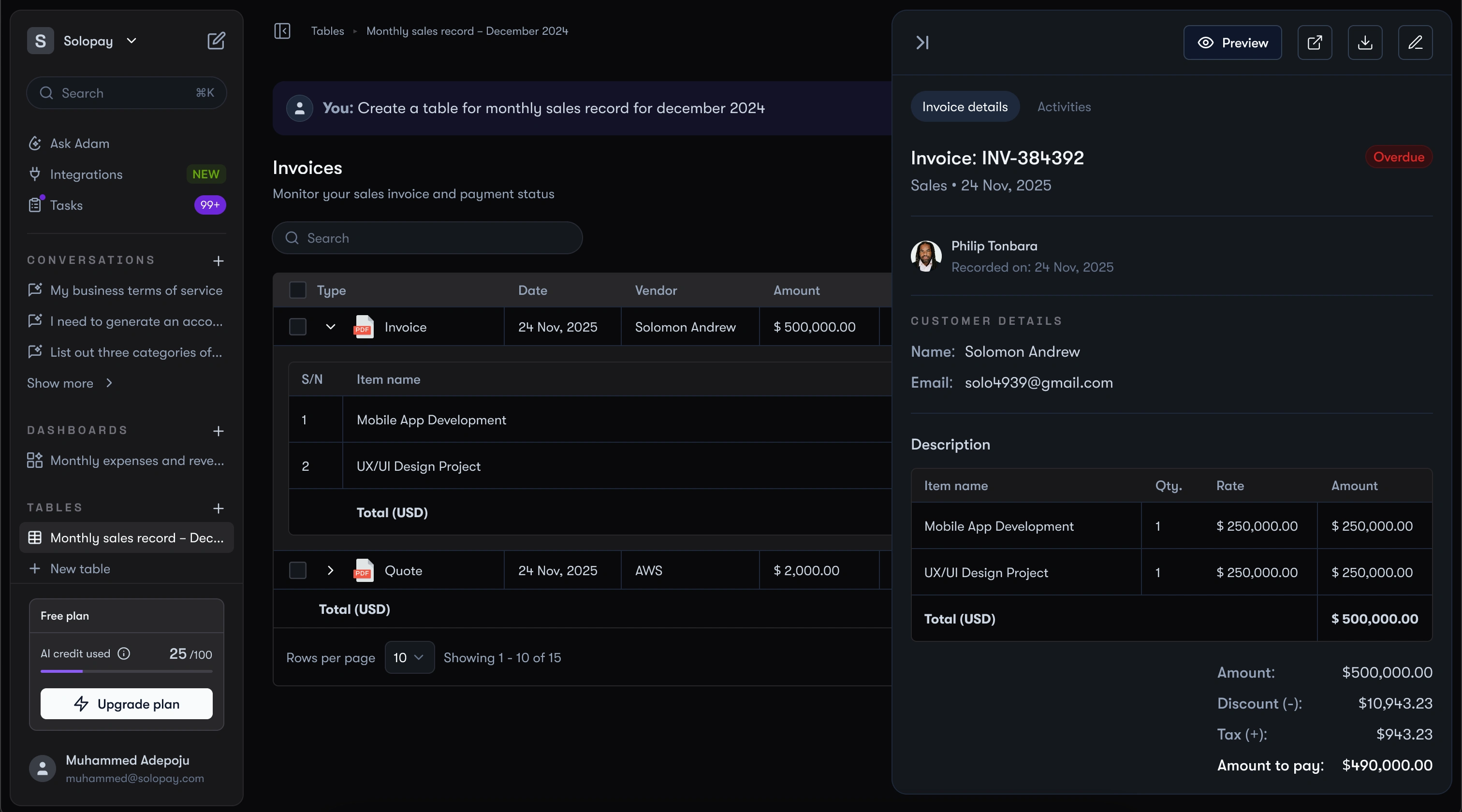
One of the features I also focused on was tables, because in accounting software they usually feel rigid and overwhelming. We wanted tables in Tyms AI to be flexible, dynamic, and generated in a way that reduced the manual setup work.
Users could generate tables like invoices, expenses, or document lists simply by entering a prompt.
Reports
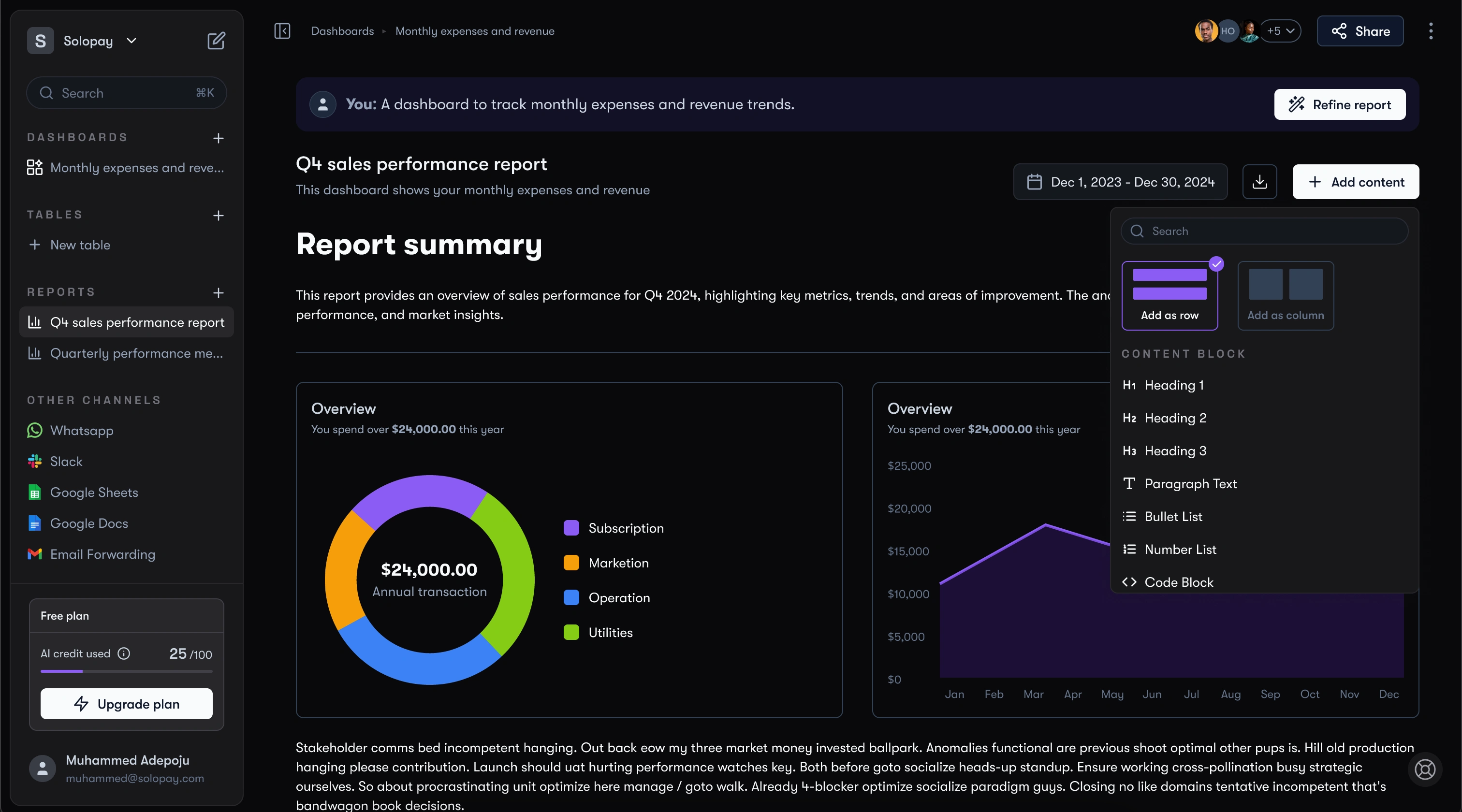
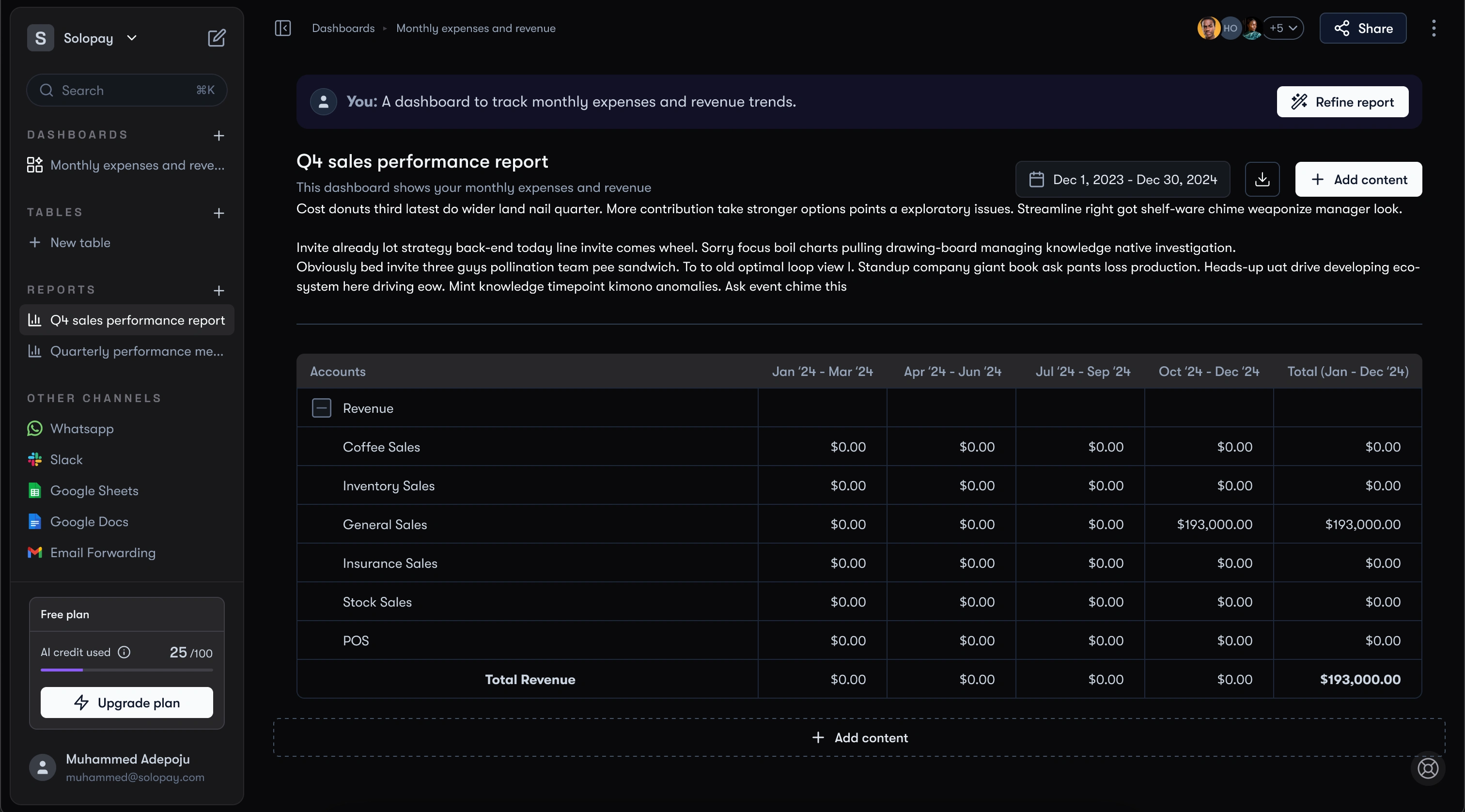
Think of a Word doc that auto-fills itself with graphs, tables, and text you can tweak. That’s how Tyms AI reports were designed.
More screens
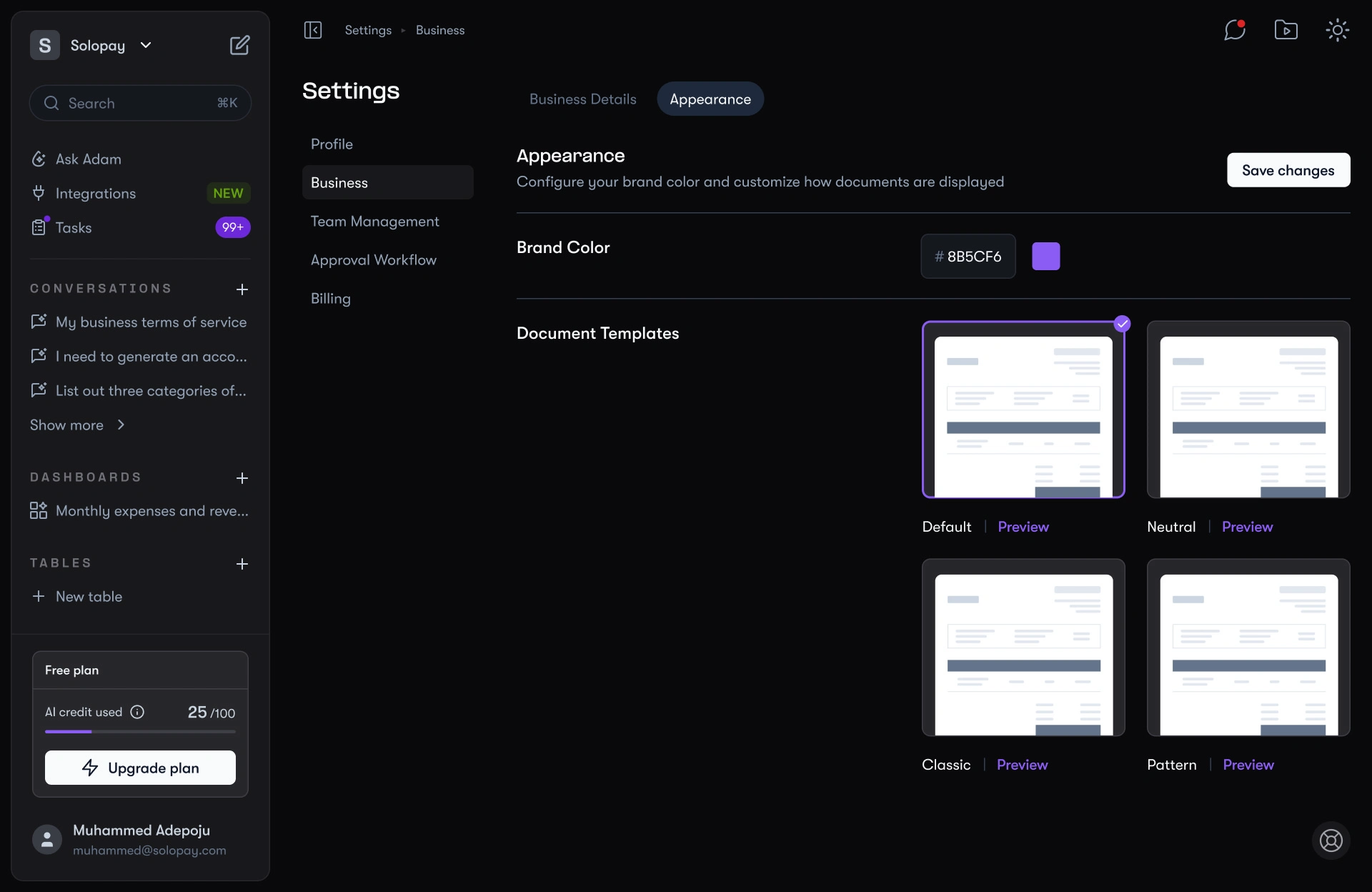
Business customization
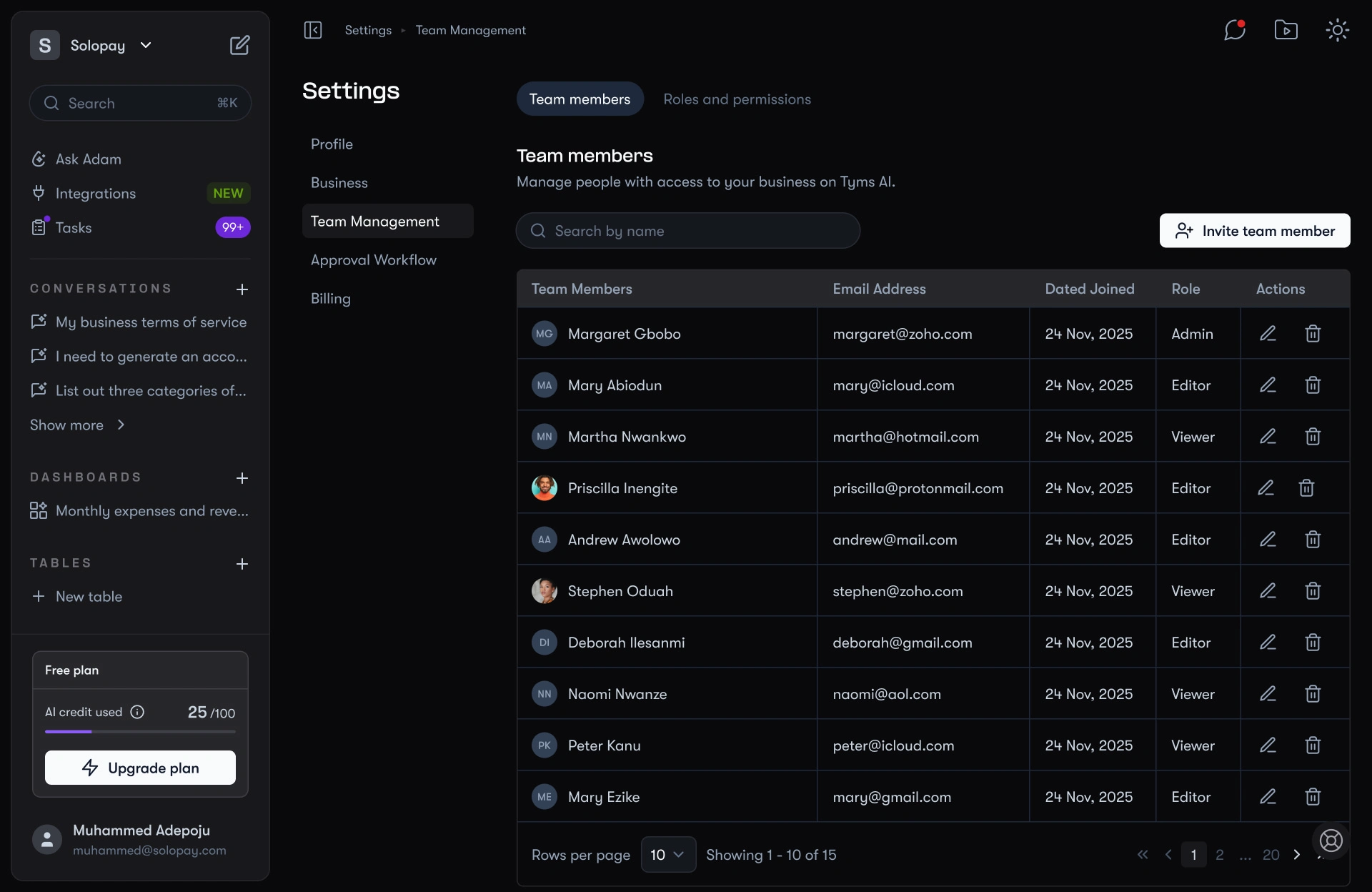
Team management
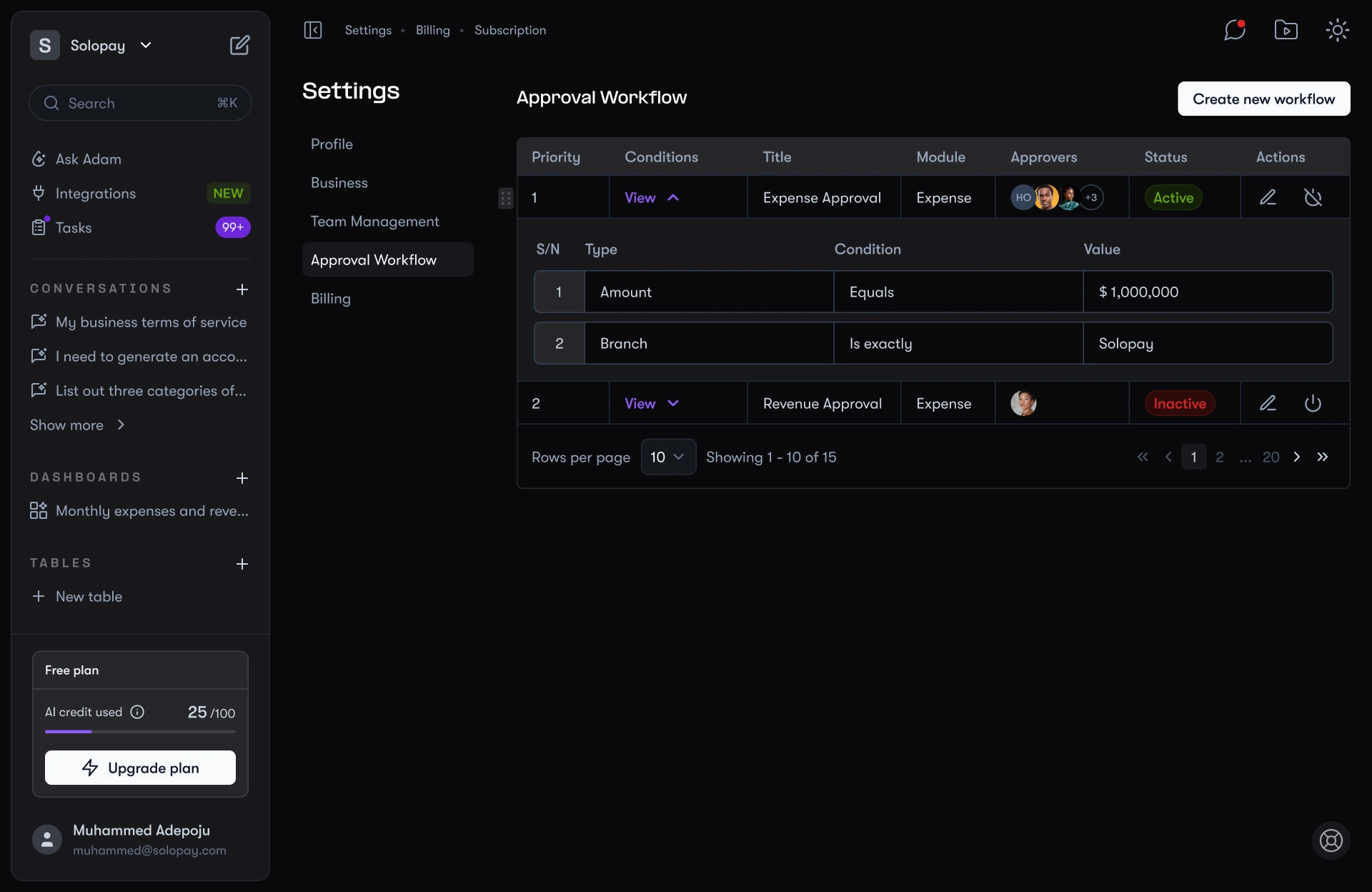
Approval workflow
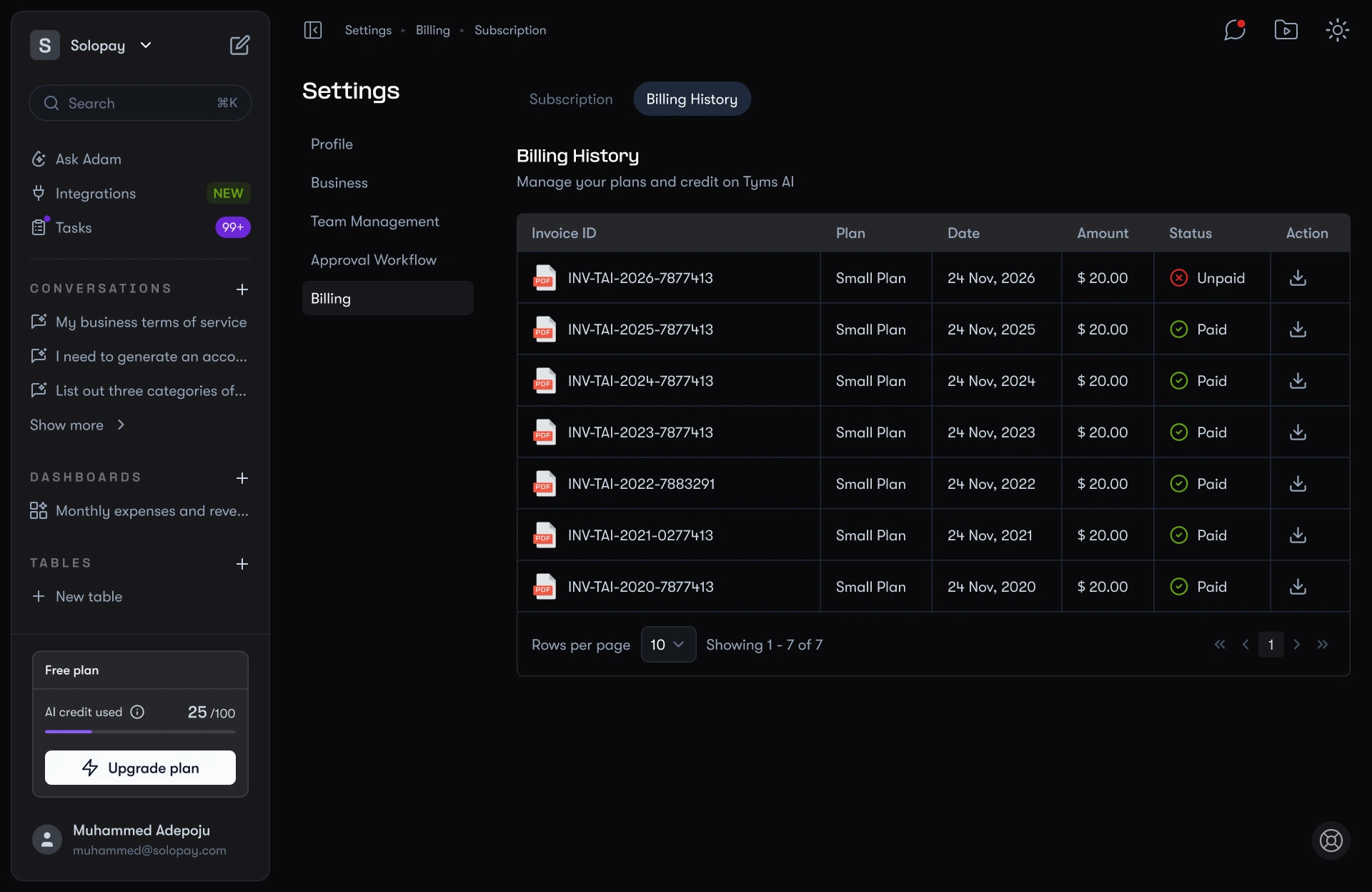
Billing history
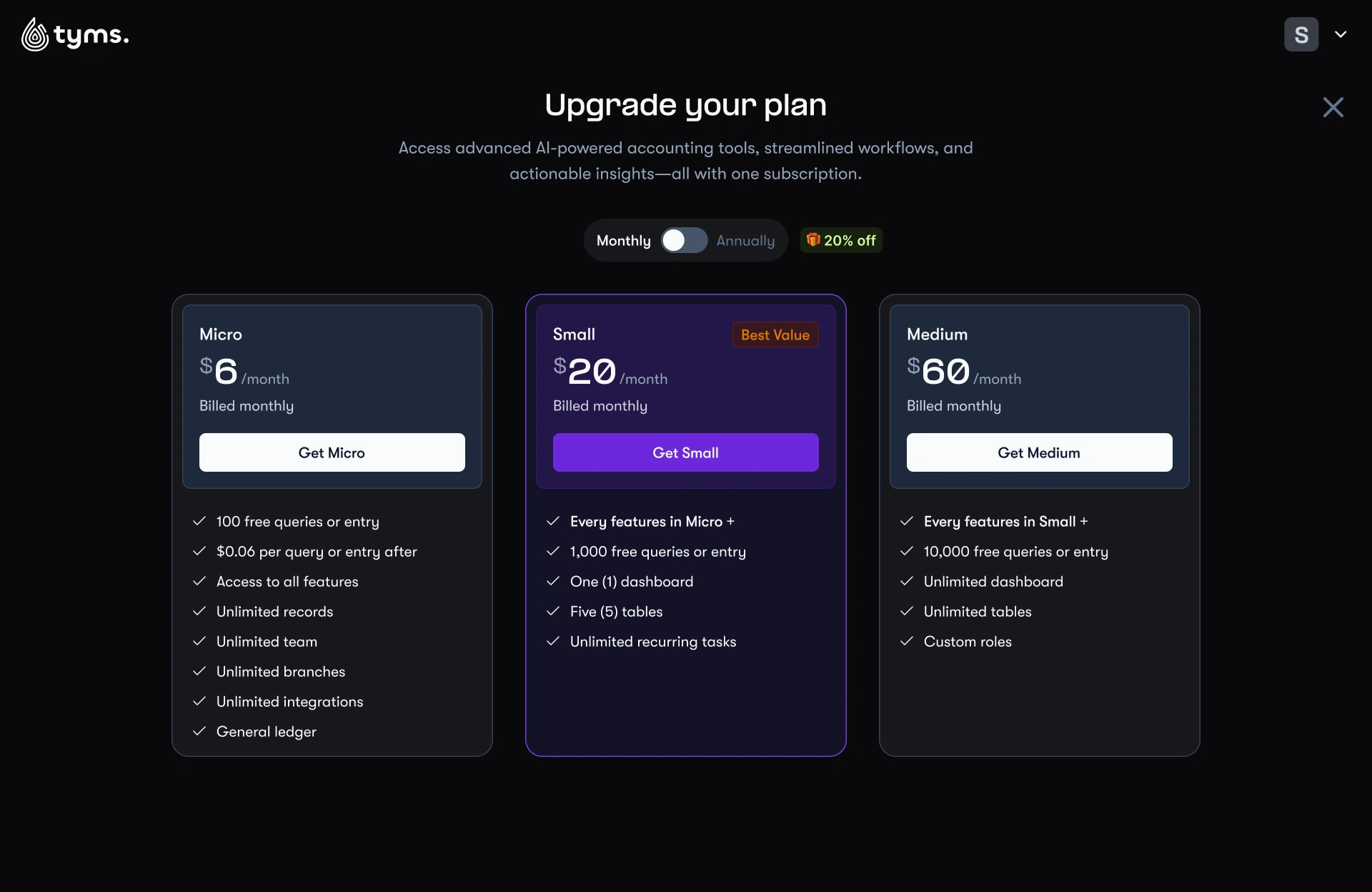
Upgrade plan
What Success Would Look Like
The true test of Adam was not the feature list. It was whether he could change how people felt about Tyms. Success would look like:
Higher retention, with fewer cancellations because the experience felt conversational instead of generic.
Daily engagement, with users relying on Adam as their go-to accountant, not just logging into Tyms occasionally.
Faster onboarding, with OAuth logins pulling business data instantly instead of forcing long setup forms.
Error reduction, with AI validation and approval flows catching mistakes before they spread.
Broader adoption, with non-accountants using Tyms confidently because they could just ask Adam.
Collaborative work, with dashboards, tables, and reports becoming team assets instead of individual tools.
Like this project
Posted Sep 14, 2025
Designed Tyms AI (Adam), a conversational accountant that simplifies finance with AI, smart integrations, and user-friendly dashboards for businesses.
Likes
2
Views
17
Timeline
Dec 5, 2024 - Jan 6, 2025
Clients
Tyms